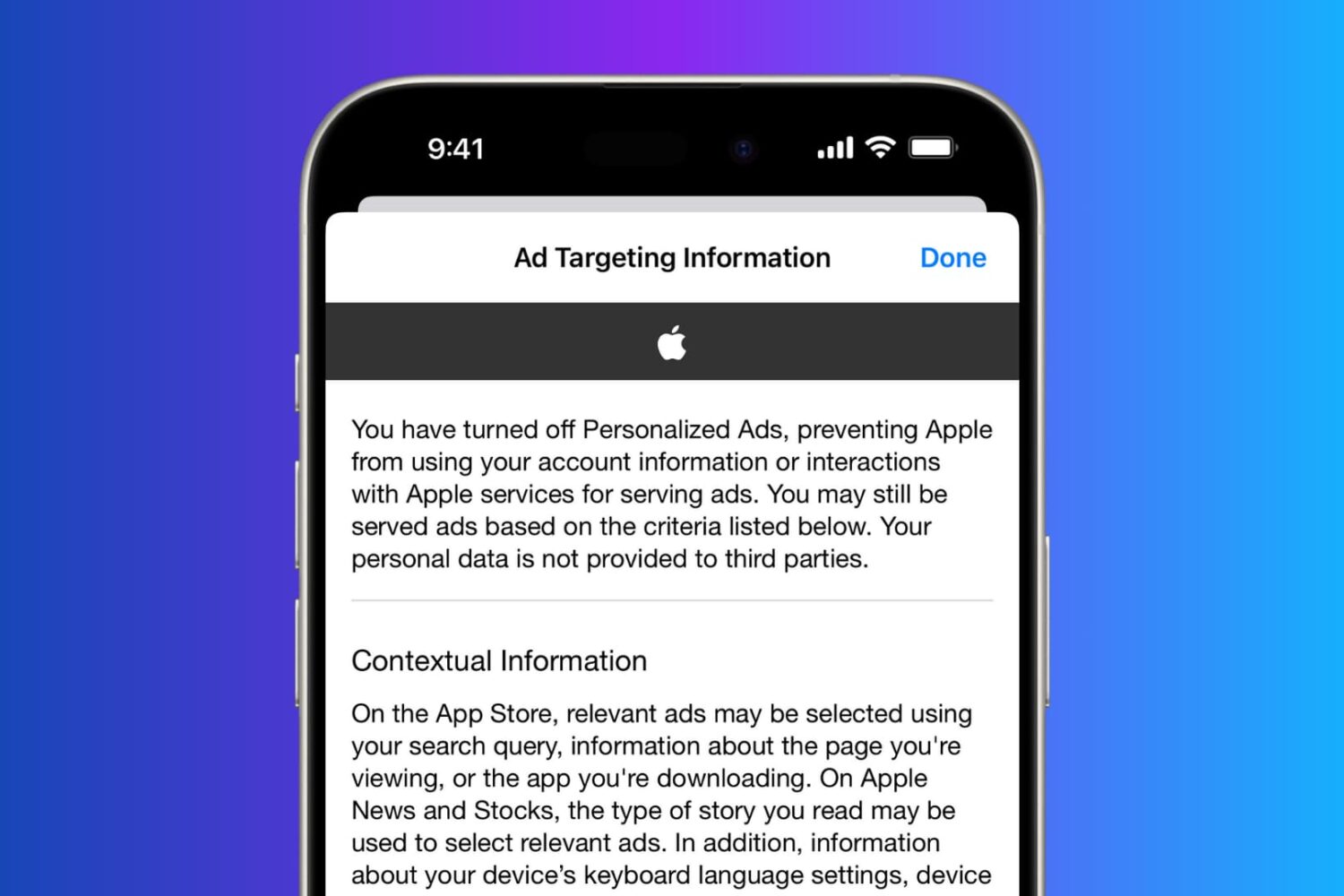
In this tutorial, you will learn how to regain your privacy by turning off personalized and location-based ads on your iPhone.
How to turn off personalized and location-based ads on iPhone
In this tutorial, you will learn how to regain your privacy by turning off personalized and location-based ads on your iPhone.
Waze, a Google-owned community-based traffic and navigation app, today rolled out a new feature called Planned Drives which lets you schedule a drive and get a reminder to leave on time, based on live traffic conditions.
In addition, the traffic bar in Waze 4.3 for iOS now shows the reason for a jam, like an accident or object on the road, and the app now mutes automatically during an incoming or outgoing phone call.
TomTom, a Dutch company that produces navigation and mapping products and one of Apple Maps data providers, today released a brand new real-time traffic information and navigation app on the App Store.
Dubbed TomTom Go Mobile, the free of charge software is now available globally and shares the same user interface as the TomTom GO satnav app. The app lets you drive up to fifty miles, or 75 kilometers, every month free of charge.
Upgrade to unlimited driving are available through the In-App Purchase mechanism.
Not long ago, we took you through an overview of the location services settings that come with your iOS device and told you all about how you can increase your privacy by configuring your location services wisely.
It's worth noting, however, that even your Mac uses your location for certain things; and with that in mind, you may want to look at your location services settings on your Mac to make sure you're limiting what you need to limit and are only allowing location services for the things you actually use.
In this walk-through, we'll explain the location services settings that come with macOS and tell you all about what might be using your location in the background.
Location services are among some of the most over-used features on any iOS device. Out of the box, iOS devices with location services enabled are configured to track your location in various reasons, including producing the best user experience possible.
In this guide, we'll show you all about how to configure your iOS location services so that you're not being tracked when you don't need to be, giving you the privacy you deserve.
Your iPhone is equipped with a feature called Frequent Locations, which slowly tracks your location in the background to keep you updated via the Today View and the Lock screen on how long it would take you to get to your favorite places based on how often you visit them.
If you choose to enable Location Services during the initial iPhone setup, this feature will be enabled by default, so if you feel like it is a slight hindrance on your ability to remain private, you just might be right. In this tutorial, we'll show you how you can disable the feature and keep your iPhone from knowing where you are going next.
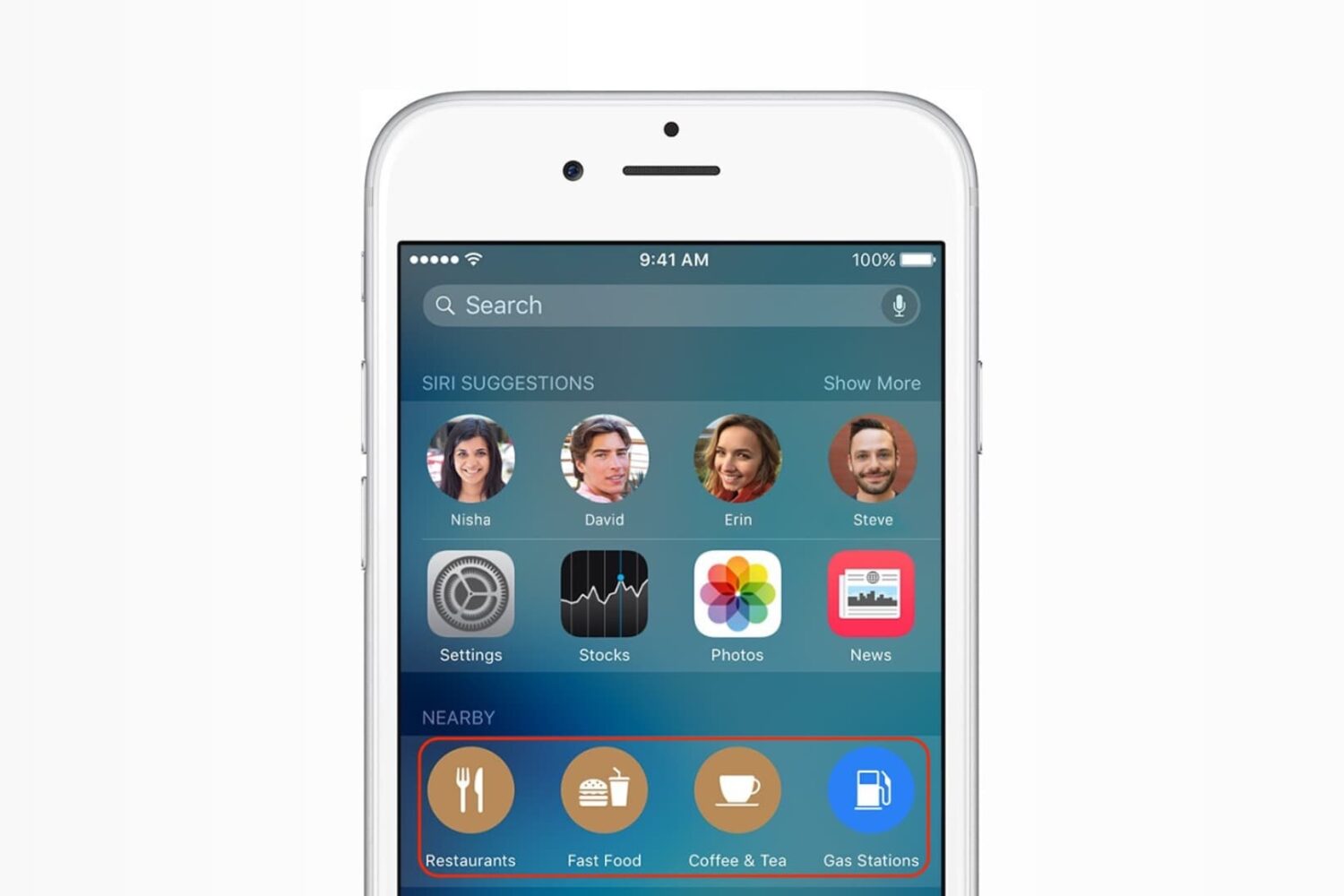
In this post, we'll tell you how to disable suggested locations in Siri and Spotlight Search on your iPhone or iPad if you don't find them useful.
Foursquare's dedicated location check-in app, Swarm for iPhone, was among the first third-party apps to implement support for 3D Touch, allowing you to quickly check-in to places simply by pressing the app's Home screen icon firmly and choosing the Check In shortcut.
In its most recent update that launched in the App Store today, Swarm brought out expanded support for 3D Touch gestures with Peek and Pop on other people's check-ins.
This edition of Swarm also includes expanded mute options and lets you earn even more virtual coins when you add certain stickers to your check-ins.
Google-owned social-mapping and traffic service Waze today pushed an update to its iPhone application in the App Store, adding handy shortcuts available upon pressing its Home screen icon on the iPhone 6s and iPhone 6s Plus.
Waze's 3D Touch shortcuts provide access to popular features like address search, location sharing and turn-by-turn navigation based on your work and home address on file.
Foursquare's main iOS app was refreshed earlier today with some new 3D Touch goodies and a redesigned interface on the iPad. Foursquare for iPhone, iPod touch and iPad was part of the initial wave of third-party applications that enabled support for handy Home screen shortcuts via 3D Touch on the new iPhone 6s and iPhone 6s Plus.
Today's update added 3D Touch-based Peek and Pop gestures, meaning you can now preview content within the app and pop right into it, without lifting a finger off the screen.
Apple has a secret app in the App Store which allows some iPhone users to map the interior of a building using their handset. First discovered yesterday by developer Steve Troughton-Smith, an app called Indoor Survey has been available on the App Store since last week.
The software is currently hidden in the App Store and is not operational, suggesting that the official launch is around the corner.
Basically a funnel for Apple's MapsConnect website, the app appears to act as a crowdsourced Ground Truth service aimed at improving the accuracy of Apple Maps data when it comes to indoor maps.
Yesterday, Facebook issued an update to its main iOS client to help extend your iPhone's battery life by preventing it from playing audio silently in the background.
File the move under the 'too little, too late' drawer: if history is anything to go by, waiting for Facebook engineers to deliver a fully battery-friendly iOS app might be a fool's errand.
The biggest contributor to Facebook's infamous battery drain has got to be the app's continuous monitoring of your location, which continues after leaving the app. In this tutorial, we'll teach you how to prevent this by disabling a feature called Location History, thereby helping reclaim some of the juice lost to the battery-hogging app.