Jailbreak

Check out the most comprehensive jailbreaking coverage on the internet, including the latest news, apps, tweaks, and detailed tutorials about everything jailbreak.

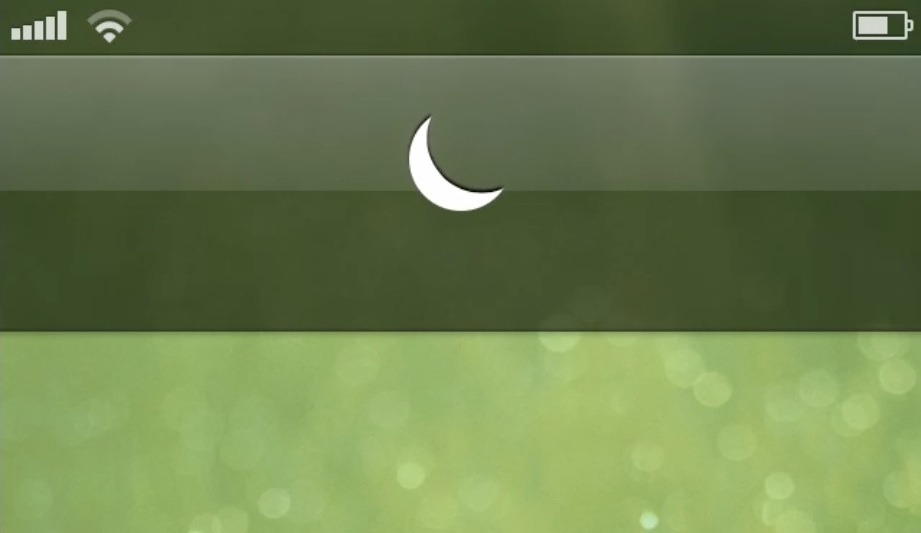
Luna is an upcoming tweak that lends greater control over Do Not Disturb

Looking for a way to maximize the iPhone's built-in Do Not Disturb functionality? You may choose to look in Cydia for some of the already existing tweaks, or you may decide to hold out for this upcoming collaboration between Ryan Petrich and Sentry.

Yes, Petrich needs no introduction, he's a prolific developer that's created some amazing things for jailbroken devices. Sentry, too, is very well-known for his design concepts and meticulous attention to detail. Luna is based off of Sentry's concepts, which can be seen after the break.

So what does a collaboration between these two look like? Better yet, will you find it to be useful? Look inside for a quick preview of their upcoming tweak called Luna.

TinyUmbrella updated with support for iOS 6.1.4

Earlier today, Apple unexpectedly released a new version of iOS. The update brought the firmware to version 6.1.4, and only included a single item in its change log: an updated audio profile for the iPhone 5.

Folks who are currently jailbroken on iOS 6.1.2 or lower should obviously stay away from the evasi0n-killing software. But for those of you who already updated, there's a new version of TinyUmbrella out...

LockscreenToggles updated with new dropdown toggles, icons, and more

LockscreenToggles is a very interesting tweak that we reviewed earlier in the week. An update to the tweak was just published on Cydia, which brings a variety of new options to the fore.

The biggest update to LockscreenToggles is the new dropdown toggle functionality. This new type of toggle, aimed at improving compatibility with other tweaks such as Forecast, Pluck, and others, provides you with a row of toggles under the stock Lock screen clock.

How to make Yahoo’s new weather app the default in iOS

Last month, Yahoo released a new weather app for iOS aptly named Yahoo! Weather. And its fit and finish actually surprised some people. Our very own Christian Zibreg said it's "the best-designed iOS app from Yahoo yet."

It's just too bad that you can't make the app the default weather application in iOS. Or can you? Actually, thanks to a new jailbreak tweak called 'YahooWeatherisBetter,' you can make Yahoo's new weather app your default...

Let’s Talk Jailbreak 08: Therapy session

On Let's Talk Jailbreak episode number eight, Sebastien and Jeff discuss some of their favorite jailbreak tweaks to run on the iPad. The pair discusses hot topics like Facebook Chat Heads on iOS, and biteSMS' upcoming new feature. As always, we talk about some of the top tweaks from the past week, and take some of your questions.

QuickReply for Facebook Messenger updated for iOS 6

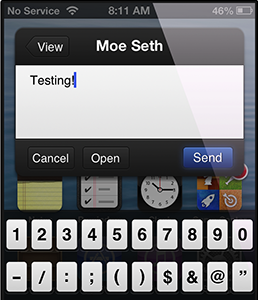
Good news today for jailbreakers who frequently use Facebook's Messenger application. Moeseth has updated his popular QuickReply tweak for the social network's messaging service to be compatible with devices running iOS 6+.

Much like its older sibling, TwitkaFly, QuickReply for Messenger allows users to quickly reply to Facebook messages by tapping on incoming notifications from either the Home screen, Lock screen, or within open applications...

biteSMS’ new Quick Compose widget is here

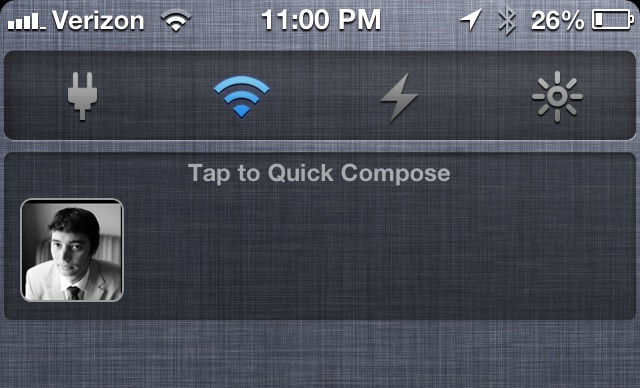
Well, it's not exactly what we were expecting, but it's still pretty intriguing. biteSMS version 7.6.1 is here, and it brings with it a new Quick Compose widget, that, for a time, was referred to as Text Heads.

It's a far cry from the Facebook Home inspired Chat Heads tweak brought to us recently by Adam Bell, but it'll no doubt still be a welcomed feature for hardcore bite fans.

TypeStatus 1.1 supercharges the ‘now typing’ indicator in your status bar

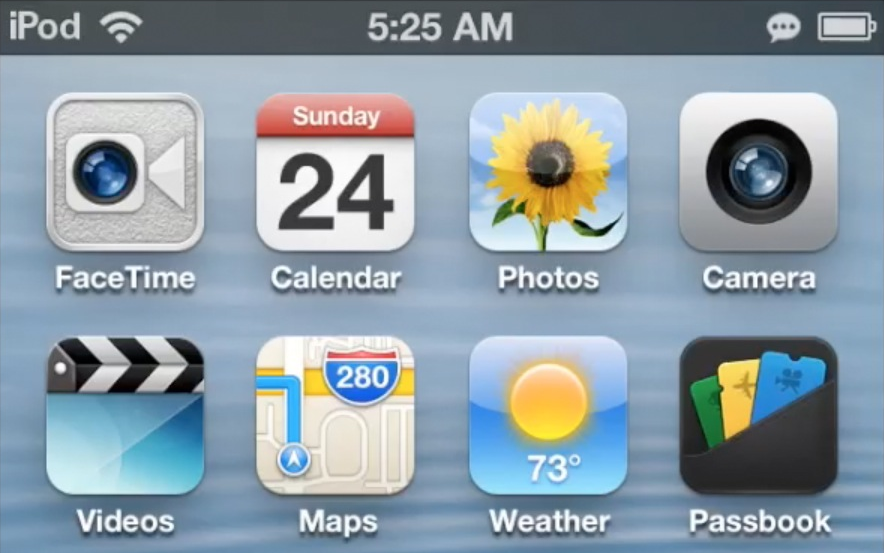
TypeStatus will always have a special spot in my heart, because it's one of the few tweaks that I can say I envisioned. Brought to fruition by Hashbang productions' @thekirbylover, it's a tweak that allows you to see when a person is replying to an iMessage by means of an ellipses icon in the status bar.

The first iteration of TypeStatus was a very basic implementation of the idea, but it worked well. This latest version, TypeStatus 1.1, adds a ton of new features to the already excellent package. Not only can it show when someone's typing, but it can also show you the iMessage address of the person typing right on the status bar. As if all of that wasn't enough, TypeStatus 1.1 includes another new feature that let's you see when an individual has read one of your iMessages.

The tweak was already awesome before this update, but with this update it's quite possible that TypeStatus will make it on the "top jailbreak tweaks of year" lists. Want to know something even better? You can try it out right now via Hashbang Production's beta repo. Take a look inside for a few more in depth tidbits regarding the update.

Tickets for JailbreakCon 2013 now available for order

After making its debut in London, JailbreakCon hit the west coast of the United States last year, bringing iOS hackers and other members of the jailbreak community together in San Francisco's California Conference Center.

This year, it's hitting the east coast. WWJC 2013 will be held at the Raddison Hotel in New Rochelle, New York, about 30 minutes from Manhattan, on August 23rd and 24th. And if you're interested, tickets just went on sale...

BiteSMS updated with big performance improvements and bug fixes

Good news for folks who like the features of biteSMS, but don't use it due to performance and reliability issues. The team behind the popular Messages app replacement claims many known bugs were fixed in an update today.

BiteSMS version 7.5 was released this morning with a number of performance-related improvements and bug fixes. In fact, the developers say it's now 100% the same speed as the Messages app. Full change log after the fold...

LockscreenToggles lets you access your toggles directly from the Lock screen

LockscreenToggles is a brand new way to toggle various functions directly from the iPhone's Lock screen. It works by using swipe gestures. For instance, a simple swipe from right to left on the Lock screen clock reveals the toggles. A simple swipe down on the toggles reveals a list of available toggles.

With LockscreenToggles, you are required to have five toggles configured to display at once on the Lock screen, and these can be selected from a list of ten different toggles. Take a look inside for more insight...