Jailbreak

Check out the most comprehensive jailbreaking coverage on the internet, including the latest news, apps, tweaks, and detailed tutorials about everything jailbreak.

Preview: VideoExplorer

VideoExplorer is an upcoming jailbreak tweak from the same developer that brought us AudioExplorer. As you might expect, the tweak works very much in the same way as AudioExplorer, in that it allows you to quickly identify all valid files stored on your iPhone.

From there, you can play, share, and import any of the video files available on your device. Files can even be taken directly from the apps you have installed. Have a look inside for a sneak preview showing how it all works.

WaveOff: toggle your iPhone’s screen with a wave gesture

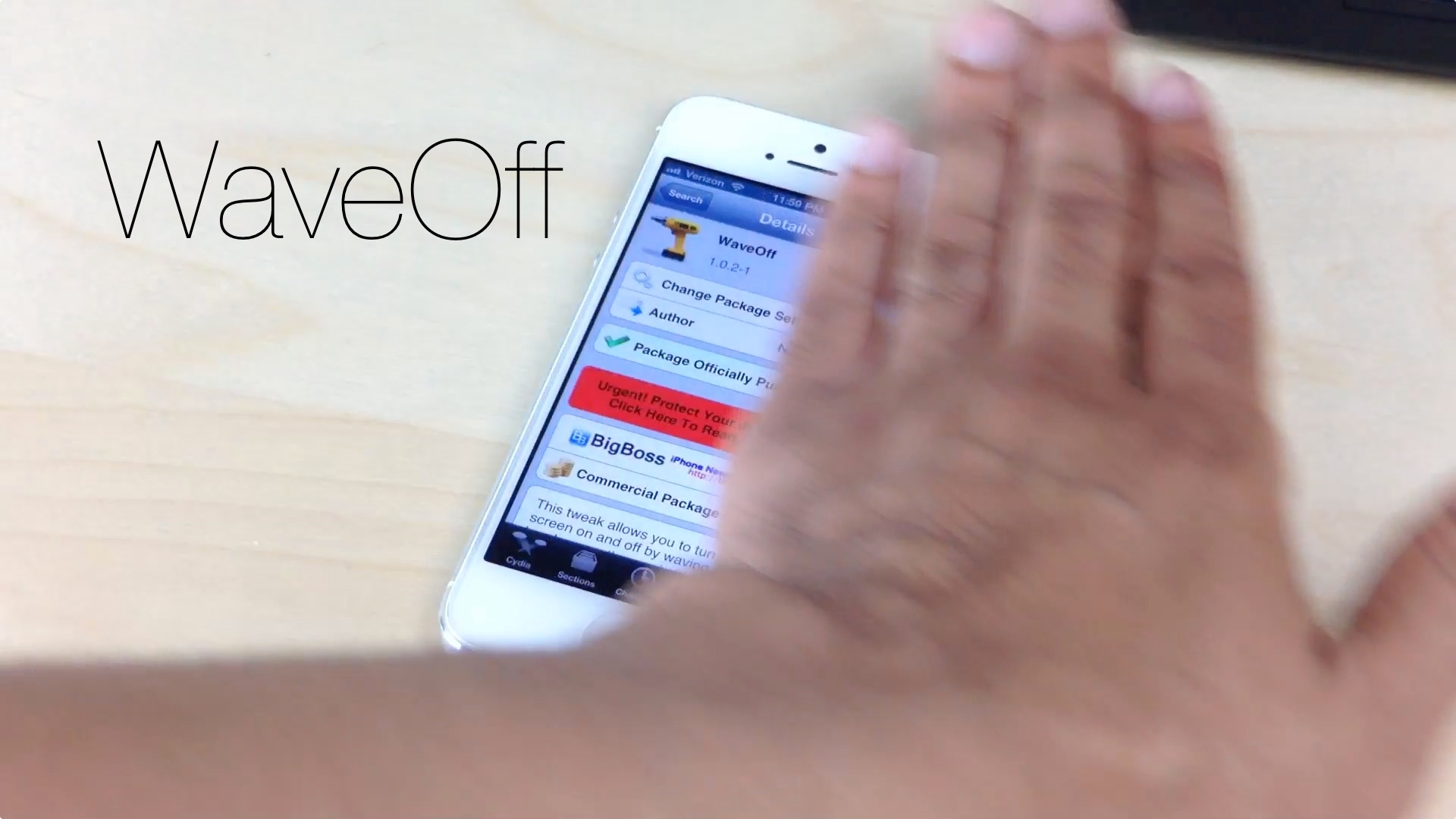
If you own a jailbroken iPhone, you can now toggle its screen on and off using a simple wave gesture. WaveOff, a tweak released yesterday on Cydia's BigBoss repo, allows end users to move their hands to and from across the devices proximity sensor to turn toggle its screen.

It's a bit on the gimmicky side, but WaveOff is a good tweak for those moments when you want to show off in front of your friends and family. Have a look at our video walkthrough inside to see what I mean.

Anemo: a minimalistic quick reply tool for texters

Anemo — the quick reply tweak that we previewed some time back — is now available on Cydia. It's been a long time coming, but for those of you desperate for a simple quick reply solution, the wait was well worth it.

Instead of a full fledged Message app replacement, Anemo take a more anemic approach. Using existing banner notifications, it provides a simple, yet extremely handy quick reply solution for jailbroken iOS users.

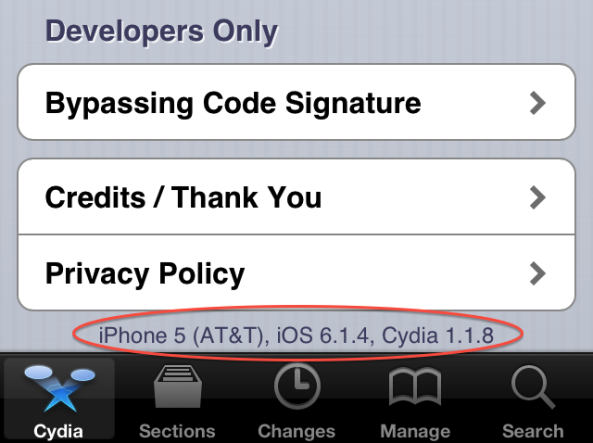
iPhone 5 running iOS 6.1.4 successfully jailbroken

Good news for the jailbreak community this afternoon, as developer winocm has announced that he has successfully jailbroken iOS 6.1.4 on his iPhone 5. This is the first time, that I know of, that the firmware has been publicly hacked.

Winocm has been very busy lately, announcing and demonstrating his jailbreak for iOS 6.1.3—which we went hands on with last week—and now this. His progress is good news for folks who lost their jailbreak upgrading past iOS 6.1.2...

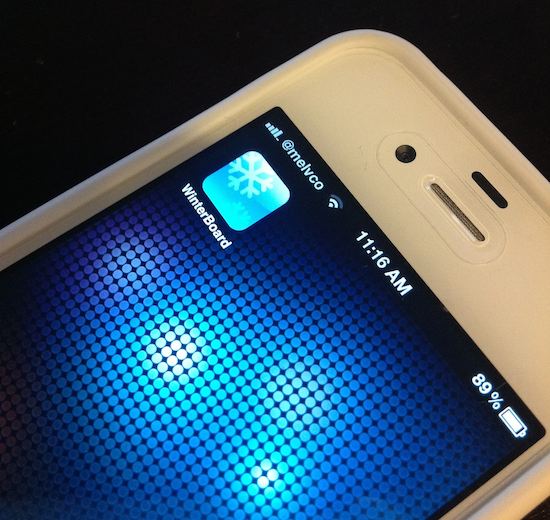
Saurik: there’s “very little hope” that WinterBoard will support iOS 7 [updated]

When iOS 7 drops later this month, it will mark the largest and most radical update in the platform's history. In addition to its number of new features, the software's UI has been rebuilt from the ground up, bringing about new colors, fonts and other elements.

And while most people—at least those who have seen it—seem to be ok with the changes, others are counting on an iOS 7 jailbreak to get rid of the makeover. But that may be easier said than done, because according to Saurik, the future looks bleak for theming...

TapTapFolder: launch the first app in a folder with a tap

TapTapFolder is an innovative new jailbreak tweak that just recently appeared on the Cydia store. It's a tweak that allows end users to launch the first app contained within a folder using a single tap on the folder itself.

You may be wondering to yourself: "How do you launch any of the other apps contained within a folder?" It's actually pretty simple: you utilize a double tap gesture on the folder to open its contents.

I really dig TapTapFolder, because not only is it useful, but it does something that, to my knowledge, has never been done before on the Cydia store. Have a look at our full video walkthrough inside.

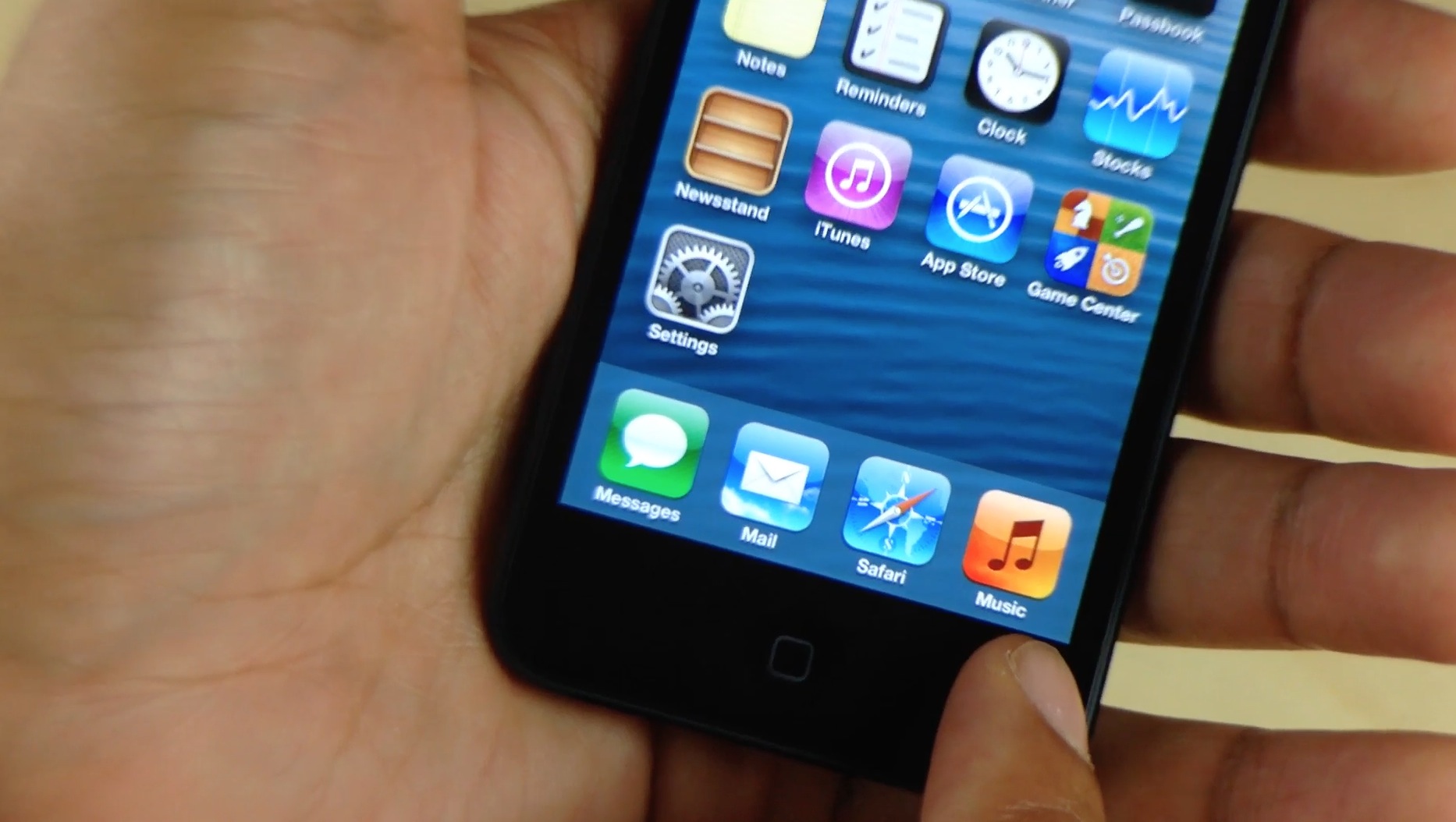
CopyDock: an iOS 7 inspired dock for iOS 6

If you're looking for a subtle way to imitate some of the features of iOS 7 on your lesser firmware, then CopyDock is a new jailbreak tweak you might want to try. CopyDock brings an iOS 7 inspired dock to iOS 6 devices with no options or settings to configure.

CopyDock isn't a perfect 1:1 match of the dock found in iOS 7, but it's close. Have a look at our brief video inside to see what I mean.

Let’s Talk Jailbreak 26: Cydia on iOS 6.1.3

This week, Sebastien and Jeff talk about the iPhone 4S 6.1.3 Cydia installation. The duo also discusses this week's top jailbreak tweaks, which include Celeste 2, CamBright, NetworkList, and GlyphPatch. The pair then chit chats about cable modem upgrades, the lack of AirDrop compatibility between iOS and OS X, and more. Of course, Sebastien and Jeff both sound off with predictions for Apple's upcoming September 10th iPhone event.

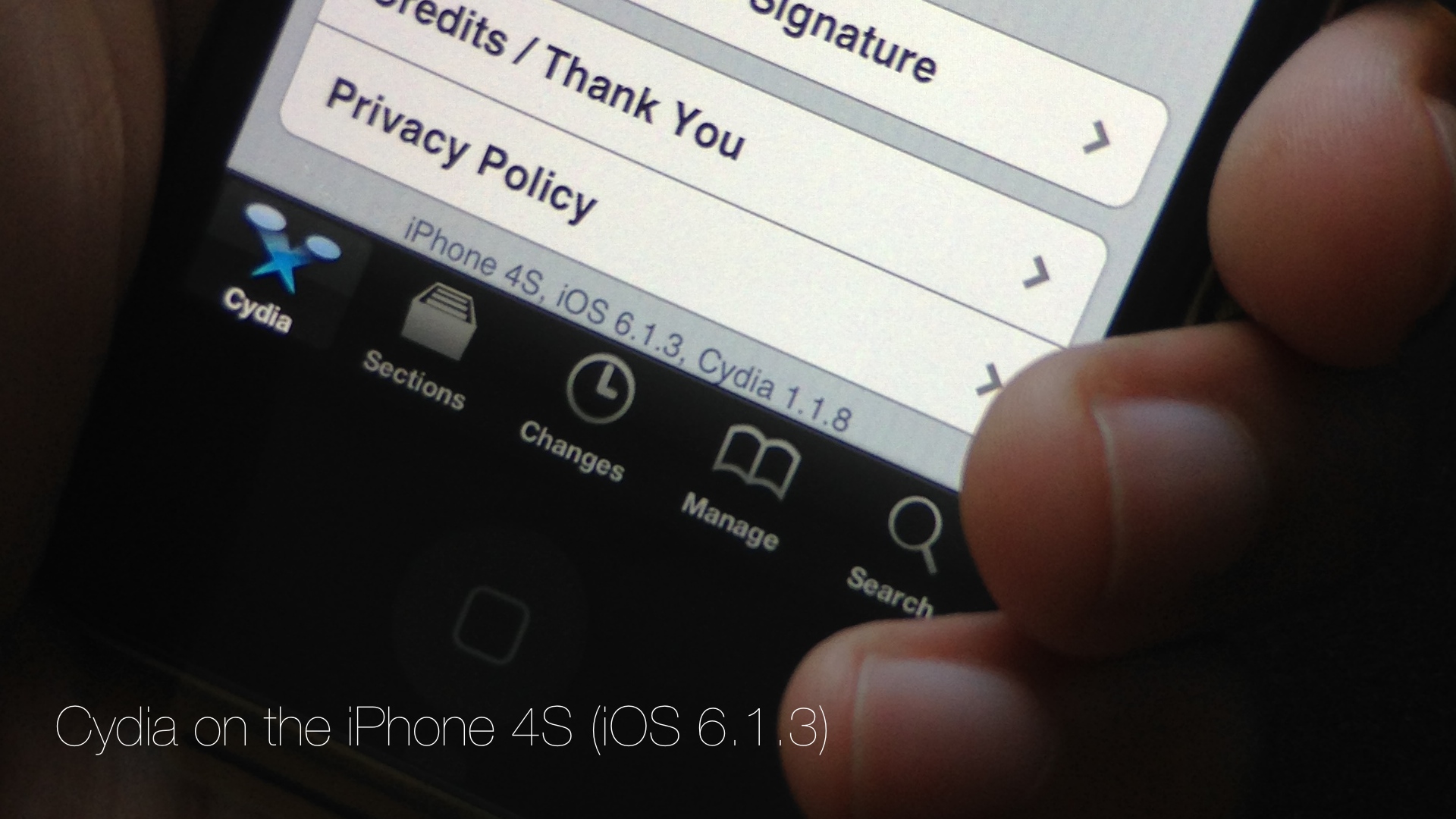
Cydia is installed on my iPhone 4S running iOS 6.1.3

Developer @winocm has been pretty vocal as of late about his intentions to eventually release a jailbreak for iOS 6.1.3 and iOS 6.1.4 devices. Although we generally take such claims with a heaping helping on my favorite seasoning, winocm is, from what I've been able to gather, a respectable member of the jailbreak community.

After all, this is the same developer that worked on an iOS 6.x downgrade, the jailbreak tweak Accentify, and has had various other contributions to the community. Needless to say, when he announced that he had an untether binary that still needed a bit of work, my ears perked up.

A few days ago, winocm reached out to iDB about his progress on the jailbreak. Although the project is still knee deep in its development phase, he did allow us to go hands on with some of his work. Today, with the help of winocm, I was able to install Cydia on my iPhone 4S running 6.1.3. If we're ever going to see a proper tool released for the iOS 6.1.3 jailbreak, he just could be the developer to do so.

Yes, we have video of Cydia running on my iPhone 4S, and yes it's legit. Although he has asked us not to speak about the process involved in getting a working Cydia on my 4S, I was there and watched him perform the process from start to finish. In other words, I can vouch for the Cydia install, and I can certainly vouch for video's legitimacy. Have a look...

New GlyphPatch tweak patches recently exposed DoS exploit in iOS

Filippo Bigarella has released a new jailbreak tweak this weekend called GlyphPatch. The utility patches the recently exposed DoS exploit which targets Safari's WebKit engine and causes apps to crash when rendering a malicious sequence of characters.

The bug, which was made public last week, affects users on both iOS and Mac and can be triggered through a few different surfaces: SMS, iMessage, the web, and network SSID. But jailbroken iOS users can protect themselves from it with this new tweak...

Hacker claims to have iOS 6.1.3 untether binary

With iOS 7 on the horizon, many rumblings have been surfacing lately about the possibility of an iOS 6.1.3 jailbreak. First there was UnthreadedJB, who after releasing an obscure iOS 5.1 jailbreak for CDMA enable iPhone 4's, claims to have an iOS 6.1.3 jailbreak. Those claims have never been solidified by any independent sources, so the verdict is definitely still out about its legitimacy.

But there's still hope. iOS hacker winocm, well known throughout the jailbreak community, took to twitter this morning to confirm that he has a binary for an iOS 6.1.3 untethered jailbreak.

Celeste 2 brings much improved Bluetooth file sharing to iOS

The CocoaNuts' original release of Celeste went down as one of the most hyped jailbreak apps in the history of jailbreaking. The fanfare of the release seem to rival some of the more prominent apps to appear on the App Store at the time.

I remember waiting up until 3:00 AM in anticipation of Celeste. It never lived up to the astronomical amount of hype it generated, but it was a decent app, if not a little buggy and complicated to use.

The sequel to Celeste, simply entitled Celeste 2, is a vast improvement over its predecessor. Whereas the original Celeste never quite lived up to its claim to bring simple Bluetooth sharing to iOS, Celeste 2, for the most part, just works.

The purpose of the app is to allow users to transfer files between compatible Bluetooth devices. These devices can include a fellow iOS device such as an iPhone, iPod touch, or iPad. It can also include Macs, and even Windows machines. Generally speaking, if the device supports Bluetooth file transfer, then chances are your iOS device can talk to it by means of Celeste.

Want to see Celeste 2 in action? Have a look inside at our full video walkthrough after the break...