Jailbreak

Check out the most comprehensive jailbreaking coverage on the internet, including the latest news, apps, tweaks, and detailed tutorials about everything jailbreak.

50 more jailbreak tweaks for iOS 8.3 [Video]
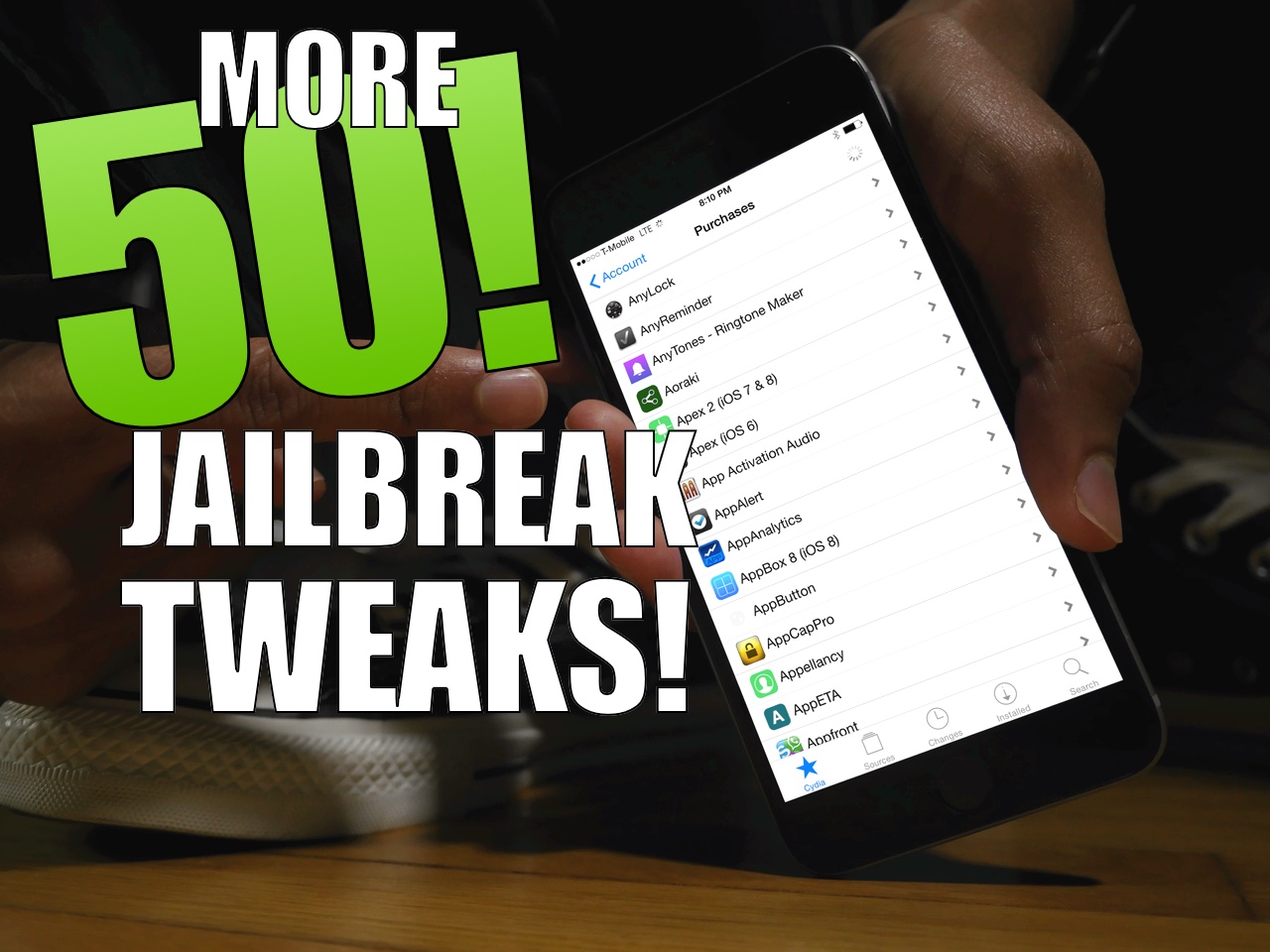
A couple of days ago, we posted 50 tweaks to try out on iOS 8.3. Is that the end of the great jailbreak tweaks? Not at all! Today, we follow up with 50 additional jailbreak tweaks for iOS 8.3. If you're looking to try something new, or you're completely new to jailbreaking, then you need to watch this video.

Moonlight for iOS jailbreak app lets you stream Steam games to your iPhone

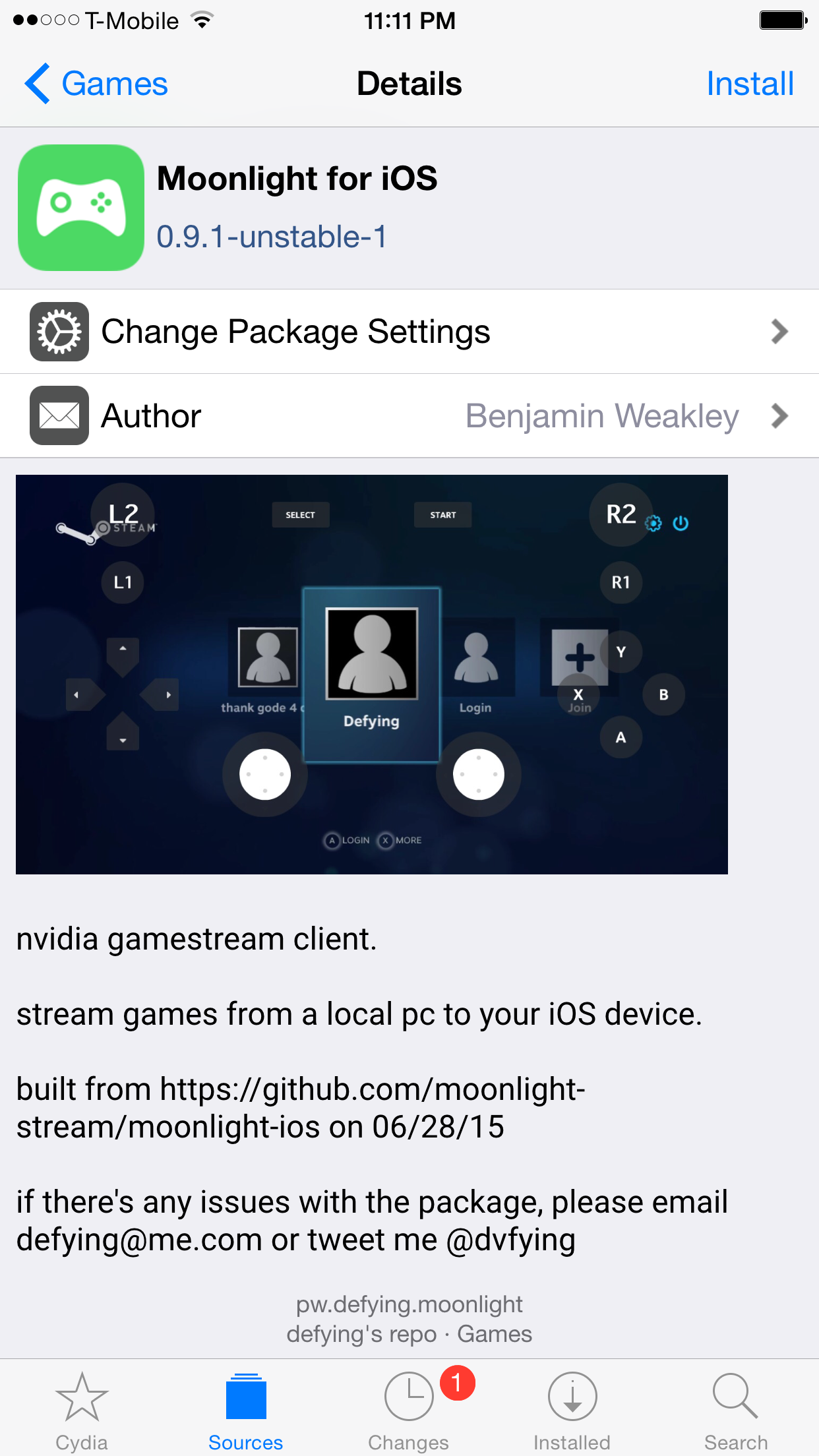
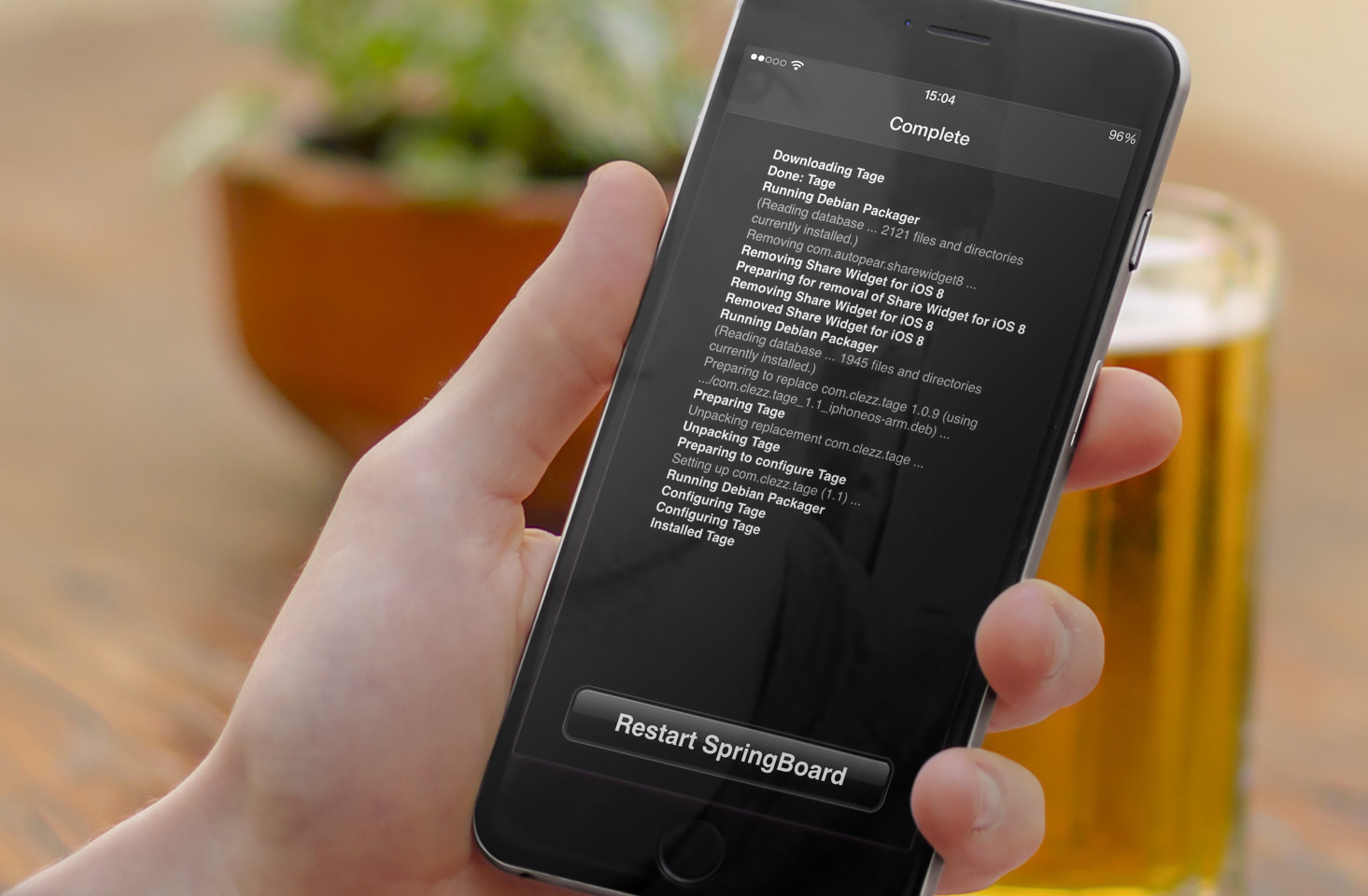
Although I'm far from being a hardcore gamer, and even less so of a PC gamer, my ears perked up when I heard about Moonlight compatibility on iOS on Reddit. Moonlight lets your stream games from your PC to external devices. With Moonlight for iOS, this means that you can stream your full collection of Steam games to your iPhone or iPad.

Moonlight itself is an open-source Nvidia GameStream client that lets PC owners equipped with the proper hardware to stream games to other computers and Android tablets. An official iOS client is coming, but you can try it now if you're jailbroken.

Jailbreakers: are you prepared for iOS 8.4?

iOS 8.4 is scheduled to drop on Tuesday morning to usher in the Apple Music era. While this is extremely exciting for most iOS users, it should raise some eyebrows if you enjoy jailbreaking.

Although there have been rumblings and whispers about the fact that iOS 8.4 is susceptible to the same exploits that allowed TaiG to jailbreak iOS 8.3, until there is solid evidence, that's all still speculation.

It's possible that the release of iOS 8.4 could spell an early end to the fun we've been enjoying lately. So how does one prepare for iOS 8.4?

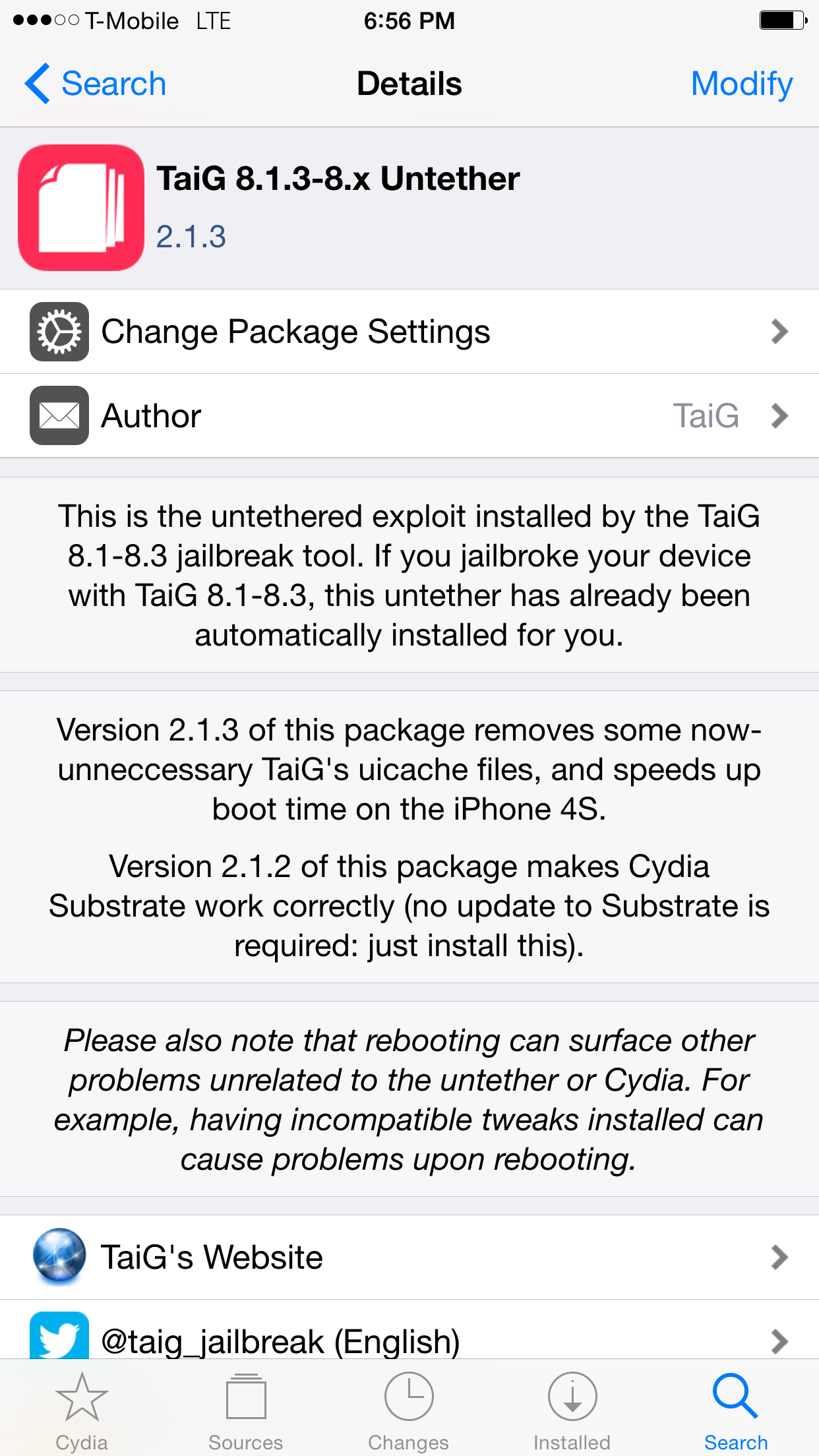
TaiG 2.1.3 Untether update released on default Cydia repos

For those of you already jailbroken when TaiG 2.1.3 launched earlier this morning, you may have wondered when you would be able to join in on the 2.1.3 fun. Sure, you could have always added TaiG's third-party repo, but understandably, some aren't comfortable with doing that for various reasons.

Well, the TaiG 2.1.3 untether now has saurik's stamp of approval, as it has appeared on his Telesphoreo default Cydia repo. This means that by performing a simple refresh on Cydia's changes tab, you should see an available upgrade to the TaiG untether.

Developer creates a way to downgrade the iPad 2 and iPhone 4s to iOS 6.1.3

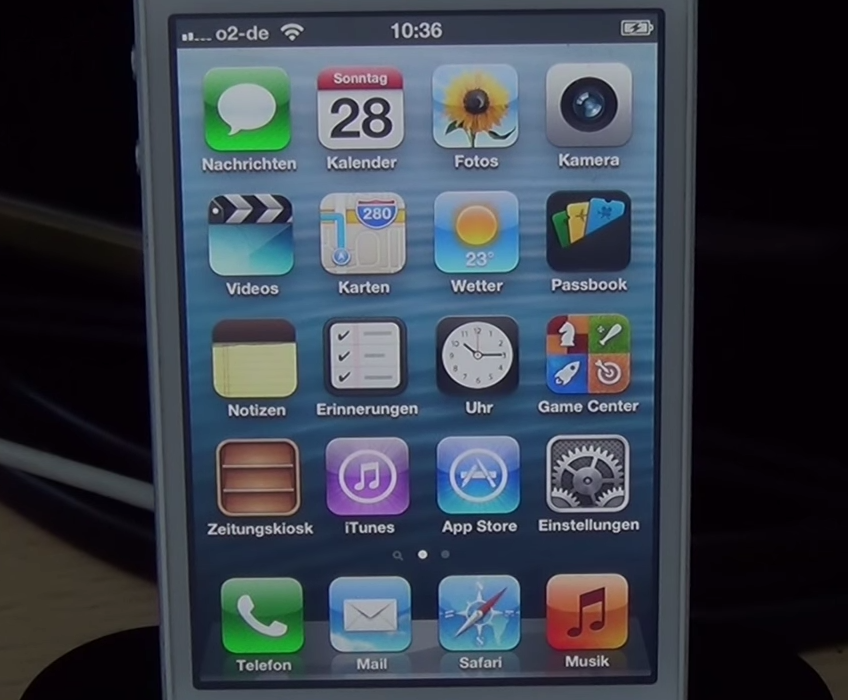
Feeling nostalgic? Own an iPad 2 or an iPhone 4s? Then you have the opportunity to travel back down memory lane and downgrade your device from any firmware back to iOS 6.1.3—no SHSH blobs required.

Entitled odysseusOTA, the command line tool takes advantage of the fact that Apple is still signing the OTA (over the air) firmwares for iOS 6.1.3 on the iPad 2 and iPhone 4s. Want to see the downgrade in action? Then watch this detailed step-by-step video.

Tweaks of the week: everything’s free!

What a week that was! Not so much in terms of jailbreak tweaks, but rather by the surprise release of the TaiG jailbreak, which pretty much came out of nowhere, although we knew progress was made on the iOS 8.3 jailbreak.

We've covered TaiG extensively with many tutorials to use the tool on Windows and Mac, so make sure to check these out if you're looking into jailbreaking your iPhone or iPad.

As far as tweak releases go, this week was pretty meager, but all of them are free, so go at it.

Stuck on 20% in TaiG? How to jailbreak iOS 8.3 with TaiG 2.1.3

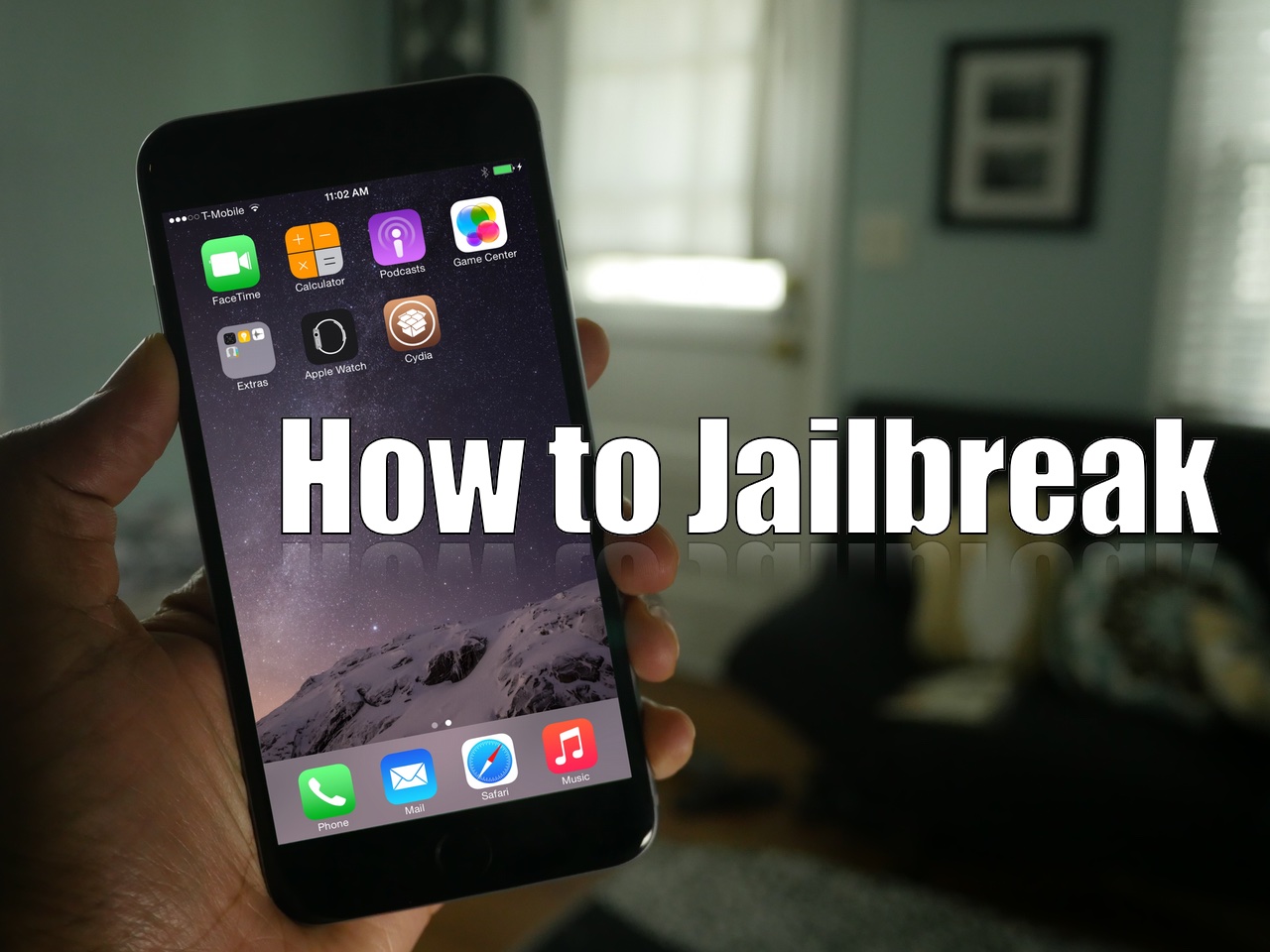
As we mentioned earlier, TaiG has released version 2.1.3 of its jailbreak tool, and it's a significant update as far as fixes go. First and foremost, it works with virtual machines, so you no longer need to modify your virtual machine to use the tool. Secondly, it fixes the 20% hangup. With these things in mind, we thought we'd show you how to jailbreak using this latest TaiG update.

This post is primarily aimed at those who have yet to jailbreak, and are looking for guidance with the latest tool. In the video that follows, we'll show you the proper way to go about jailbreaking your iPhone or iPad, and we'll show you how well the tool runs on a virtual machine.

TaiG 2.1.3 released to fix virtual machine errors, missing icons, and hang ups at 20%

Good news for those of you still experiencing issues with the TaiG jailbreak for iOS 8.3: a new update for the tool has been released to fix several problems that are still plaguing users.

TaiG 2.1.3 has been released to address some major concerns with the tool, and although it remains a Windows-only app, the update brings changes to the way it responds when used with a virtual machine on Mac and Linux systems. Check out the full change log for all of the details.

The top 10 must-know Cydia tips [Video]

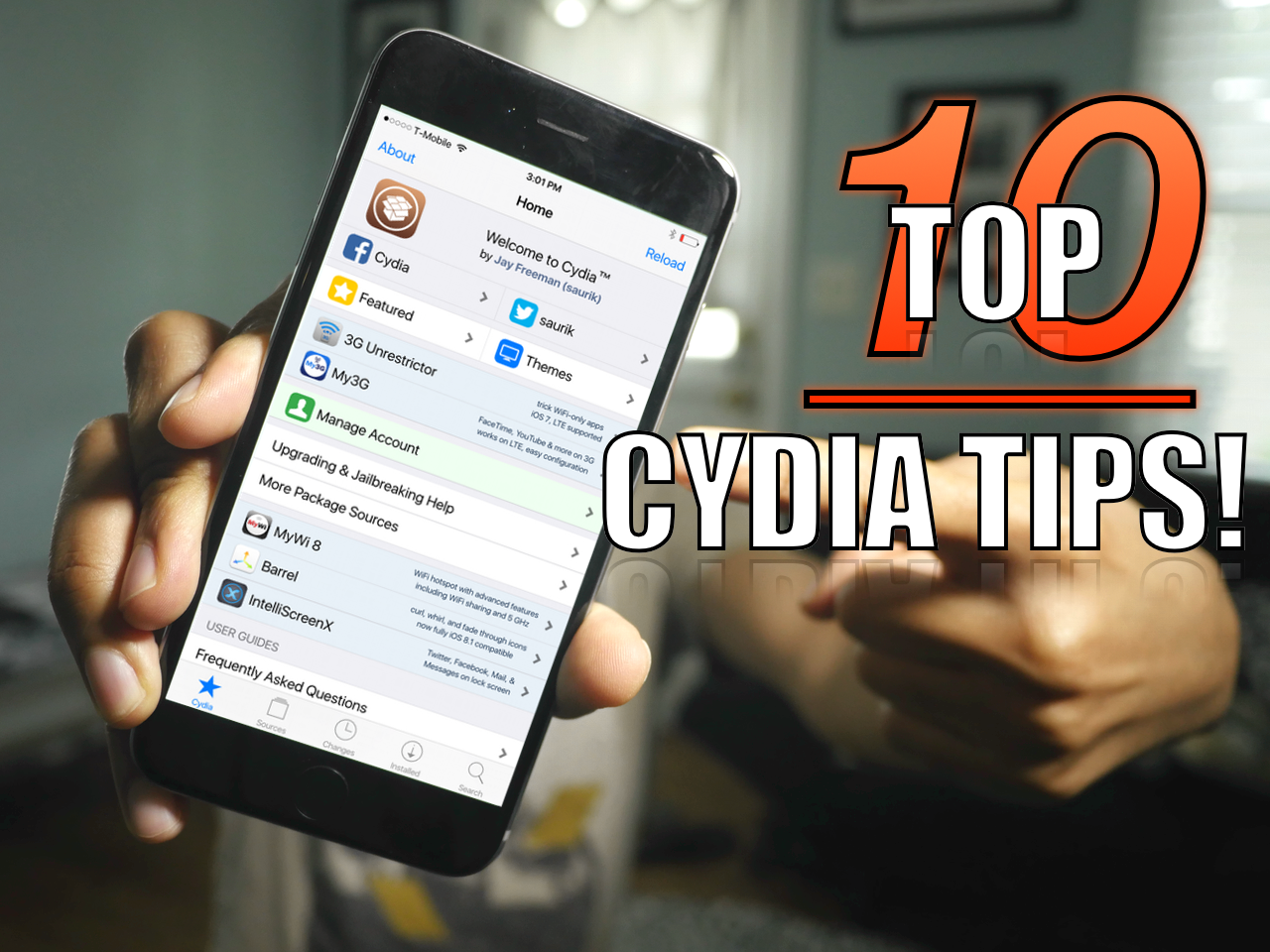
Since I imagine that there are probably tons of new jailbreakers since the iOS 8.3 jailbreak touched down, now is a great time to review some of my favorite Cydia tips. But even if you're a seasoned Cydia veteran, you may find a tip or two in this list that you'll find handy. How many of these tips do you use on a regular basis? Watch our video and find out.

Power Saver Mode tweak brings impressive iOS 9-inspired battery management features to older firmware

iOS 9 has some significant new power saving features that will lend users up to an additional three hours of battery life. Dubbed Low Power Mode in iOS 9, users can eek out up to an extra 3 hours of battery life with the option enabled.

Low Power Mode works by disabling animated wallpapers, Mail Fetch, Background App Refresh, motion effects, and, as recently discovered, throttling the CPU.

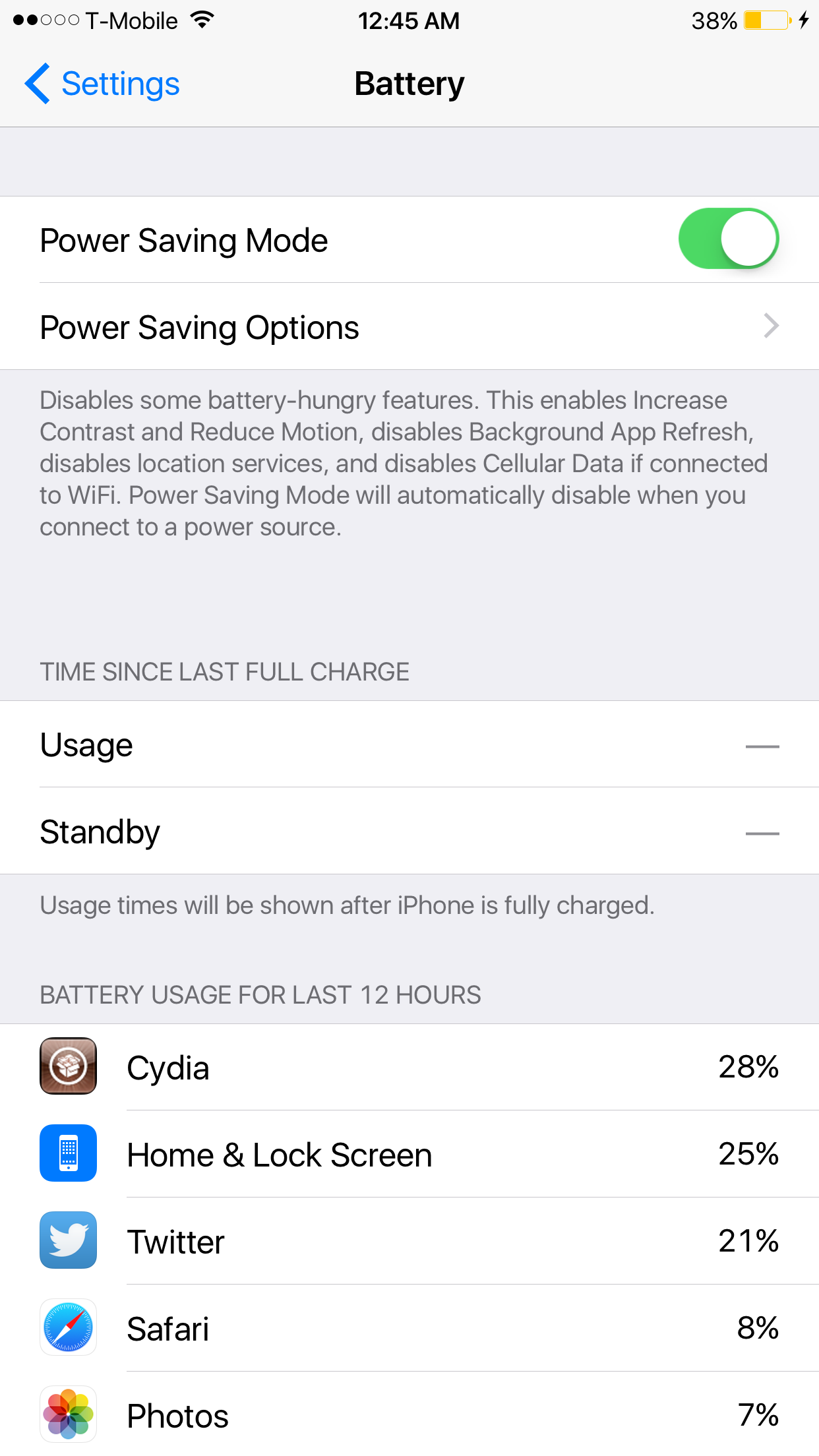
Power Saver Mode, a new iOS tweak developed by Elijah Frederickson, tries its best to provide many of the same benefits to jailbroken iPhone users on iOS 8. Power Saver Mode increases contrast, enables Reduce Motion, disables Background App Refresh, location services, Cellular Data when on Wi-Fi, and more. 

Still having problems jailbreaking iOS 8.3? These tips may help

Sadly, there are still many individuals that cannot successfully jailbreak iOS 8.3 with the TaiG. I understand how insanely frustrating this can be, but also want to help. Trust me, I feel your pain on this, as it's super-frustrating when you see everyone else enjoying their jailbreak and you're stuck with a stock phone.

But don't give up! You're going to do this. Consider some of my tips inside. Some may be obvious, but some may be not so obvious. Whatever you do, just give it a try.