Jailbreak

Check out the most comprehensive jailbreaking coverage on the internet, including the latest news, apps, tweaks, and detailed tutorials about everything jailbreak.

Mobile Terminal now works on jailbroken iOS 9 devices

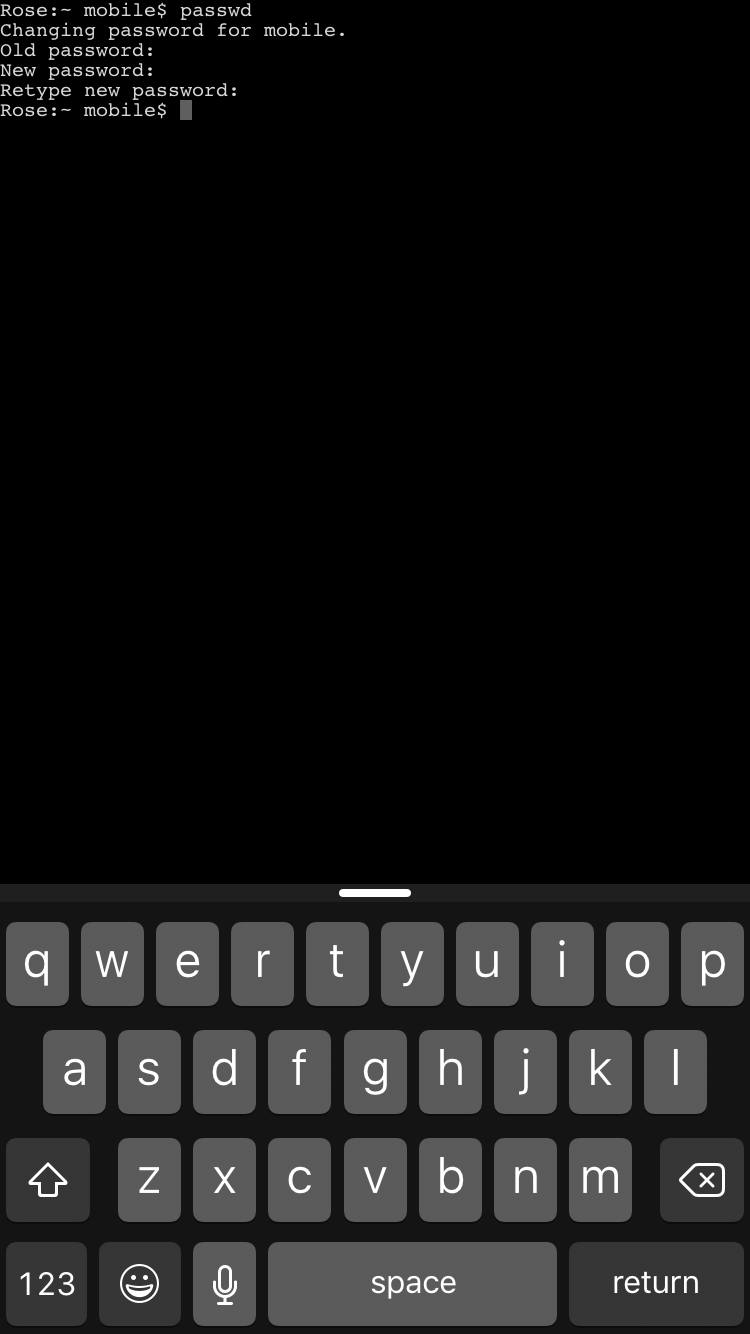
Good news for all of you Mobile Terminal fans, or for anyone interested in easily changing their jailbroken iOS device's root password. Saurik just pushed an update for PAM Modules on Cydia, which was a prerequisite for terminal access.

All you need to do is go out to Cydia and update to PAM Modules 36.1. Cydia should automatically prompt you for the update, since this package is installed by default. Once you update, you can download Mobile Terminal, or any terminal emulator on Cydia that you prefer.

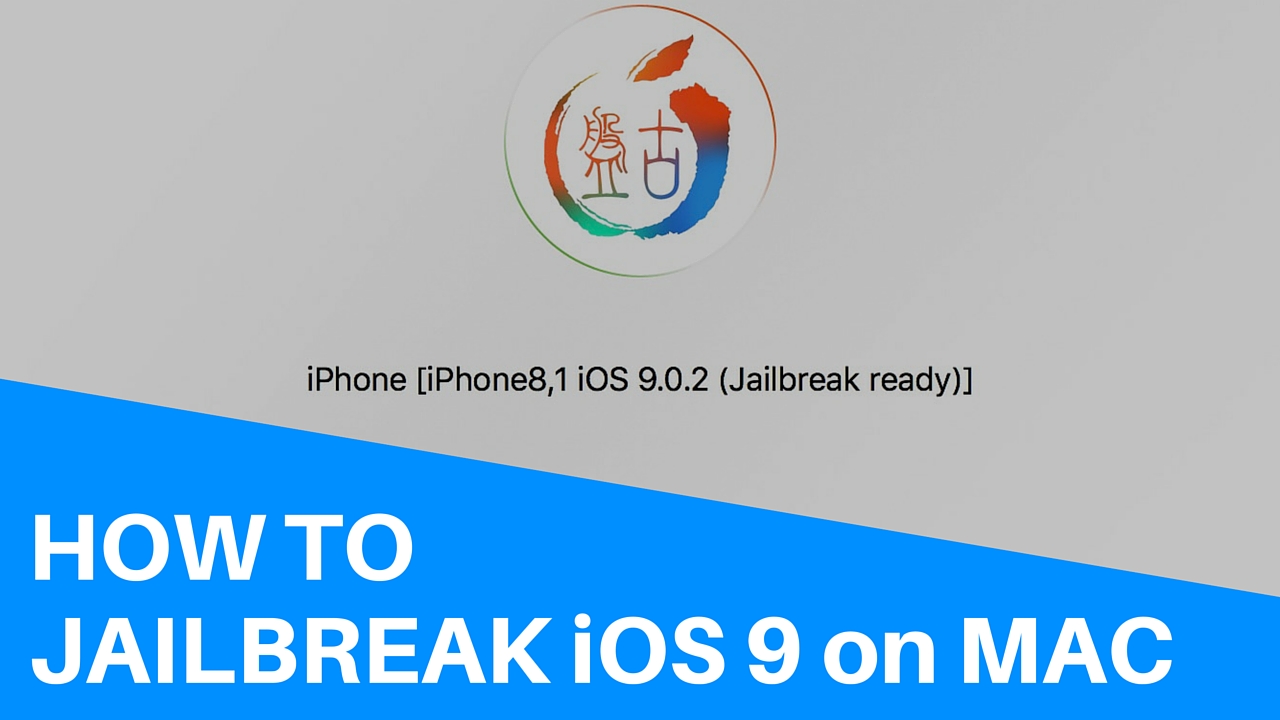
Tutorial: how to jailbreak iOS 9 on Mac

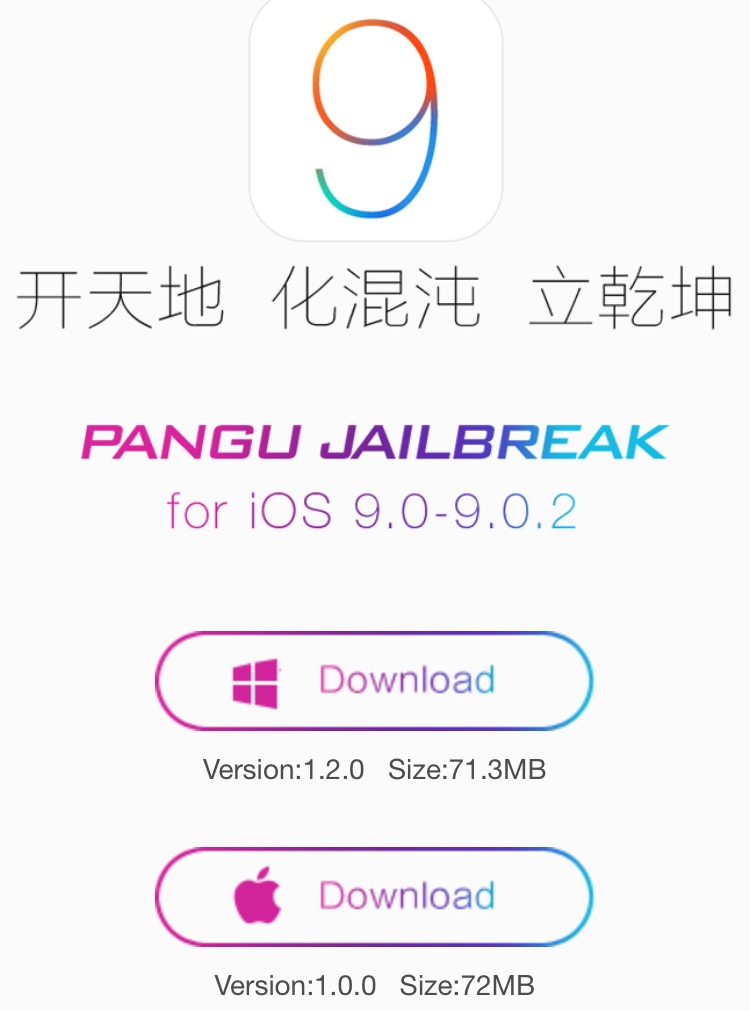
About two weeks after releasing the first version of their jailbreak tool for iOS exclusively for Windows, the Pangu Team has now released its utility for the Mac. The process is roughly the same between both platforms, but for the sake of completeness, we are going to post instructions on how to jailbreak iOS 9 with Pangu for Mac.

Pangu for Mac can only be used to jailbreak all iOS 9-compatible devices running iOS 9, iOs 9.0.1, and iOS 9.0.2. The latest version of Pangu can also jailbreak 64-bit devices running iOS 9.1.

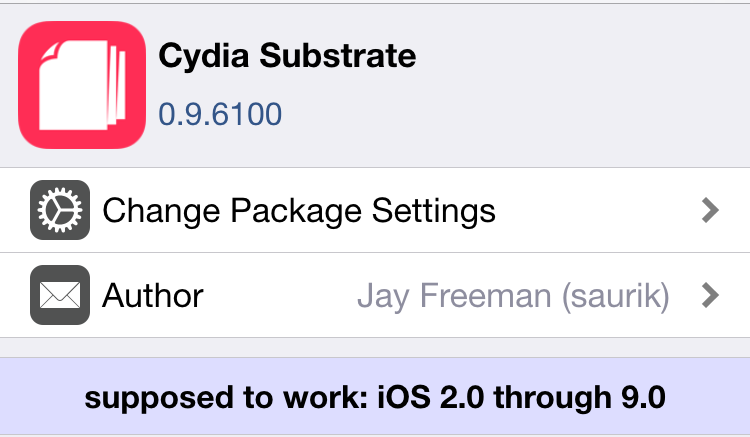
Cydia Substrate updated to version 0.9.6100

Cydia Substrate received a new update, which comes a few hours after the Pangu tool update for jailbreaking iOS 9 on Mac.

This new version of Cydia Substrate brings the package to version 0.9.6100, and it includes preventative measures to stop would-be problem-causing jailbreak extensions.

Let’s Talk Jailbreak 131: Tim Cook the ghost writer

Episode 131: Cody and Sebastien explain why they've yet to jailbreak, Pangu releases a new version of its jailbreak tool for windows, a discussion about downgrading to iOS 9.0.2, adding Safari View Controller support to apps using a jailbreak tweak, and using 3D Touch to dismiss all notifications in Notification Center.

Subscribe via RSS

Support Let’s Talk Jailbreak

Visit RedHat.com to find out how Red had is redefining enterprise technology.

US government renews jailbreak exemption, adds iPad and other devices

The US Library of Congress on Tuesday issued a set of exemptions to the notorious circumvention provision of the Digital Millennium Copyright Act (DMCA). The provision makes it illegal for users to circumvent restrictions put in place by manufacturers, but every three years, the Copyright Office has the ability to grant exemptions to products and practices.

This year's exemptions are far-reaching, granting permission to tinker with everything from smart TVs to vehicles, but the part we're most interested in has to do with jailbreaking. The US government not only renewed the ability to jailbreak smartphones, but it added tablets into the mix. So for all intents and purposes, it's now legal to jailbreak your iPad.

Pangu 1.2.0 released with latest Cydia Installer and Manage Storage bug fix

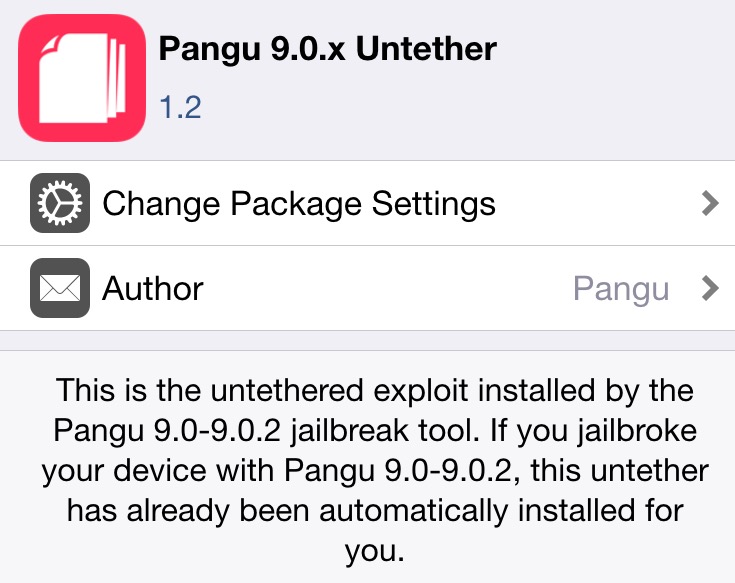
Pangu has released a new version of its iOS 9 jailbreak tool for Windows, along with an update to its untether package for those of you who are already jailbroken.

The new Pangu update, which comes in at version 1.2.0, features the latest Cydia Installer, version 1.1.26, bundled with the jailbreak, along with a fix for the Manage Storage bug that some were experiencing.

You can find the download for Pangu 1.2.0 inside, but keep in mind that this tool is still Windows-only for the time being.

New tweak adds Safari View Controller support to Twitter, Gmail, WhatsApp and Alien Blue

Safari View Controller is a new feature in iOS 9 that lets developers enable an in-app browser based on Safari that taps into many of the features that make using standalone Safari so great. Some of the benefits are the ability to use current logins, access the keychain and use autofill.

Previously, developers had to come up with their own browsers for their apps, which meant that users couldn't tap into ongoing logins, the keychain, or use autofill when viewing the web through these browsers. That resulted in, as you can probably attest to, a less that ideal and disconnected user experience.

Apple has fixed this issue by allowing developers to use Safari View Controller in order to bridge the gap between the sites and data that they already use, and the apps that they love.

Unfortunately, not all apps yet support Safari View Controller. Some popular apps, like Gmail, Twitter, and WhatsApp, to name a few, still use their own built in browsers. SFSafariViewController all the things is a brand new tweak that aims to fix this issue.

28 new jailbreak tweaks to check out

With the release of iOS 9.1 this week, Apple officially put an end to the short life of the Pangu jailbreak for iOS 9. It doesn't mean we won't see another jailbreak from the team of hackers, but for the time being, we don't have many options: either stay on iOS 9.0.2 and keep your jailbreak, or update to iOS 9.1 and lose your jailbreak.

Despite that, developers have been hard at work pushing updates to their tweaks or releasing new tweaks in Cydia. Like every Sunday, we bring you all these new tweaks in one condensed post for you to peruse.

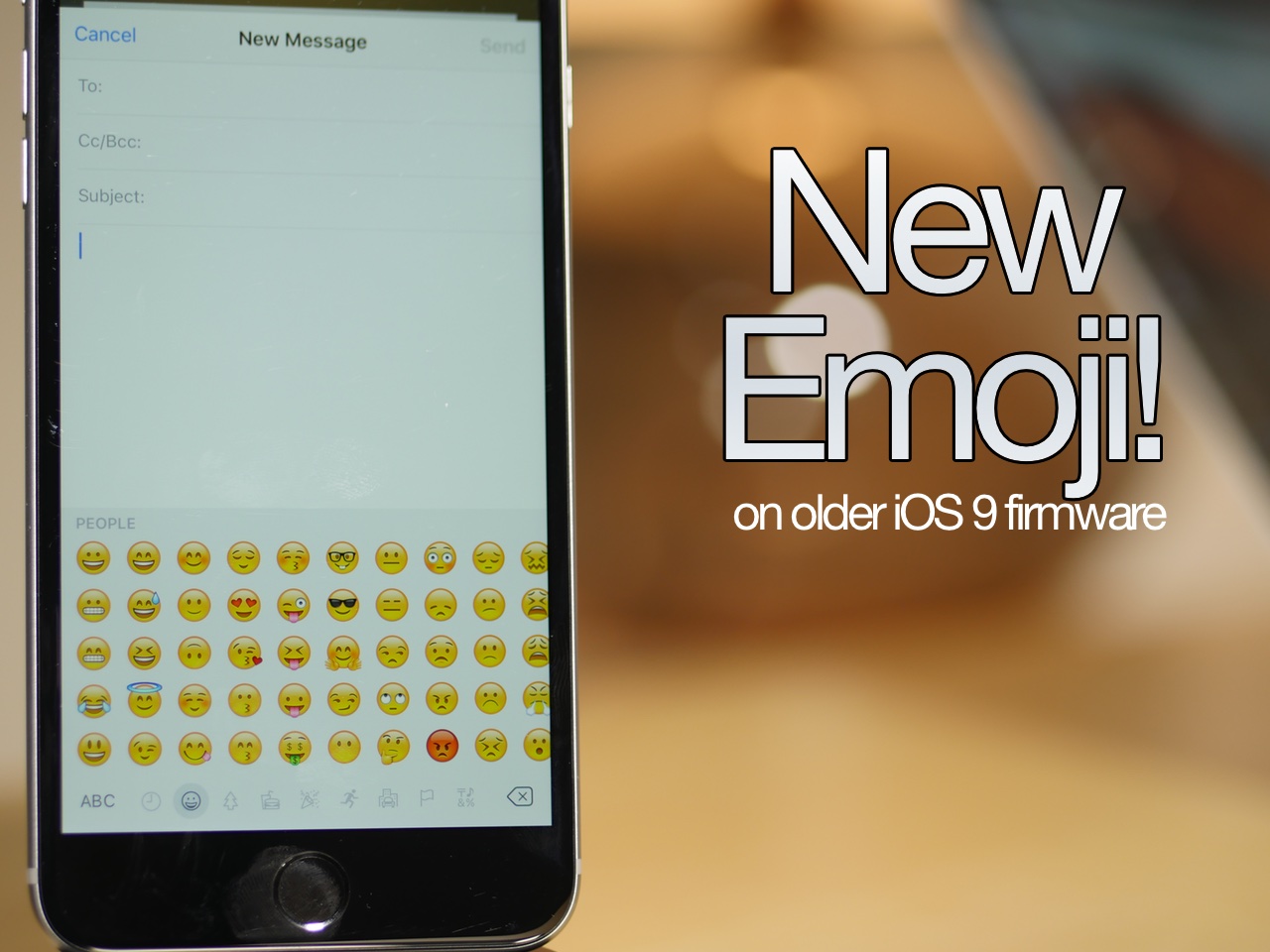
How to add iOS 9.1 emoji to a jailbroken device running iOS 9.0, iOS 9.0.1, or iOS 9.0.2

The headline feature of iOS 9.1 was without a doubt the 150 new emoji characters available to emoji keyboard users. These new characters are all the rage, and rightfully so, as they bring a whole new range of emotions to the table.

But what about those of us stuck on iOS 9.0, iOS 9.0.1, or iOS 9.0.2? As you all know, Apple killed the Pangu jailbreak with iOS 9.1, so upgrading to iOS 9.1 isn't an option for those of us wanting to maintain our jailbreak.

Well, I have good news and bad news. The good news is that you can enable the emoji keyboard and send new emojis to devices capable of displaying them. The bad news is that the tweak is still a work in progress, and as such, the new emoji don't display properly in all apps.

Some apps will work fine, such as Mail, but other apps, like Messages, won't properly display the new emoji. Developer PoomSmart says that he is working on a fix for the issue, so eventually, we may have a 100% fully working iOS 9 emoji package for iOS 9.1.

In the meantime, however, this tutorial is the next best thing. Watch our video to see how it works.
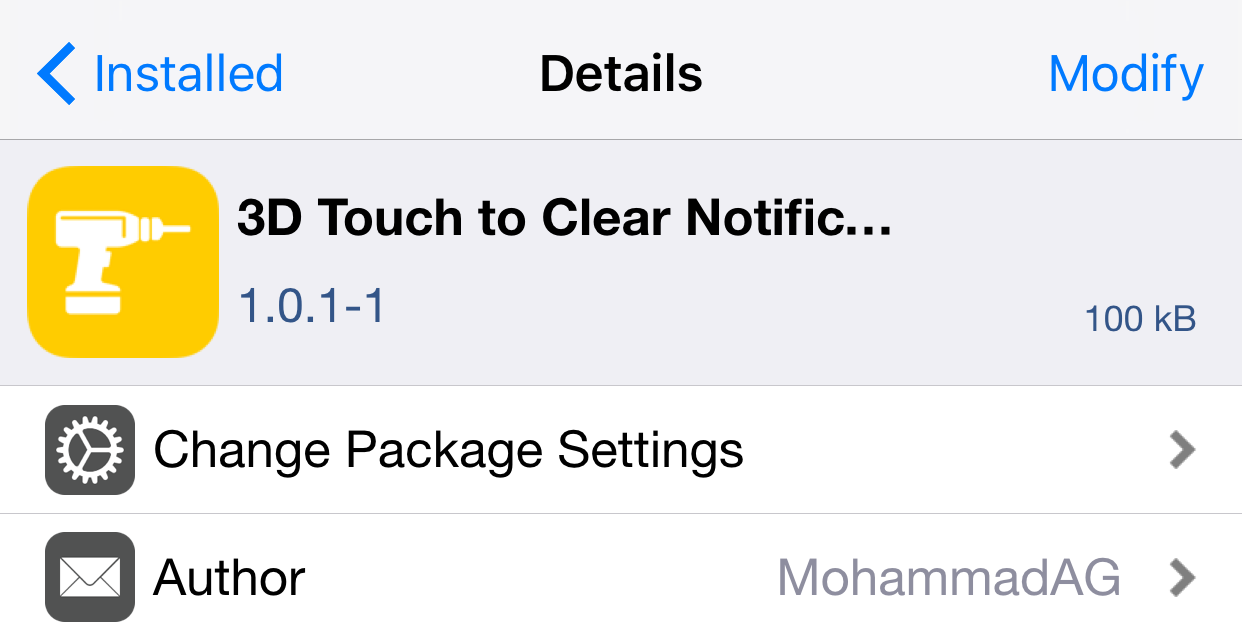
How to use 3D Touch to clear all notifications [jailbreak]

Although there aren't any stock 3D Touch actions in iOS 9's Notification Center, many feel that more could be done with Apple's new deep press recognition in this area, and perhaps we'll see some additions in future iOS updates, but for now these features are only enabled via jailbreak tweaks.

3D Touch to Clear Notifications is a new tweak that, as its name implies, allows users to firmly press in Notification Center to remove all notifications, much like the current implementation in Apple Watch's notification shade.

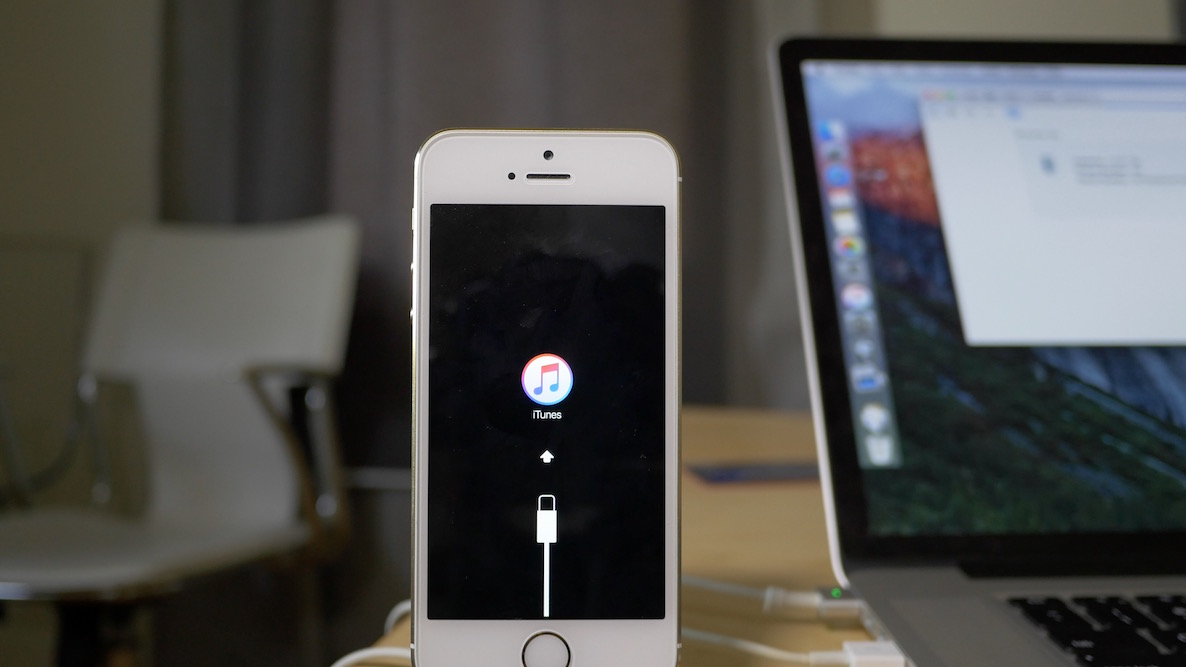
How to downgrade iOS 9.1 to iOS 9.0.2

Maybe it was the new emoji that tempted you? Or maybe you just made a mistake? Whatever the reason, you've found yourself on iOS 9.1, but wish to go back to iOS 9.0.2—the last jailbreakable firmware that's currently available for iOS 9. Fortunately, you still have time to downgrade back to iOS 9.0.2.

In this video tutorial, we'll show you how easy it is to downgrade from iOS 9.1 to iOS 9.0.2. But act quickly, this tutorial certainly has an expiration date, which will occur when Apple closes the 9.0.2 signing window.