Jailbreak

Check out the most comprehensive jailbreaking coverage on the internet, including the latest news, apps, tweaks, and detailed tutorials about everything jailbreak.

ExactTime shows exactly when your notifications were received

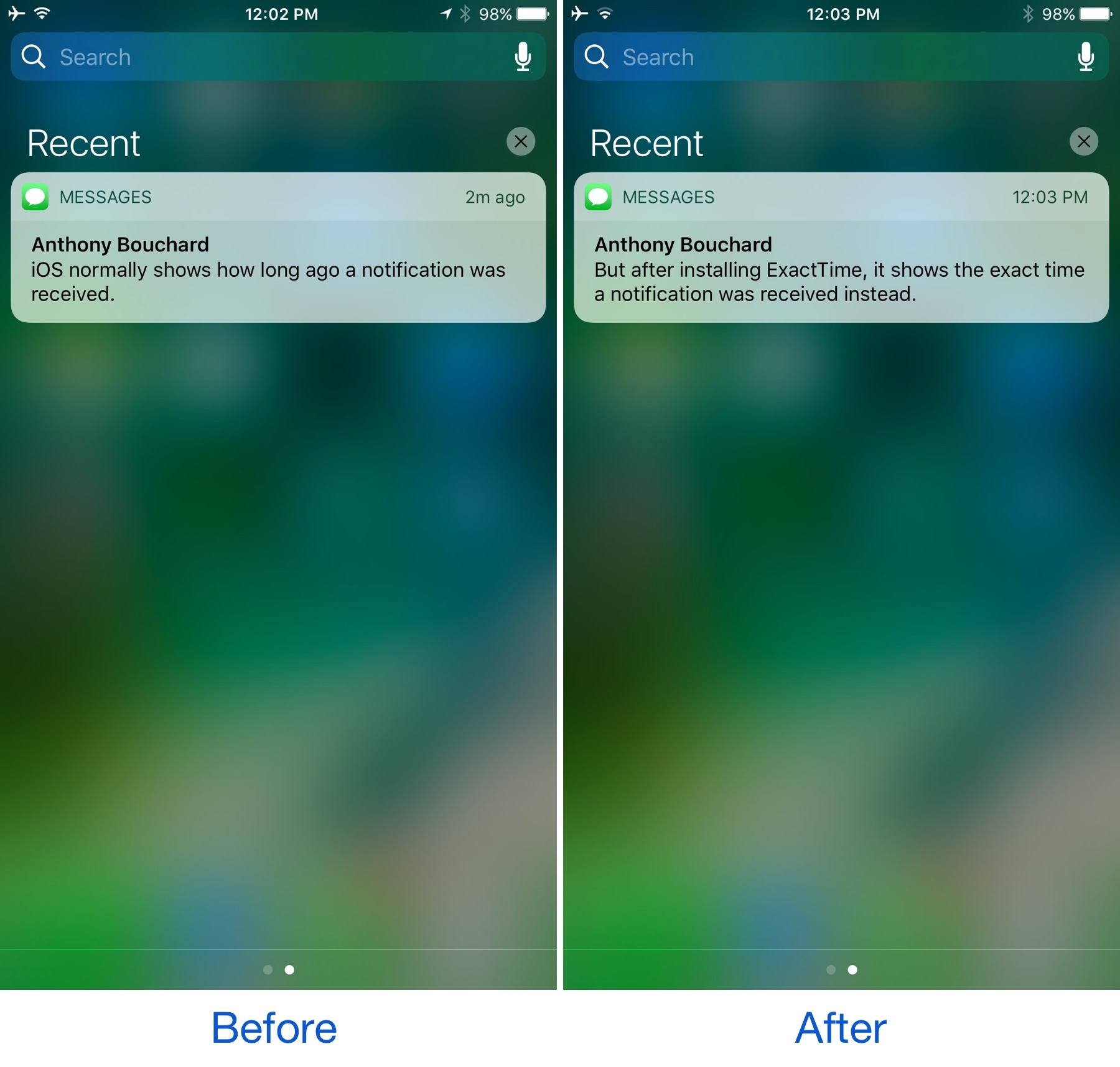
When there are missed notifications on your iPhone or iPad, a summary of what’s awaiting your attention is available in Notification Center. Each notification header displays an estimate of when it was received, but it’s not always as descriptive as you might want it to be.

A new free jailbreak tweak called ExactTime by gilshahar7 helps improve on this tiny frustration with iOS notifications by providing an exact time received in the notification header, rather than just an estimate.

The best jailbreak tweaks for the Music app

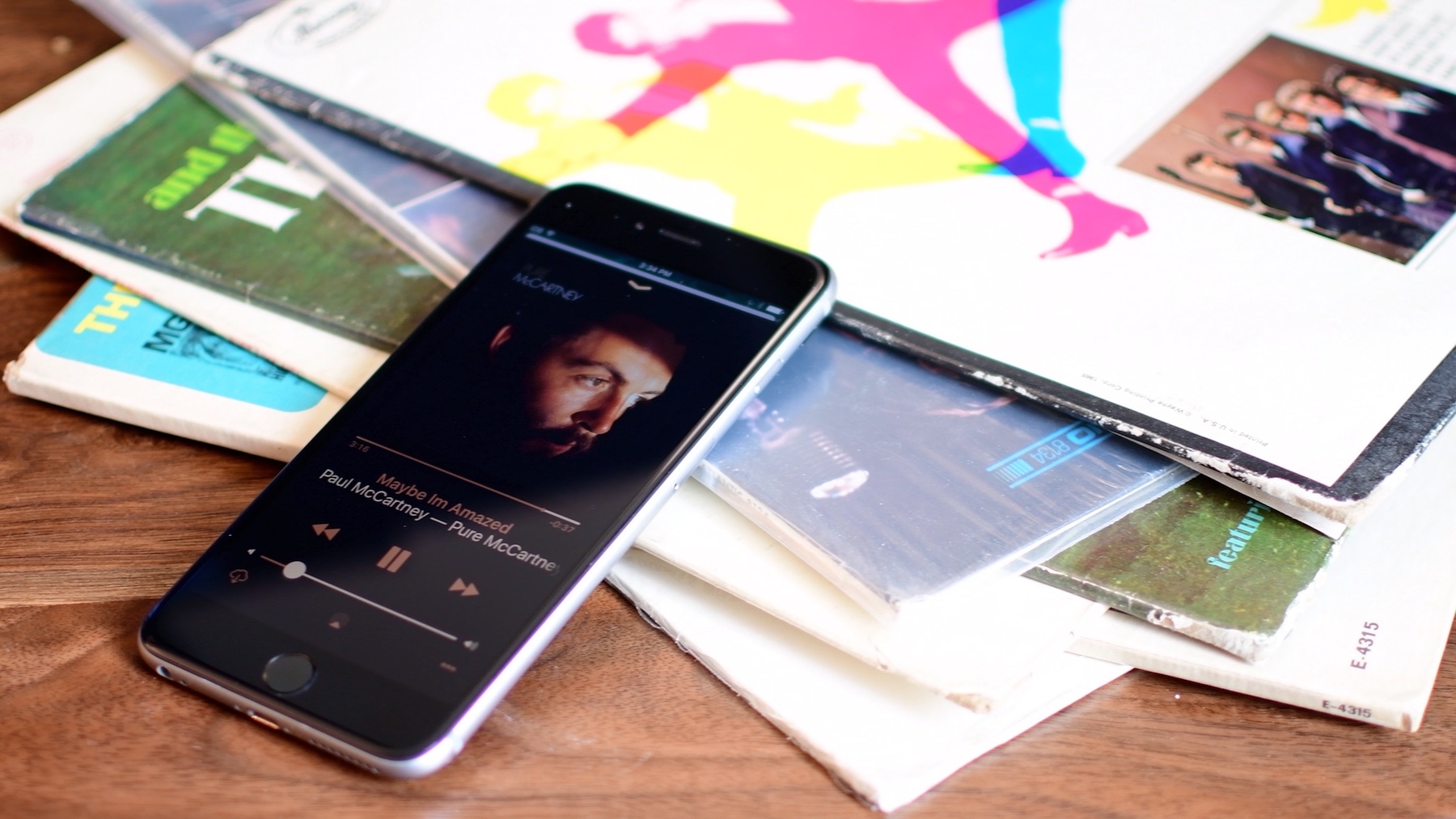
If you have a jailbroken iOS 10 device, then you likely used the Yalu jailbreak tool that debuted at the beginning the year. While the iOS 10 jailbreak has inspired the development of numerous jailbreak tweaks, some of them really stand out from the rest.

In this piece, we'll discuss the best jailbreak tweaks for complimenting the Music app that have been released following the iOS 10 jailbreak.

Give Notification Center a makeover with betterNC10

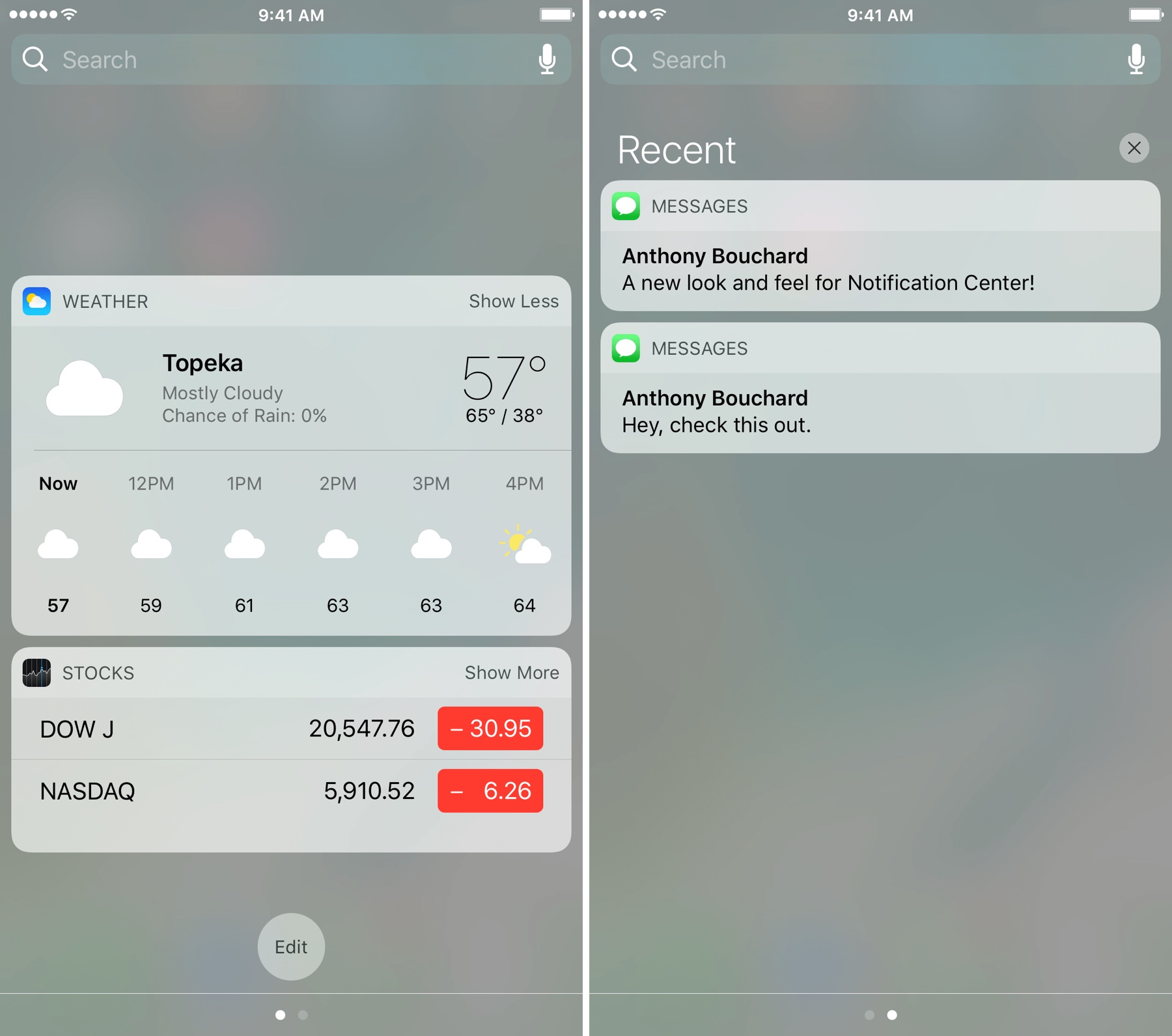
If you're looking for a new look and feel for Notification Center, then check out a new free jailbreak tweak dubbed betterNC10 by CydiaGeek.

This tweak lets you change up the aesthetics of Notification Center as well as change the way certain functions behave. The bevy of options that are baked into betterNC10 can reduce the time you spend clearing notifications and remove unwanted clutter among other things.

How to restore your device to iOS 9.x with iDeviceReRestore

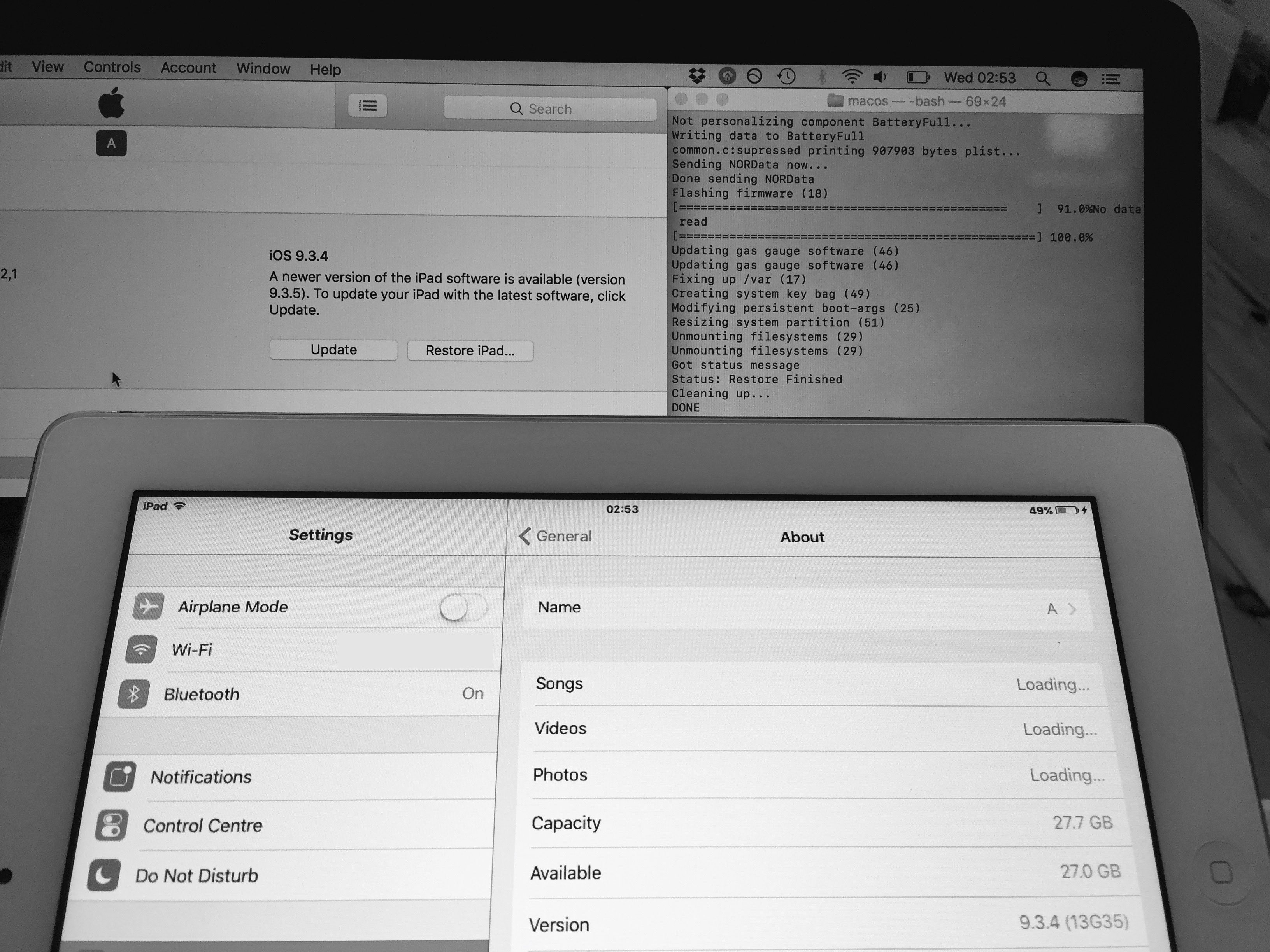
A while back we broke the story of a bug which was allowing restores to iOS 9 firmwares, without even needing a jailbreak. It was subsequently discovered that the bug was more far-reaching than originally thought, allowing restores to iOS 9.x from any firmware, not just from iOS 9.

The tool was released a week or so ago, and so we thought the time was right for a tutorial. Follow our instructions here to bring any 32-bit device back to any iOS 9.x firmware you have blobs for, from any starting firmware. No keys, bundles, nonces, or jailbreak required!

How to use CoolBooter CLI to dual-boot your device

You may have seen my report on the CoolBooter updates, in which I mentioned that both the app and the command line versions had seen changes. Whilst using the CoolBooter app is self-explanatory and will satisfy the needs of most, it does not currently support iOS 5 as the secondary OS, which may lead some to want to try out the command line utility instead. I will therefore be walking you through using CoolBooter CLI 0.3 to dual-boot your device.

CoolBooter dual-boot utility updated to 1.0b6

CoolBooter, the dual-boot utility for legacy jailbroken iOS devices, saw an update yesterday, as did its CLI version.

The frontend is now at version 1.0 beta 6, whilst the command line interface, which must be run from a Terminal application, reaches version 0.3.

CCDataMore adds a cellular data toggle to Control Center

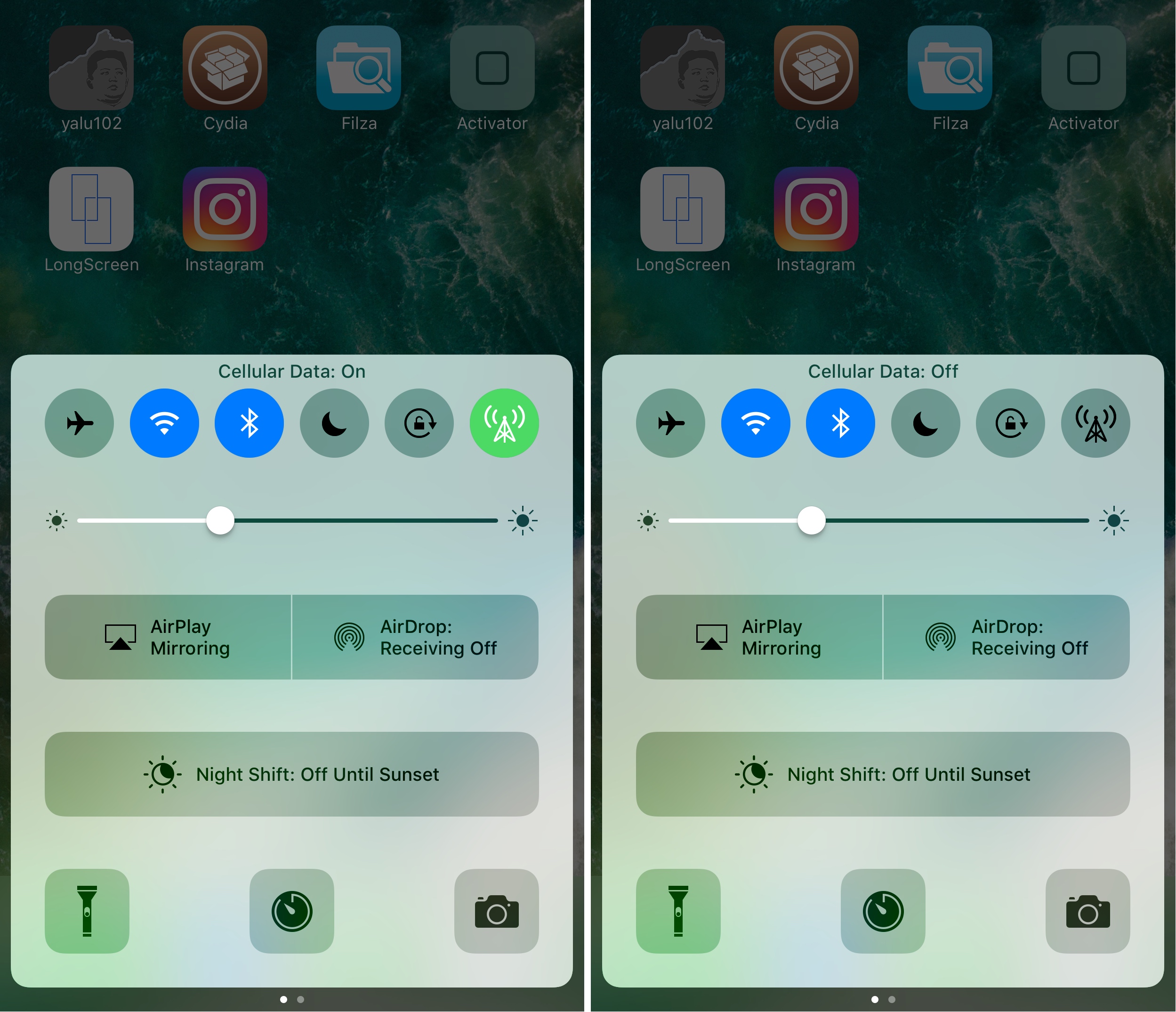
Apple really doesn’t make it easy to toggle cellular data on or off apart from using Airplane Mode. Your only other option is to dig through your Settings app to find the cellular data preference pane, which is intrusive when you're already in another app or doing something else.

Fortunately, a new free jailbreak tweak called CCDataMore by iOS developer Lizynz solves this problem by enabling a cellular data toggle in Control Center.

Supercharge your iPhone wallpaper options with PanoramaPapers

Apple has always been boring when it comes to wallpaper options on the iPhone. They debuted ‘dynamic wallpapers’ when iOS 7 dropped, but to this day, you're still limited to Apple’s stock selection; otherwise, you have to use still images and you can’t change things beyond that.

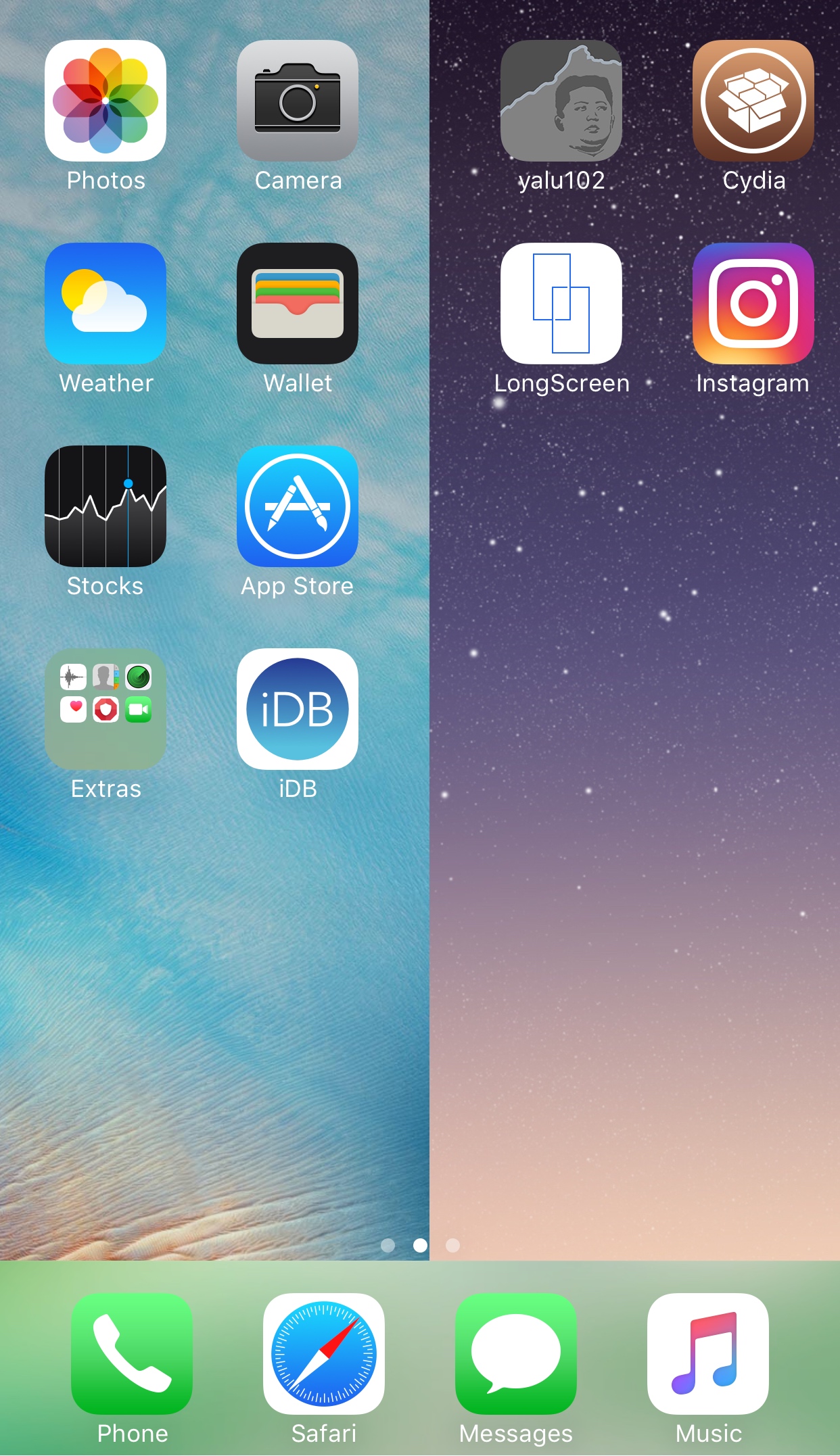
To fix that problem, a new free jailbreak tweak called PanoramaPapers by iOS developer sst1337 can complement your device by letting it stand out from the rest. It lets you have different kinds of wallpaper layouts on your device, depending on the images you choose.

This tweak displays your Wi-Fi channel in the Status Bar

Modern wireless routers use both the 2.4GHz and 5GHz bands to feed internet data to your wireless devices, but figuring out what channel you’re using from your device typically requires an app or access to the router’s wireless settings to discern.

On the other hand, a new free jailbreak tweak called WifiChannelBar by Jeremy Kister makes things easier for you by displaying the Wi-Fi channel your network is using right next to the Wi-Fi icon in your Status Bar.

Jailbreak tweaks of the week: Don’t Stop the Party!, NoMoreStories, StatusPeek2, & more…

Those of you clinging onto that iOS 10 jailbreak wall want to hold onto it a bit longer. There've have been some neat jailbreak tweak releases these past couple of weeks and every Sunday we come at you with a roundup, showcasing the best of the week.

In this roundup, we'll follow that same tradition, talking about all of the jailbreak tweaks that were released in Cydia. We'll start first with our favorites and then move onto everything else afterwards.

AirDrop Remover nixes the AirDrop button from iOS Share Sheets

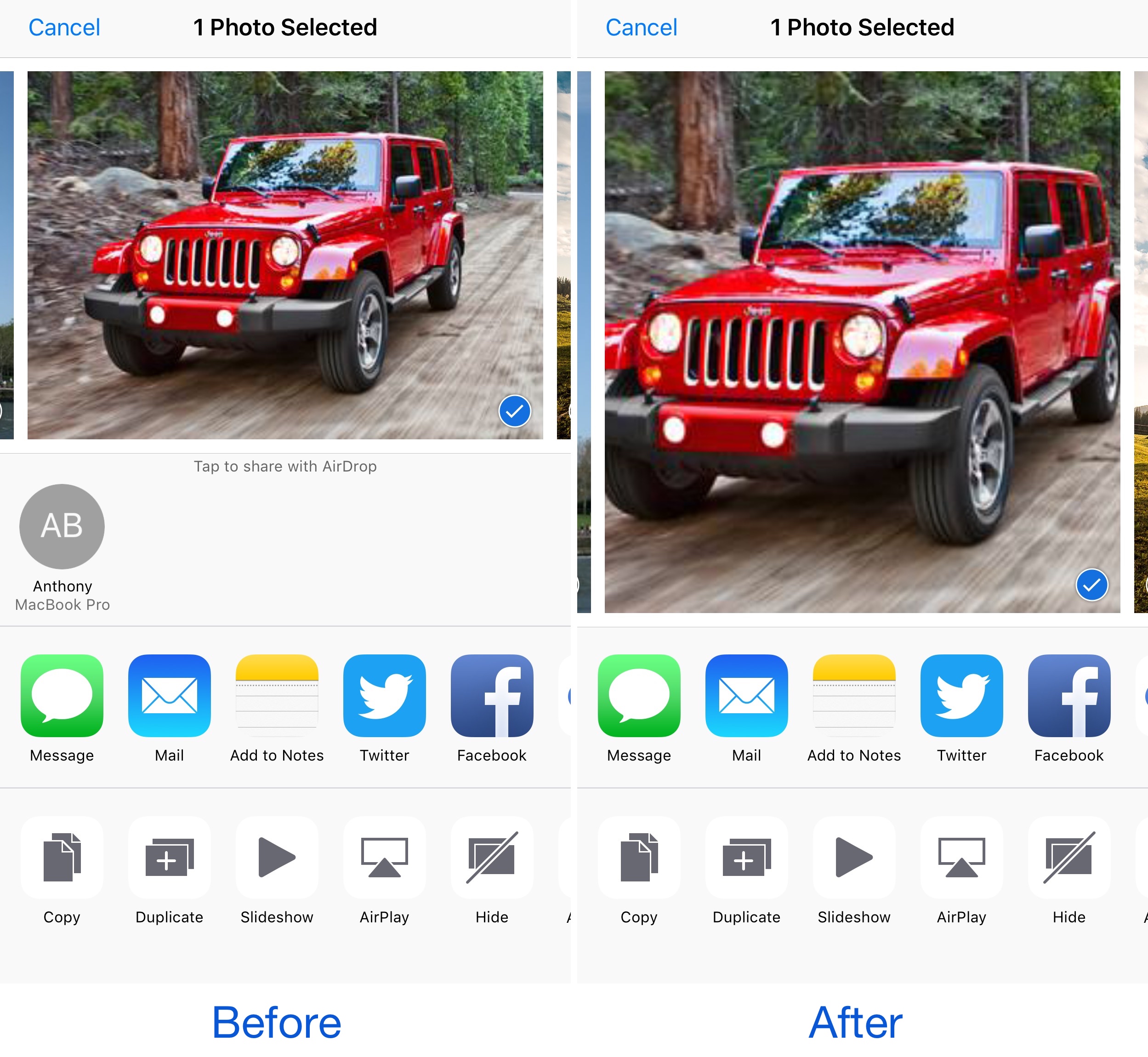
AirDrop is a very convenient way to send and receive files between iOS devices and Macs; on the other hand, not everyone uses it. While you can easily disable AirDrop, the feature still clutters your interfaces whether it's disabled or not.

Those with a jailbreak can hide AirDrop from their device entirely, and a new free jailbreak tweak called AirDrop Disabler by Justin Petkovic aides in this process by removing AirDrop from your Share Sheets.