Jailbreak

Check out the most comprehensive jailbreaking coverage on the internet, including the latest news, apps, tweaks, and detailed tutorials about everything jailbreak.

Jailbreak tweaks of the week: B3rry, Keyboard Plus, SmarterLPM and more…

Jailbreak teams in the community today have shown off some rather spicy teasers as of late, and such things are why it's such an awesome time to be a part of everything.

If you’re jailbroken and looking for new jailbreak tweaks to install, then you’ve come to the right place. This roundup will encompass all the latest jailbreak tweak releases from Monday, March 16th to Sunday March 22nd. As usual, we’ll kick things off by talking about our favorite releases and then wrap things up with a roundup of the rest afterward.
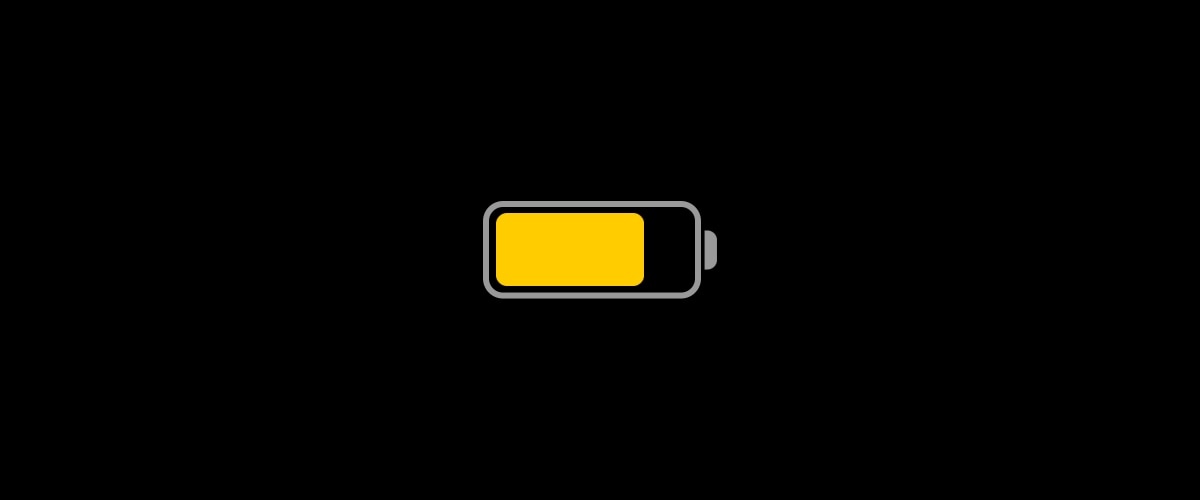
Why cope with a dumb Low Power Mode when you can use SmarterLPM?

Low Power Mode.

Low Power Mode is an incredibly handy utility that helps iPhone users get the most out of their handsets when the battery level falls below a comfortable percentage. Apple designed Low Power Mode in such a way that users wouldn’t need to interact with the feature all that much, but in doing so, they also limited the possibility of advanced configurations tailored for ideal low-power setups.

Given the circumstances mentioned above, it’s not difficult to understand why iOS developer smokin1337 has released a new free jailbreak tweak dubbed SmarterLPM. Just as the tweak’s name suggests, SmarterLPM aims to make Low Power Mode a whole lot more useful for users with the help of deeply integrated user-configurable settings.

Awaken your iOS theming instincts with ModernBarz

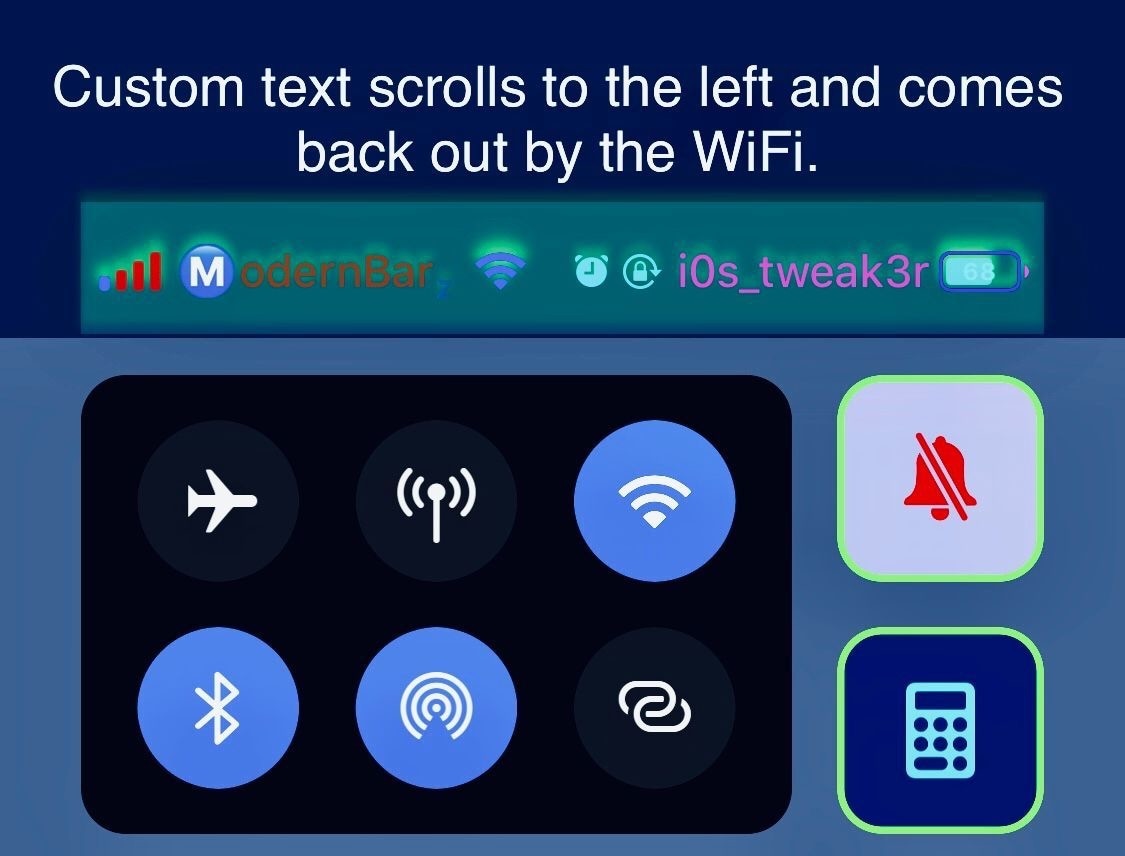
If you have a white-hot passion for iPhone theming or handset system colorization, then you probably won’t want to miss out on the likes of a newly released jailbreak tweak dubbed ModernBarz by iOS developer i0s_tweak3r.

ModernBarz offers extensive colorization and customization options for any pwned iPhone’s Status Bar that promote user creativity and allow users to make their handset stand out from what would typically be a rather monotonous crowd.

Jailbreakers can embrace Home screen minimalism with HideSurplus

Apple designed iOS’ Home screen such that it would be easy to interact with. Fingertip-sized application and folder icons are accompanied by distinguishable name labels, and the permanent row of app icons that we call the Dock sports its own unique background to help it stand out from everything else.

While there really isn’t anything wrong with the stock iOS Home screen setup, the fact remains that jailbreakers are always searching for ways to personalize it. With that in mind, minimalists are likely to appreciate a newly released and free jailbreak tweak dubbed HideSurplus by iOS developer 8a1wkar.

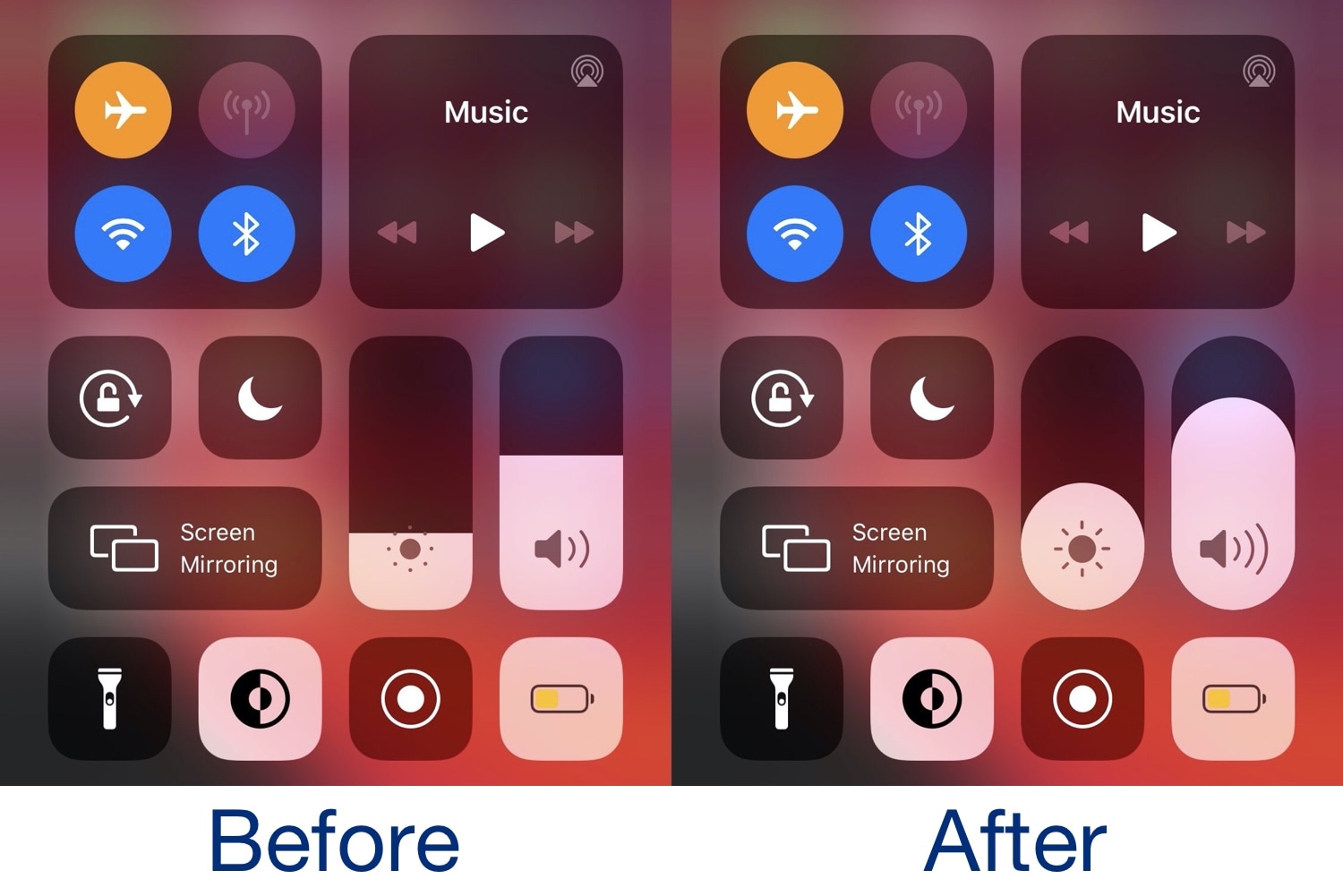
This tweak makes Control Center’s brightness & volume sliders pill-shaped

If you’re enjoying a jailbroken installation of iOS 13 by way of either checkra1n or unc0ver and you’re interested in making your Control Center interface more discernible from a crowd, then you just might take an interest in a newly released and free jailbreak tweak dubbed PillVolume by iOS developer neoney.

As depicted in the before and after screenshot examples above, PillVolume substitutes Control Center’s conventional rounded-corner (but rectangular) brightness and volume sliders with an alternative pill-shaped design that appears much rounder by nature.

Checkra1n experimental pre-release adds preliminary support for iOS 13.4, Mac T2 chip

The checkra1n team launched an experimental pre-release build of the checkra1n jailbreak tool Wednesday afternoon with preliminary support for Apple’s upcoming iOS and iPadOS 13.4 release, which Apple intends to release to the public next week. Developers got their hands on the iOS and iPadOS 13.4 Golden Master earlier this afternoon just after Apple finished announcing its 2020 iPad Pro and brand-new Magic Keyboard.

The experimental checkra1n build, dubbed v0.9.9 experimental isn’t available from the official checkra1n website, but rather from a link that was included in one of checkra1n team member Luca Todesco’s Tweets.

Keyboard Plus can make your iPhone’s keyboard more intuitive

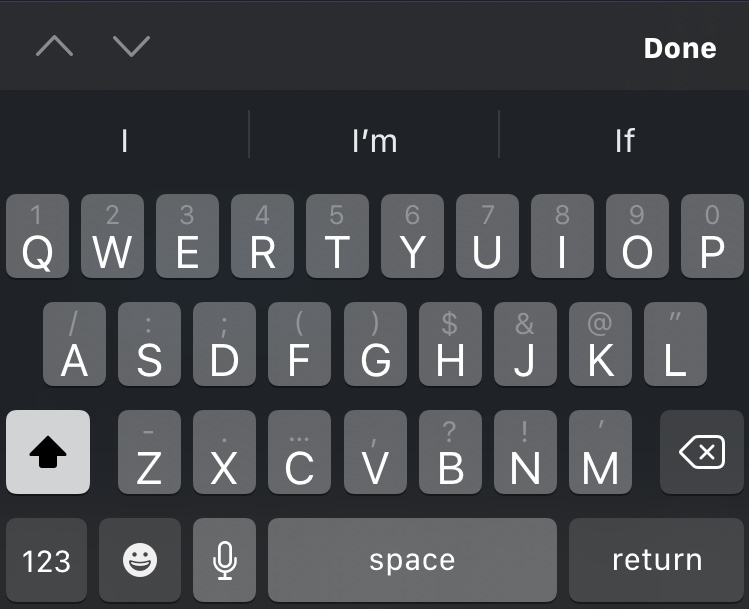
For the most part, Apple’s iPhone sports one of the best software keyboard experiences on the market today, but that certainly doesn’t mean that there isn’t room for improvement.

Those looking to augment their jailbroken iPhone’s typing experience are likely to enjoy a new jailbreak tweak release called Keyboard Plus by iOS developer Ryan Nair. As the tweak’s name implies, Keyboard Plus brings new features and improvements to the native keyboard experience, with the goal of making typing on your iPhone an even nicer experience than it is already.

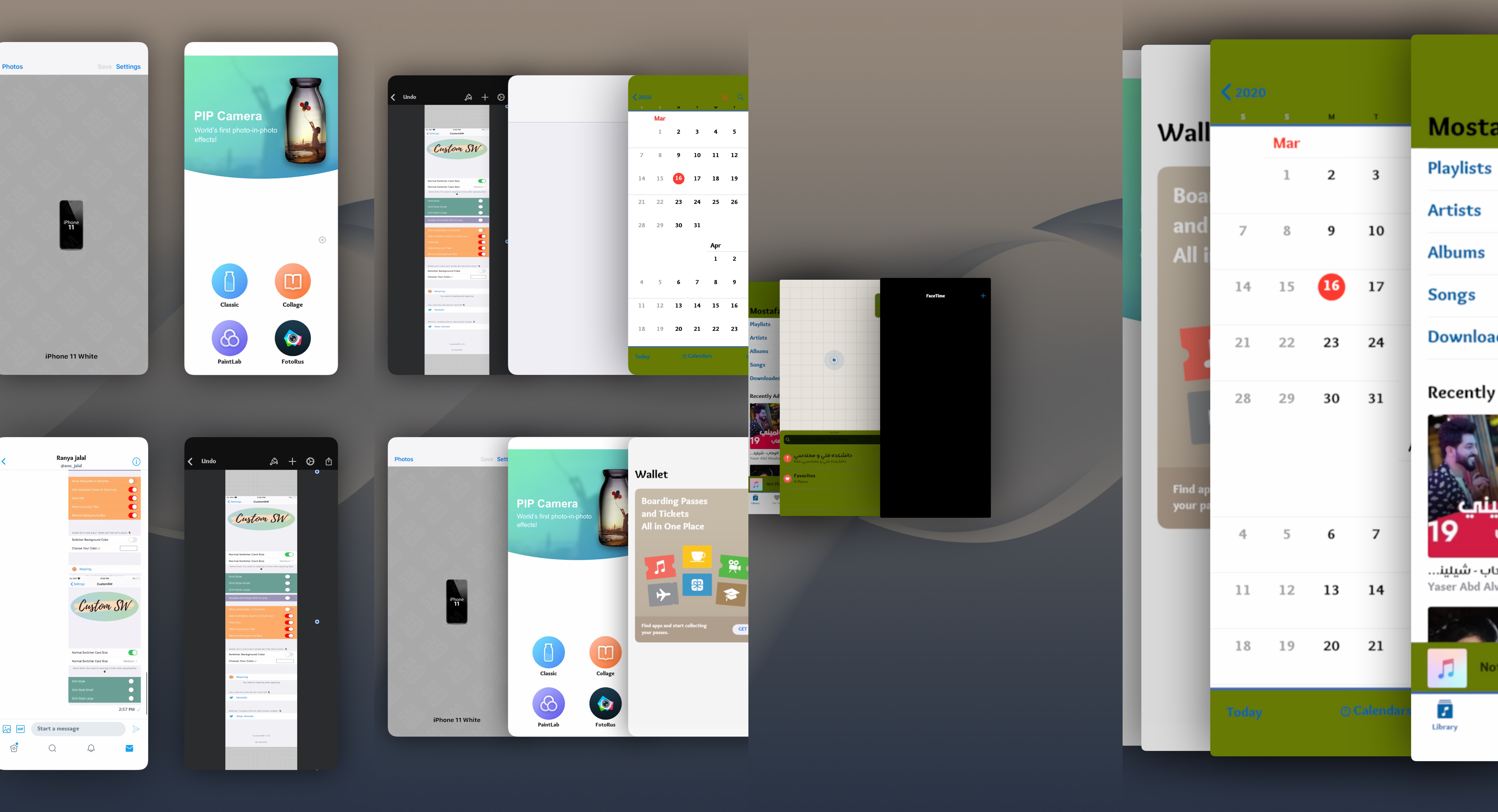
Personalize your App Switcher experience with Custom SW

Most people use their iPhone’s App Switcher as a means of quickly returning to a recently-used application, but the current interface certainly leaves a lot to be desired, especially if you like what you see on the iPad.

If you find yourself in this situation a lot, then you might be interested in a newly released jailbreak tweak dubbed Custom SW by iOS developer mustafa89. As shown in the screenshot examples above, Custom SW provides users with a plethora of ways to augment the appearance and usability of the iPhone’s native App Switcher.

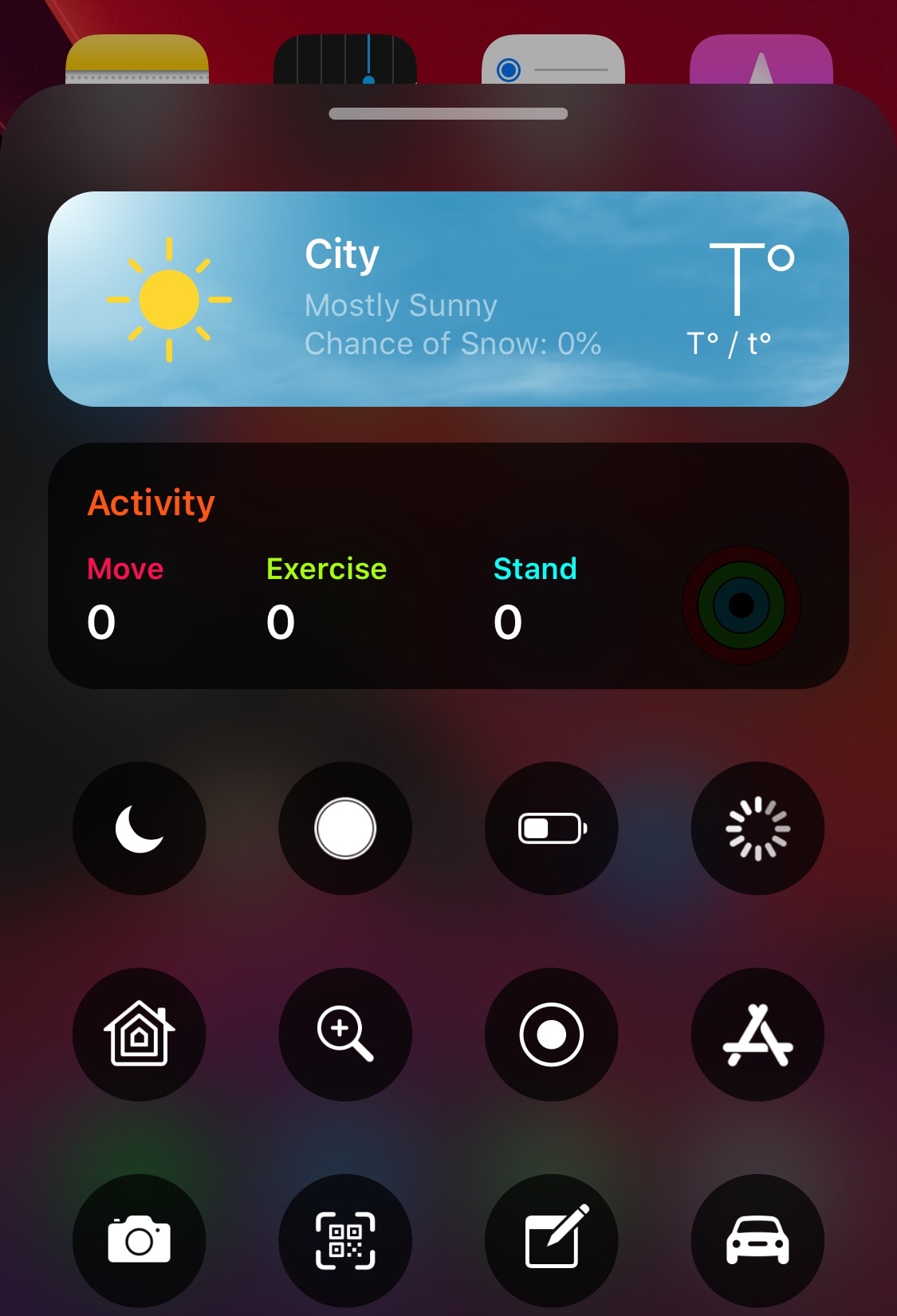
This add-on brings a Weather display to the BottomToolBar interface

It was only last week that we showed you a neat and quirky extension for the BottomToolBar jailbreak tweak called Activity-BottomToolBar that, as the name implies, adds an Activity-based display to the BottomToolBar interface. But if you’re a BottomToolBar user who demands more from the parent tweak, then you just might be in luck.

Enter Weather-BottomToolBar, yet another extension for the BottomToolBar tweak to be released by iOS developer XCCiao. And as you might have inferred already by the name and the screenshot example above, this add-on integrates a Weather-centric display into the BottomToolBar interface.

B3rry is a nifty new Lock screen-based app launcher for iOS 13

If there’s one thing that’s been around since the dawn of the iOS jailbreak community, it’s the concept of quick application launchers. We’ve witnessed a plethora of different concepts in this department over the years, but one of the latest is a jailbreak tweak being called B3rry by iOS developer MegaDev.

As you can discern for yourself in the screenshot example above, B3rry permits users to configure up to four apps that will appear on the Lock screen at all times for faster access. The app launcher interface appears just beneath the Camera and Flashlight toggle buttons, and right below that, a complimentary and fully customizable waveform-like animation mesmerizes the user at idle.

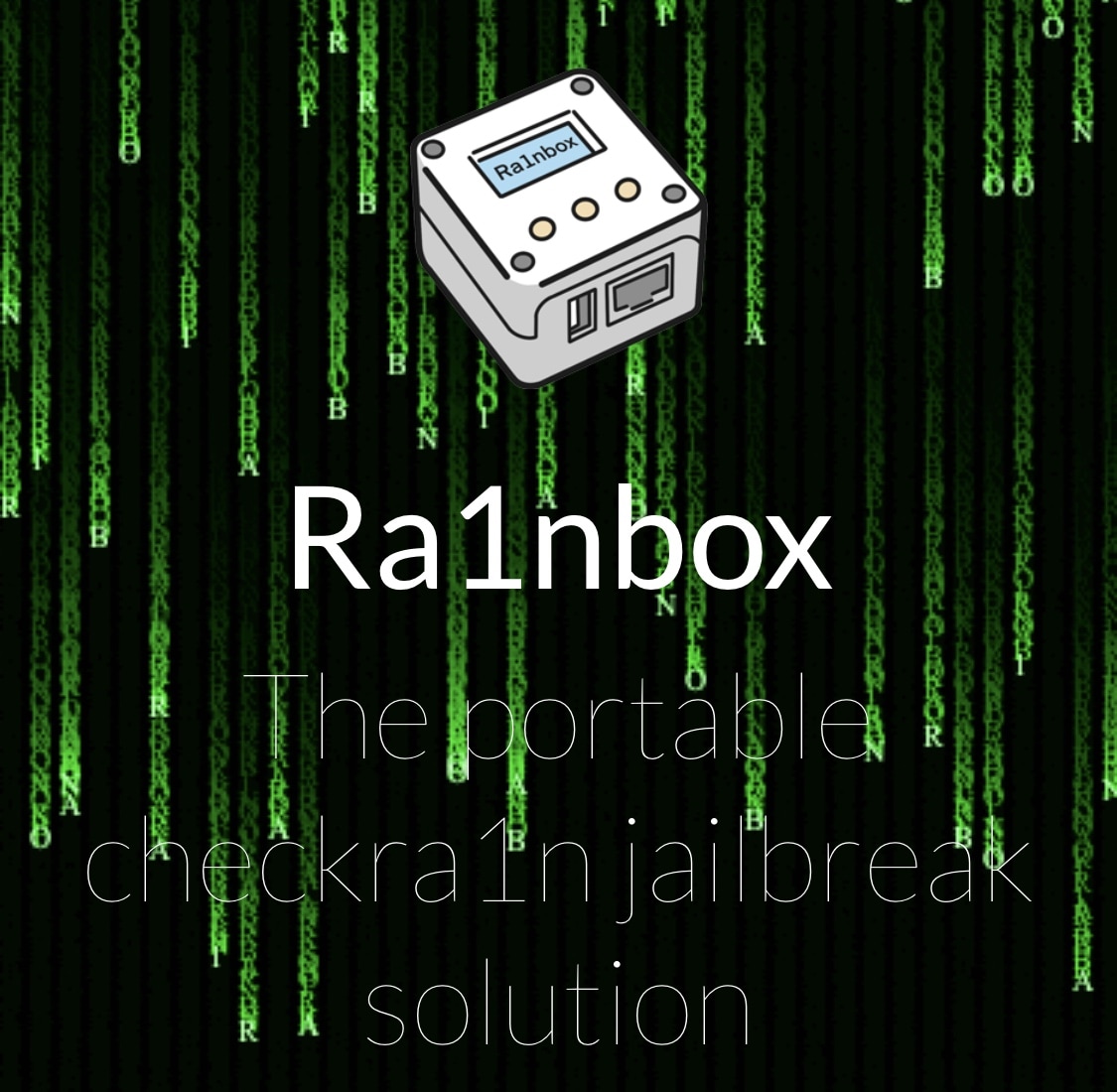
Ra1nbox is a NanoPi Neo2-powered box that can deploy checkra1n without a computer

The checkra1n jailbreak is driven by a powerful bootrom exploit that can’t be patched with a software update from Apple, and with that in mind, it’s easy to see why some people may opt to use checkra1n over some of the other jailbreaks available, such as unc0ver for example.

While it’s a great jailbreak, Windows users have relentlessly expressed dissatisfaction about having to borrow friends’ Macs or run Linux on their machines. With no certain ETA for a Windows-based checkra1n release, third parties are now cooking up interesting solutions. One is Ra1nbox, a small and portable box powered by a NanoPi Neo2 that can be used to deploy the checkra1n jailbreak from anywhere without the need for a computer.

Jailbreak tweaks of the week: Activity-BottomToolBar, ConfirmRotate, Switcher, and more…

Whether you’re jailbroken on iOS 13 by way of checkra1n or unc0ver, chances are you’re looking for new and innovative ways to make your handset stand out from the crowd.

In this roundup, we’ll discuss all the latest jailbreak tweak releases from Monday, March 9th to Sunday, March 15th. As usual, we’ll kick things off by talking about our favorite releases first and then wrap things up with an outline of the rest afterward.