Jailbreak Apps

Ryan Petrich releases his own Siri inspired Google voice search tweak

Hot on the heels of another jailbreak tweak that allows you to search the new Google Search app using only your voice, comes Activoice — a similar tweak from Ryan Petrich.

Like the NowNow tweak that we covered yesterday, Activoice allows you to easily invoke the new voice portion of the Google Search app similar to the way that you using Activator. Take a look inside for our hands on video coverage of the tweak in action.

Redsn0w 0.9.15b3 is out with improvements and bug fixes

The Dev Team has updated its popular jailbreak utility RedSn0w today, bringing the software to version 0.9.15b3. Although it closely follows Apple's release of iOS 6.0.1, it doesn't seem to include any 6.0.1-specific changes.

What it does include, though, are a handful of bug fixes and improvements that should make the jailbreaking process much smoother. We've got the full change log after the break...

This jailbreak tweak lets you unlock your iPhone with a pinch

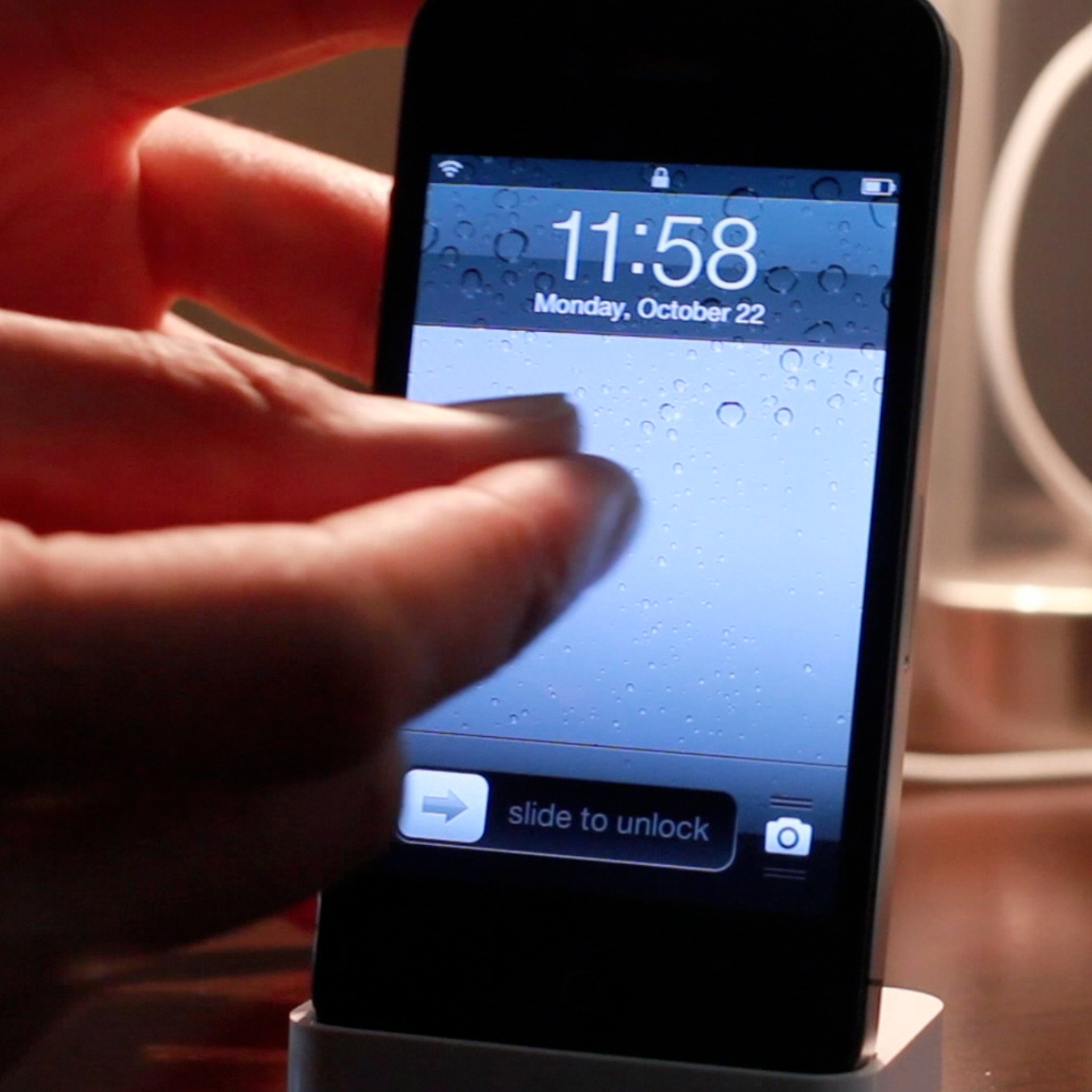
If you're looking for an alternative way to unlock your iOS device, there's no shortage of tweaks available on Cydia for you to do so. In fact, pinch to unlock is a recently released tweak that allows you to do just that. Instead of sliding to unlock, the tweak allows you to perform a two finger gesture as a means to unlock.

Interestingly, you don't have to actually perform a pinch gesture in order to unlock your device. Pinch to unlock readily accepts any two finger gesture on your Lock screen as a means to gain access to your device. Check inside for the full video...

How to kill all running apps with a swipe

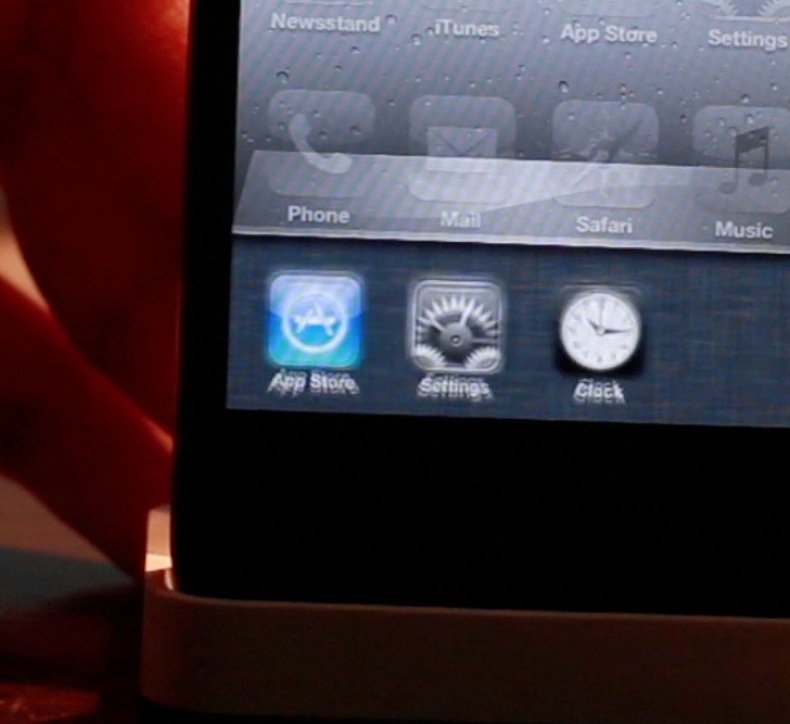
SwipeAway is a new jailbreak tweak that allows you to easily kill running apps with a simple swipe within iOS' App Switcher. The tweak includes two options in the Settings app: the ability to swipe up, or swipe down to invoke the killing measure.

This certainly isn't the first tweak that allows you to kill all running apps, but it's likely one of the more intuitive methods for doing so. Take a look at our full video walkthrough inside for all of the details.

How to create animations on your SpringBoard by shaking your device

Some jailbreak tweaks serve no purpose as far as productivity or utility is concerned. Some tweaks are simply made to show off to your friends and family. ShakeAnimation fits squarely into this category. This isn't a tweak that you purchase to gain additional functionality on your iOS device. Instead, it's a tweak that you install solely to show off what you can do with your device.

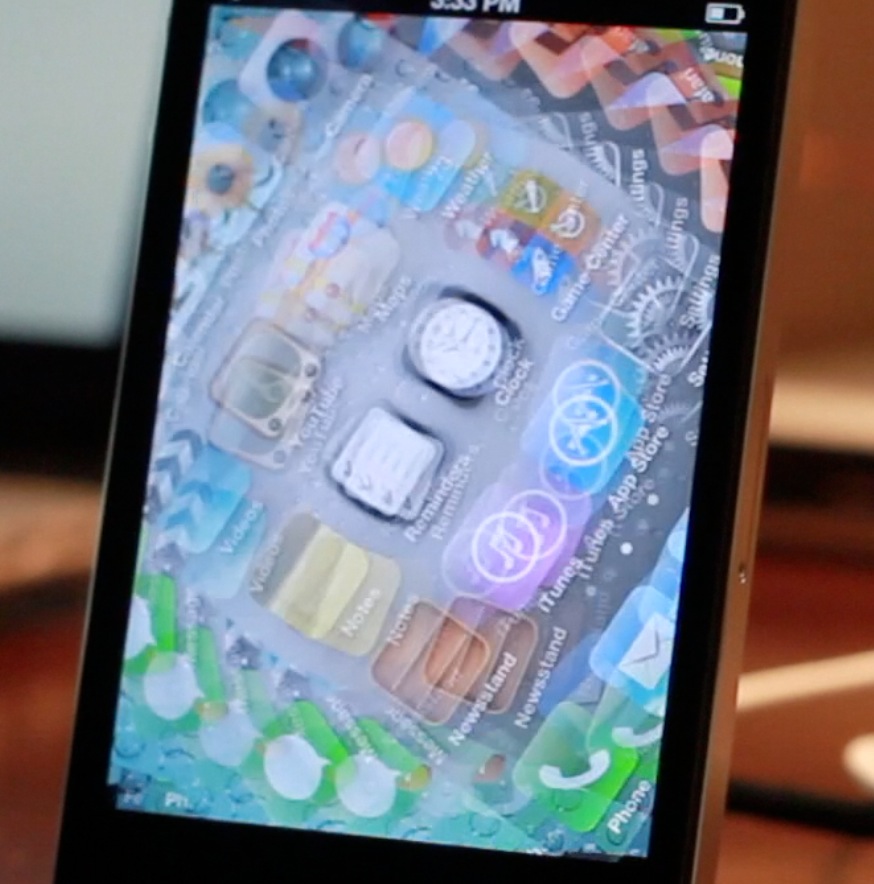
As its name states, ShakeAnimation allows you to gain several different animations on your device with a simple shake. There are quite a few animations contained within the settings, and you can invoke them in a variety of areas such as the Lock screen, or Home screen. Talking about it can only tell you show much. For a tweak like this you really need to visualize it to get the full gist of it. Take a look at our video inside for a full visualization of ShakeAnimation in action...

CameraTweak adds tons of useful options to the stock camera app

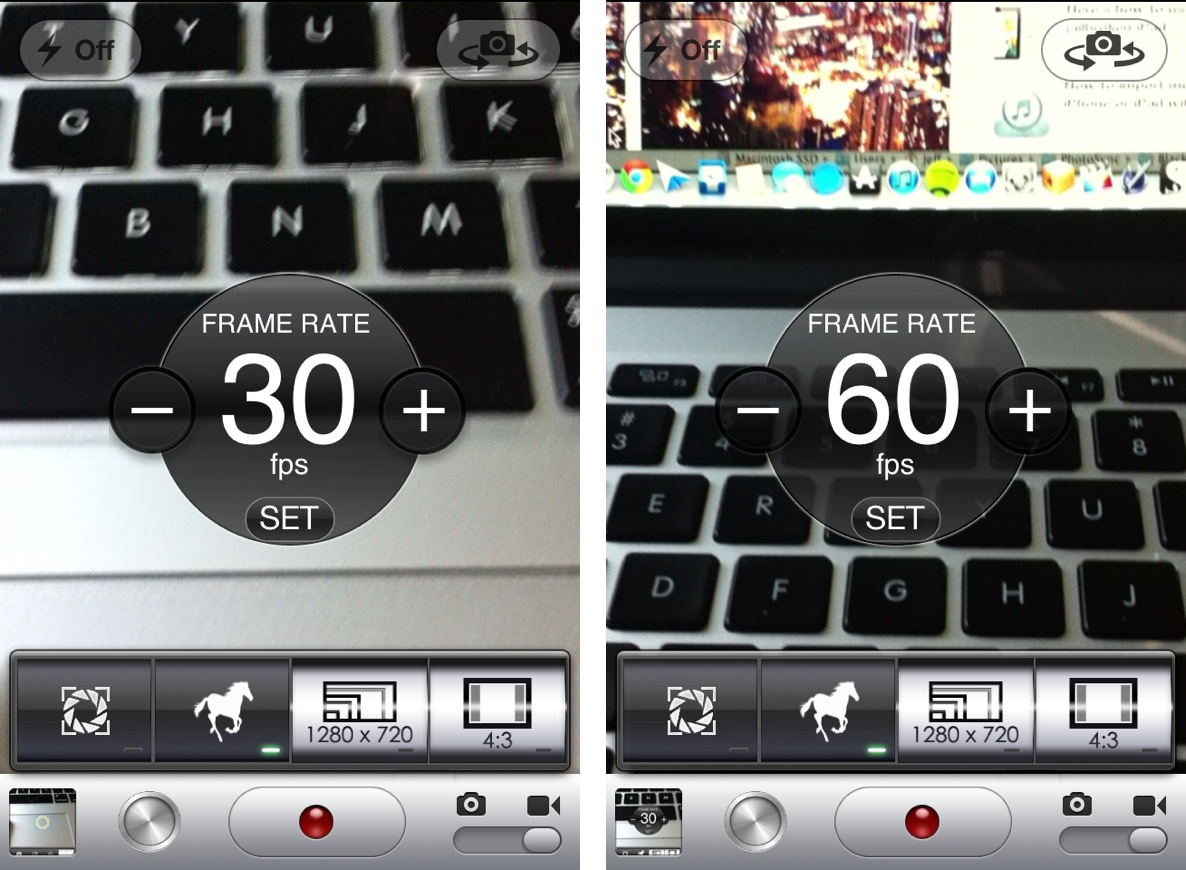
From a quality standpoint, the iPhone's built in camera has always been near the top of its respective class. But, admittedly, there are a few chinks in the armor when it comes to advanced camera features.

For instance, there's no countdown timer to be found inside the camera app. Also, more advanced features like independent reticles for exposure and focus are no where to be found. And what about a built in time lapse feature? That seems like only a mere dream at this point.

That is, of course, unless you are jailbroken.

Jailbreakers have the luxury of adding additional features to stock apps, and the Camera app is no exception. CameraTweak is a new jailbreak tweak that affords the ability to add all of the previously mentioned features into the stock Camera app, and then some. Take a look at our video walkthrough inside for the full details.


Ostium adds a screen splitting effect to Notification Center

Ostium is a new jailbreak tweak that adds a screen splitting animation to Notification Center. The tweak works with a two finger pinch gesture, along with the more traditional slide from status bar gesture.

At first it appeared that the developer was only going to release Ostium for iPad, but iPod touch and iPhone support were added late in the game. I can definitely see the two finger pinch being more suited for the iPad's larger screen, but as you'll see, it works reasonable well on the small screen too.

How to jailbreak iOS 6 with RedSn0w 0.9.15b1

As we reported a couple of days ago, RedSn0w 0.9.15b1 is now available to jailbreak A4 devices and below running iOS 6. This latest version is a pretty massive update with a lengthy change log, but the most important aspect about the update is the ability to jailbreak iOS 6 and install Cydia.

Previous iOS 6 jailbreaks required users to install Cydia manually, but the latest public version of RedSn0w works just as you might expect it would. Take a look inside for our full tutorial.

RedSn0w receives major update with new restoring features

The iPhone Dev-Team has released a significant update for its popular jailbreak utility known as RedSn0w tonight. The update brings the software to version 0.9.15b1, and includes a number of new features.

A4 device owners will be happy to hear that Cydia is now included in the tethered iOS 6 jailbreak, so no more SSH work, and you can now restore devices to earlier firmware without the lengthy stitching process.

We've got the full change log after the break...

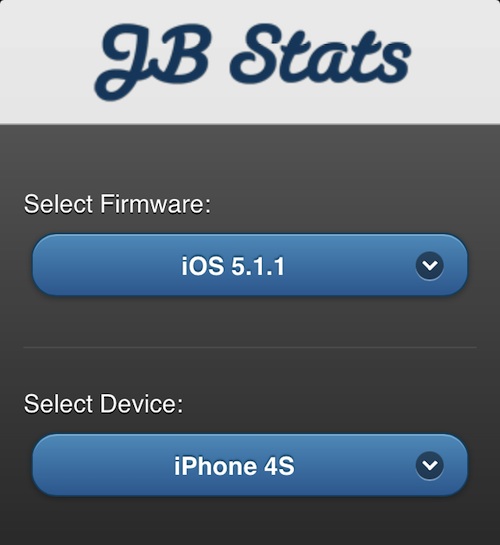
This web app tells you if your device can be jailbroken

If you're a frequent reader of iDB, then chances are you know which iOS devices and firmware can be jailbroken. We are always quick to announce when a new jailbreak is released, and every now and then we even do a "state of the jailbreak" post to bring everyone up to date.

But for casual readers, or novice jailbreakers, device eligibility is not necessarily common knowledge. That's why mathyr, Peter Em and mofodox decided to create JailbreakStats...

How to install Siri on iOS devices running iOS 6

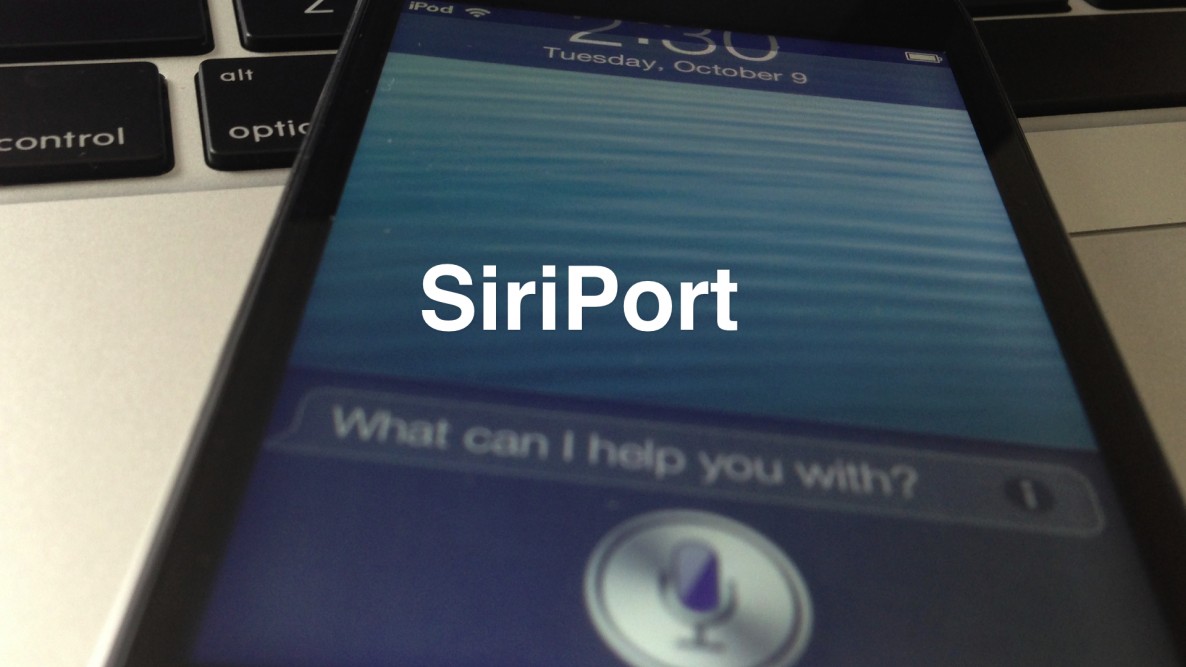
Would you like to use Siri on your old iPod touch 4th generation or iPhone 4 running iOS 6? The first thing you need to do is jailbreak your device, and then install Cydia.

Once you've jailbroken your device and installed Cydia, you can then add the necessary Cydia repo to install the package needed to configure Siri on these devices.

Check inside for our full tutorial.