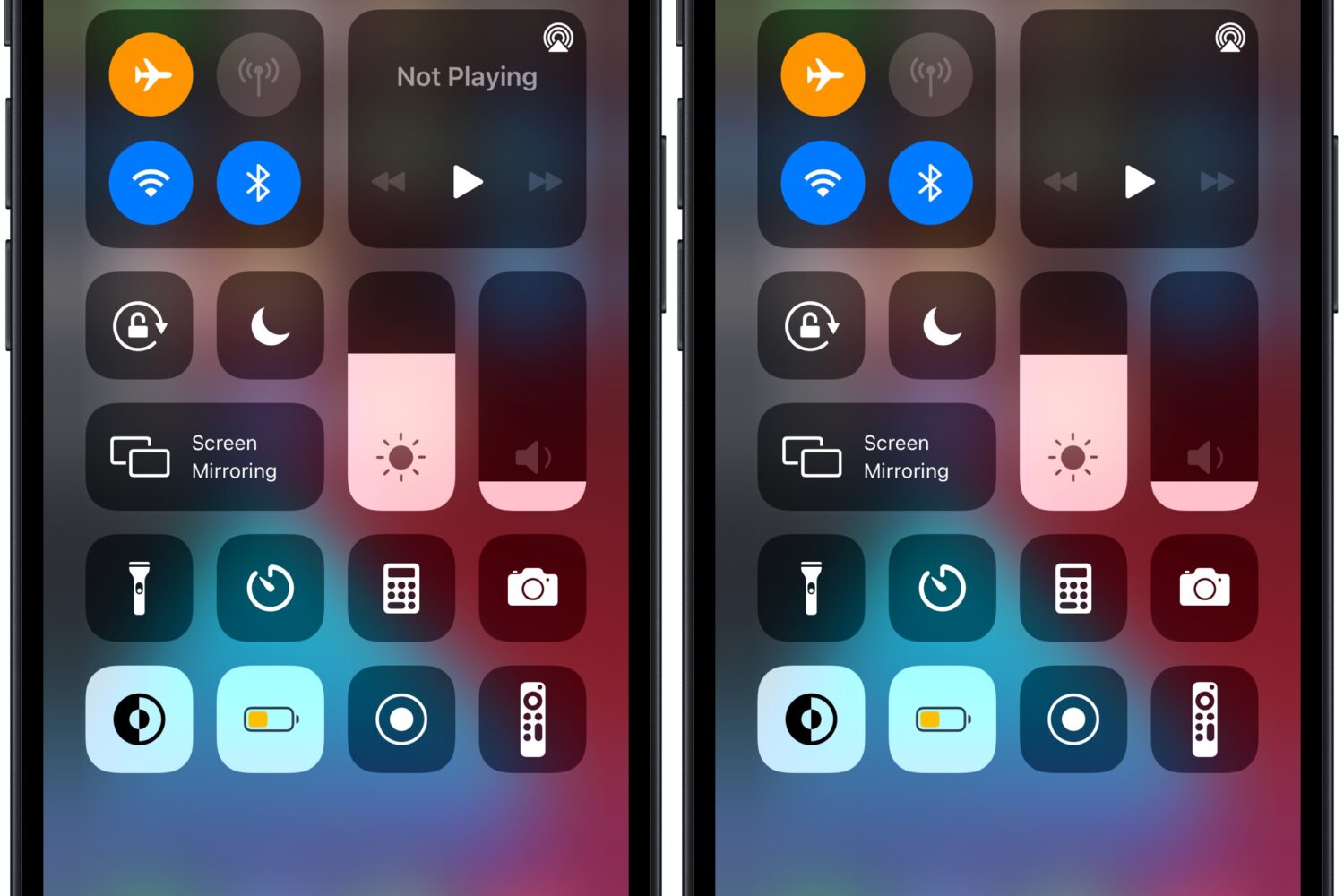
When you aren’t playing any music, you might notice how Control Center’s Now Playing widget exhibits the text “Not Playing” in the upper half.
Remove the ‘Not Playing’ text from Control Center’s Now Playing widget with this tweak
These are the latest jailbreak apps and tweaks available for your iPhone or iPad. We save you time by highlighting only the best tweaks.
When you aren’t playing any music, you might notice how Control Center’s Now Playing widget exhibits the text “Not Playing” in the upper half.
Jailbreak hopefuls on iOS & iPadOS 15 continue to wait for a public jailbreak release, but in the meantime, iDB continues to keep our readers up to date with respect to the latest jailbreak tweak releases and the highest-quality news content roundups.

Jailbreaking is good for much more than just adding flashy effects and animations to your iPhone or iPad. Jailbreak add-ons can also help you get any disarray under control by helping you organize various components of the operating system better than you can right out of the box.
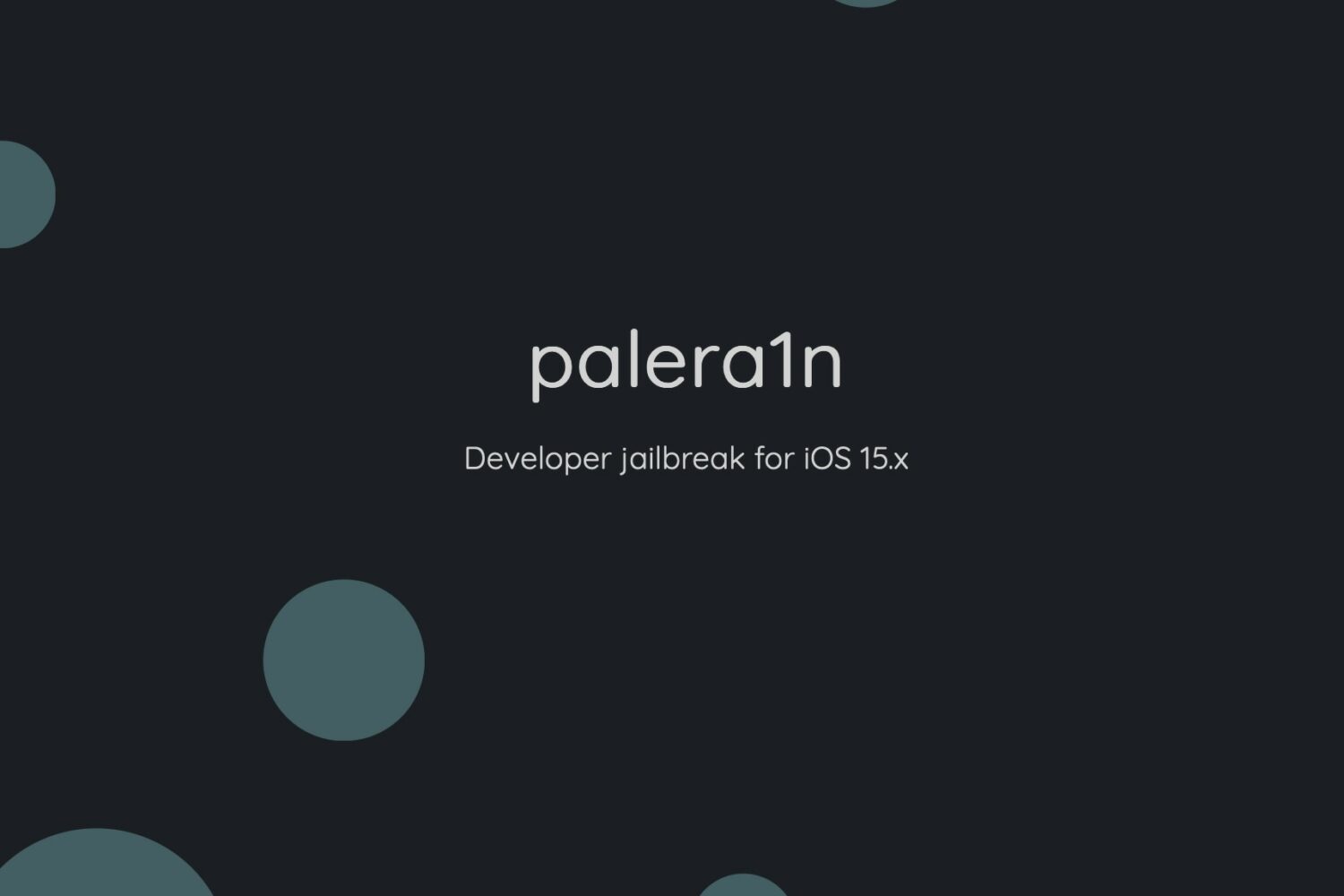
Just yesterday, iDB showed you palera1n, a checkm8 bootrom exploit-based ‘developer only’ jailbreak for iOS & iPadOS 15.0-15.7 with tweak injection on select devices running iOS 15.0-15.3.1. Today, the incorporated support for tweak injection has been expanded to more devices.
There’s always a subtle urge by jailbreakers to have the ability to spoof information on their iPhone, whether it’s their location, a phone call, or something else of potential significance.
iPhone users take their battery drainage very seriously, and that’s one reason why iDB previously showed our readers a jailbreak tweak called DrainCheck by iOS developer Ginsu.
If you watch any ordinary video in the YouTube app, then a progress bar appears at the bottom of the video player to display your progress in the video in real time. For some reason, the same isn’t true about YouTube Shorts.
Jailbreaking gives iPhone and iPad users a lot of different reasons to get excited. For instance, you can add new features and customizability to a device that stock handset owners could only dream of.
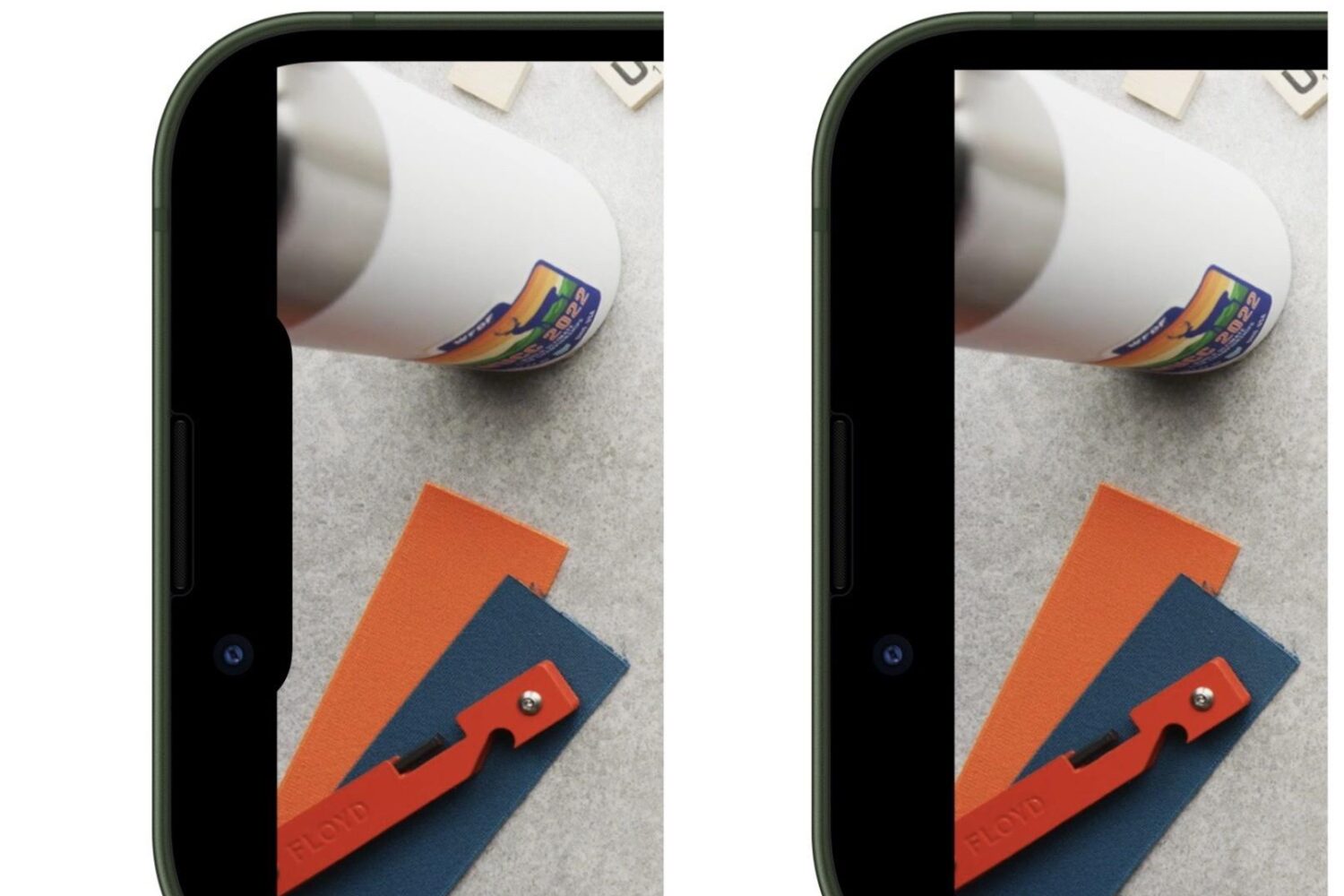
Depending on the type of iPhone you use, YouTube videos with a 2:1 aspect ratio may bleed slightly into the notch, causing an unsightly aesthetic to the video consumption experience. Upset with this, a Redditor took to /r/jailbreak to find a solution, and they surely found one.
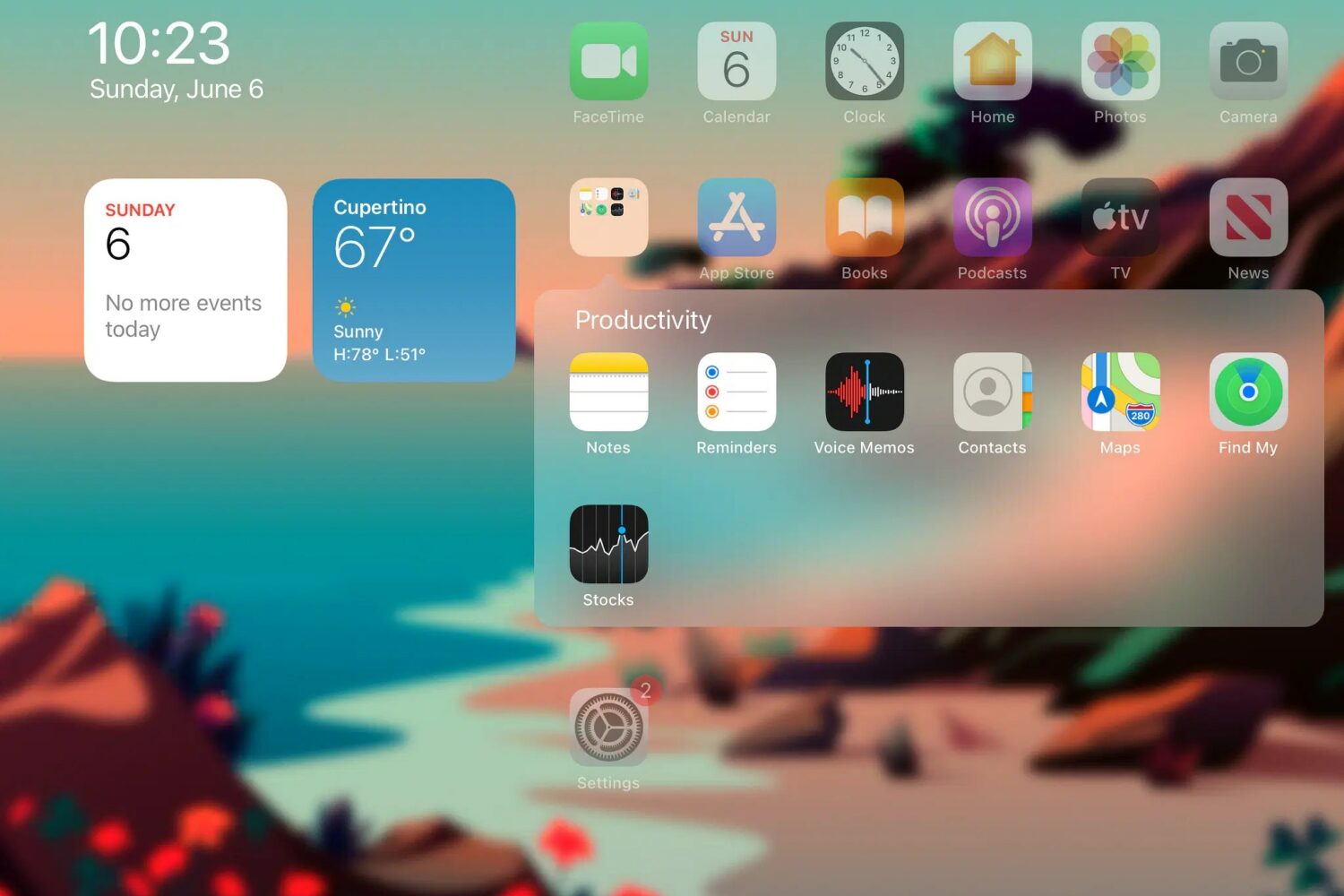
Home Screen folders on modern installations of iOS or iPadOS take up the entire display, and to many (myself included), this just seems like an atrocious waste of space.
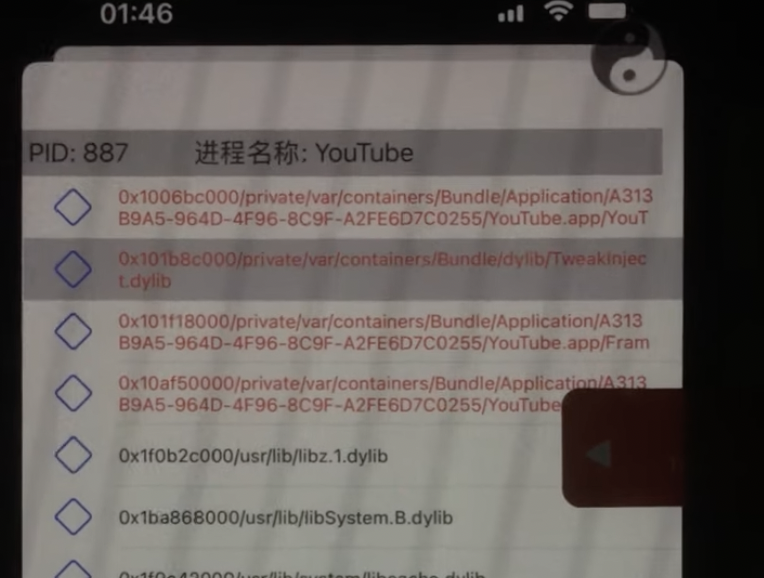
If you’ve been following along with the progress on the Odyssey Team’s upcoming Cheyote jailbreak for iOS & iPadOS 15.0-15.1.1 recently, then you’d know that one of the major setbacks that’s delaying the launch is preparing jailbreak tweaks to support iOS & iPadOS 15 via the rootless dynamic and with libhooker as the primary means of tweak injection.
A new comment posted Wednesday morning in the Sileo & Odyssey Team Discord channel by Odyssey Team lead developer CoolStar entertained the idea of initially releasing a limited version of the Cheyote jailbreak for iOS & iPadOS 15.0-15.1.1 ahead of the final version.