Jailbreak Apps & Tweaks

These are the latest jailbreak apps and tweaks available for your iPhone or iPad. We save you time by highlighting only the best tweaks.

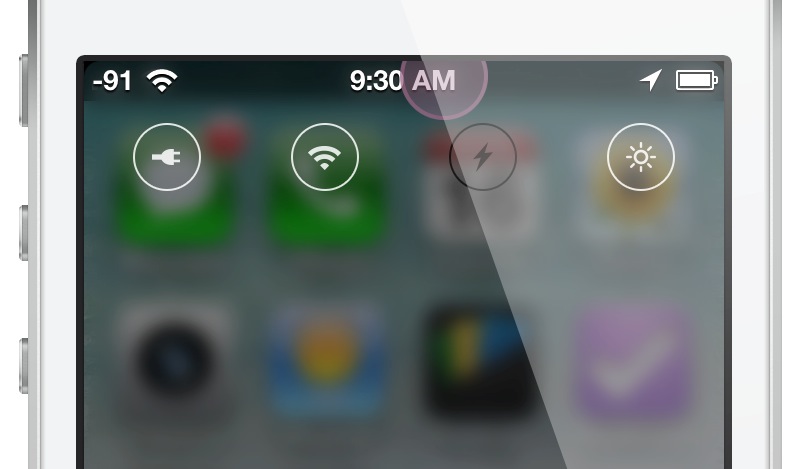
How to add iOS 7 Control Center inspired toggles to iOS 6

iOS 7 Control Toggle Icons is a new jailbreak theme that brings iOS 7 inspired toggles to lesser firmware. The toggles, based on those that appear in iOS 7's new Control Center, help bring the look and feel of iOS 7 to jailbroken iPhones.

Designed by renowned designer, Surenix, the toggle theme integrates with NCSettings, and requires WinterBoard. It's also been recommended that you add a blur effect tweak to the Notification Center window, further emulating the signature style of iOS 7.

I've installed iOS 7 Control Toggle Icons on my iPhone, and I'd like to show you how it all comes together. Check out our hands on video walkthrough after the break...
New tweak based on Sentry’s ‘fan out app grouping’ concept coming soon

The news cycle was completely dominated by iOS 7 this week. As most of you know, Apple took the wraps off of its next generation mobile operating system on Monday during its WWDC keynote. And good or bad, people can't stop talking about it.

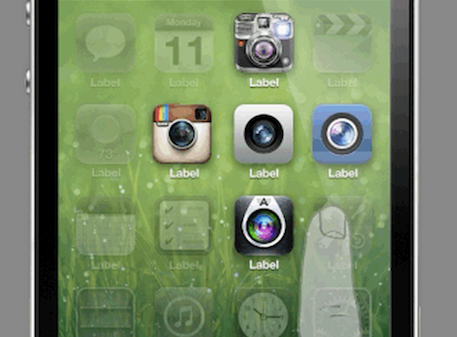
But that doesn't mean things have quieted down on the jailbreak front—it's just the opposite. Caughtinflux, an iOS developer and one half of the group A3Tweaks, announced this week that him and Sentry have a new jailbreak tweak in the works.

And it looks awesome...

‘Activator’ gains custom events triggered by email, invoke shutter actions, and more

After a marvelous update that brought us flick icons gestures, Ryan Petrich is still at it. This time, we're all the way to Activator 1.7.5 beta 8. The last couple of Activator beta releases have added a few new handy features to the fold, and I'd like to take the time to tell you about them.

First up to bat is a new gesture that allows you to take advantage of a simultaneous press of the Home button and Sleep button. If that combination sounds a bit familiar to you, it's because that's currently the stock gesture combination for taking Screenshots on iOS. This means that you can basically reassign the stock screenshot gesture to do something completely different.

Secondly, you'll find a new action to invoke the camera shutter for the stock Camera app. If you're already inside of the camera app, this gesture will cause the shutter to fire. If you're not already inside of the Camera app, then the initial gesture will take you there.

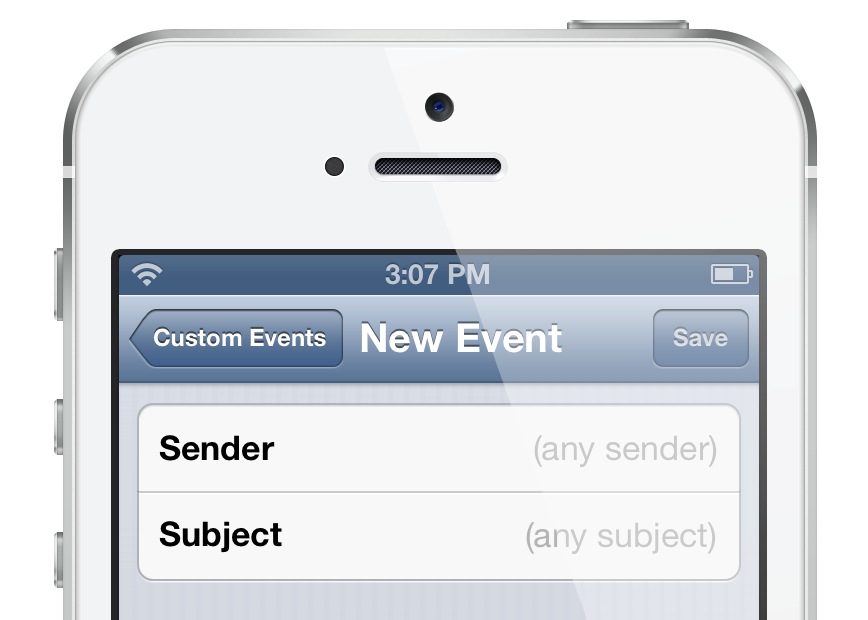
Lastly, but certainly not least, is a new custom trigger that allows you to execute an action when you receive an email from a specific sender, subject line, or a combination of the two. Check inside for our full video walkthrough that showcases all of the goods in action.

PebbleActivator: execute Activator actions using your Pebble watch

I'm not a Pebble watch owner, but if I was, I'd be all over this like white on rice. PebbleActivator is a new jailbreak tweak from iOS developer Ryan Petrich, and it allows you to execute specific commands via the Pebble Smart watch's physical buttons.

PebbleActivator is basically an Activator add-on, as it runs inside of the Activator app. With that said, the app does feature its own standalone app icon for interfacing with its settings. Take a look inside for a few more details, and why this new tweak is so handy for Pebble watch owners.

‘No More Shadows’ hides the shadow that appears when launching apps

Every time I'm convinced that there's absolutely nothing new under the sun when it comes to jailbreak development, someone comes with some far out idea that I've never seen before. Case in point? No More Shadows.

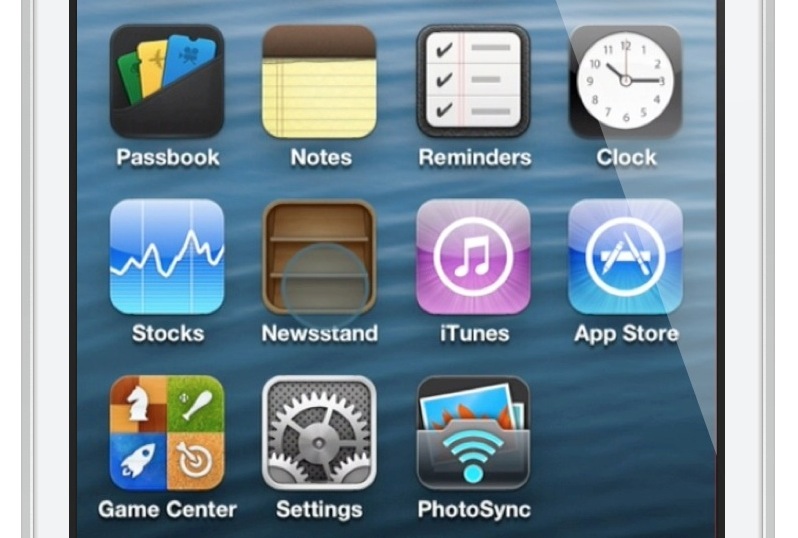
This is a jailbreak tweak that hides the shadow that appears on an app icon when tapping the app on the Home screen. Take a look at our video walkthrough inside for a before and after comparison showcasing how No More Shadows works.

‘Smudge’ adds a Gaussian blur to the area above the app switcher

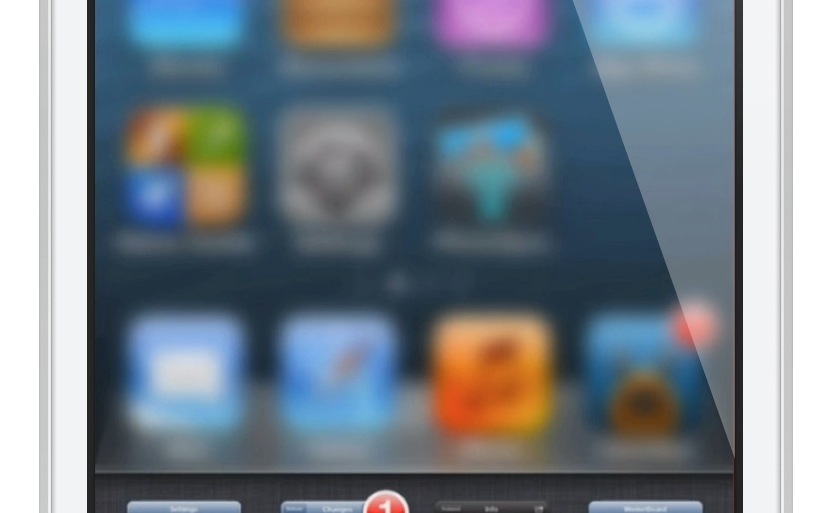
Some jailbreak tweaks offer awesome new functionality, and some mainly exist for pure aesthetic reasons. Smudge is a jailbreak tweak that falls firmly into the latter category. Smudge allows you to add a simple Gaussian blur to the area above your app switcher when it's invoked. Take a look at our video walkthrough inside for more details on how it works.

Wallpaper Cyclr: randomly cycle wallpapers using Tumblr tags

One of the best ways to spice up the look of your iPhone is to don some new wallpaper. Wallpaper Cyclr is a jailbreak tweak that takes this basic premise and runs with it.

If pulling in random wallpaper from Tumblr based on tags you assign sounds like a good idea you, then you'll certainly want to take a look at Wallpaper Cyclr. This is a tweak that allows you to change up your wallpaper based on pre-set intervals, and it's always a surprise as to what Wallpaper you acquire on your device.

‘AirPlayServer’ turns any jailbroken device into an AirPlay receiver

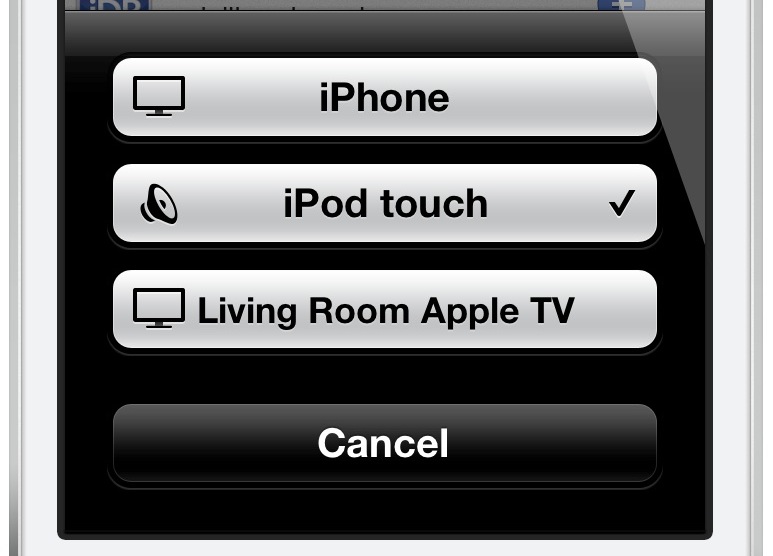
Looking for a quick and dirty way to turn any jailbroken iOS device into an Airplay receiver for audio? Have an old iPod touch laying around that's collecting dust? If so, then you may want to have a look at a recently released tweak called AirPlayServer.

AirPlayServer is a tweak that allows you to use a jailbroken iOS device as an AirPlay speaker. In fact, if you hook a pair of speakers up to the device's headphone jack, you'll really have something special. Have a look inside for a brief video demo that shows how it works...

ScreenshotPlus: pre-crop screenshots using a handy selection tool

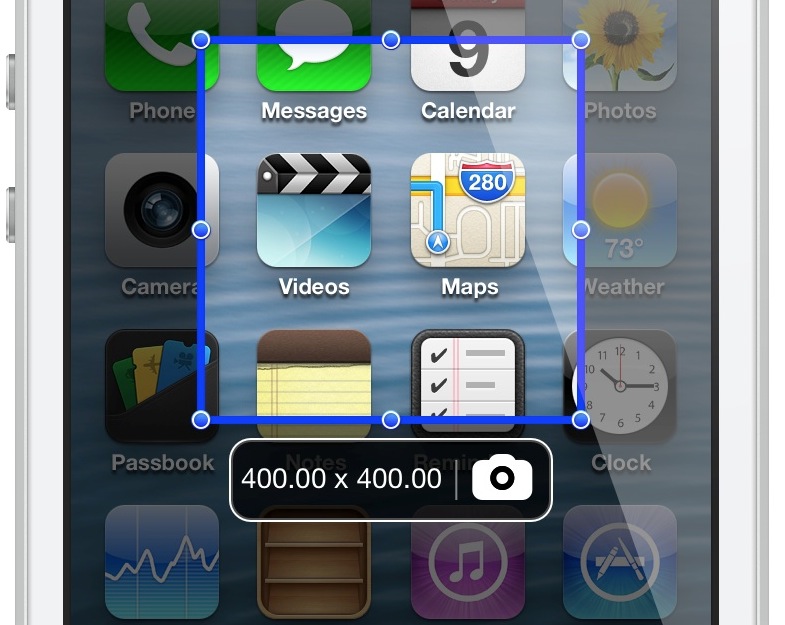
If you're someone who's often taking screenshots on your iOS device, then boy, do I have a new jailbreak tweak for you. ScreenshotPlus is an extremely handy jailbreak tweak that allows end users to pre-crop screenshots prior to taking them.

The tweak is enabled using a standard Activator gesture, which brings up an overlay on the screen. The overlay features drag handles that can be used to adjust the dimensions of the screenshot in question. For those of you who want to get exact dimensions, there's a dimensions readout right below the screenshot area, and next to the button used for taking the screenshot.

Needless to say, this is a tool that can be very time saving if you take a lot of screenshots on your iOS device. Take a look at our video walkthrough inside for more information.

‘WiPi’ shows the Wi-Fi picker using an Activator gesture

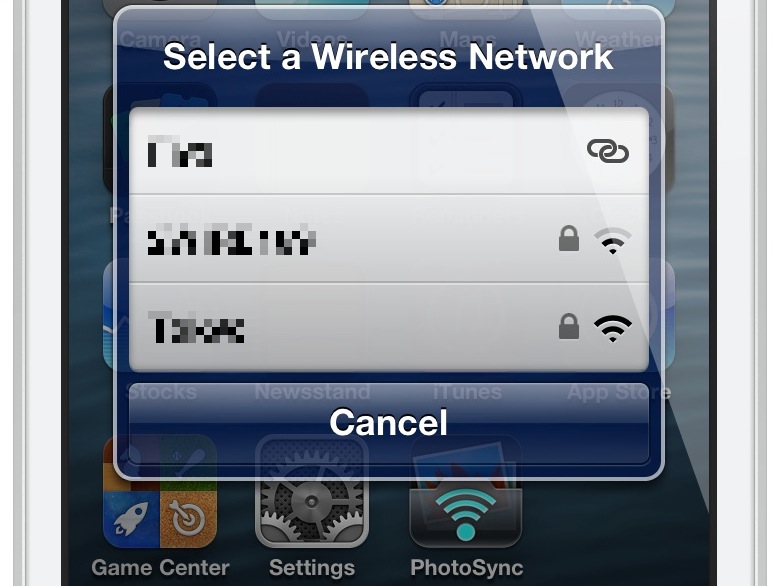
WiPi is a recently released jailbreak tweak that allows you to quickly access your device's Wi-Fi picker. Using a simple Activator gesture configurable in the tweak's preference panel, it's a quick way to select a desired Wi-Fi network without having to resort to the Wi-Fi section in the stock Settings app.

Want to see how WiPi works in action? Then check inside for our hands-on video walkthrough.

Let’s Talk Jailbreak 14: WWDC chitchat

It's WWDC week, and that can only mean one thing: iOS 7! Hence, today is a special episode, as we focus on the new features announced for iOS 7 via Apple's WWDC keynote. In addition, we discuss the various apps and tweak ideas that Apple borrowed from the jailbreak community. We also talk OS X Mavericks, and Sebastien gives Jeff a timely lesson in surfing.

Ten iOS 7 features that were borrowed from the jailbreak community

Let's state the obvious; iOS 7 borrows heavily from many of our favorite jailbreak tweaks. Without even really trying, I came up with a list of ten different jailbreak tweaks that may have inspired the iOS 7 development team.

Yes, the obvious ones are here, like SBSettings and LiveClock, but some not so obvious ones have made the cut as well. Check inside, as I walkthrough all 10 jailbreak tweak inspirations on video, and compare them with their iOS 7 counterparts.