Web browsers are invaluable tools, but to get to one on your iPhone or iPad, you first need to unlock your device.
That is, unless you’re using the new LockBrowser jailbreak tweak, which puts a full-blown web browser right on your Lock screen.
These are the latest jailbreak apps and tweaks available for your iPhone or iPad. We save you time by highlighting only the best tweaks.
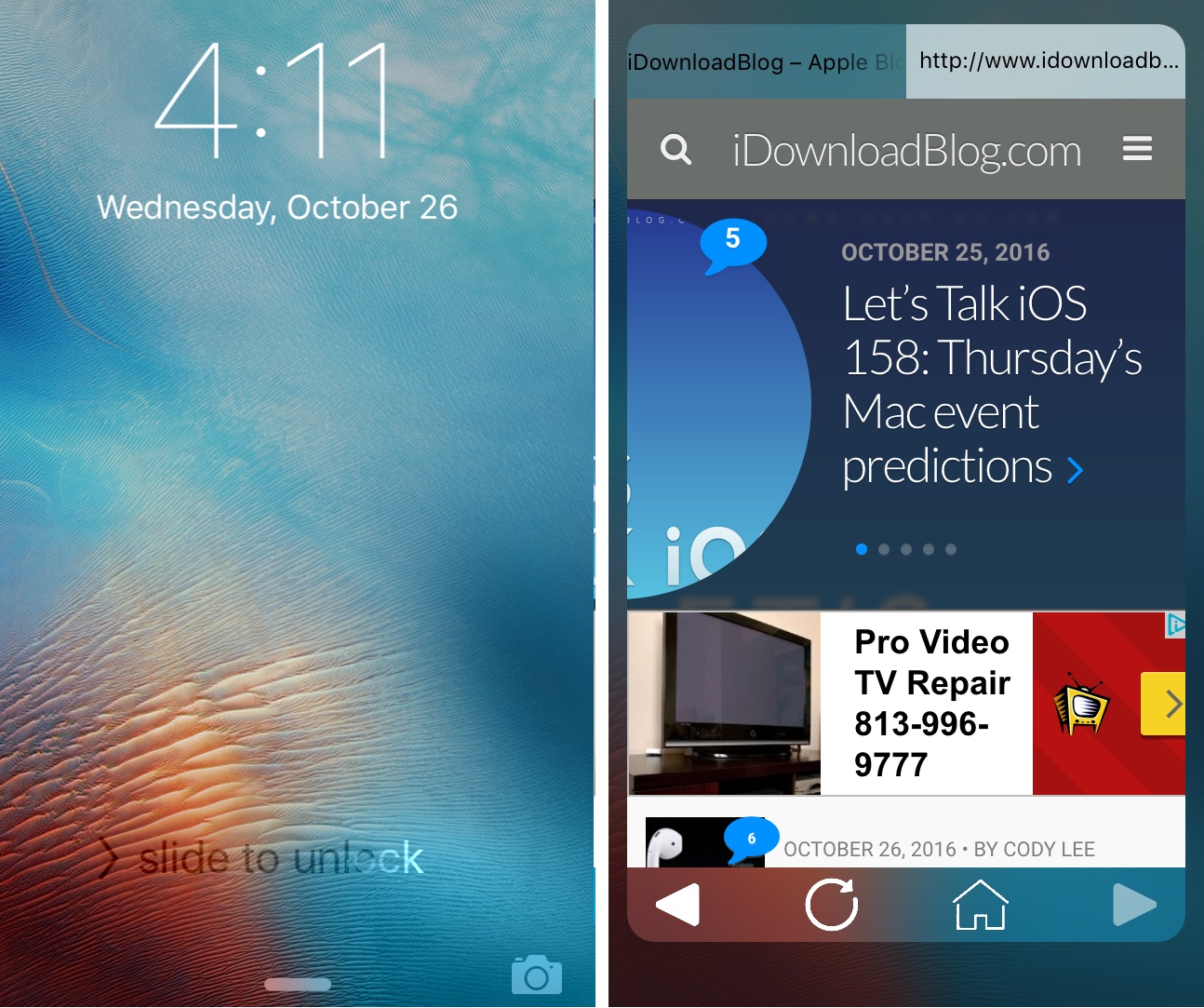
Web browsers are invaluable tools, but to get to one on your iPhone or iPad, you first need to unlock your device.
That is, unless you’re using the new LockBrowser jailbreak tweak, which puts a full-blown web browser right on your Lock screen.
Security is a big thing for many people, and a big part of keeping your information secure is encryption.
A new jailbreak tweak called Crypto lets you quickly and easily encrypt any text on the fly, making it impossible for anyone without a password to read your text.
Those who use Apple’s Music app to indulge in listening to their favorite tunes are probably familiar with the app’s Up Next feature, which lets you queue songs to play after the current song finishes playing.
A new free jailbreak tweak called ArtworkUpNext aims to build off of this feature by making it easier for you to queue a song to play Up Next from the Music app.

Do you watch a lot of videos on your jailbroken iPhone or iPad? If so, then you should check out a new free jailbreak tweak called PlayDismiss. The tweak aims to improve the experience of playing videos on the platform by reducing clutter as quickly as possible when you play a video.

As the weekend comes to an end, we have another roundup for you all that showcases all the jailbreak tweaks released in Cydia this week.
We will start by showing you all our favorites first, and then we'll get into the rest of them.
If you take a lot of photos or screenshots on your iPhone, then you might be able to use the extensional features of a new free jailbreak tweak called ShutterSoundSwitch.

OneHanded is a new free jailbreak tweak that enables the recently dicovered one-handed keyboard, which includes the extra text editing buttons in the keyboard itself.
It's designed to work on iPhones with larger displays, and if you have trouble typing on these kinds of devices without using two hands, then this tweak might be worth trying out.
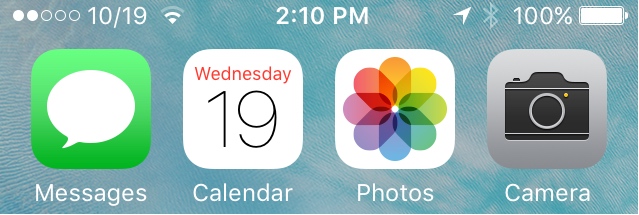
If you have an iPhone or a cellular-enabled iPad, then your Status Bar shows the name of your carrier so long as you have service. But is that really necessary? I mean, we all know what carrier we’re with.
A new a free jailbreak tweak called CarDate lets you flexibly utilize this space in the Status Bar with the current date instead.
Everyone who’s used a jailbroken iPhone before knows what the respring screen looks like. It displays a black screen with a white Apple logo if you have a black device, or a white screen with a black logo if you have a white device. On the other hand, if you’re jailbroken, then why have the same old screen everyone else has? You can customize it!
A new free jailbreak tweak called Springy is going to give you more options to go down this road if you like customization.
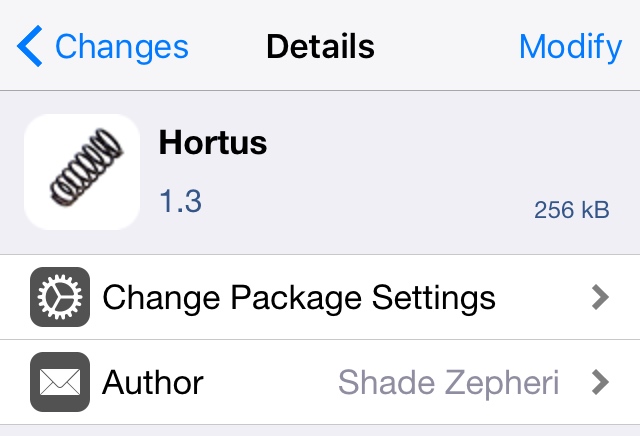
Way back in 2013 when chpwn was still a prominent developer and hacker for the jailbreak community, he released a popular free jailbreak tweak called %hook's law, which added springy animations to your iPhone.
Now a new jailbreak tweak called Hortus is porting these fun and quirky animations over to iOS 9 so you can enjoy them on your modern day jailbroken device(s).
It's been a pretty busy week in Cydia for the most part, but those who have jailbreaks on iOS 9 have still had the opportunity to try some new jailbreak tweak releases.
In this roundup, we'll talk about everything that was released in Cydia this week, starting with our favorites and then moving on to the rest.

You can now change the look and feel of your iPhone's dial pad buttons inside the Phone app with a new free jailbreak tweak dubbed PhoneDialReformer.
You can use this tweak to mess around with the roundness and corner radius of the dial pad buttons until they match your own personal tastes.