Jailbreak Apps & Tweaks

These are the latest jailbreak apps and tweaks available for your iPhone or iPad. We save you time by highlighting only the best tweaks.

21 jailbreak tweaks to check out this weekend

Jailbreak Tweaks to check out

Now that Electra has been publicly available for a few weeks, we’re beginning to see more iOS 11-oriented jailbreak tweaks in the Cydia Store. That aside, there’ve been plenty of jailbreak tweaks for iOS 10 and earlier added to the mix.

In this roundup, we’ll talk about all the jailbreak tweaks released throughout the past week. As always, we’ll start things off by talking about our favorites in detail and then we’ll outline the rest afterward.
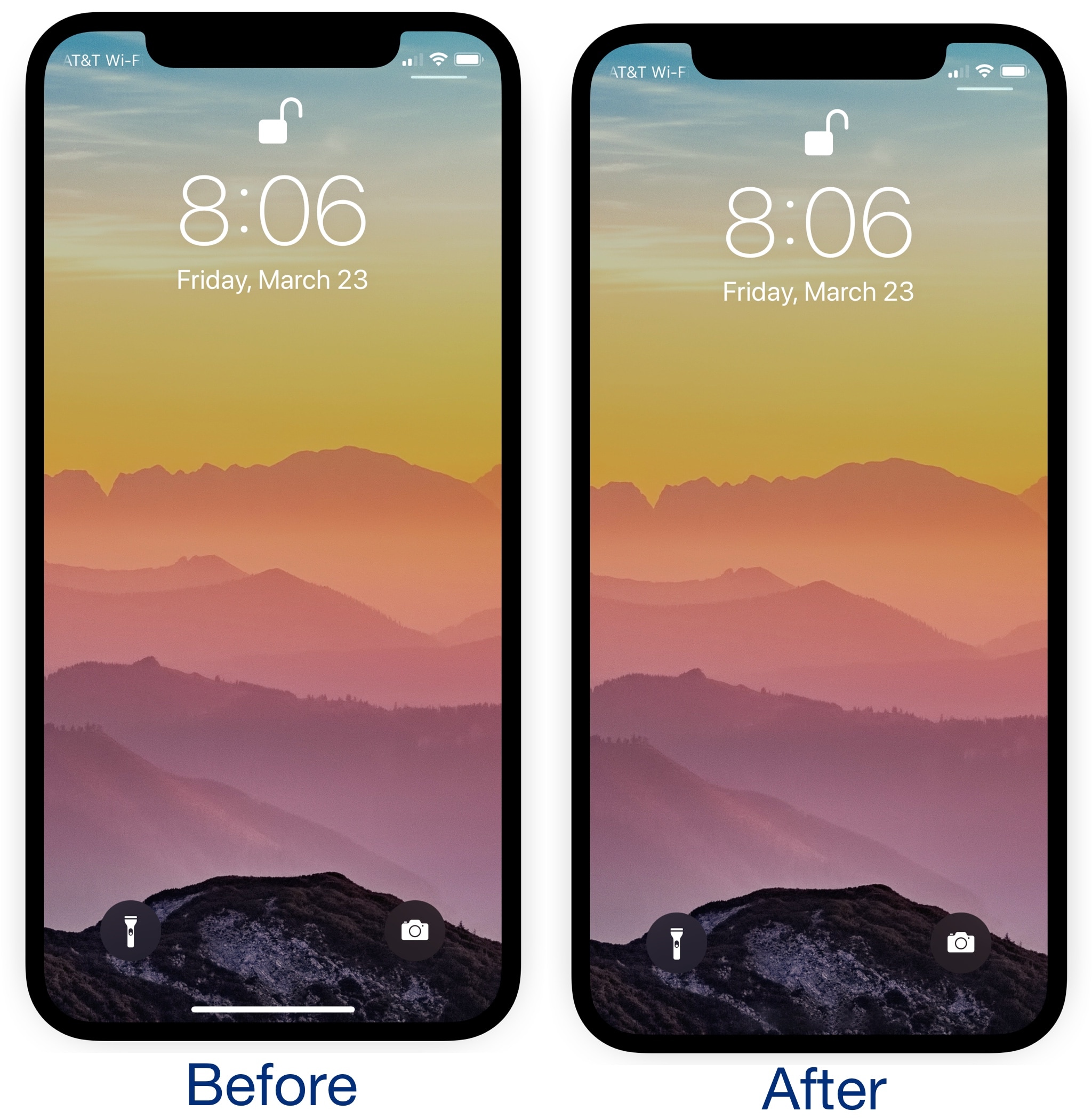
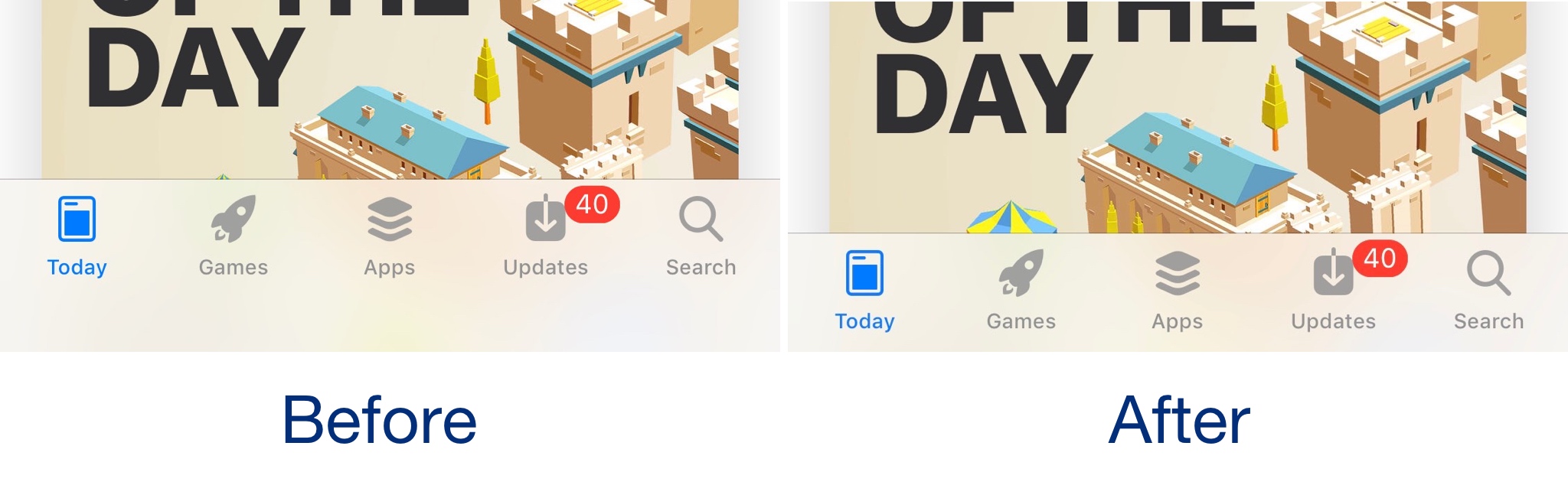
This tweak hides the Home Bar at the bottom of the iPhone X

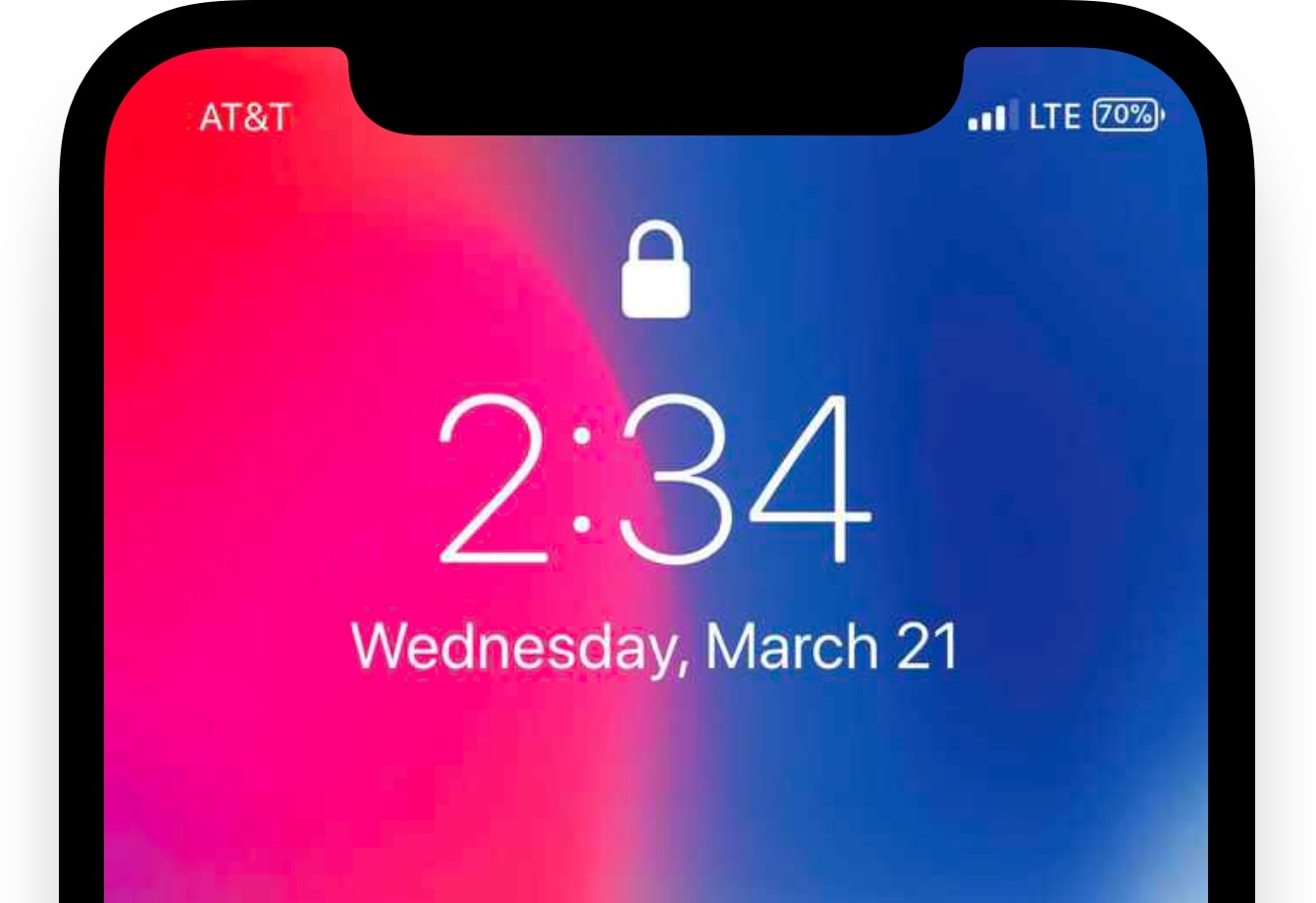
The iPhone X lacks a Home Button, so Apple created the Home Bar to take its place. Swiping up on the Home Bar lets users unlock their device, return home from apps, and access the App Switcher, but the Home Bar itself isn’t very aesthetically-pleasing in the long run.

Given the circumstances, a new free jailbreak tweak called ByeHomeBottomBarX by iOS developer CydiaGeek has been released in Cydia this week. As the name suggests, this tweak efficiently hides the Home Bar from view.

Saw gives your iPhone X more vertical screen real estate

The iPhone X is Apple’s latest and greatest flagship smartphone, and while I appreciate the gorgeous edge-to-edge 5.8-inch OLED display Apple put into it, iOS could unquestionably take better advantage of what the display has to offer.

As it would seem, iOS developer Frozen Penguin shared this opinion. Hence a new free jailbreak tweak dubbed Saw was born.

TrashFromLS lets you delete emails via the Lock screen without authentication

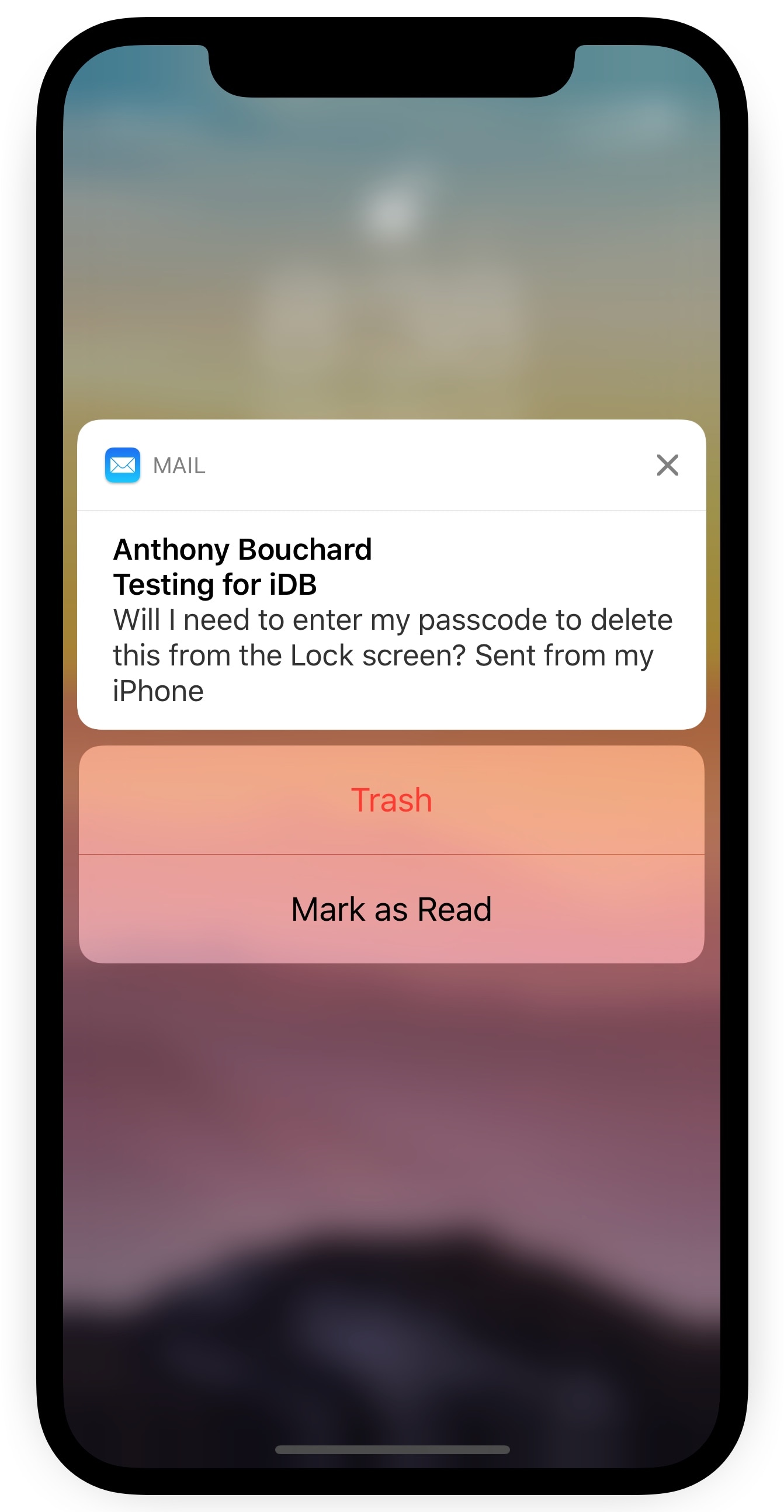
Depending on your iPhone’s notification settings, you might receive email notifications on the Lock screen as the flow of messages come in. While it can be convenient to see these email previews, it’s somewhat annoying that you can’t delete incoming emails from the Lock screen without authenticating yourself first.

A new free jailbreak tweak called TrashFromLS by iOS developer Kiran Patil was just released in Cydia this week and tackles this problem head-on. After installing it, you can move incoming emails to the trash without authenticating yourself.

Add a splash of color to your Status Bar’s battery indicator with ColorMyBattery

The battery indicator is perhaps one of the most mattering icons in the Status Bar, so why not give it a fun and quirky splash of color? A new free jailbreak tweak called ColorMyBattery by iOS developer Kiran Patil lets you do just that.

The screenshot examples above depict how the battery icon looks after being dyed blue with the ColorMyBattery tweak; but don’t let looks deceive you, as you can pick virtually any color you want.

This tweak improves the battery indicator on iPhone X

One of my biggest pet peeves since getting the iPhone X as my daily driver has been the battery level indicator in the Status Bar. I’ve always enabled the “Battery Percentage” option on all my previous iPhones, but the iPhone X’s notch doesn’t allow for that.

A new free jailbreak tweak called PercentageBatteryX by iOS developer NeinZedd9 solves this problem in the best way possible by giving iPhone X users an innovative new way to view their battery percentage.

TWSaveDM lets you save video files from direct messages in the Twitter app

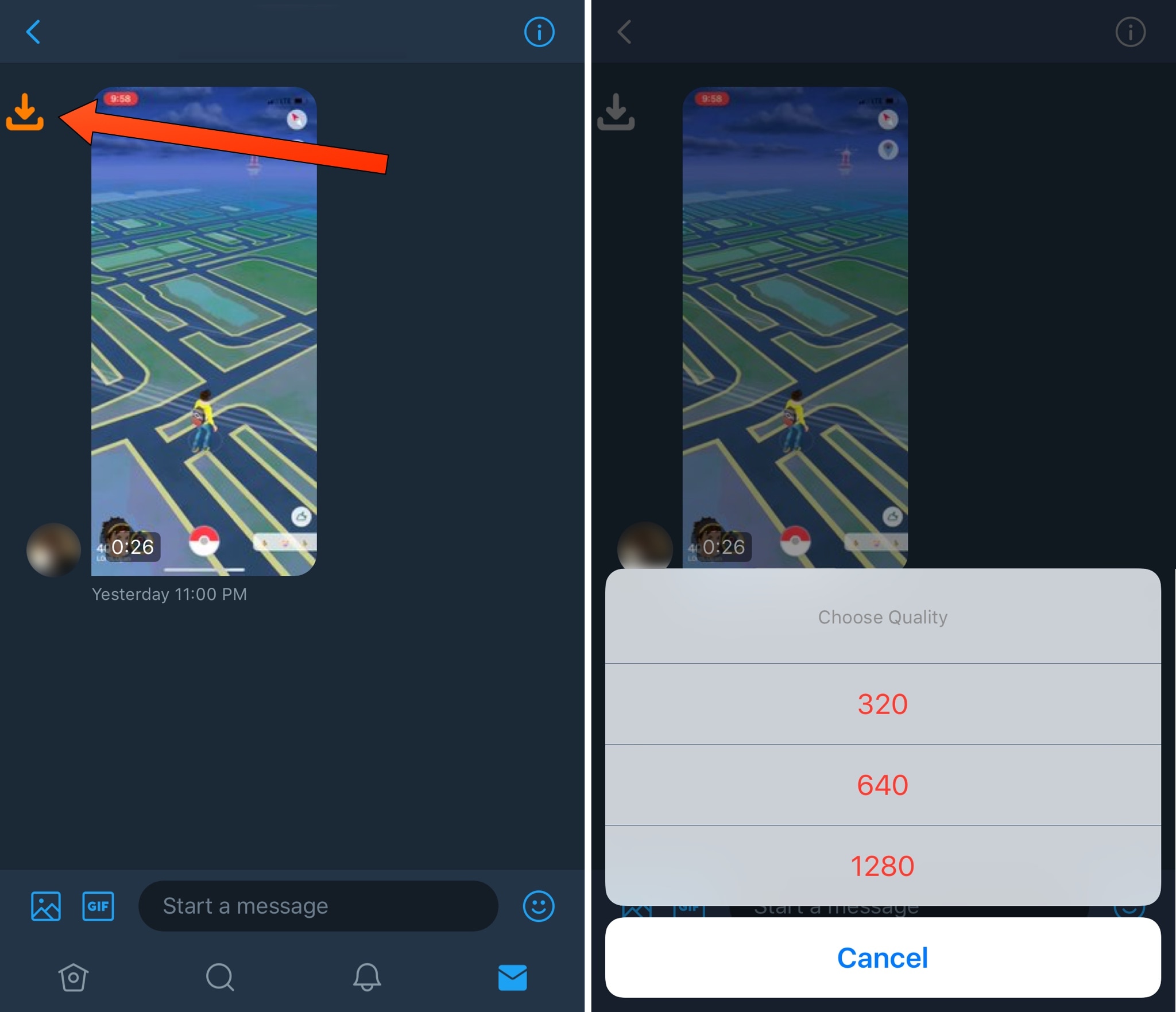
Twitter’s direct messaging system lets you send and receive media, such as photos and videos. You can tap and hold on any photo file you receive to uncover save and share options, but the same can’t be said about video files.

If you’d like to change that about your Twitter direct messaging experience, then you might be interested in a new free jailbreak tweak dubbed TWSaveDM by iOS developer fahadaljuwausri. With this tweak, you can easily save any media file you receive in a Twitter-based direct message.

BoostedWifi augments your iPhone’s Wi-Fi capabilities

If you’d like to beef up the Wi-Fi capabilities of your jailbroken iPhone or iPad, then you might take interest in a new free jailbreak tweak called BoostedWifi by iOS developer KingPuffdaddi.

BoostedWifi augments your device’s Wi-Fi capabilities by removing the signal limit levied by Apple and displaying detailed signal levels for every network.

8 jailbreak tweaks to check out this weekend

Jailbreak Tweaks to check out

It appears as though we’re starting to see more iOS 11-esque jailbreak tweaks in Cydia since the public release of Electra for iOS 11.0-11.1.2 devices, and this week’s list of tweaks reflects upon that.

We’ll be talking about all of this week’s jailbreak tweak releases in this weekly roundup, and as usual, we’ll kick things off by showcasing our favorite releases and then conclude by outlining the rest afterward.

FastUnlockX makes unlocking your iPhone X with Face ID even faster

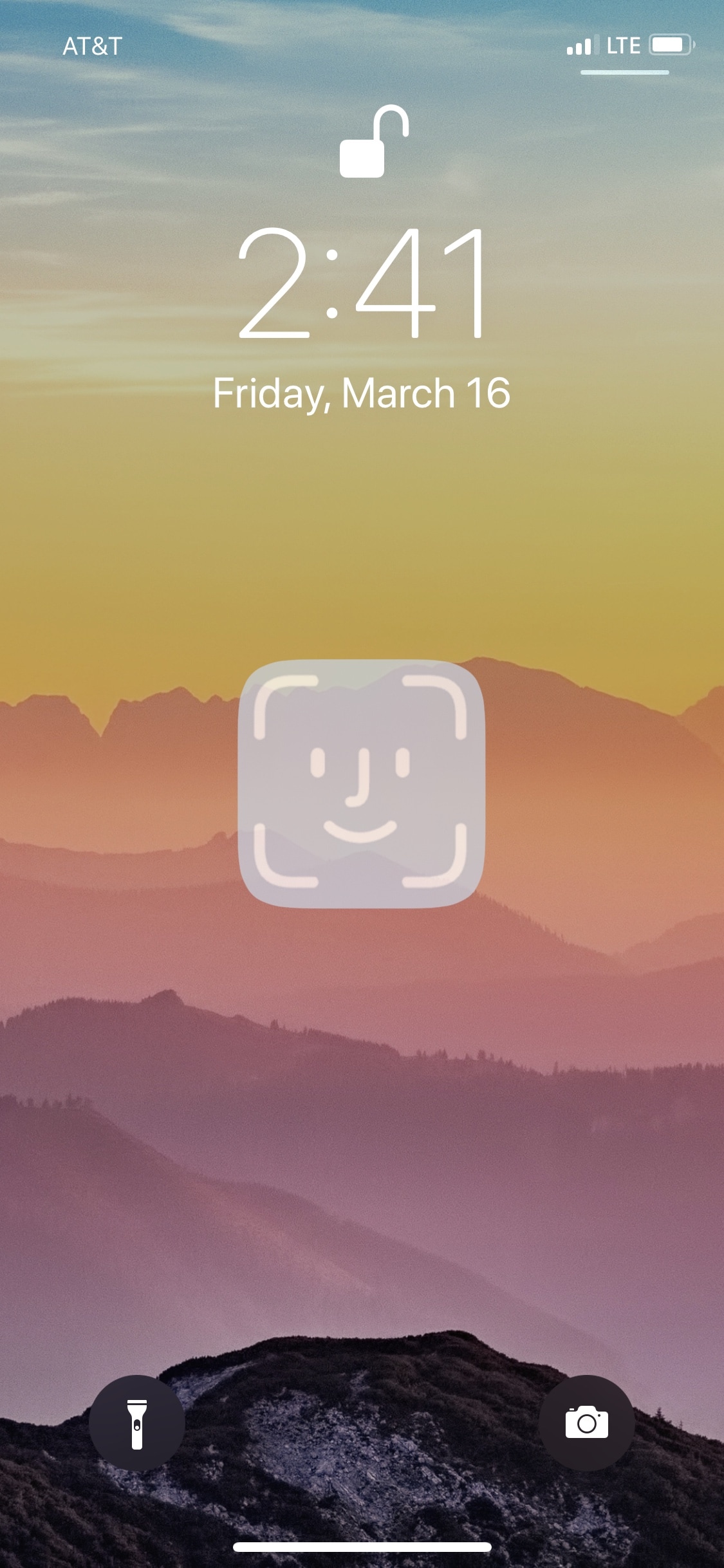
Anyone sporting an iPhone X should be familiar with how Face ID works by now. After the handset recognizes your face, you’re required to swipe up from the bottom of the display to get to your Home screen. But wouldn’t it be nice if you could skip the second step altogether?

A new free jailbreak tweak dubbed FastUnlockX by iOS developer CPDigitalDarkroom brings this idea to fruition and makes unlocking your iPhone X with Face ID a split second faster.  

VideoHUD provides system-wide access to iOS 11’s new volume HUD

One of the most significant pain points involving the iOS user interface is the stock volume HUD. It pops up directly in the middle of your display, forcing you to wait for its automatic dismissal before returning to your tasks.

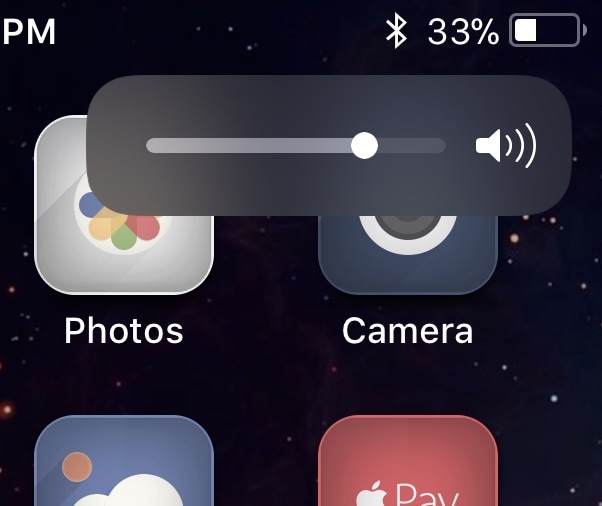
Apple provided meaningful volume HUD-centric upgrades in iOS 11, but you’ll only notice them when you watch videos or play full-screen games. Fortunately, a new free jailbreak tweak called VideoHUD by iOS developer Youssef Mikhail lets you enjoy these upgrades from anywhere in iOS.

This tweak puts the date under the time indicator on your jailbroken iPhone X

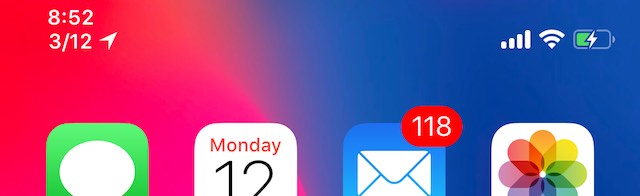
DateUnderTimeX is a subtle new jailbreak tweak made by iOS developer NeinZedd9 that adds a date indicator beneath the Status Bar time indicator on jailbroken iPhone X handsets.

Shown above, you can see how well the date meshes with the existing time indicator. The implementation is so clean that it virtually looks like something Apple would offer right out of the box.