Jailbreak Apps & Tweaks

These are the latest jailbreak apps and tweaks available for your iPhone or iPad. We save you time by highlighting only the best tweaks.

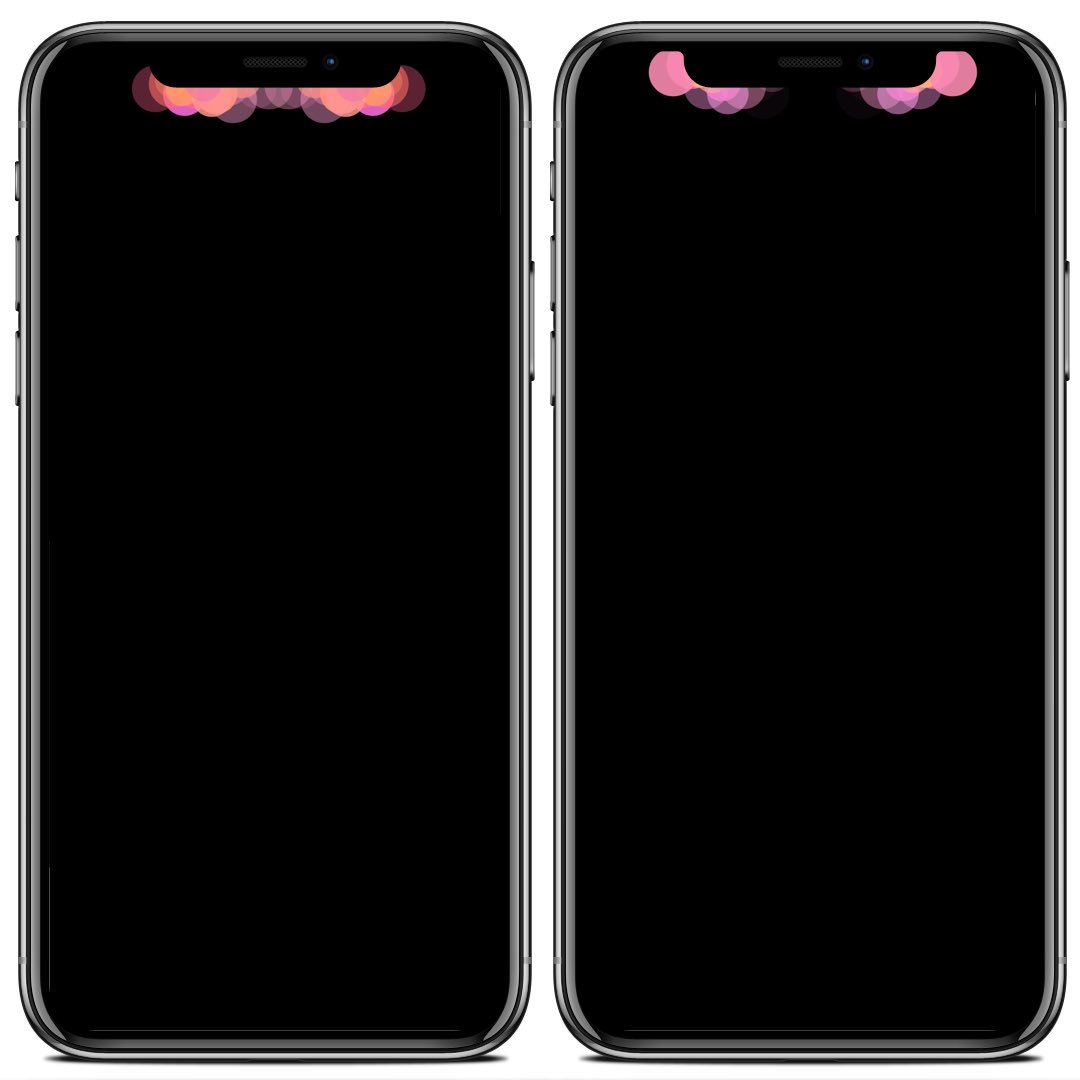
Spice up your iPhone X’s notification alerts with Notchification

The iPhone X’s OLED display and ‘notch’ paved the way for Apple to get creative with incoming notification alerts. But as usual, Apple didn’t go all out; incoming notifications look just about the same on the iPhone X as they do on any other iOS handset.

But a new jailbreak tweak dubbed Notchification by iOS developer c1d3r can change that, as it compliments your iPhone X’s notch and OLED display combo with a bevy of attractive new notification animations that are sure to catch your eye.
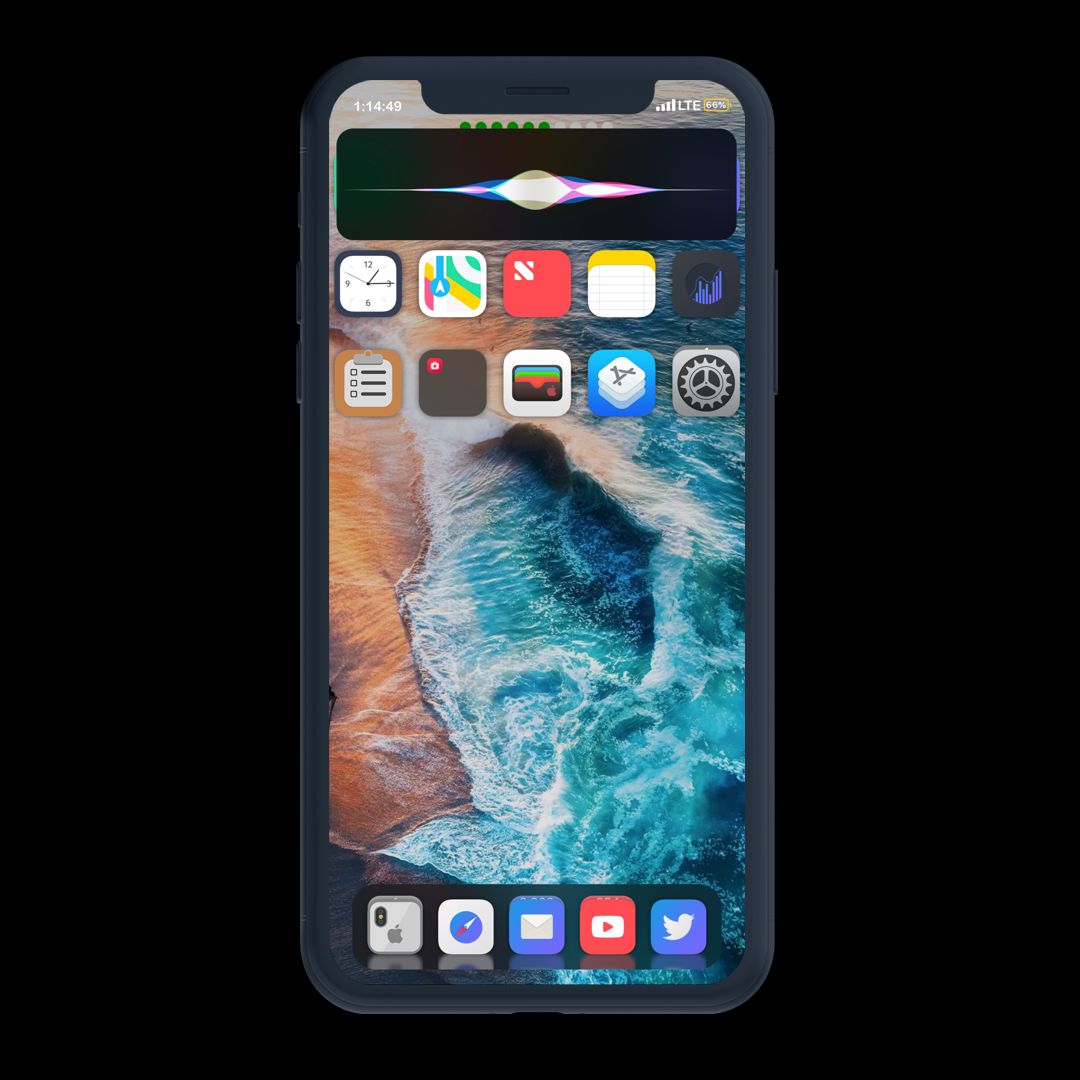
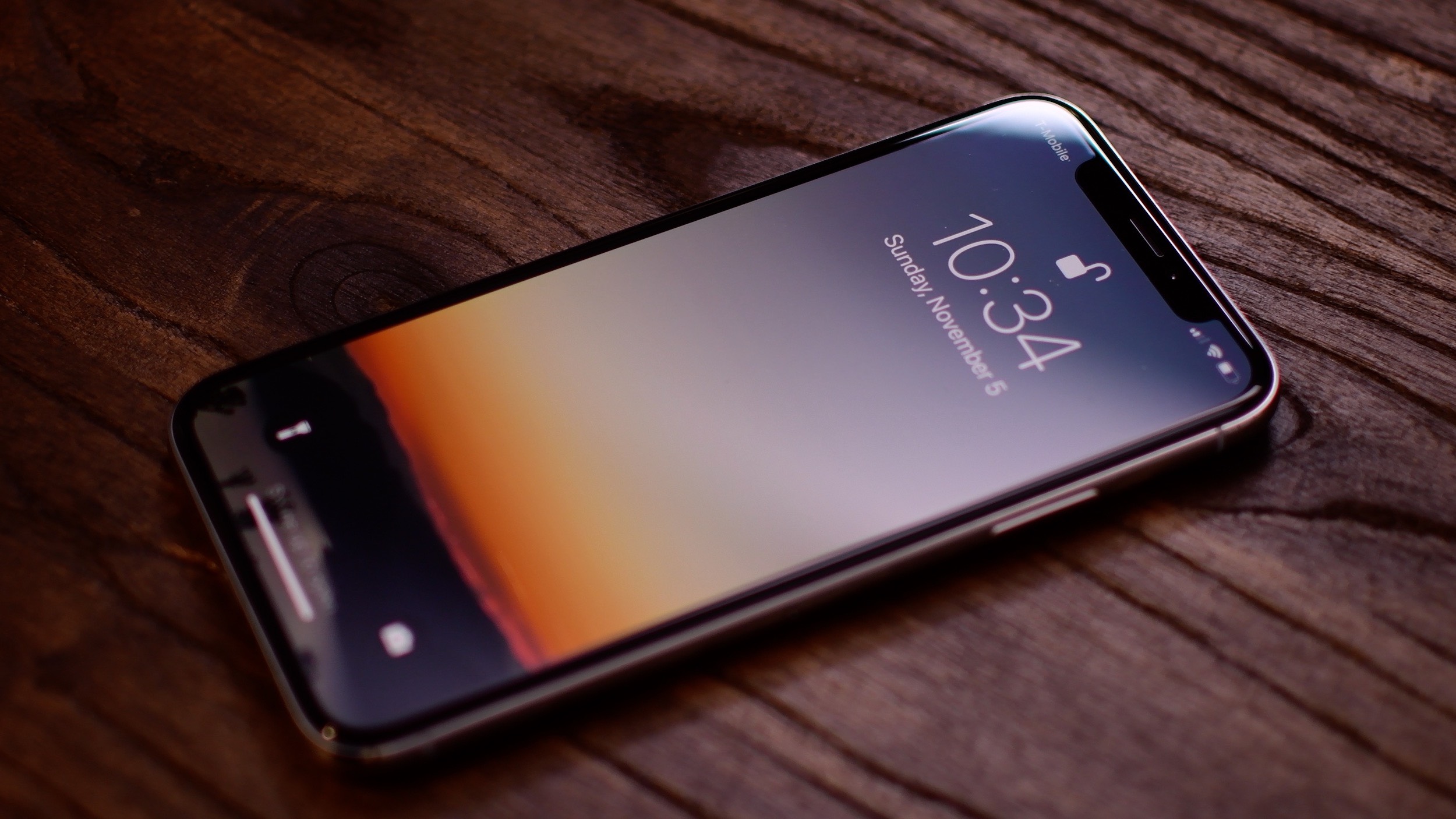
SmallSiri shrinks the iPhone’s Siri interface

Siri makes for a useful hands-free voice assistant on the iPhone and iPad, but the full-screen interface that appears after calling upon her assistance tends to be somewhat intrusive.

SmallSiri is a new free jailbreak tweak by iOS developer Muirey03 that solves this problem by making the Siri interface roughly the same height as a standard notification banner.

Dimid augments the display dimming functionality of iOS

Your iOS device comes with display dimming settings out of the box, but they aren’t very robust. Those looking for additional flexibility in this department might take an interest in a new jailbreak tweak release called Dimid by iOS developer LonestarX.

With Dimid, you’re no longer limited to the chintzy display dimming options Apple provides in iOS. Instead, the tweak augments the experience with a slew of new customization options.

This tweak eliminates the two-step process to force-close apps on the iPhone X

Although I love using my iPhone X, I have a gripe with how the App Switcher works on this particular device. More specifically, you need to tap and hold on App Switcher cards before you can swipe up to force-close their respective apps.

Given that this two-step process isn’t required on any other Apple handset, it took me a while to get used to, and I still don’t like it. On the other hand, anyone on the same page can now take advantage of a new free jailbreak tweak called SwipeUptoKillX by iOS developer CydiaGeek.

SilentAir makes the AirDrop receiving pop-up less intrusive

AirDrop comes in handy when you want to wirelessly send files from one device to another, but the user interface leaves a lot to be desired, especially when receiving large files.

The single most significant complaint is that the intrusive AirDrop receiving pop-up appears on the screen for too long, blocking you from doing anything else until the pop-up vanishes. But a new free jailbreak tweak called SilentAir by iOS developer Muirey03 aims to change that.

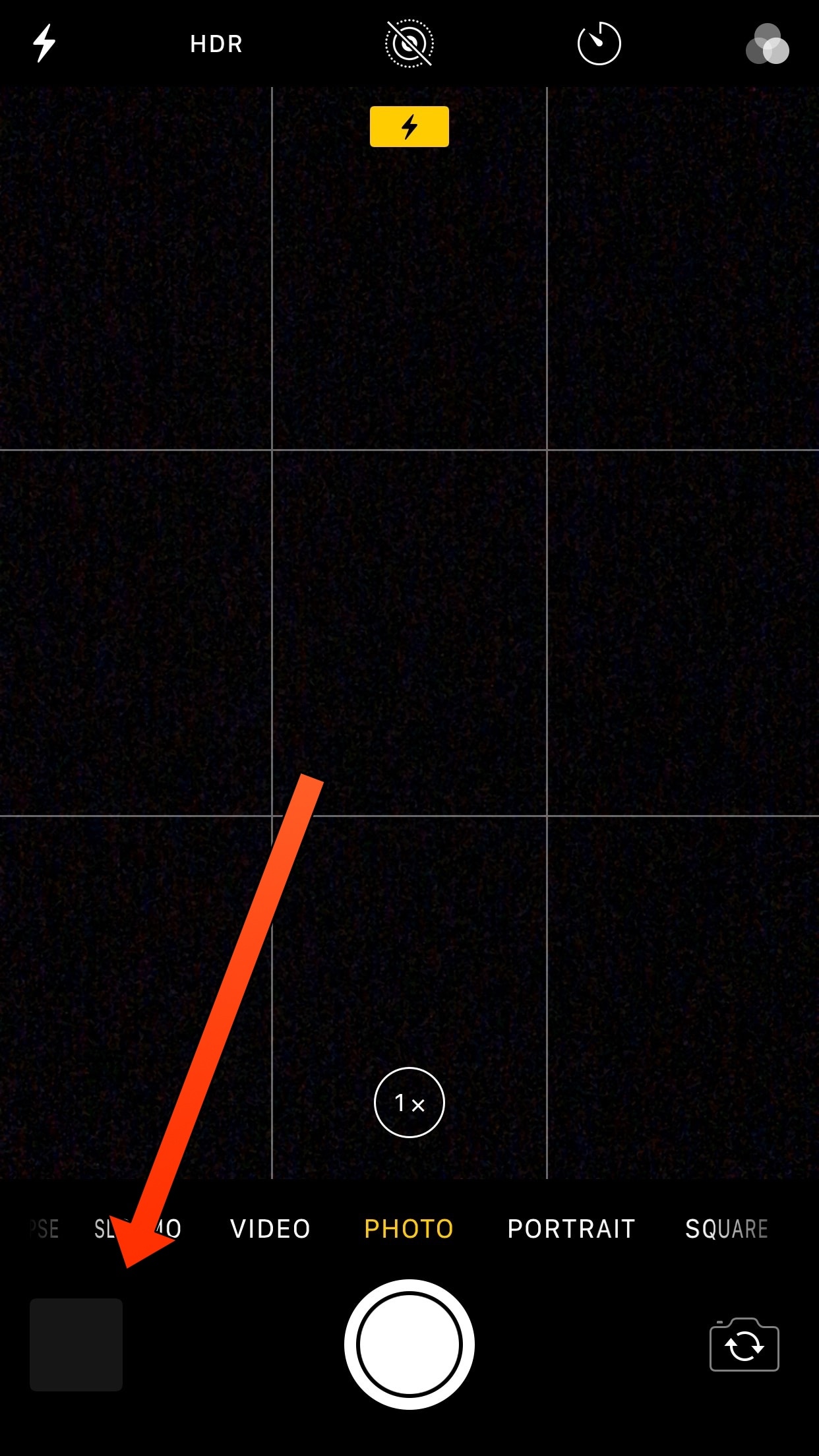
No Thumbnail keeps Camera Roll thumbnails from appearing in the Camera app

Whenever you use your iPhone’s Camera app to snap photos or shoot video, a thumbnail preview displaying your most recent capture appears at the bottom-left of the interface. This small thumbnail means that anyone can glance over your shoulder and see the last thing you recorded.

If you’d rather keep your most recent photography endeavors to yourself, then you might be interested in a new free jailbreak tweak dubbed No Thumbnail by iOS developer Jbrownllama.

ApolloOpener, DontSwipe, LatchKey, and more jailbreak tweaks to try this weekend

Jailbreak Tweaks to check out

It feels like a ton of jailbreak tweak developers are back in action following the release of Electra1131, and that means that the jailbreak community can expect to see several new ways of customizing their handsets.

In this roundup, we’ll talk about all the jailbreak tweaks released in Cydia from July 23rd to July 29th. As always, we’ll begin by showcasing our favorites, and then we’ll outline the rest afterward.

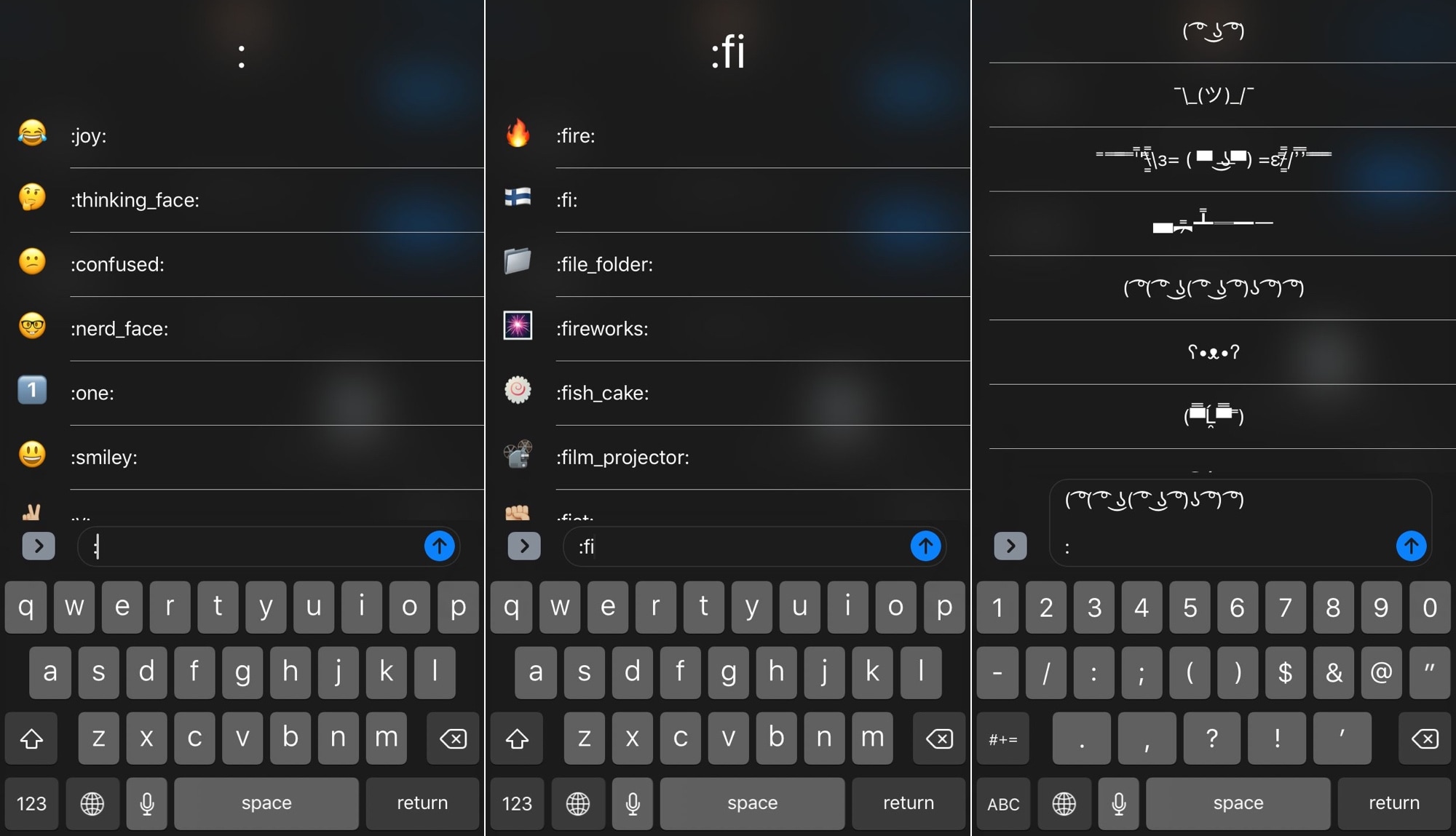
TextEmojis lets you type Emojis and more with text shortcuts

A variety of popular third-party messaging apps, including Discord and Slack, let you enter Emojis by typing a colon followed by a specific shortcode. Apple doesn’t provide users with a comparable feature throughout the rest of iOS, but wouldn’t it be nice if they did?

If you answered “yes” to the question above, then you might be happy to learn about a new jailbreak tweak dubbed TextEmojis by iOS developer Andreas Henriksson. Once installed, you’ll be able to input Emojis and other quirky text faces by typing pre-configured text shortcuts.

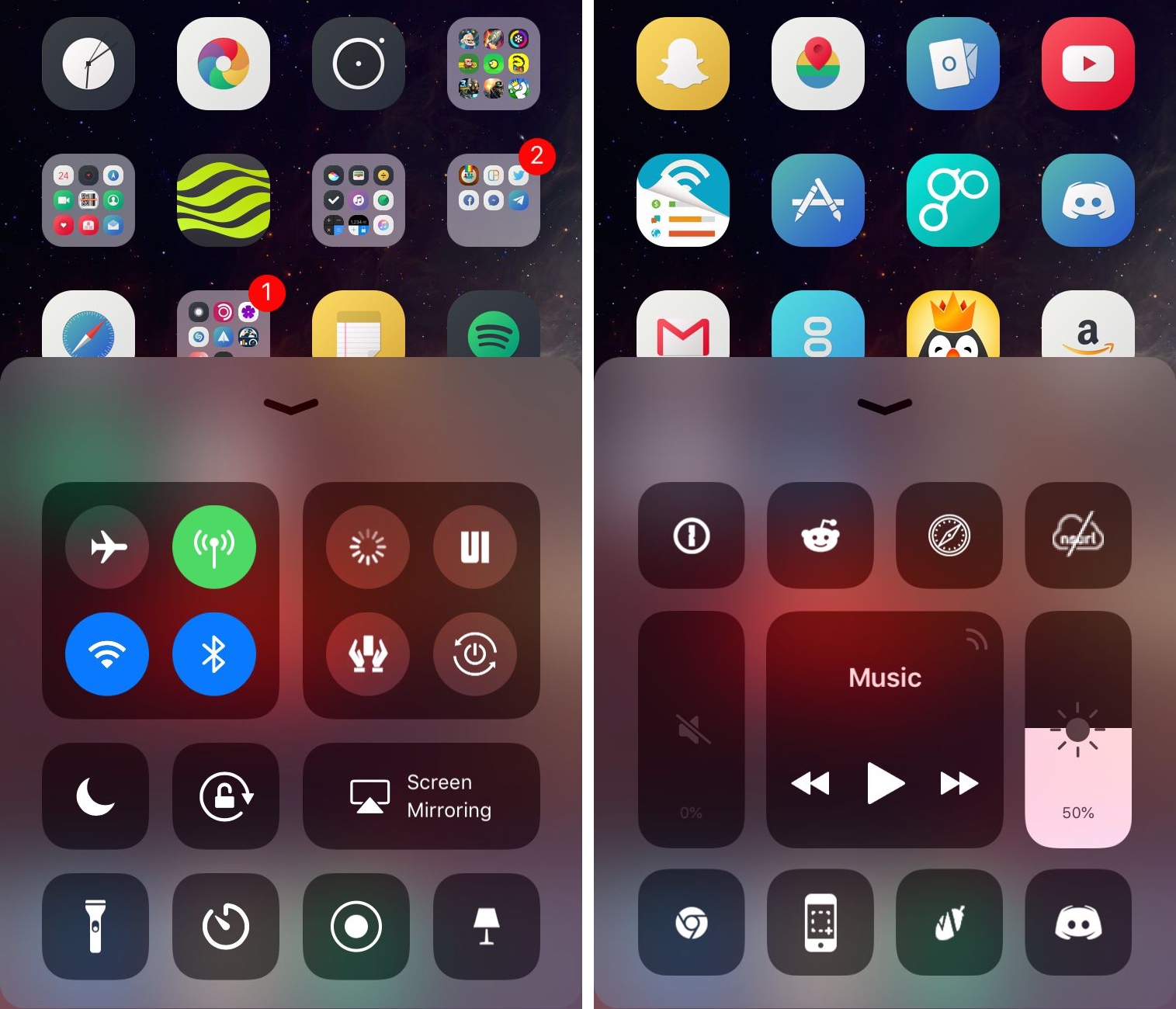
Duo adds a second page to Control Center in iOS 11

The modular Control Center interface in iOS 11 is great because you can customize the toggles and shortcuts that appear there. Unfortunately, Apple limits the how many you can have, and that’s where a new jailbreak tweak called Duo by iOS developer Muirey03 comes into play.

As the name “Duo” infers, this tweak gives you a secondary page in Control Center that provides additional space for more toggles and shortcuts.

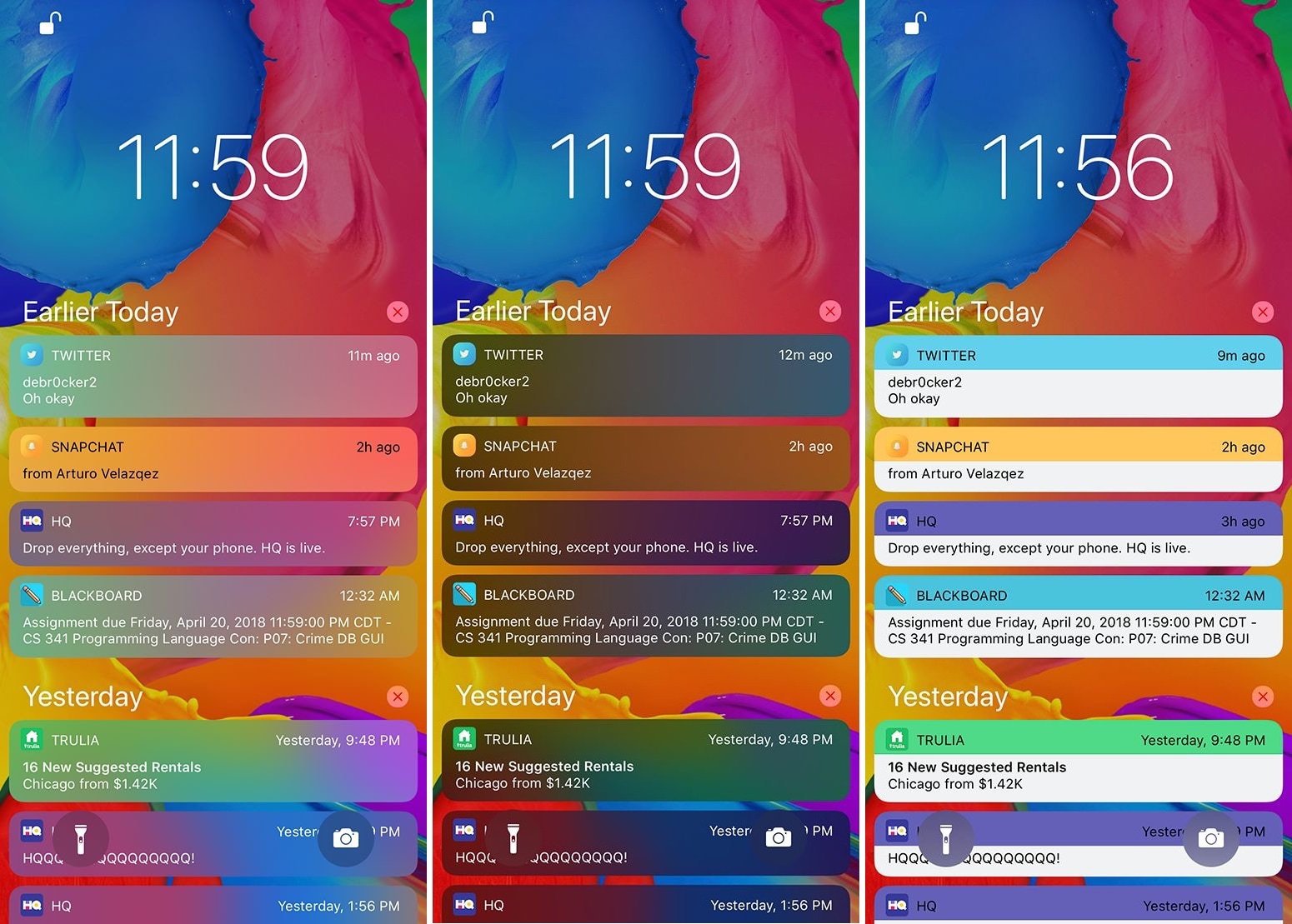
Palette lets you colorize your notifications and widgets

If you’re a jailbreaker, then chances are you enjoy standing out from the rest of the crowd. One way you can accomplish this is by changing the look and feel of your iOS device, and a new free jailbreak tweak called Palette by iOS developer Maxwell Dausch can help you do just that.

As the name implies, Palette produces a handful of colorization options for your jailbroken handset. More specifically, it focuses on incoming notifications and widgets, which most people interact with every day.

LightsOn enables Portrait Lighting mode on the iPhone 7 Plus

If you have an iPhone X or 8 Plus, then you might be familiar with the Portrait Lighting feature that Apple conveniently bundled into your handset’s stock Camera app. It applies professional lighting effects to your photo subject with the help of your device’s dual camera setup and powerful processor.

The iPhone 7 Plus also sports a dual camera setup and a powerful processor, but Apple uses software to limit Portrait Lightning to the iPhone X and 8 Plus. Fortunately, a new free jailbreak tweak dubbed LightsOn by iOS developer Voltized can fix that.

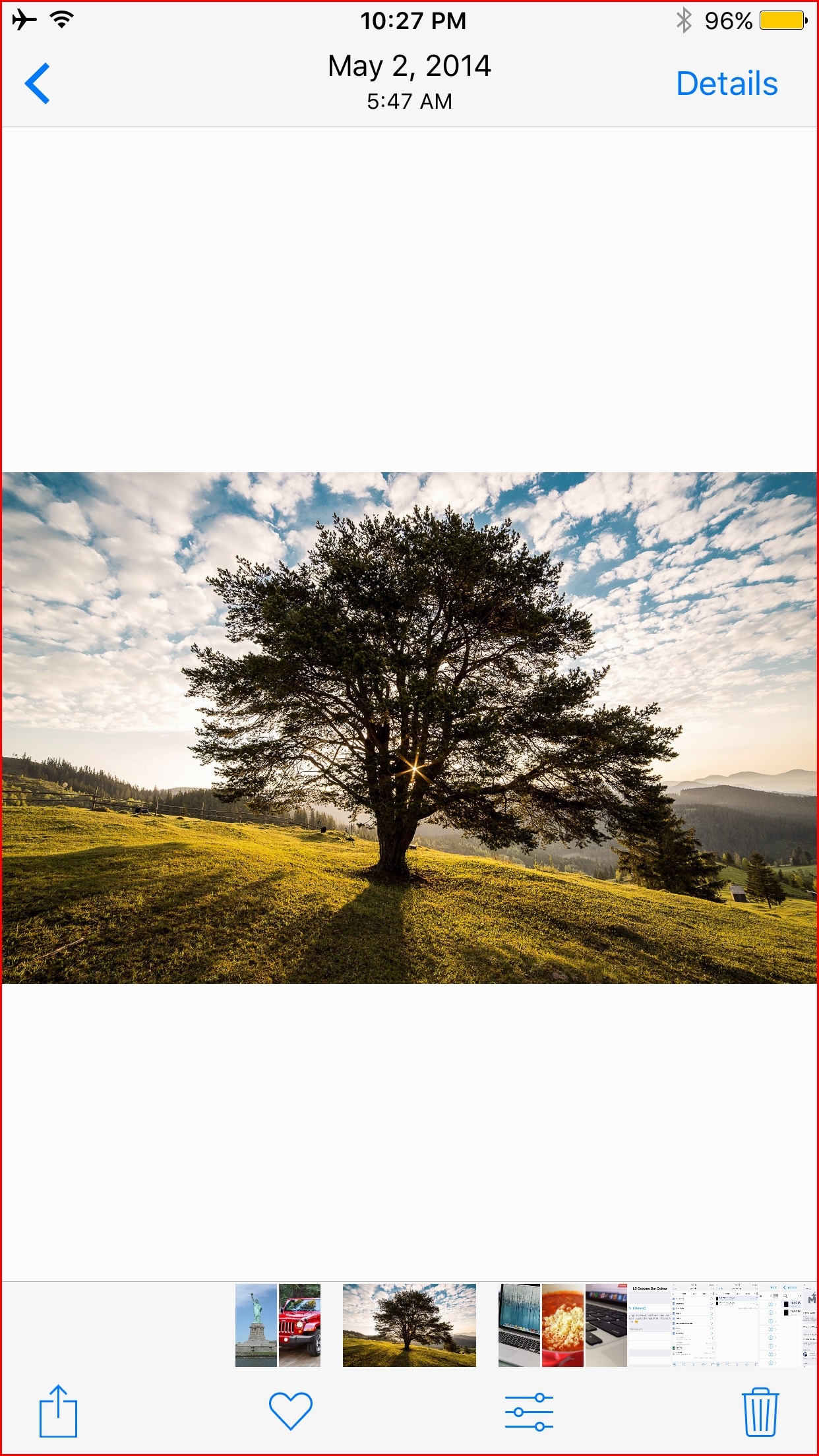
Protect your Camera Roll privacy with DontSwipe

While there are times that I enjoy showing photo(s) from my iPhone’s Camera Roll to the people around me, I always worry that someone might start swiping through the rest of my pictures if given a chance.

If you feel the same way, then you may want to take a look at a new free jailbreak tweak called DontSwipe by iOS developer SecondEight1, as it can lay your worries to rest.