Jailbreak Apps & Tweaks

These are the latest jailbreak apps and tweaks available for your iPhone or iPad. We save you time by highlighting only the best tweaks.

GlyphAlert brings a gorgeous glyph-centric notification system to iOS

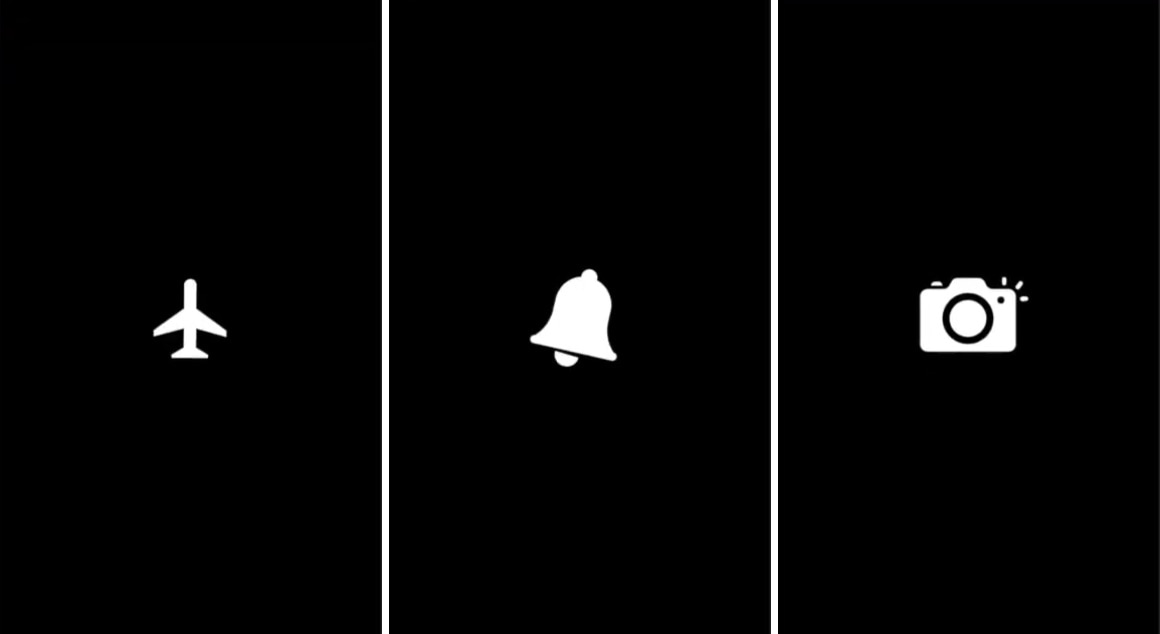
iOS’ notification system certainly gets the point across when you receive a notification, but it hasn’t had much of an aesthetic overhaul for quite some time now. If you’re jailbroken and in the market for a somewhat exhilarating new notification experience, then you might take a liking to a newly-released jailbreak tweak dubbed GlyphAlert by iOS developer c1d3r.

Just as the name implies, GlyphAlert takes a glyph-centric approach to letting you know when you have an incoming notification. The glyphs, such as those shown in the screenshot examples above, are animated and can be assigned to specific applications, depending on what they represent.

This jailbreak tweak makes Live Photo-based wallpaper playback entirely automatic

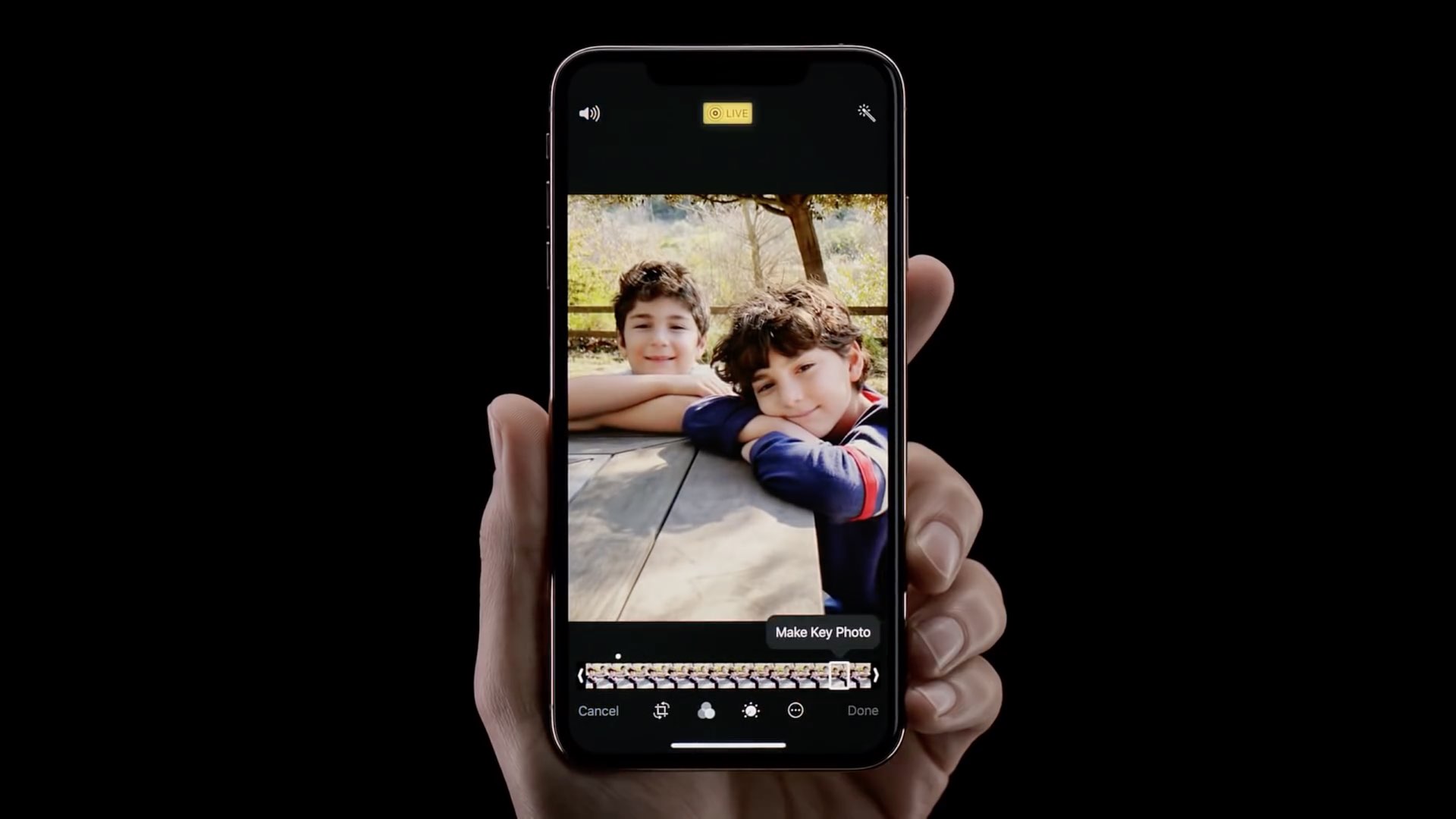
One of the things I like about having an iOS device is that I can set a Live Photo as my wallpaper if I wanted to. On the other hand, animating that Live Photo generally requires some kind of user interaction from the Lock screen, and this tends to make the experience less exciting overall.

A newly-released jailbreak tweak called AutoDynamicWallpaper(A12 Support) by iOS developer anima gets you around this silly bottleneck by forcing any Live Photo-centric wallpapers you might have to play automatically as the device wakes. With that in mind, you won’t need to interact with your Live Photo-based wallpaper in any way to enjoy its liveliness.

Pwn20wnd says Cydia works on iOS 13, but Substrate may require minor updates

Just yesterday, hacker and unc0ver jailbreak lead developer Pwn20wnd confirmed that both Cydia and Cydia Substrate would run without any turbulence on iOS 12.2. Perhaps unsurprisingly, the announcement led many to ask if the same would be true about Apple’s upcoming iOS 13 update, which is poised to drop sometime this Fall.

Pwn20wnd appeared to share this same curiosity, and so he deployed Cydia and Cydia Substrate on an emulated and pre-jailbroken installation of the iOS 13 beta to find out. The results of his test were announced on Twitter early this morning:

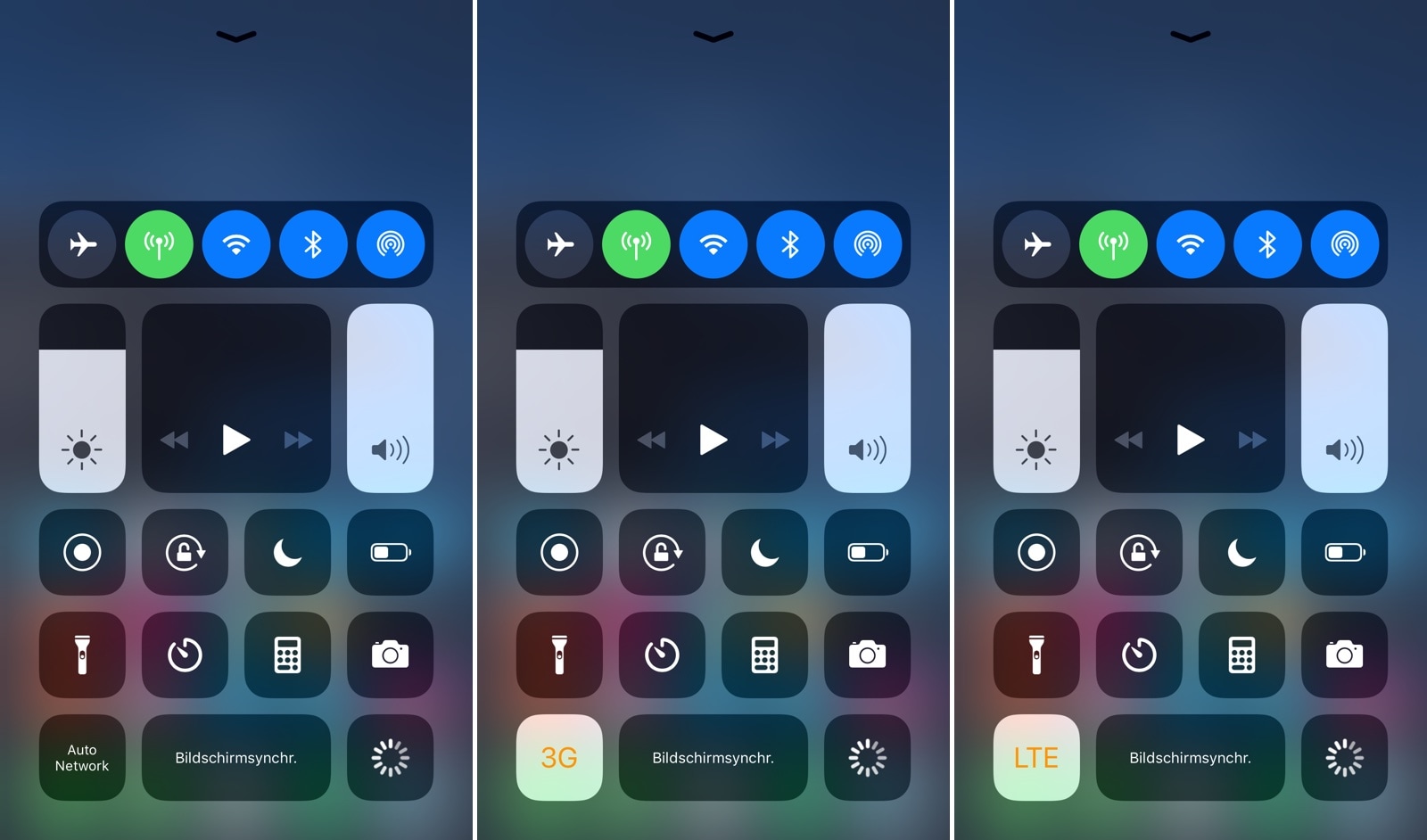
NetworkManager gives iPhone users more control over cellular radio selection

NetworkManagerReborn

As you move from one part of town to the next, your iPhone intelligently moves from one cellular connection to another in an effort to maintain the highest-quality internet connection that it can. Unfortunately, sometimes the iPhone favors slower connections with a higher signal over faster connections with a lower signal, and this can impact performance.

Those who’d like to have more control over their handset’s cellular network selection might take a liking to a newly-released jailbreak tweak dubbed NetworkManager by iOS developer NoisyFlake, as it lets you switch between preferred network type(s) on the fly.

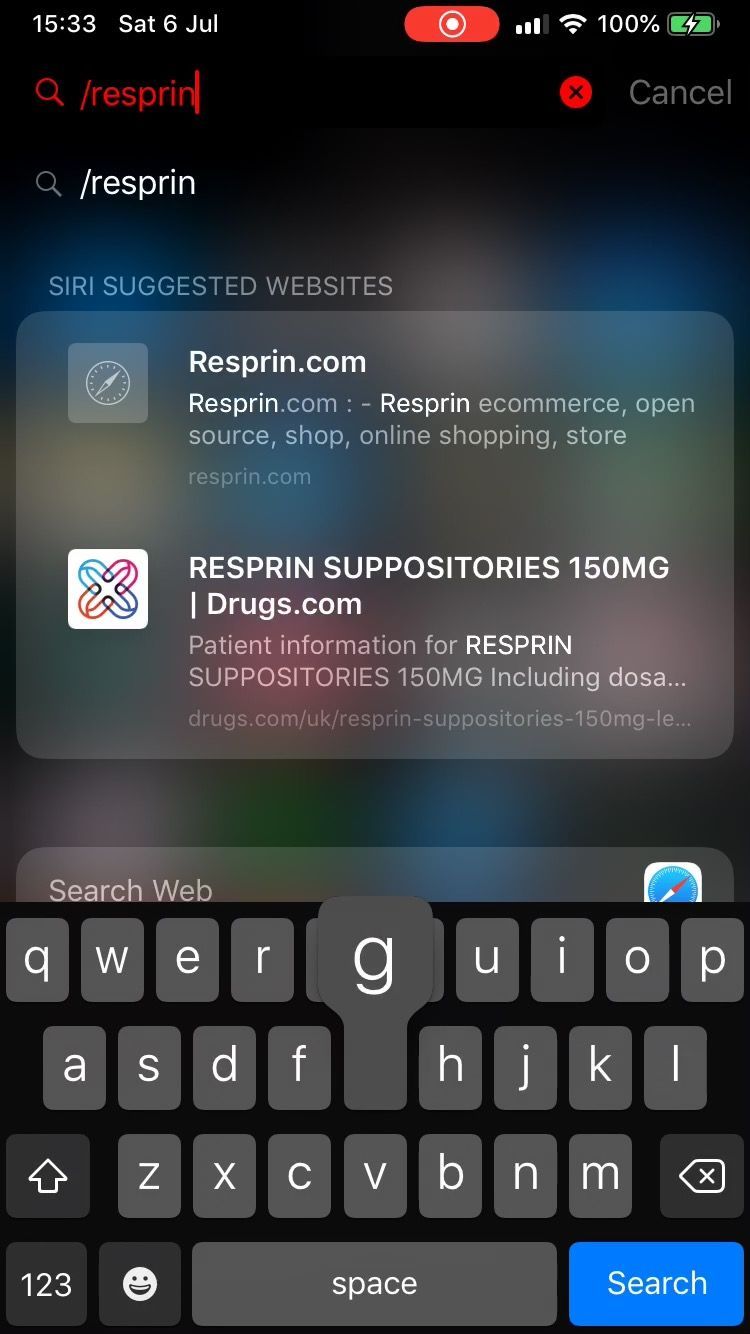
Spotpower lets you respring your iOS device and more from Spotlight

After jailbreaking an iPhone or iPad, you might respring the device from time to time, as it can help you save changes made to jailbreak extensions in addition to other things. With that in mind, wouldn’t it be a good idea to have a dedicated shortcut for respringing or performing other boot options in a pinch?

Those in agreeance may want to check out a newly-released and free jailbreak tweak called Spotpower by iOS developer Castyte, as it makes many of these essential functions more accessible to the common jailbreaker. Moreover, it implements these features into a familiar interface that many will use daily: Apple’s own Spotlight search.

This tweak automatically toggles iOS’ Live Photos mode in the proper circumstances

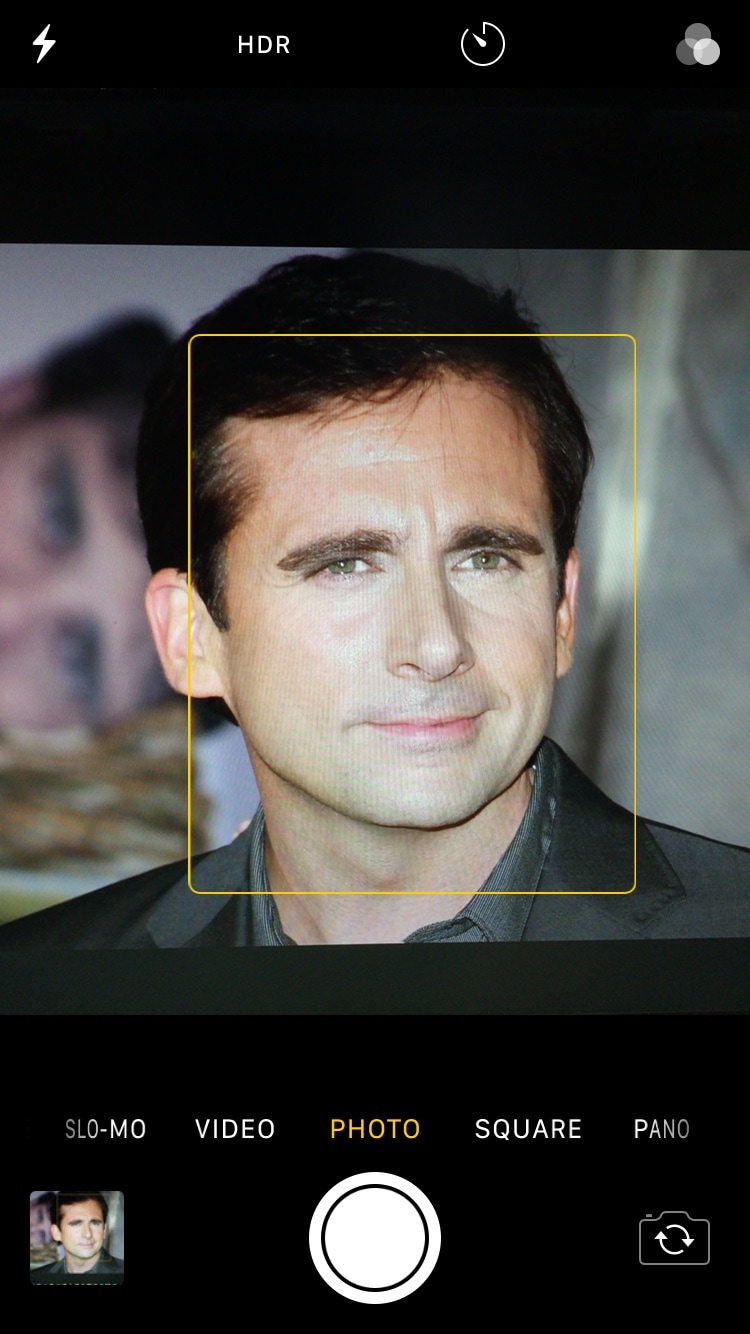
Love it or hate it, Live Photos is one of the unique features that comes bundled into iOS’ photo-taking experience. All devices come with Live Photos enabled by default, and users can opt to disable it any time afterward, but wouldn’t it be nice if iOS toggled it automatically depending on the circumstances?

If you’re in agreeance with the aforementioned notion, then you might take a liking to a newly-released and free jailbreak tweak called AutoLivePhotos by iOS developer Ben Giannis. This tweak attempts to toggle iOS’ Live Photos mode on or off automatically, depending on the photograph’s subject.

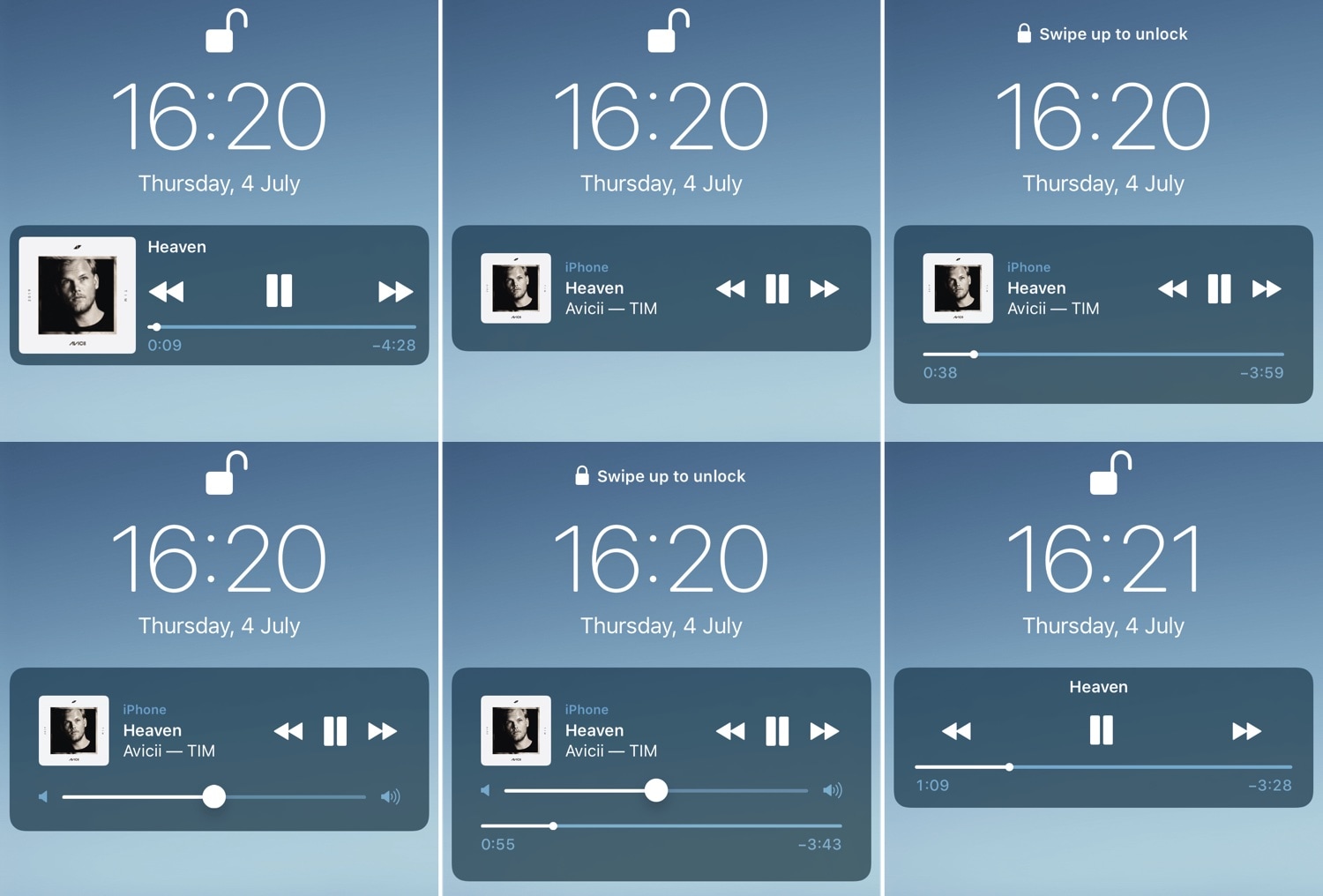
BellePlayer offers less intrusive Now Playing interfaces for the Lock screen

If you listen to music on your iOS device often, then you likely take advantage of the Lock screen’s Now Playing interface to manage music playback as you walk into the dynamics of different environments.

While the native Now Playing interface is adequate for most users, those who demand a more refined experience will do good to check out a newly-released jailbreak tweak dubbed BellePlayer by iOS developer Geometric Software.

This tweak gives dynamic wallpapers an Apple-esque makeover

iOS users have three different wallpaper options to choose from out of the box: still images, Live Photos, and dynamic wallpapers. Most opt for still images or Live Photos since Apple’s dynamic wallpaper selection feels somewhat limited out of the box; on the other hand, a new jailbreak tweak called Dynamic Apples by iOS developer JGeorge can help with this.

As shown screenshot example above, Dynamic Apples changes the appearance of Apple’s native dynamic wallpapers by replacing their circular sprites with Apple logos.

Speculum gives your Lock screen a customizable aesthetic upgrade

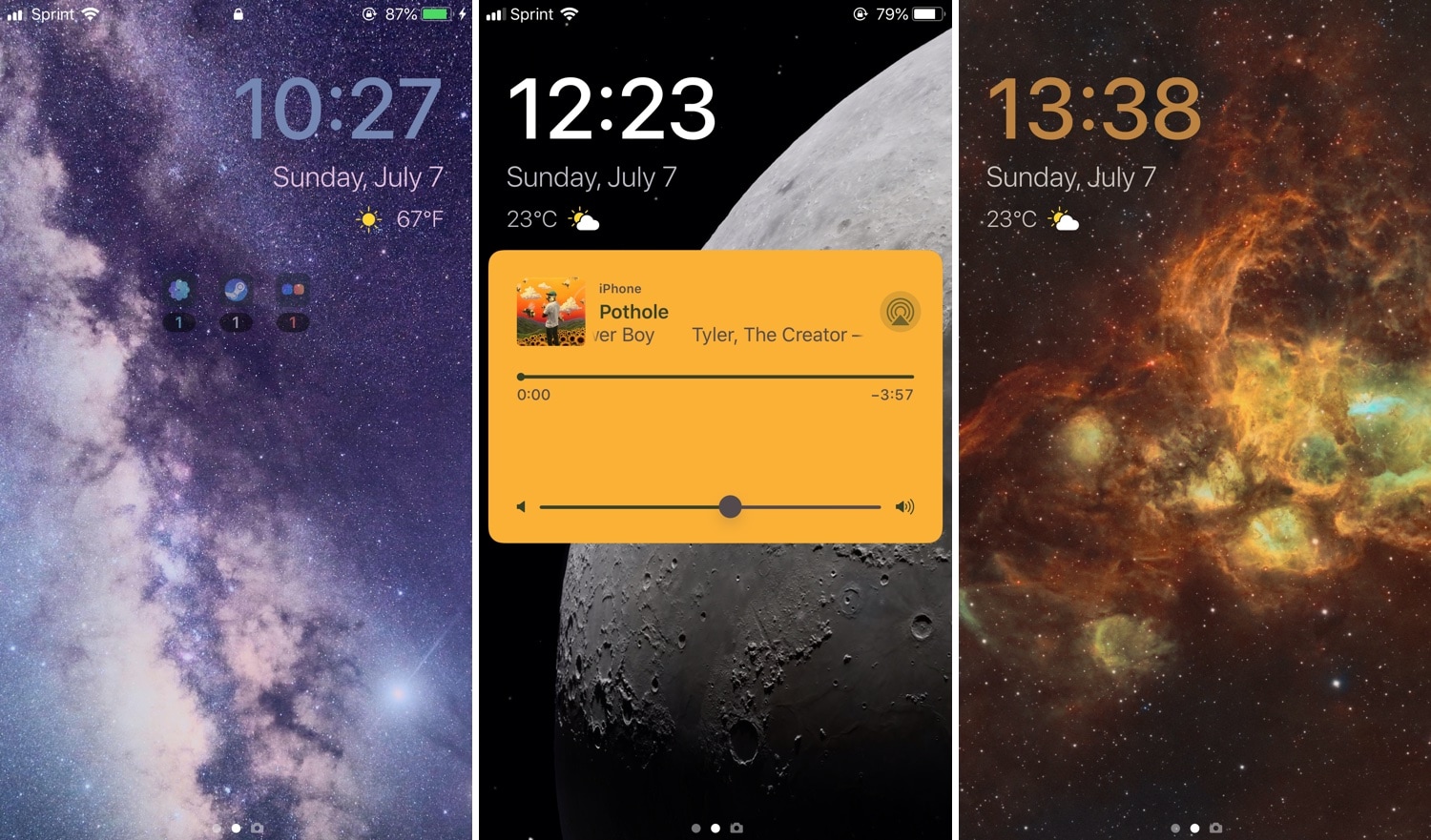
If you’re in search of a fresh and aesthetically-pleasing Lock screen experience on your iPhone or iPad, then you might take an interest in a newly-released and free jailbreak tweak called Speculum by iOS developer LacertosusDeus.

As shown in the screenshot examples above, Speculum augments the Lock screen experience with customizable new features, including custom text alignment, formatting, colorization, and even a helpful new weather display.

Sileo v.1.1.5 released with rewritten native depictions and Featured tab based on Swift

The Sileo Team released another update for the Sileo package manager over the weekend, continuing the team’s ongoing efforts to migrate the app’s backbone from Objective-C to Apple’s Swift programming language.

The update was announced late Sunday evening, and as it would seem, Sileo v 1.1.5 brings Swift support to native package depictions and to the app’s integrated Featured tab:

Sileo updated to v1.1.4 with more Swift support, fixes for app crashes

The Sileo Team has been somewhat busy this past week, cranking out regular updates for the Sileo package manager, which handles add-on and extension installations by default on jailbreaks created by the Electra Team, including Chimera and Electra.

As it would seem, this weekend is no different. The Sileo Team announced the release of Sileo version 1.1.4 early Saturday morning via Twitter: