Jailbreak Apps & Tweaks

These are the latest jailbreak apps and tweaks available for your iPhone or iPad. We save you time by highlighting only the best tweaks.

Jailbreak tweaks of the week: Noctis Neo, Siliqua Pro, Sunflower, and more

It's been one heck of a week given everything that's been going on with the checkra1n team's new jailbreak tool, but jailbreak developers continue to bang out new new and exciting jailbreak tweaks that make tinkering with a pwned handset a lot more fun.

In this roundup, we'll discuss all the latest jailbreak tweaks that were launched from Monday, November 11th to Sunday, November 17th. As always, we'll kick things off by discussing our favorites and then wrap things up with an outline of the rest afterward.

This tweak gives you the iOS 13 ringer/silent HUD on iOS 12

One of my favorite upgrades in iOS 13 is the updated ringer/silent HUD. Rather than taking up the entire center of the display, iOS 13’s ringer/silent HUD appears near the top, and it looks much sleeker with its smaller footprint and subtle colorization.

If you’re jailbroken on iOS 12 instead of iOS 13, then you might be excited to learn about a newly released jailbreak tweak called XIIIHUD-Mute by iOS developer XCXiao, as it ports the iOS 13 ringer/silent HUD experience to the older mobile operating system. Examples of the tweak are depicted in the screenshot examples above.

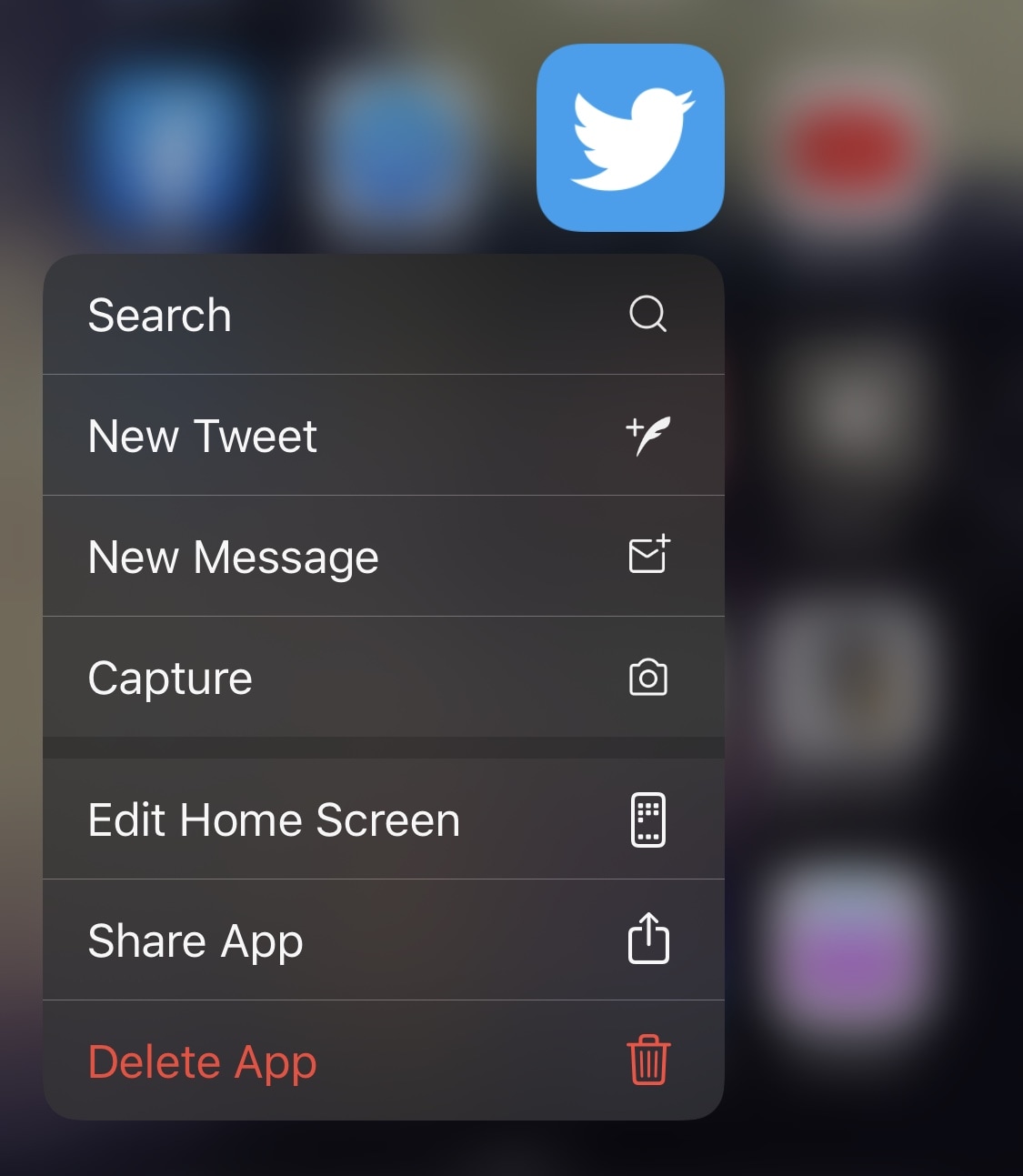
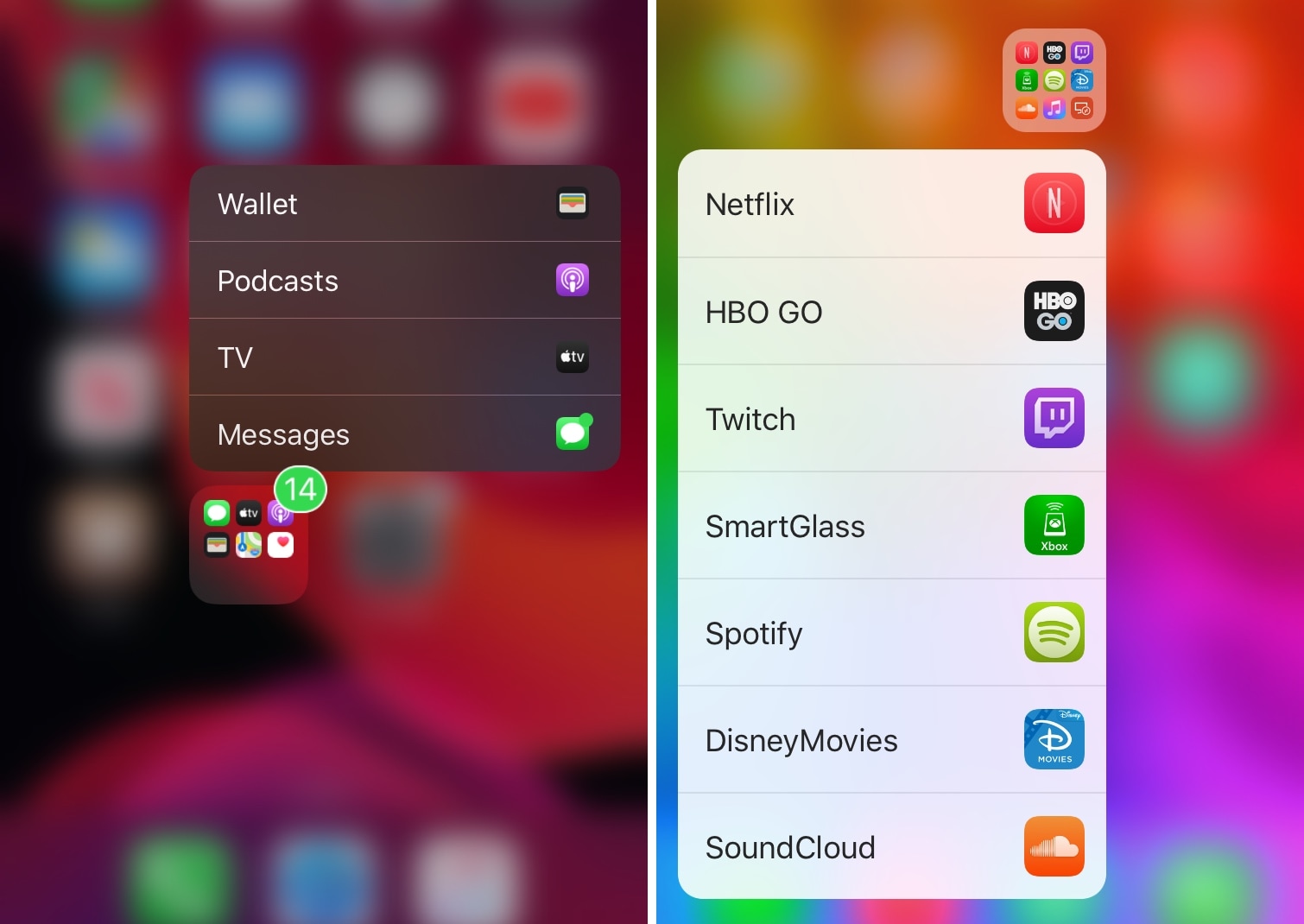
Manila lets you use 3D Touch or Haptic Touch to launch apps in folders

If your iPhone’s Home screen is chock-full of application icons, then you might use folders to help you organize them. On the other hand, having too many folders can quickly create the illusion of an application labyrinth that makes navigating your Home screen more confusing than it’s worth.

Those familiar with the circumstances described above just might take a liking to Manila, a new and free jailbreak tweak by iOS developer David Goldman that lets you launch apps from your folders with a Haptic Touch or 3D Touch gesture.

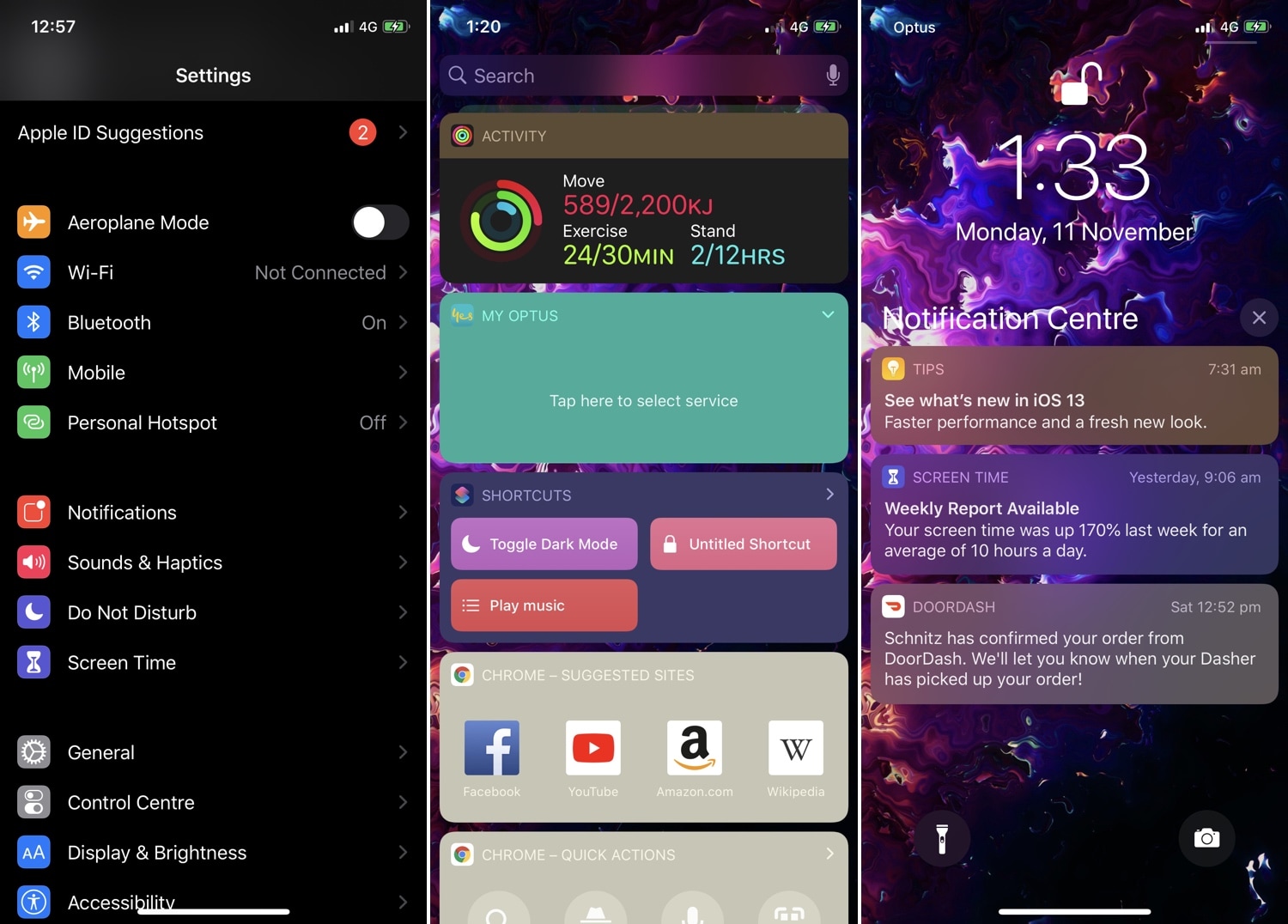
Jailbreakers can now customize iOS 13’s native dark mode with Noctis Neo

Jailbreakers have had access to dark mode for years, but Apple is just now implementing it out of the box with the launch of iOS 13. Unfortunately, native dark mode in iOS 13 isn’t quite as dark as some users would prefer, and that’s why iOS developer LaughingQuoll has released a new jailbreak tweak called Noctis Neo.

Noctis Neo, much like older iterations of Noctis, lets users enable and configure dark mode with or without custom color accents and tints. You’ll notice in some of the screenshot examples above that Noctis Neo can make iOS 13’s dark mode a truer black than it comes out of the box, but that’s not the only thing it can do.

Re-enable your iPhone’s 3D Touch hardware in iOS 13 with Sunflower

One of the most controversial changes in iOS 13 was the removal of 3D Touch functionality in place of a new feature Apple calls ‘Haptic Touch.’ While this might’ve made sense for handsets that lack 3D Touch-equipped displays, Apple purposefully disabled this hardware with the release of iOS 13 such that even devices with 3D Touch-equipped displays would utilize Haptic Touch instead.

If you were among those disappointed by Apple’s decision to nix 3D Touch, then you’ll be happy to know that a newly released jailbreak tweak for iOS 13 dubbed Sunflower by iOS developer LaughingQuoll can help you get your precious pressure-based 3D Touch gestures back.

Daisy brings audio route icons to Control Center on jailbroken handsets

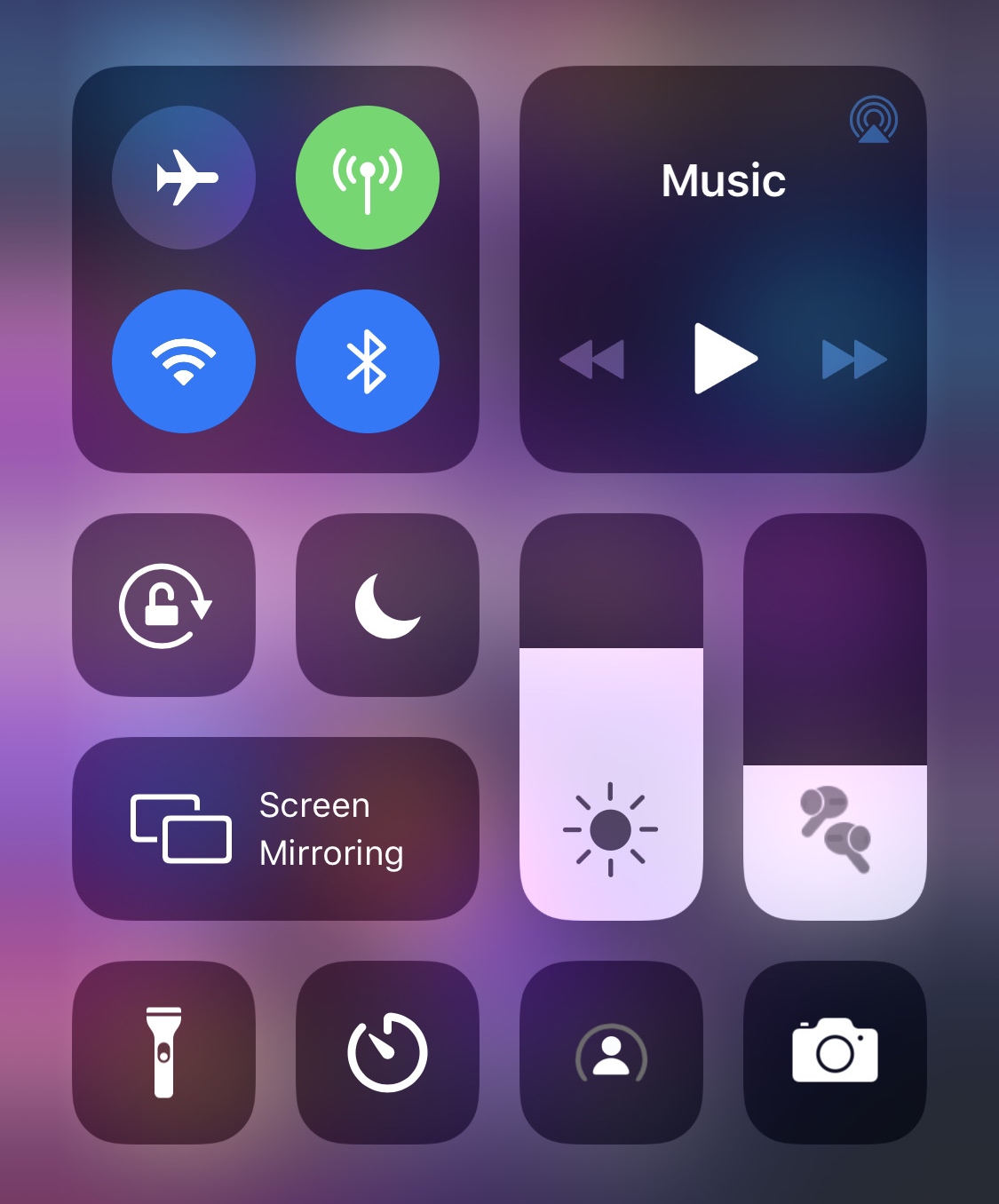
If you’re jailbroken on iOS 11 or 12 and actively looking for a fun and quirky way to style up the Control Center interface when listening to music with your favorite Bluetooth headset or speaker, then you’re probably going to enjoy a new and free jailbreak tweak release called Daisy by iOS developer LaughingQuoll.

As depicted in the screenshot example above, Daisy populates the volume slider in Control Center with a meticulously crafted glyph that represents the type of Bluetooth device you’ve connected to when listening to audio. Notably, the glyph still appears when the volume slider gets expanded to full screen.

Customize AirPods Pro behavior with the new Siliqua Pro jailbreak tweak

It can be seldom that jailbreak-oriented software supports any of Apple’s latest hardware, but perhaps one of the most renowned exceptions to this rule of thumb lies with that of first-party accessories, much like Apple’s AirPods. One great example of this was a previous jailbreak tweak release called Siliqua by iOS developer LaughingQuoll, which offered deeper gesture customization for AirPods users in possession of a pwned device.

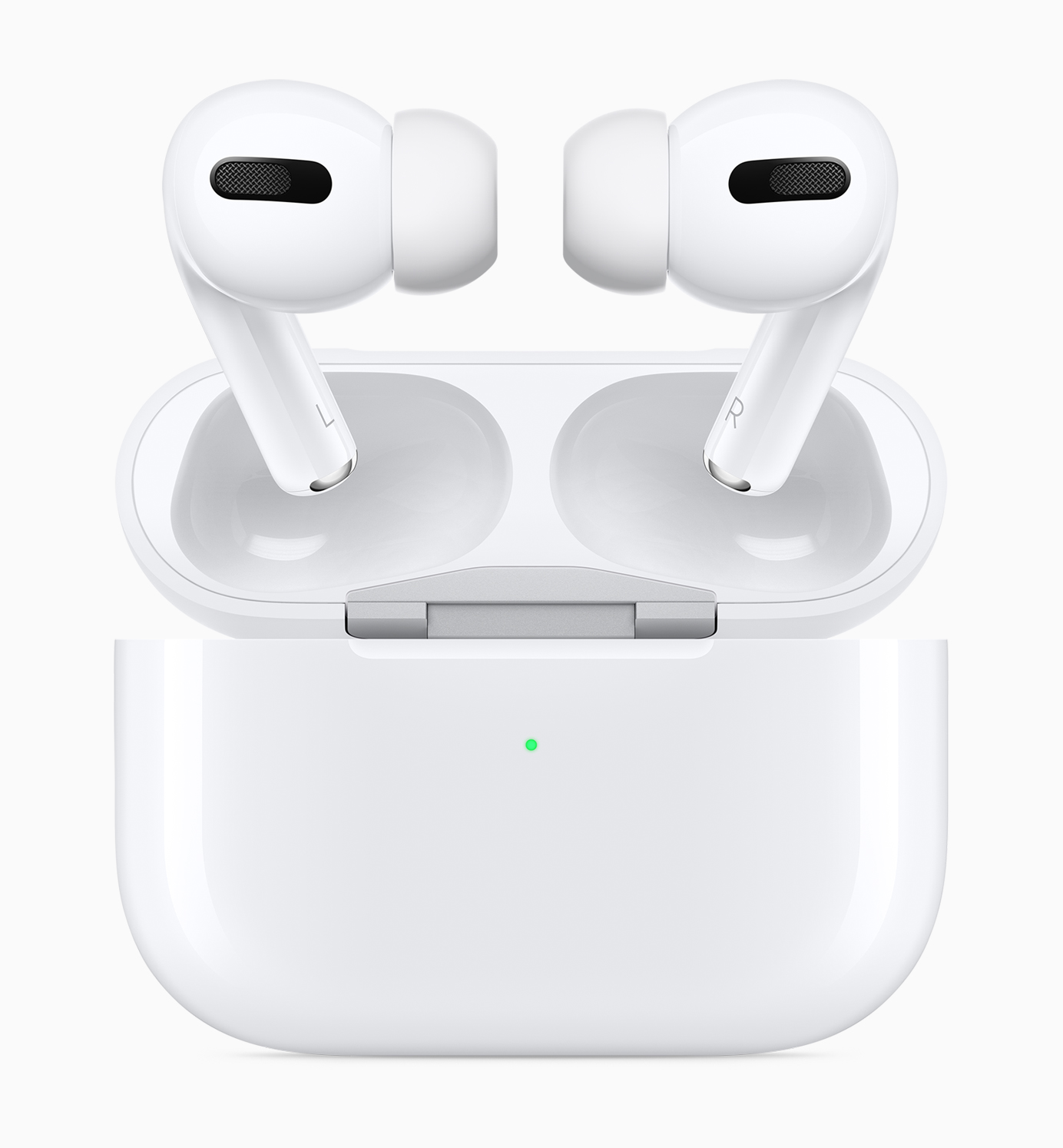
Siliqua has since seen its second iteration, but now that Apple launched an entirely new product called the AirPods Pro, it shouldn’t come as much of a surprise to anyone that LaughingQuoll released a new tweak to go along with it. Enter Siliqua Pro, an add-on just like Siliqua, but designed especially for Apple’s latest and greatest first-party wireless earbuds.

Jailbreak tweaks of the week: BadgeMe, Haptigram, ScreenSafe, and more

There’s been so much excitement in the last couple of weeks with regard to the checkm8 bootrom exploit that we can’t wait to see what becomes of it. On the other hand, those already jailbroken with Chimera or unc0ver will be happy to know that we continuously report on the best of the newest jailbreak tweak releases each day.

In this roundup, we’ll talk about all the jailbreak tweaks released from Monday, November 4th to Sunday, November 10th. As usual, we’ll kick things off by talking about our favorites and then wrap things up with an outline of the rest afterward.
Sileo v1.5.2 now available with iOS 13-centric improvements

Despite the recent and controversial announcement that Sileo’s development had been ‘suspended until further notice,’ project lead developer CoolStar appears to have since overturned that declaration. Thursday evening, CoolStar announced a second update to the alternative package manager since that announcement, formally bringing it up to version 1.5.2.

Surprisingly, the official @GetSileo Twitter page didn’t make mention of the latest Sileo update, but it’s worth noting that CoolStar posted a memo about it not too long ago in his official Discord channel:

Give notification badges a custom aesthetic with BadgeMe

The infamous notification badge has looked almost the same on the iOS platform for more than a decade. The single most significant transformation befell with the release of iOS 7 when Apple nixed skeuomorphism from the bulk of iOS’ user interface, but even then, it didn’t change much.

The circumstances are absolutely astounding, but they aren’t hopeless. Those lucky enough to have a pwned handset in their possession can change how their notification badges look right this very second with the help of a newly released jailbreak tweak called BadgeMe by iOS developer Sirius24.

ScreenSafe protects your iPhone’s display from burn-in with screensavers

Handsets equipped with OLED displays are particularly adept at displaying high-contrast colors due to the true blacks they exhibit, especially when compared to handsets sporting traditional LCD displays. On the other hand, OLED displays are also notorious for screen burn-in issues, and that’s where screensavers come in.

Modern iPhones such as the iPhone X, XS, and 11 Pro (including their larger counterparts) come standard with OLED displays, and while Apple has already done plenty to mitigate screen burn-in with these devices, they haven’t yet adopted screensavers on the iOS platform. With that in mind, a new jailbreak tweak release called ScreenSafe by iOS developer Kushy comes off as particularly interesting.

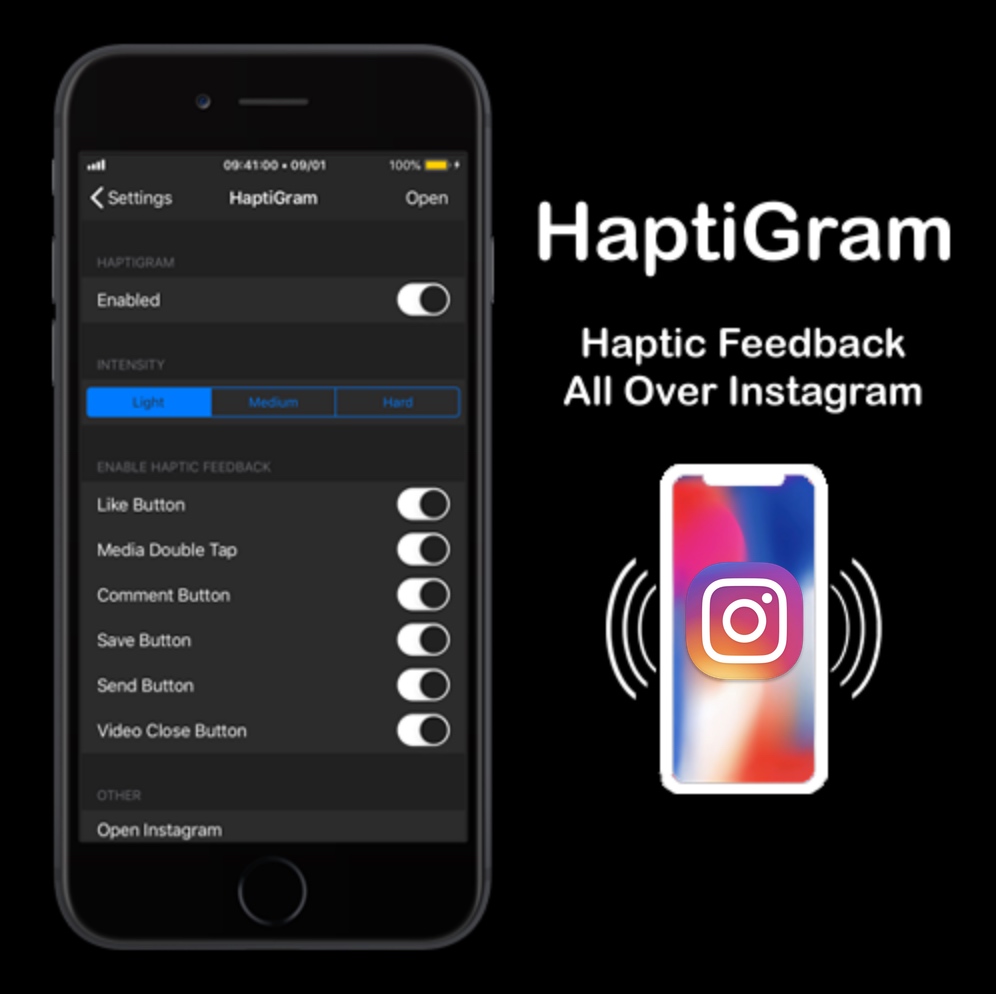
Add haptic feedback to the Instagram app with HaptiGram

If you’re a jailbreaker that uses the Instagram app and also happens to enjoy subtle vibrations when performing actions (better known as haptic feedback), then we think you’ll take a particular liking to a newly released jailbreak tweak called HaptiGram by iOS developer iCraze.

As you may have inferred already from the context clues above, HaptiGram integrates haptic feedback into various actions performed in the official Instagram application for iOS. According to the developer, haptic feedback can be felt when doing any of the following things: