iTunes

Apple appears to have upped the iTunes Match track limit

According to a report by blogger Kirk McElhearn, Apple has increased iTunes Match and iCloud Music Library track limits above the original 25,000 track threshold. This increase, while yet to be officially acknowledged by Apple, has been in the cards since at least summer.

Although Eddy Cue, who serves as Apple's Senior Vice President of Internet Software and Services, said that the limit would rise to 100,000 around the iOS 9 release, the increase hit an apparent delay, and has just now begun to roll out to users.

Apple launches carrier billing in Russia with Beeline

As it turns out, Apple has finally begun rolling out a new carrier billing option in emerging markets, starting with Russia. TechCrunch reported yesterday that Beeline, a mobile carrier in Russia, has now turned on the ability to make payments in iTunes through their billing system.

Carrier billing joins existing payment methods accepted on the App Store, iTunes Store and iBooks Store and was designed to allow customers to have app and media purchases and Apple Music subscriptions charged to their monthly mobile phone bill, or deducted from their prepaid amount.

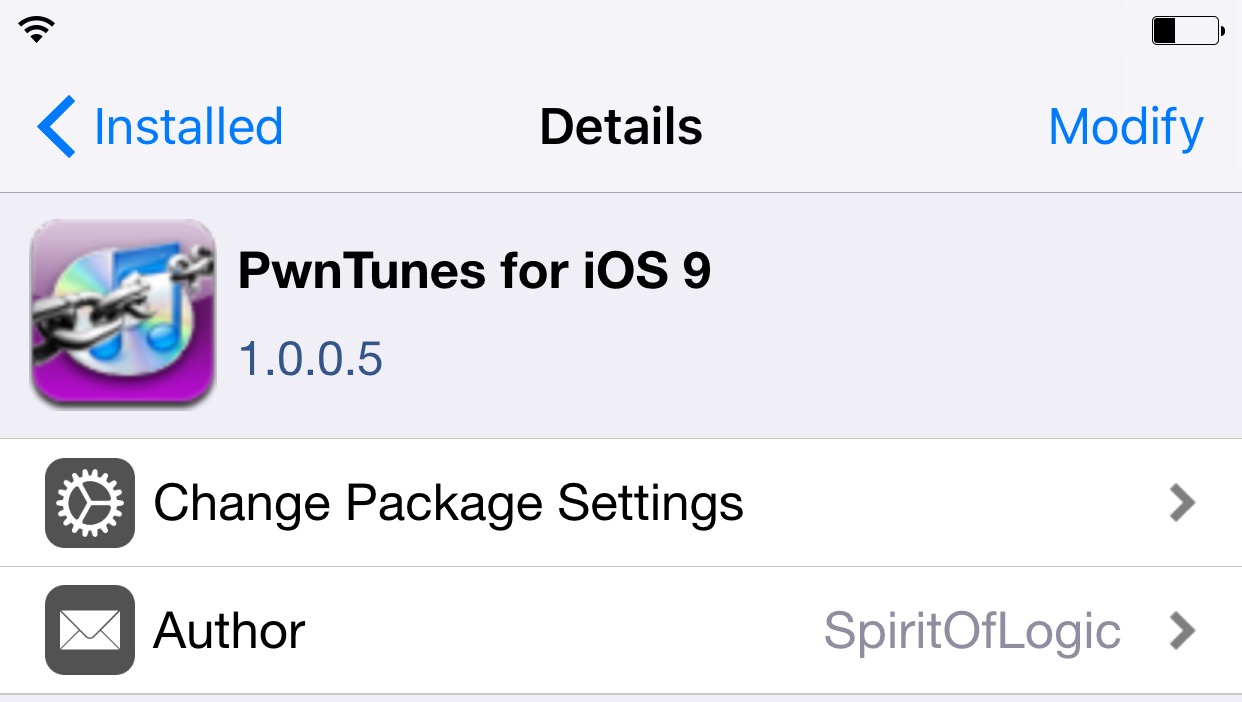
PwnTunes for iOS 9: manually manage music via Windows on a jailbroken device

PwnTunes is a jailbreak tweak that’s been around since the every early days of jailbreaking. If memory serves me correctly, I think it’s been available since the iOS 3 days, which seems like an eternity now that we’re only 7 months or so away from iOS 10.

The basic premise behind PwnTunes is that it affords Windows users drag and drop access to import and export music without iTunes. The tweak is able to accomplish this feat by turning an iPhone into a mass storage device that’s accessible via Windows Explorer.

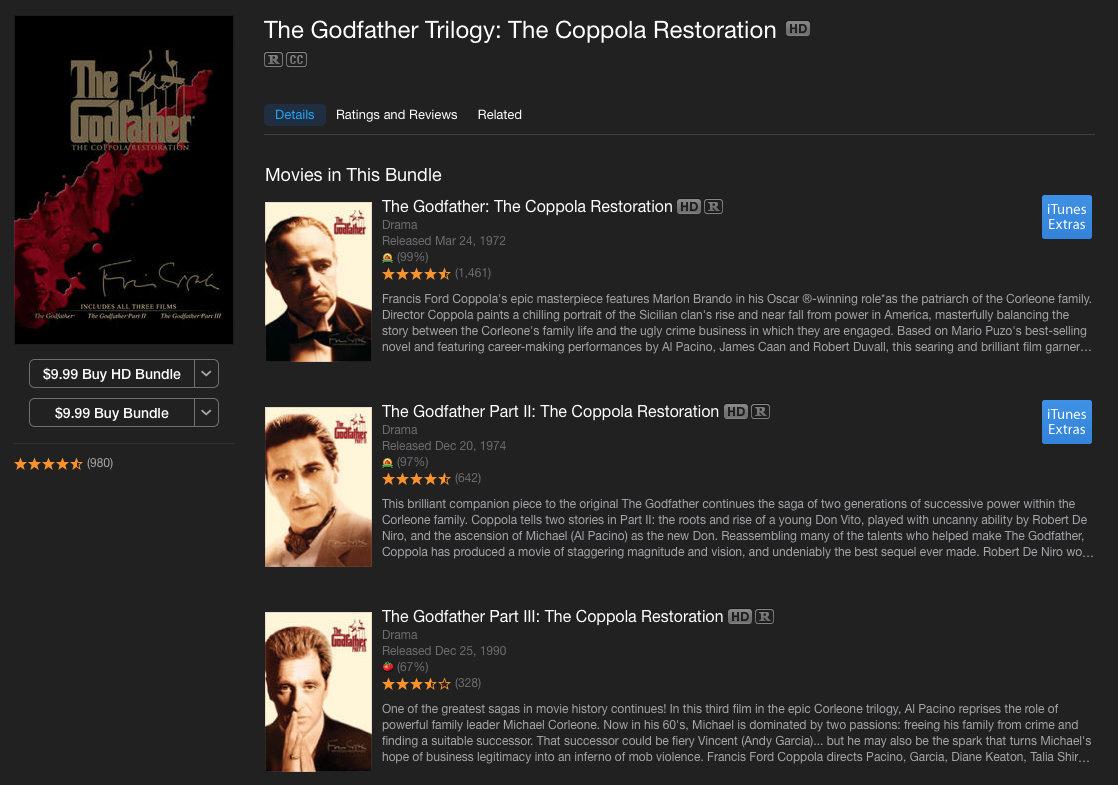
An offer you can’t refuse: The Godfather Trilogy is just $10 on iTunes right now

Thanksgiving is on Thursday, and unless you work in retail, chances are you have a long weekend coming up. And what better way to spend your extra free time than by watching one of the most popular film series in cinematic history: The Godfather Trilogy.

For a limited time, iTunes is offering the 3 movies, which follow the fictional Corleone crime family through the course of its history in the US and their homeland in Sicily, for just $9.99. That's a savings of at least $20 over its Best Buy and Amazon counterparts.

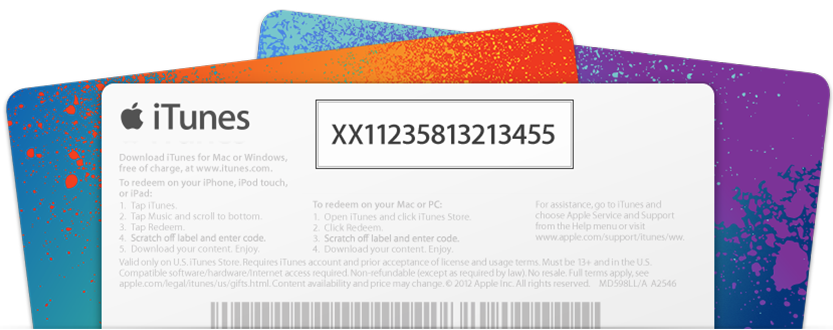
How to redeem an Apple TV app promo code

While it's possible to receive promo codes for Apple TV apps, it's not possible to redeem such codes directly from the Apple TV interface itself. Even though the newly released Apple TV is the first iteration of the device capable of running native apps, Apple is keeping the process of promo code redemption limited to iOS or the Mac.

Have you received a promo code for an Apple TV app or game? In this post, we'll show you how to redeem it.

How to set up carrier billing as payment method for App Store, iTunes Store and iBooks Store

In October 2015, Apple began rolling out support for carrier billing on iTunes in select markets, starting with Germany. This feature joins the existing payment methods accepted on the App Store, iTunes Store and iBooks Store and permits customers to have apps and media bought through these content stores charged to their monthly mobile phone bill or deducted from their prepaid amount.

If your carrier supports it, you too can opt-in to pay for your iTunes Store, App Store, and iBooks Store purchases—and your Apple Music membership—through mobile phone billing.

In this tutorial, we're going to cover setting up mobile phone billing as your payment method in the iTunes Store, App Store or iBooks Store.

Apple adds carrier billing to iTunes in some markets

For the first time since its inception back in 2003, the iTunes Store has added a carrier billing option to allow customers to buy apps and media through Apple's content stores and have their purchases billed to their mobile phone bill.

As first reported by TechCrunch, the new billing option is live for iTunes customers in Germany, who can link up their phone number with carrier O2, indicating carrier billing will likely roll out to additional markets in the future.

Using Apple Music with a foreign Apple ID can open up a wealth of interesting new music

As many of you guys know, I have an interesting taste in music. I like old-school R&B, a smattering of rap, love some 90's alternative, and am really into EDM. I grew up listening to the likes of Phil Collins, Olivia Newton John, The Police, Michael Jackson, Oasis, Run DMC, The Cranberries, The Fat Boys, Nirvana, and many others. Needless to say, my taste in music can be pretty random at times.

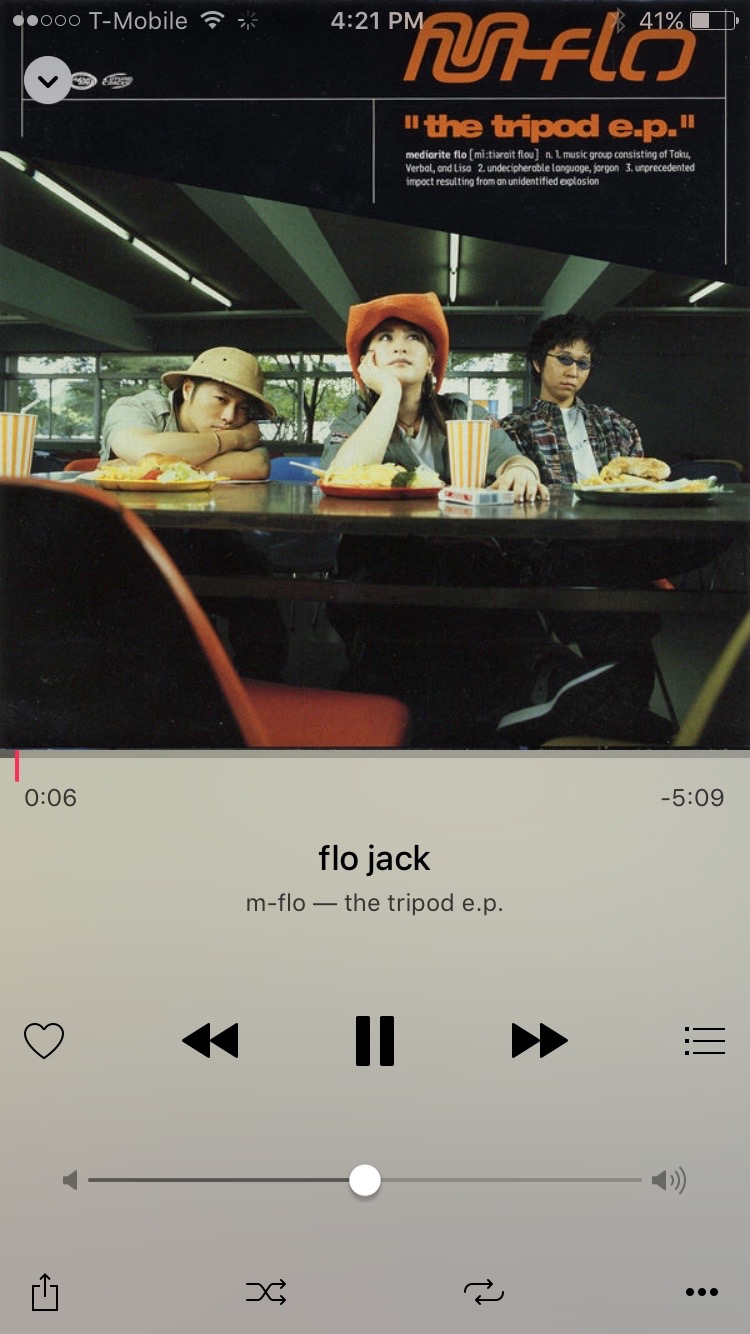
One of my guiltiest pleasures when it comes to music genres is without a doubt Japanese pop music. Actually, I no longer feel guilty about it at all, I downright love Japanese pop, or J-Pop as it's better known as. I've been listening to J-Pop since the late 90's, starting with the likes of Hikaru Utada, m-flo, Ayumi Hamasaki, and other, more obscure J-Pop artists.

One of the downsides to liking foreign music like J-Pop, is that it can be difficult to find. You'll find a smattering of it on services like Spotify, but it's usually music that has already been sold or localized for the States. Of course, one can always import a CD, but CDs are ridiculously expensive in Japan, so that's not really an option for me. Plus, who wants CDs nowadays anyway?

Streaming music is where it's at, and it presents the perfect opportunity for finding different types of music from other countries. I've found that Apple does a pretty good job with this already. I've been able to find music that I've never been able to find on other streaming services. That said, it's still painfully obvious that a large divide exists, and J-Pop and other foreign music is more or less hard to come by.

The thing is, the music is already there, it's just restricted to accounts for certain regions. But it is possible to get around these restrictions if you're willing to make some compromises...
How to only transfer Activity and Health app data to a new iPhone

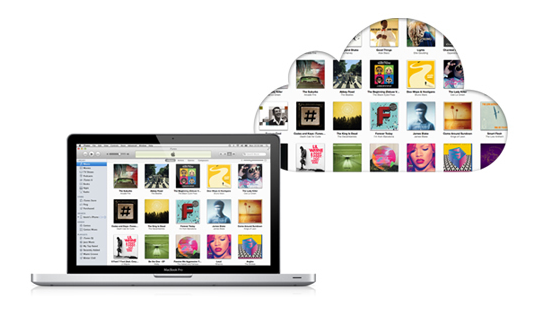
Transitioning to a new iPhone is made simple by iCloud backups, iTunes, and a few clicks or taps. Apple ensures it is easy to move from a fully loaded and setup device to a completely fresh iPhone with the same information, using their backup options. Most laypeople, almost always choose to restore new iPhones from their backups; however, more technically inclined concerned people tend to start with a fresh iPhone and do not restore from backup to prevent carrying over any unwanted information.

Earlier this week Christian highlighted two methods for upgrading to a new device and retaining your Activity and Health data. Method #1: use a third-party app to import your Health data, but it lacks Activity logs. Method #2: backing up your old device to iCloud or iTunes and restoring from backup, as I've described above.

But, what if you want both your Activity and Health data, but a fresh setup too? Step inside to learn how to install both, yet only, your previous device's Activity and Health data on your new iPhone. 

iTunes 12.3 is out with support for iOS 9, El Capitan, two-factor Apple ID authentication and more

Following release of the free iOS 9 software update with new features and core OS enhancements for the iPhone, iPod touch and iPad, Apple on Wednesday also issued a matching update to iTunes for Mac and Windows PCs.

The new iTunes 12.3 introduces OS X El Capitan-friendly design while enabling support for Apple IDs protected with two-factor authentication and syncing with iPhone, iPod touch and iPad devices with iOS 9.