iPod Touch

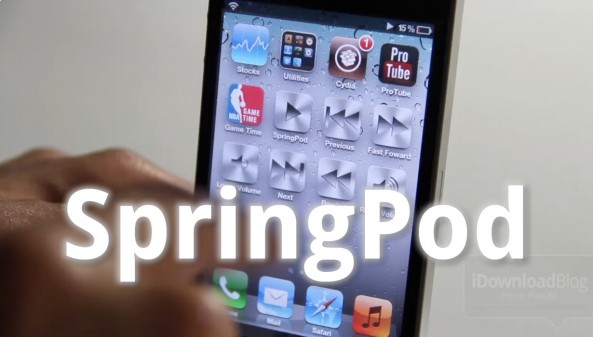
SpringPod: Add Individual Music Controls to Your Springboard

Adding individual music controls to your Home screen in the form of app icons is nothing new in the world of jailbreaking. But SpringPod brings a slightly different approach, and few more customization options to the table than previous tweaks.

Along with play/pause controls, SpringPod brings previous, next, rewind, fast forward, and volume functions directly to your iPhone's Springboard. But is it worth the $0.99 asking price?
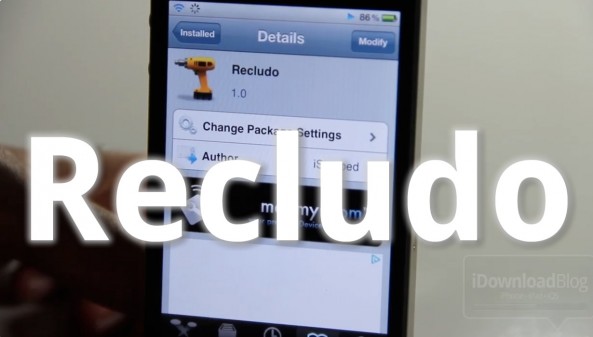
Recludo Takes You Straight to The Music App When Unlocking Your Device

Recludo is a jailbreak tweak that's a bit hard to describe, but simple in function. Its purpose is to force your iPhone straight to the Music app whenever the lock screen music controls are invoked and you unlock your iPhone.

Since there's a good chance that you will want to use your Music app when the music controls are being used anyway, Recludo can usher in a seamless music listening experience to jailbroken iPhones...

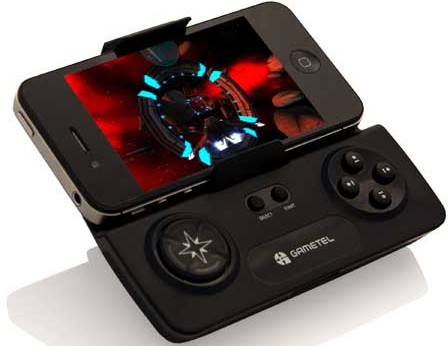
Gametel Gamepad Now Compatible With iOS Devices

Considering how popular iOS has become as a mobile gaming platform, you would think that the market for iOS gaming accessories would be huge, but it's really not. The iOS gaming peripheral space is actually quite small.

But it is slowly growing, thanks to notable accessories like the iCade, the iControlPad, and now the Gametel Gamepad. The once Android-only wireless controller is all set to make its iOS debut at the Consumer Electronics Show next week...

How to Easily Clear iOS 5 Lock Screen Notifications With Ipsum

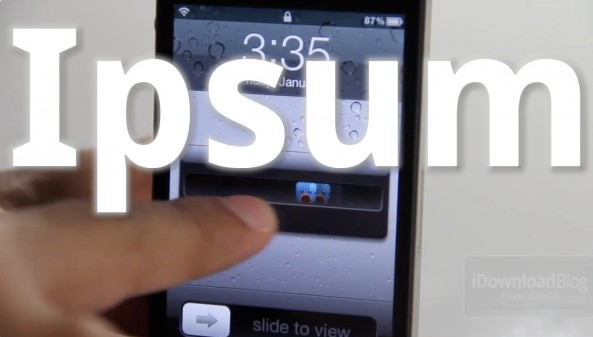
Ipsum is a jailbreak tweak that makes it ridiculously simple to clear iOS 5's Lock screen notifications.

A single swipe of the notification will work as normal — unlock the phone and go to the app that created the notification. With Ipsum installed, all it takes is a double swipe of the Lock screen notification to get rid of it...

Easily Exit Wiggle Mode With TapDeWiggle

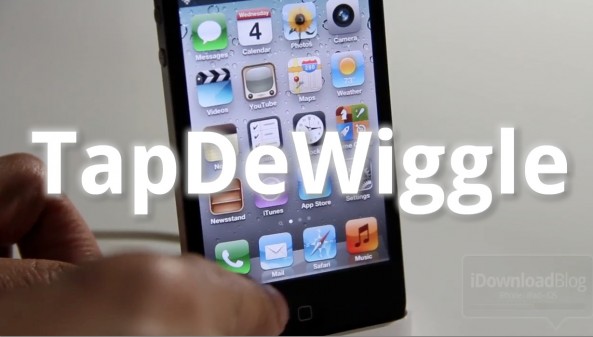
Have a broken Home button, or just to lazy to use it? If so, then you may want to give TapDeWiggle a shot.

TapDeWiggle is a jailbreak tweak that allows you to exit the iPhone's edit mode — a.k.a. "wiggle mode" — by tapping any blank spot on your Home screen.

To see it in action, check inside for our video analysis...

How to Permanently Preserve Your iOS 5.0.1 Untethered Jailbreak

If you've been paying attention to the jailbreak scene lately, then you've heard the warnings about preparing for Apple's next counter move against jailbreakers. The question is this: have you heeded it?

It's imperative that you update to iOS 5.0.1 now and save your SHSH blobs across all devices, including the iPhone 4S and iPad 2. That way, you can always downgrade to iOS 5.0.1 later, which means you will always have access to an untethered jailbreak.

We'll show you how to create a firmware file for your A4 devices that can always be jailbroken. We'll also tell you what to do to preserve the jailbreakability of your A5 devices as well. If you haven't done this yet, now is the time to act...

Zephyr Gesture Tweak Updated in Cydia With More Options and App Blacklists

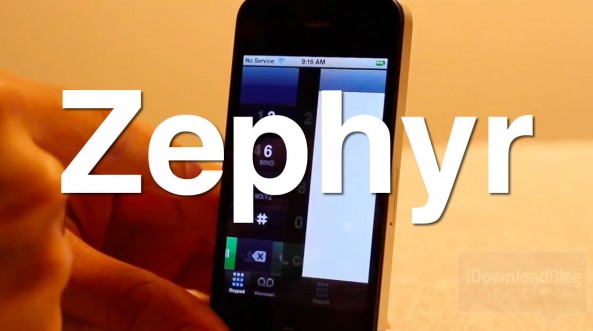
Chpwn has updated his popular jailbreak tweak called Zephyr with a couple big improvements. The gesture-based tweak brings intuitive, iPad-like navigation gestures to iPhone and iPod touch owners.

Version 1.0.2 of Zephyr is now available in Cydia as a free upgrade to existing users. The update brings with it the ability to blacklist certain apps and set custom finger swipes for each gesture.

LockLauncher: Launch Up to 9 Apps From Your Lock Screen

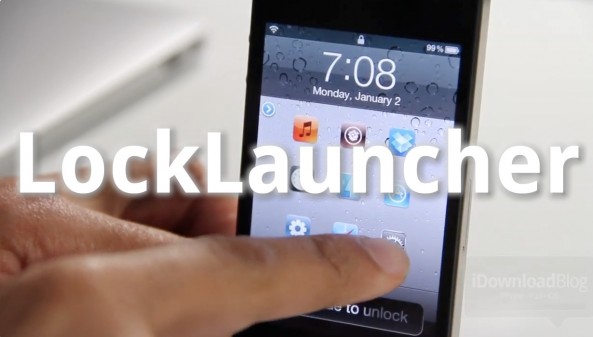
LockLauncher — not to be confused with, well, LockLauncher — is a jailbreak tweak that allows you to launch up to 9 different apps directly from your lock screen.

Despite its unoriginal name, LockLauncher differs from the previous LockLauncher we reviewed last summer. This version of LockLauncher is both free, and features the ability to launch more apps.

Be sure to check out our video walkthrough to see what it brings to the table...

Top Jailbreak Videos of the Week

This past week was the biggest week for the jailbreak community in quite some time. The iOS 5 untethered jailbreak was released, along with a legal Siri Port entitled Spire. Not only that, but we also saw multitasking gestures make their way to the iPhone by means of Zephyr.

Like always, please be sure to spread our iPhone, iPad, and iOS video tutorials by sharing our posts on Twitter and Facebook.

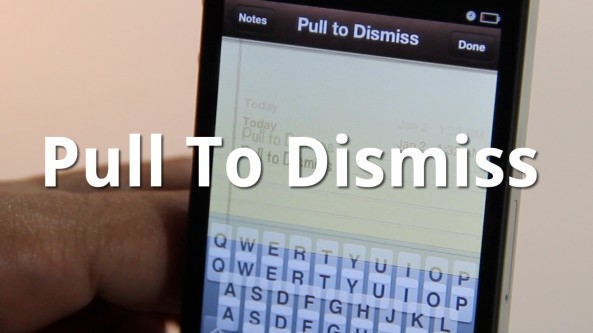
Easily Dismiss Your Keyboard With Pull To Dismiss

Is your iPhone's keyboard getting in the way? If so, then you may want to give Pull To Dismiss a try.

Pull To Dismiss is the latest jailbreak tweak from Ryan Petrich that allows you to easily dismiss your iPhone's keyboard with a simple pull. It works similar to pull to refresh, except instead of refreshing the content on the page, it dismisses your keyboard...

How to Set Up Spire [Video Tutorial]

A few days ago chpwn released Spire, a legal Siri port for the iPhone 4 and other devices. The release was met with much excitement, and likely just as much confusion. How does it work? Can it work with an existing Siri Proxy?

Getting Spire working on your non-iPhone 4S device may seem daunting, but it's actually fairly straight forward, especially if you've successfully followed our Siri Proxy tutorial in the past. The Spire setup pretty much involves the same steps needed to get Siri Proxy working, with a few notable differences thrown in.

Check inside as I show you how to get Siri running on your iPhone 4 using Spire. This should also work for other devices, like the fourth-generation iPod touch...

60beat’s $50 iOS GamePad Controller Brings the Console Experience to Mobile

iOS is growing to be a major player in the gaming space. When you are selling as many iPhones and iPads as Apple is, not to mention iPod touches, then it is almost an inevitability that your own App Store is going to become a mecca for all manner of games.

With its touch-based interface and huge screen, the iPad in particular has become something of a giant in the mobile gaming world, but the same touch screen that is is biggest strength can also be its biggest weakness. That's why this new accessory really caught our eye.

Coming from accessory company 60beat, this new controller gives gamers a more familiar way of controlling their games. If iOS gaming is to truly take over, then there needs to be a natural way to play traditional games, and that natural way involves a couple of thumbsticks and some hardware buttons.