At the end of the calendar 2018 holiday quarter, the Cupertino technology giant had a whopping 1.4 billion active devices worldwide and its iPhone installed base hit 900 million handsets, marking the first time the company has disclosed the latter number.
Apple previously reported the number of total active devices in usage, but this is definitely the first time it's disclosed the number of active iPhones out there.
Luca Maestri, Apple's finance chief, said on the conference call:
Our global active installed base of iPhone continues to grow and has reached an all time high at the end of December. We are disclosing that number now for the first time and it has surpassed 900 million devices, up year over year in each of our five geographic segments, and growing almost 75 million in the last 12 months alone.
While the definition of an active device is somewhat murky, Apple only counts the devices which actively use iCloud or have accessed App Store recently.
With 1.4 billion devices in the wild, of which 900 million are iPhones, we can infer that there are now about half a billion iPads, iPod touches, Macs, Apple TVs and Apple Watches in active use.
In August 2017, for example, Apple announced selling 1.2 billion iPhones cumulatively (it sold its billionth handset on July 26, 2016). Keep in mind that the total number of active devices can be misleading because Apple fans tend to own multiple products.
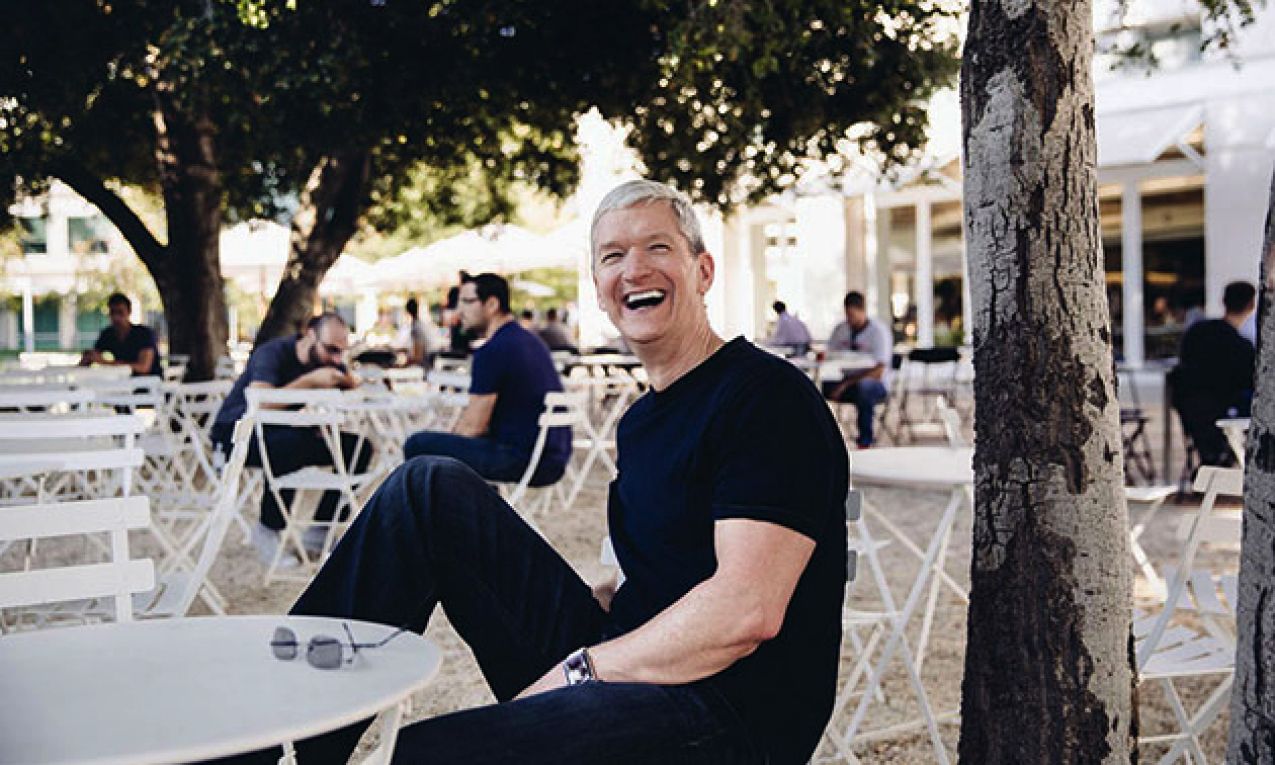
Cook at an all-hands meeting celebrating a billionth iPhone sold.
The iPhone installed base is incredibly important because it tells us how many iPhone-using customers are out there as very few people own multiple phones.
To mollify investors further, Maestri added that Apple plans to provide information on iPhone installed base, as well as total installed base, "on a periodic basis."
This was also Apple's first quarter without unit sales, taking away the yardstick everybody measured its business with. However, the replacement might be better: the Cupertino firm now focuses on the amount of revenue it generate through sales of devices and services.
Unit sales—the key metric to judge Apple's growth—is no more.
Now sales are split between products and services for the first time. Both Apple's press release announcing the earnings and remarks on the conference call strongly emphasize services.
"Not only is our large and growing installed base a powerful testament to the satisfaction and loyalty of our customers but it's also fueling our fast growing services business," Cook said.
Still, the burgeoning services business—growing by 19 percent to a record $10.9 billion—isn't without pitfalls. Squeezing money out of existing customers won't be enough to placate investors unless Apple's installed based, a key driver for Services, continues growing.
Apple's net sales by geography and product type
The more people own its devices, the more money Apple can make by upselling them to services. In that context, seeing its overall global active installed base growing by a hundred million devices in the past twelve months is a definite positive.
But as the narrative shifts from products to services, Apple could find itself in a precarious position should iPhone sales contract in other key markets, like the US and Europe.
Strategy Analytics estimates that Apple shipped 65.9 million iPhones worldwide during the all-important holiday quarter, representing a 15 percent decline on the same quarter a year ago.
The decline corresponds with Apple's reported 15 percent drop in iPhone revenue during the company's fiscal 2019 first quarter, which covers sales in the three months to December 29.
Aside from woes in China, Tim Cook attributed the sharp fall in iPhone upgrades to high retail pricing, death of subsidies and customers holding on to their phones a bit longer.
Apple is addressing slowing iPhone sales with aggressive trade-in offers.
He mentioned a bunch of other factors, like unfavorable foreign exchange rates, strong competition from rivals like China's Huawei and the $29 battery replacement program.
"So where it goes in the future, I don’t know," Cook said. "But I am convinced that making a great product that is high quality, that is the best thing for the customer. We work for the user and so that’s the way that we look at it."
In other Apple earnings highlights, the company revealed a bunch of interesting data points: 50 million paid Apple Music subscribers, 85 million monthly readers on Apple News, 1.8 billion Apple Pay transactions, 360 million paid subscribers across all of its services and more.
You can listen to a replay of the earnings call on Apple's website for a limited time.
Thoughts on these milestones?