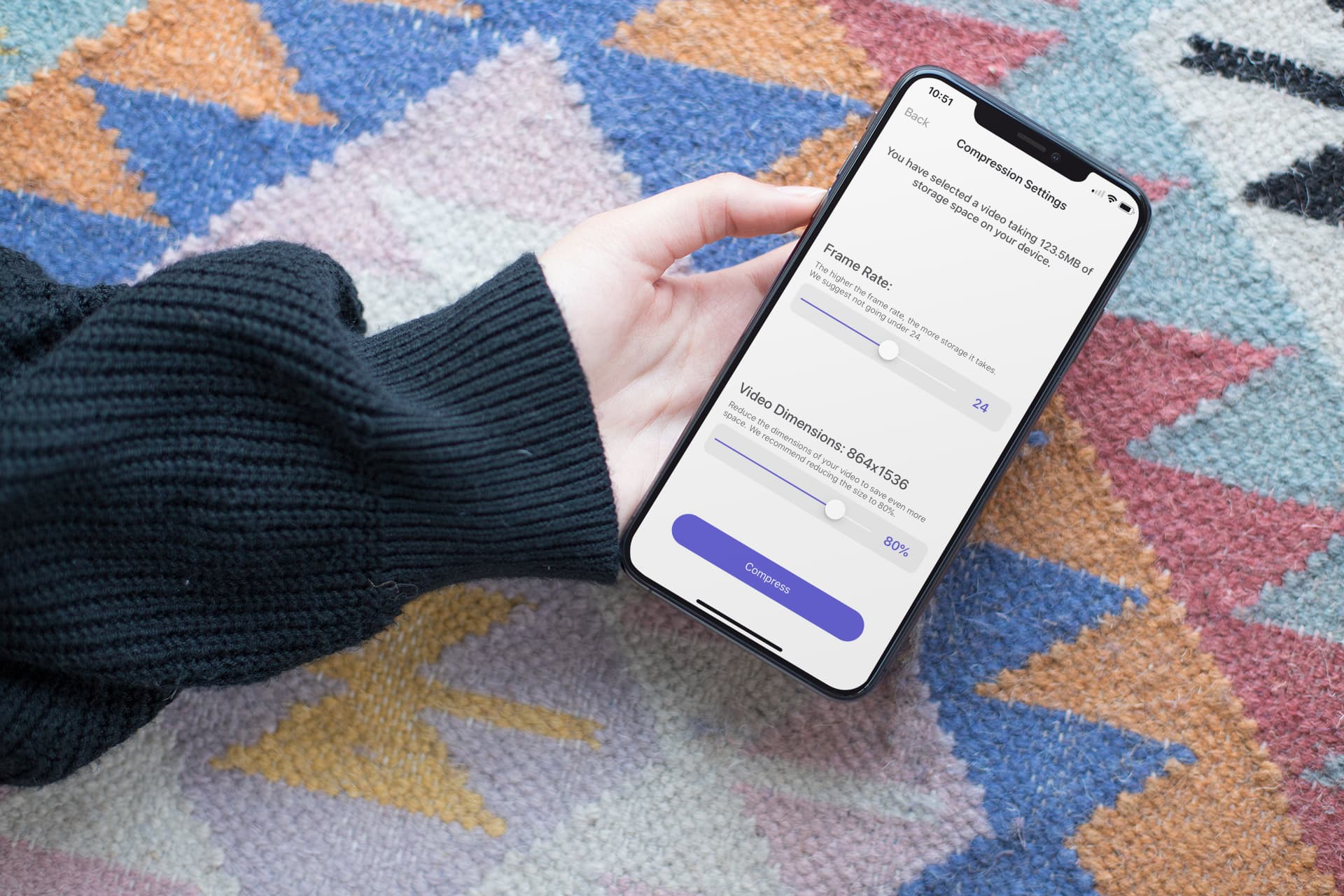
In this step-by-step tutorial, we show you how to compress a large video on your iPhone or iPad without compromising quality, allowing you to share it faster and save storage space.
How to compress one or more videos on iPhone and iPad
Stay up-to-date on the latest iPhone news and learn new tips and tricks with our comprehensive tutorials. From software updates to new features, we’ve got you covered.
In this step-by-step tutorial, we show you how to compress a large video on your iPhone or iPad without compromising quality, allowing you to share it faster and save storage space.

The Electra Team on Friday released updated iterations of the iOS-Centric Chimera jailbreak tool and the tvOS-centric ChimeraTV jailbreak tool, bringing the former up to version 1.2.7 and the latter up to version 1.2.6.
The Electra Team announced the two updates via Twitter early this morning, and from what we can gather, these updates focus primarily on the exploits used by the tools to jailbreak supported handsets:
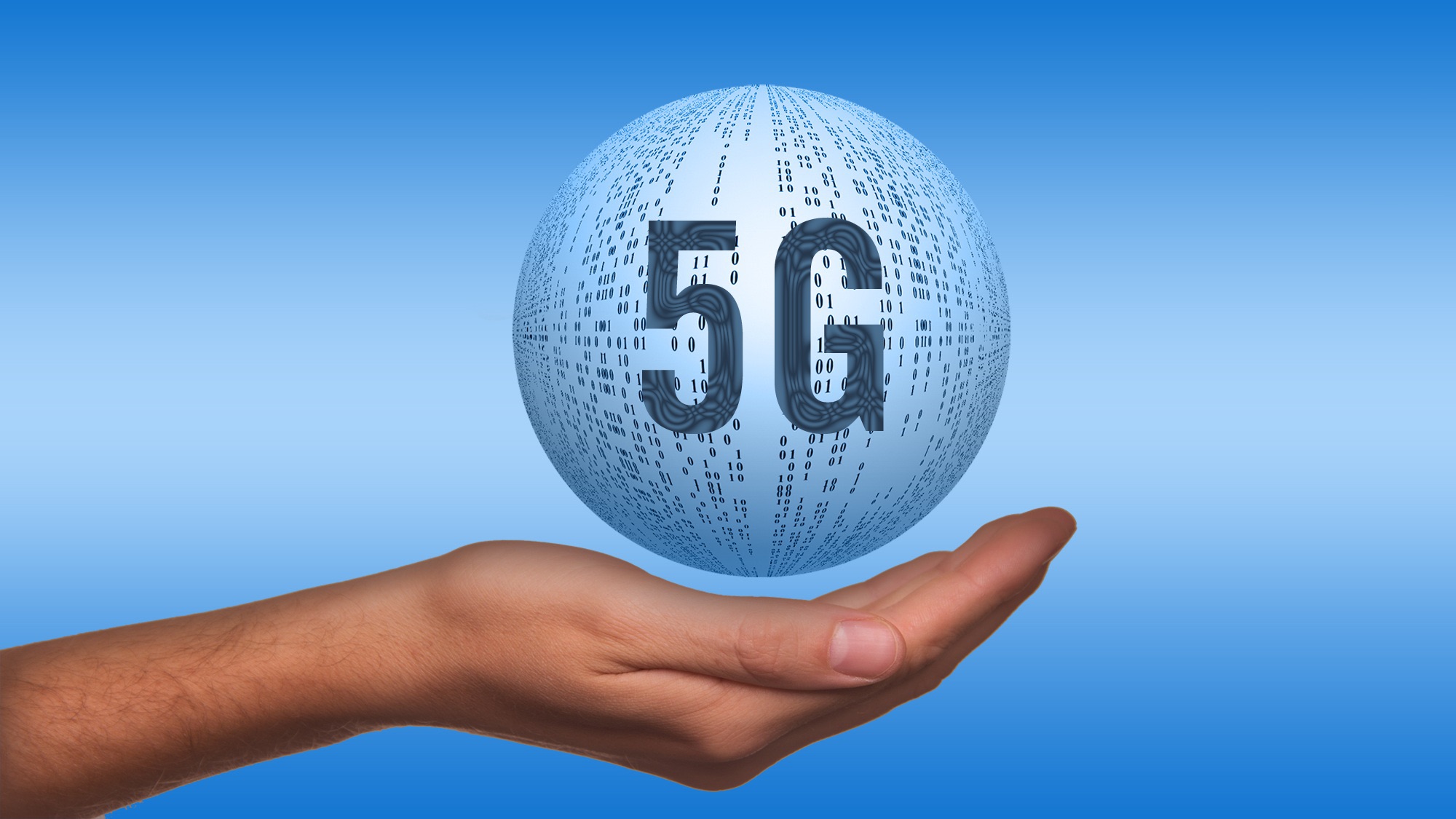
Following yesterday's announcement that Apple is purchasing Intel's 5G smartphone modem patents and other assets in a deal valued at $1 billion, Reuters today reported that first Apple devices with an in-house cellular modem could ship as soon as 2021.

Your iPhone supports three different types of wallpapers, including still images, Live Photos, and Dynamic Wallpapers. The latter is particularly interesting because it's the closest thing to video wallpapers that Apple has ever provided, but iOS’ native selection of Dynamic Wallpapers out of the box leaves a lot to be desired.
It was only a few weeks ago that we showed you a jailbreak tweak called Dynamic Apples by iOS developer JGeorge, which replaced the stock Dynamic Wallpaper with Apple-esque ones, but if that didn’t do it for you, then perhaps a new free release called Dynamic Rainbow Hearts.
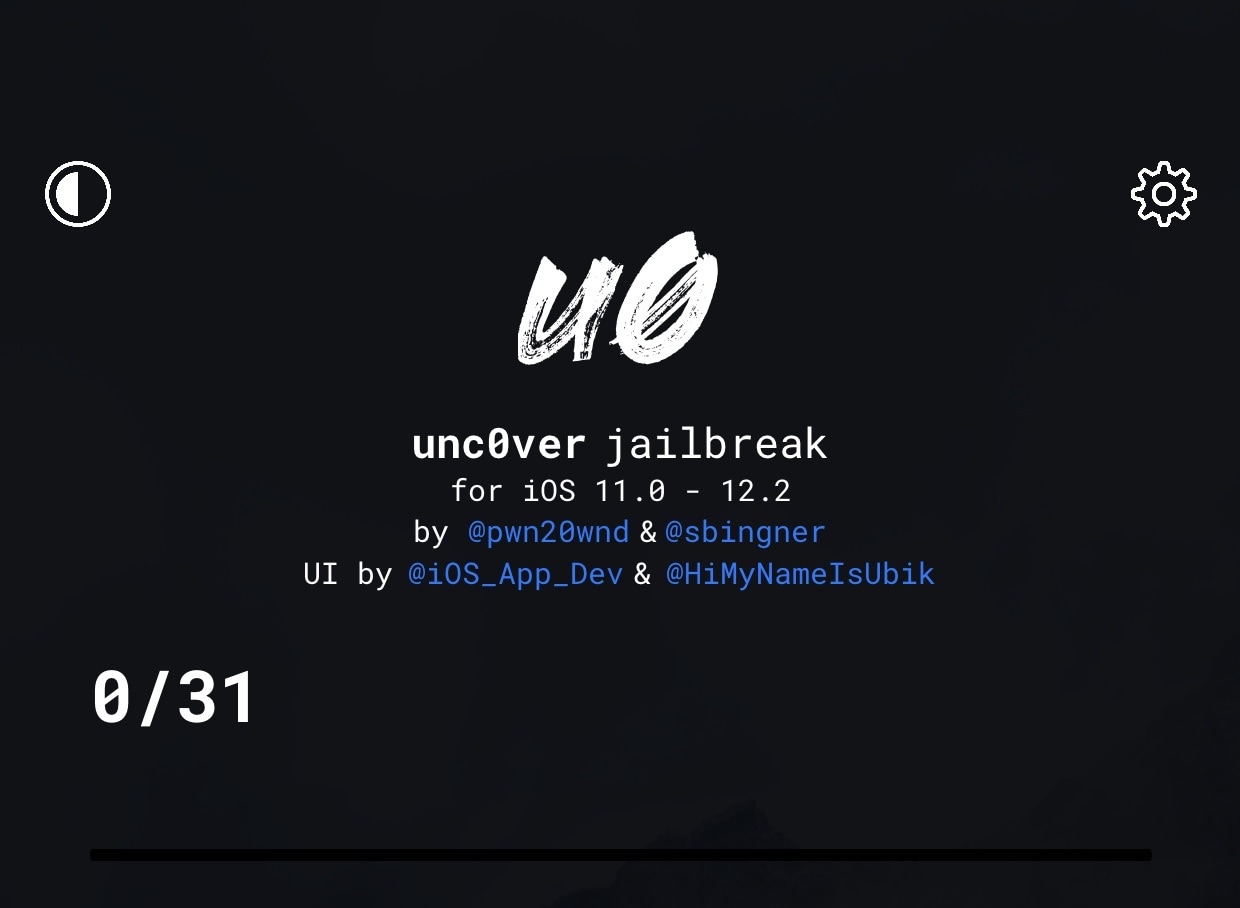
We saw an update for the iOS 12-based Chimera jailbreak tool earlier today, and like clockwork, it seems that Pwn20wnd has released a couple of updates for the unc0ver jailbreak for iOS 11 and 12 as well.
Pwn20wnd announced the updates just minutes ago via Twitter, and as it would seem, unc0ver v3.4.2 is now the latest release available to the public. Unc0ver v4.3.2 was released just shortly after v4.3.1:

The winners of the 2019 iPhone Photography Awards were announced on Thursday. The photo seen above is "Big Sister," taken by Gabriella Cigliano on her iPhone X in Zanzibar, Africa, and it took home the grand prize.
The Electra Team released an updated version of the iOS 12-centric Chimera jailbreak tool on Thursday, a move that brings the tool up to version 1.2.6.
The Electra Team announced the update just last night via Twitter, noting that it would implement @NedWilliamson’s Sock Puppet 2 exploit for increased exploit reliability on devices running iOS 12.1-12.2:
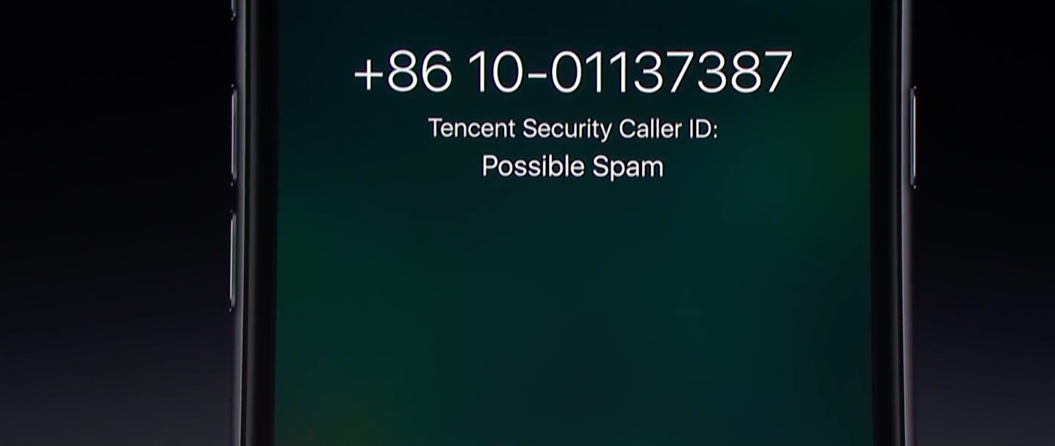
The House of Representatives today took a major step toward cracking down on illegal robocalls by approving a new act aimed at boosting anti-robocalling technology.
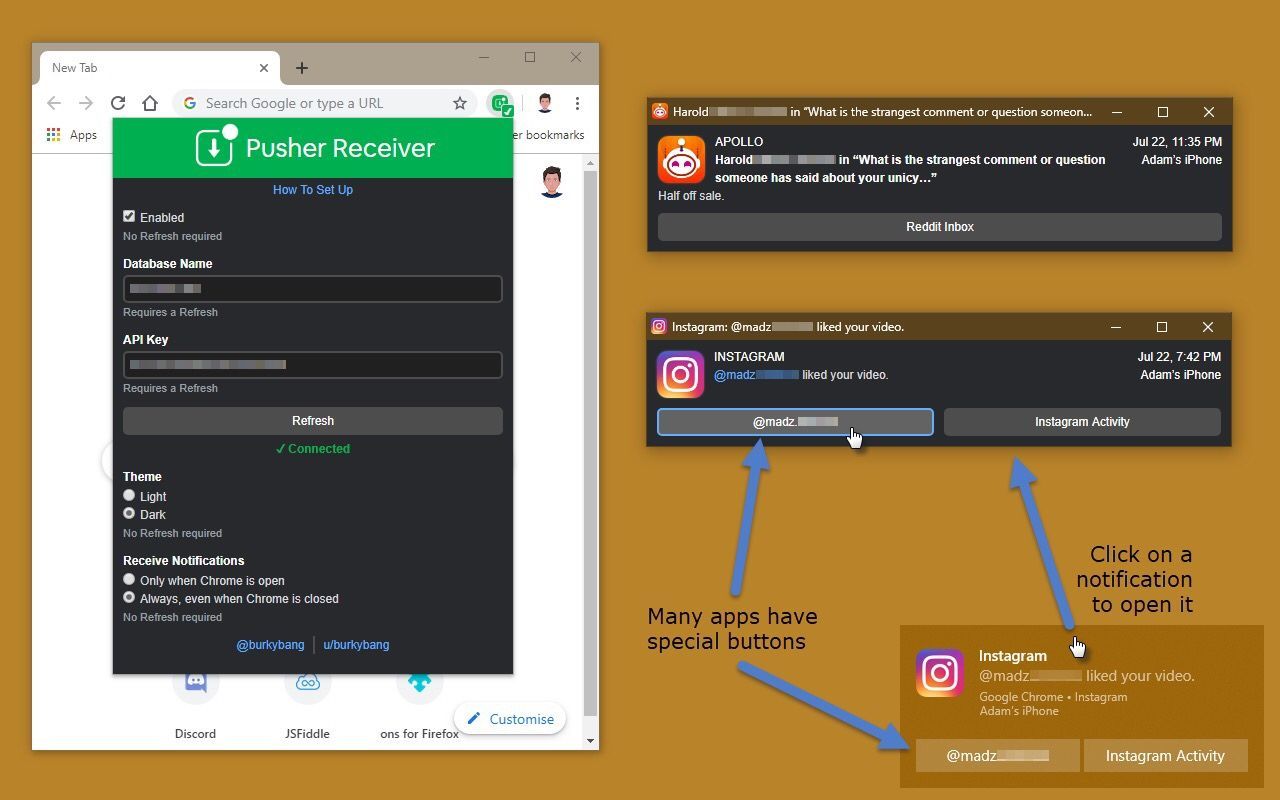
If all your devices – mobile and desktop alike – are of the Apple variety, then you’re probably accustomed to receiving push notifications from your apps on every one of your devices. On the other hand, this won’t necessarily be the case if you have, say, an Apple iPhone, an Android tablet, and a Windows computer.
Pusher is a newly-released jailbreak tweak by iOS developer Noah Saso that aims to help unify your push notification experience across all your devices, and astonishingly, this still applies even if your devices aren’t all manufactured by Apple.
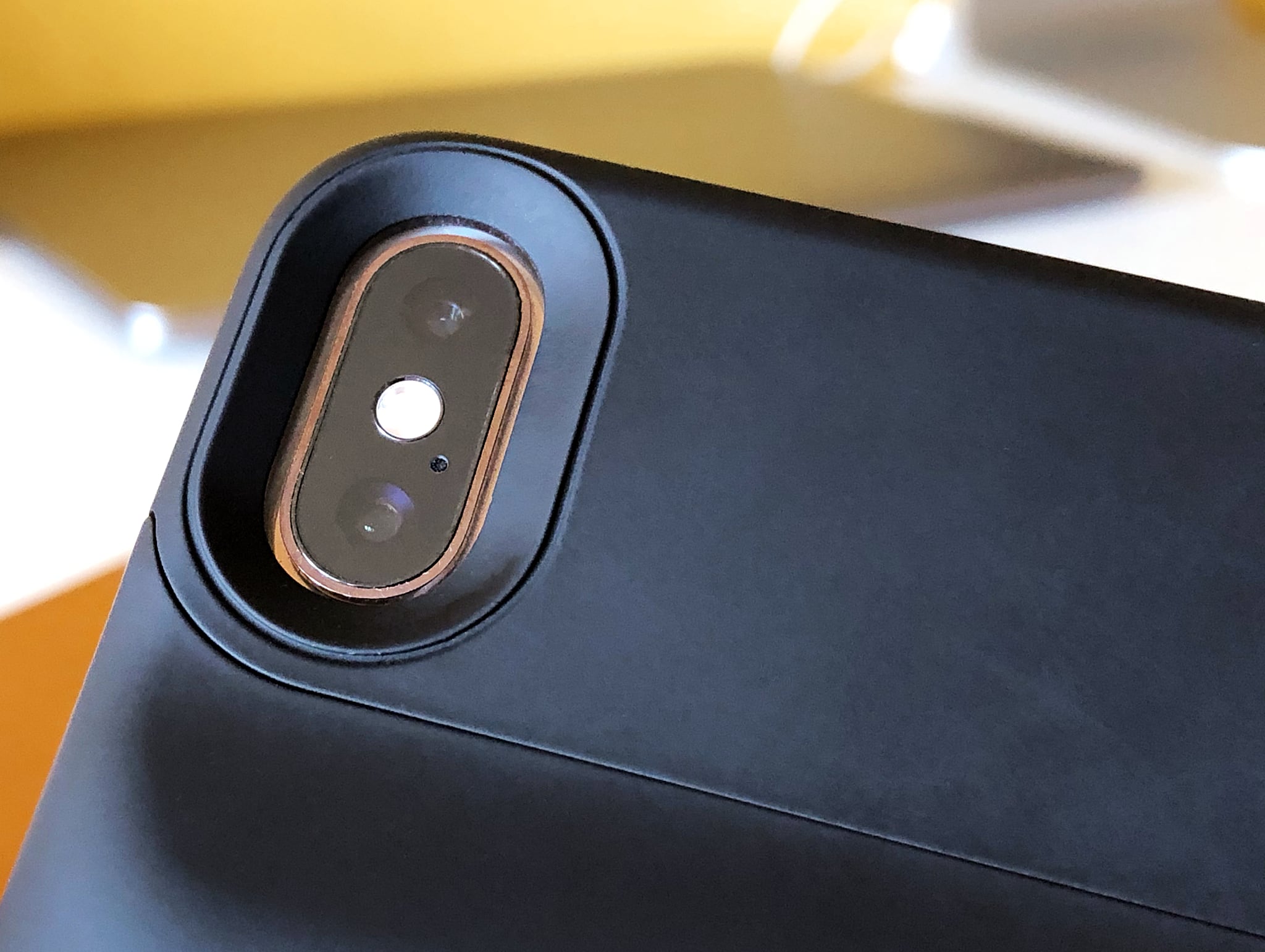
Apple's suppliers are gearing up to produce about 75 million new iPhones for the next launch cycle in September—roughly the same number as a year earlier—signaling that demand for the company's most important product is stabilizing after a period of volatility stemming from the US-China trade war and a slowdown in the overall smartphone market.
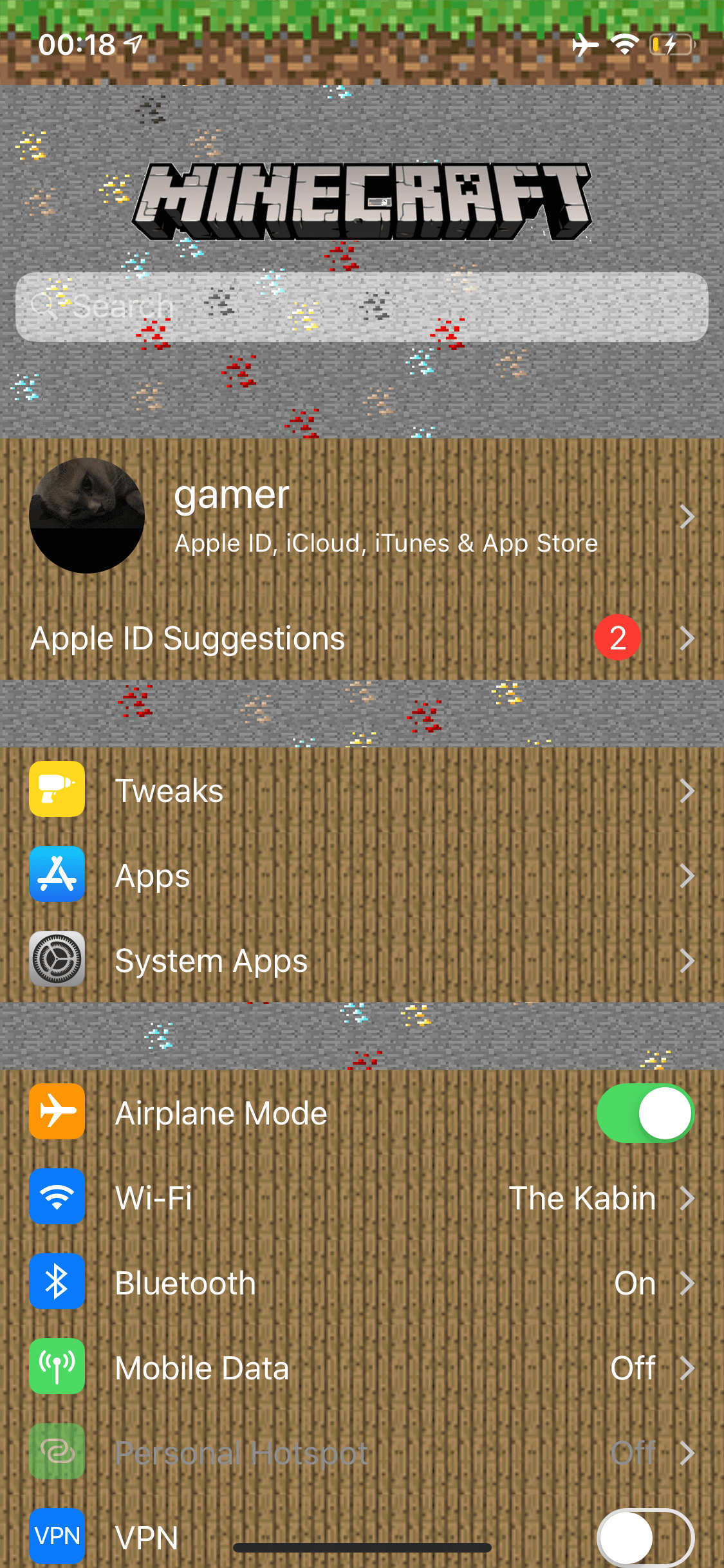
If you’re a huge Minecraft fanatic, then McSettings is a newly-released and free jailbreak tweak by iOS developer kushy that you won’t want to miss.
As you might’ve noticed already from the screenshot example provided above, McSettings themes iOS’ Settings app to look and feel like some of the textured resources that appear in the eccentrically popular Minecraft game by game publisher Mojang.

Maximize your reading experience on Safari for iPhone and iPad by learning how to customize the Reader view and per-site settings.