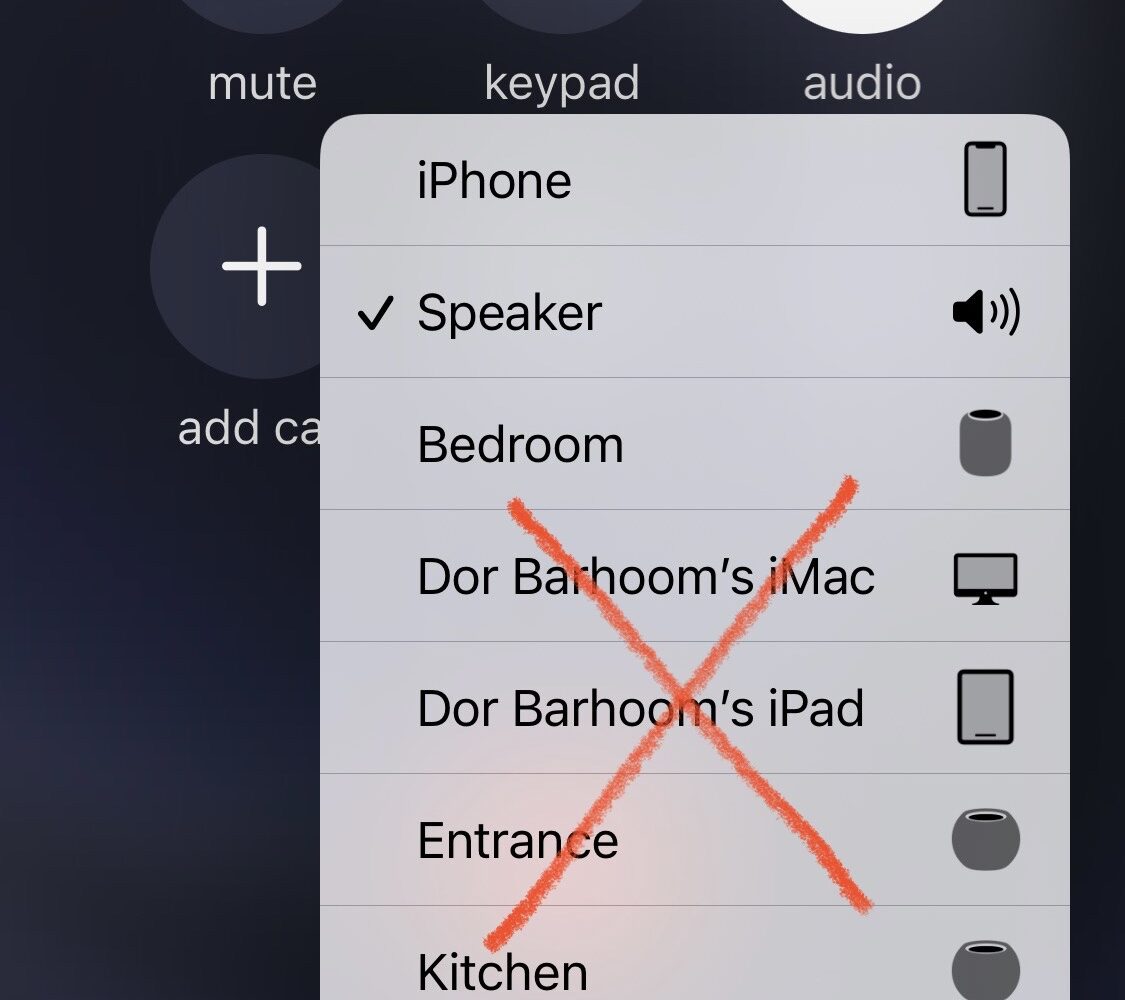
When you place or receive a phone call on your iPhone, the speaker option can be incredibly useful when you don’t plan to hold the handset up to your ear.
SpeakerFirst prioritizes the iPhone’s loudspeaker when tapping the speaker button in a call
Stay up-to-date on the latest iPhone news and learn new tips and tricks with our comprehensive tutorials. From software updates to new features, we’ve got you covered.
When you place or receive a phone call on your iPhone, the speaker option can be incredibly useful when you don’t plan to hold the handset up to your ear.

Screen recording is a powerful feature that iPhone users once needed to jailbreak to use, but since becoming a native feature in iOS and iPadOS, the tides have turned to jailbreakers enhancing the feature instead of enabling it.
In mid-October, hacker Justin Sherman took to Twitter to announce that he would soon publish a write-up detailing the likes of a kernel-level exploit for iOS & iPadOS 14.7 and below.
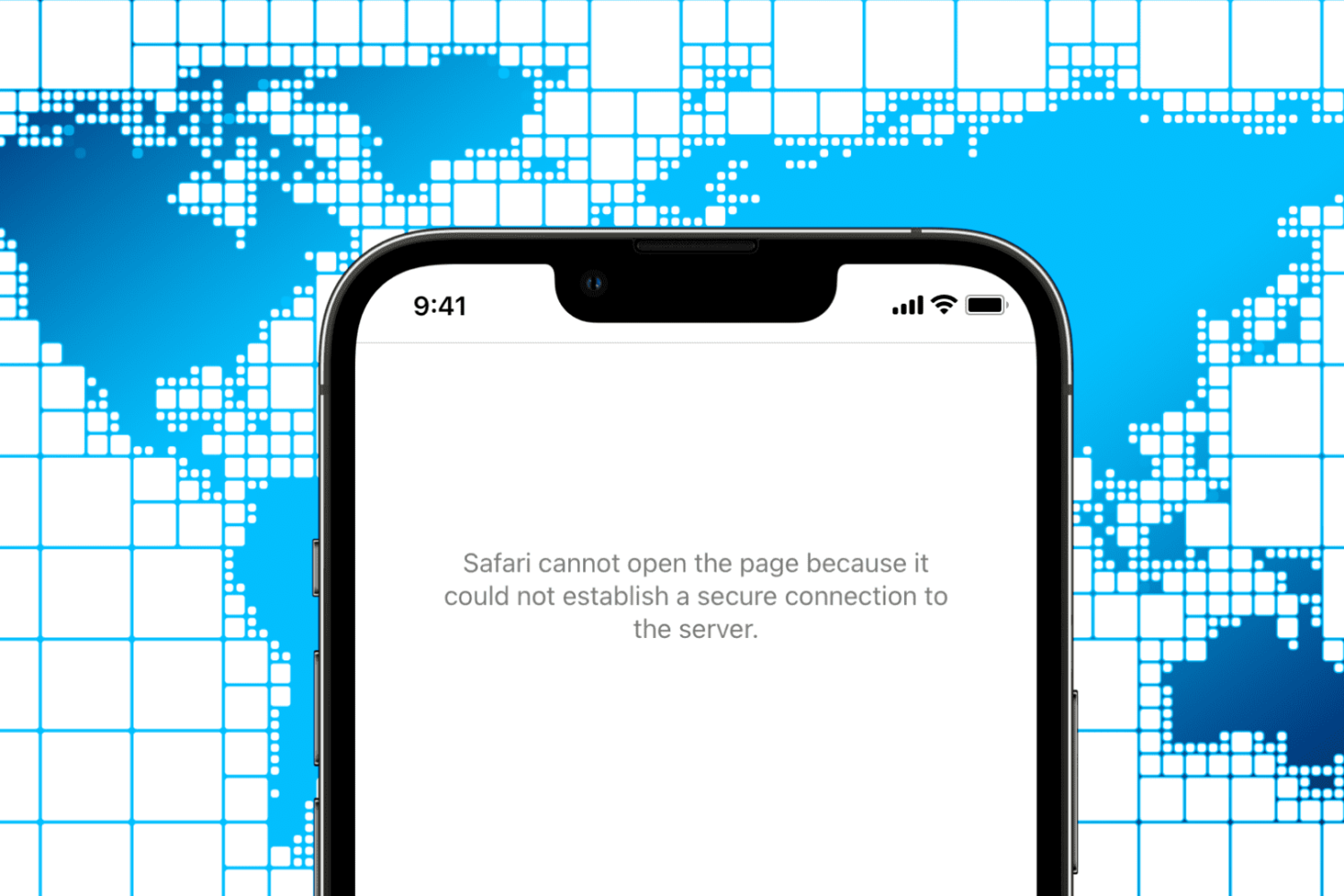
Check out these four free and easy ways to open blocked or geo-restricted websites on your iPhone, iPad, Mac, and other devices.
Learn how to permanently delete everything from your iPhone, iPad, or iPod directly from the device or using a computer.
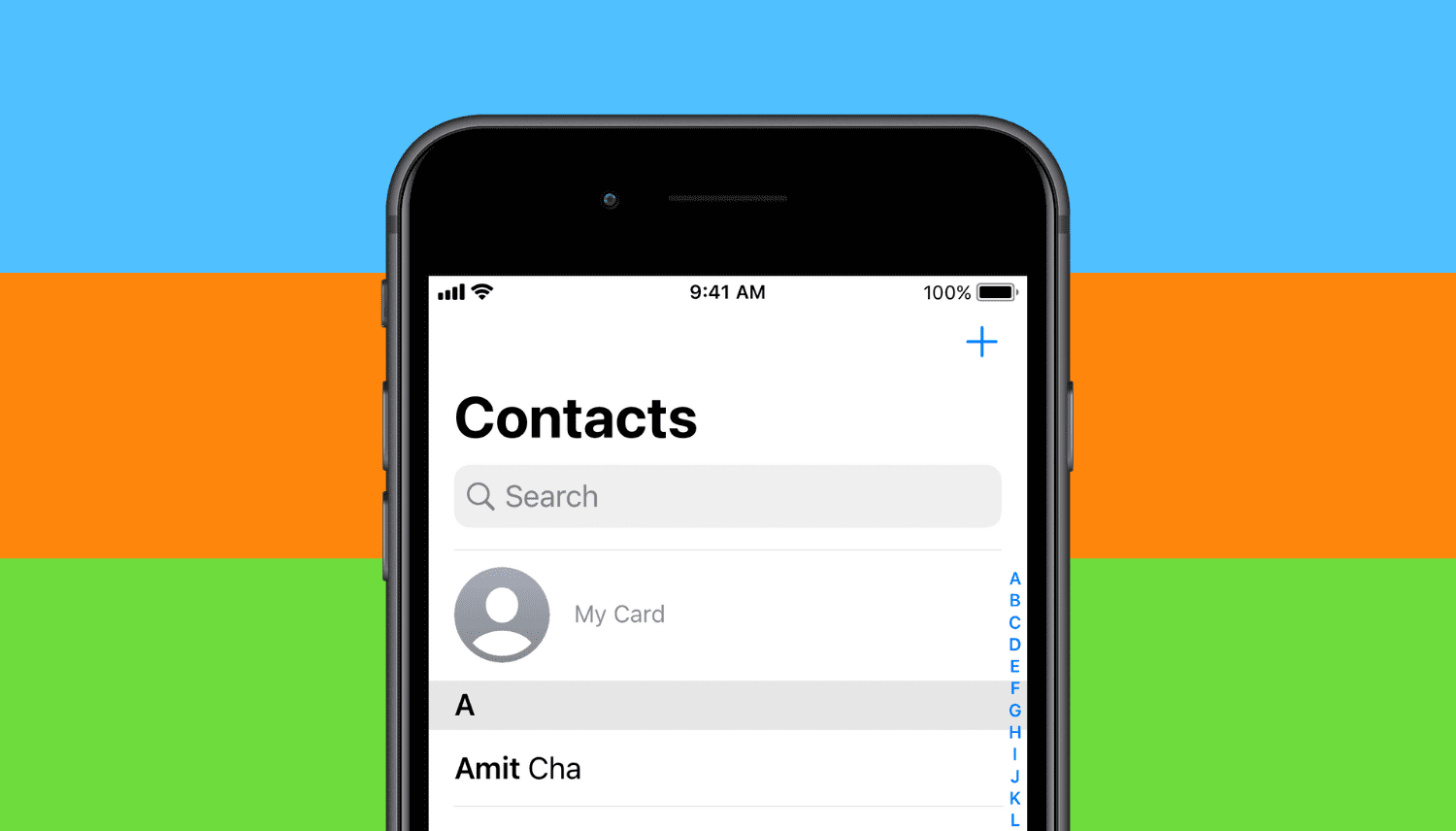
Learn how to add the “My Card” or “My Info” details in your iPhone’s Phone or Contacts app, or fix it if an incorrect contact is added here.
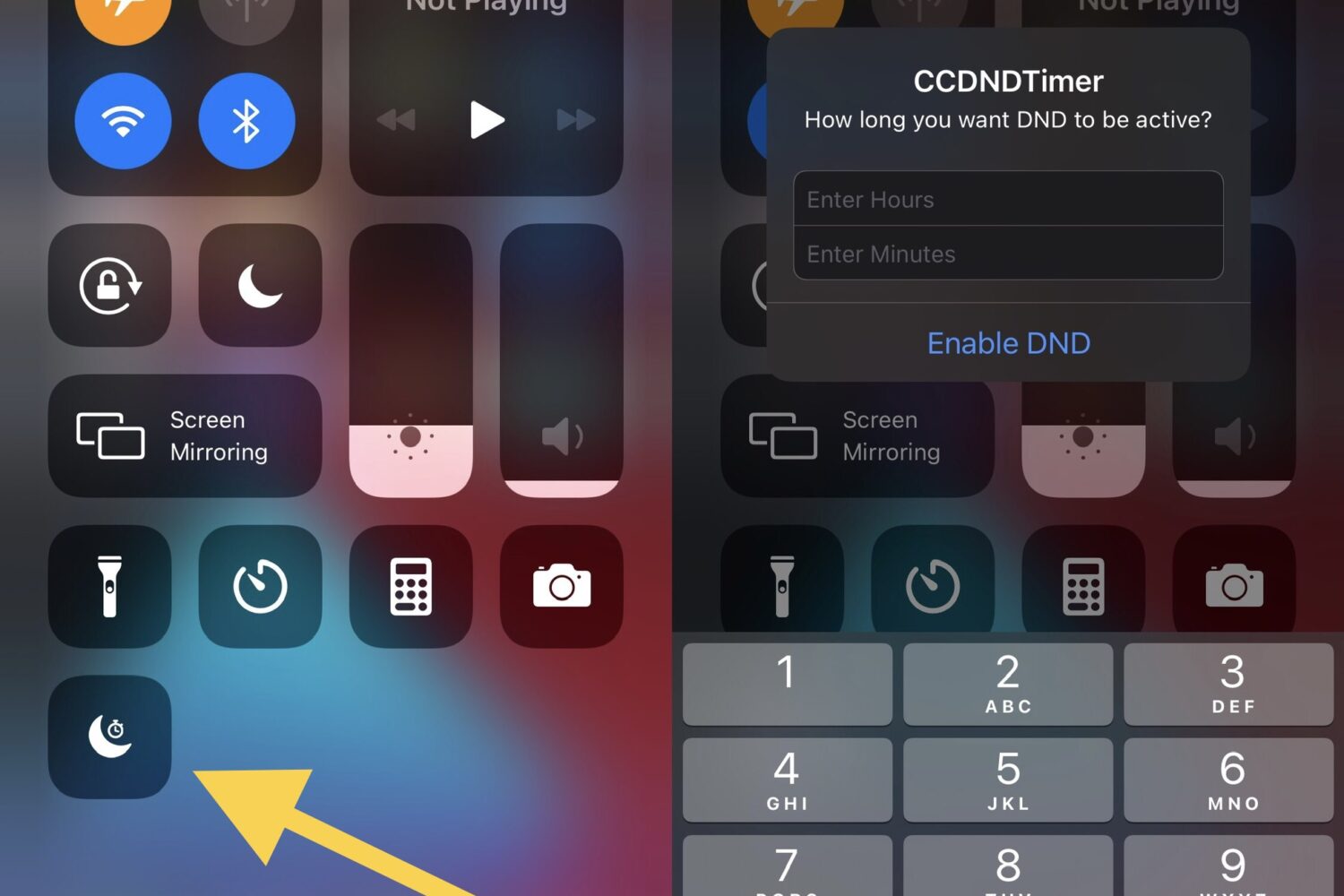
Do Not Disturb is one of my most-used features when it comes to my iPhone and iPad. That’s because sometimes I just want to watch a movie, play a game, or get productive without an app pinging me with notifications that would otherwise break my concentration.
Every Sunday morning, we curate a dedicated list of all the past week’s jailbreak tweak releases and jailbreak-centric news content, and this Sunday will be no different.
If you have any of Apple’s Bluetooth earbud or headphone offerings that support active noise cancellation and transparency mode, then you already know just how useful these features can seem. On the other hand, these features need to be toggled manually by the end user, which takes some of the ‘magic’ out of them.

When you begin watching a video in the YouTube app, it first starts playing in the constrained upper-1/3 of ths display in portrait mode. You can then move to a fuller-screen experience in landscape mode by rotating your device.
One of the things that I like about iOS is how it automatically brightens the display when showing a coupon or pass from the native Wallet app. While the intent behind this feature was to make scanning bar or QR codes easier, there are other apps where auto display brightness adjustments could be useful.
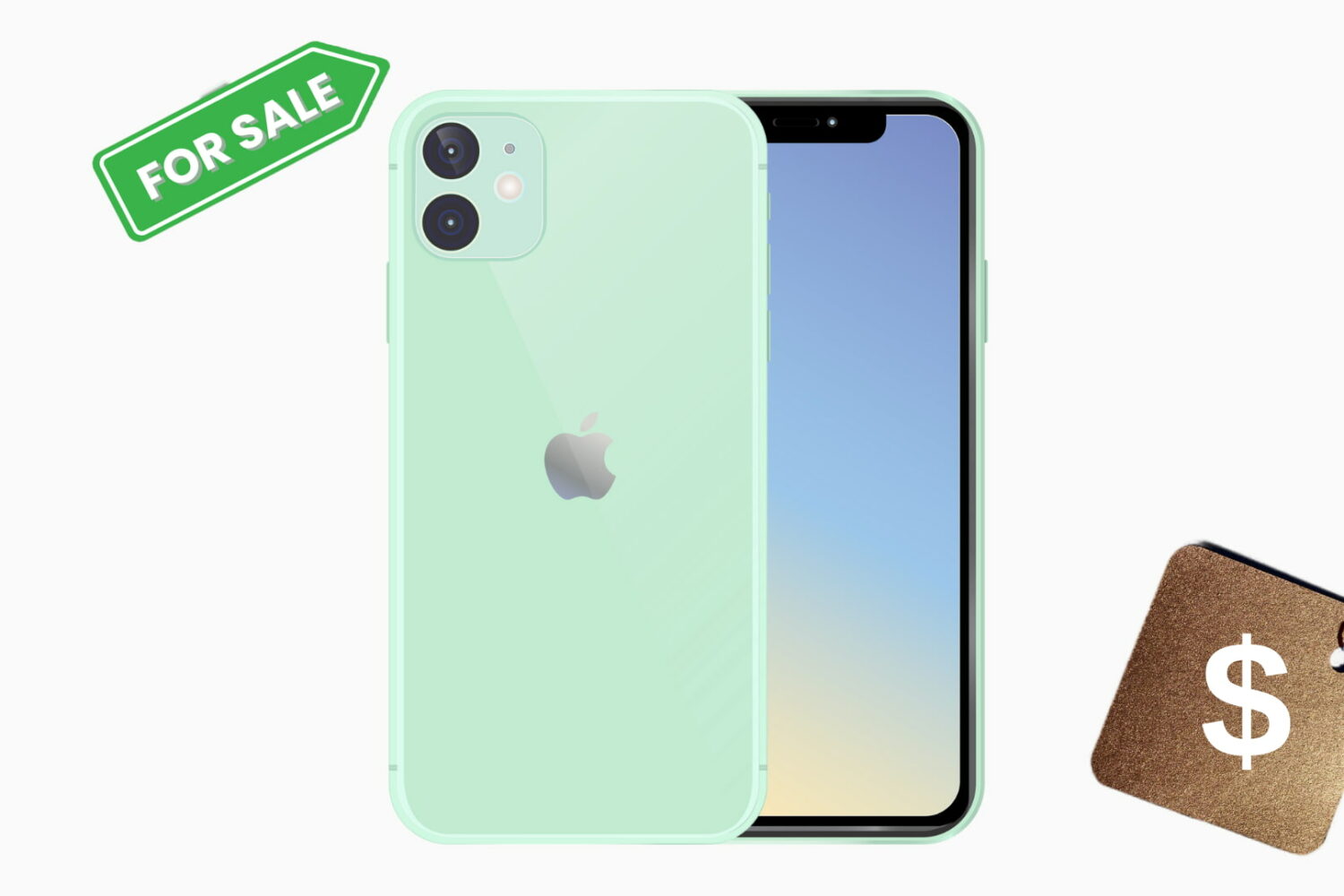
Follow these essential steps before selling, giving away, or trading your old iPhone, iPad, or iPod touch to ensure a safe experience.