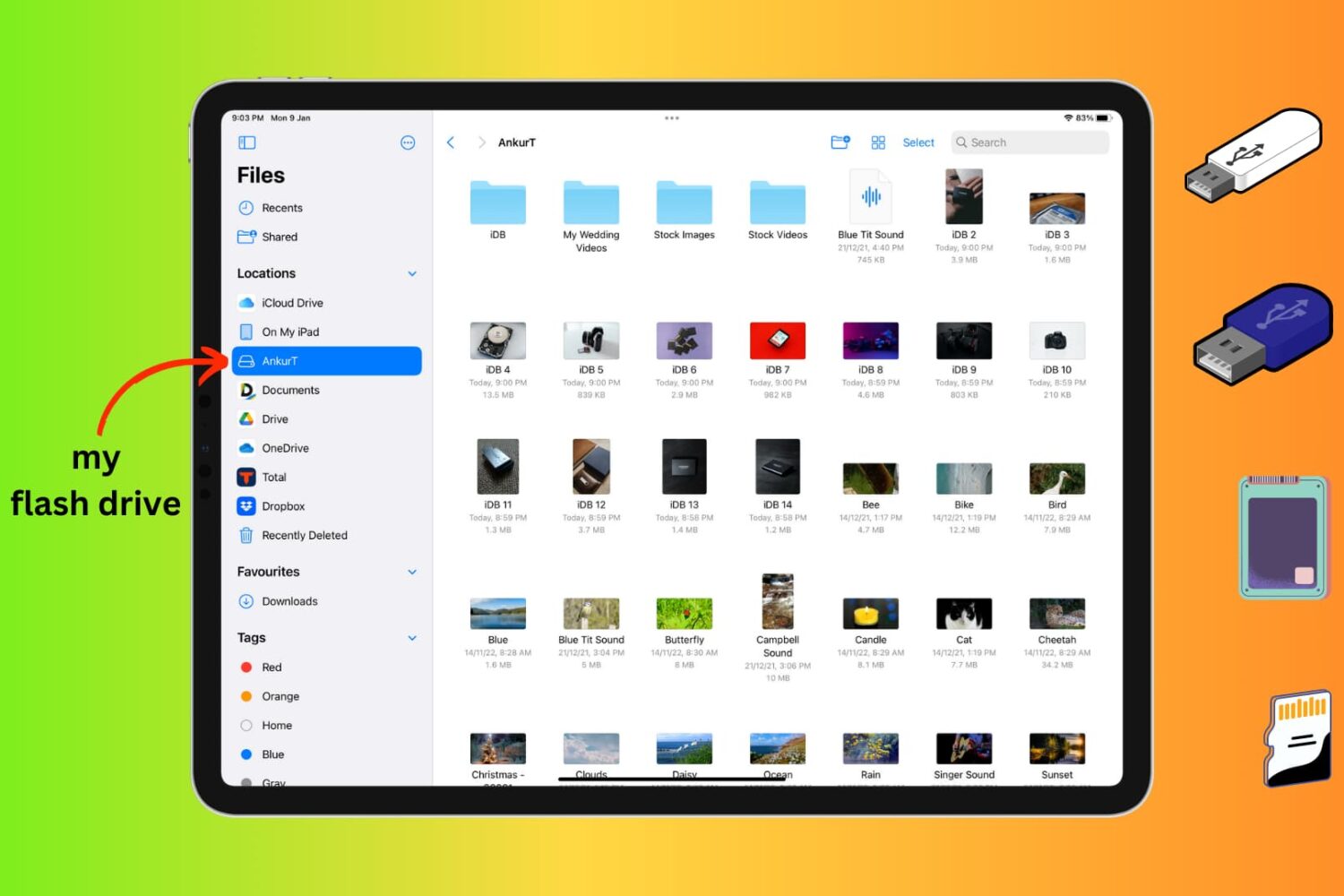
Learn how to connect an external storage device like a flash drive, SSD, SD card, etc., to your iPhone or iPad to store files on it.
How to connect and use an external drive with your iPhone or iPad
Stay up-to-date on the latest iPhone news and learn new tips and tricks with our comprehensive tutorials. From software updates to new features, we’ve got you covered.
Learn how to connect an external storage device like a flash drive, SSD, SD card, etc., to your iPhone or iPad to store files on it.

Augmented reality shopping via the Apple Store app for iPhone is coming in the near future, and it will support both Apple stores and participating third-party retailers.

Rocketing into the top 5 of the App Store’s Utilities app genre as of late is a new app dubbed Morfic by Brendan Torpey.
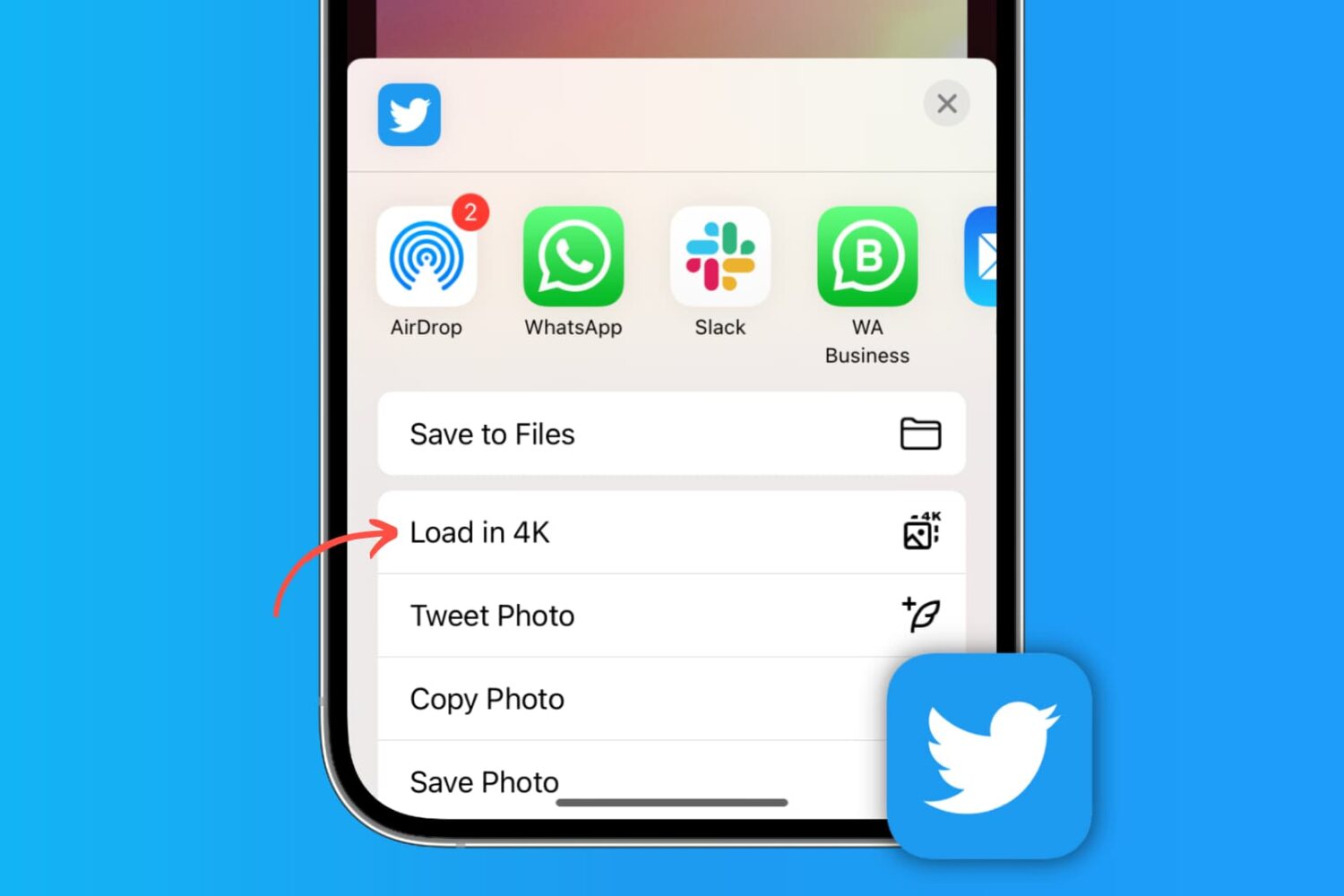
Learn how to post high-quality images to X (formerly Twitter) and download them at the highest resolution to your phone or computer.
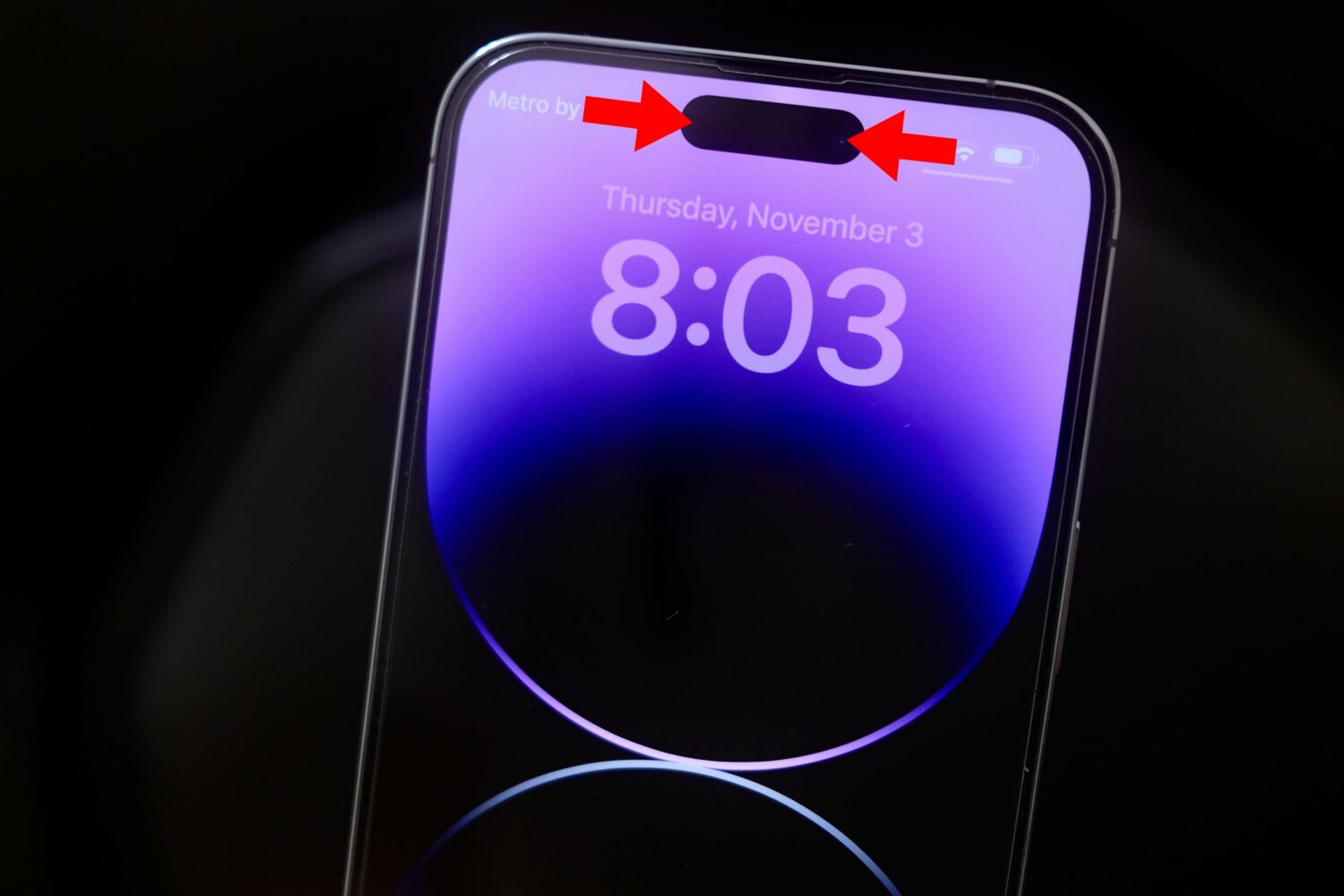
Follow these steps to record your iPhone's screen without the Dynamic Island or that red recording indicator in the status bar appearing on the final footage.
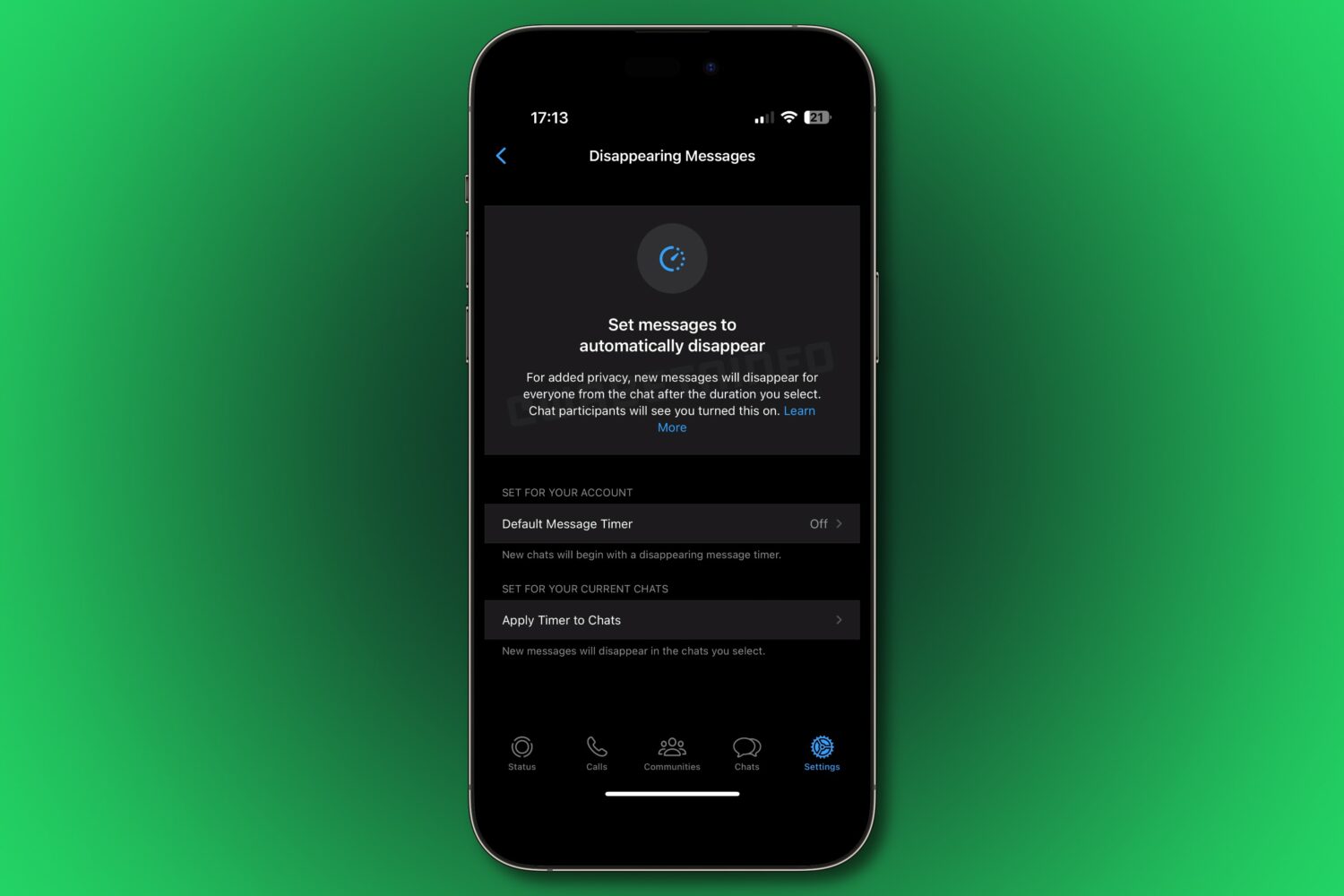
Turn existing WhatsApp conversations into disappearing messages by applying the self-vanishing message timer to any current chats you select.

Accessory maker Mujjo has refreshed its signature leather wallet case with support for MagSafe across Apple's latest iPhone 14 and iPhone 14 Pro models.
TrollStore is one of the best ways to install powerful apps on your iPhone or iPad running iOS or iPadOS 14.0-15.4.1 (and some 15.5 betas). Not only that, but those apps will also remain permanently signed because of the CoreTrust bug that it exploits, so you won’t have to re-sign those apps like you would after using something like AltStore or Sideloadly.
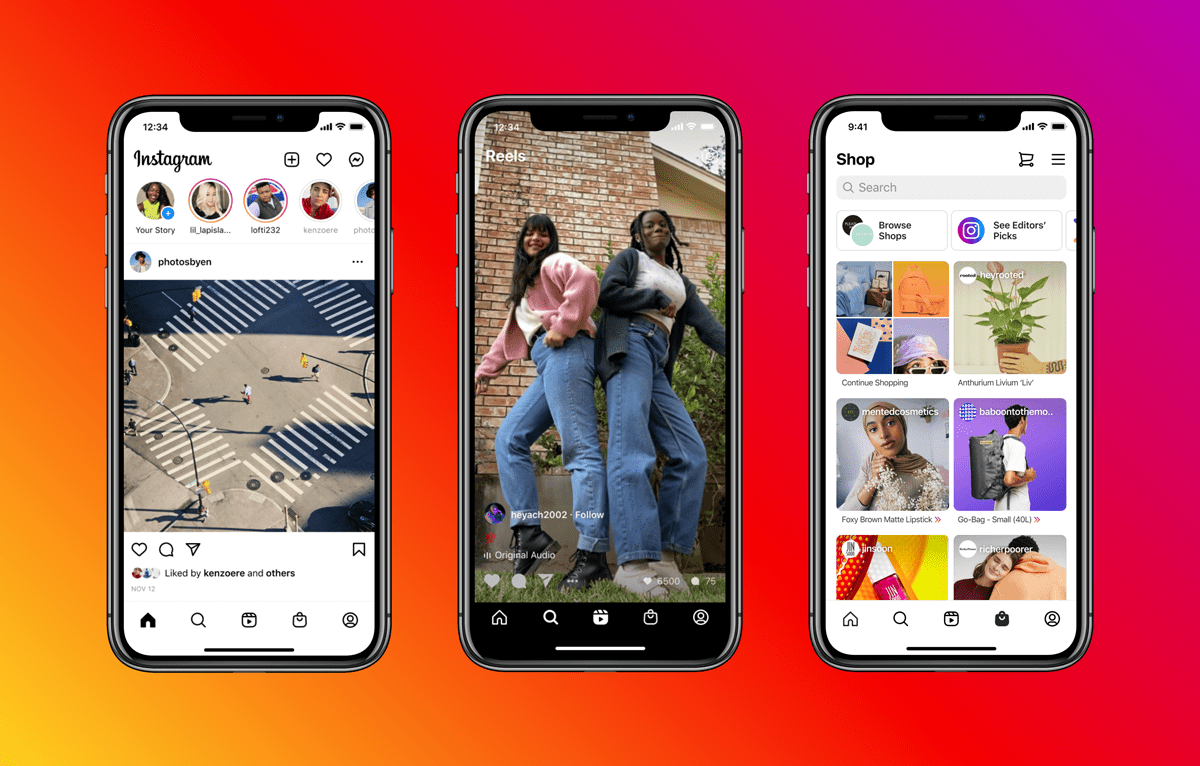
Instagram's navigation bar at the bottom will regain the extremely handy shortcut for creating content, front and center, whilst dropping the dedicated Shop tab.

Some apps are purposely limited in terms of CarPlay availability, generally for the sake of safe driving. This includes video playback apps such as Netflix or YouTube.
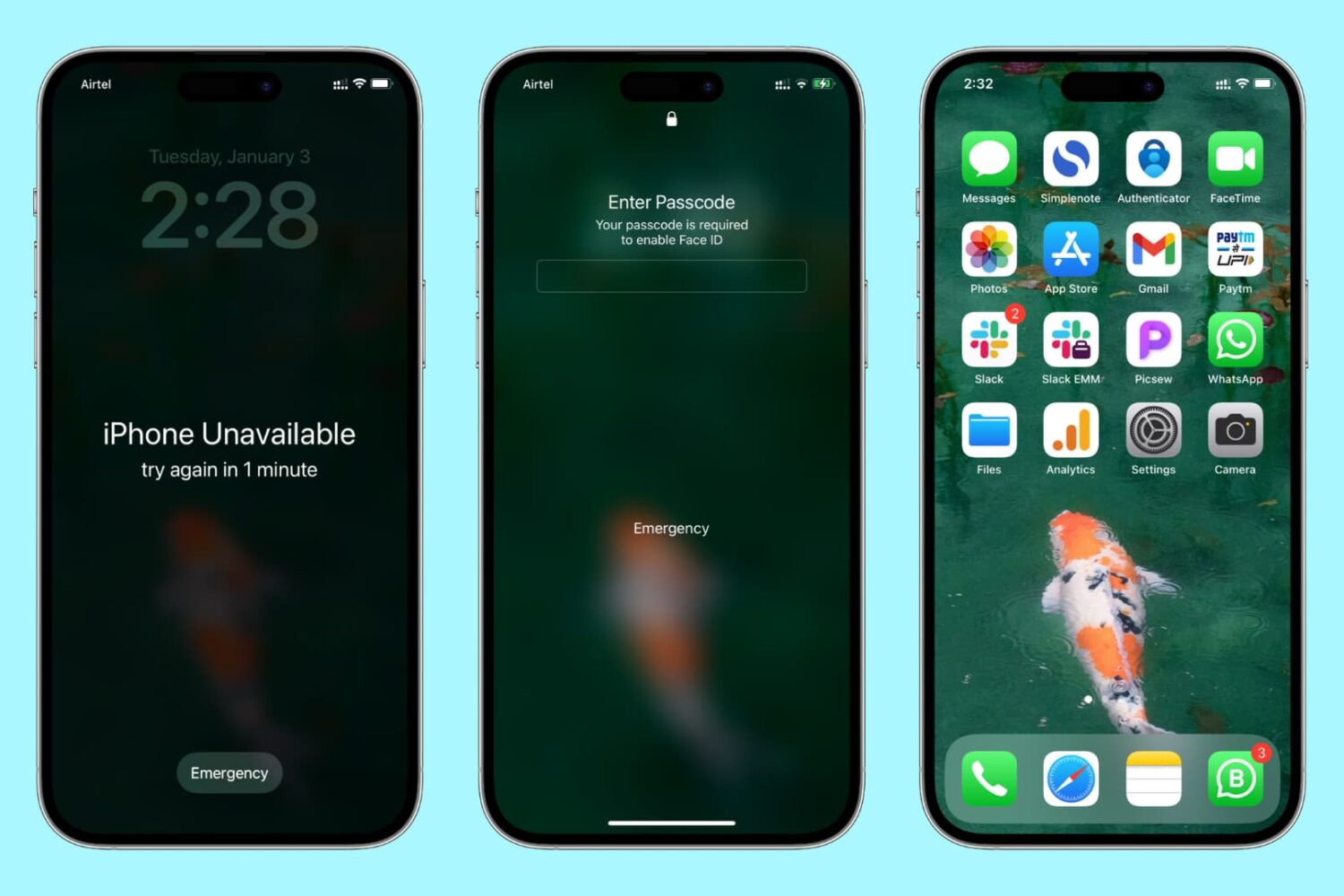
Learn how to reset the passcode on your iPhone or iPad if you’ve forgotten it, so you can unlock the device and regain access to your apps, settings, photos, etc.
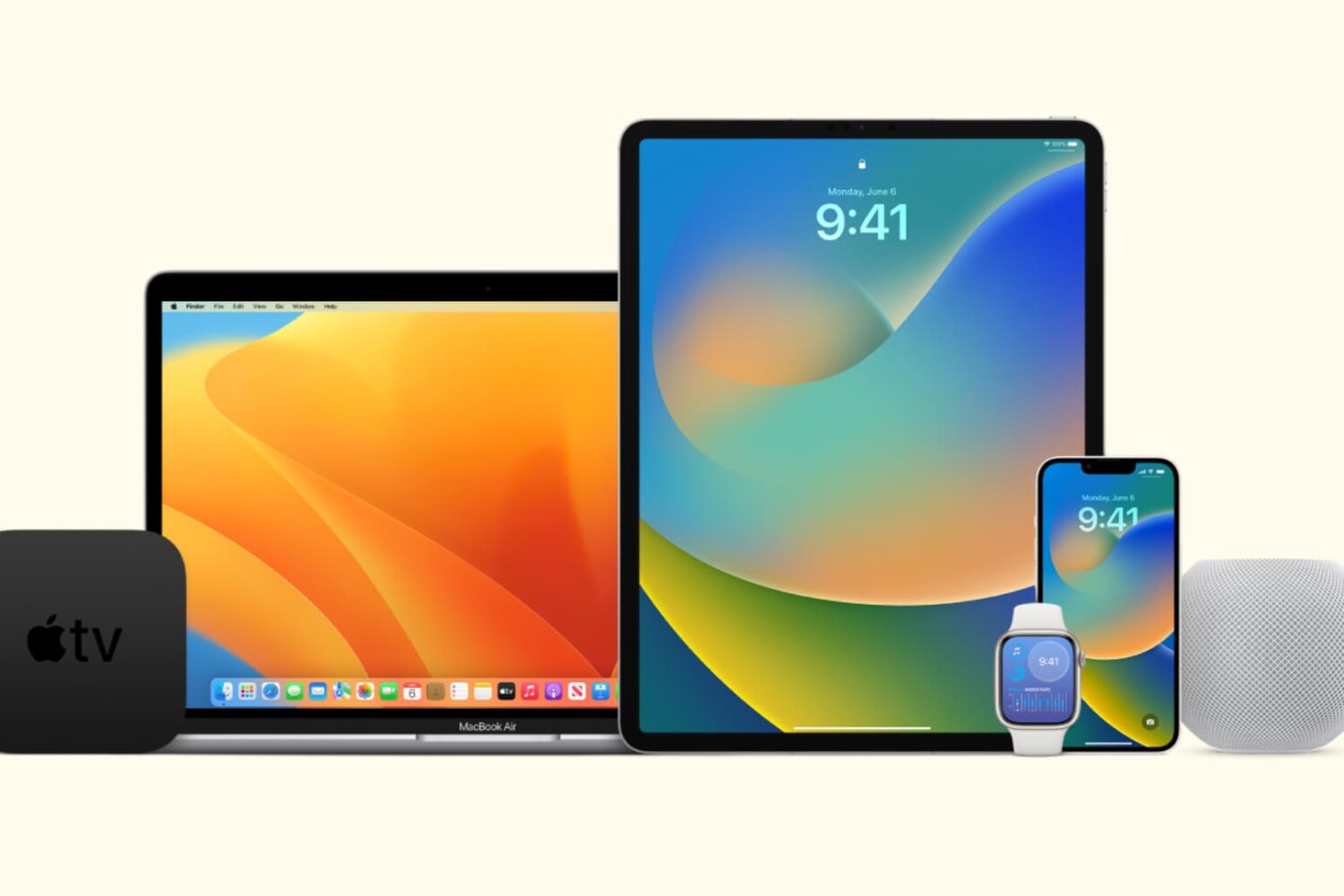
In this tutorial, we’ll show you how to stop all your Apple devices (iPhone, iPad, Mac, Apple Watch, HomePod, Apple TV, and Vision Pro) from automatically downloading and installing software updates.