If you’re taking advantage of the RootHide jailbreak detection bypass for the Dopamine jailbreak for arm64e devices running iOS & iPadOS 15.0-15.4.1, then you might want to be made aware that there’s a new update available.
Stay up-to-date on the latest iPhone news and learn new tips and tricks with our comprehensive tutorials. From software updates to new features, we’ve got you covered.
If you’re taking advantage of the RootHide jailbreak detection bypass for the Dopamine jailbreak for arm64e devices running iOS & iPadOS 15.0-15.4.1, then you might want to be made aware that there’s a new update available.
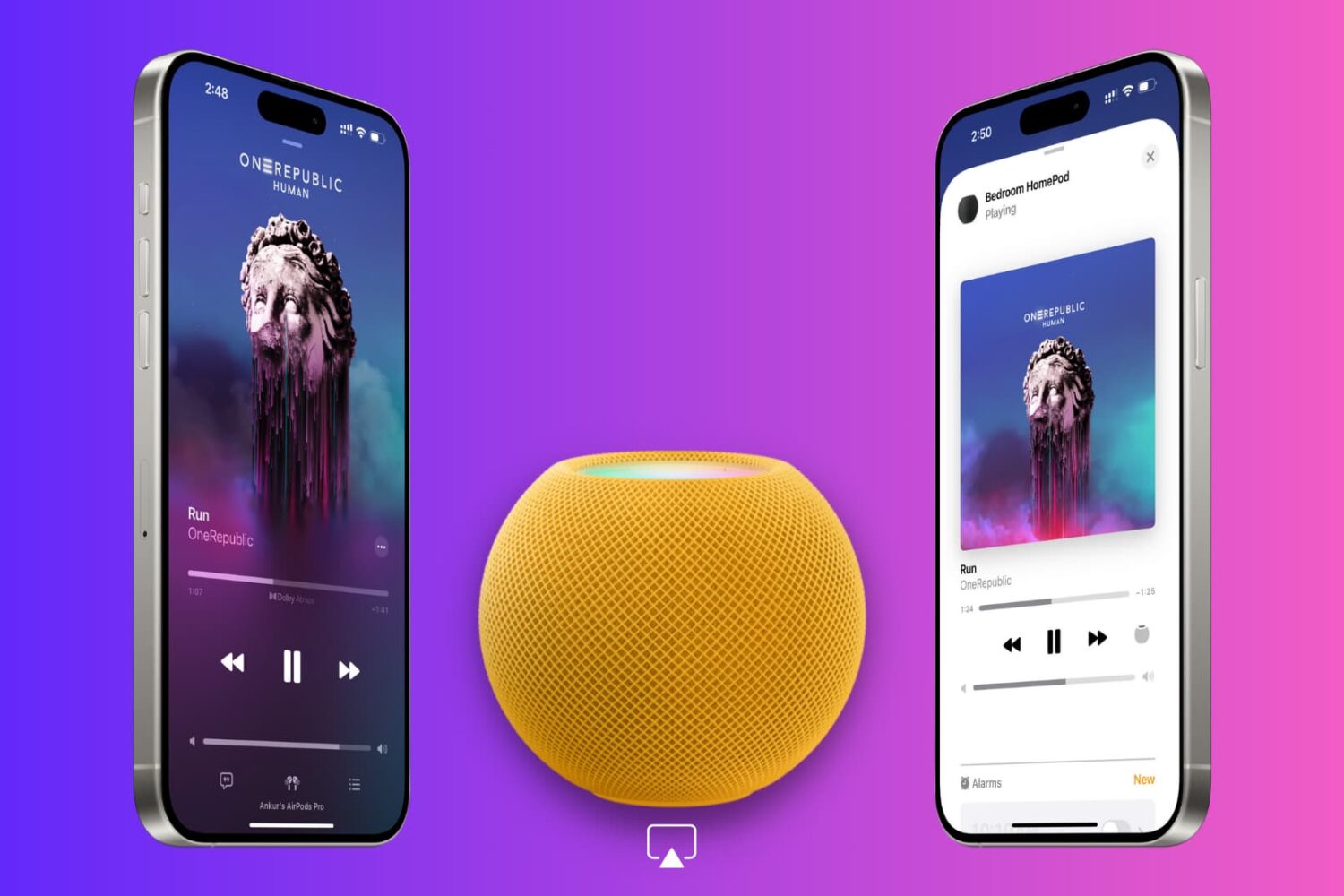
In this tutorial, we’ll explain why your iPhone displays a full-screen Now Playing popup when it’s near your HomePod and how to disable it if it disrupts your ongoing music playback.
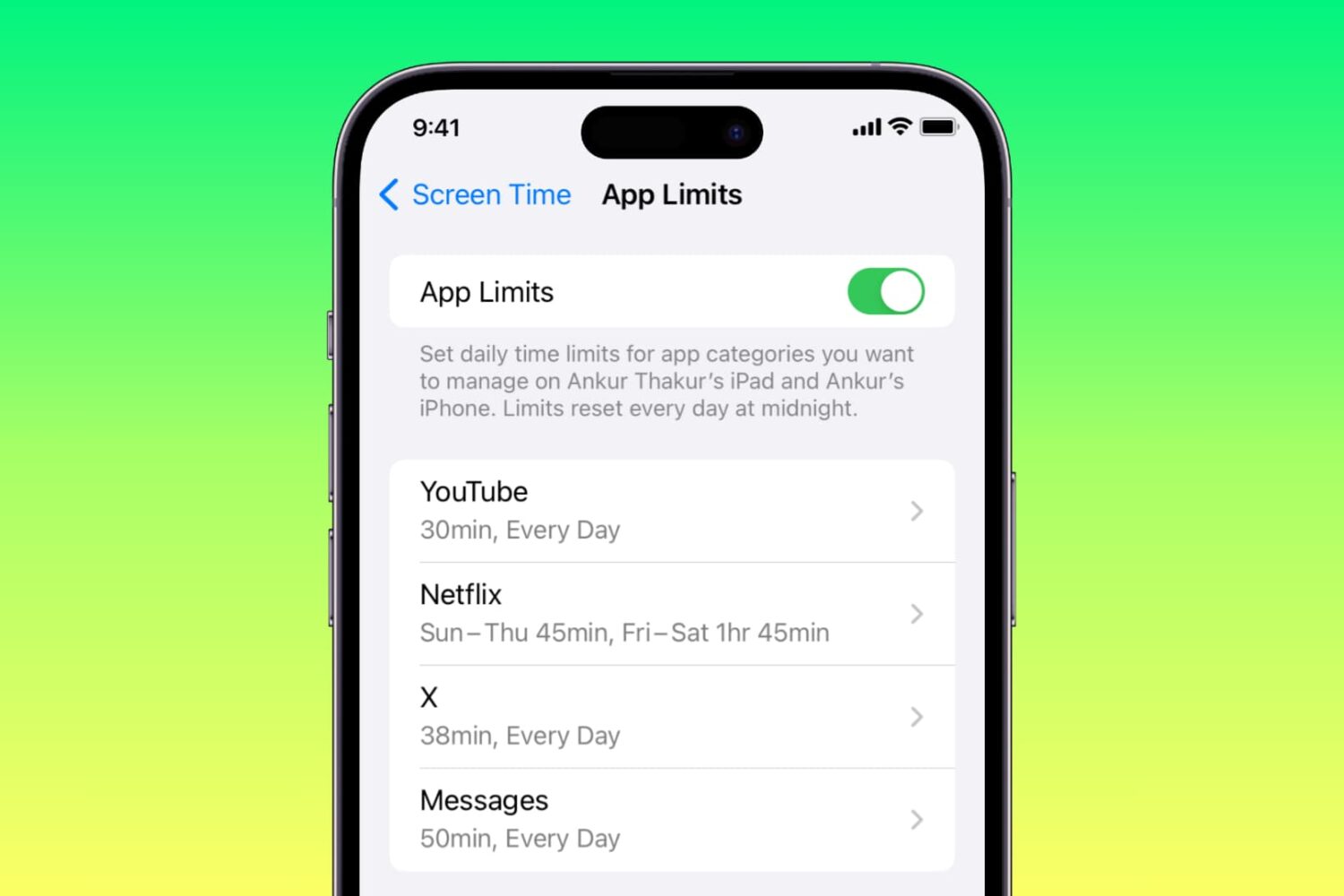
Apple’s iOS 17.1 software includes a bug fix for an issue where Screen Time settings would unexpectedly reset or not sync across devices.
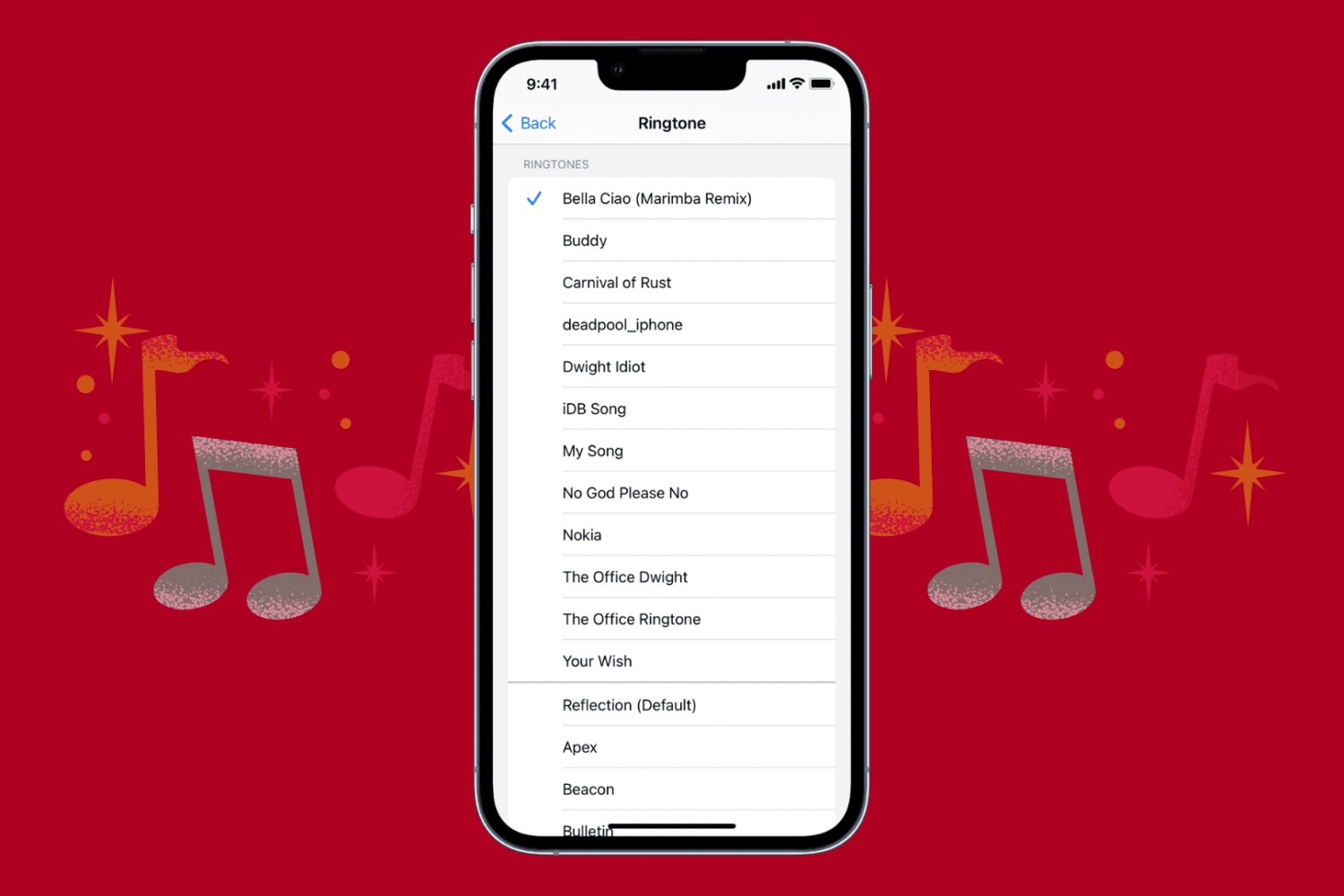
iOS 17.1 fixes a bug that prevented iPhone owners from customizing text alerts, mail notifications and more using custom ringtones purchased from the iTunes Store.
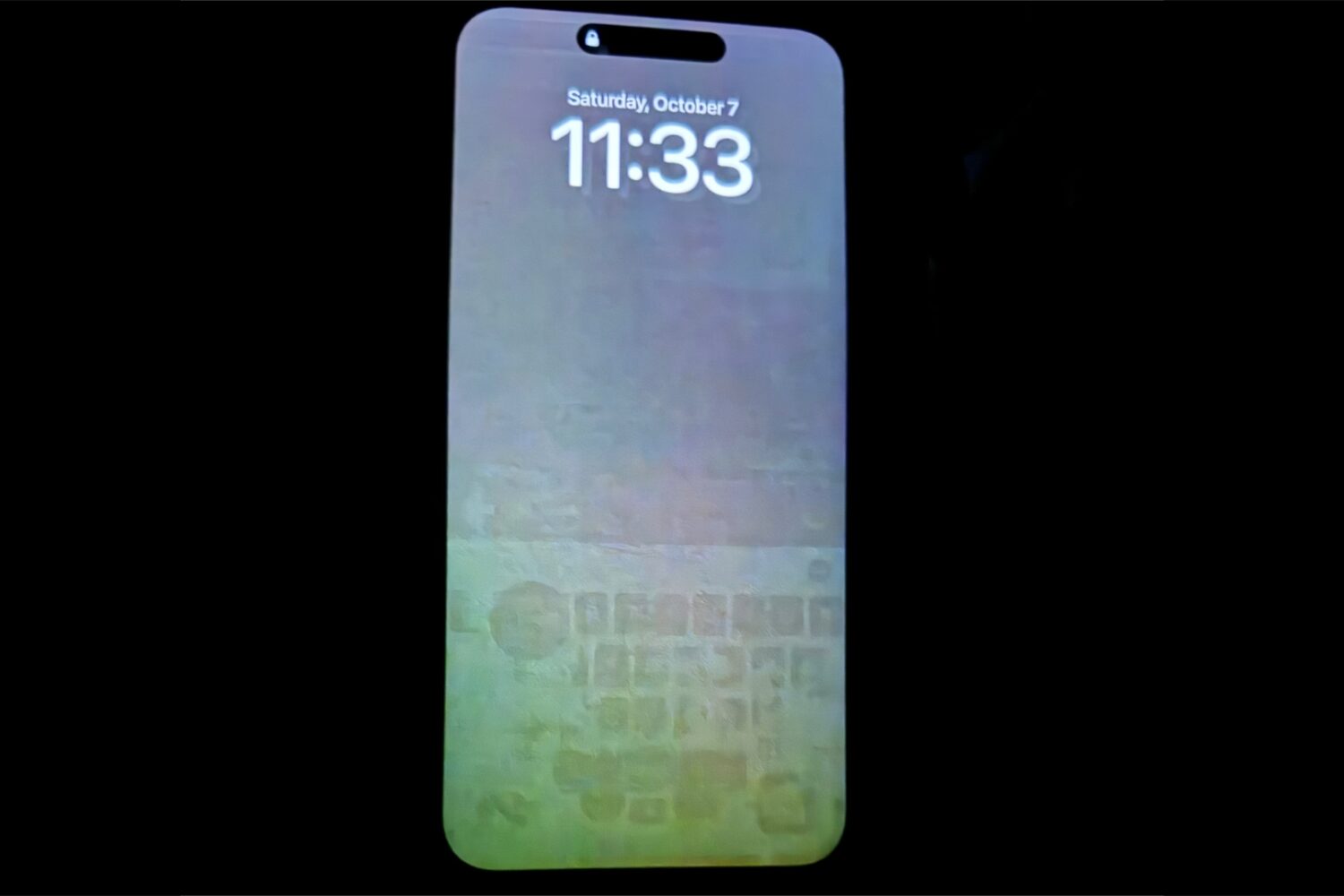
Apple’s iOS 17.1 update addresses an OLED burn-in issue impacting some iPhones, including the latest iPhone 15 lineup and older models.
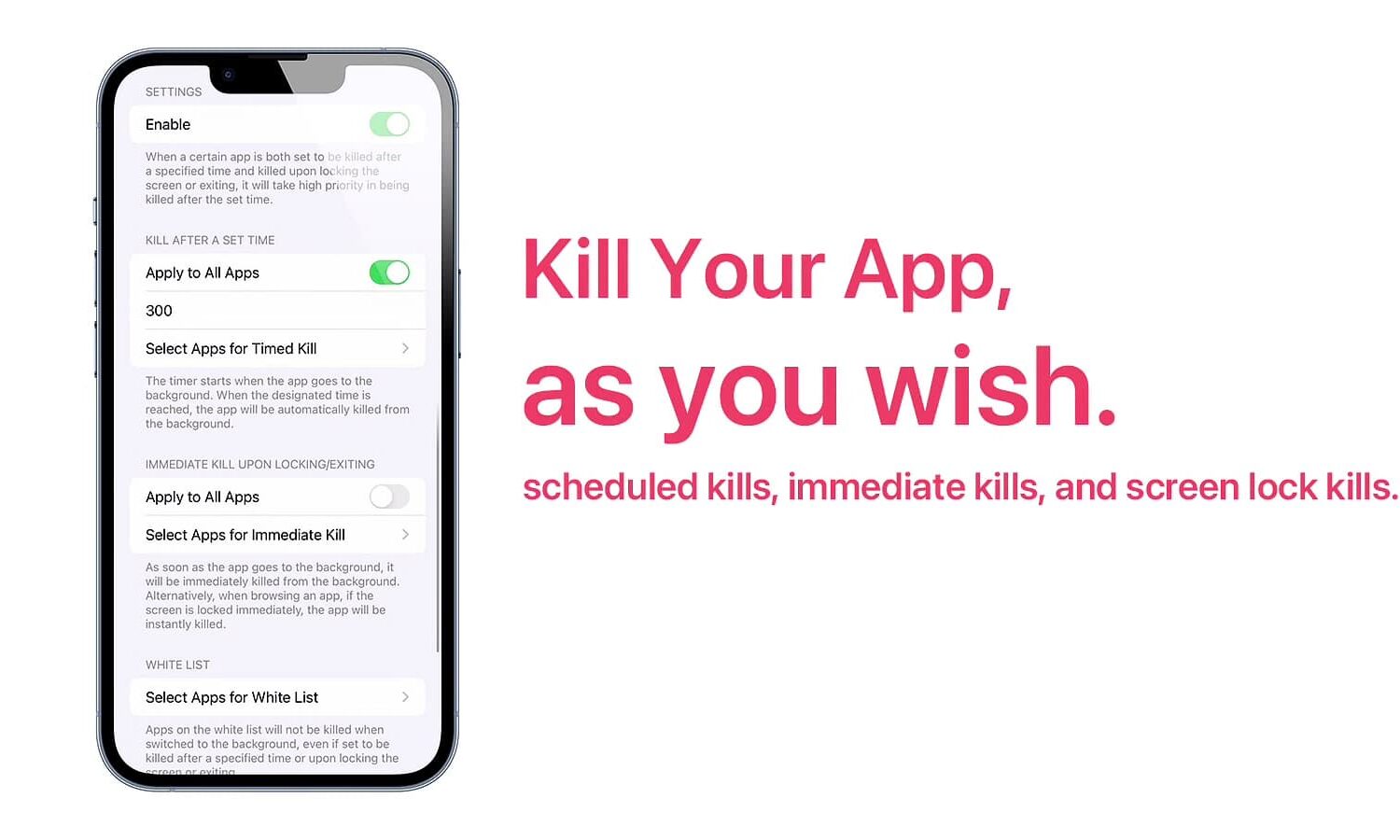
The App Switcher on an ordinary iPhone or iPad contains all the user’s recently-used apps. They’re in a state of suspension until re-opened, allowing the system to more efficiently load and prepare the app for the end user. But have you ever picked up your phone a day later and still saw a mess of apps in your App Switcher that you wish wasn’t there?

Learn how to share your AirTags or third-party Find My Network accessories with family and friends so they can track the item’s location on their iPhone, iPad, and Mac without receiving unwanted tracking alerts.
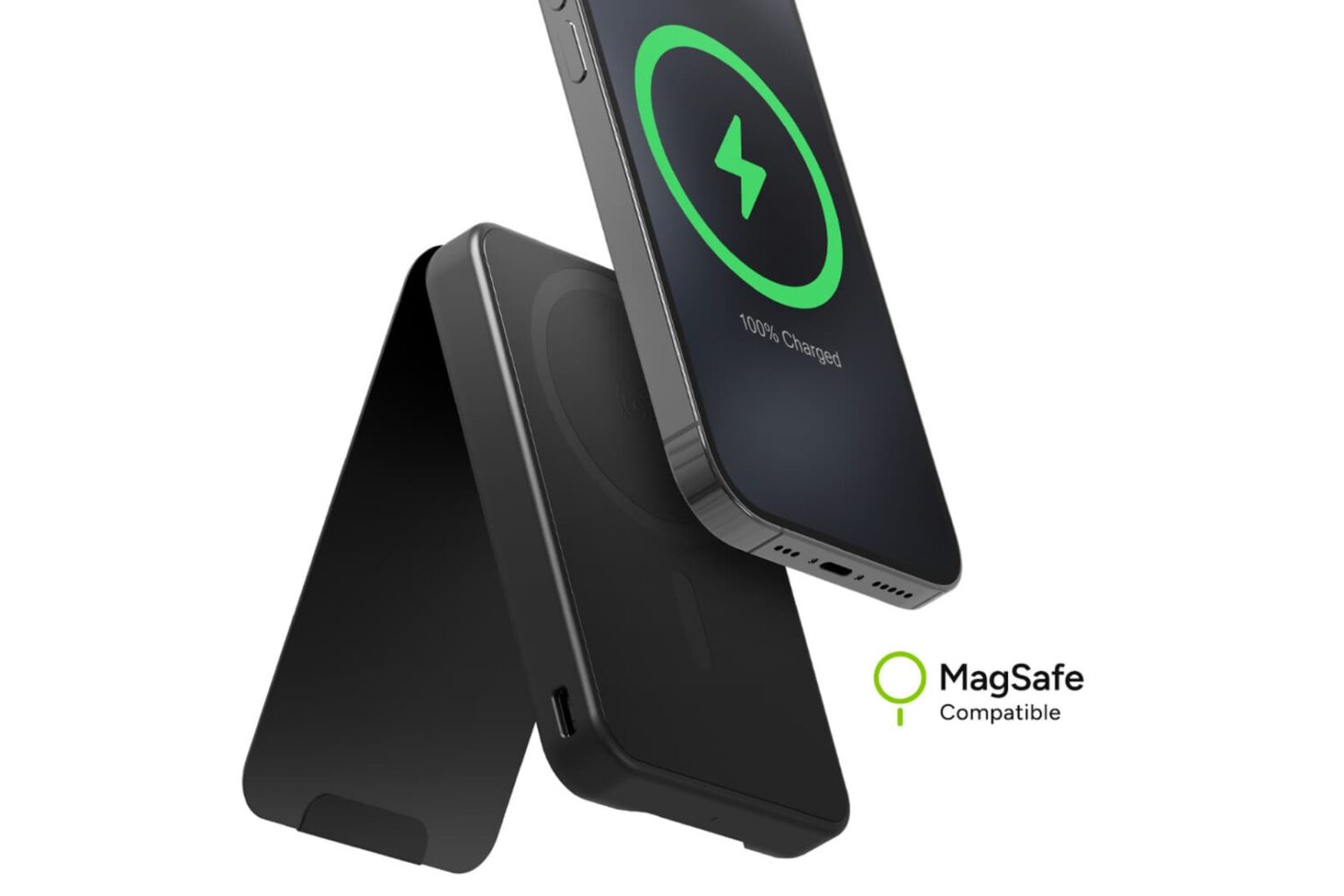
Taking your iPhone with you on a long trip? Well what kind of question would that be — you would probably take your phone everywhere you go, which means you should probably prepare for keeping it charged as you go.

Good user interface rules suggest that a pop-up message alerting a user to a problem should have both an actionable button for the user to respond and a cancel button for the user to back out. Unfortunately, some pop-ups ignore these rules, giving users only the option to take the app developer’s desired action.
Apple has reportedly set Tuesday, October 24, as the official release date for the upcoming iOS 17.1 and watchOS 10.1 updates.

As planned, Apple launched the online Apple Store in Chile on Monday, October 16th, providing a storefront for customers in this region to browse and purchase the company’s products.