iPhone photography fans who use Adobe's Lightroom application to manage and synchronize their photos across the iPhone, iPad, Mac and other devices will be delighted to learn that the latest updates to Lightroom for iPhone and Lightroom for iPad have enabled the ability to import images in the RAW file format. iOS 9 currently lacks RAW support, but iOS 10's been confirmed to bring RAW photo editing to latest iPhones and iPads when it hits this fall.
iPhone Photography
Camera+ 2.0 for iPad hits: Apple Pencil support, selective brushing, overhauled UI & more
iPhone photography fans, rejoice! Developer taptaptap on Wednesday released a long-awaited iPad-focused update to its popular camera and photo editing application, aptly named Camera+. Camera+ 2.0 for iPad, a free update for those who already own the app, replaces its hopelessly outdated user interface with a thoroughly overhauled, modern-looking one. For starters, the refreshed software supports iOS 9's iPad-only multitasking modes.
More importantly, Camera+ 2.0 for iPad features selective brushing of the various edits and filters and comes with full support for Apple Pencil, enabling you to get very fine, precise control over brushing with the stylus.
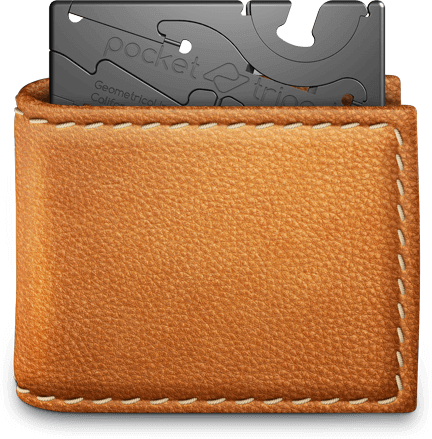
Long exposure and time-lapse photography made easy with updated Pocket Tripod
Pocket Tripod, a credit card sized phone holder that started as a Kickstarter project in 2013, has been updated to accommodate iPhones and Android smartphones of all sizes, with or without a case. Created by Geometrical Inc.‘s Rambod Radmard, this tremendously useful accessory fits in your wallet and unfolds into a phone stand.
More importantly, it doubles as a mini-tripod for times when you need your iPhone's camera to be steady. The updated version is expected to ship in October.
When Apple turns an ad campaign into a local photography exhibition
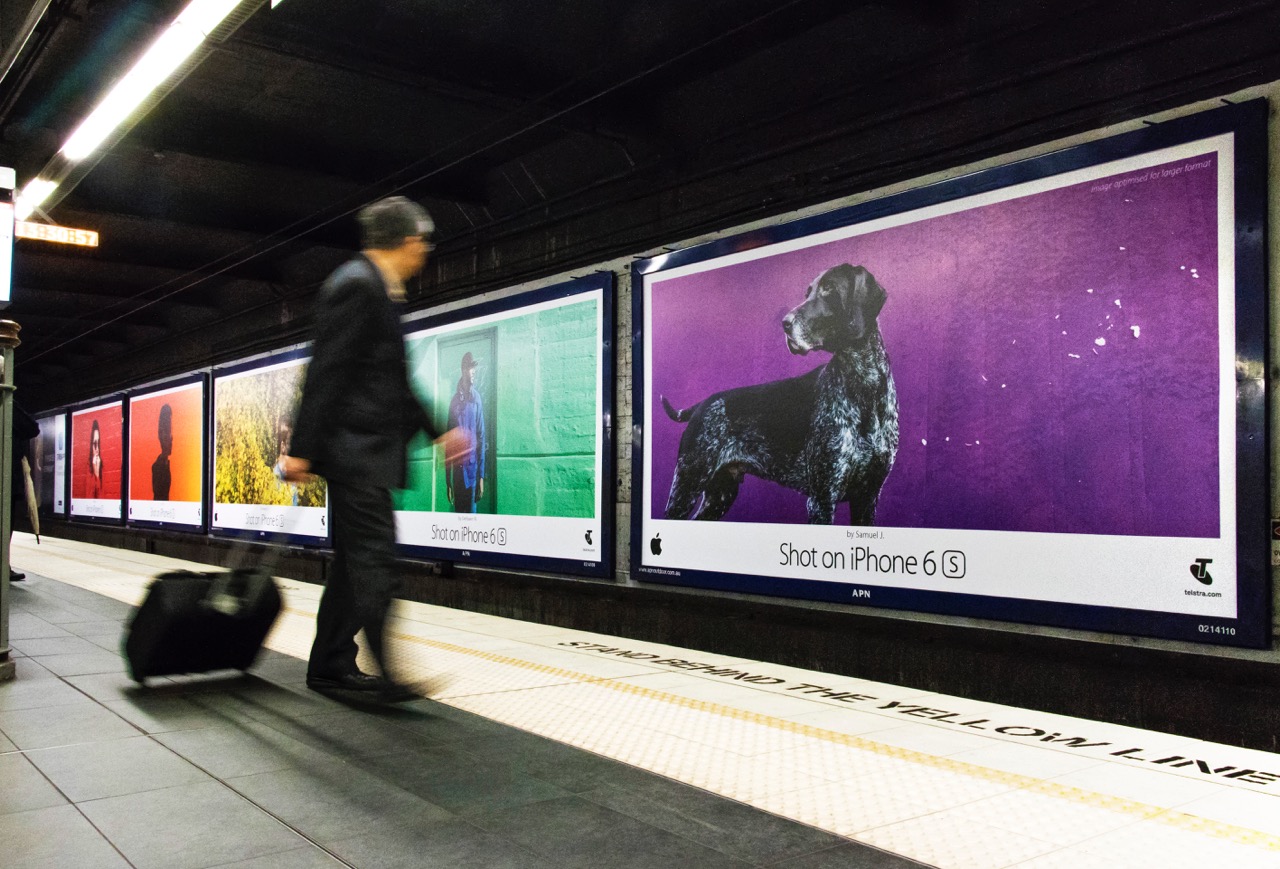
Apple is launching a new Shot on iPhone ad campaign, focusing once again on what the company sees as one of the iPhone's greatest features: the cameras.
Called Colors, this campaign features photos with bright and vivid colors. But maybe the most interesting part of the campaign is that the photos featured are all sourced in the local markets where the billboards are being displayed.
Instagram is working on a text translation feature
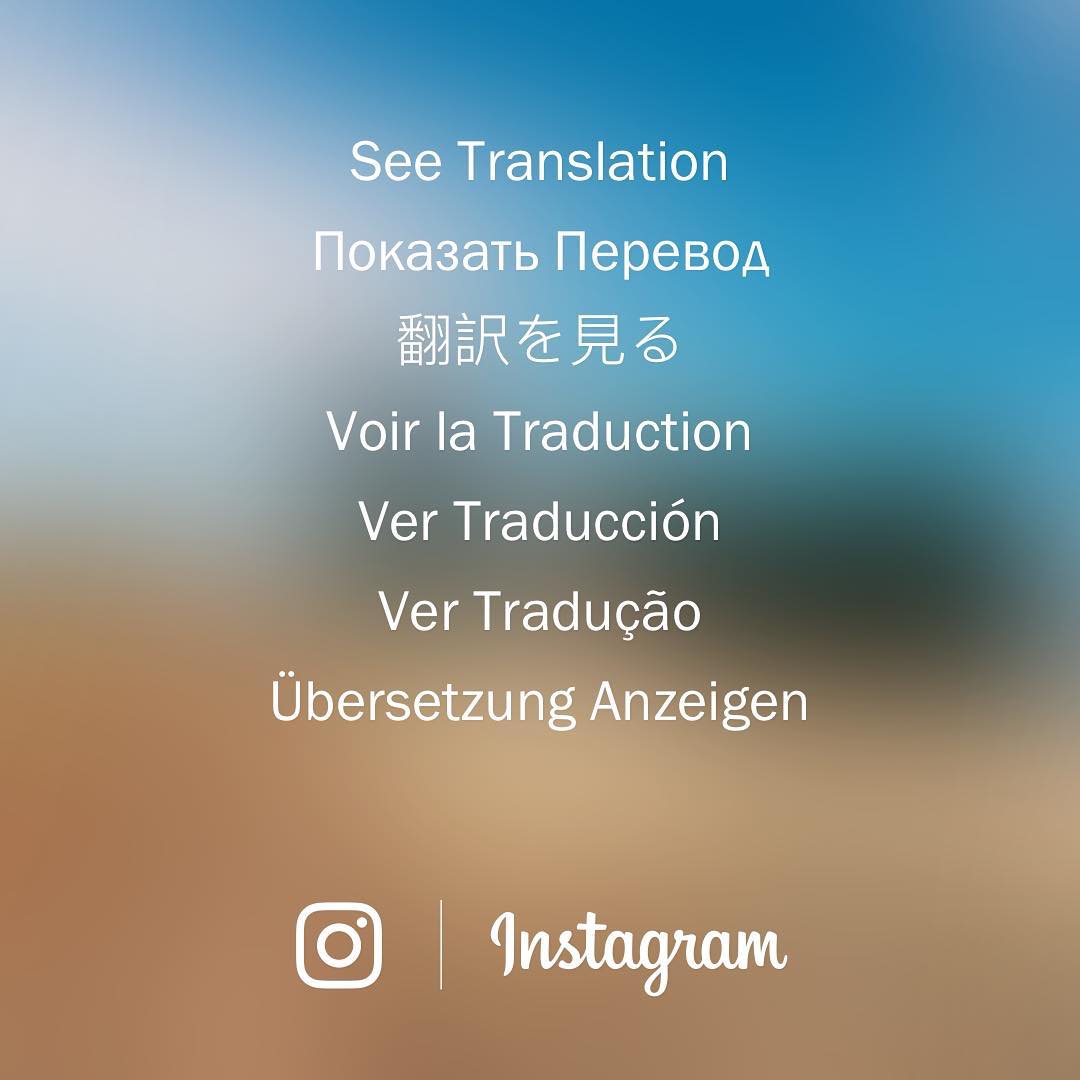
Yesterday, Instagram took to its own photo-sharing service to announce that it's working on a text translation for its mobile app. The new feature will begin rolling out in the coming month.
A Translation button will appear on feed stories and profile bios if they're written in languages different from your own. Captions and comments on posts in your feed and the bio on your profile will be translated automatically based on the language they're written in and the language settings of the person viewing it.
Apple’s updated Photos app recognizes 7 facial expressions, 4,432 objects and scenes
During the WWDC keynote a week ago, Apple announced that iOS 10 and macOS Sierra will bring facial recognition features alongside a brand new Memories tab and other improvements in Photos for iOS 10 and macOS Sierra.
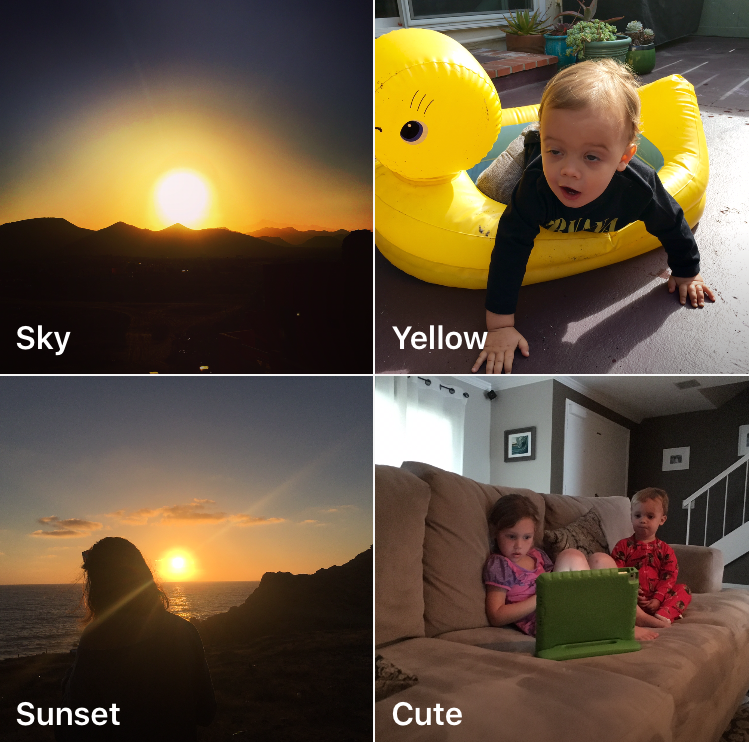
According to a Medium post by Redditor “vista980622,” Photos' facial recognition engine is capable of distinguishing between seven distinct facial expressions and detecting up to 4,432 searchable objects and scenes on your photos.
RAW photo capture and editing is coming to iOS 10
iPhone photography fans and pro photographers from around the world are going to love iOS 10 as the operating system will permit them to capture and edit images in the lossless RAW format, which is used to store unprocessed image data directly from the camera sensor.
Apple only mentioned ten major new features during the WWDC 2016 keynote, leaving dozens of other enhancements unmentioned.
As first discovered by PetaPixel, RAW photo editing was hidden in the background among the many other listed improvements for developers in the next version of iOS.
Camera+ 8: slow shutter, ultra-low ISO, new import options, action extension & more
Camera+ by oddly named developer taptaptap, one of the longest-standing camera applications (and one of the best out there, in my personal opinion), has received a major refresh on the App Store.
Camera+ 8.0 packs in a slew of improvements such as an innovative slow shutter feature, an extended range of effective ISO values, a handy extension for easier sending of photos from the share sheet of other apps and more.
Instagram’s new iOS extension finally lets you share without needing to launch the app
It's hard to tell from release notes alone, which only mention bug fixes and performance improvements, but Instagram's version 8.2 update that went live this morning on the App Store packs in a much improved Share sheet extension.
Long overdue, the new extension finally lets you upload photos and videos directly to the service, without needing to open the app at all.
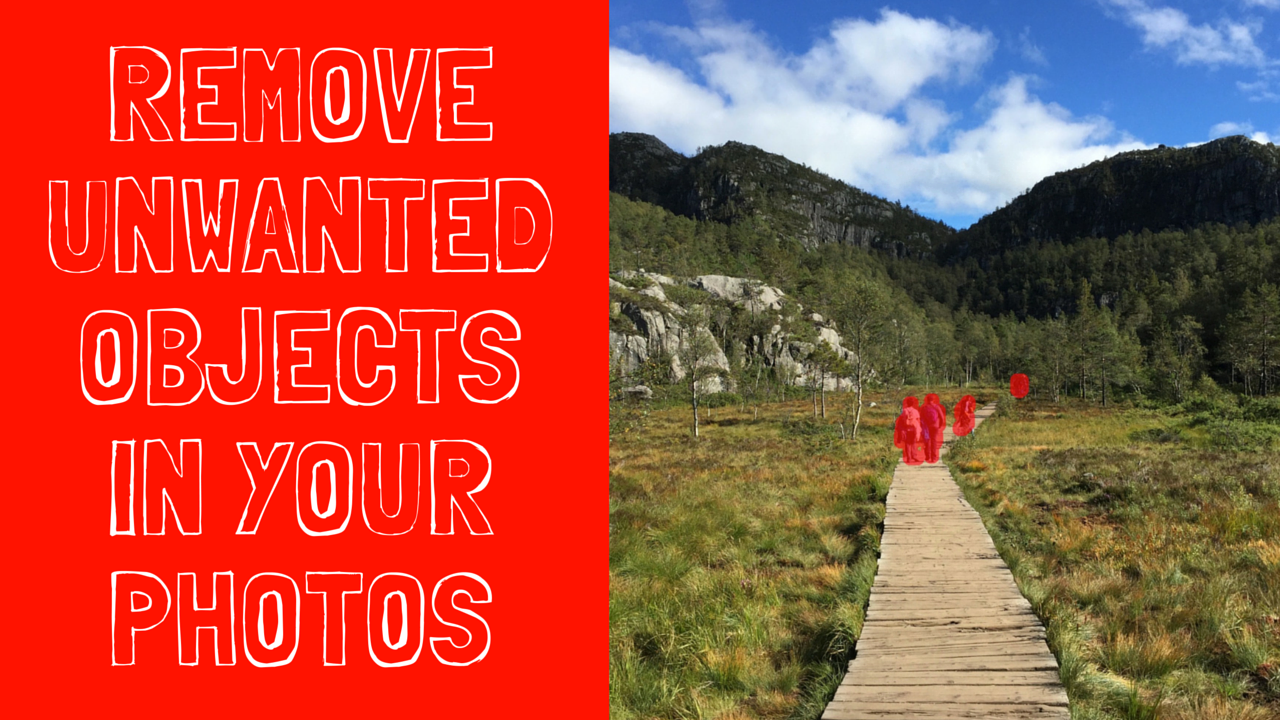
How to quickly erase unwanted items from your images
Today we are going to show you how to remove unwanted objects from your images in just a few easy steps, using the simple yet powerful app Snapheal by Macphun.
If you are like me, you have a lot of images that you were lining up to take, and at the last minute someone or something got partially into your frame, right as you fired the shot. Maybe it’s an elbow or a bird. It happens. We usually just wait a moment for them to clear, and then take another shot. But sometimes you can’t get another shot at it, or don’t have time to wait for it to clear.
Let Snapheal come to your rescue in these situations!
Give your photos a vintage look with Tonality
We are back with more photo tips today, so if you missed our first two articles, be sure to go back and read them. We covered creating a stunning HDR in under 3 minutes as well as 3 tips for creating eye-popping photos.
If you are like me, you like to experiment with different looks in your photos. That’s part of the beauty of digital photography - you can quickly and easily try out new ideas and processing styles, without permanently altering your original image. While you probably have a “go-to” style, it’s always rewarding when you step outside the lines a little bit and try something new.
I tend to be drawn to bold and expressive colors, so for me, experimenting with muted colors and vintage effects is kind of like a science experiment - it’s not my natural state, but it’s sure fun to mix things up in the digital lab and see what I come up with. I’m often surprised at the results, and I always learn something new.
Today, we will explore using Tonality from Macphun to quickly and easily add a vintage effect to your photos. You can download a free trial of Tonality and follow along with us. Like all Macphun products, the interface is simple and easy to use, yet there is a lot of power underneath the hood. This means you can go as deep as you like and make some significant changes to your photo, or you can do something a little less involved and create a masterpiece in just a few clicks. It’s really up to you.
That’s what we are doing today. We will walk you through some basic edits in Tonality, but just keep in mind that the end result is always wide open, limited only by your interest in experimenting and your own creativity. You can use Tonality as a one-click solution, or you can delve a little bit deeper and customize the look of your photos.
We will start with a one-click solution, and then make a few minor changes to demonstrate how powerful this product really is. Let’s get started!

The Roll helps you organize and find your best shots
The Roll is a new application that aims to help you organize your photos, but also find your best shots. Using a proprietary algorithm, The Roll will sort, tag, and even score your photos in a way that will make it very easy for you to uncover your best images.