WhatsApp, the world's most popular messaging service, will be ending support for older platforms like iOS 7 which lack modern capabilities needed for its upcoming features.
WhatsApp won’t work on iOS 7 after February 1, 2020
WhatsApp, the world's most popular messaging service, will be ending support for older platforms like iOS 7 which lack modern capabilities needed for its upcoming features.
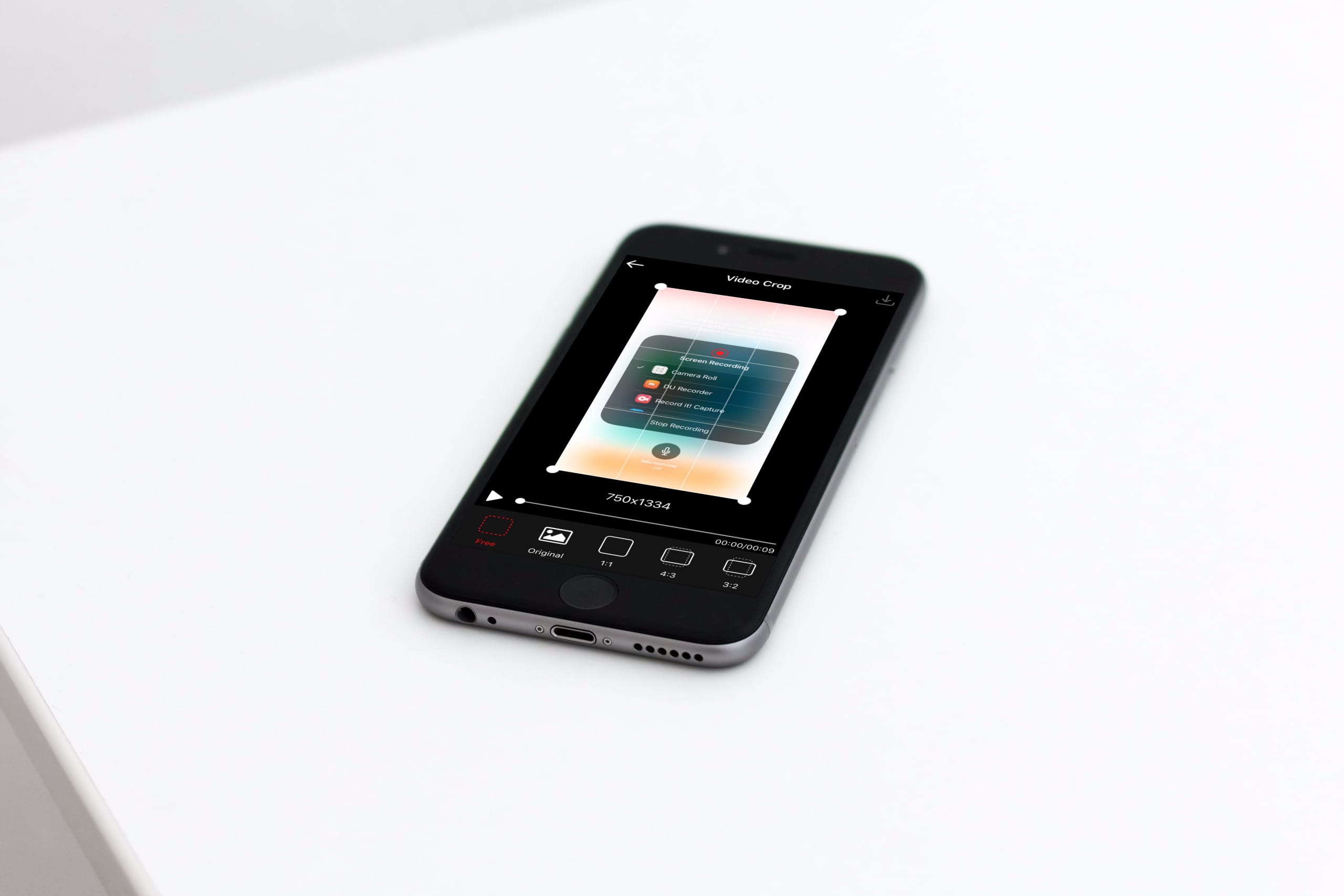
This tutorial shows you three free ways to crop videos on your iPhone or iPad, which is a great way to remove unwanted content and focus on the important parts.
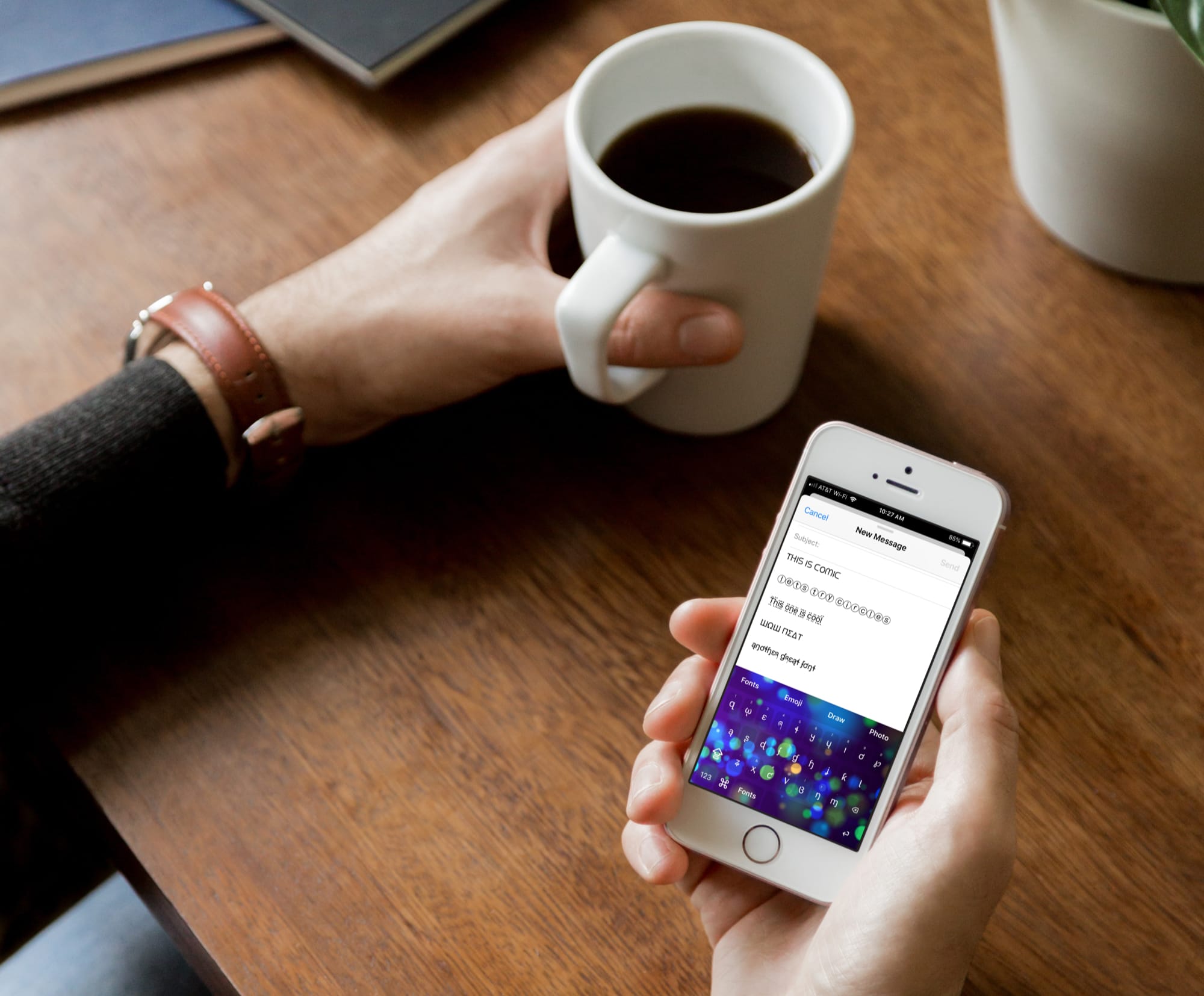
Just like emoji keyboards, font keyboards for iPhone and iPad bring fun to your messages. Whether you’re texting a family member or emailing a friend, you can make your words really pop by using different font styles.
There are tons of font keyboard apps on the App Store. But if you’re looking for the top ones, look no further. Here are four of the best free font keyboards for iPhone and iPad that don’t come with a bunch of strings attached.
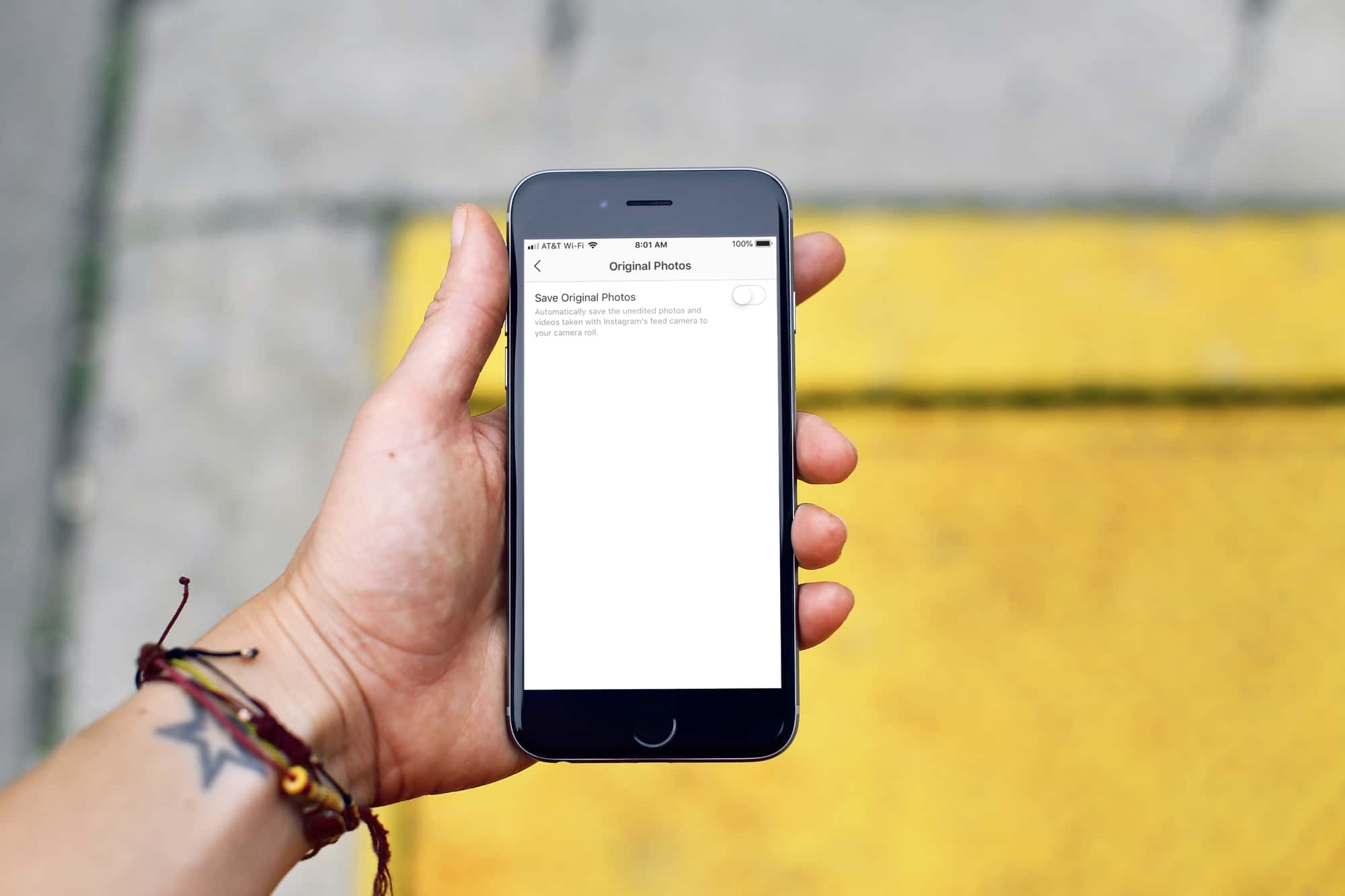
Learn how to prevent photos you take inside Instagram from automatically saving to your iPhone's Camera Roll, which helps declutter your Photos app and saves storage space.
One of the most popular ways for jailbreakers to clean up their Home screen’s aesthetic is by hiding the labels that typically appear just below each app’s icon.
If you’re rocking any of the latest jailbreaks, whether that’s Chimera, Electra, or unc0ver, and you’re interested in doing this to your device, then you might take a liking to a new free jailbreak tweak called HideLabels12 by iOS developer Ryan Nair.
Some App Store apps throw a fit when you jailbreak your device or when they’re tampered with by third-party tweaks, so if you happen to be jailbroken, what can you do to resolve this problem and mitigate issues with these types of apps? We're glad you asked.
UnSub is a new free jailbreak tweak by iOS developer Nepeta that aims to make your pwned handset less prone to these kinds of issues. It does this by letting you disable Cydia Substrate or Substitute-centric tweak injection for specific apps, such as those that might exhibit adverse reactions.
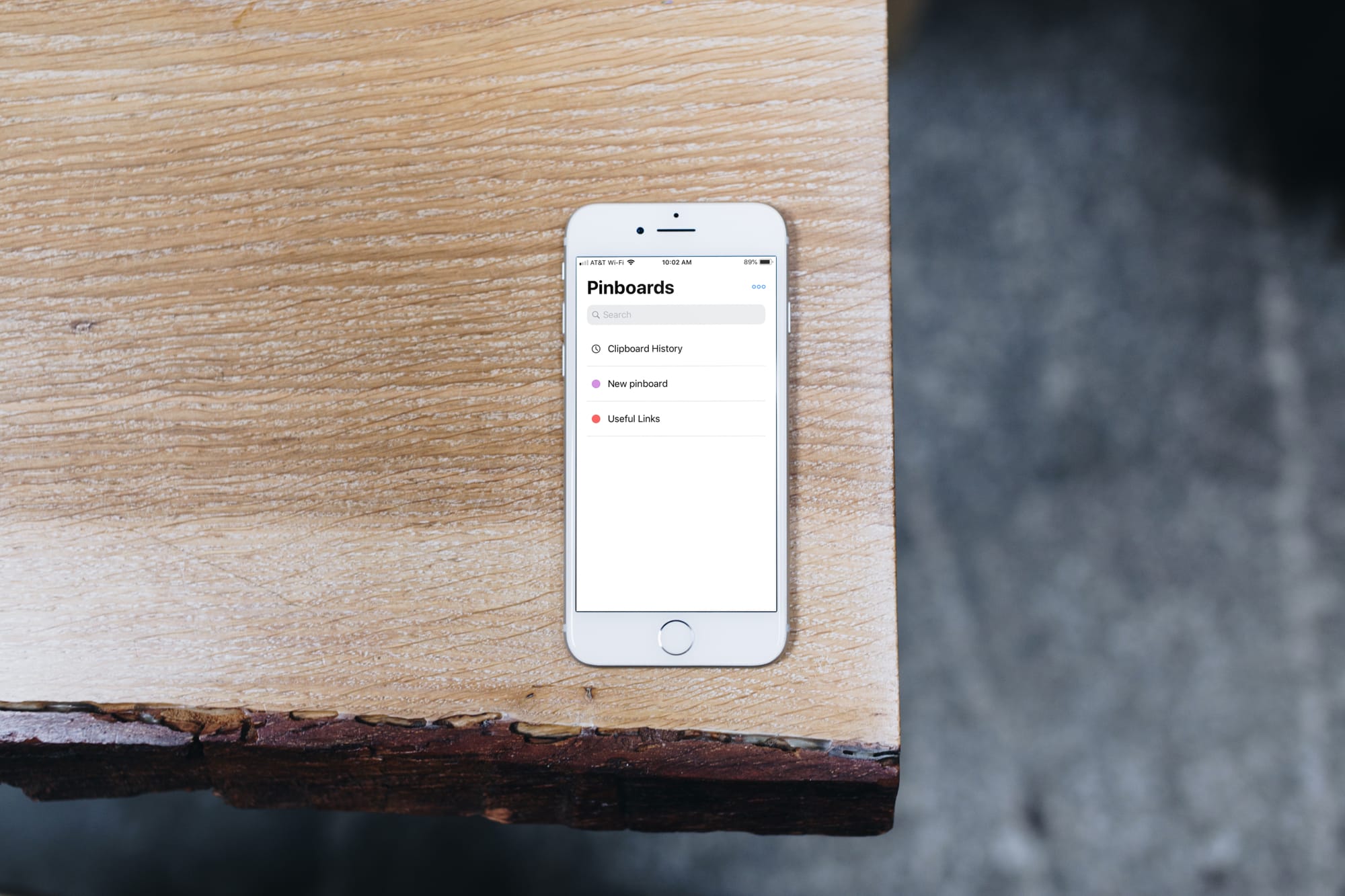
Clipboards are valuable tools for writers, programmers, students, and so many others. Copying references, code, links, text, and similar items and keeping them for later saves us time because we can grab what we want as soon as we see it.
The Universal Clipboard on iOS and Mac is great and lets you copy and paste across devices. The problem is that you only have the last copied item handy. What if you want to save more than that?
This is where clipboard manager apps for iPhone come in to help. You can save and manage all of your clippings quickly and easily. These are the best free clipboard managers for your devices and they each work with the Universal Clipboard as well for an awesome bonus.
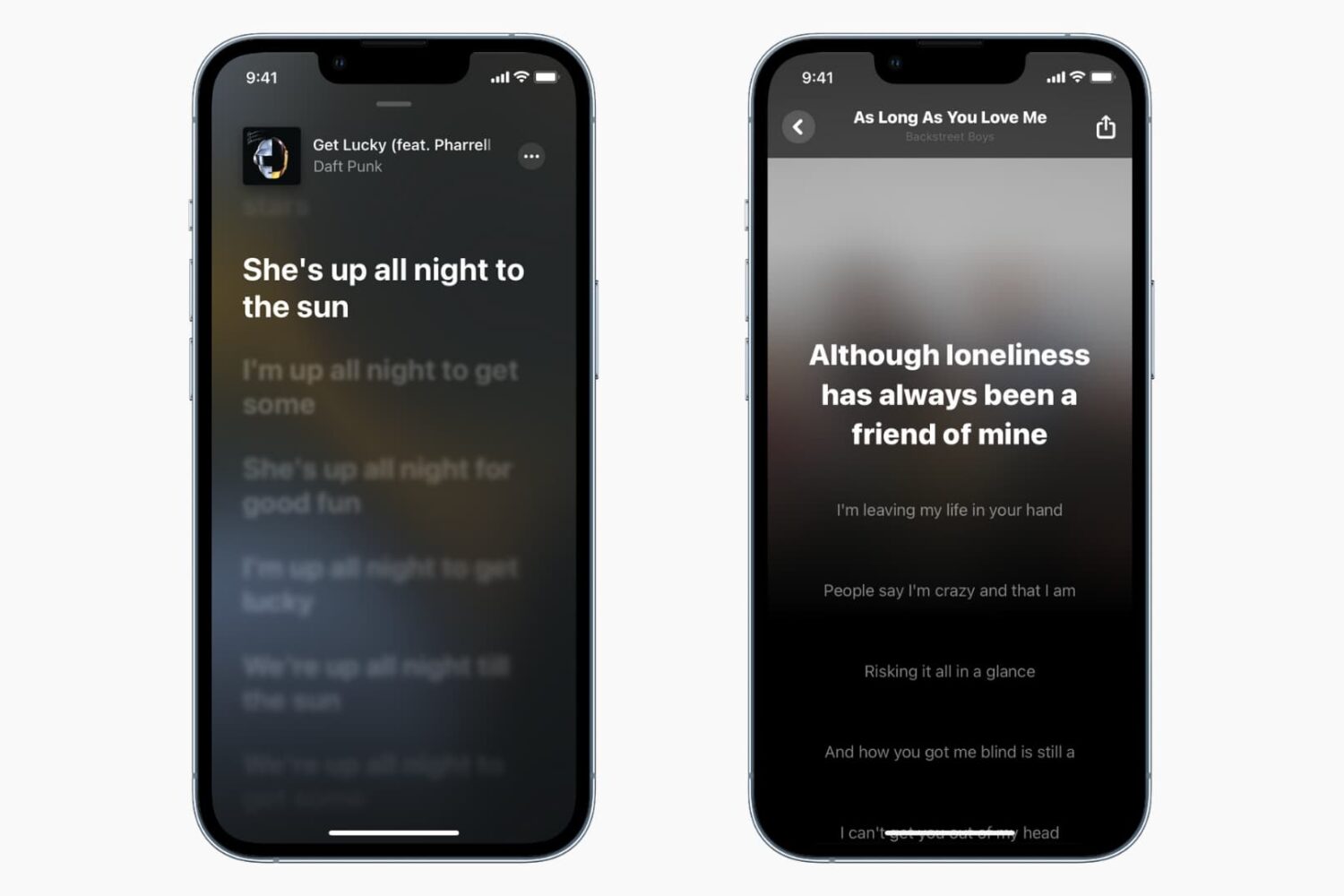
Learn how to get real-time song lyrics in Apple Music and Shazam on iPhone or iPad to sing along like you're at a karaoke.
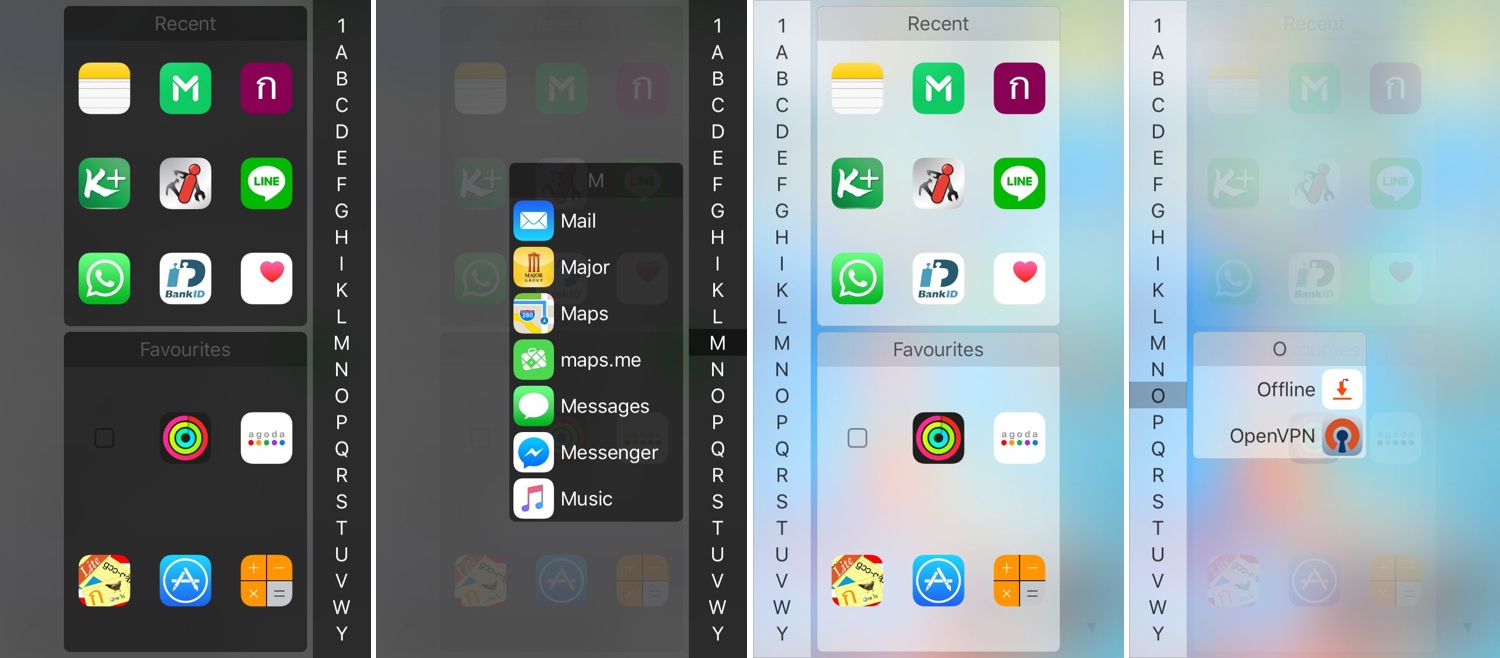
One of my favorite parts about jailbreaking over the years has been installing custom app launchers that make accessing my apps easier. There haven’t been that many tweaks of this nature in recent memory, and that’s why I’m excited to show you the rebirth of a classic jailbreak tweak dubbed InstaLauncher by iOS developer Jonathan Winger-Lang.
InstaLauncher has been around for several years, but it was just recently re-released with full support for the latest Electra and unc0ver jailbreaks encompassing iOS 11 and iOS 12. Those who remember the original tweak should see InstaLauncher for what it is: a tweak that lets you launch any app on your device in a jiff without having to scour multiple Home Screen pages.
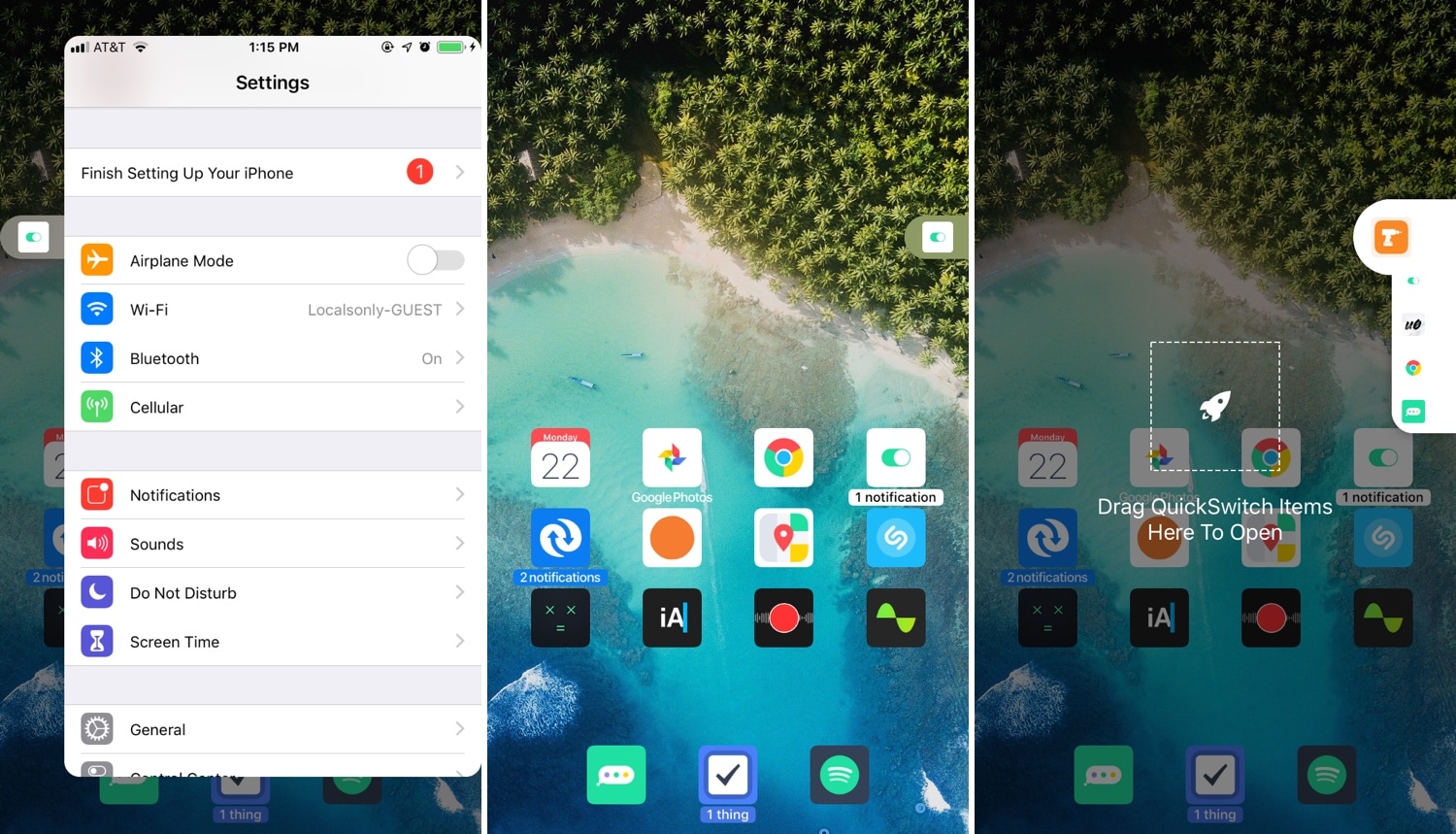
Multitasking is something that the iOS platform has always fallen short on, and that’s precisely why we’re excited to talk to you about a newly-released jailbreak tweak called PullOver Pro by iOS developer c1d3r.
As you might’ve noticed from the screenshot examples above, PullOver Pro is exactly what it sounds like. The tweak adds a small grabber to the side of your display that you can interact with to gain quick access to your favorite or most recently-used apps.
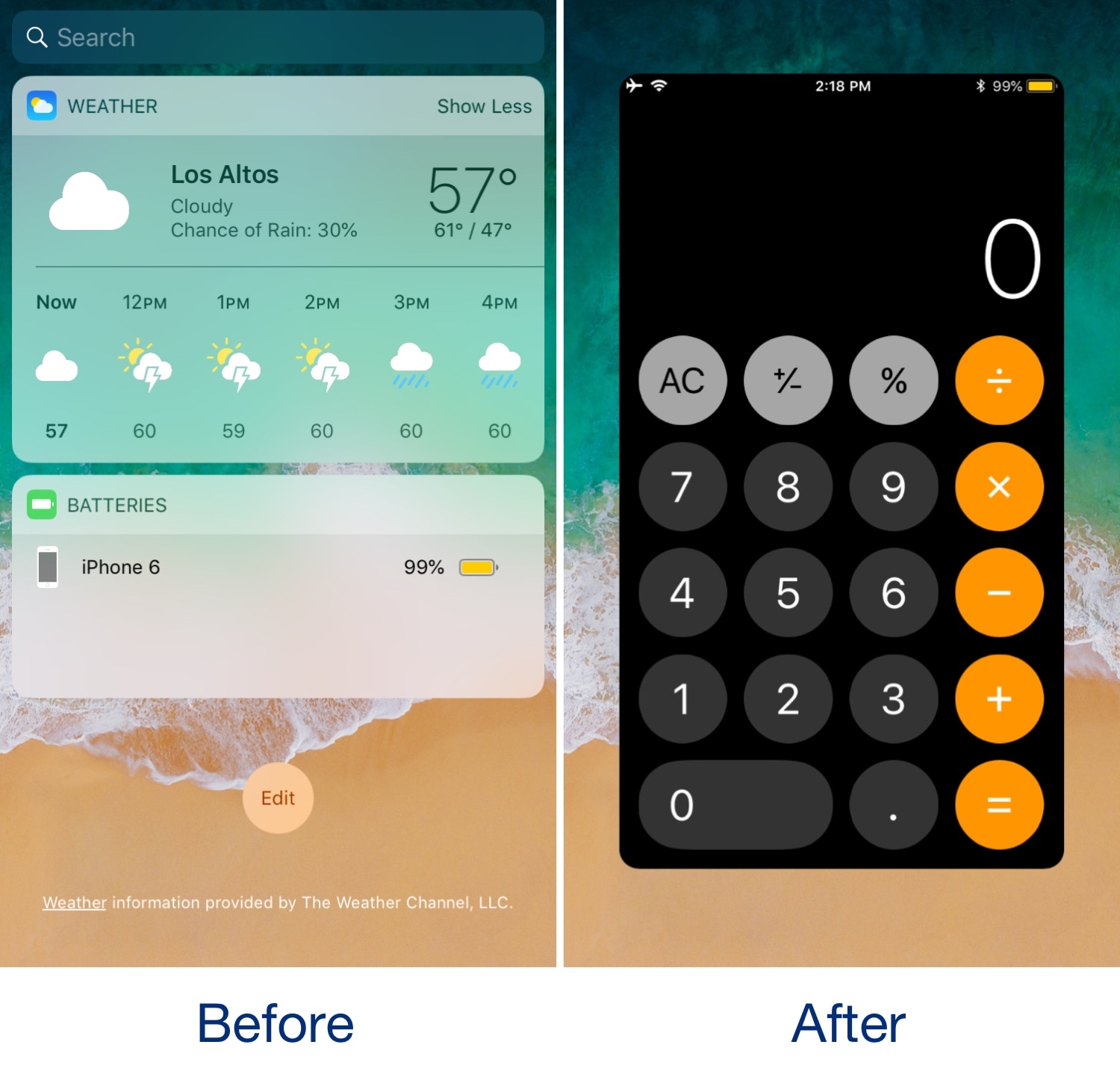
The Today view is an integral part of iOS that contains all your favorite widgets for a quick glance at app-centric information. As cool as it is, the fact remains that not everyone uses the Today view as Apple intended, leaving a lot of wasted space on your Home screen.
If you’re one of many who thinks that the Home screen’s Today view would be more useful if repurposed for something else, then you might take an interest in a new free jailbreak tweak called Konban by iOS developer Nepeta.