Apps

Google+ gains search autocomplete, Reply button on posts and more in latest update

Google+, the search giant's social thing, introduced a few new features in its mobile application for the iPhone, iPod touch and iPad, which can be downloaded at no charge from the App Store. Google+ 5.5 for iOS now includes search autocomplete, allowing you to search faster with suggestions appearing as you type.

The new Reply button on each comment lets you respond to posts with fewer taps and you can now create and delete circles from within the app's People tab.

New Tweetbot update makes tweetstorming easier

The Tapbots on Friday issued an update for their popular iOS Twitter client Tweetbot 4, bringing the app to version 4.3. The update includes a number of improvements, and a brand new feature called Topics that promises to make tweetstorming easier.

A Topic is a way to let you quickly Tweet a group of related Tweets without having to manually reply to yourself and/or add the same hashtags over and over. You can activate Topics by tapping the gear menu in the Compose screen, and they sync via iCloud.

How to repost Instagram photos, videos, and stories on iPhone

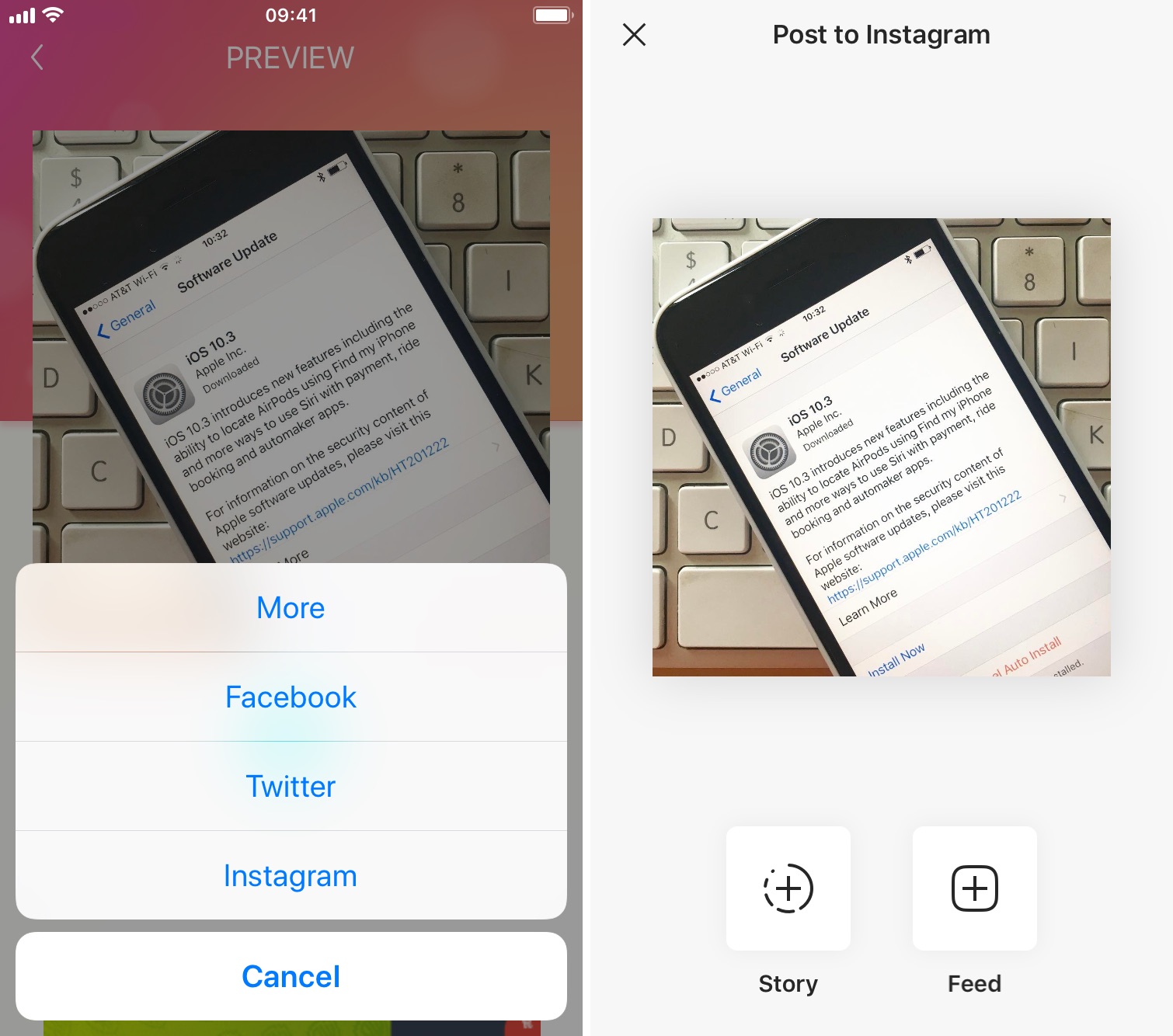
Repost photo to Instagram

The Instagram app lacks the option to repost Instagram photos, videos, and stories natively, so people usually screenshot photos to post them as their own. This works fine as a workaround but requires extra steps, such as cropping the screenshot. Maybe more importantly, it generates photos of poor quality.

Reposting, also known as regramming, is quite a common practice, even though the Instagram application doesn't provide a way to easily do that. As a result, you must use third-party applications. In this post, we will show you how to repost Instagram photos, videos, and stories from your iPhone using an app we developed ourselves called Reposter for Instagram.

Camera Plus goes free as Apple’s App of the Week

Apple on Thursday updated its App of the Week promotion with the app Camera Plus (not to be confused with the popular Camera+). This means that from now through next Thursday, you’ll be able to pick up the photo editing app for free—a solid savings of a buck.

Camera Plus describes itself as the app for "the best macro photos and remote photography." It features the usual photo app options like filters and effects, but it also has special tools for taking close-up photos, and a feature called AirSnap for taking photos remotely.

How to use your iPhone as a mouse or trackpad

Your iOS devices have some of the best touch screens out there. As a matter of fact your iPhone screen makes for a great mouse, or trackpad.

The idea of using iOS devices as a trackpad for your computer isn't new, but Mobile Mouse Remote is a great app that provides this kind of functionality with ease of use in mind. It even packs some useful bonus features.

If you're interested in this kind of functionality for your iPhone, iPod touch, or iPad, then this is something you're going to want to check out.

Netflix picks up 3D Touch Home screen shortcuts, cellular video quality presets and more

Netflix today updated its iPhone, iPod touch and iPad application on the App Store with support for Quick Actions on the Home screen with 3D Touch.

This lets iPhone 6s or iPhone 6s Plus owners press the Netflix icon on their Home screen to quickly search, continue watching and access the Trending Now or My List sections from the shortcuts menu.

Other enhancements in this edition of Netflix for iOS include VoiceOver navigation improvements and new controls to manage streaming data usage on cellular networks.

Google Photos gains revamped search with emoji support, customizable movies and more

After introducing smarter albums with text, maps and locations back in March, the search giant Google today issued a refresh to its mobile Photos application on the App Store. Now available as a free download for the iPhone, iPod touch and iPad, Google Photos version 1.10 packs in a redesigned search experience with support for emoji search (it really works) and Spotlight integration, better movies with the ability to add your own music to them and other perks.

On the web, Google Photos has gained a handy overlay with keyboard shortcuts and new features when uploading images to the service.

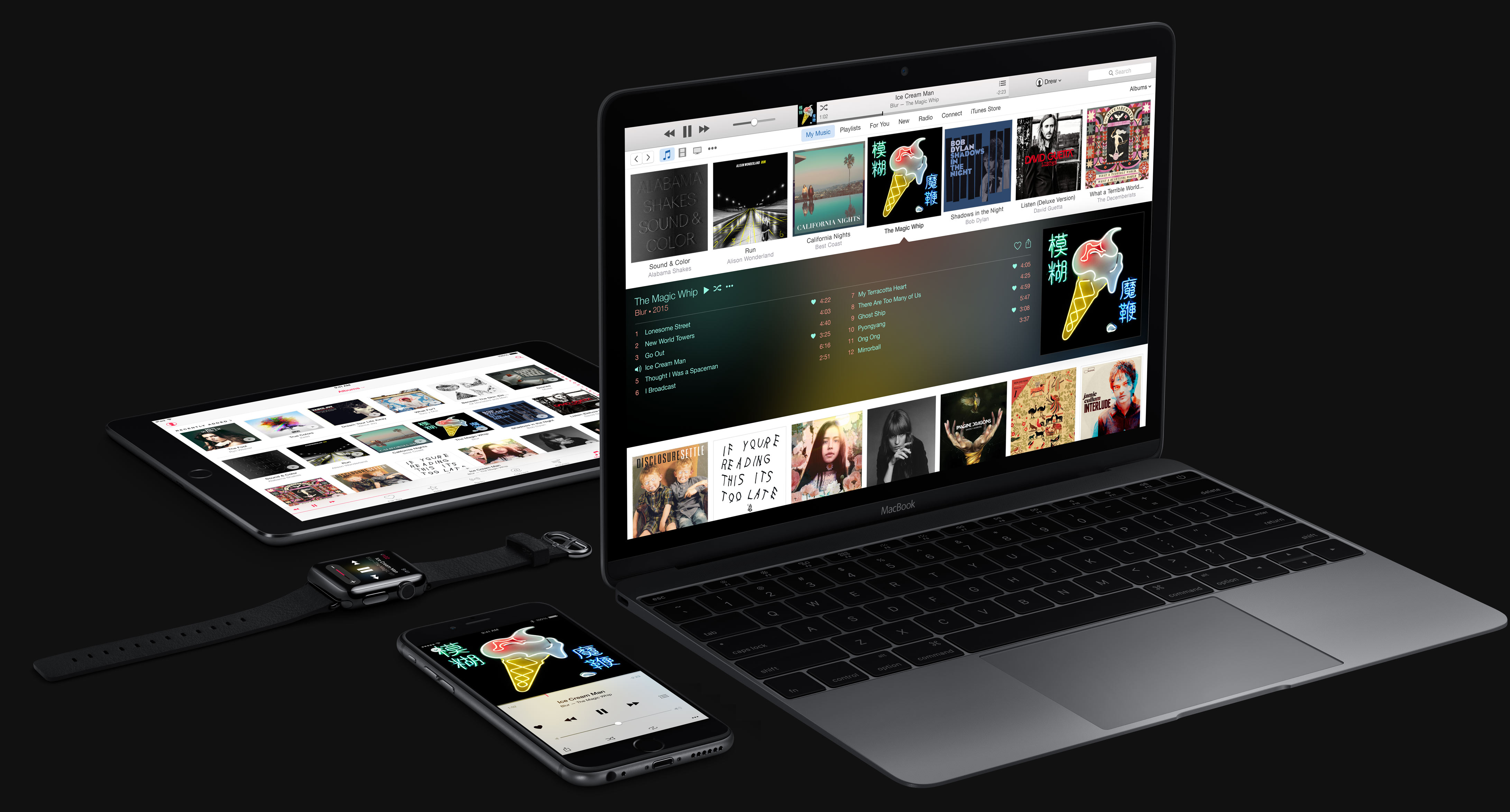
Overhauled Apple Music to integrate lyrics, offer a new Browse section and more

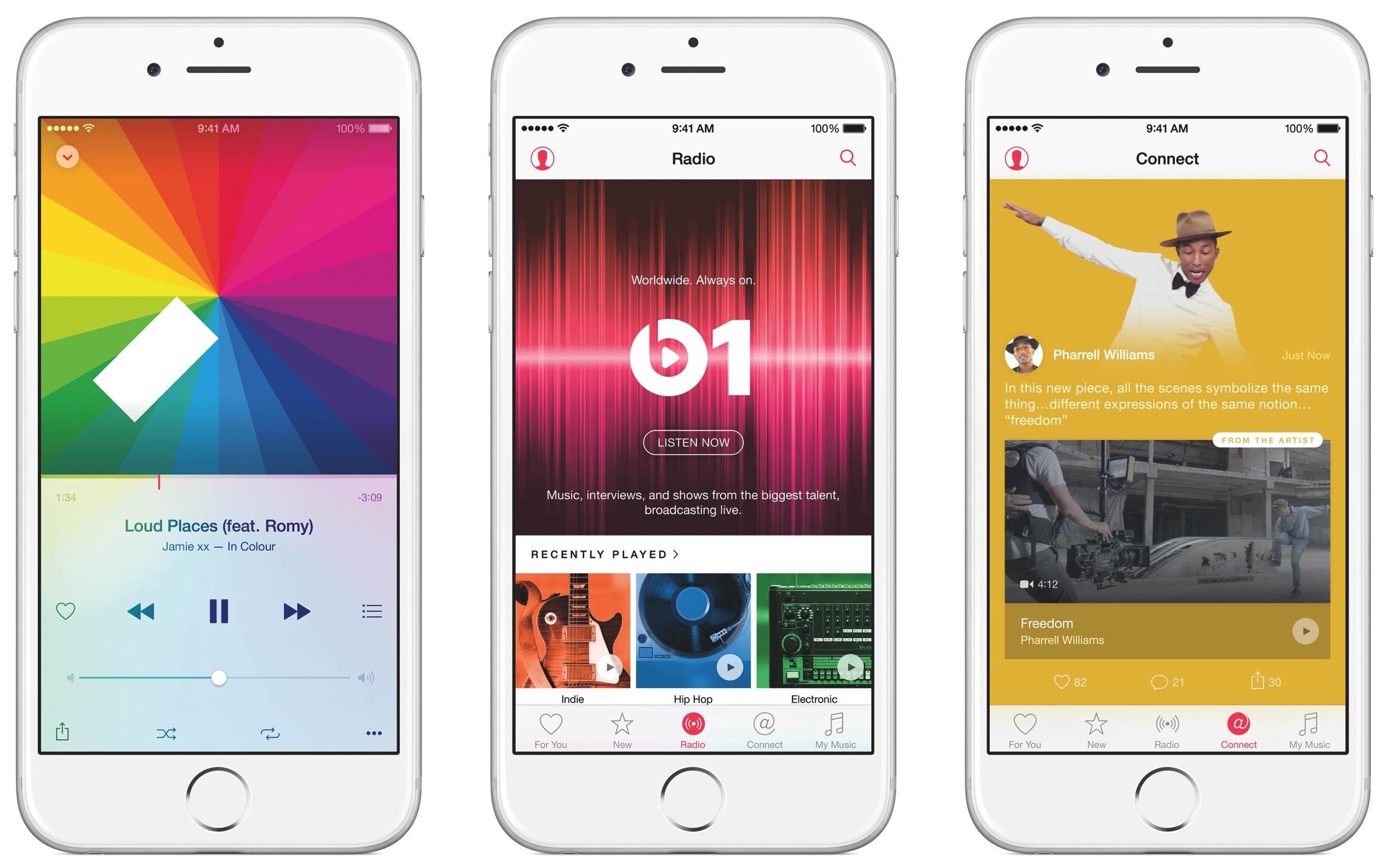
9to5Mac's Mark Gurman has added some color to Bloomberg's report this morning which described an upcoming overhaul of Apple Music in broad strokes. According to Gurman's sources, the new-look Apple Music section within the stock Music app will be part of the overall iOS 10 refresh and include, among other things, lyrics integration.

The end-to-end overhaul includes ditching the colorful look in favor of a simpler, black and white design which emphasizes text. For example, the appearance of the albums view will no longer change based on the color of a particular album’s art.

A more intuitive Apple Music to launch at WWDC next month

Since its debut, Apple Music has received its fair share of criticism as fans complained about various issues, from the confusing, complicated user interface to a number of design inconsistencies. Thankfully, your prayers haven't gone unnoticed by the powers that be at 1 Infinite Loop, California.

As reported by Bloomberg, Apple is set to show off at WWDC next month a “more intuitive” version of Apple Music that should be easier to use.

Drawing with pressure and other 3D Touch tips and tricks for Notes

With 3D Touch shortcuts and gestures available for iOS's stock Notes application, you can elevate your productivity and accomplish certain tasks faster and with fewer taps than without 3D Touch.

iPhone 6s and iPhone 6s Plus owners can take advantage of their device's pressure-sensitive screen to quickly start a new note from the Home screen, preview a specific note’s content, sketch using pressure-sensitive drawing tools, quickly delete, share and copy notes and more.

Imbued with the information in this tutorial, you'll take full advantage of 3D Touch interactions that are available to you in Notes so that you can be more productive.