iPadOS

This tweak gives the Status Bar a unique color based on the app you’re using

As a jailbreaker, I like adding a footprint of my own personalization to my iPhones and iPads whenever I get the chance. On the other hand, I don’t like anything too eccentric. More often than not, I prefer subtle customizations that don’t over do it.

Anyone in the same boat as me is likely to appreciate a new and free jailbreak tweak dubbed AdaptiveStatusBar by iOS developer MiRO. Just as the name implies, this tweak adaptively colorizes the Status Bar based on the icon of the app you’re using.
Apple still doesn’t plan on merging the iPad and Mac

It has been speculated for quite some time that Apple will maybe, one day, merge the iPad and Mac lineup in some way or another. That may mean the removal of the MacBook Air in favor of the iPad Pro, or something else entirely. Like just putting macOS on an iPad, for instance. But so far, Apple hasn't gone through with it.

YTMusicVolume adds the missing volume slider YouTube Music’s Now Playing interface

While Apple Music and Spotify are some of the go-to choices for online music streaming, another major contender in this space is YouTube Music, which provides a seemingly endless library of music sourced directly from YouTube.

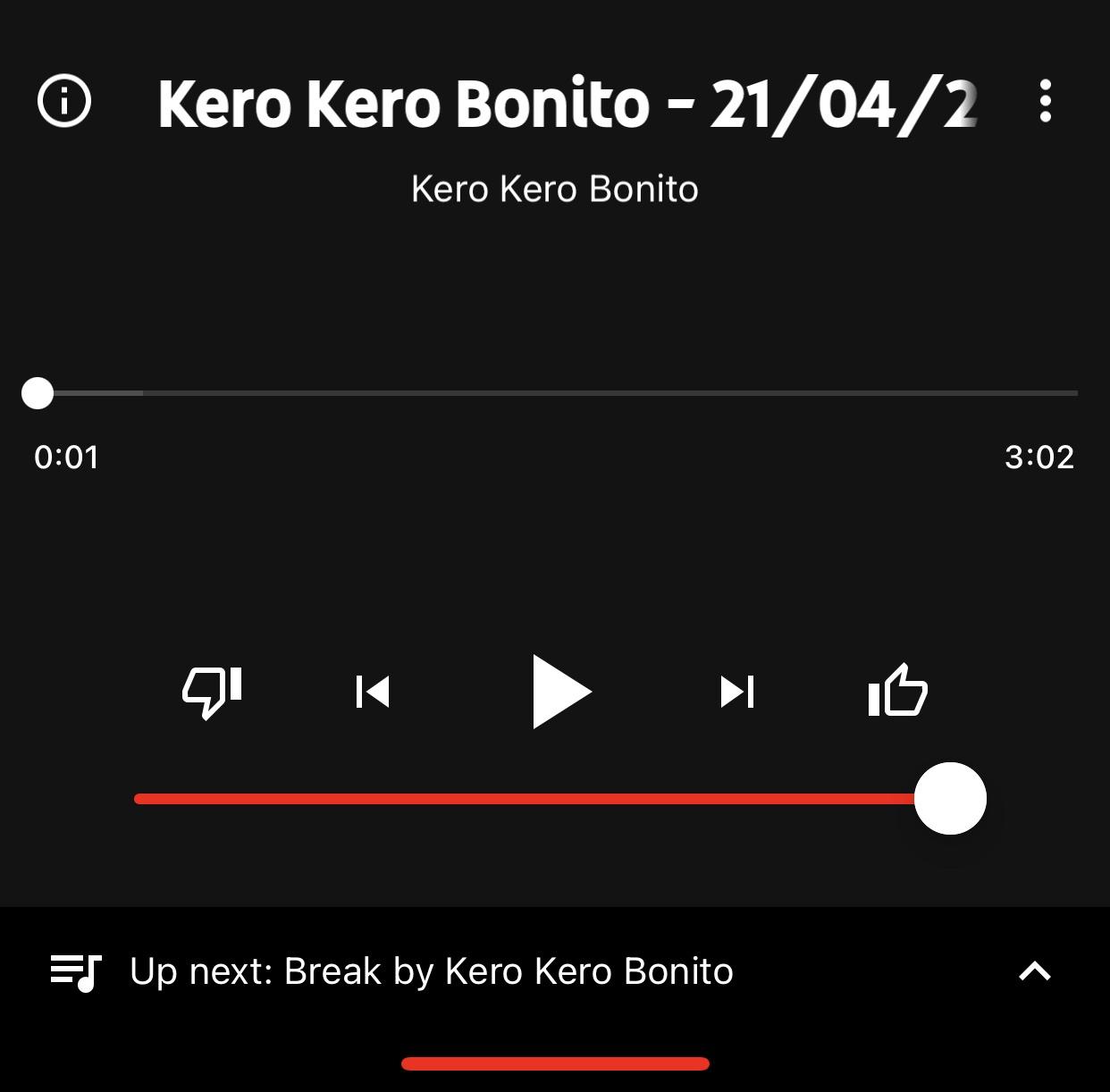
After signing up for YouTube Premium, one of the first things I did was download the YouTube Music app so that I could enjoy ad-free music streaming without paying an additional fee for a music streaming service. But I noticed something was missing from the app’s Now Playing interface – namely, a volume slider.

DrainCheck harnesses Do Not Disturb mode to monitor battery drain on pwned iPhones

Low Power Mode.

Battery consumption is a very real concern among jailbreakers, especially given the fact that certain jailbreak tweak configurations can add to the burden of keeping your phone alive throughout the day.

While most people simply glance at the Status Bar or visit the Battery preference pane in the Settings app to learn more about their battery usage, those who want a brief battery usage report every morning when they wake up might take an interest in a newly released and free jailbreak tweak dubbed DrainCheck by iOS developer Ginsu.

Compared: Apple’s 2021 iPad Pro vs. the 2020 models

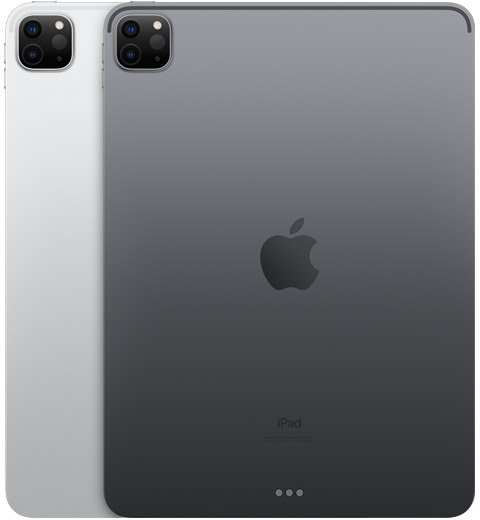
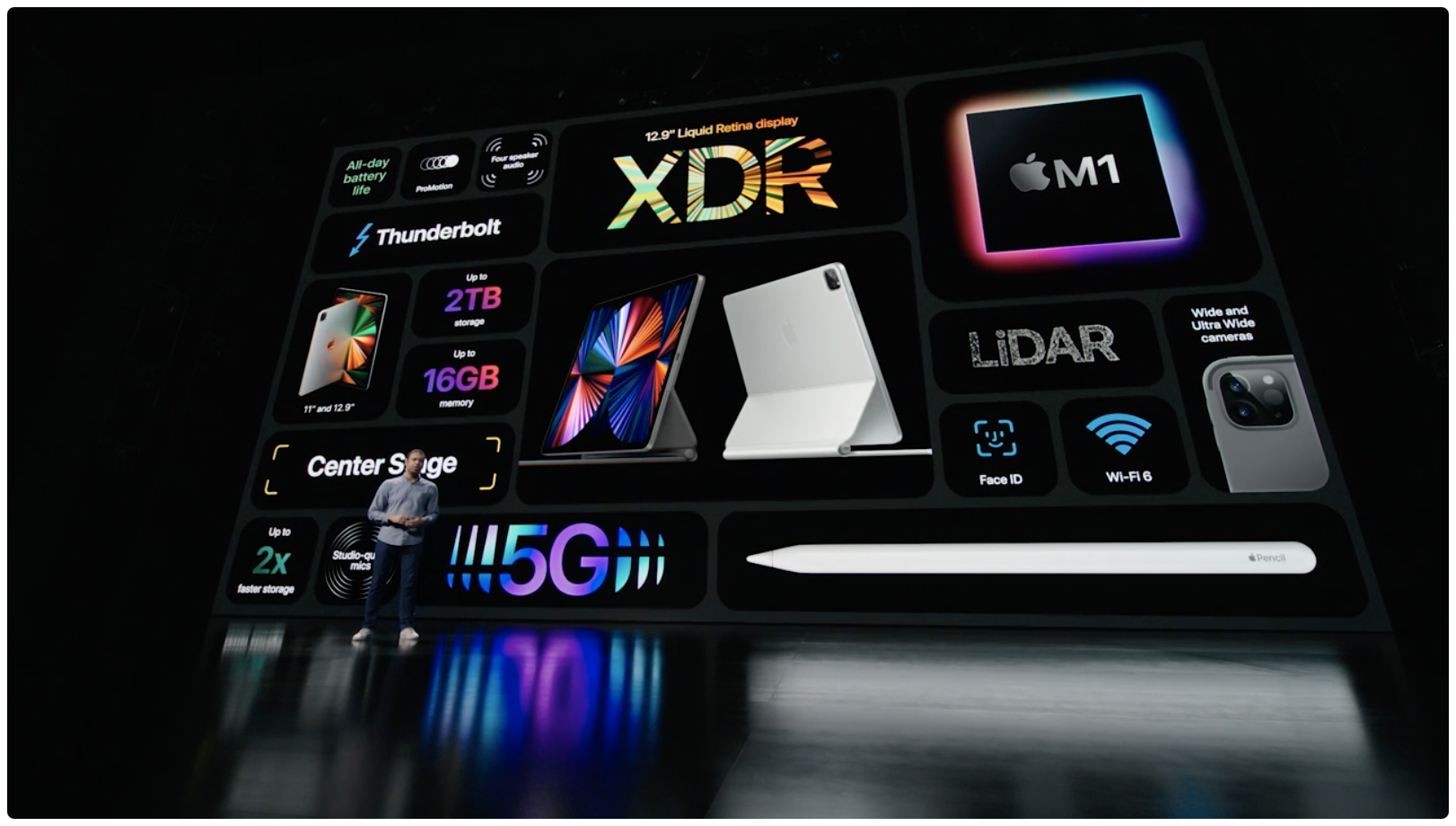
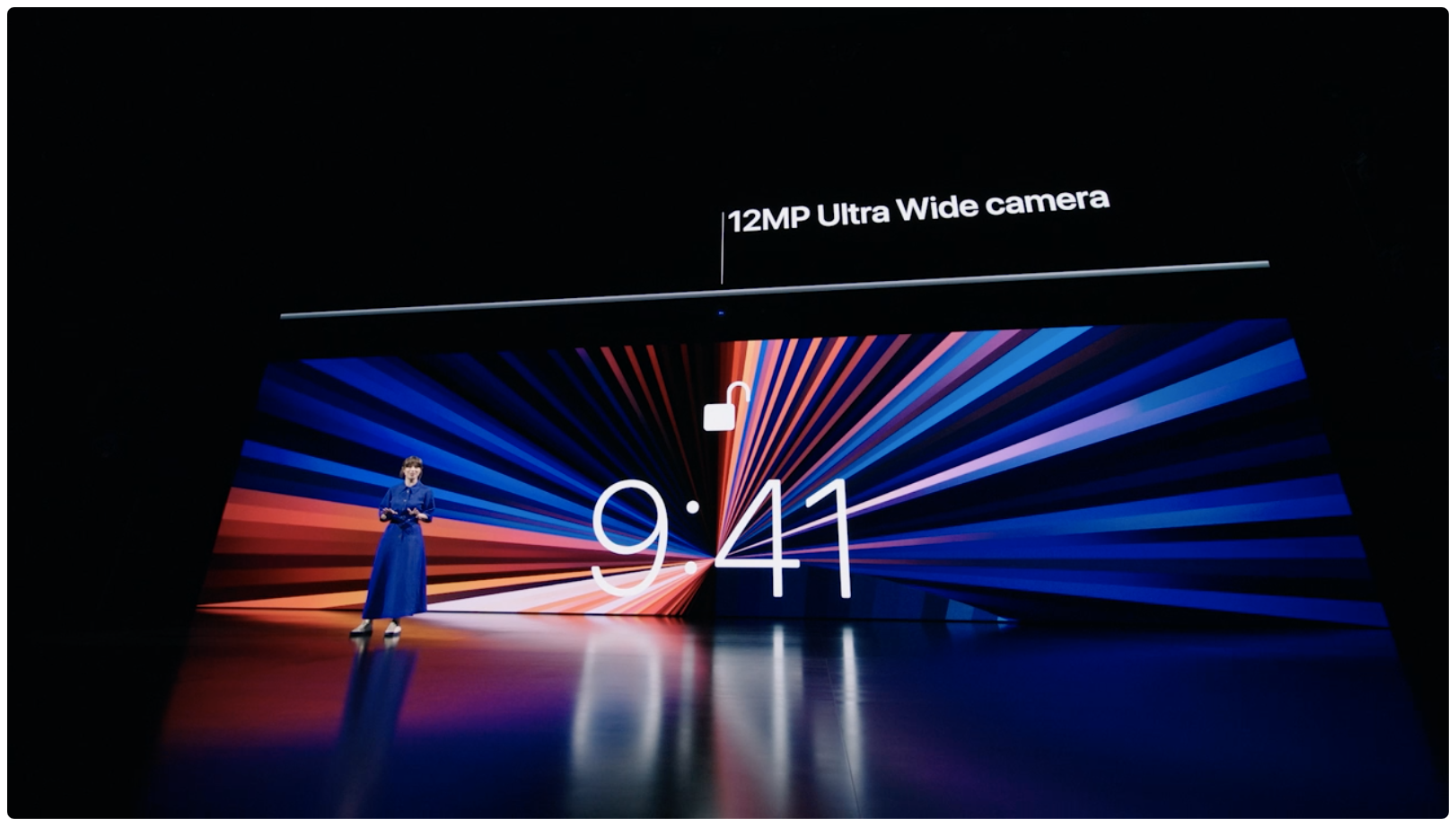
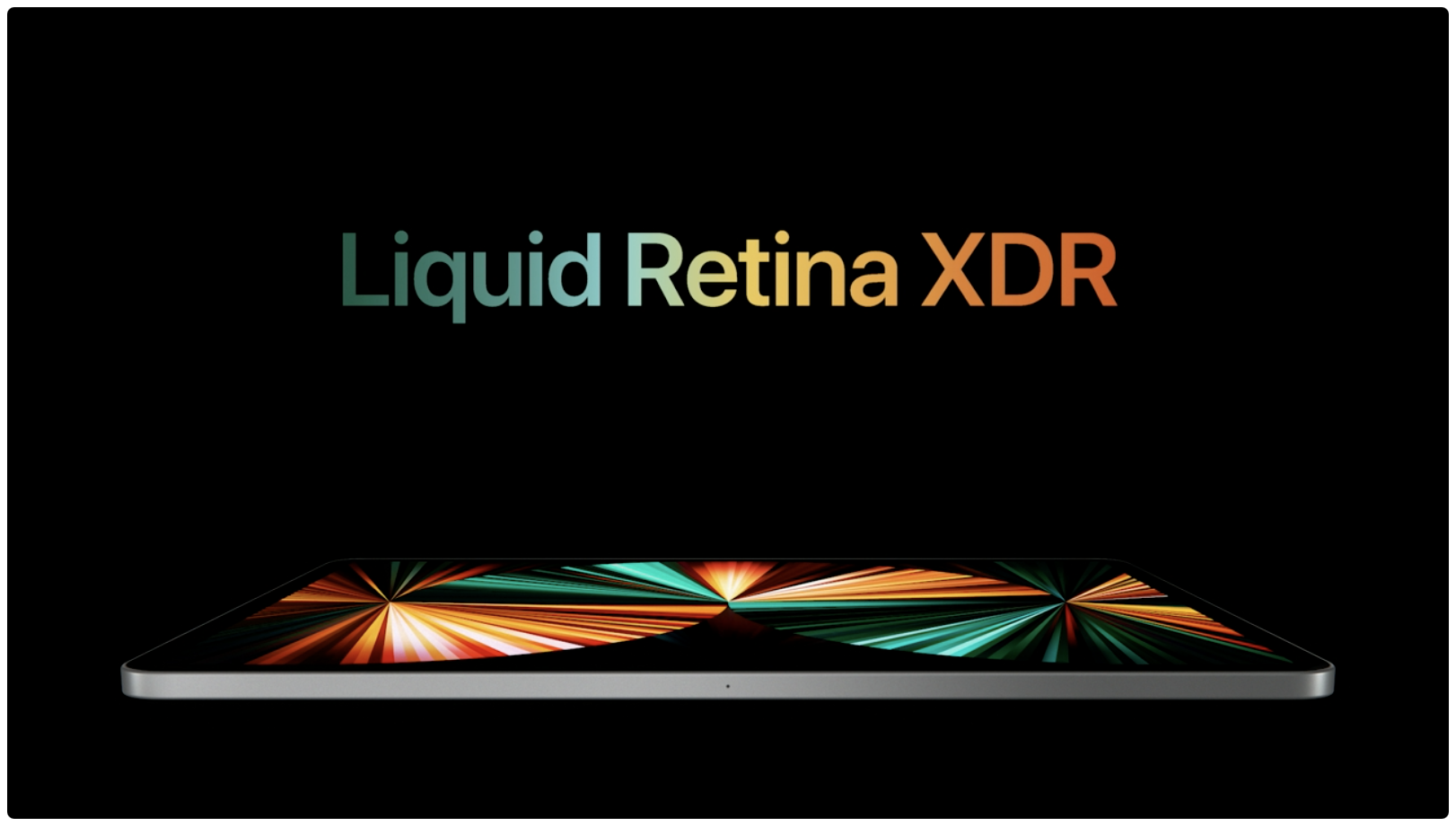
Apple during Tuesday’s Spring Forward event announced exciting new devices and technologies. Among those was a refresh for both the 11-inch and 12.9-inch the iPad Pro tablets – now dubbed the 3rd generation and 5th generation respectively for the year of 2021.

There’s a lot to take in, and that’s why in this piece, we’ll compare the features and technical specifications of the 3rd generation 11-inch iPad Pro and 5th generation iPad Pro of 2021 with the features and technical specifications of the 2nd generation 11-inch iPad Pro and 4th generation 12.9-inch iPad Pro of 2020.

CoolStar announces upcoming libhooker Pro with premium features for jailbroken devices

In an announcement shared early this morning via the Sileo / Taurine / Odyssey Discord channel, Odyssey Team lead developer CoolStar divulged that an upcoming premium jailbreak package dubbed libhooker Pro would soon be made available to the general public.

Anyone who uses the Chimera jailbreak for iOS 12, Odyssey jailbreak for iOS & iPadOS 13, Taurine jailbreak for iOS or iPadOS 14.0-14.3, or Odysseyra1n on a checkra1n-compatible device should know that libhooker is the tweak injection method that facilitates tweak-centric process hooking on these platforms. With that in mind, the concept of a pro version of libhooker is rather thought-provoking.

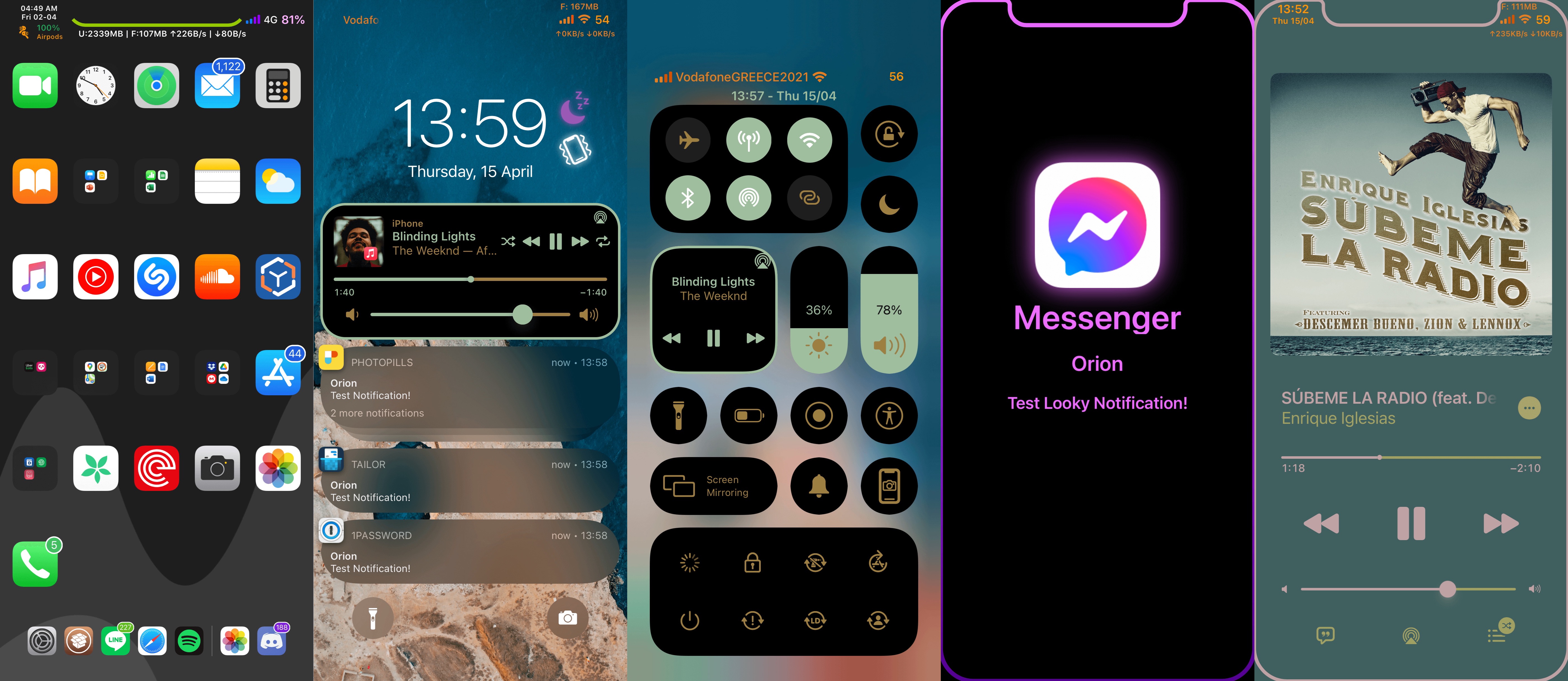
Orion is one of the most comprehensive all-in-one jailbreak tweaks we’ve ever seen

When you jailbreak your iPhone or iPad, one of the first things you’re going to want to do is begin customizing some of the things you can’t usually customize out of the box. This can be done with jailbreak tweaks, which are small add-ons that change the behavior or appearance of your device’s operating system.

When you’re getting ready to tweak your device, you ultimately have two options: 1) download a plethora of single-purpose jailbreak tweaks to achieve your ideal setup; or 2) download an all-in-one jailbreak tweak that can do the same in one fell swoop.