iPad

From the latest news to the most comprehensive tutorials, learn how to get the most out of your iPad with our step-by-step guides and expert tips.

Apple clarifies only in-app commissions have dropped to 2.5 percent

Apple has clarified in an email communique by its iTunes Affiliate Support team that the recently reduced affiliate rates which went into effect May 1 only apply to in-app content, not to apps linked on websites and other outlets.

The company announced a policy change last month, saying commission rates for apps and in-app content would drop from seven to just 2.5 percent. The firm now clarifies that the change applies only to affiliate links used inside apps, not the ones on websites like iDB.

“Please note that only in-app commissions have changed,” reads the message from iTunes Affiliate Support. Here are the correct new app commission levels, according to Apple itself:

iOS apps commissions: 7 percent In-app iOS commissions: 2.5 percent Mac apps commissions: 7 percent In-app macOS commissions: 2.5 percent

Several website owners and bloggers linking to App Store and Mac App Store apps have reported that the seven percent commission for apps has in fact remained unchanged.

MacGamerHQ provides the following screenshots of Apple's email to iTunes Affiliate members.

Apple originally said about two weeks ago that beginning May 1, 2017 commissions for all apps and in-app content would get slashed from seven percent to just 2.5 percent globally. The poor wording of the message has been blamed for the misunderstanding.

“We will also continue to pay affiliate commissions on Apple Music memberships so there are many ways to earn commissions with the program,” Apple said two weeks ago.

Aside from slashing commissions for in-app content, items like music, movies, books and TV subscriptions remain subjected to the seven percent commission rate across all markets.

iTunes Affiliate Program lets website owners and developers claim a small percentage of the proceeds from linked apps and content.

The company's Affiliate Resources webpage offers a Getting Started guide on becoming an affiliate partner, an updated Program Overview section providing information on the commission raters, reporting, creating links and other useful resources.

Apple’s social video editing app Clips gains new feature in first update since launch

Apple yesterday pushed the first update to Clips for iPhone and iPad following the software's debut on App Store nearly a month ago. Bumped to version 1.0.1, Clips packs in improvements to the Live Title feature that lets you create animated captions and titles in 36 different languages using your voice.

Apple says you can now tap on Live Title text while playing or paused to edit it manually in case Siri misheard you. Additionally, when you share your edited video to a contact who has multiple messaging addresses in your address book, the app will now suggest the most frequently used address.

Lastly, the stability and reliability when capturing and sharing videos that contain certain posters have been improved in this edition of the app.

https://www.youtube.com/watch?v=-2dfeWpwfyk

Subscribe to iDownloadBlog on YouTube

Clips is compatible with iPhone 5s and later, 9.7-inch iPad (2017), all iPad Air and iPad Pro models, iPad mini 2 and later and sixth-generation iPod touch.

The app requires iOS 10.3 or later and does not work on 32-bit devices.

For more on Clips, check out our walkthrough video included above. Clips was introduced as part of a flurry of Apple's Spring product refreshes in March.

Download Clips for iOS for free via App Store.

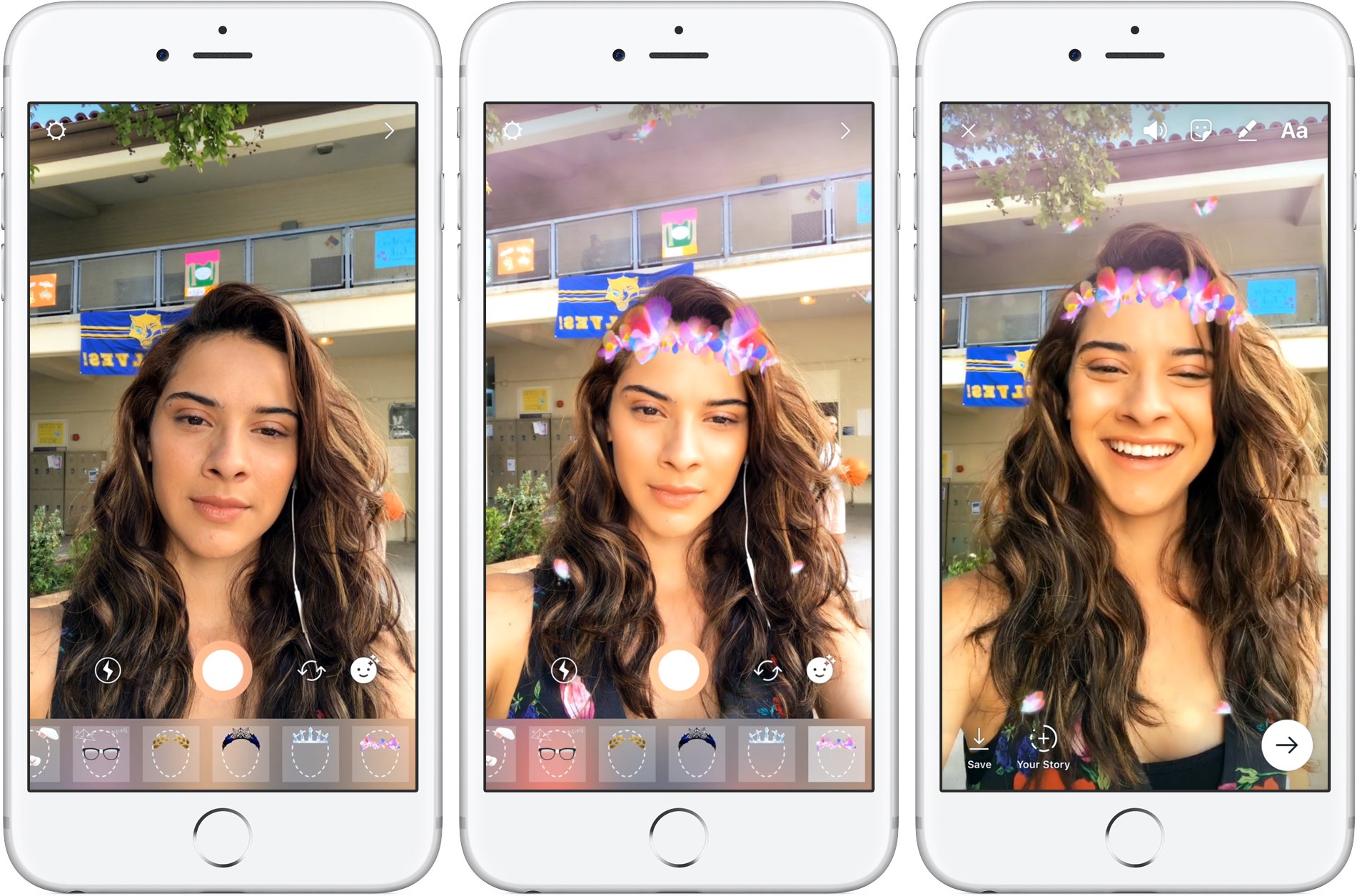
Colorize your Instagram app with ColorGram

Instagram users typically get to see the app’s generic white interface introduced back in 2016, but if you'd like to add a splash of color to it, then you’ll love a new free jailbreak tweak release dubbed ColorGram by iOS developer Justin Petkovic.

This tweak lets you go hands-on with colorizing various elements of the Instagram app so you don’t have to put up with the boring flat colors anymore.

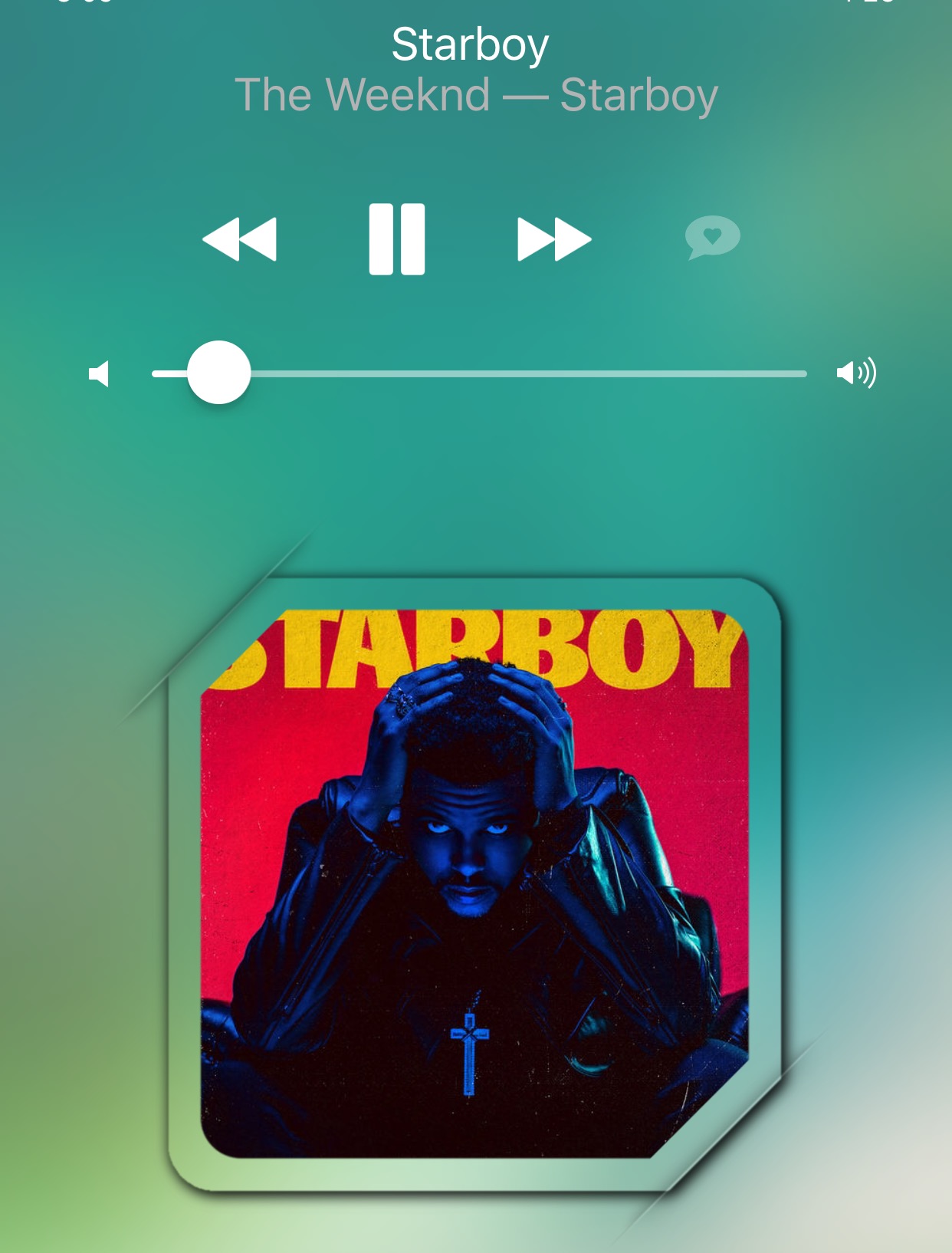
HUDPlayer gives you a banner-styled volume HUD

The volume HUD has always been a pain point for iPhone owners; the fact that it pops up right in the middle of the screen as you adjust your volume is intrusive and becomes a nuisance when you're trying to watch videos or listening to music while viewing photos/reading e-Books.

Countless jailbreak tweaks have been released over the years in an attempt to repair this problem. Most of them move the volume HUD out of the way in creative ways, and now the latest to join that list is HUDPlayer by iOS developer pxcex.

Google says Apple Watch support will be returning to Maps for iOS

Google has confirmed that it will be bringing back support for Apple Watch to the Maps app for iPhone and iPad at some point in the future. In a statement issued Tuesday to AppleInsider, a spokesperson for the search giant said: “We removed Apple Watch support from our latest iOS release, but expect to support it again in the future”.

The company provided no explanation for the removal of Apple Watch functionality from Maps for iOS, which went largely unnoticed because it wasn't mentioned in App Store release notes.

As we reported yesterday, recent updates to major iPhone apps like Google Maps, eBay, Amazon and Target came stripped of all Apple Watch support, perhaps indicating that watchOS features in them were not widely used.

Google brought its Maps app to Apple Watch in September 2015, with features like turn-by-turn driving, walking and transit directions for recently visited points of interest. The app lacked other features found in Apple's Maps for Apple Watch, such as no conventional map view and the inability to conduct searches without a tethered iPhone.

CCQuick Pro X turbocharges Control Center with a bevy of new features

If having an arsenal of quick shortcuts throughout iOS sounds good to you, then you should warm up to a jailbreak tweak release dubbed CCQuick Pro X for iOS10 by iOS developer Cunstuck pretty quickly.

Following installation, the tweak turbocharges Control Center with a slew of new features. Not only can you boost its visual appeal, but you can also upgrade the interface’s usability with additional shortcuts and toggles among other things.

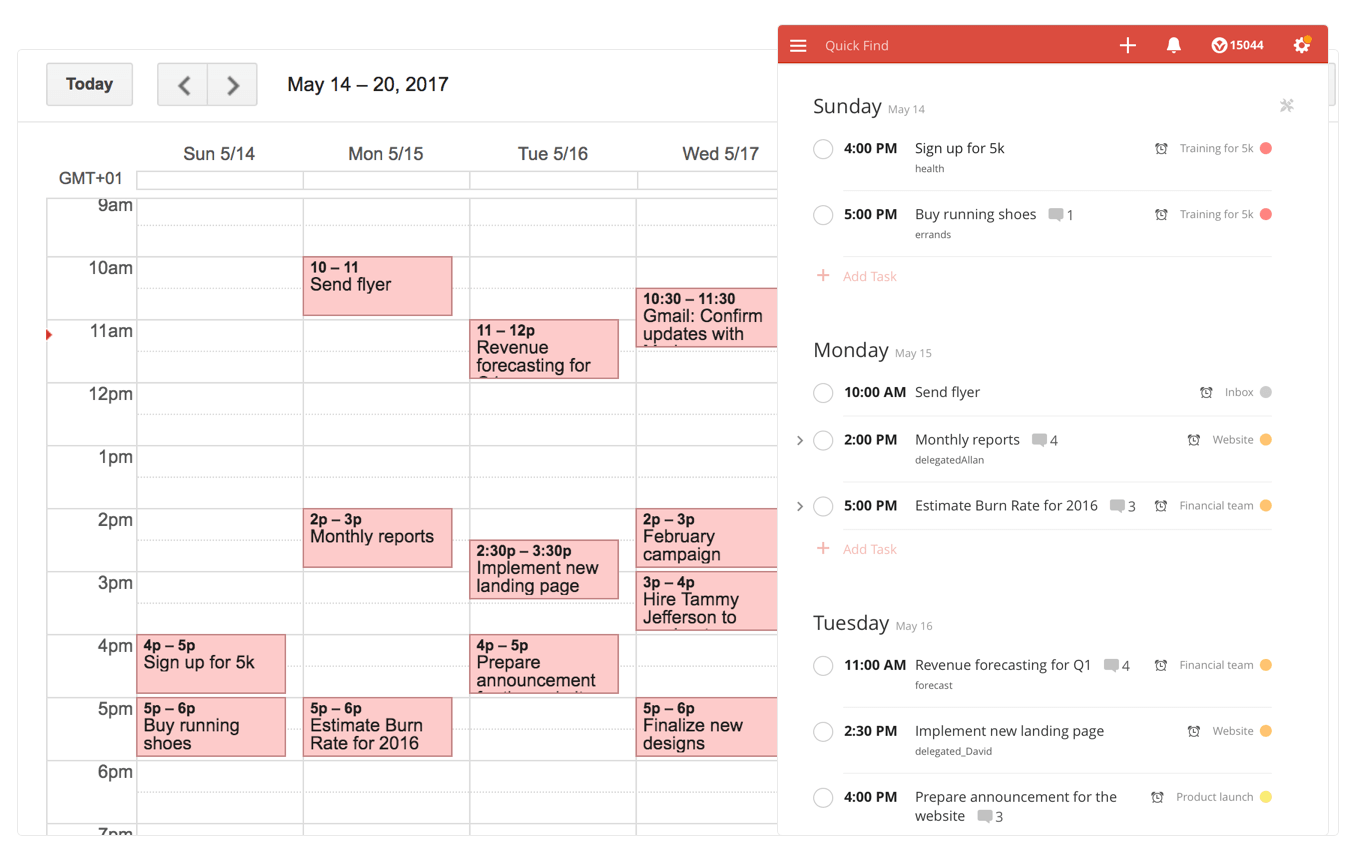
This tweak eliminates the delay after pressing the Home button

There’s nearly a full second of delay after pressing your Home button before the app you’re in actually closes. Whether you love or hate the delay remains to be seen, but if you aren't fond of it, now there's something you can do about it.

Installing a new free jailbreak tweak called Accelerated Home Button by iOS developer Mehul Rao from Cydia virtually eliminates the delay effect, making access to your Home screen instantaneous after pressing the Home button.

WhatsApp testing chat pinning, photo albums, message revoking & other upcoming features

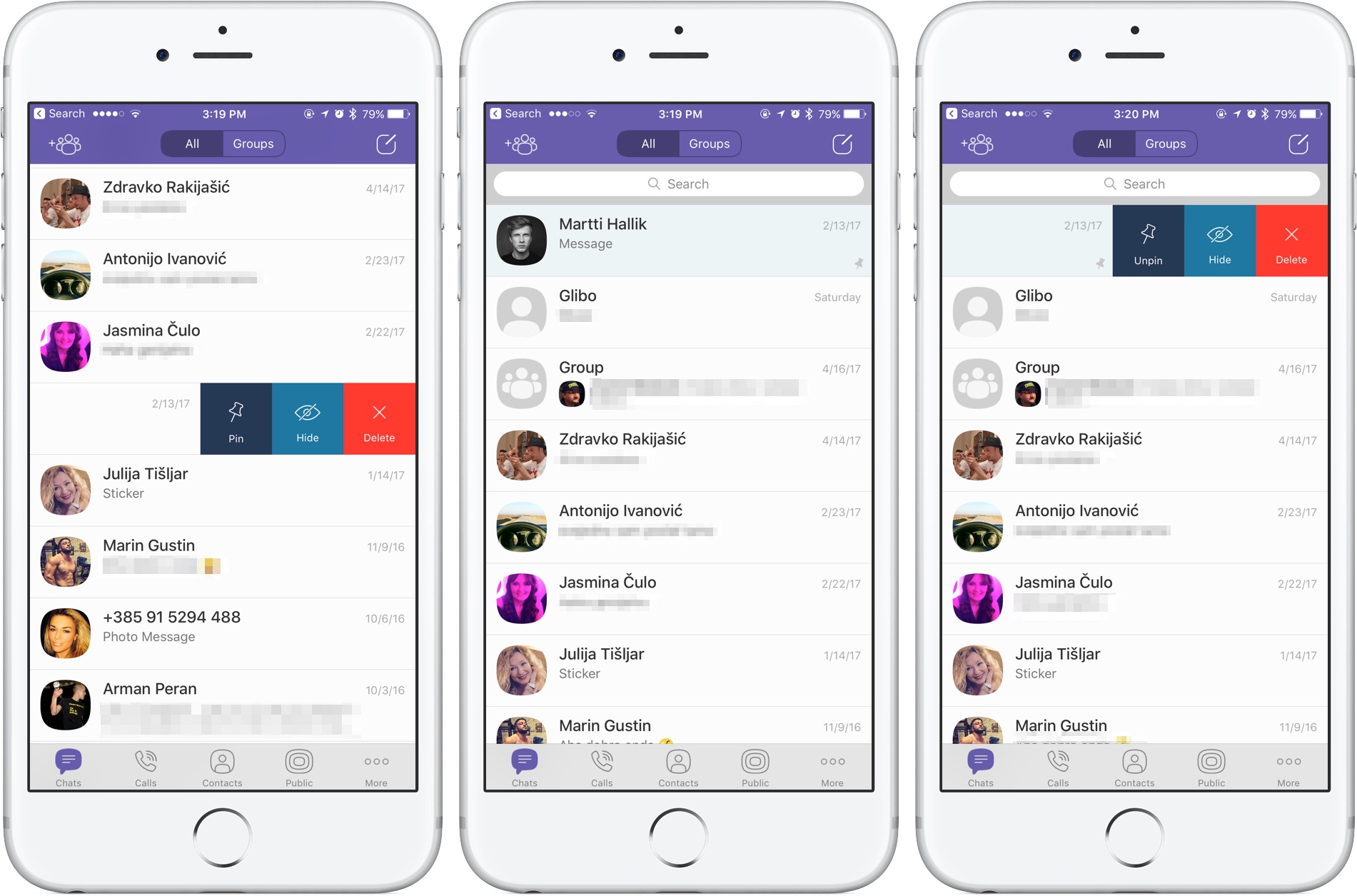
The popular messaging app WhatsApp is experimenting with a new pinning feature in the chat list that, when released for everyone, will permit you to stick up to three contacts to the top of the conversation list, regardless of when they last messaged you.

As first noted by AndroidPolice, it was spotted in the latest beta builds of WhatsApp for Android. Other features in an iOS beta of the app include albums, the ability to revoke a message after it's been sent, sending your real-time location to friends and family and more.

WhatsApp Albums, another upcoming feature, is in its early stages of development. Eventually, it will let you create custom albums of photos for sharing with individuals and groups.

Like other WhatsApp features, albums use end-to-end encryption.

According to WABetaInfo on Twitter, the unsend feature may be remotely enabled in the latest stable version of WhatsApp. Full support for rich notifications is being worked on, too.

Recent WhatsApp updates brought us improvements like the ability for Siri to read aloud newly received messages, text-only statuses, two-step verification for your account, sending messages offline, searching for animated GIFs from Gify and more.

You can join the WhatsApp for Android beta channel on Google's Play Store, by tapping Join Beta at the bottom of the listing. WhatsApp for iPhone betas require a jailbroken device.

The best wallpaper apps for iPhone

Every so often as an iPhone user, we get a little bored with the optics of our device and feel the need to give it a fresh coat of paint. Cases and skins aside, the fastest and most immersive option to shake things up visually is to go down the wallpaper path, which we very much love assisting you with here at iDB.

Granted there is no shortage of wallpapers anywhere on the internet, at the same time the ever-growing demand for more has also given rise to a bevy of unusable, flat-out lousy offers. So where to turn to for quality material you ask? We’ve got your back on that, as we have compiled a list of the best wallpaper apps available on the App Store today.

Time to dust off your iPhone’s home screen and live it up in your pocket!