iPad

From the latest news to the most comprehensive tutorials, learn how to get the most out of your iPad with our step-by-step guides and expert tips.

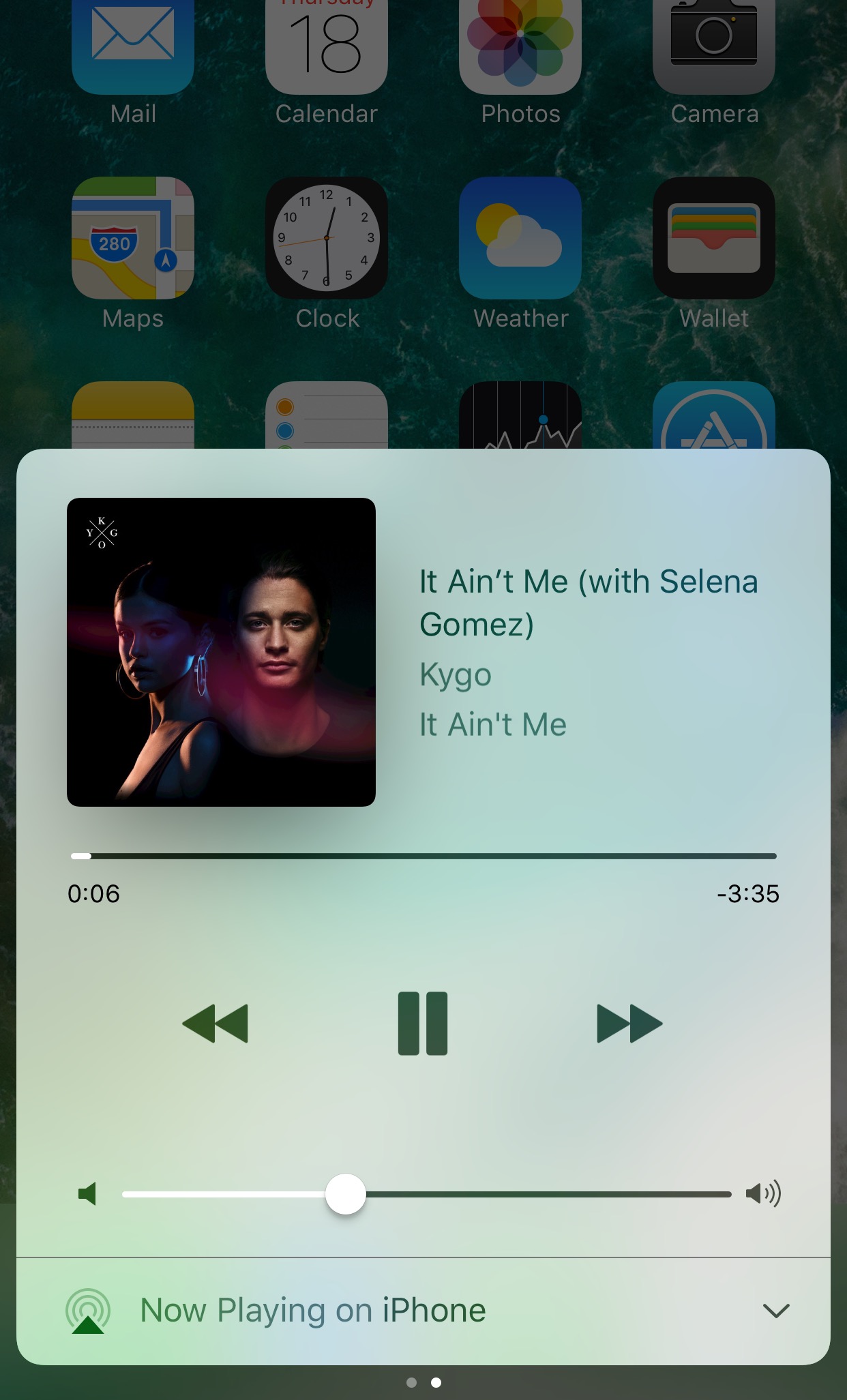
This tweak makes your iPhone animations bouncier

Bouncy10 is a new free jailbreak tweak by iOS developer Rishanan that gives iOS a system-wide fun and quirky animation makeover rather than the smooth and boring animations you've become to used to.

It takes a bouncier approach to iOS animations, and more importantly, they're fully adjustable, allowing you to have a different animation effect than other Bouncy10 users.

Apple’s Workflow app gains new Apple Music actions, brings back Chrome and Pocket integrations

Workflow, the powerful iOS automation app that Apple acquired in March, has brought back a few features that were originally removed from the software following the Apple deal while adding updated Apple Music actions.

In Workflow 1.7.4 for iPhone and iPad, users can now create workflows using actions specifically designed for Google's Chrome browser and the read-later app Pocket, which browser vendor Mozilla acquired in February.

With the updated Apple Music actions, Workflow fans can now add songs to their Up Next queue in the Music app. Another new action lets you clear the songs in the Up Next queue.

Additionally, Workflow's Get Distance actions has been updated with support for getting the distance from a specified location while the order of items passed from a Dictionary action to Choose from List is now preserved.

Here's everything new and fixed in Workflow 1.7.4:

Bug fixes and improvements Restored the Google Chrome and Pocket actions Add music to your Up Next queue with the Add Music to Up Next and Clear Up Next actions Get Distance now supports getting the distance from a specified location The order of items passed from a Dictionary action to Choose from List is now preserved Fixed getting prices for books in Search iTunes Store Fixed making archives with special characters in the filename on iOS 10.3 and later Fixed an issue where workflow glyphs in the Today Widget may be stretched and cut off Fixed an issue where latitude and longitude may be formatted incorrectly in international locales Fixed an issue where .wflow files may fail to open on iOS 10.3 and later Fixed an issue where improperly formatted URLs from Pinboard could cause Workflow to crash Fixed an issue where booleans may not update when their value is changed inside dictionary fields Fixed an issue where handing off clipboard content from the Today Widget or Action Extension may throw a “The file Clipboard could not be opened” error Fixed an issue that could cause Workflow to crash on launch Other bug fixes and minor additions

Apple has said that it will continue to push maintenance updates to Workflow, but no new user features will be added to the software. Today's update makes good on that promise.

https://www.youtube.com/watch?v=7rJXJcn93jU

Subscribe to iDownloadBlog on YouTube

Apple's plans for Workflow are unclear at the moment. For what it's worth, any new features or major changes that could be in the works for the app should be formally announced at the company's annual conference for developers next month.

Workflow is available at no charge via App Store.

How to gift iTunes credit on iPhone and iPad

A particularly cruel proverb says there's more than one way to skin a cat. True or not for cats, its intended meaning certainly applies to sending iTunes gifts and gift cards to your loved ones. For years, Apple has done their homework to make sure we can easily swoop up gift cards for iTunes at most retailers, online through services such as PayPal and also directly gift apps or music we come across and want to share immediately.

On top of the bevy of options available, there's another simple trick to send (any desired) iTunes credit to a fellow application user, right through iTunes or the App Store on iOS. While on no account a hidden gem, we haven't called attention to it before on iDB, so let's bring you up to speed on it if necessary.

How to switch between Celsius and Fahrenheit on your iPhone, iPad, and other Apple devices

Two screenshots from the iPhone Weather app with one showing the temperature in Fahrenheit and the other in Celsius

Your Apple devices provide a global setting for representing specific quantities of temperature in apps. You can switch between displaying the temperature in either Celsius or Fahrenheit. Apps that support this feature, including Apple's stock Weather app, honor this setting to display the temperature in your preferred unit regardless of your regional settings.

In this tutorial, you will learn how to easily switch between Celsius and Fahrenheit independently of your other regional settings on your iPhone, iPad, or iPod touch, as well as adjust this setting on other Apple devices, such as your Apple TV, Apple Watch, or Mac.

Jailbreak tweaks of the week: ColorGram, HUDPlayer, & more…

The jailbreak community has been pretty unpredictable lately; just as you begin to think Cydia is going through a lull, developers surprise you with a bevy of fun and useful new releases.

In this piece, we'll discuss all of the jailbreak tweaks that were released throughout the week, starting with our favorites. We'll outline the rest of them afterwards.

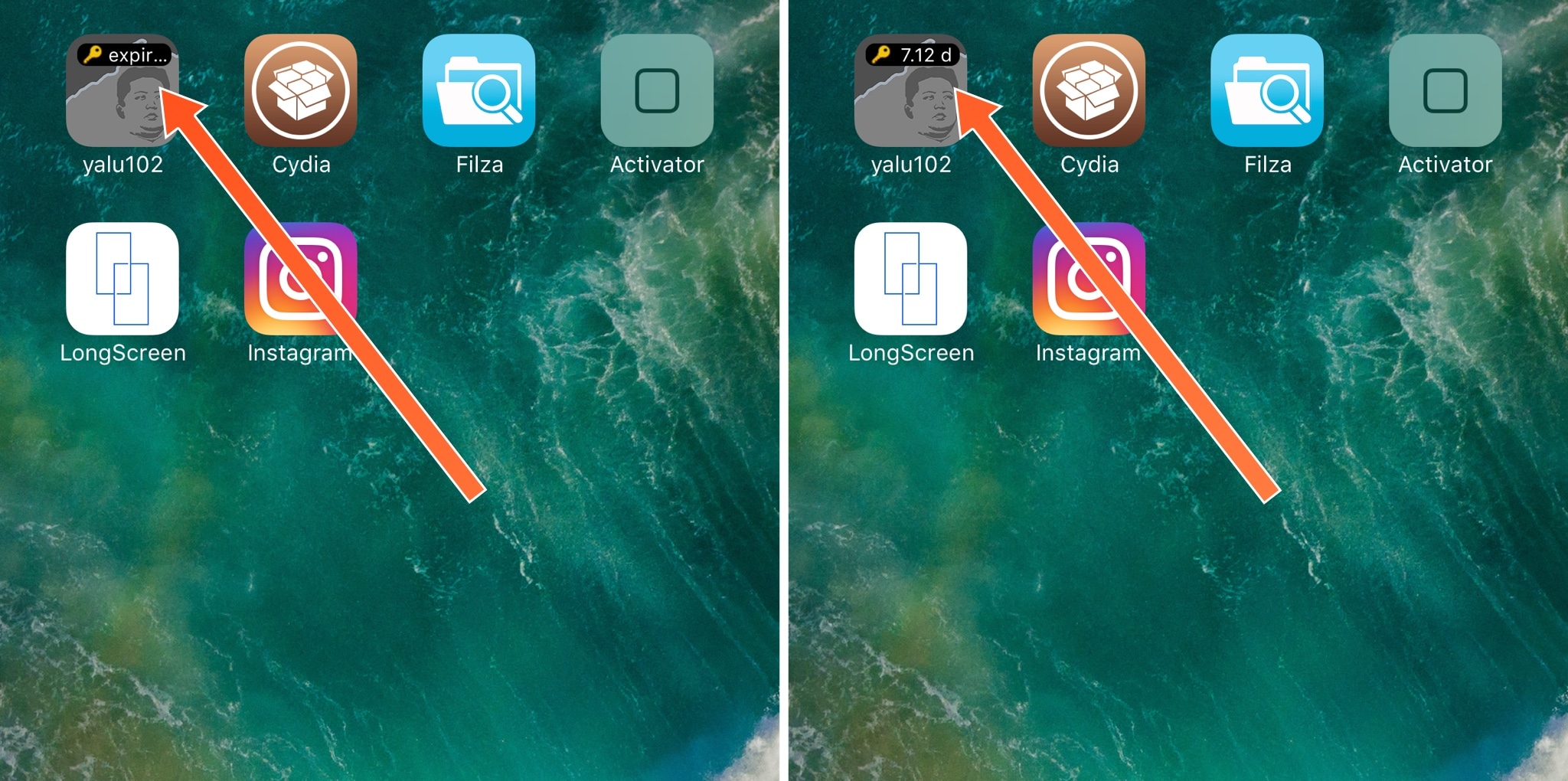
FolderAutoClose 10 automatically closes folders after launching apps from them

Any time you open a folder to launch a containing app, and then you close it, you find yourself back inside the folder where you originally launched that app rather than on the main Home screen.

A new free jailbreak tweak dubbed FolderAutoClose 10 by iOS developer yuripeyamashita is now available that automatically closes folders in the background when launching apps from them.

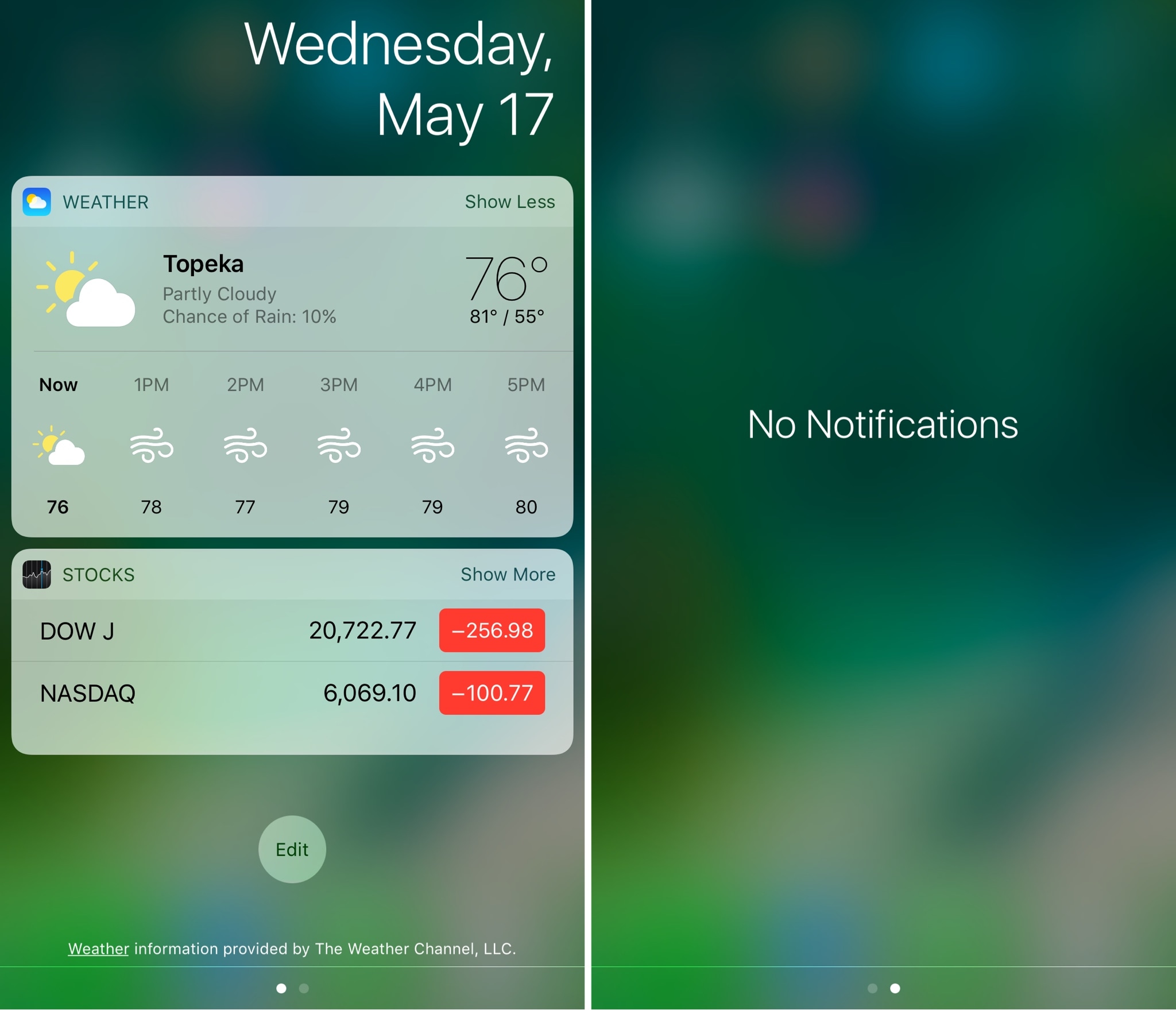
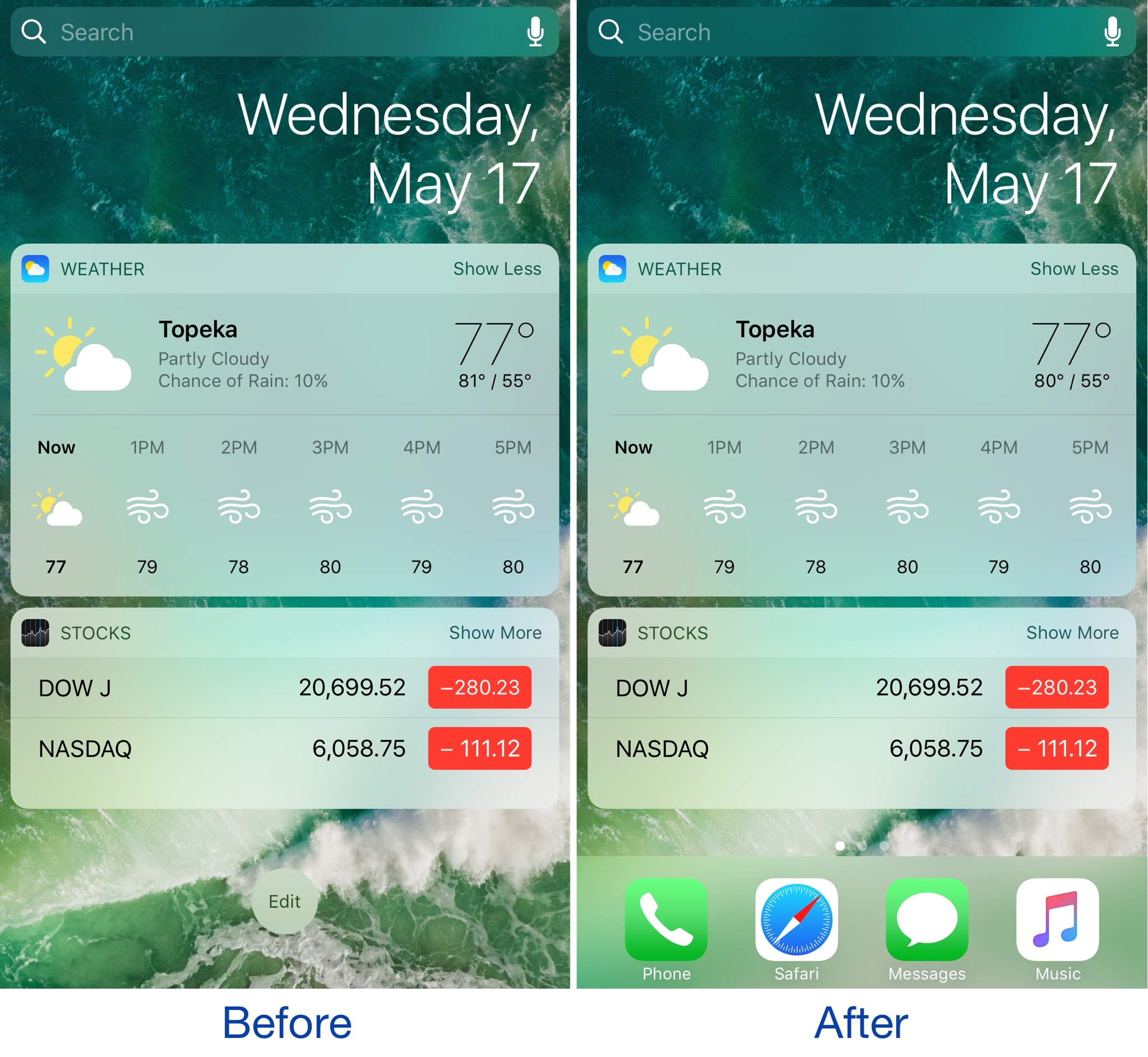
Hide the date from the Today page with No Date Today

Some might consider the date information in the Today page unnecessary because the date appears in several other places on your devices. If you agree, then a new free jailbreak tweak called No Date Today by TheComputerWhisperer could be useful to you.

This tweak removes the double-line date from the Today page and makes more vertical room for cramming additional Today widgets into a single screen; the benefit being that you won't have to scroll down as much to see their information.

This tweak forces Safari to load web pages in Reader or full screen mode

While browsing the web in Safari, two bars typically appear in the app: the navigation bar (top) and the toolbar (bottom). As you scroll through a page, on the other hand, the toolbar disappears and the navigation bar shrinks to conserve vertical space.

There are other modes you can use in Safari to complement the web browsing experience, such as full screen mode in landscape orientation and Reader mode in either orientation, but if you’ve ever wished Safari would just use either mode automatically for every page you visit, then you’re going to love using a new free jailbreak tweak called SafaReaderFullScroll by CydiaGeek.

Smart light bulbs you can control with your iPhone

If you're looking to dip your toes in the smart home pool, there's perhaps no easier or less-expensive way than with smart light bulbs. Simply install them into the appropriate light sockets, pair them with their mobile app, and you're ready to go.

As with most electronics, there are a lot of choices out there, and some are much better than others. So to help you separate the good from the bad, we decided to compile a list of some of the best smart bulbs you can can control with you iPhone.

How to fix photos not uploading to or downloading from iCloud Photo Library

iCloud Photo Library is one of these great features that you think you don't really need until you actually start using it. One of the promises of the service is that it automatically keeps every photo or video you take in iCloud. These photos and videos can then be accessed from any of your devices, assuming the feature is enabled on these devices. iCloud Photo Library is great... at least when it works as it should.

Spotlife hides Today widgets, brings back the iOS 9-style Spotlight page

While some people like using the Today page on the Home Screen, Lock screen, and in Notification Center, others don’t. It really comes down to whether or not you actually use any of your Today widgets.

If you find yourself missing the simplicity of the iOS 9 Spotlight page because you don’t use any Today widgets, then a new free jailbreak tweak called Spotlife by iOS developer pxcex could be a beneficial addition to your device.