iPad

From the latest news to the most comprehensive tutorials, learn how to get the most out of your iPad with our step-by-step guides and expert tips.

Possible JailbreakMe-style jailbreak for iOS 4.0-12.0.1 in the works

If you remember the good old days when you could visit a web page in mobile Safari and swipe your finger over a virtual slider to achieve a jailbreak (yes, I’m pointing at you JailbreakMe), then we’ve got some good news for you.

iOS hacker and developer Sem Voigtländer (@UKERN Software) appears to be working on a JailbreakMe-styled tool that you can visit in mobile Safari that theoretically supports iOS firmware versions from 4.0 to 12.0.1 (*with some exceptions*).

If you aren’t already jailbroken, stay on the lowest possible firmware and avoid updates

If you’re already rocking a jailbroken handset by way of Electra or unc0ver, then you should consider yourself lucky. Unfortunately, those who updated to iOS 11.4-11.4.1 or iOS 12.0+, either on purpose or by accident, can’t jailbreak at this time.

If you fall into the latter category and have been crossing your fingers for a jailbreak, then you might be asking yourself whether you should stay where you are or upgrade to iOS 12.1; that’s a question we intend to help you answer in this piece.

How to send voice messages from iPhone, iPad, and Mac

Audio messages on iPhone

Apple Messages on iPhone, iPad, Mac, Apple Watch, and Vision Pro lets you send and receive audio messages via iMessage that recipients can optionally keep in the app. Audio messages bring that unmistakable personal touch.

Maybe your toddler just uttered his first words. Perhaps you want to send a business colleague a soundbite from an important meeting. Or maybe you’d like that special person in your life to hear a heartfelt message spoken aloud with your own voice.

Learn how to send audio messages to your iMessage friends when you don’t have the time for typing or want to tell them something in your own voice.

Crystal lets you clear all unread notifications with a pull-down gesture

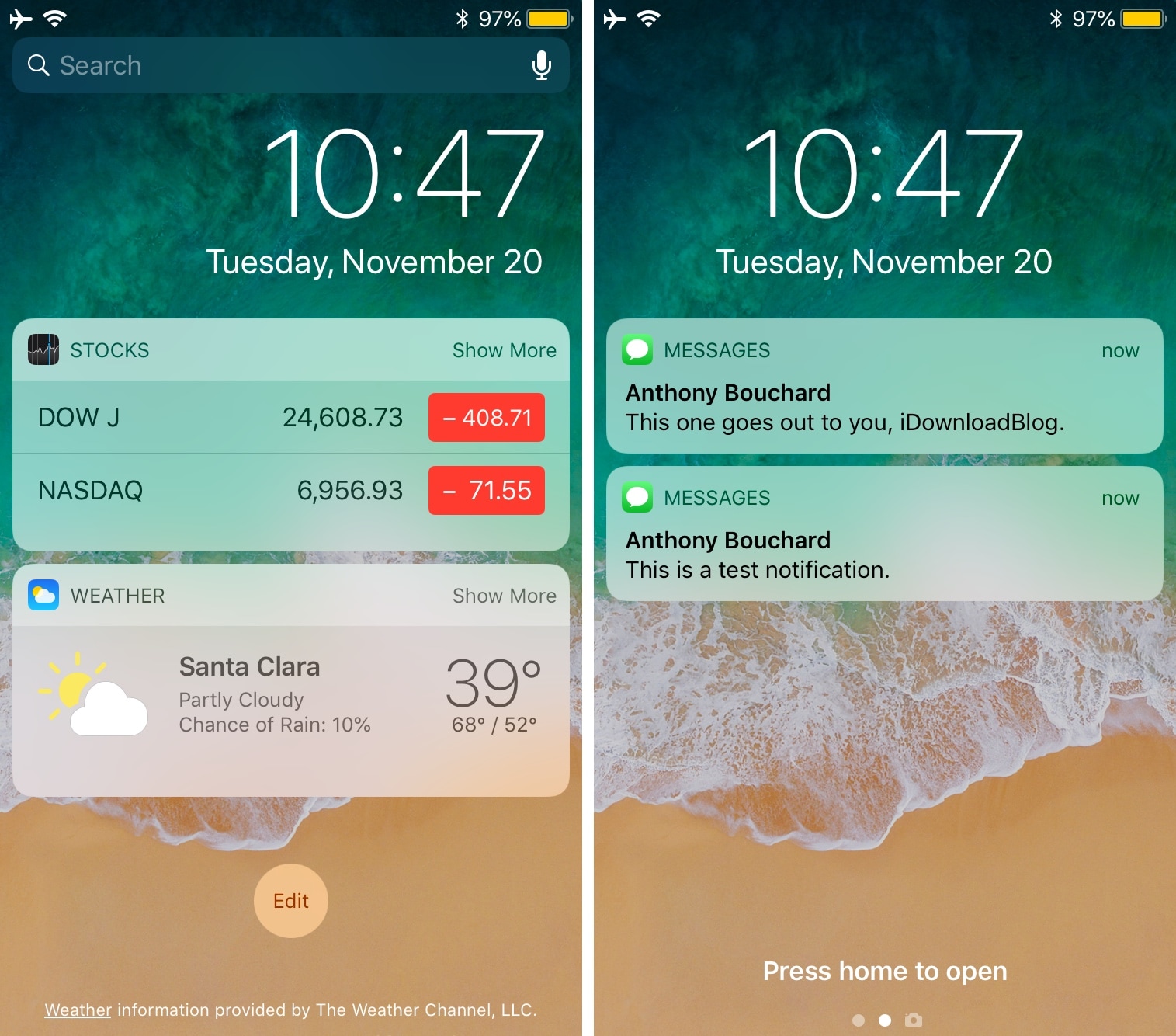
When you wake up every morning with a stack of unwanted notifications cluttering up your Lock screen and Notification Center interfaces, you might be compelled to clear them all in one fell swoop.

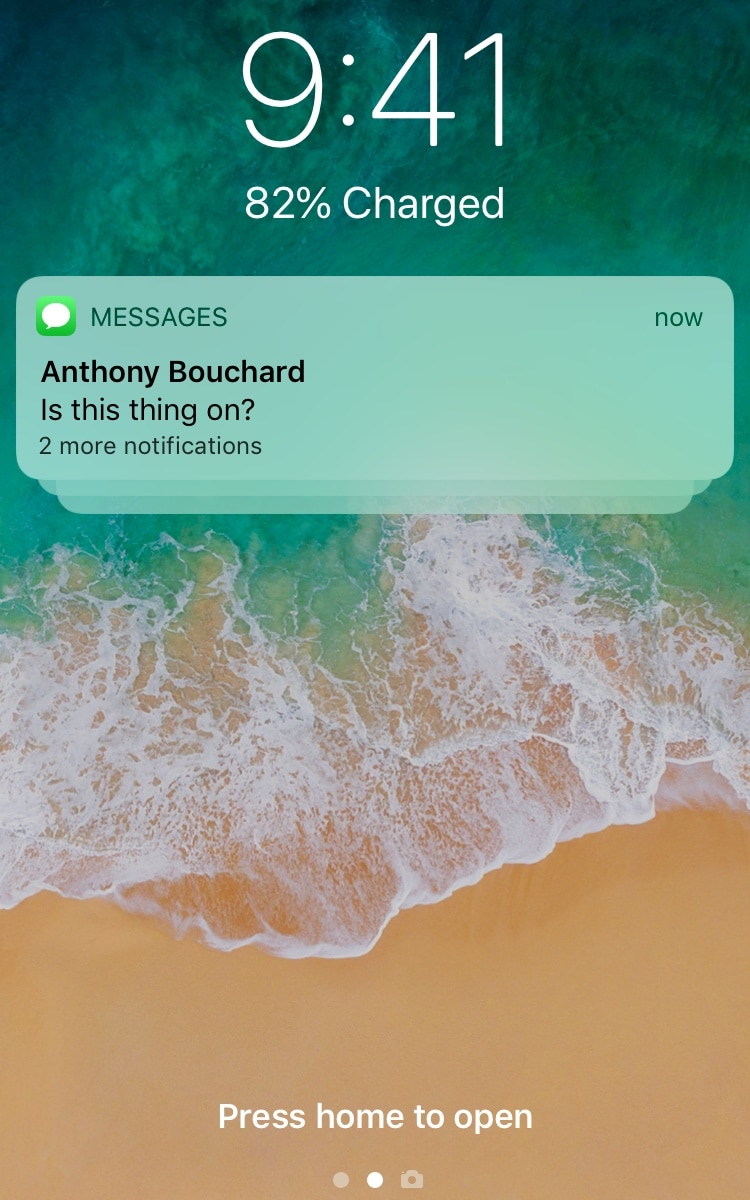
A new free jailbreak tweak dubbed Crystal by iOS developer Antique lets you do this with by dragging downward on the Lock screen or Notification Center interface where your notifications appear, as shown in the screenshot examples above.