Learn how to set up your Apple TV, HomePod, or iPad as the home hub to control your smart accessories and check their current status.
How to set up and check the status of your HomeKit hubs

From the latest news to the most comprehensive tutorials, learn how to get the most out of your iPad with our step-by-step guides and expert tips.
Learn how to set up your Apple TV, HomePod, or iPad as the home hub to control your smart accessories and check their current status.
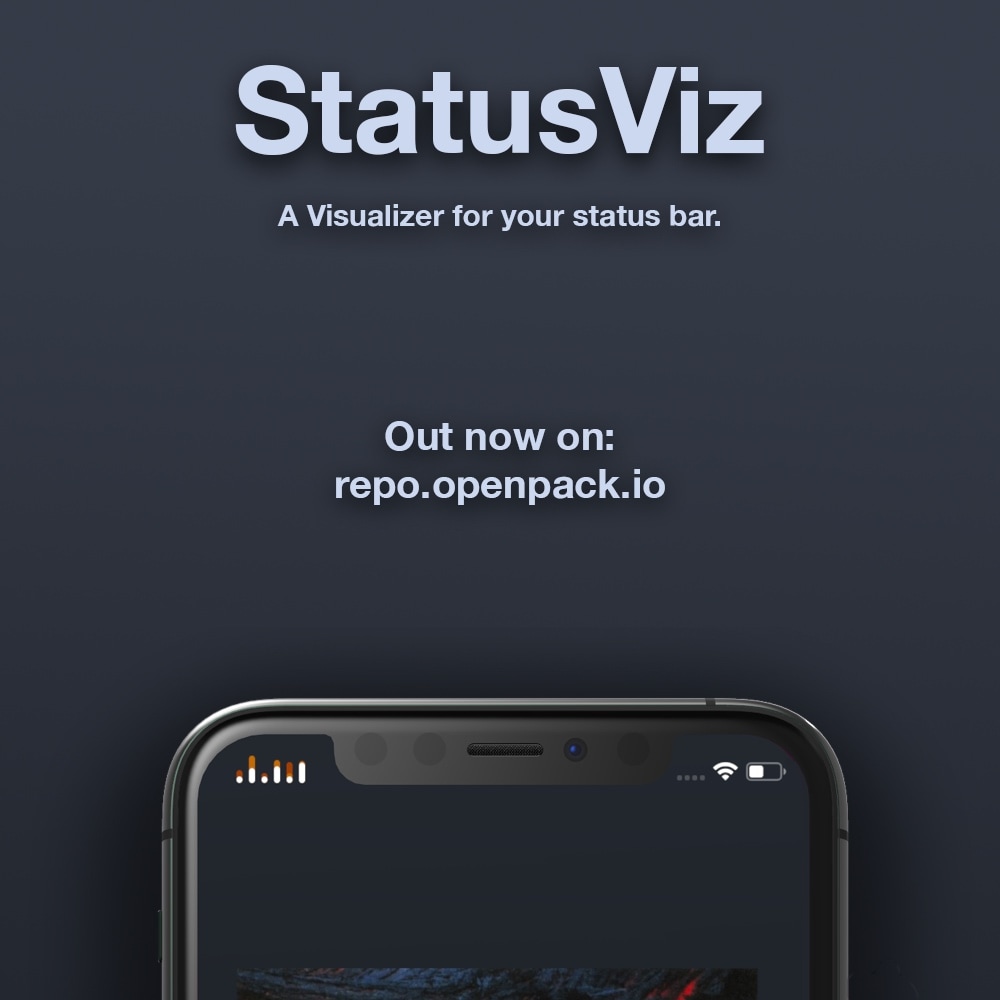
If you’re in the market for a new and quirky doodad that’ll make your liberated iPhone or iPad even cooler than everyone else’s on your block, then you will probably want to check out a newly released and free jailbreak tweak dubbed StatusViz by iOS developer Kritanta.
As depicted in the screenshot example above, StatusViz adds a functional visualizer to the Status Bar whenever any sort of Now Playing audio is active. That said, it not only works with music, but also with Podcasts or any other type of audio you might be listening to.

The Sileo Team pushed an updated public beta version of the Sileo package manager for the Electra (iOS 11) and Chimera (iOS 12) jailbreaks Sunday evening, officially bringing the project up to version 1.7.0 beta 2.
The announcement, shared mere minutes ago via the Sileo Team’s official Twitter page, denotes several improvements in the latest beta release:

Those who’ve been with the jailbreak community for as long as I have should be vividly familiar with the name Springtomize. It’s perhaps one of the most notorious all-in-one jailbreak tweaks ever released, and it’s always receiving updates year after year with support for Apple’s latest and greatest operating system as new jailbreaks find their way into existence. This time around is no different.

The unc0ver jailbreak supports a semi-untethered jailbreak on iOS & iPadOS 14.0-14.3 and a fully unethered jailbreak on arm64e devices (iPhone XS and later) running iOS 14.4-14.5.1, which means that the tool is now compatible with all versions of iOS & iPadOS ranging from 11.0-14.3 (and 14.4-14.5.1 with a big asterisk). To date, AltStore is the best and most reliable way to install the unc0ver jailbreak app on your iPhone or iPad.
As long as your iPhone or iPad is running running iOS or iPadOS 12.2 or later, then you can use AltStore to install the unc0ver jailbreak, and in this tutorial, we walk you through the steps necessary to make it happen so you can reap all the benefits.

It was only yesterday that Pwn20wnd released unc0ver v4.0.0 to the general public with official support for iOS 13.0-13.3 on A12(X)-A13 equipped devices. In doing so, unc0ver became the first public jailbreak to support A13 devices, and also the first public jailbreak to support iOS 13 on A12(X) devices. But that’s old news now.
On Sunday, Pwn20wnd released a small update for the unc0ver jailbreak, officially bringing it up to version 4.0.1. The hacker announced the latest update via Twitter earlier in the afternoon:
With all the exciting developments happening in the jailbreak community lately, from checkra1n receiving Linux support to the unc0ver jailbreak being on the cusp of implementing A12X-A13 support on iOS 13.3, it’s never been a better time to be a jailbreaker.
In this roundup, we’ll discuss all the latest jailbreak tweaks released from Monday, February 10th to Sunday, February 16th. As usual, we’ll kick things off by talking about our favorite releases first and then wrap things up with an outline of the rest afterward.
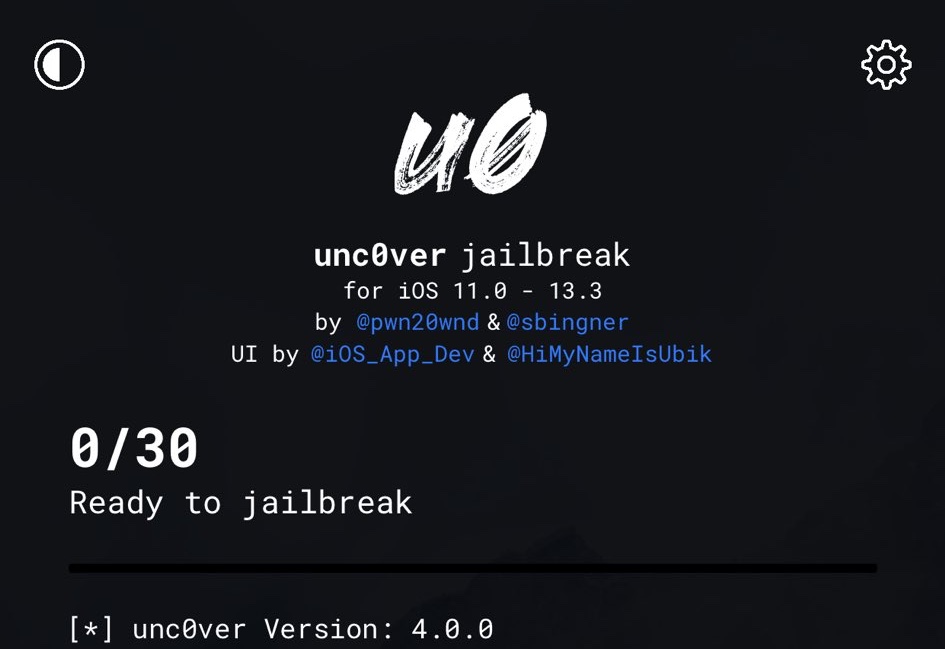
Those who’ve keenly waited for the unc0ver jailbreak to officially support A12-A13 devices running iOS 13.0-13.3 devices by way of Brandon Azad’s oob_timestamp tfp0 exploit will be happy to know that the wait is finally over.
In a Tweet shared just this afternoon, project lead developer Pwn20wnd launched unc0ver v4.0.0 with support for the aforementioned device types and firmware versions:
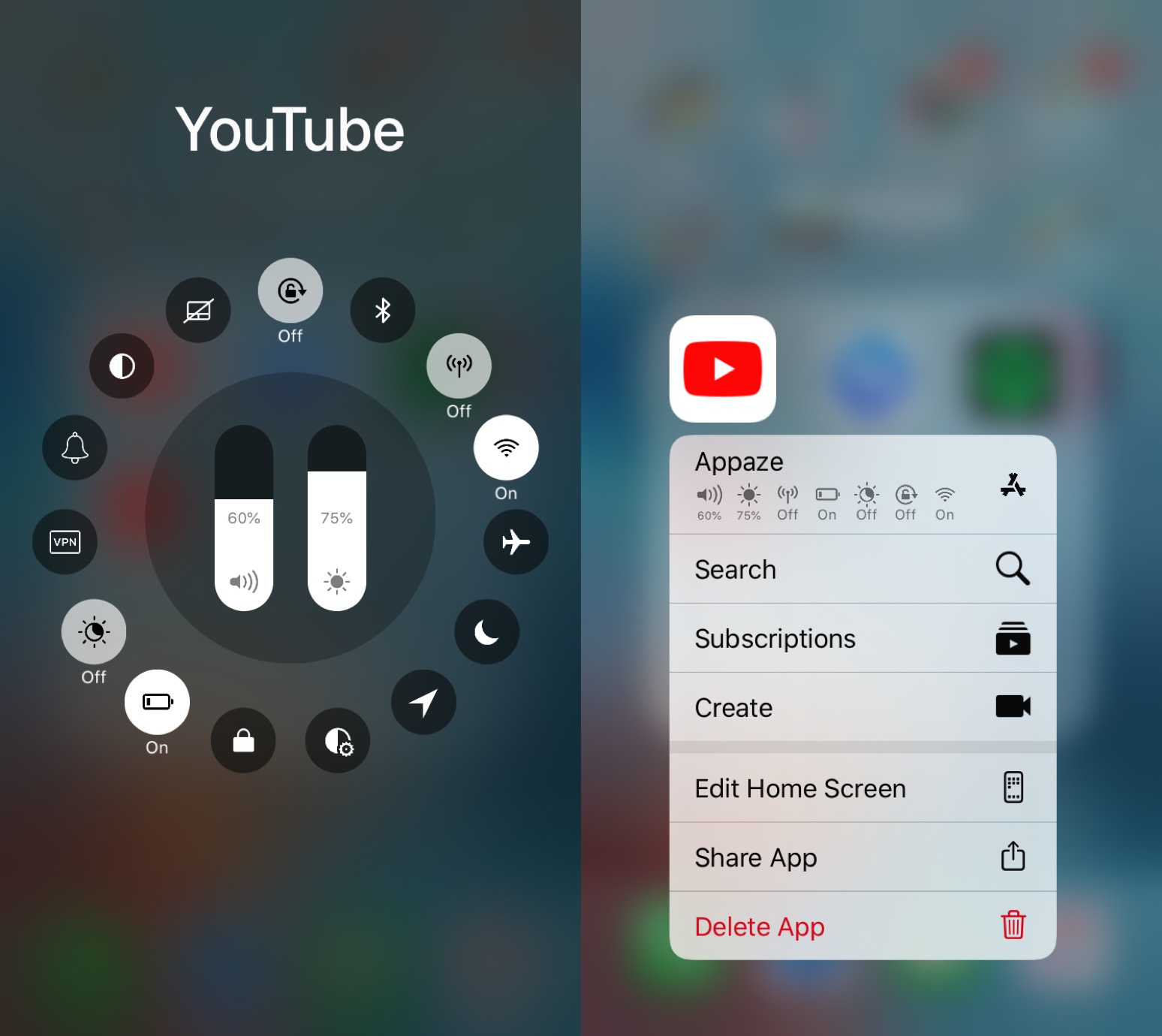
If you’re anything like me, then you might use particular device settings in certain apps to get the most out of using said apps. For example, perhaps you use maximum brightness in YouTube and a lower brightness in Safari; alternatively you might use Rotation Lock in Safari, but not in YouTube.
Assuming the aforementioned behavior describes you in any capacity, you might want to turn your attention to a newly released jailbreak tweak called Appaze 2 by iOS developer AnthoPak. This tweak lets you configure system settings on a per-app basis to make using those apps as comfortable as possible.
Pwn20wnd issued a build of the updated unc0ver jailbreak tool with support for Brandon Azad’s oob_timestamp tfp0 exploit on A12(X)-A13 running iOS 13.0-13.3 to internal beta testers earlier this week. While many anticipated a public beta launch shortly after all the positive comments shared by internal beta testers, a bug was later discovered that delayed any sort of public release.
Fortunately for those waiting to use the new unc0ver on their compatible device(s), patience is almost certainly a virtue. In a Tweet shared Friday evening by Pwn20wnd, we learn how the pesky bug that delayed the initial public release of the renewed unc0ver jailbreak tool had been resolved:
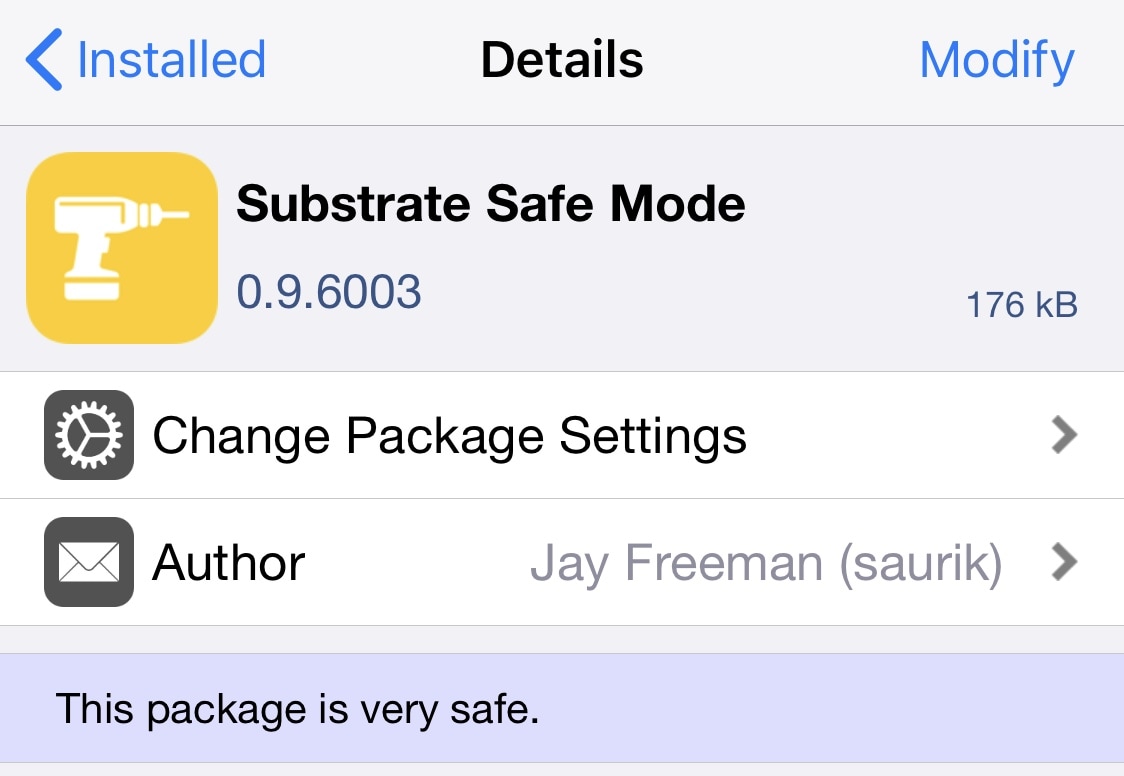
If you’re using a modern jailbreak that uses Cydia Substrate as its primary means of tweak injection, be it checkra1n or unc0ver, then today might be a good time to fire up your preferred package manager and refresh your sources.
Substrate Safe Mode appears to have been updated to version 0.9.6003 with a critical bug fix. The checkra1n team shared the announcement in a Tweet delivered early Friday morning:

You’ve been using Siri for quite some time now, but suddenly, Siri isn’t speaking back. You can hear other clicks and sounds on your device, but you long for Siri’s voice. Here are four things to check if Siri isn’t talking back to you anymore.