iPad

From the latest news to the most comprehensive tutorials, learn how to get the most out of your iPad with our step-by-step guides and expert tips.

CoolStar Tweets link to third public beta of Odyssey jailbreak

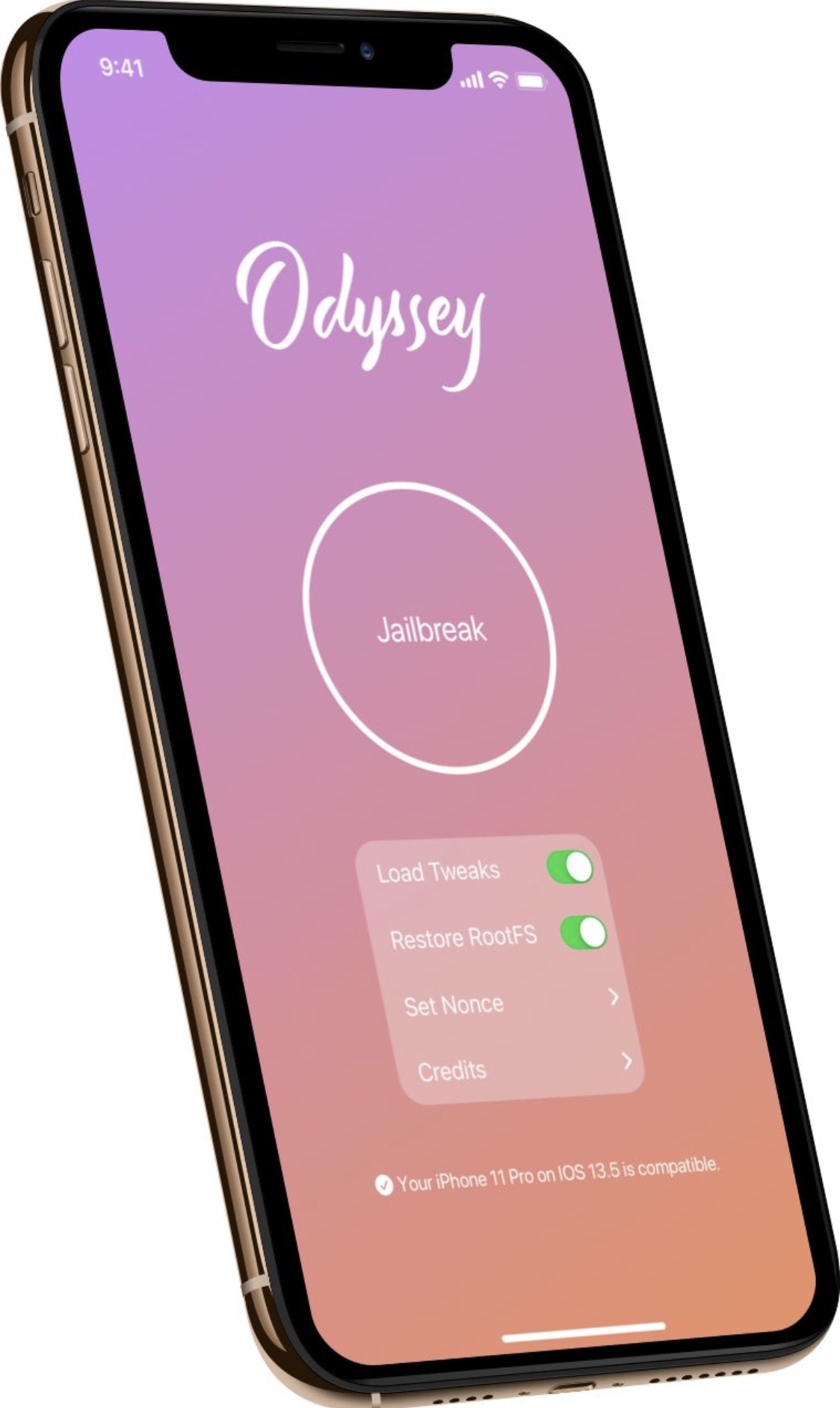
Odyssey jailbreak for iOS 13.

Odyssey Team lead developer CoolStar took to Twitter late Thursday evening to Tweet a direct download link to the Odyssey jailbreak tool’s third public beta release. This tool not only jailbreaks your handset, but also installs the Sileo package manager for tweak and app management – Cydia and other alternative package managers can be installed after the fact.

The third public beta of the Odyssey jailbreak comes nearly two weeks after the launch of the second public beta and incorporates a plethora of bug fixes and improvements in addition to updated exploit settings on a per-device basis.
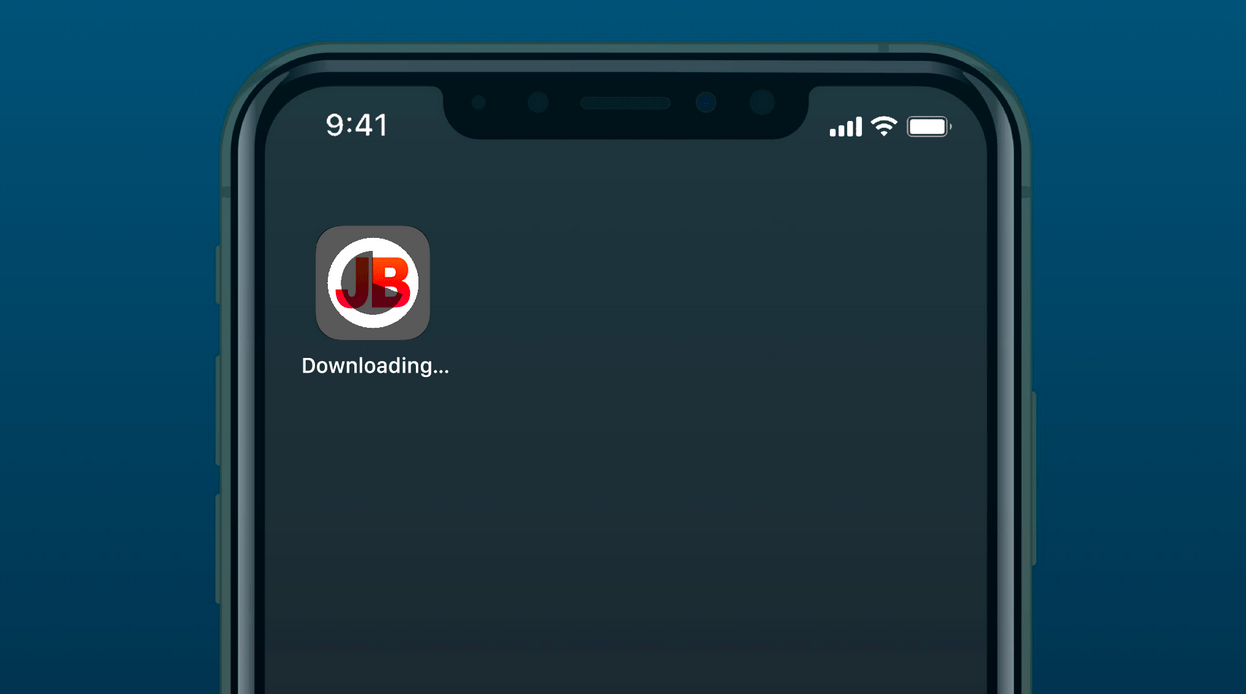
Jailbreaks.app is a new signing service for jailbreakers without computers

Unless you’re using the checkra1n jailbreak tool, you’ll find that most other jailbreaks require you to side load a special app and deploy it to get your handset into a jailbroken state. Most jailbreakers use AltStore to accomplish this task nowadays, but signing services are another option if you aren’t fortunate enough to have a computer at your disposal.

Joining the party is a brand-new signing service dubbed Jailbreaks.app, which just launched Thursday afternoon. The platform, developed by iCraze and designed by CaspD3V, can be accessed via the native Safari web browser on any iPhone or iPad to download and deploy compatible jailbreak tool(s).

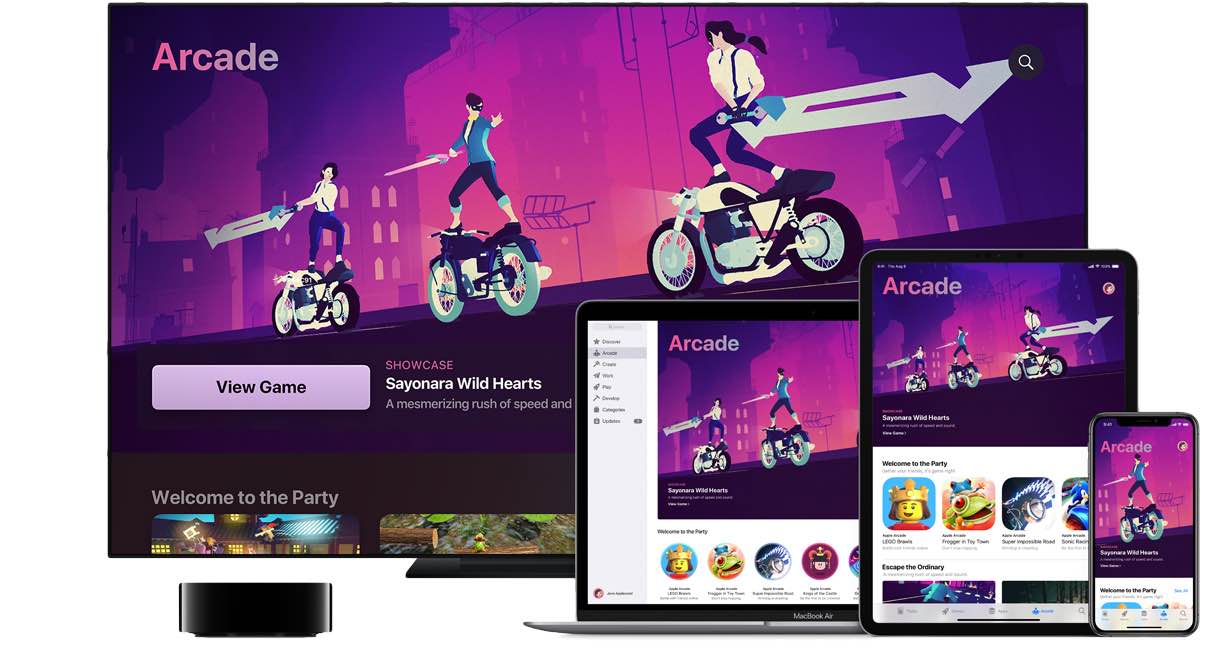
How to get a sneak peek at upcoming Apple Arcade titles

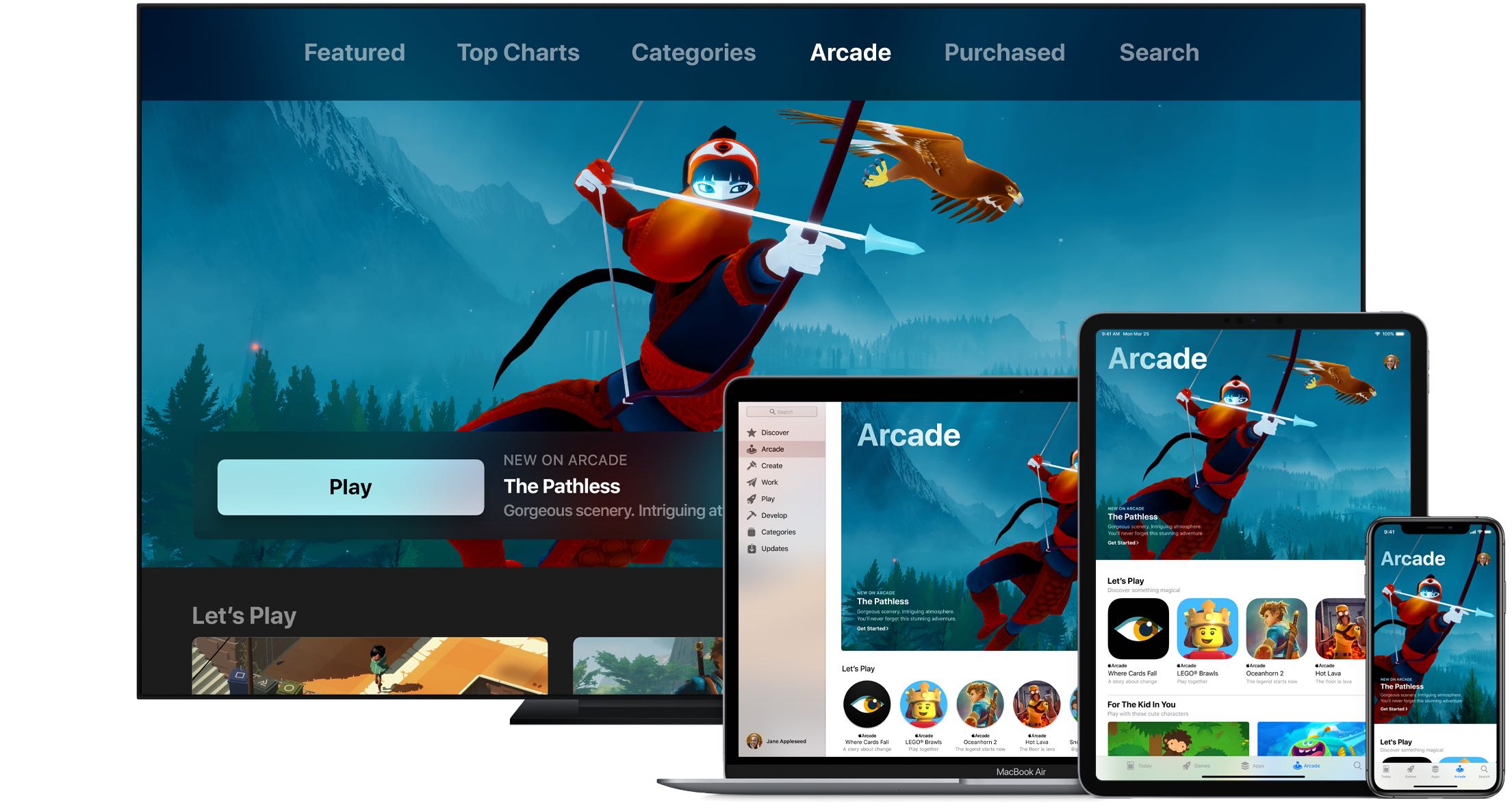
iPhone, iPad, Mac, and Apple TV with Apple Arcade games

Wouldn't it be great if you could see upcoming games that will launch soon on Apple Arcade, the iPhone maker's game-subscription service? With the new App Store features available on iOS 14, iPadOS 14 and macOS 11 Big Sur, you can do just that. Follow along with our quick tutorial as we show you how to get a sneak peek at upcoming Apple Arcade games.

Dra1n helps jailbreakers determine which tweaks use the most battery

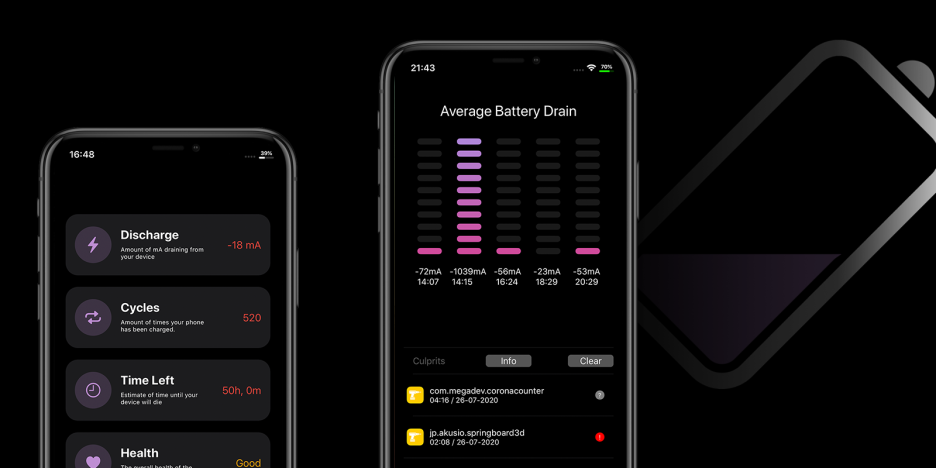
Perhaps one of the most concerning thoughts jailbreakers have after pwning their handsets is the amount of battery drain they’ll experience after installing a bevy of jailbreak tweaks. Understandable as this may be, it’s important to remember that many developers do everything in their power to mitigate battery drain. Still, this effort doesn’t eliminate it wholeheartedly.

If you’re any be interested in tracking the amount of battery drain that your jailbreak tweaks impose on your device, then we’d strongly recommend a free jailbreak app called Dra1n by iOS developers MegaDev and Charlie While. Not only can it give you a better idea of the amount of battery discharge your handset exhibits each day, but it can also outline the suspected battery-hungry tweaks installed on your device.

This tweak shows Spotify’s car mode interface at all times

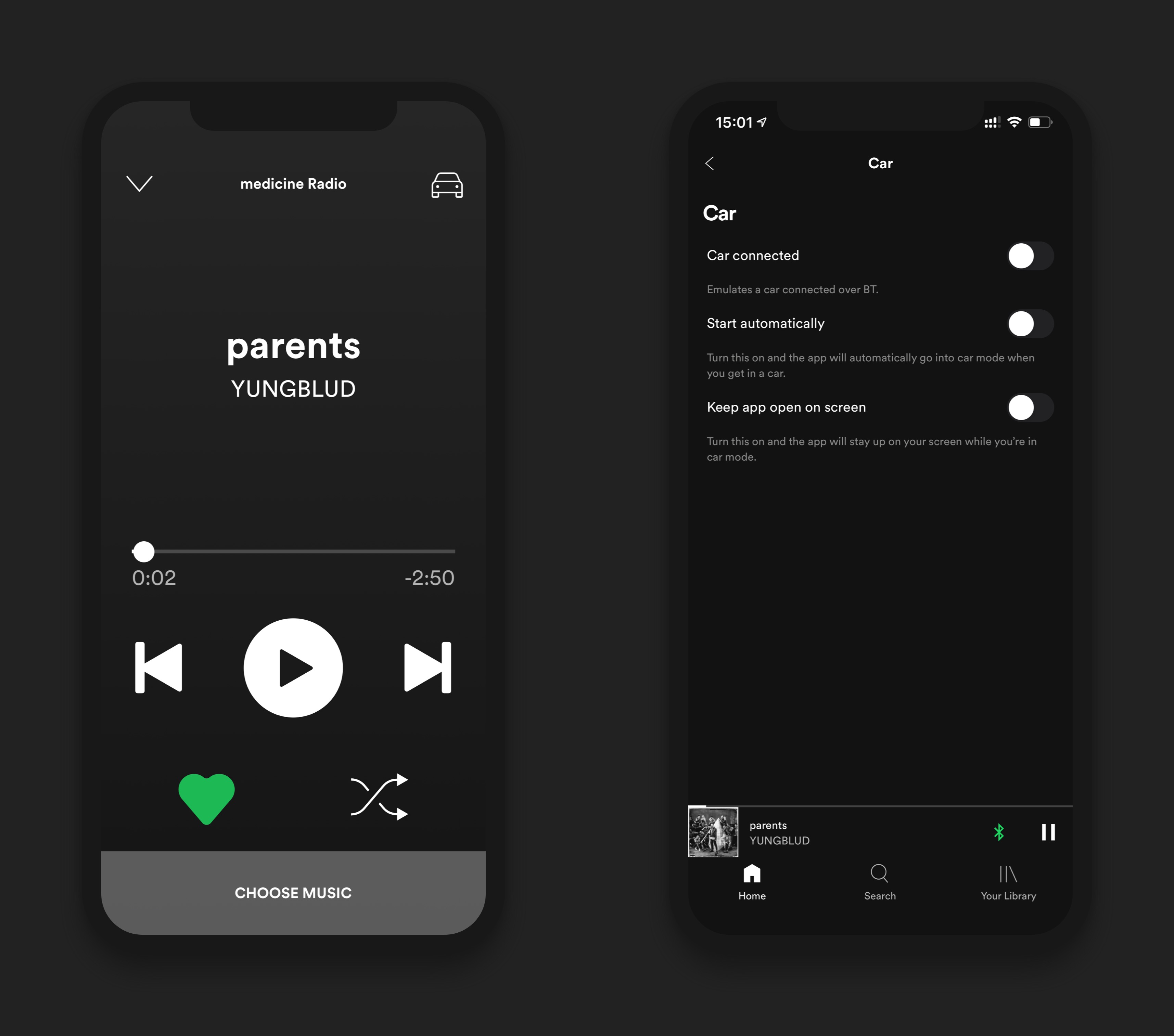
The Spotify Music app sports a magnificent Now Playing interface that rivals even Apple’s own first party Apple Music streaming app in terms of aesthetics and usability. But if you’ve ever linked your iPhone to your car via Bluetooth before, then you’ve unquestionably witnessed Spotify’s simplified Now Playing interface.

Even if you’re not driving, this Now Playing interface may be preferred in some cases because it’s easier to operate whether you’re distracted or not. A newly released and free jailbreak tweak dubbed Spotify Car Mode Emulation by iOS developer aesthyrica can force your Spotify app to show this Now Playing interface all the time, whether you’re connected to a car via Bluetooth or not.