Learn how to permanently delete everything from your iPhone, iPad, or iPod directly from the device or using a computer.
How to erase everything on your iPhone, iPad, or iPod touch
From the latest news to the most comprehensive tutorials, learn how to get the most out of your iPad with our step-by-step guides and expert tips.
Learn how to permanently delete everything from your iPhone, iPad, or iPod directly from the device or using a computer.
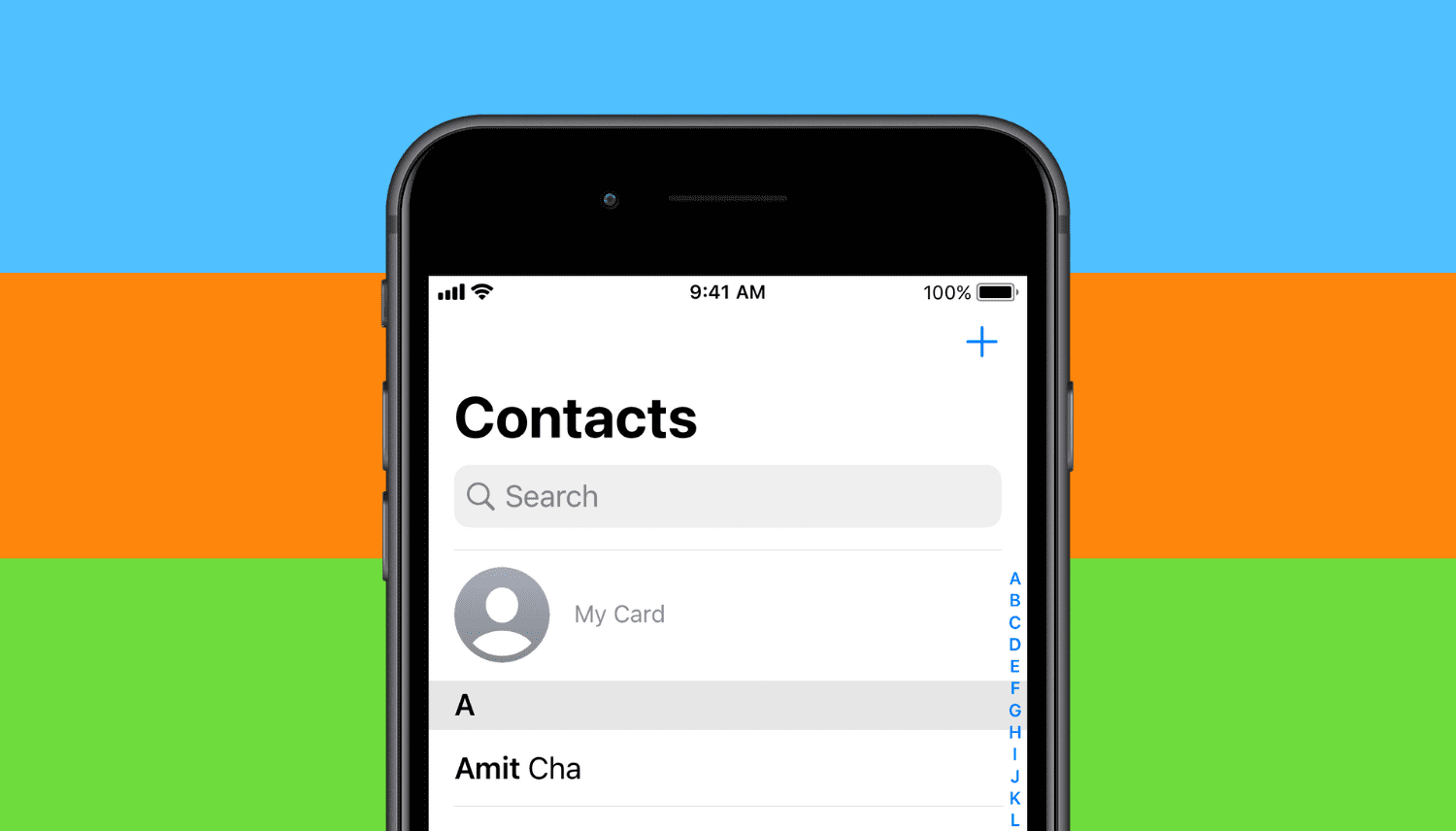
Learn how to add the “My Card” or “My Info” details in your iPhone’s Phone or Contacts app, or fix it if an incorrect contact is added here.
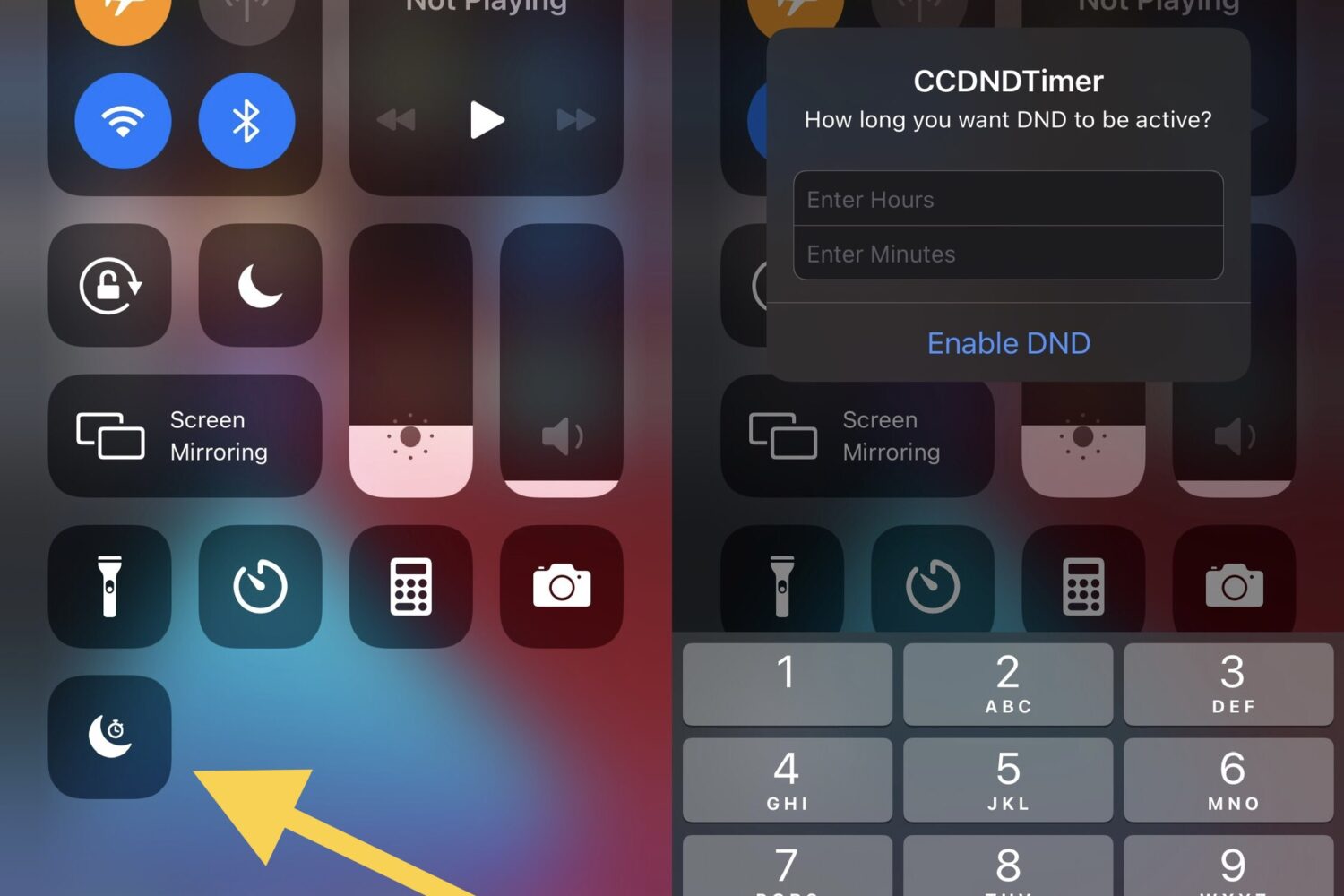
Do Not Disturb is one of my most-used features when it comes to my iPhone and iPad. That’s because sometimes I just want to watch a movie, play a game, or get productive without an app pinging me with notifications that would otherwise break my concentration.

Every Sunday morning, we curate a dedicated list of all the past week’s jailbreak tweak releases and jailbreak-centric news content, and this Sunday will be no different.

If you have any of Apple’s Bluetooth earbud or headphone offerings that support active noise cancellation and transparency mode, then you already know just how useful these features can seem. On the other hand, these features need to be toggled manually by the end user, which takes some of the ‘magic’ out of them.
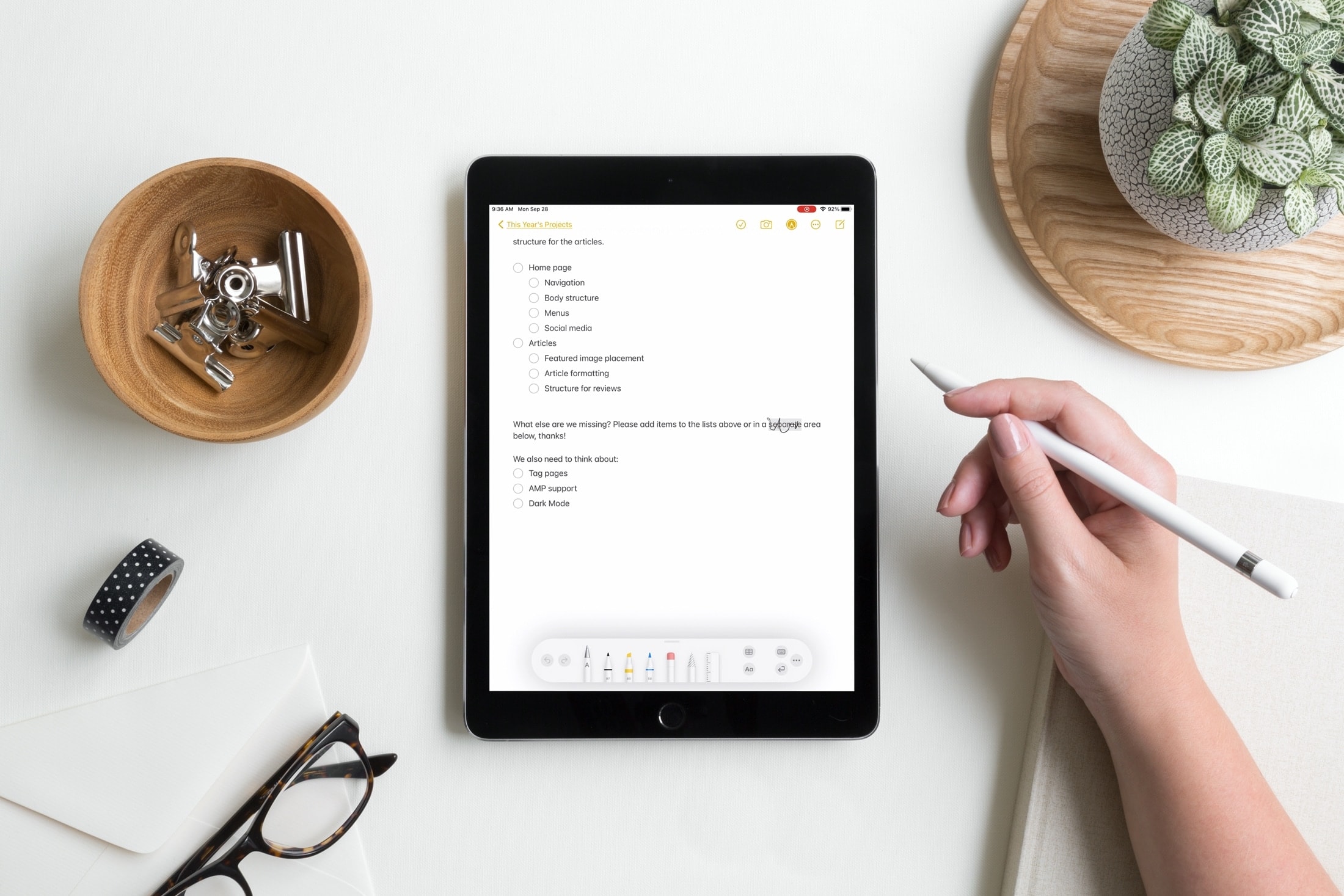
I can still remember a few things about owning the original iPad. It was definitely a spur-of-the-moment purchase at the time, a piece of technology that had absolutely no place in my daily routine at the time. But I sure did love that ling. It was big and kinda bulky, and yet still portable. It was mainly a great way to play some mobile games and watch stuff.

When you begin watching a video in the YouTube app, it first starts playing in the constrained upper-1/3 of ths display in portrait mode. You can then move to a fuller-screen experience in landscape mode by rotating your device.

Learn how to create a full iCloud backup of your iPhone or iPad if you’re switching to a new device but don’t have enough iCloud storage space on your Apple Account.
It’s absolutely frustrating when your iPhone’s battery dies on you mid-game or while watching the climax of your favorite movie. Having said that, don’t you sometimes wish you had enough of a heads up to run and fetch your charger before that happens?

If you jailbroke your iOS or iPadOS 13 device with the Odyssey tool and decided that it’s time to remove your jailbreak, either to revert to a vanilla installation of the operating system or for the purpose of starting over with a fresh jailbreak installation, then the Odyssey app’s built-in Restore RoofFS feature will come in handy.

It was only around two weeks ago that we showed you a jailbreak called dubbed Axe that upgraded the Status Bar’s battery level indicator with a slow-shifting color based on the percentage of your battery.
With all the apps out there that like to pry at your device’s location all the time, it’s no wonder that jailbreakers take their handset’s location service usage very seriously.