iPhone hackers and developers have been rather busy lately, not only with respect to improving jailbreaks and releasing tweaks, but also with expanding support for customizations by way of the MacDirtyCow bug.
From the latest news to the most comprehensive tutorials, learn how to get the most out of your iPad with our step-by-step guides and expert tips.
iPhone hackers and developers have been rather busy lately, not only with respect to improving jailbreaks and releasing tweaks, but also with expanding support for customizations by way of the MacDirtyCow bug.
By now you’ve probably heard about the MacDirtyCow bug for iOS & iPadOS 16.0-16.1.2. Shortly after Google Project Zero security researcher Ian Beer reported CVE-2022-46689 to Apple late last year, security researcher Zhowei Zhang created a rough draft of a bug that developers now actively exploit to make operating system modifications that ordinarily wouldn’t be possible without jailbreaking.
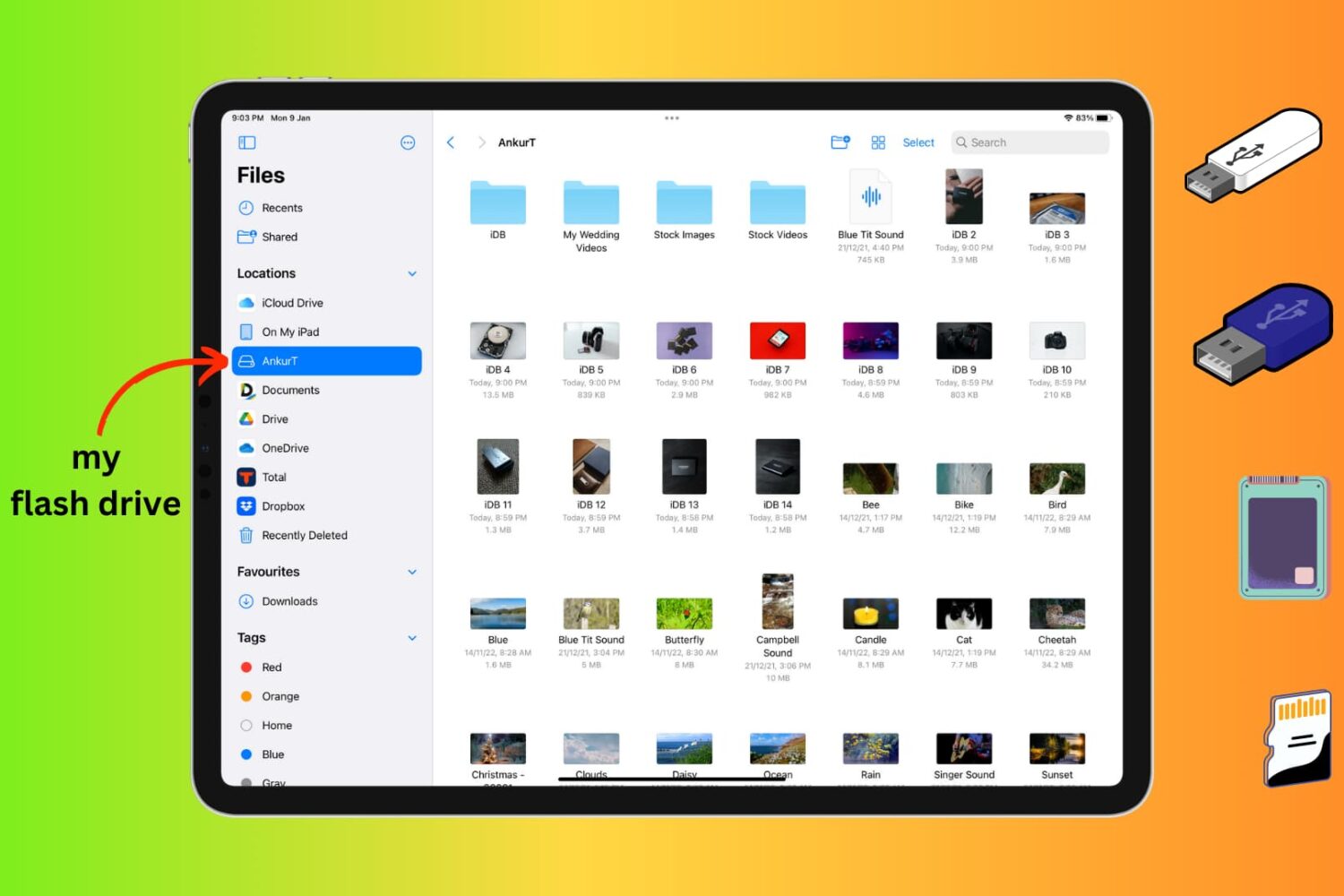
Learn how to connect an external storage device like a flash drive, SSD, SD card, etc., to your iPhone or iPad to store files on it.
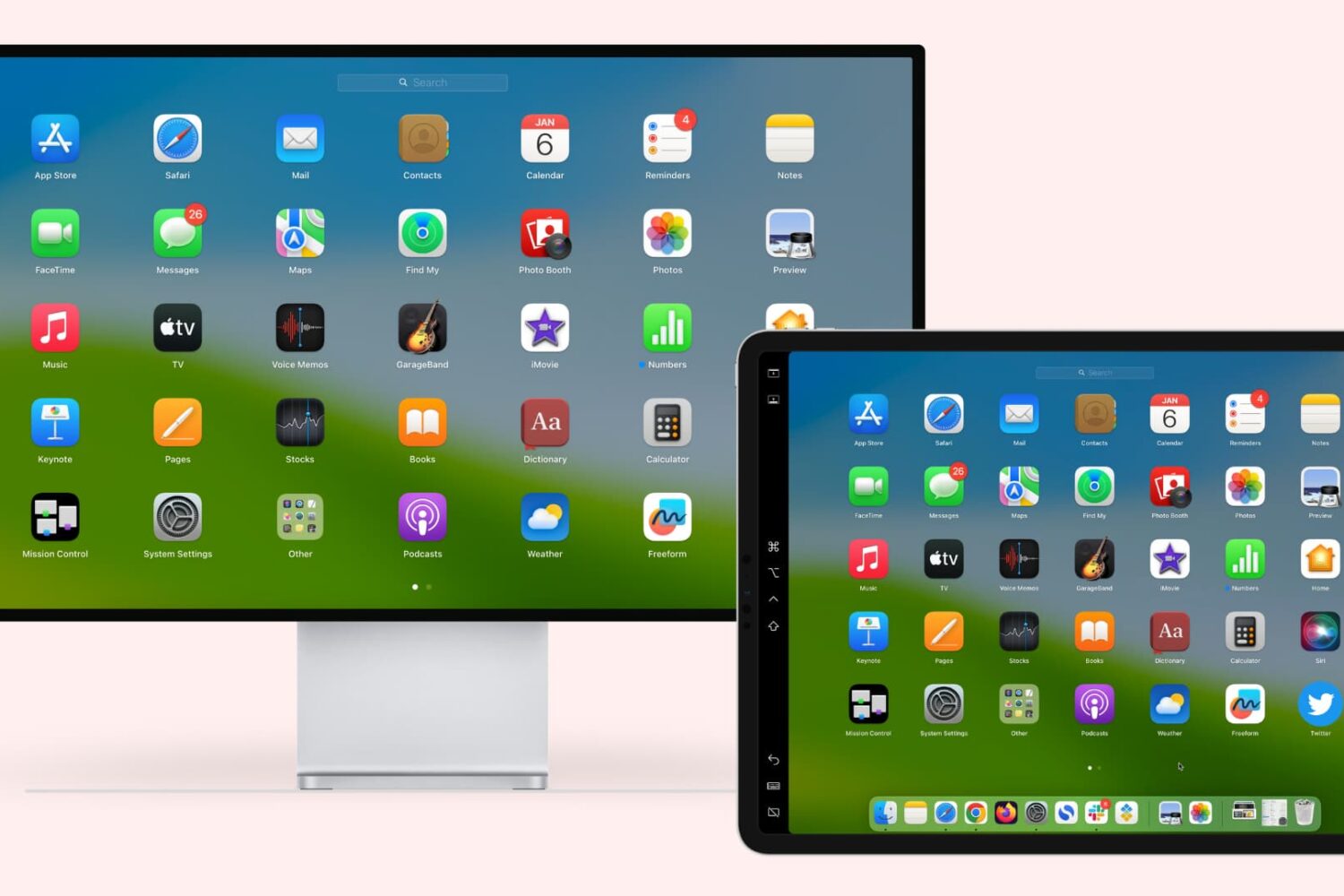
Learn how to extend or mirror your Mac’s display to your iPad wirelessly or via USB, without requiring third-party apps!
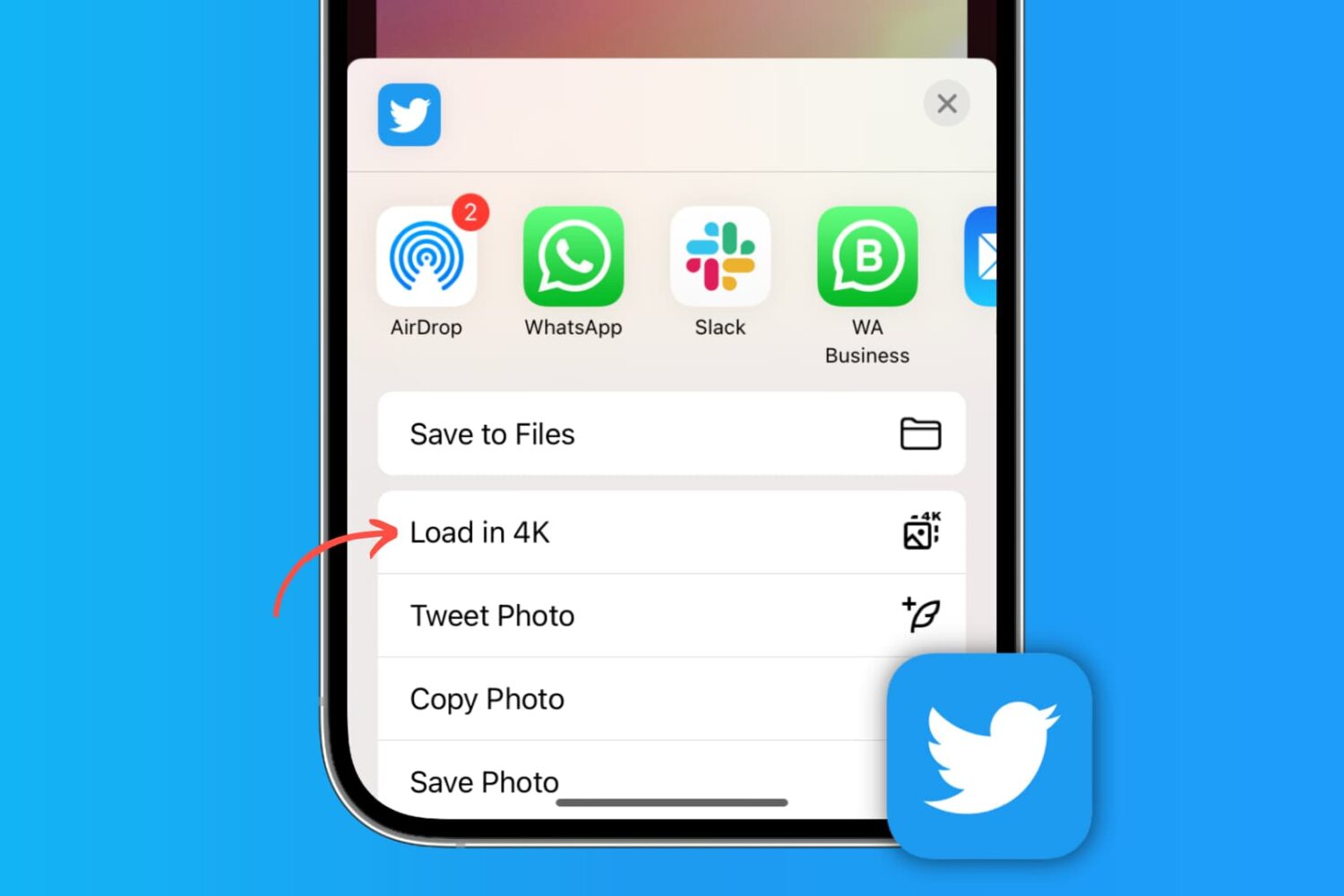
Learn how to post high-quality images to X (formerly Twitter) and download photos from there in the best resolution on your phone or computer.
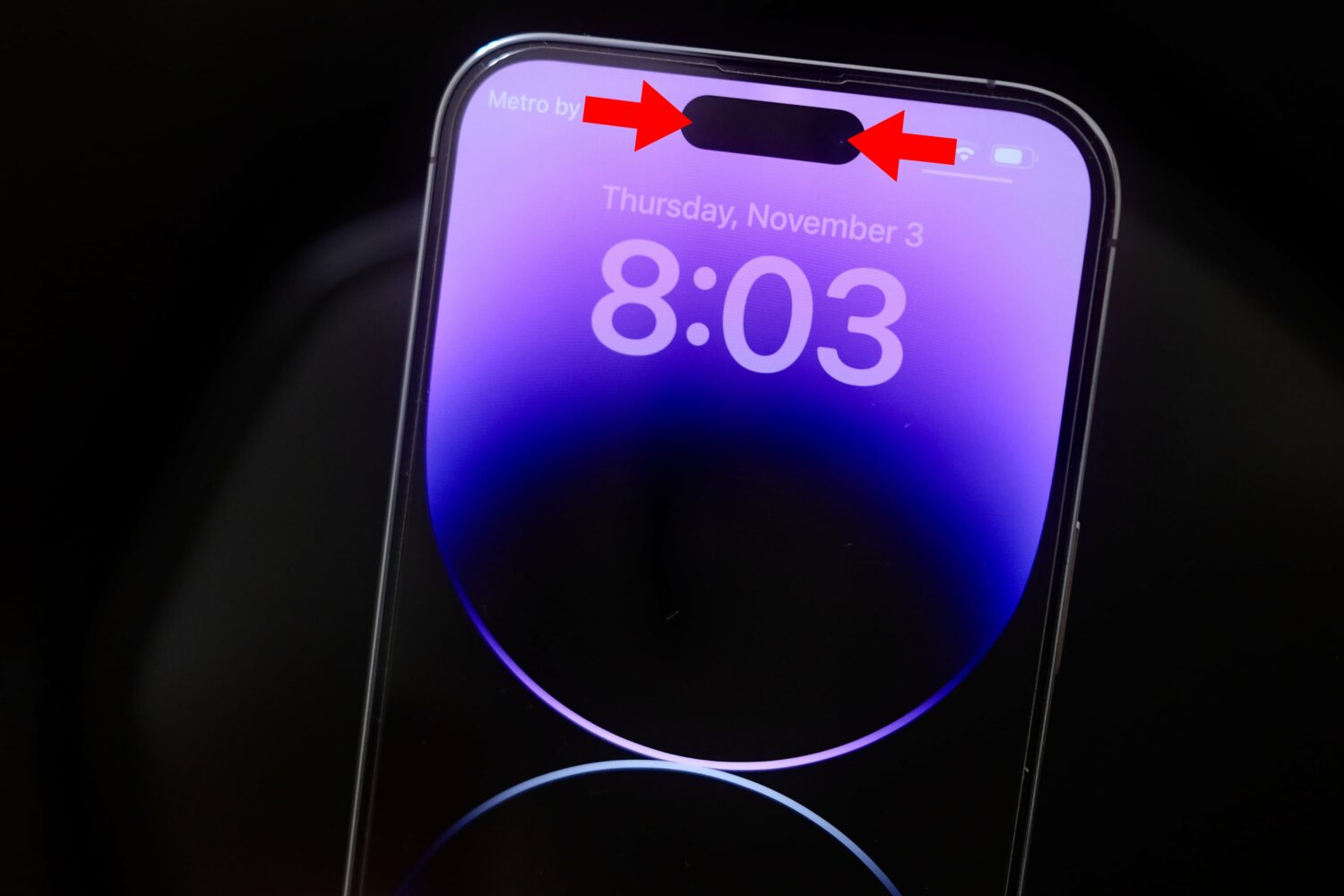
Follow these steps to record your iPhone's screen without the Dynamic Island or that red recording indicator in the status bar appearing on the final footage.
TrollStore is one of the best ways to install powerful apps on your iPhone or iPad running iOS or iPadOS 14.0-15.4.1 (and some 15.5 betas). Not only that, but those apps will also remain permanently signed because of the CoreTrust bug that it exploits, so you won’t have to re-sign those apps like you would after using something like AltStore or Sideloadly.
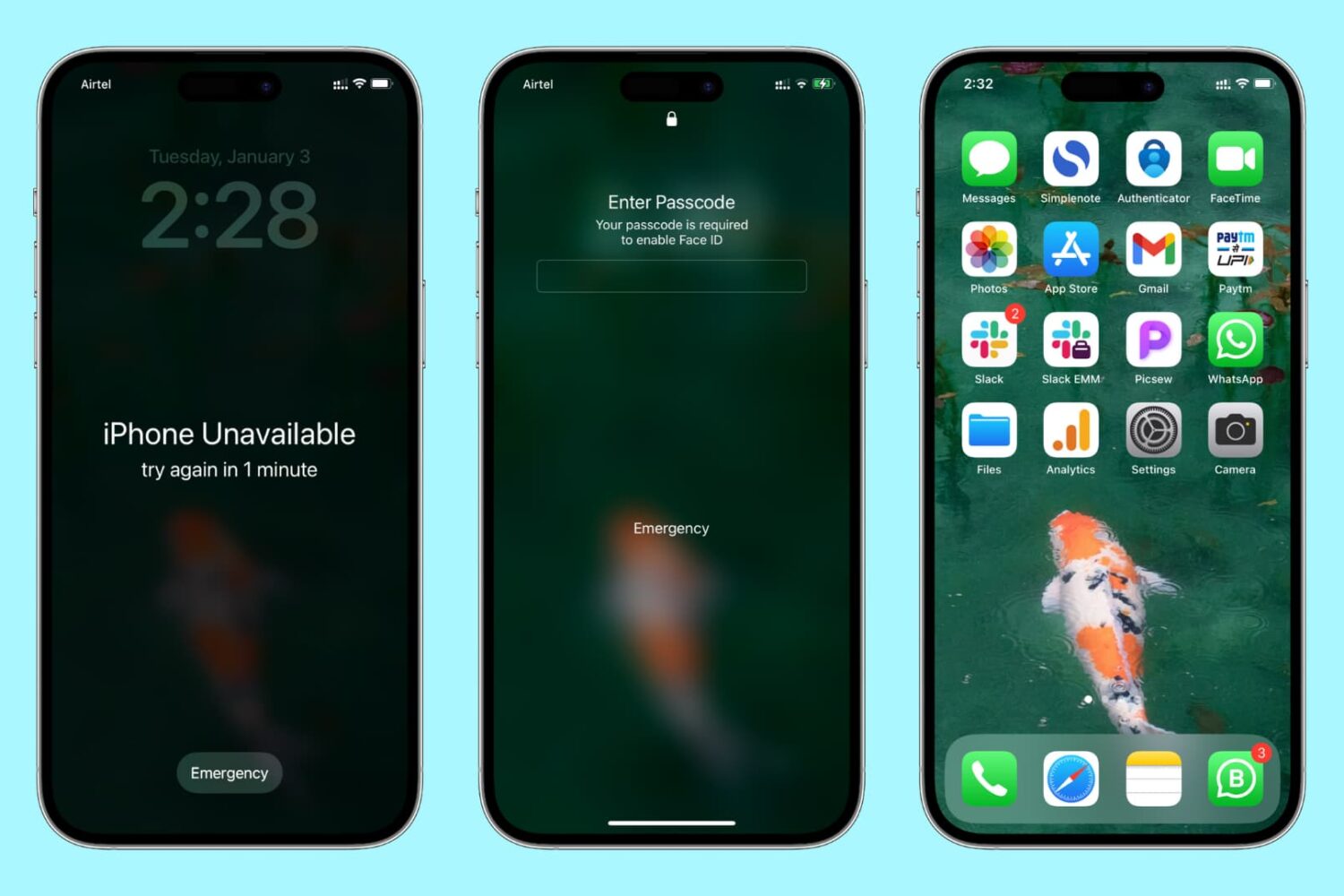
Learn how to reset the passcode on your iPhone or iPad if you’ve forgotten it, so you can unlock the device and regain access to your apps, settings, photos, etc.

Apple's Reality Pro headset and the iPhone 15 lineup should be impressive, but the new iPad, Apple Watch and Mac models arriving in 2023 not so much.
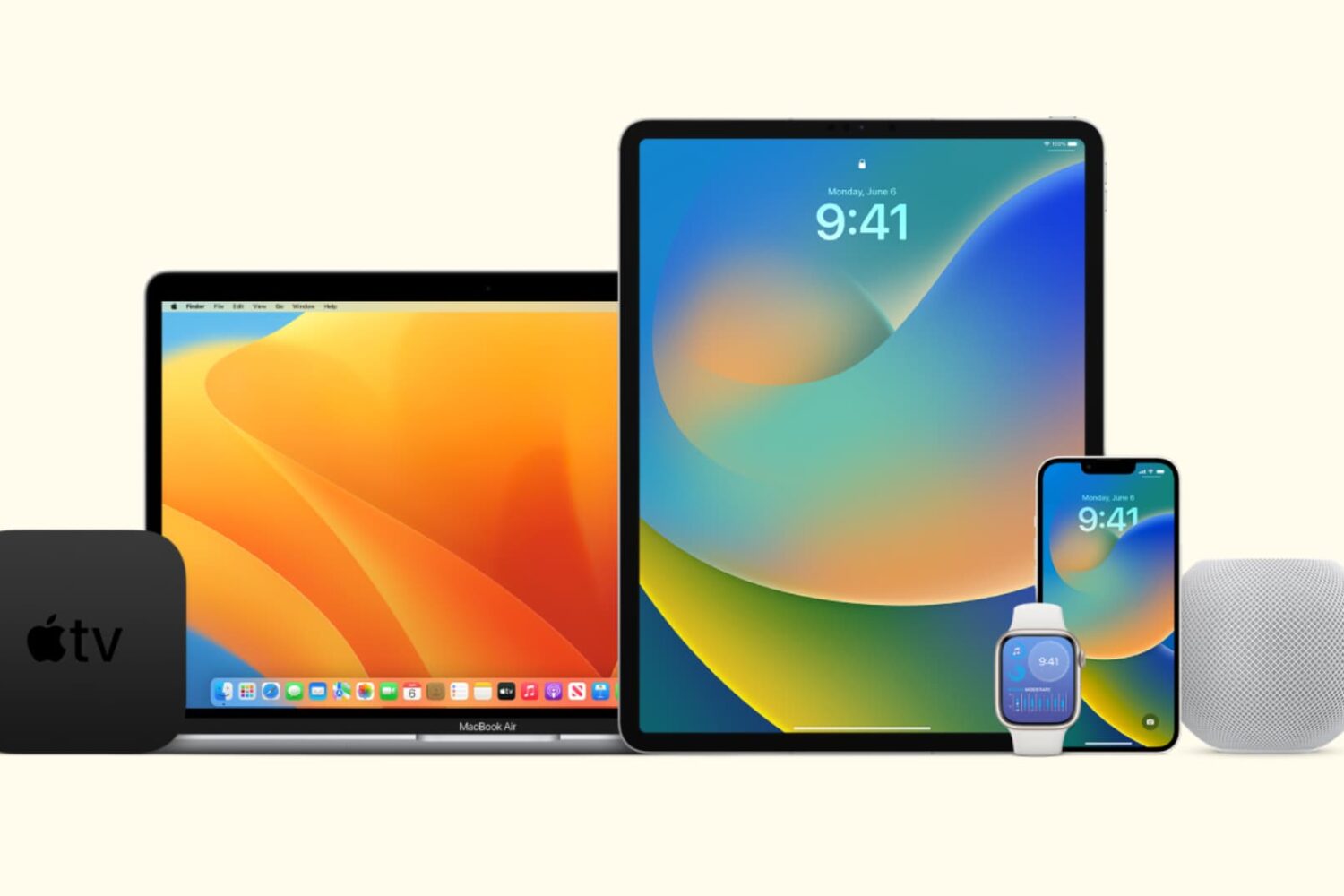
In this tutorial, we’ll show you how to stop all your Apple devices (iPhone, iPad, Mac, Apple Watch, HomePod, Apple TV, and Vision Pro) from automatically downloading and installing software updates.
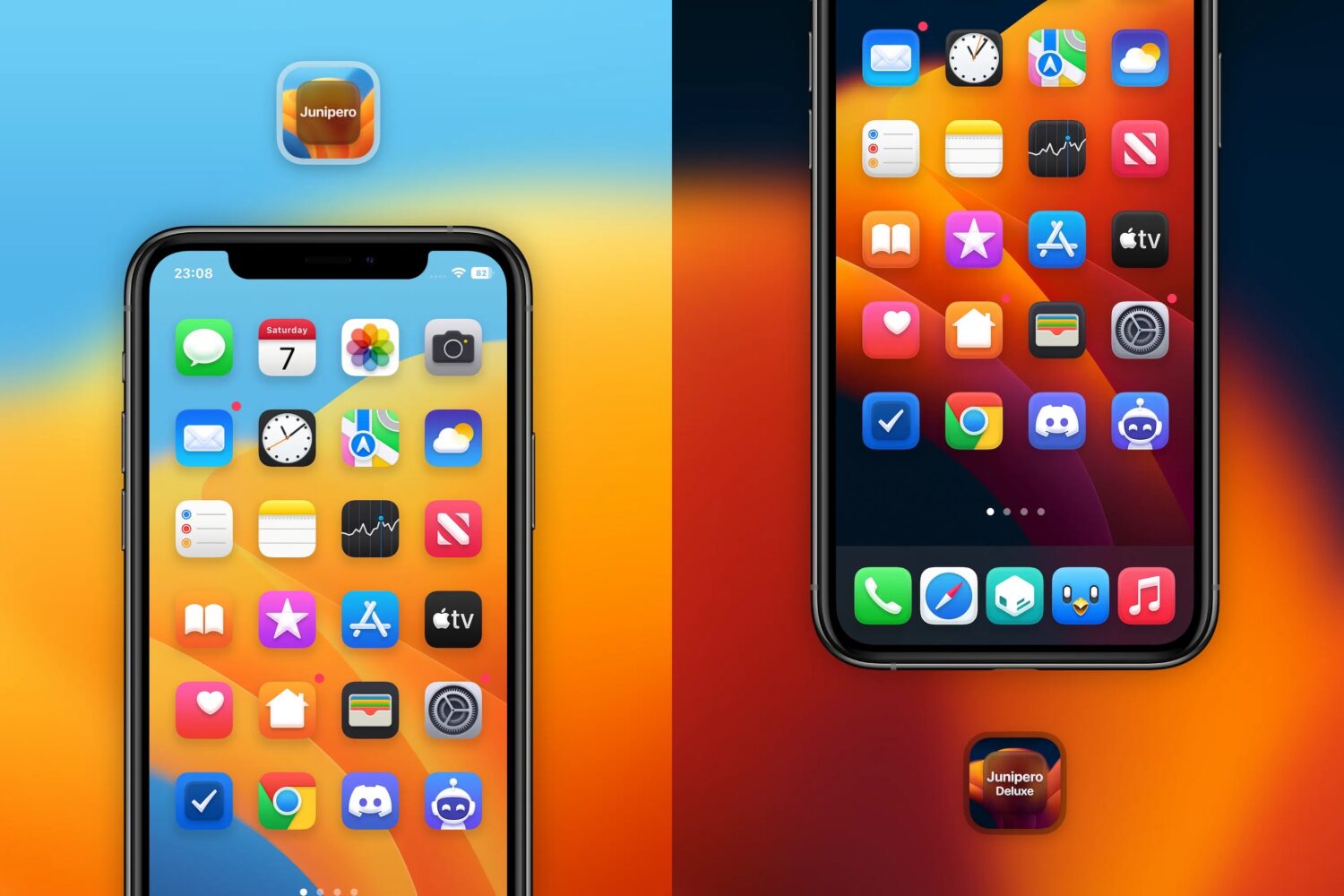
New to the Havoc repository this week is a Home Screen app icon theme called Junipero by graphic designer XerusDesign that draws a substantial amount of inspiration from the design language found in macOS Big Sur.

iPhone and iPad users can now search for and reserve nearby parking without leaving Apple Maps, with Mac integration on the way.