iPad

From the latest news to the most comprehensive tutorials, learn how to get the most out of your iPad with our step-by-step guides and expert tips.

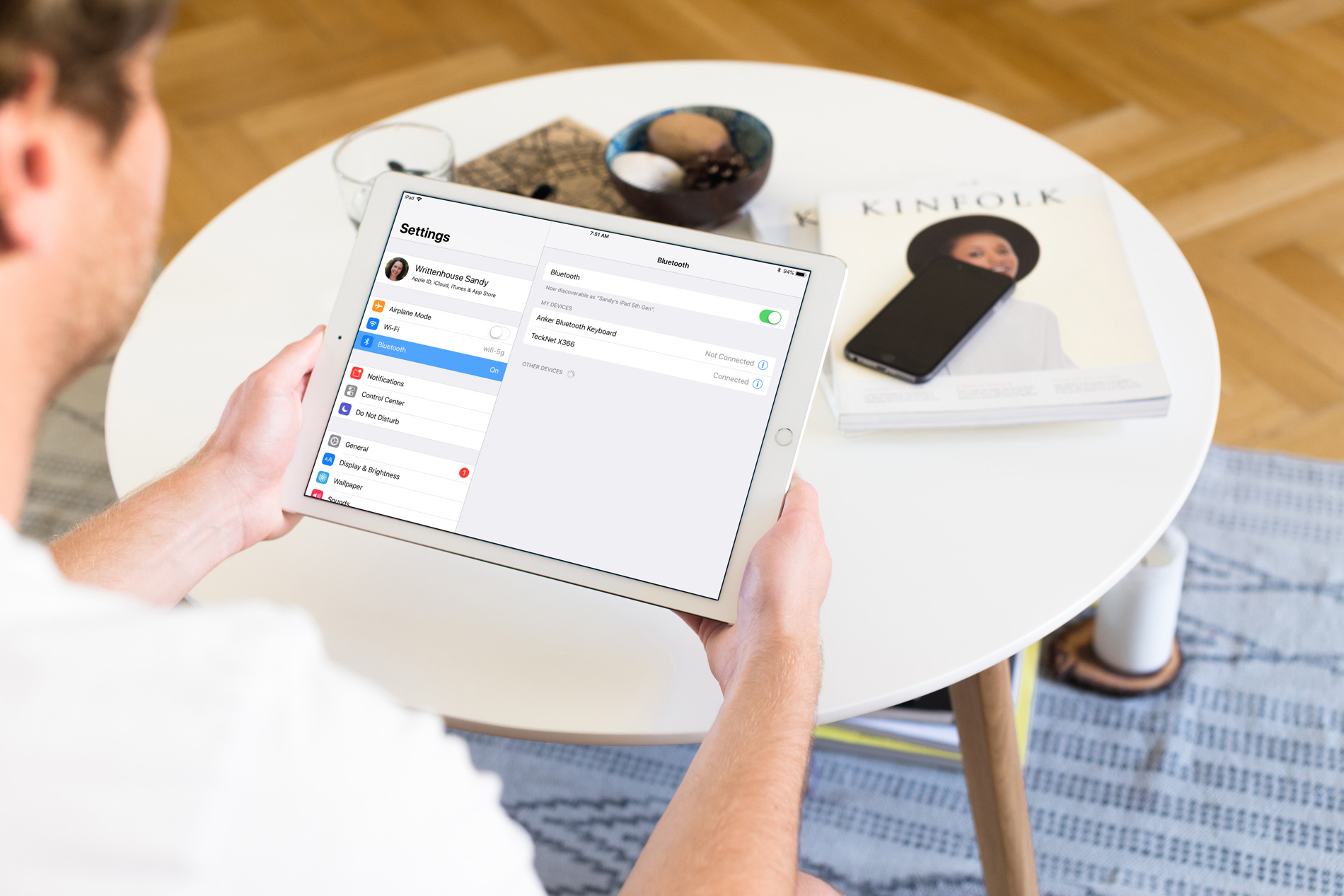
How to pair a Bluetooth keyboard with iPhone or iPad

Setting Up Bluetooth Keyboard iPad

So, you bought a new wireless keyboard and want to use it with your iOS device. For those who do a lot of typing on their iPhone or iPad, an external keyboard can be more efficient than the onscreen keyboard.

In this step-by-step tutorial, we’ll show you how to pair an external Bluetooth keyboard with your iPhone or iPad so you can comfortably type long notes, emails, and documents.

FastDeleteKey accelerates text backspacing on jailbroken devices

If you do excessive amounts of typing on your iOS device, then you may be able to benefit from a new free jailbreak tweak dubbed FastDeleteKey by iOS developer CydiaGeek.

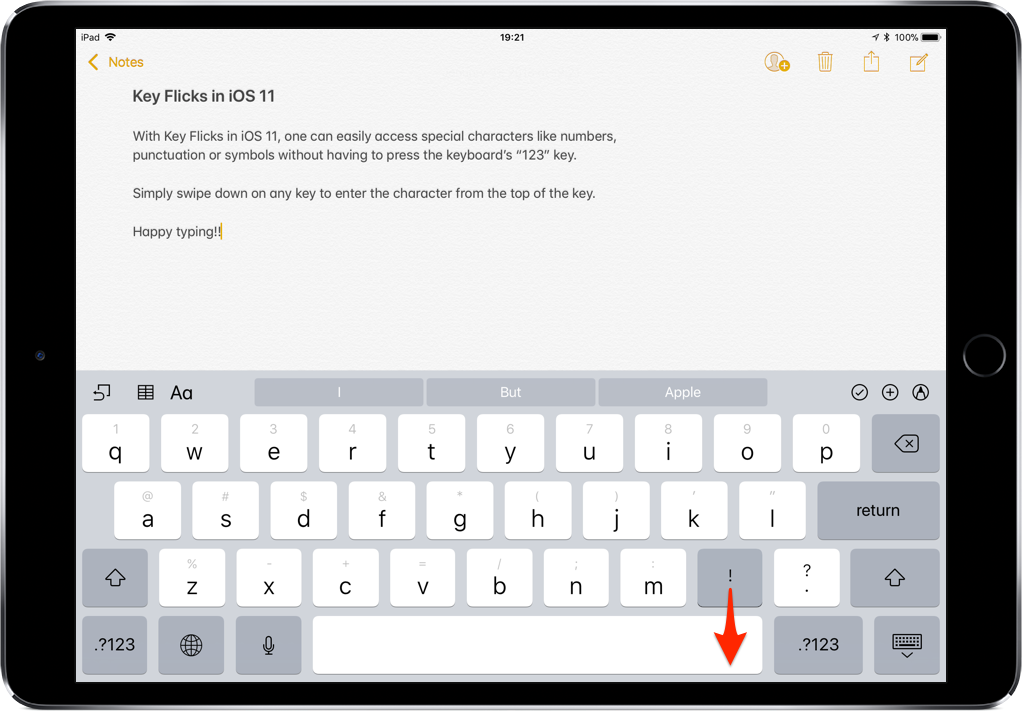
FastDeleteKey makes it so that you don't have to wait forever for the keyboard's backspace function to delete large blocks of text. The tweak brings tunable backspace velocities to iOS so that you can move along at just about any rate of speed you desire.

iEGrow’s iPad keyboard cases offer a lot for a fair price

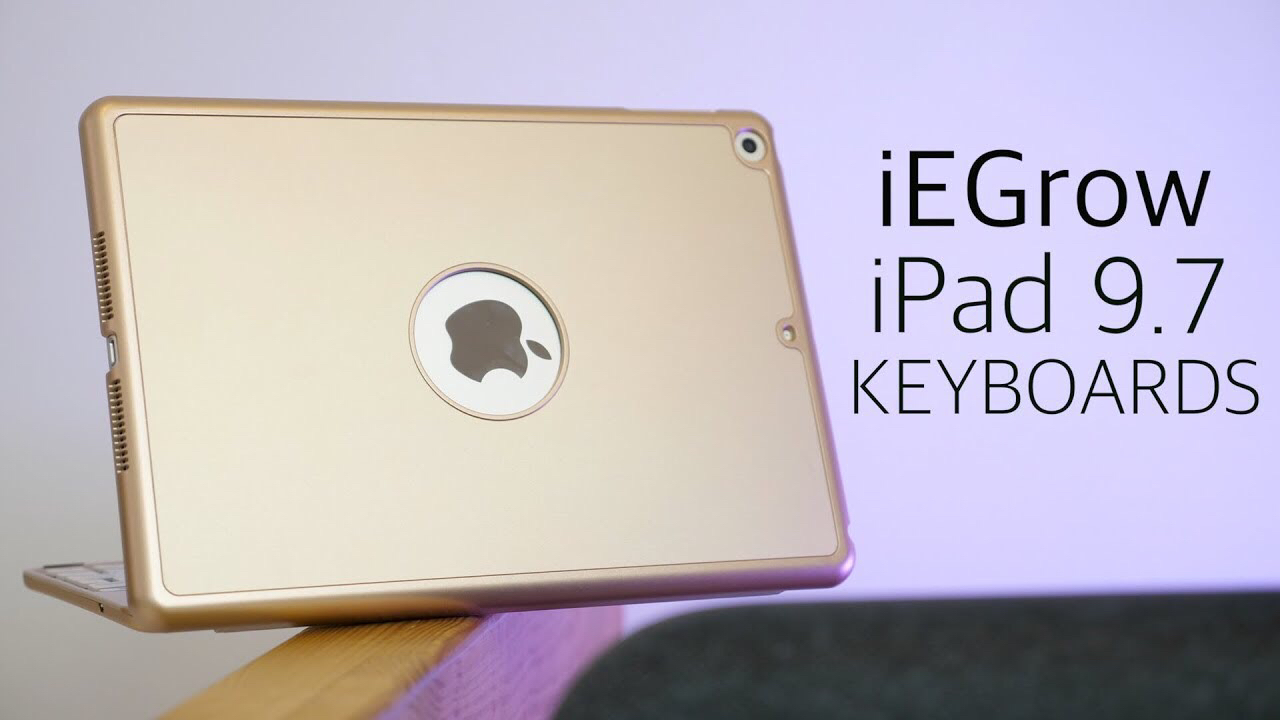
iEGrow iPad keyboards

Apple’s newest iPad —the 6th-generation 9.7”— follows in the footsteps of last year’s $329 iPad offering. It is an almost full-featured device, lacking in one area: it has no smart connector. Consequently, Bluetooth is the only wireless option for connecting your new iPad to a keyboard. No fear, however, as iEGrow has two Bluetooth keyboard cases that offer a lot for a very reasonable price. We go hands-on in this mini review of the iEGrow F8S iPad keyboard case and the F180 iPad keyboard with rotatable cover.

KeyUtilities brings configurable keyboard commands to iOS

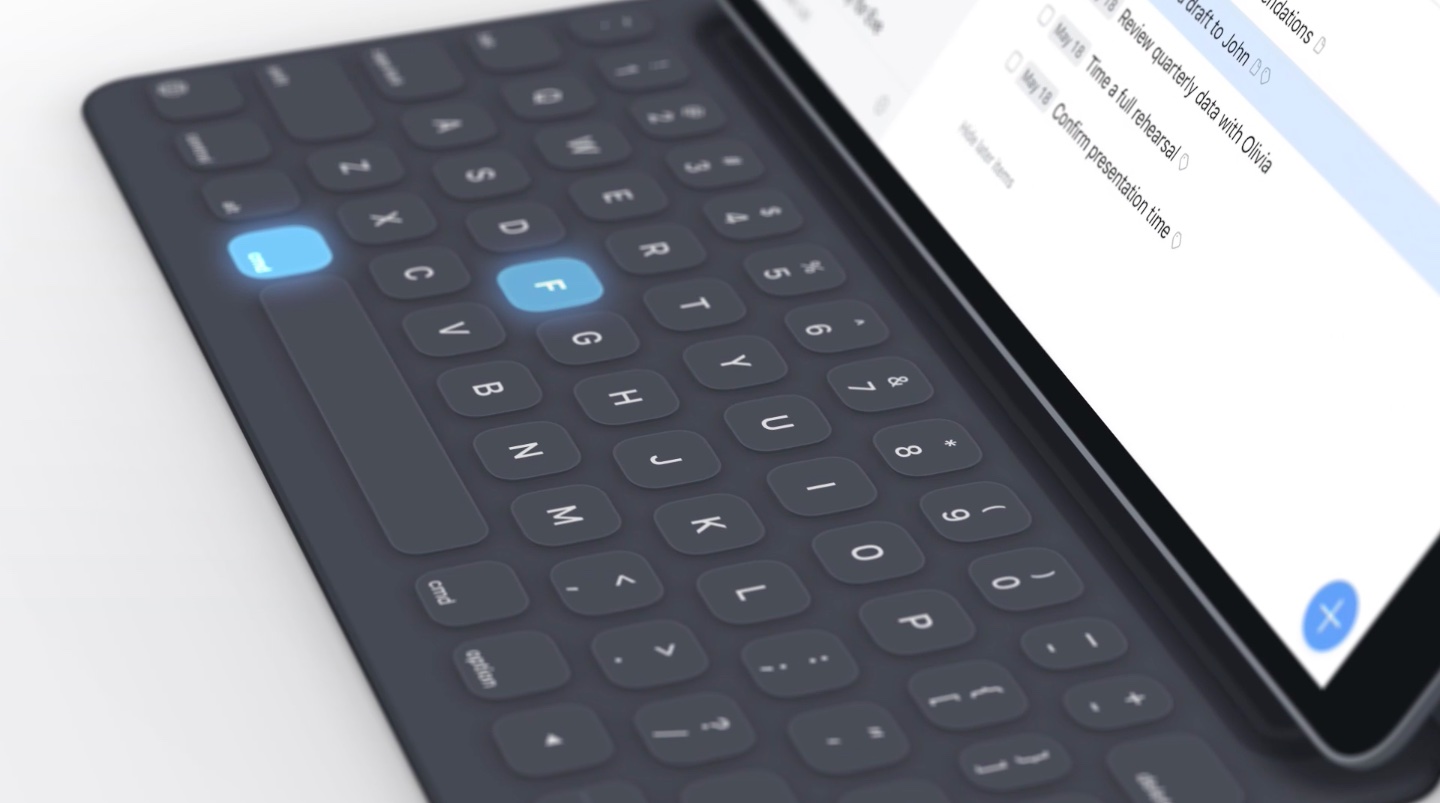
Most iPhone and iPad users merely use their keyboard for typing inside of their apps, but with a new jailbreak tweak called KeyUtilities by iOS developer AlexK, you can use your keyboard to do so much more.

Right out of the box, KeyUtilities feels reminiscent of desktop-class keyboard shortcuts. On the other hand, it provides a bevy of iOS-centric features that you might find useful whether you’re a novice or a power-user.