Apps

Convert and push media into any Apple device with WALTR 2, no jailbreak or iTunes needed

Softorino, a purely European crew packed with talented developers, recently released WALTR 2 as a successor to the original app that's captured more than 500,000 downloads worldwide in just under 20 months since its debut.

A well-deserved success, if you ask me, because WALTR made it super easy to convert audio and video files encoded in “foreign” formats, such as DivX/MKV movies with subtitles and FLAC audio files, without requiring a jailbreak.

I raved about WALTR in my review, underscoring how its drag-and-drop simplicity allows just about anyone to bypass the mess that is iTunes. And boy, does it fly: in my tests, WALTR transcoded a 2.64-gigabyte MKV file on my 1.3 GHz Intel Core i5 mid-2013 MacBook Air into an iOS-friendly format and sent it over USB to my iPhone 6 in under two minutes.

Building on this remarkable engine, WALTR 2 is now available with new features like support for more than two-dozen legacy iPod models and other devices starting from iOS 5. It uses automatic metadata recognition that works perfectly, gives you the ability to transfer media to your device wirelessly, supports PDF and ePUB file formats and much, much more.


How to convert any barcode into a pass for your Wallet with Pass2U Wallet

Based on the continuous growth of Wallet for ticketing services and Apple Pay, Apple’s bid to render cards and printouts a memory of the past has come a long way. Wallet makes handling and storing any type of ticket considerably simpler, which is why it is easy to get irritated today when presented with no other delivery option but an old-school paper pass. Thankfully Apple and other retailers are increasingly swinging towards the digital platform, but there are still countless cases where you just cannot add a ticket or voucher to your Wallet - even though it would make life so much easier.

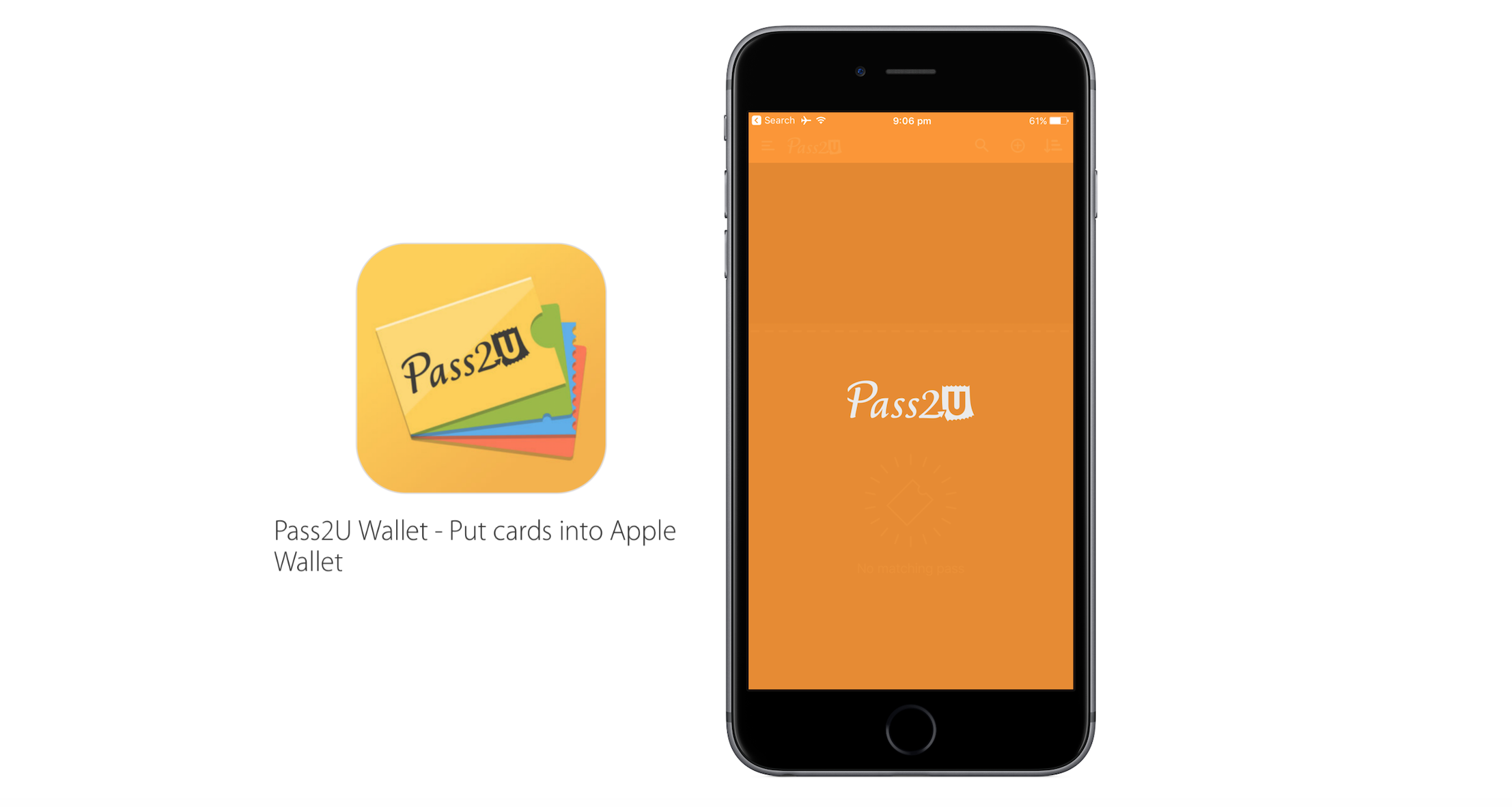
Pass2U Wallet, a free app for iOS, taps into that need and conveniently bridges the gap. Just like Wallet itself it offers to scan hard copy barcodes in order to convert them to Wallet passes, however contrary to Apple’s Wallet it will practically work with any piece of paper imaginable. As such, Pass2U Wallet complements and enriches the stock Wallet app nicely, making sure you will be able to add anything you like to your iPhone’s Wallet. Find out more about the app in our review below.

In November, App Store captured highest monthly sales ever in its history

According to Phil Schiller, Apple's Senior Vice President of Worldwide Marketing, the App Store last month enjoyed the highest monthly sales ever since its inception in the summer of 2008. “November 2016 was a record breaker for the App Store—the highest monthly sales ever in its history,” reads the tweet.

Although Schiller didn't provide any hard numbers, in just two weeks during last year's holiday season the App Store raked in a massive $1.1 billion revenue from sales of iOS apps and In-App Purchases.

Upcoming Instagram update will let you turn off comments on a per-post basis & more

In its never-ending fight to curb abuse on its service, Instagram today said an upcoming new tool will let you completely turn off comments on individual posts.

As reported by The New York Times this morning and confirmed by Instagram itself, in addition to being able to turn off comments on individual posts users will be also permitted to remove followers on private accounts and like other people's comments as well.

Back in September, Instagram launched keyword-based comment moderation as another measure to fight spammers and abusers who have been harassing honest users with unwanted comments and marketing messages.

You can now start Chrome in Voice Search or Incognito mode from Spotlight Search

Google added Spotlight Search integration to Chrome for the iPhone, iPad and iPod touch back in January 2016, allowing you to search for your Google bookmarks using iOS's Spotlight feature. Today, the Internet giant issued a small update to Chrome for iOS, bumping version number to 55.0.2883.79 and adding a pair of enhancements.

The first lets you start Chrome in Voice Search mode or open a new Incognito tab right from Spotligh.

As for the other change, Google has now removed the folder named All Bookmarks from your bookmarks view in Chrome “by popular request”.

Space, Capsule, Listables and other apps to check out this weekend

It's the weekend again, and you know what that means. It's time for another one of our Apps of the Week roundups. This week we've selected some great titles for you including a new interactive app for exploring space, an AI service for documenting your life experiences, and an app for creating and viewing shareable todo lists. And as usual, we've picked out two great new games for you to try.

Apple is switching App Store pricing from USD to regional currencies in 9 countries

Apple's emailed its registered developers to inform them of some upcoming App Store pricing policy changes in Egypt, Kazakhstan, Malaysia, Nigeria, Pakistan, Philippines, Qatar, Tanzania and Vietnam.

No longer will prices of paid downloads on these local App Stores be shown in US dollars. According to the communique, the App Store in these markets will now show prices of apps and In-App Purchases in their domestic currency.

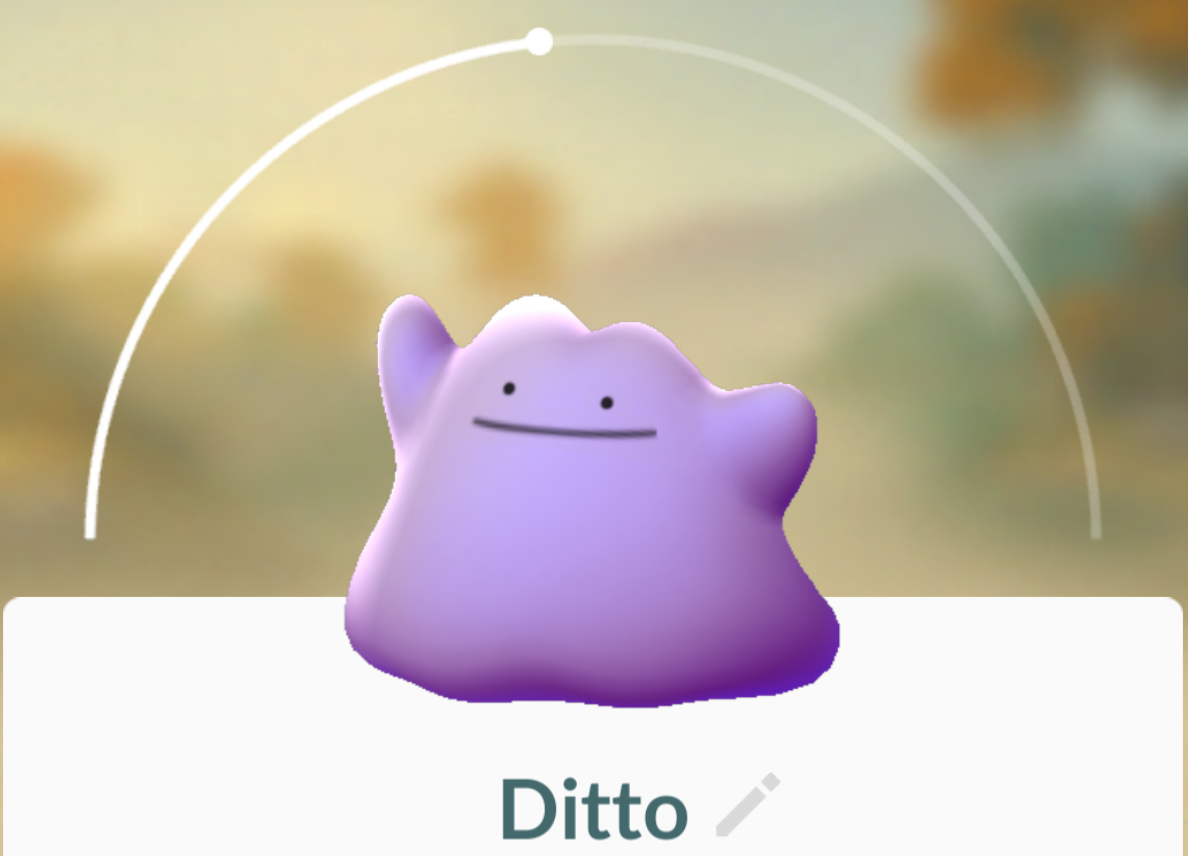
Everything you need to know about Ditto in Pokémon GO

Ditto was released in a server-side Pokémon GO update last week, and while many players have already caught the shape-shifting purple Pokémon, others are still having trouble trying to bag it for their Pokédex collection.

In this piece, we’ll talk about everything you’ll need to know about catching and using Ditto in Pokémon GO.

Google Maps for iOS updated with searching along route and Nearby Traffic widget

Google today pushed an update to its native Maps app for the iPhone, iPad and iPod touch, adding a pair of new features whilst bumping version number to 4.25.0. Like with Apple Maps, Google's app now supports searching for points of interest along your route while in navigation mode. In addition, you can also see traffic information on your Home/Lock screen and in the Notification Center with a handy new Nearby Traffic widget.