Winter may be coming to an end next month, making room for the Spring season, but that doesn't mean you can't keep enjoying the snow!
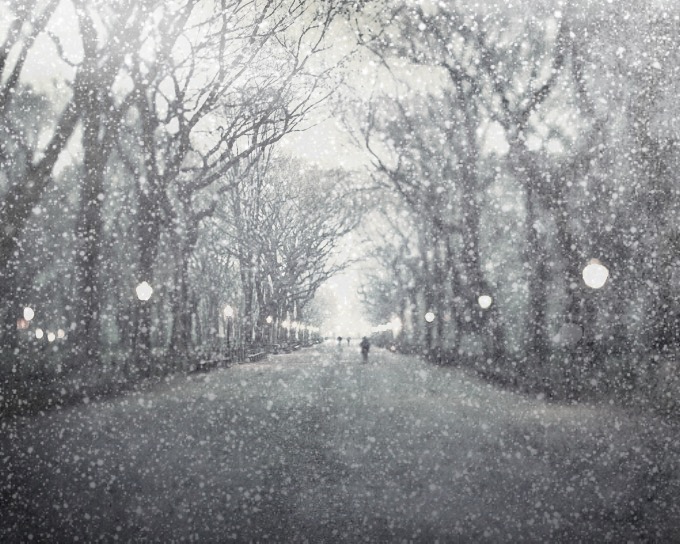
Snow Daze is a wonderful app that can be had from the App Store for $1.99. The app can turn any photograph scene into a snowy wonderland. With all of the different filters, configurable snow settings, and color options, you can make even the least suspecting photograph look like it was taken in the middle of a blizzard storm.
In this tutorial, we'll be showing you how the app works.