iOS

PayPal app redesign adds new start screen, ‘one-click’ cash request, & more

The PayPal app for iOS, which has been long over-due for an update, has finally received its much-needed update on Thursday that adds official support for the retina HD displays of Apple's 4.7-inch and 5.5-inch handsets.

The app, which is still a free download from the App Store, has been completely redesigned with a slew of changes to make using the app not only feel better, but look better.

This tweak lets you control your Home screen with a Bluetooth keyboard

If you use a Bluetooth keyboard with your iPad, or even with your iPhone or iPod touch (although less likely), then you might enjoy a new jailbreak tweak called Keyhook, which is now available in Cydia for $1.99.

Keyhook will allow you to control your Home screen with your Bluetooth keyboard; this includes selecting apps, launching apps, and moving between Home screen pages.

AppSort: quickly sort your Home screen apps based on various criteria

If you've got a lot of apps on your Home screen and hate looking through them all, then check out a new free jailbreak tweak called AppSort, which just hit Cydia, and will let you sort your Home screen app icons with ease.

AppSort is a jailbreak tweak that offers users a quicker way to sort the apps on your Home screen so you don't have to spend any of your time sorting them for yourself. The tweak lets you use Activator to reveal a menu full of options; the options allow you you to choose a criteria for how your apps will be sorted on the Home screen.

How to quickly get your answers from a website you’ve searched before in Safari

In addition to finding all occurrences of a word within any webpage, Apple's Safari browser for the iPhone, iPod touch, iPad and Mac includes a nifty little feature called Quick Website Search which lets you get your answers from within a specific website as long as you've used its search box before.

Safari keeps tracks of the webpages as you surf the web so you can later find anything within a previously visited website, right from the Smart Search field.

In this tutorial, you'll learn how to leverage Safari's Quick Website Search feature to search within a website.

How to select Siri voices for VoiceOver, Speak Screen and Speak Selection features

I'm not hearing impaired but that doesn't prevent me from taking advantage of certain VoiceOver features on my iPhone. For instance, I sometimes use Speak Selection to get iOS to read a book to me as I'm surfing the web, or doing something else.

Being a non-native English speaker, I also rely on that feature to have my iPhone read aloud words and phrases whenever I'm unsure about their correct pronunciation, which is a lot of help—especially with the adjustable pitch and speaking rate.

Starting with iOS 8, a number of options for the Siri voices you can use for the VoiceOver, Speak Screen and Speak Selection features became available. This tutorial explains how to choose a voice for Speak Screen and Speak Selection and adjust voices for VoiceOver.

Apple vehemently opposes FBI request to create iPhone backdoor in San Bernardino court case

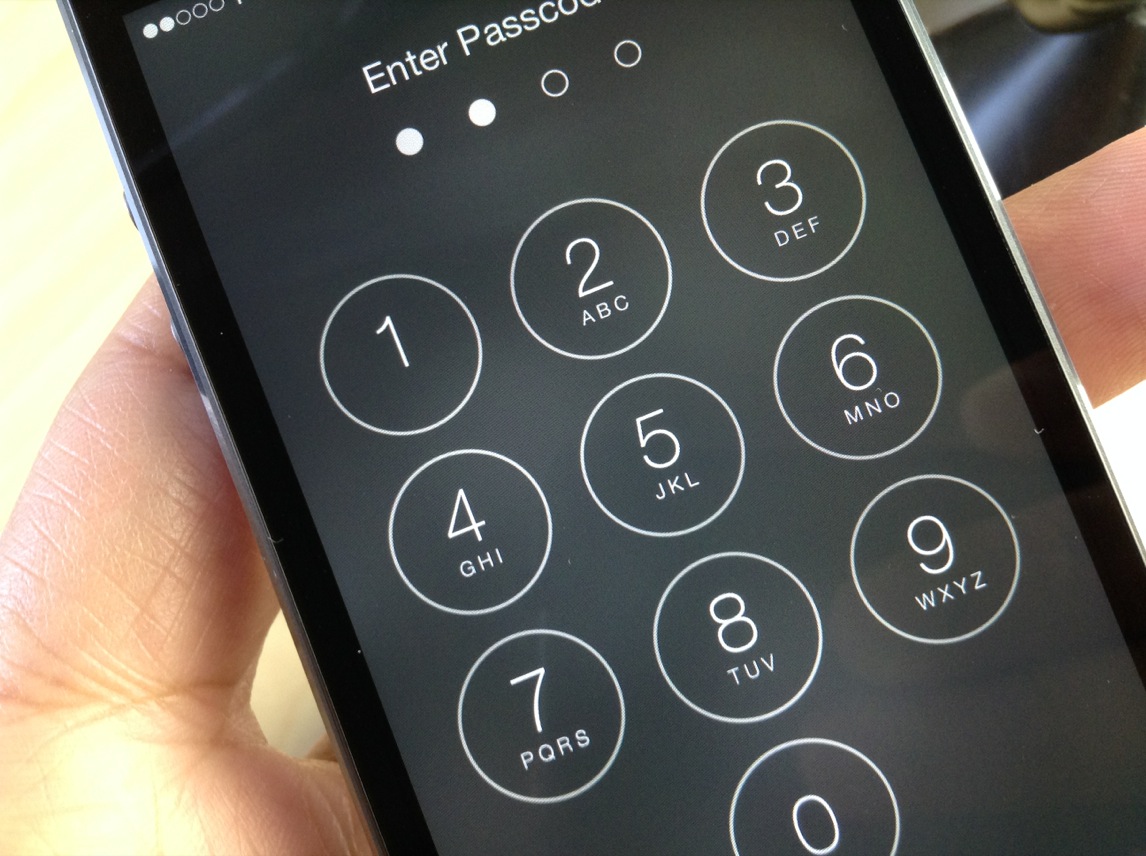
Apple is vehemently opposing the FBI's request to create a backdoor in iOS that would permit authorities to access encrypted data on the iPhone used by one of the San Bernardino shooters. In an open letter to all customers posted on the company's website, CEO Tim Cook acknowledges that Apple believes that the FBI's intentions are good and makes note of the fact that his company has done “everything that is both within our power and within the law” to help the authorities.

“But now the U.S. government has asked us for something we simply do not have, and something we consider too dangerous to create,” he wrote. “They have asked us to build a backdoor to the iPhone.”

How to decrease ‘Other’ storage on iPhone or iPad

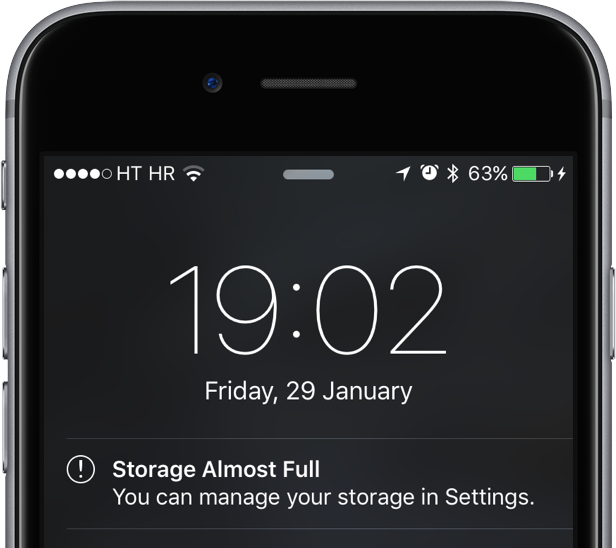
The infamous 'Other' storage section displayed in iTunes after connecting an iPhone, iPod touch or iPad to a computer is definitely one of the pain points for users mainly because it keeps increasing on its own.

'Other' storage is a combination of system settings, caches and various files that iOS stores temporarily to speed up system performance and minimize your dependency on network connectivity.

This all happens automatically and without any intervention on part of the user. That said, software can (and will) break and so these files may not get cleaned out properly. And when that happens, a large amount of storage will be lumped into the 'Other' category. The good news is, your proactiveness in dealing with this issue should pay off.

It's actually fairly easy to recover your usable storage lost to 'Other' space hogs by specifically targeting certain items. In this post, we'll lay out a few different techniques to decrease 'Other' storage on your iPhone or iPad.

This tweak protects your iPhone from the “January 1, 1970” bug

A recent bug discovered in the iOS firmware where setting your date back to a certain point in time could brick your device has been getting quite the coverage all across the internet as of late.

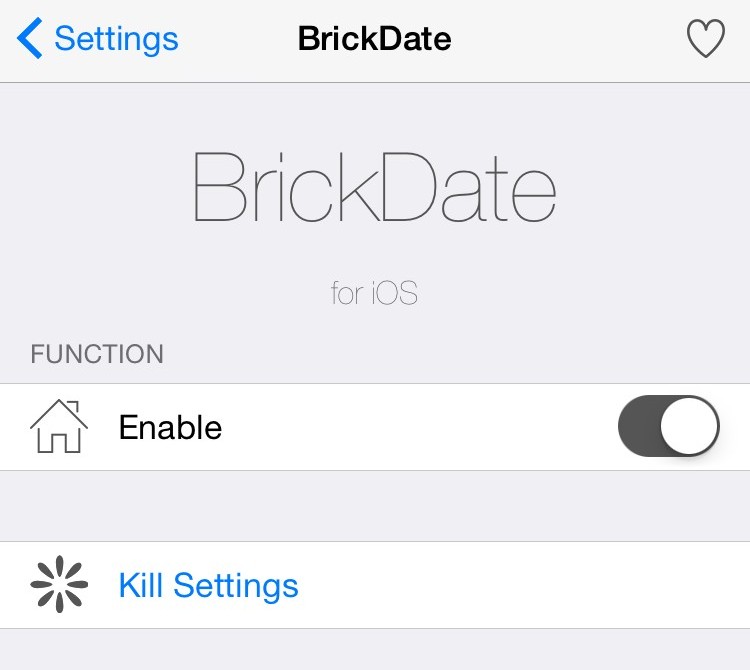
With so many people now having knowledge of the problem, the risk has never been greater than it is right now that someone with malicious intent could grab your iPhone while you're not looking and set your date back to the dangerous date to brick your device on you.

Fortunately, a new free jailbreak tweak called BrickDate is available in Cydia that can protect you from having your date changed to the dangerous date.

How to open ZIP files on iPhone using the Notes app

Although neither Apple's Safari nor Google's Chrome browser can extract files from ZIP archives on iOS, it has been discovered that Apple's Notes app lets users view the contents of ZIP files by taking advantage of iOS's built-in file attachment viewers.

Starting with iOS 9, Notes has received several new features, among them support for adding content to a new or existing note through iOS's multi-purpose Share menu in apps like Safari, Maps, Pages and more.

As it turns out, you can also use iOS's Share menu in conjunction with the “Open In” feature to add a downloaded ZIP file to a note on your iPhone, iPod touch or iPad.

Private Internet Access review: a great VPN at a great price

The quest for internet privacy and security is no game these days; hackers with malicious intent are really out there and they want your valuable personal information.

One way to protect yourself is with a virtual private network (VPN), but there are lots of VPN options out there to choose from – both free and paid. Picking a VPN that's right for you can be tough, and many people are concerned about their privacy while online.

In this piece, we'll be giving you our opinion on the Private Internet Access VPN; a paid VPN service that holds a solid reputation among its many users.