iOS

Postman: manually check for new emails from anywhere [jailbreak]

Normally, when you want to check to see if you have any new emails, you have to launch the Mail app and pull down to refresh the email inbox of your choice.

If you're already in the middle of something, stopping what you're doing to check to see if you have any emails is obtrusive. It would be so much better if you could just refresh your email from anywhere without leaving what you are currently doing in another app.

That's exactly what a new free jailbreak tweak called Postman is going to allow you to do, and it works with a key ingredient that most jailbreakers are already familiar with.

PaperGram sets your wallpaper to pictures from any Instagram feed

Wallpapers are one of those things that we often like to change up on our iPhones every so often, and it can be difficult to choose the right one at times.

A new free jailbreak tweak called PaperGram eliminates the process of having to choose a wallpaper yourself by automatically setting your wallpaper to something different at time increments of your choice. What's more is it sources the wallpaper images from Instagram, whether you're an Instagram user or not.

Why making a support account on Twitter was a great move by Apple

Within just a single day of launching a support account on Twitter, Apple has well over 130,000 followers and is answering over 100 people with questions about Apple products and services per hour.

Although it's taken Apple quite a while to finally use Twitter as a support medium for its main products, depsite having Twitter accounts for Apple Music, Beats 1, and iTunes for quite some time, it's still great to see Apple is using another method of communication to reach its users.

In this piece, we'll talk about why we think creating the support account on Twitter was a great move for Apple.

Why and how to use custom DNS settings on your iPhone, iPad, and Mac

DNS Settings on Mac

When you visit a website on your computer, such as iDownloadBlog or Google, you're using domain name system (DNS) protocol to exchange information between your computer and the server providing you with that website.

Depending on the DNS server you're using on your Mac or iOS device; you might not be experiencing the best speeds and web securities that you could be.

In this piece, we'll tell you why you may want to consider switching to a new DNS and show you how to use a custom DNS on your Mac, iPhone, or iPad.
PreferenceTag3 lets you organize the iOS Settings app your own way

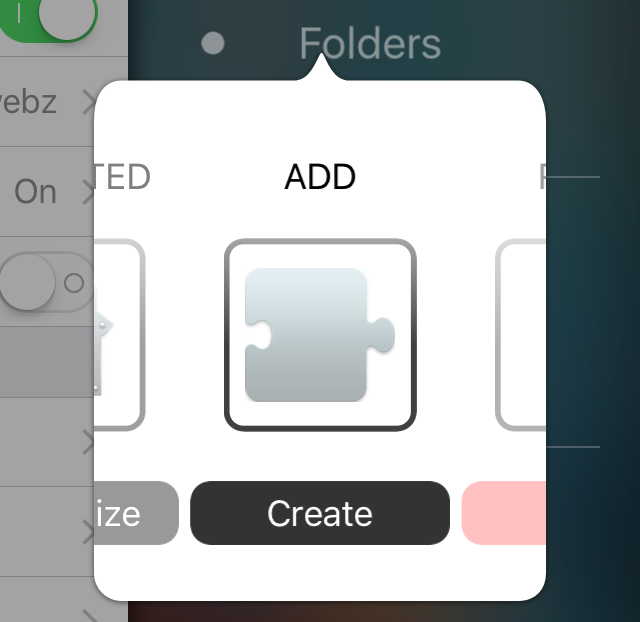
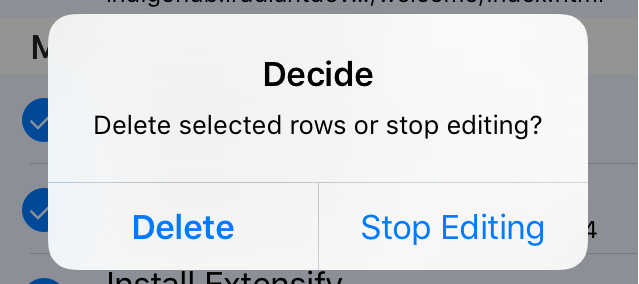
If you're like me, then you don't use every single setting that your iPhone comes with, and it would make life easier in the organization department if you could move around your Settings app's preference cells and hide the ones you don't use.

If this functionality sounds useful to you, then PreferenceTag3, which is a jailbreak tweak you can grab from Cydia for $1.99, is going to be your new best friend because it'll let your organize your Settings app exactly how you like it.

In this review, we'll show you what PreferenceTag3 is all about and how it works.

SafariHistory lets you quickly and selectively delete Safari history on your iPhone

SafariHistory is a handy new jailbreak tweak that is now available for free in Cydia and it will give Safari users that don't use Private Browsing mode an easier way to delete their Safari history in bulk.

Although Safari on your iPhone and iPad includes a 'Clear' button to quickly delete all of your browsing history, the only way to delete individual history items is to swipe to the left on them to reveal the red "Delete" button, and this can take forever.

SafariHistory instead makes it easier to remove individual items in bulk without clearing your entire Safari browsing history, as you're about to see in this review.

Unsurprisingly, Samsung stops short of voicing open support for Apple in FBI fight

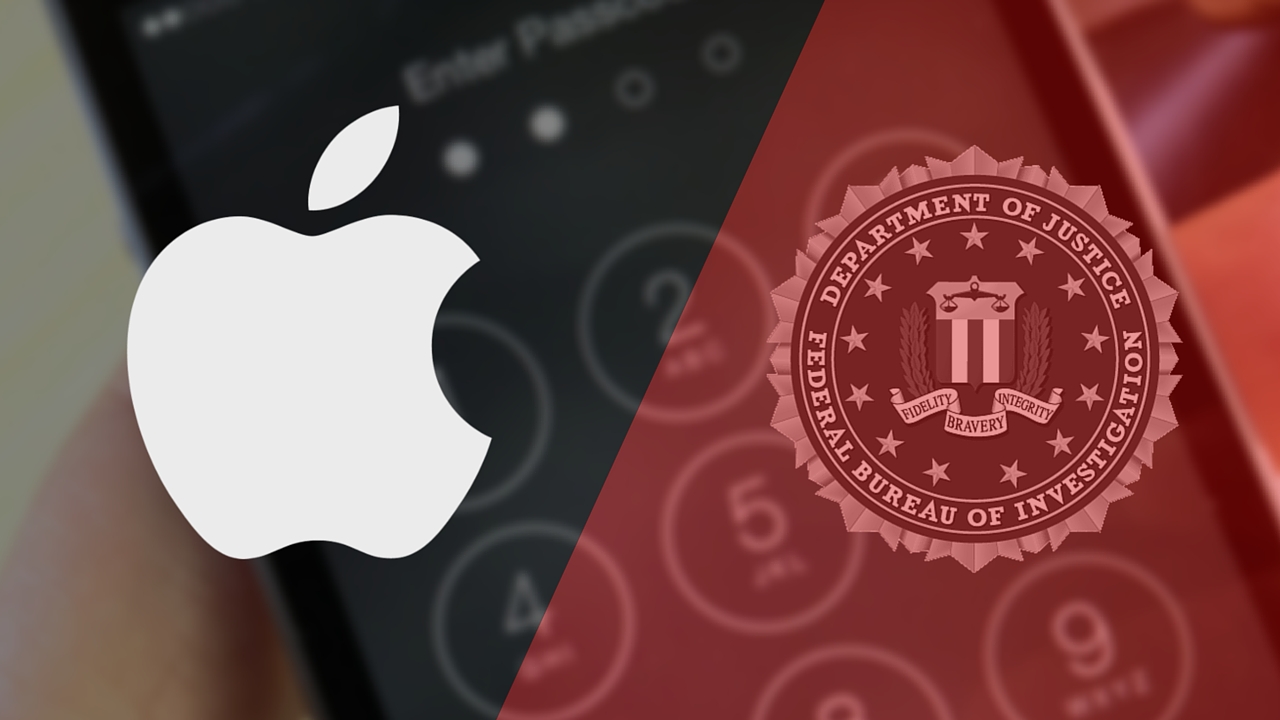
FBI and Apple logos

Apple's dispute with the United States government over a court order demanding that it create an insecure version of iOS to help the FBI break the passcode of the San Bernardino shooter's iPhone 5c has gained support from more than 40 parties, according to The New York Times.

Samsung, however, likely won't be one of them.

As reported by Bloomberg, Samsung generally supports the notion that “any requirement to create a backdoor could undermine consumers’ trust,” but stopped short of voicing open support for its rival.

Vimeo now streams 4K video on iPad Pro, gains a bunch of other new features in 6.0 update

Thursday, Vimeo pushed a significant update to its free of charge app in the App Store which lets you record, upload and share high-quality, ad-free clips on the service.

The new app packs updated navigation tools, has richer uploading options and sports a brand new player with support for 4K streaming and enhanced Picture-In-Picture viewing on compatible devices such as the 12.9-inch iPad Pro.

Search is now faster than ever and you can browse new curated categories like Animation, Documentary, Travel and more. Saving videos to watch offline is now easier than before, you can now upload clips from your smartphone and tablets and more.

iOS 9.3 beta 5 disables Night Shift mode when your iPhone is in Low Power Mode

Along with the latest betas of watchOS, tvOS and OS X, Apple yesterday seeded a fifth beta of the upcoming iOS 9.3 software update to its registered developers. The new beta appears to pack in a few interesting changes as Apple continues to refine the experience ahead of the software's public release.

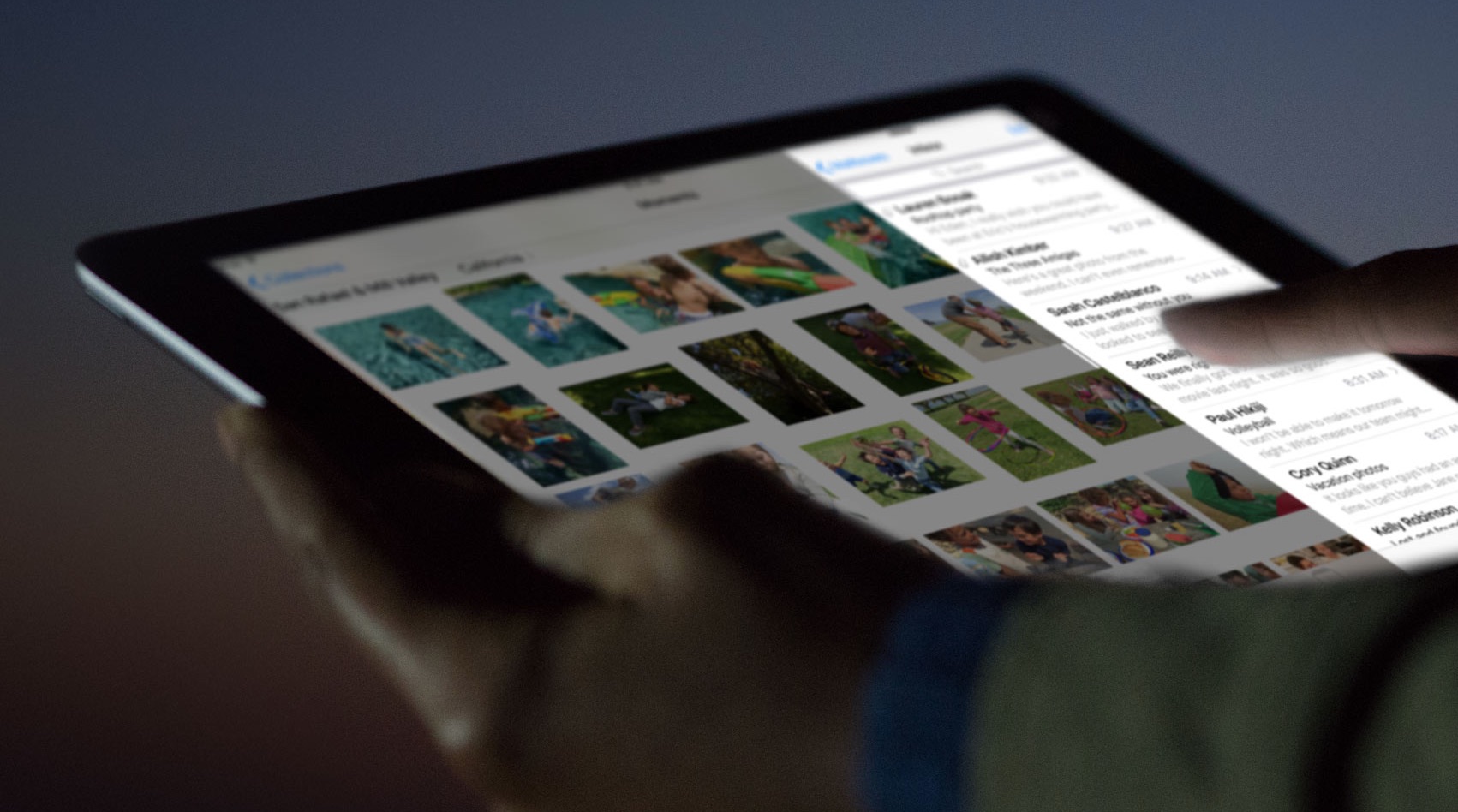
Night Shift mode, one of the headline new features in iOS 9.3, has been tweaked again in the latest beta and now permits users to manually enable the feature until tomorrow within Settings, and the feature is now automatically disabled in Low Power Mode.

Using your iPhone to diagnose your car’s check engine light

All the do-it-yourself mechanics out there love being able to troubleshoot their own check engine light (CEL) to see what's going on under the hood of their own cars. Typically, doing so requires an expensive OBD II scanner tool that plugs into the OBD II port underneath the dash.

But, with an app on your iPhone and a tiny accessory that plugs into the OBD II port, you could save some money and you'll still have access to a lot of the information the scan tool would give you. In fact, because of how advanced your iPhone is, you may even get more information than a lot of the scan tools will offer.

In this review, we'll be taking a look at the LELink Bluetooth Low Energy OBD II car diagnostic tool, which can be had for about $35 on Amazon, as well as the $9.99 OBD Fusion app, which can be had from the iOS App Store.

Tip: use 3D Touch to export PDFs on your iPhone

iOS includes a Share sheet action for saving PDFs to iBooks. This is great for, say, turning a webpage or other document into a PDF form with one notable complaint—not everyone wants to read PDFs in the Books app.

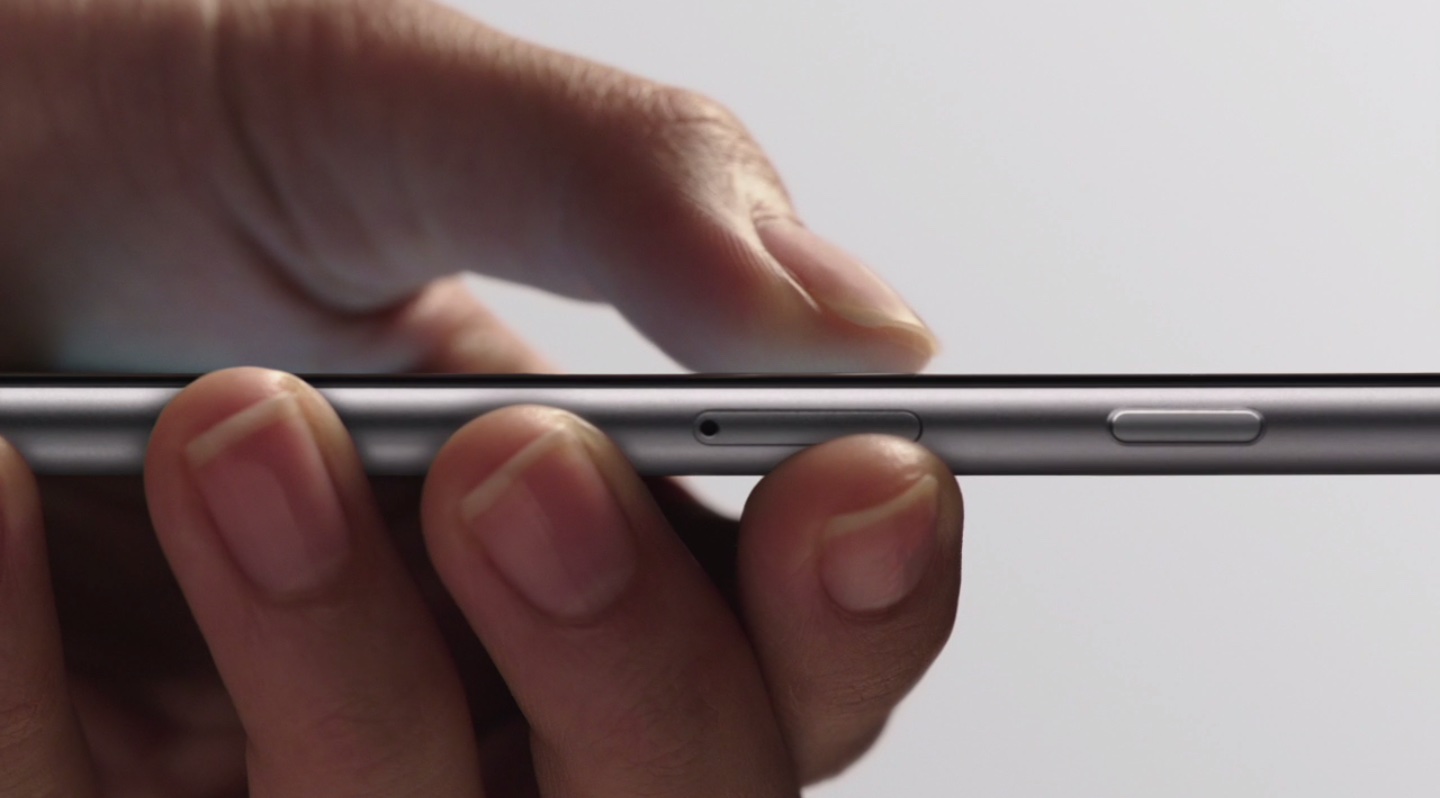
As it turns out, you can export a PDF to any app on your device with 3D Touch right from iOS's Print Preview screen. This is an extremely convenient feature, but it's unfortunate that it requires 3D Touch so owners of previous-generation and older iPhones cannot take advantage of it.

iOS 9.3 lets your boss lock apps to the Home screen and impose other restrictions

Apple's upcoming iOS 9.3 software update will allow employers to lock apps to the Home screen of company-issued devices, preventing them from being moved around, as first discovered by Irish developer Steven Troughton-Smith.

Buried within Apple's documentation for developers, the Home Screen Layout Payload, which defines a layout of apps, folders and web clips for the Home screen, is supported on iOS 9.3 and later.