iOS

84 percent of devices are now using iOS 9

iOS 9, Apple's latest and greatest edition of the mobile operating system powering the iPhone, iPod touch and iPad, is currently installed on 84 percent of device, according to the freshest stats posted on Apple's official App Store dashboard for developers.

In less than a month, iOS 9 adoption rate has climbed from the eighty percent mark, a figure Apple officially shared during its March 21 'Let us loop you in' media event, to 84 percent—a cool four-point gain.

SwitchHUD makes it easy to toggle between iPhone volume modes

The two most commonly-used volume modes in iOS are the ringer volume and media volume. The ringer volume controls the volume of text tones, ring tones, and notification sounds, while the media volume controls the volume of your music and videos.

The only problem is, iOS likes to default to the ringer volume all the time, unless you have media playing. If you do, that's the only time the volume buttons will actually change the media volume level.

If you don't like that solution, then hold on to your seats, because we're going to be showing you a new free jailbreak tweak called SwitchHUD, which takes volume switching to the next level by letting you manually toggle between the two at any time with an Activator action.

Marquee lets you have long, scrolling folder names in iOS

If you've ever had a folder name that was too long for iOS to display, then you probably had an atrocious-looking folder title like the one above; cut off, and ended with an ellipsis.

Unfortunately, the way stock iOS handles longer folder names makes it nearly impossible to tell what the entire folder title is.

That's why a new free jailbreak tweak called Marquee is going to appeal to those of you with the desire to have longer folder names on your Home screen.

Check out this endless runner game you can play from Notification Center

Knowing that Apple has been restrictive in the past on what is and what isn't allowed to pass in the App Store for a Notification Center widget, it can be fun when little gems find their way into the top charts section and you stumble upon them.

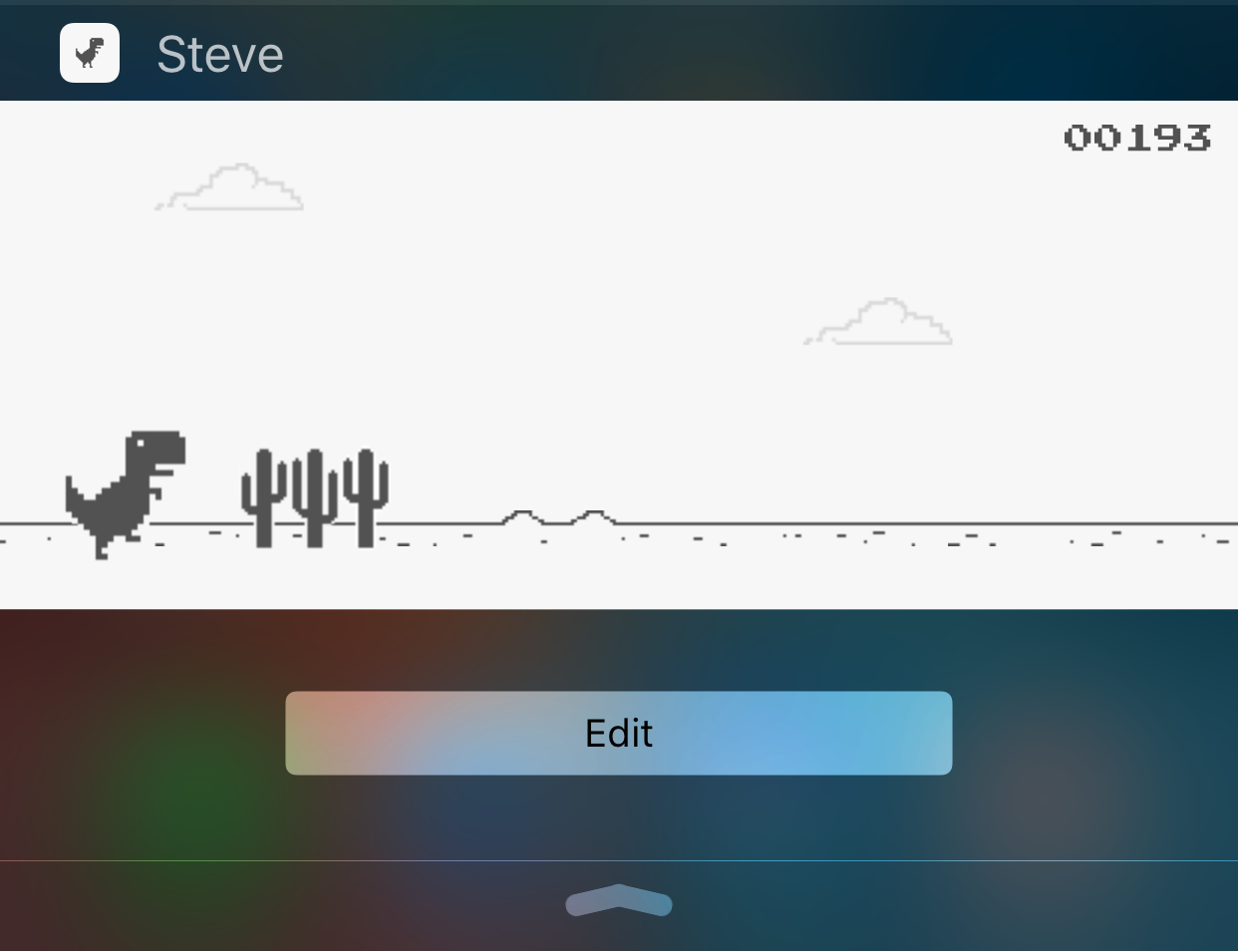
While looking through them, I discovered a free endless runner game called Steve - The Jumping Dinosaur, but unlike other endless runners you've played before, this game is played inside of a Notification Center widget rather than from the app itself.

Use text replacement in iOS to input email addresses faster

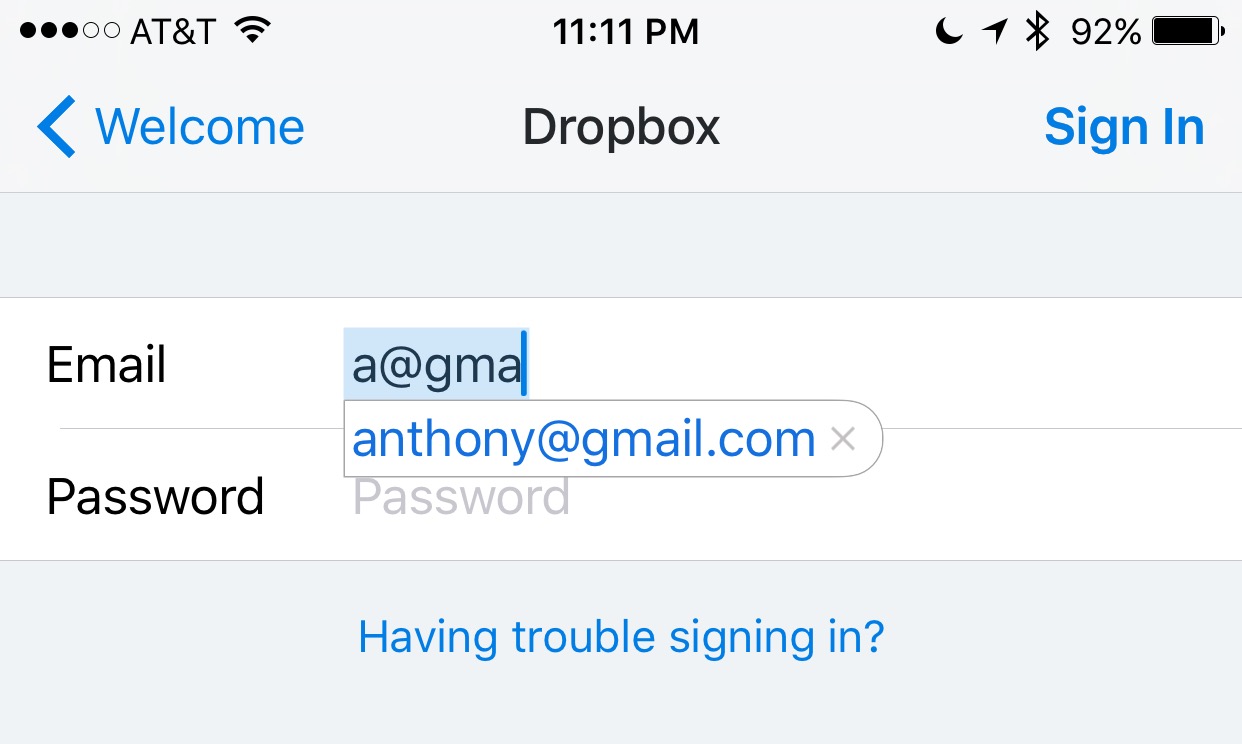
Email addresses can be long and annoying to type, especially when you're one of those goofballs out there with the weird emails like iph0n3_fan_09325@emailaddress.com, or something else with a bunch of wonky characters you don't care to remember or spend the time typing.

This is why when I came across this tip on how to make email address entry simple and fast from a friendly iDB reader, I wanted to share it with the rest of you.

Downgrades no longer possible as Apple stops signing iOS 9.3 for some devices

On Monday, Apple has pulled the signing plug on its iOS 9.3 firmware for its lineup of iPhones, iPod touches, and iPads.

As a result, downgrades through iTunes to iOS 9.3 are no longer possible, and there's no way to upgrade specifically to iOS 9.3 from an earlier firmware.

Instead, users will be directed to install iOS 9.3.1 when restoring or updating their devices through iTunes.

Update: It seems that not all versions of iOS 9.3 have stopped being signed. It appears that iOS 9.3 is not being any longer for newer devices (i.e. iPhone 6s, iPad Air 2), but it is still being signed for older devices (ie. iPhone 5s).

How to increase your privacy by removing location from Diagnostic & Usage Data logs

Apple collects anonymous information about how you use your iPhone, iPad, iPod touch and other devices so that it can improve its products in future releases. End users can easily opt in and out of diagnostic collection in the Settings → Privacy → Diagnostics & Usage section.

I have this enabled to help Apple improve their products, but privacy-minded people might opt out of diagnostic collection on the grounds that the logs include their approximate location.

In this tutorial, we'll explore increasing your privacy on iOS by having your location excluded from diagnostic data that iOS creates.

Quickly and easily record animated GIFs with Giphy Cam

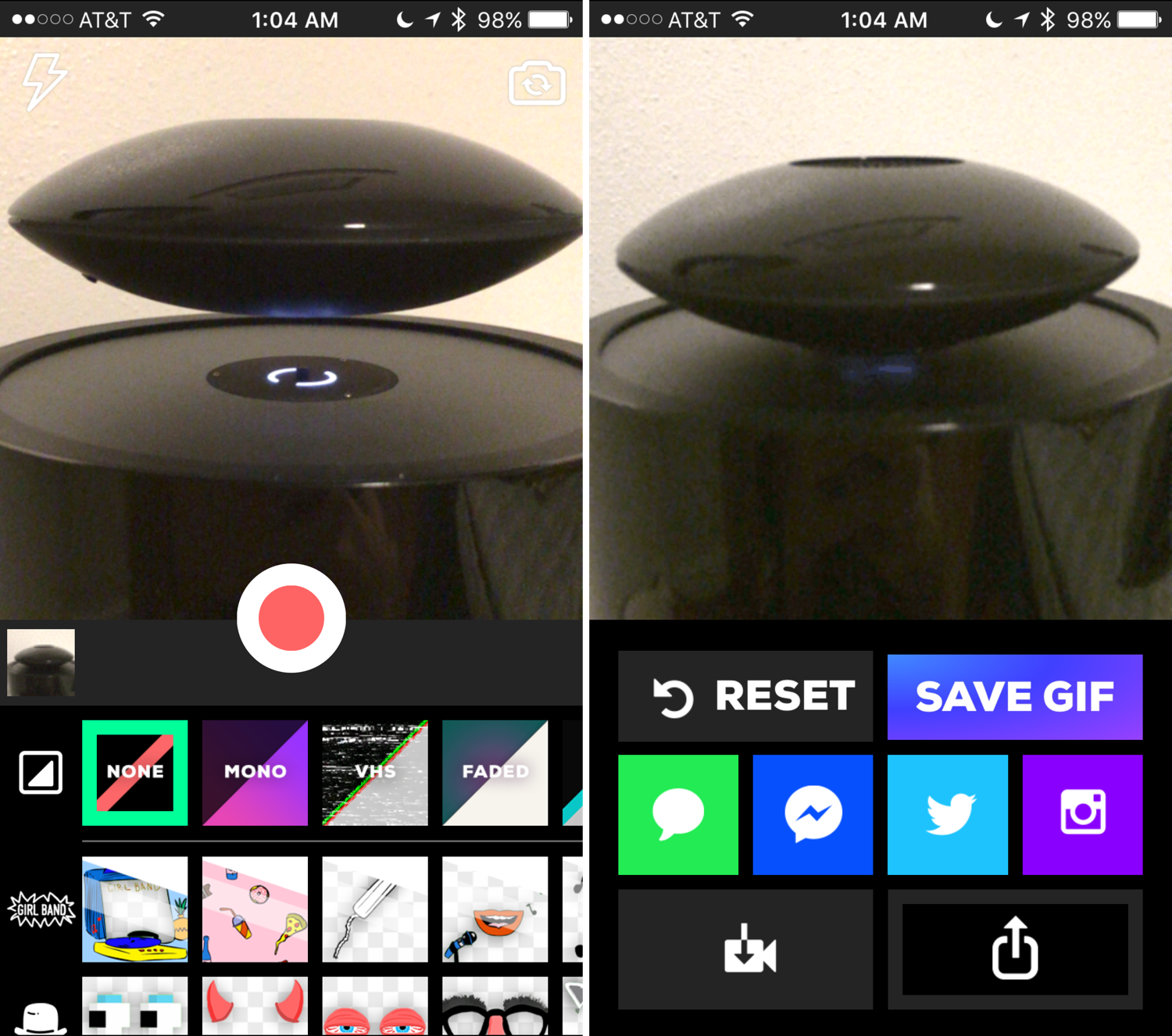
Animated GIFs are fun, the only thing is, creating them generally requires a computer and either some fancy GIF-making software, or a website that can convert video files to animated GIFs.

Fortunately, for those of you that spend most of your time mobile, rather than at a computer, the free GiphyCam app from the App Store provides an all-in-one experience for iPhone, iPod touch, and iPad users.

We'll talk about GiphyCam in this piece and show you how you can use it to record your own animated GIFs right from your mobile device.

Jailbreak tweaks of the week: Volume Mixer 2, & More…

Another week, another jailbreak tweak roundup. We bring you these every week to make sure you never miss a beat.

We've seen some interesting jailbreak tweak releases throughout this week, and this piece, we'll talk about what our favorite releases were, and then show you what else launched in Cydia this week.

How to fix IP address conflicts on your Wi-Fi network

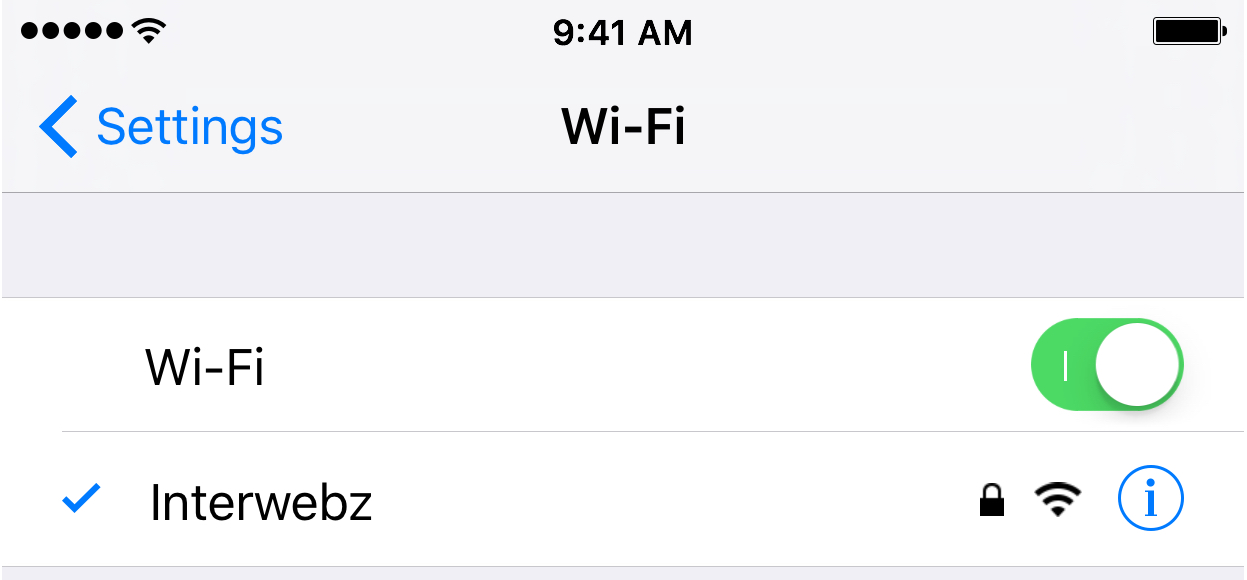
Every so often, you might end up with two devices on your Wi-Fi network that have the same IP address. This conflict can cause a plethora of problems with trying to use the internet on any of the devices affected.

Fortunately, there's a really easy to way reset your IP addresses on your iOS devices or Macs, and in this tutorial, we're going to show you how!

How to turn off AMBER, Emergency, Public Safety, and Test alerts on iPhone

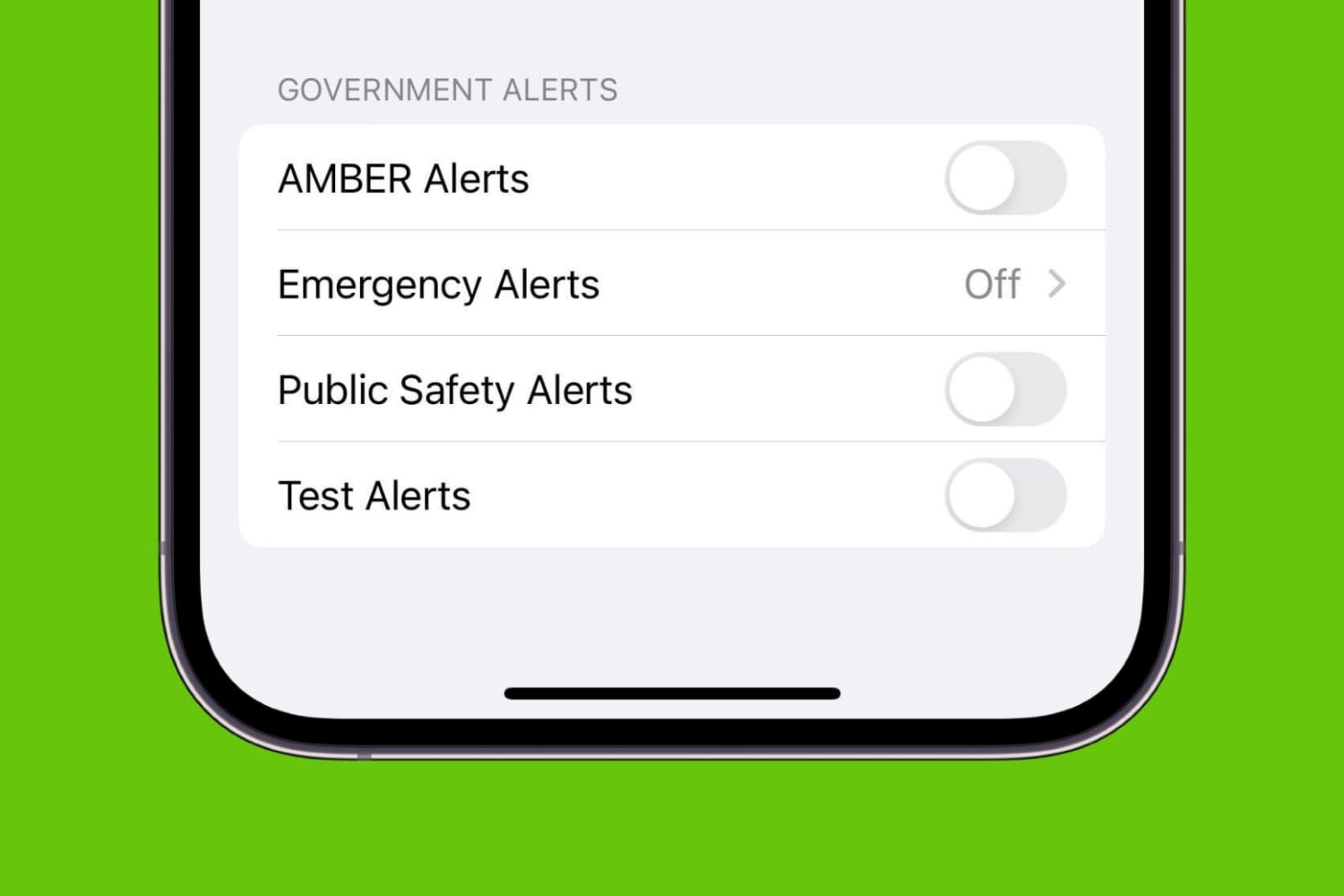
AMBER Alerts, Emergency Alerts, Public Safety Alerts, and Test Alerts on iPhone

Your iPhone comes equipped with government notifications, such as AMBER, Emergency, Public Safety, and Test alerts. These time-sensitive notifications are pushed out to individuals by their carriers based on their location and can be useful for a variety of reasons. On the other hand, if you don’t think you’ll be using them anytime soon or you get sick of seeing them on your device, you can always disable them.

Snapchat stickers can now move in tandem with objects and people in your videos

Snapchat today announced a very cool object-tracking feature that works with live video, in real time.

Now available in Snapchat for Android and coming soon to the company's iPhone application, users can optionally attach a sticker to an object or a person in the frame and Snapchat's algorithm will handle the rest and do all the heavy lifting for you, Engadget reports.

You could add colorful scribbles to your photos and videos before but these were static. By pairing stickers with specific parts of your recording, the Snapchat algorithm can make them move, rotate and change their size to follow the object it's attached to as it moves around the frame.