iOS

iOS 10 tidbit: unlocking iPhone and iPad without launching Home screen

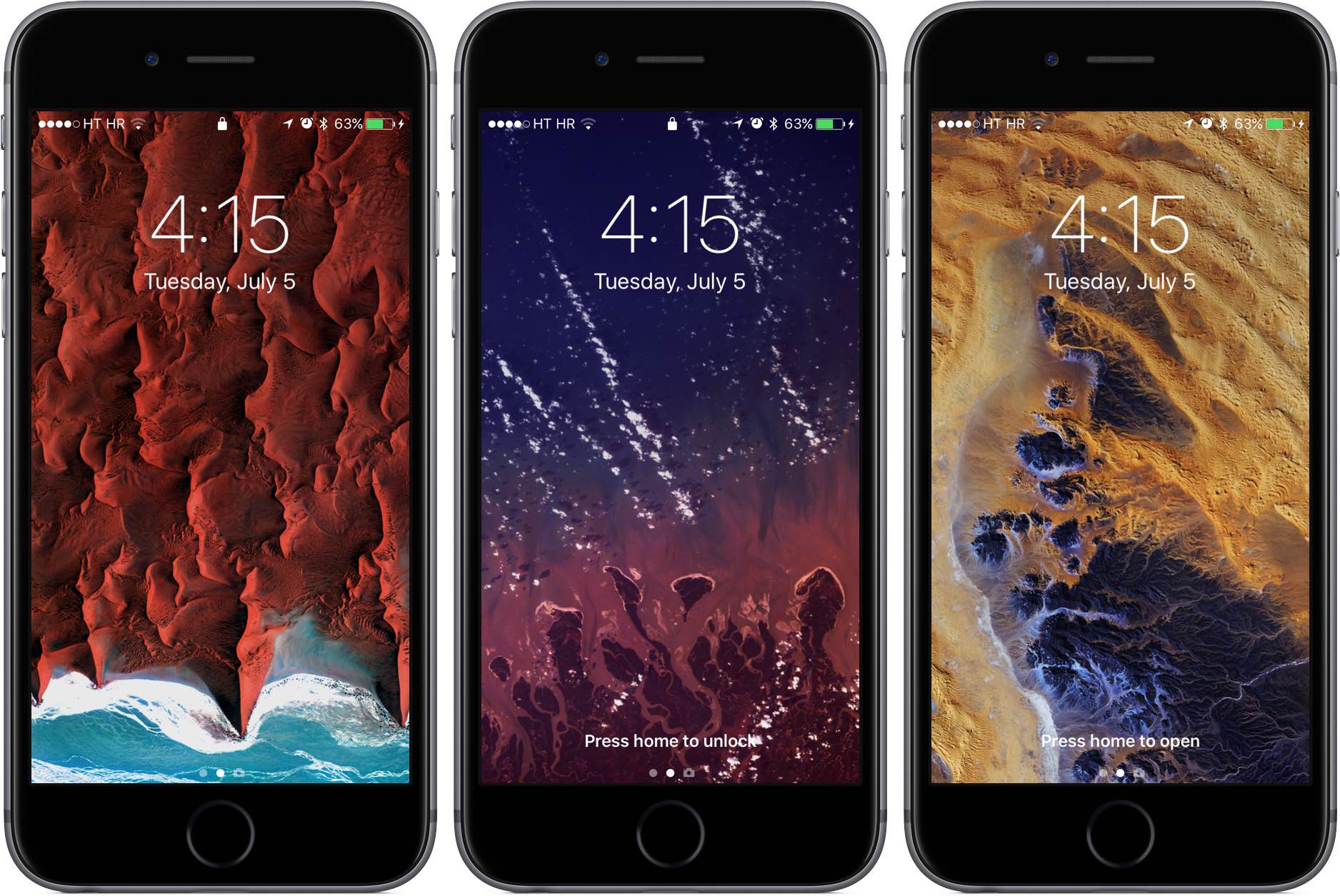
As we wrote before, iOS 10 changes the way unlocking your iPhone, iPad and iPod touch works. For starters, iOS 10 does away with the familiar slide-to-unlock gesture so instead of “Slide to Unlock”, which now takes you to a dedicated widgets screen, you get to see a new “Press Home to unlock” message on the Lock screen.

As a result, unlocking a Touch ID-outfitted iOS device now requires you to press the Home button rather than rest your finger on it, like in prior editions of the software. But as it turns out, iOS 10 gives users another, previously unavailable option for unlocking their device without automatically launching the Home screen.

iOS 10’s Health app will let US users sign up as organ, eye and tissue donors

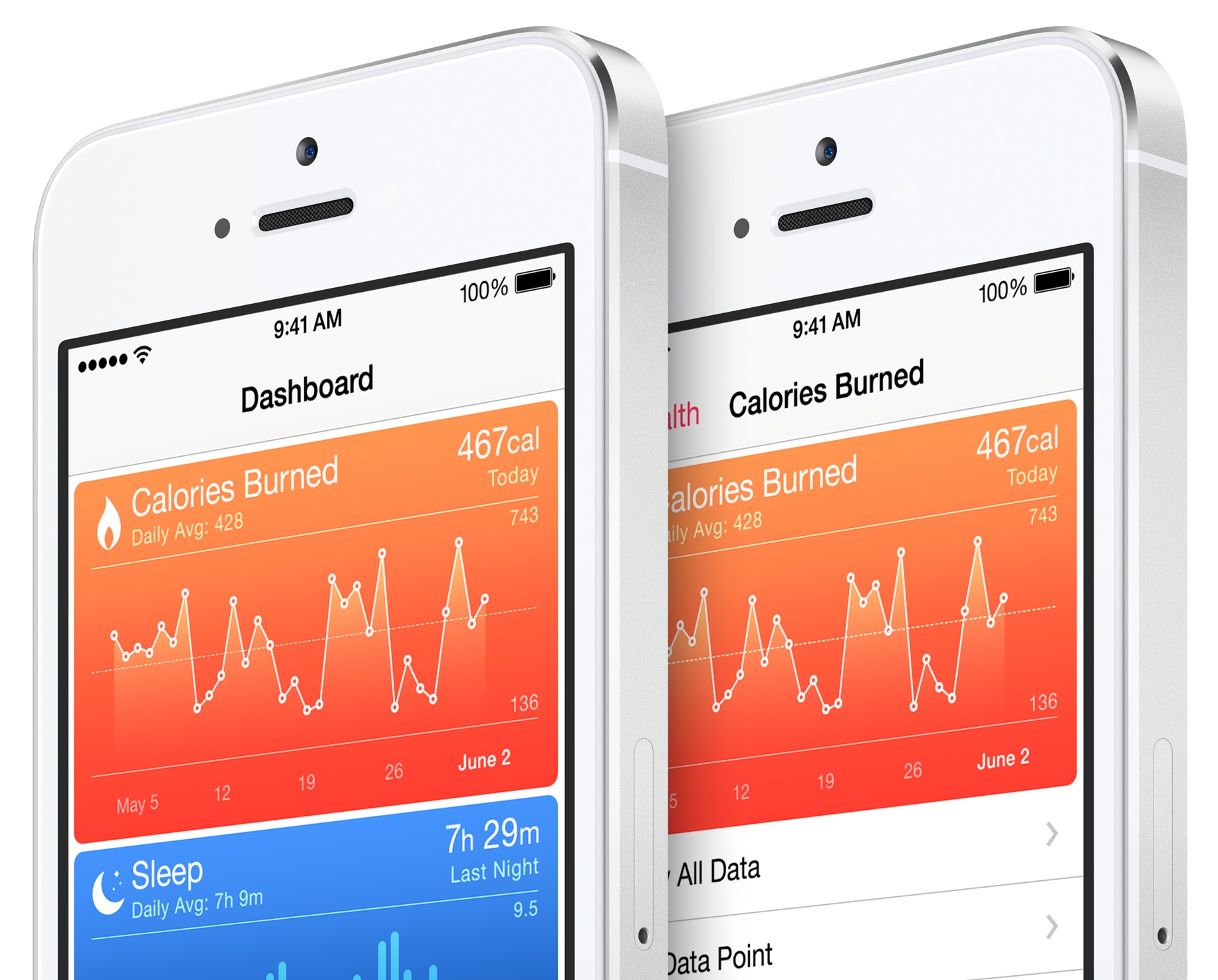
Apple announced Tuesday that it will add an organ donor registration option to the stock Health app in iOS 10. People in the United States will be able to use a built-in option in the Health app when iOS 10 launches for public consumption this fall to register themselves as organ, eye and tissue donors.

CEO Tim Cook told the Associated Press that the feature should help ease a longstanding donor shortage, reminding the public that the problem hit home when Apple co-founder Steve Jobs endured an “excruciating” wait for a liver transplant in 2009.

Clearing your search history from the Instagram app

Instagram users who search for things frequently leave a trail behind that shows everything they've searched for, and to some who are used to hiding their tracks, this could be considered a privacy concern.

If you want to clear your search history from the Instagram app on your iPhone or iPod touch, then follow along as we take you through the simple steps to do so in this tutorial.

iOS 10 tidbit: using Digital Touch in Messages to send kisses instead of hearts

Aside from a lot of other advances, iOS 10 turns the Messages app into a platform upon which developers can build downloadable stickers, full-screen animations and chat bubble effects. Messages in iOS 10 also supports Digital Touch, a feature that first debuted on the Apple Watch.

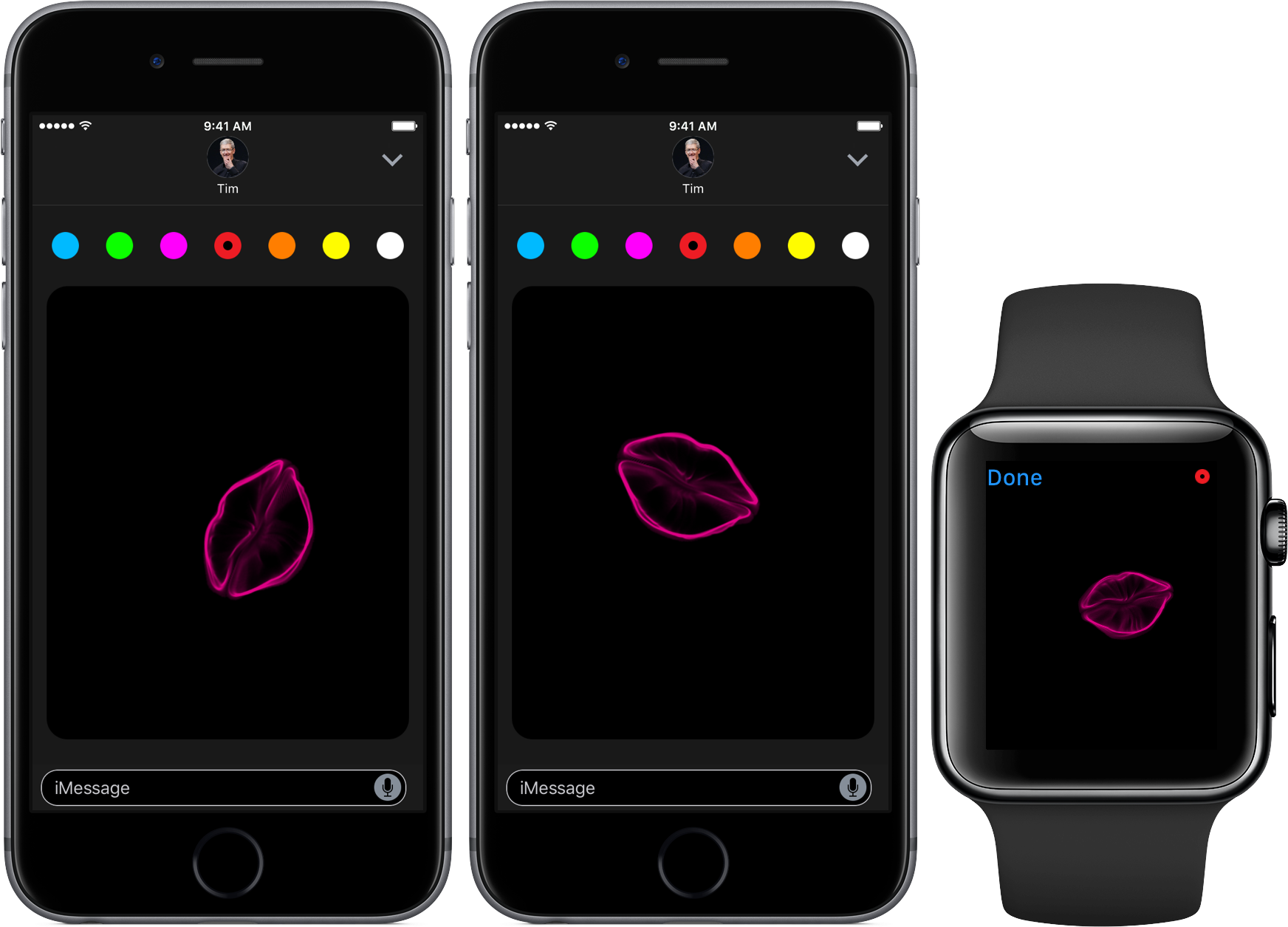
With the new Digital Touch interface in iOS 10 Messages, users can draw and sketch with their finger on photos and video, send hearts and create other digital effects on video. But as it turns out, users also have the option to send animated kisses instead of heart beats using a simple gesture.

Apple launches downloadable iMessage sticker packs for iOS 10

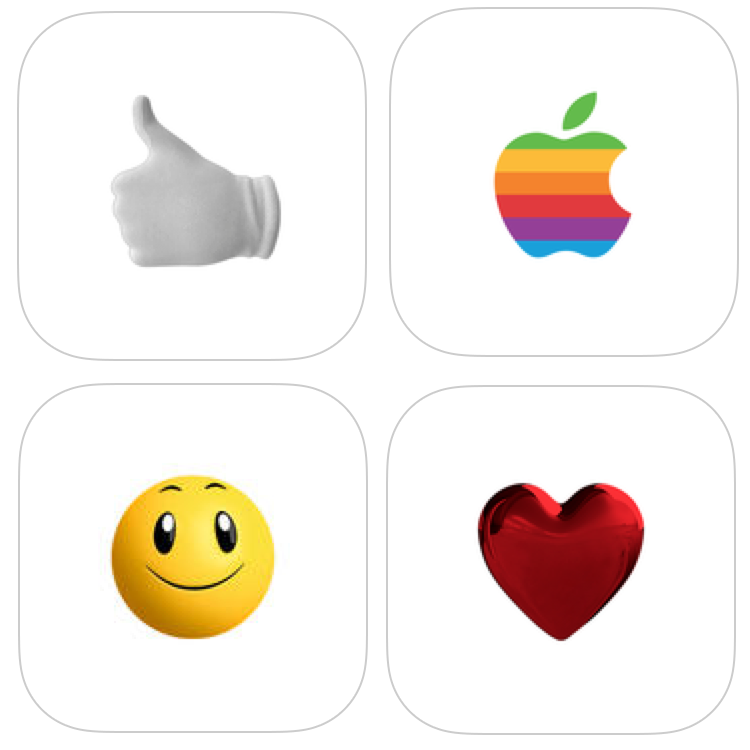
Apple on Friday released four sets of sticker packs for iOS 10 that can be downloaded from the App Store and used in the new Messages app that Apple demonstrated at the WWDC 2016 keynote.

Each of the packs are free to download and include animated stickers that behave much like those in Facebook Messenger do when they're sent to the recipient.

iOS 10 tidbit: managing read receipts on a per-conversation basis

iOS 10 has a new hidden switch, called Emergency Bypass, which permits you to override your global Do Not Disturb setting on a per-contact basis. It's especially handy for those times when you wanna enable Messages notifications for a contact that isn't in your Favorites, even if Do Not Disturb is on.

A similar new feature in iOS 10's Messages app makes it easy to enable or disable read receipts, which tell the other person when you've read an incoming text, on a per-conversation basis.

iOS 10 tidbit: prioritizing App Store downloads with 3D Touch

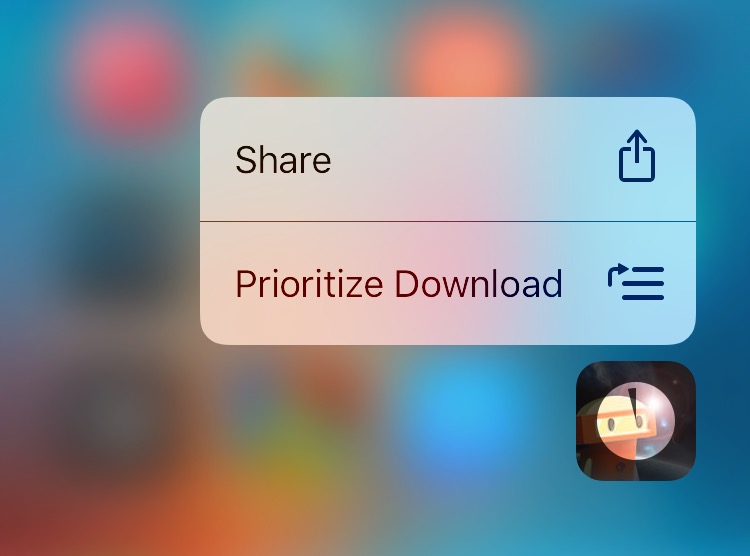
In addition to using 3D Touch on the iPhone 6s and iPhone 6s Plus to cancel or pause in-progress app downloads, iOS 10 lets you prioritize a single App Store download at the expense of the other ones with 3D Touch. Reddit user “nite_” stumbled upon this feature while restoring his iPhone running a beta of iOS 10 from an iCloud backup, allowing him to prioritize the bulk download of apps with 3D Touch.

iOS 10 preview: keep yourself well-rested with Bedtime and Wake alarm

In addition to a gorgeous new dark interface, the Clock app on iOS 10 packs i a little-known but useful new feature— Bedtime and Wake alarm. With it, you can set up a regular sleep schedule to receive reminders when it's time to hit the bed and wake up.

By making it easier than ever to create a regular sleep schedule and receive timely bedtime alerts, this feature could help the insomniac types get a good night's sleep. With that in mind, watch our video hands-on and read a detailed preview of the new Bedtime and Wake alarm feature in iOS 10's Clock app.