iOS

iOS 10 tidbit: managing read receipts on a per-conversation basis

iOS 10 has a new hidden switch, called Emergency Bypass, which permits you to override your global Do Not Disturb setting on a per-contact basis. It's especially handy for those times when you wanna enable Messages notifications for a contact that isn't in your Favorites, even if Do Not Disturb is on.

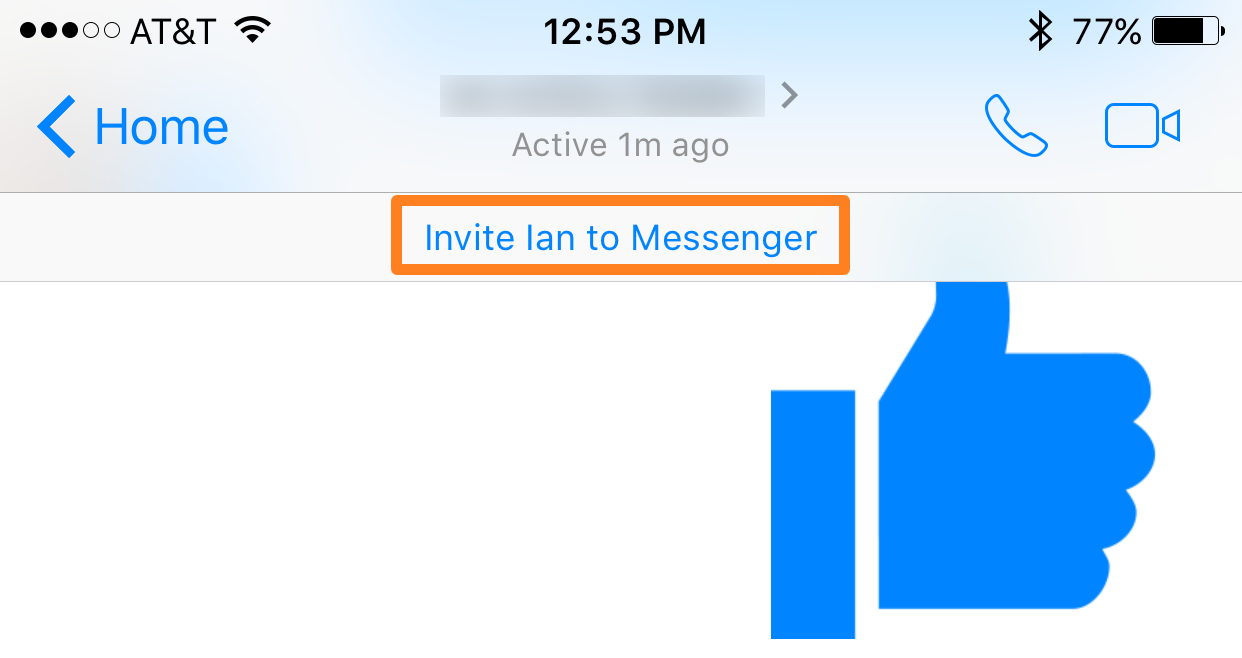
A similar new feature in iOS 10's Messages app makes it easy to enable or disable read receipts, which tell the other person when you've read an incoming text, on a per-conversation basis.

iOS 10 tidbit: prioritizing App Store downloads with 3D Touch

In addition to using 3D Touch on the iPhone 6s and iPhone 6s Plus to cancel or pause in-progress app downloads, iOS 10 lets you prioritize a single App Store download at the expense of the other ones with 3D Touch. Reddit user “nite_” stumbled upon this feature while restoring his iPhone running a beta of iOS 10 from an iCloud backup, allowing him to prioritize the bulk download of apps with 3D Touch.

iOS 10 preview: keep yourself well-rested with Bedtime and Wake alarm

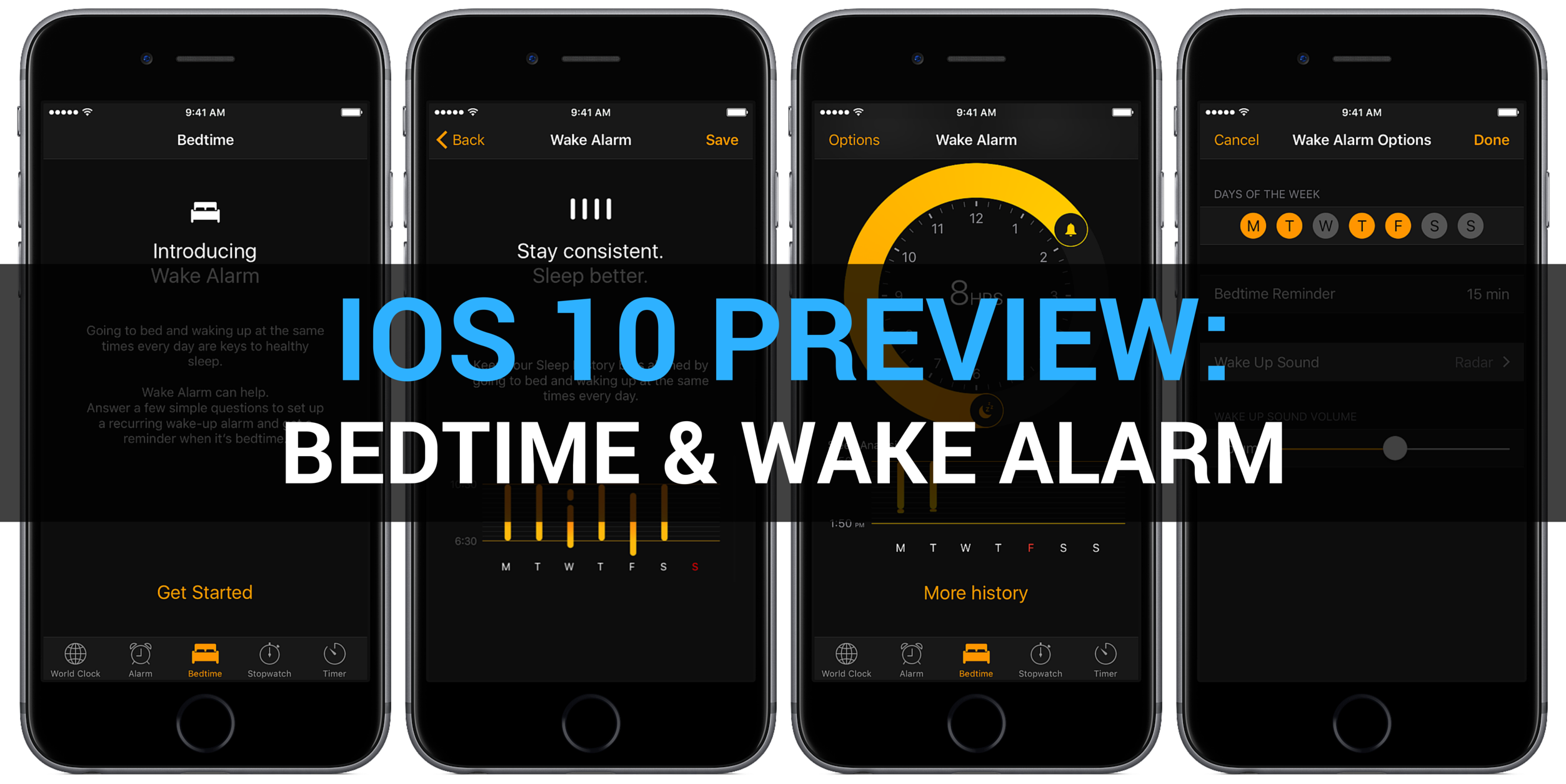
In addition to a gorgeous new dark interface, the Clock app on iOS 10 packs i a little-known but useful new feature— Bedtime and Wake alarm. With it, you can set up a regular sleep schedule to receive reminders when it's time to hit the bed and wake up.

By making it easier than ever to create a regular sleep schedule and receive timely bedtime alerts, this feature could help the insomniac types get a good night's sleep. With that in mind, watch our video hands-on and read a detailed preview of the new Bedtime and Wake alarm feature in iOS 10's Clock app.

Jailbreak tweaks of the week: CarPlay iOS 2.0, Delen for Tweetbot, & more…

Despite the slowness of the jailbreak community as of late in the midst of no new jailbreak, Cydia is still seeing a number of tweak releases throughout each week.

Every Sunday we bring you our roundup of all the jailbreak tweaks and apps released in Cydia this week, and this weekend is no different.

In this roundup, we'll show you our favorite Cydia releases first and then talk about some of the others.

A closer look at Differential Privacy in iOS 10 and macOS Sierra

Making Apple services even smarter and more personalized entails processing troves of information because intelligence is driven by big data. The fact that iOS 9's proactive features don't tap into the cloud has served Apple well thus far. But since Google Assistant came to light, people have been wondering if Apple can compete without resorting to raw data collection Google is infamous for.

iOS 10 and macOS Sierra represent Apple's refined approach to privacy, which revolves around new techniques collectively known as Differential Privacy. An en vogue statistical method, Differential Privacy helps Apple deliver smarter services without compromising privacy of their users.

It's a relatively unproven technique with lots of potential which hasn’t been used to boost Apple's services before iOS 10 and macOS Sierra. Here's a closer look at Differential Privacy, how it powers intelligence and proactiveness and why it should serve Apple better than Google's bulk data collection and analysis.

Enjoy the new Unicode 9.0 emojis on iOS right now with a simple workaround

Many of you probably already heard the news that Unicode 9.0 became official this week and that there were going to be 72 new emojis coming soon.

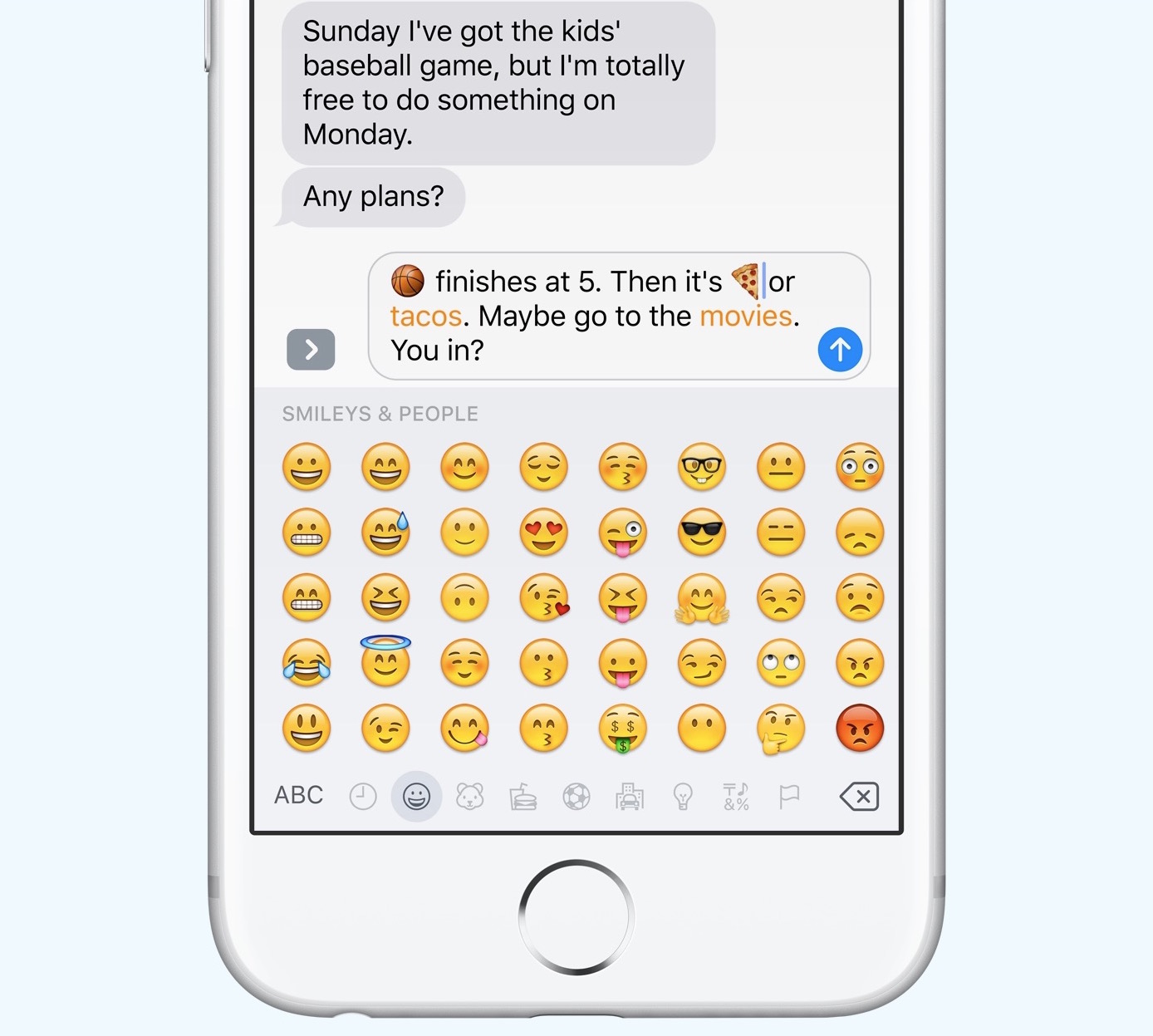
Although Apple is likely to add support for these new emojis in iOS 10 in a future beta or release update, they're not yet available in iOS whatsoever, but in this tutorial, we'll show you how you can still use them without a jailbreak on a completely stock device.

Apple confirms its new Differential Privacy feature will be opt-in only

iOS 10 and macOS Sierra tap into an interesting technology, called Differential Privacy, which makes possible data collection from a large number of users without compromising individual user's security and privacy. Re/code has now learned from Apple that Differential Privacy will be opt-in only, meaning privacy-minded folks won't be required to use the feature unless they specifically want to.

Bottom line: Apple won’t collect your data to make its services a lot smarter unless you specifically let it.

Apple explains why iOS 10 kernel is unencrypted

Following the discovery by MIT Technology Review that the kernel in iOS 10 beta is unencrypted, Apple has gone on the record to explain why that's the case. Speaking with Dave Mark of The Loop, an Apple spokesperson has officially confirmed that the decision was intentional.

Now, some security experts speculated that leaving the iOS 10 kernel unencrypted would aid anyone, nefarious users included, looking for security weaknesses in the iOS software.

Apple explains why such fears are unfounded.

This tweak lets you send images via direct message in Tweetbot

There are a lot of people who choose to stick with the stock Twitter app because of Tweetbot 4's price, but it is, without a doubt, one of the most popular third-party Twitter client apps out there for iOS devices.

Nevertheless, its popularity doesn't make it perfect; there is one major downfall to Tweetbot 4 that many users find a little upsetting, and it's that you can't send photos in a direct message.

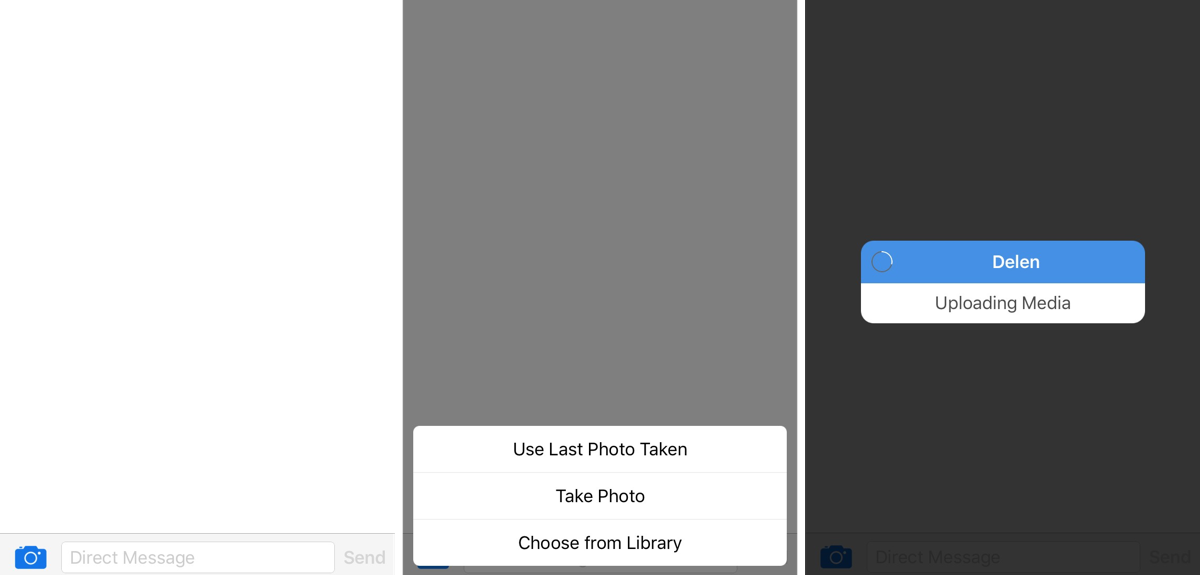
In comes a new jailbreak tweak dubbed Delen for Tweetbot, which now enables the feature for Tweetbot 4 users.

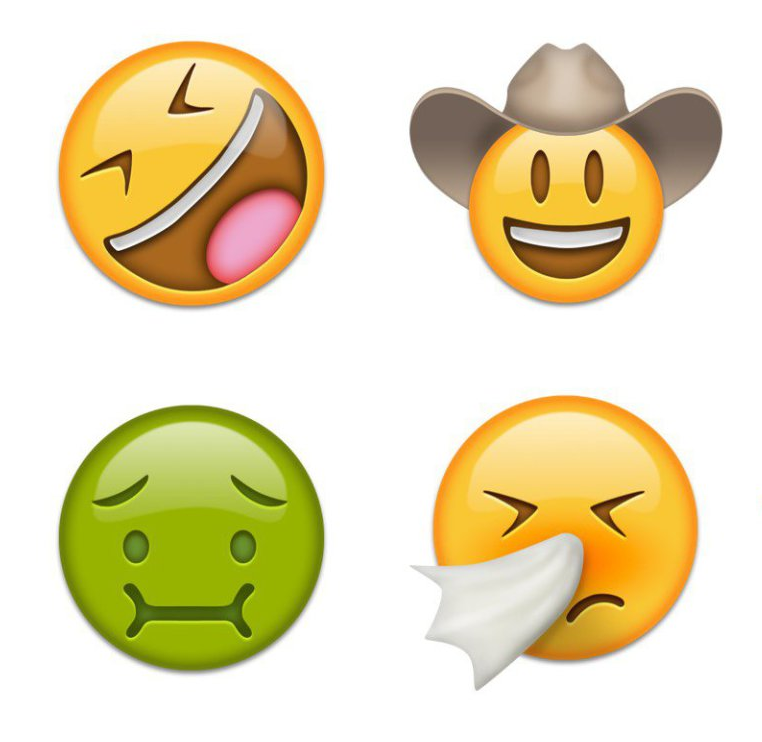
Unicode 9.0 goes official with 72 new emojis

The Unicode Consortium, the organization which develops the Unicode standard that specifies the representation of text in all modern software, officially announced Unicode 9.0, the next major revision to the Unicode standard.

The Unicode 9.0 specification is now available to vendors with 7,500 new characters for a total of 128,172 characters, including six new scripts and 72 new emoji characters.

iOS 10 beta kernel is unencrypted, but why?

MIT Technology Review has discovered that the kernel in iOS 10 beta is unencrypted, making it a lot easier for technology-minded users, jailbreak developers and the like to take a peek under iOS's hood and pinpoint any potential vulnerabilities.

For those wondering, kernels in all prior iOS betas used to be encrypted. Is this a bold move meant to help strengthen security in iOS 10 or will this decision actually introduce further security risks and open new attack vectors for hackers to exploit?