iOS

How to play YouTube and other web videos inline in Safari on iPhone

With iOS 10, Safari didn't receive a major facelift like some other Apple apps did. That's not saying Safari didn't have a few tricks up its sleeve that make browsing the web a more pleasing experience for everyone. One of the little things about iOS 10 that I'm sure many folks appreciated was the ability for Safari to play videos inline on the iPhone and iPod touch, too.

This feature has been present on iPads for years.

Thankfully, you can watch most web videos inline on your iPhone and iPod touch, even while multitasking in Safari. Telling Safari to play a video inside the webpage isn't as obvious as it could have been, so here's a little tutorial to get you up to speed.

AppRestrict lets you stay productive by putting time limits on your apps

I have a pretty bad problem with procrastination, which is made worse by all the distractions I deal with, and it seems like a mutual issue for a lot of people who own smartphones because notifications always go off left and right.

Fortunately, a new jailbreak tweak called AppRestrict offers a way to stay more productive with your life by setting time frames for which certain apps on your iPhone or iPad will be locked to keep you from getting distracted.

How to disable iPhone 7 force feedback for system controls and interactions

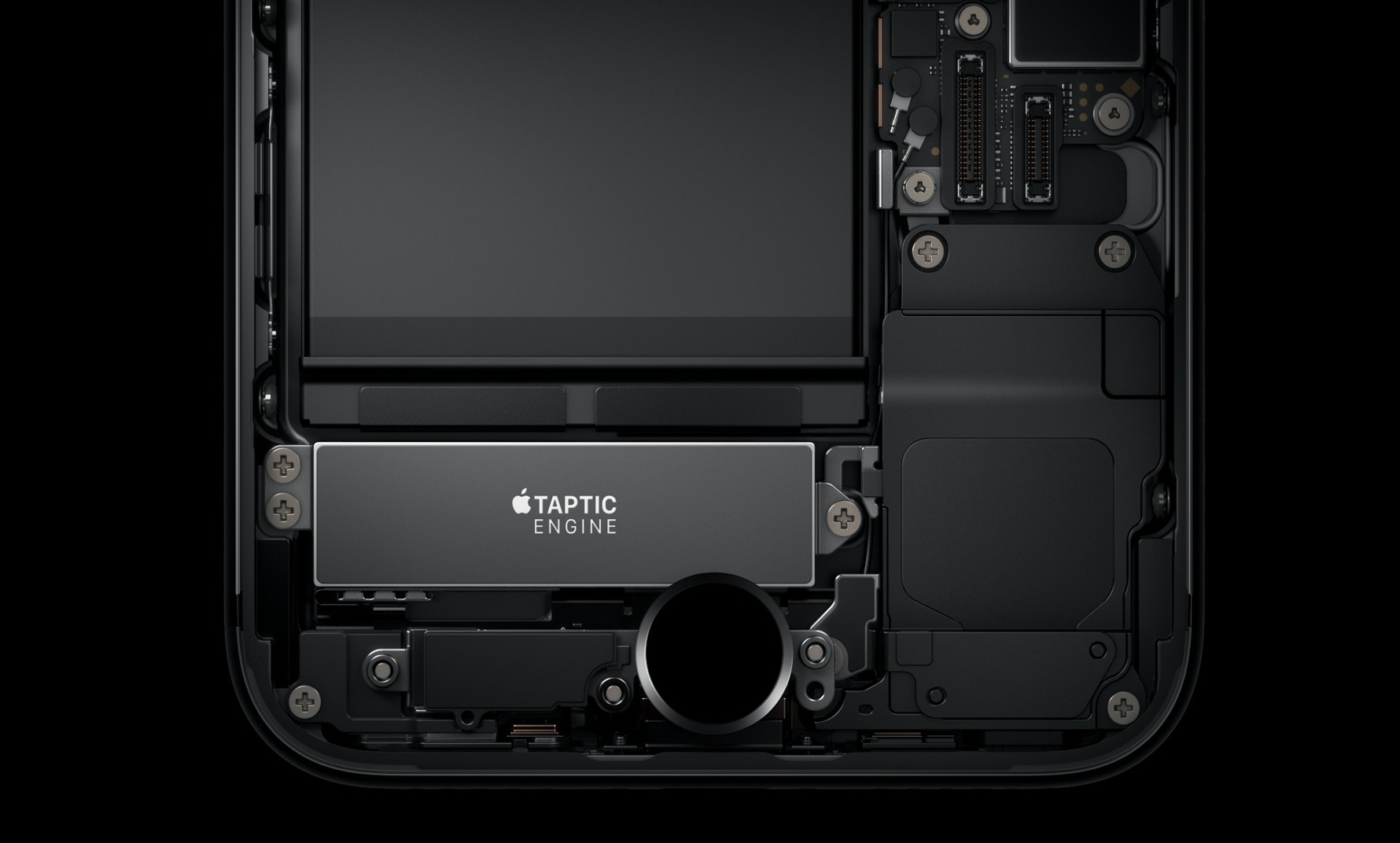
The iPhone 7 packs in a bigger, more sophisticated Taptic Engine that one in the iPhone 6s. Taptic Engine, of course, is Apple's fancy marketing moniker for force feedback. The iPhone 7's enhanced Taptic Engine is capable of reproducing a range of subtle vibrations.

In fact, it's so good that Apple has decided to provide a new API to developers to add custom vibratory feedback to their apps. If you dislike this feature, you can turn off iPhone 7 haptics for things like system controls and other interactions.

New low quality mode in iOS 10 Messages uses circa 100KB per sent image

As you know, iMessage overcomes many of the limitations of standard MMS. Every time you attach an image taken on your iPhone and iPad to an iMessage, it's delivered in its original size and resolution. Some downscaling may occur, but only for very high resolution images: those taken with an iOS device are always delivered in their original form without any resizing taking place.

And herein lies a problem for those of you who send a lot of images via a cellular data connection.

Knowing a typical photo taken on an iPhone 6s weighs in at between three to five megabytes (or even more), it does add up pretty quickly. If you're concerned about cellular data consumption (as you should be), pay attention as Messages on iOS 10 offers a brand new low quality mode.

We've determined it downscales images sent through iMessage to circa 100 kilobytes each. In other words, for the amount of data you'd normally spend to shoot someone a single photo via iMessage you get to send 30 to 50 images in low quality mode.