iOS

Launchpad adds a paginated information system to the Reachability interface

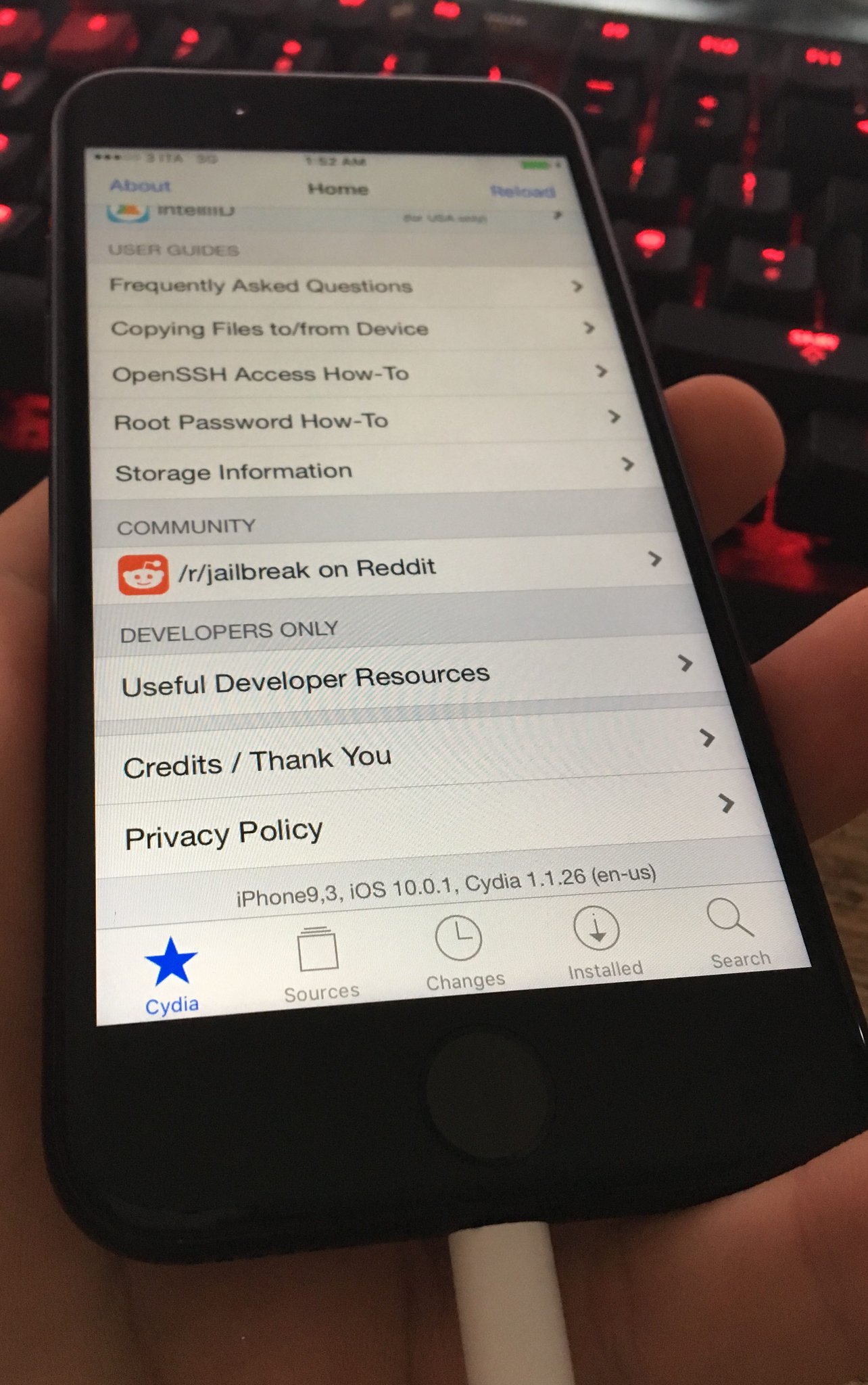
Reachability, a feature designed by Apple to make it easier to tap on things that normally appear at the top of the screen on iPhones with larger displays, has always been deemed "wasted space" by the jailbreak community.

Yet another jailbreak tweak release to try making use of that space is Launchpad, which will give you a customizable paginated information system in the Reachability interface.

Facebook Messenger gains iOS 10 integration on the Lock screen and in Phone app

Facebook just pushed a major update to its Messenger software in the App Store. On iPhones with iOS 10, the app now takes advantage of Apple's new CallKit framework to make audio (VoIP) calls from Messenger look and behave like normal cellular calls with full support for Lock screen and Phone integration.

Bumped to version 89.0, the app now shows incoming VoIP calls from Messenger contacts right on your Lock screen complete with fullscreen contact images, standard controls like the Mute, Keypad, Speaker, Add Call and Video buttons and more.

CloudMagic email client rebranded as Newton, gets more premium features

As far the Mail app on iPhone and iPad is concerned, it's pretty solid for day to day email activities, but third-party startups are coming up with great ways to improve the email experience. Now that you can remove stock apps from iOS 10, it's a great opportunity to try a new third-party email app on your device.

Enter Newton, a familiar email client, formerly known as CloudMagic, that brings a number of premium features to the world of email on all of your devices.

Delete messages from the Lock screen & Notification Center with MadridDelete

MadridDelete is a new free jailbreak tweak that lets you easily delete SMS and iMessages from either the Lock screen or Notification Center, rather than having to be in the Messages app.

Although you can typically clear notifications and mark messages as read from these places, you have never actually been able to delete a message from the Lock screen or Notification Center until now.

Tip: use Messages low quality image mode to conserve precious cellular data

Apple's Messages app provides an optional iOS-only mode which cuts down your cellular data consumption to a bare minimum when sending image attachments. I don't know about you, but I worry about sharing high-resolution images when cellular data is on. In my experience, most normals are oblivious to the fact that sending a single shot-on-iPhone photograph through iMessage burns through one to five megabytes of data, sometimes even more.

In low quality mode, Messages uses only 100KB per image attachment. Another way to think about it: you can send 30 to 50 images for the same amount of data required to share a full-resolution attachment in Messages. In this brief tutorial, we'll teach you how to tell Messages to send lower quality images in order to optimize your cellular data consumption and prevent unwanted overage fees.

How to use voicemail transcription on iPhone

One of the more useful features for iPhones that comes packed inside of Apple’s new iOS 10 release is voicemail transcription, which transcribes your voicemails into text so you can read them rather than listen to them.

The feature is available to users in the United States and it’s very much still in its beta stages despite the fact that iOS 10 is now a public firmware, but if you want to know how to use it, or to see if you can use it yet, then you’ll be happy to know it’s quite easy to follow.

BetterTextSelection makes precise paragraph text selection possible on iOS

There are a lot of people who get away with using iOS' text selection just fine, but there are others who hate the way it's implemented and find using it to be a pain in the hind quarters.

A new free jailbreak tweak release called BetterTextSelection aims to make the text selection feature in iOS a little more precise, especially in the context of selecting large excerpts of text from blocky paragraphs on a web page.

iPhone 7 outlasts Samsung Galaxy S7 in 35-foot water immersion

When it comes to competition in the technology world, there’s nothing fiercer than that of what exists between Apple and Samsung.

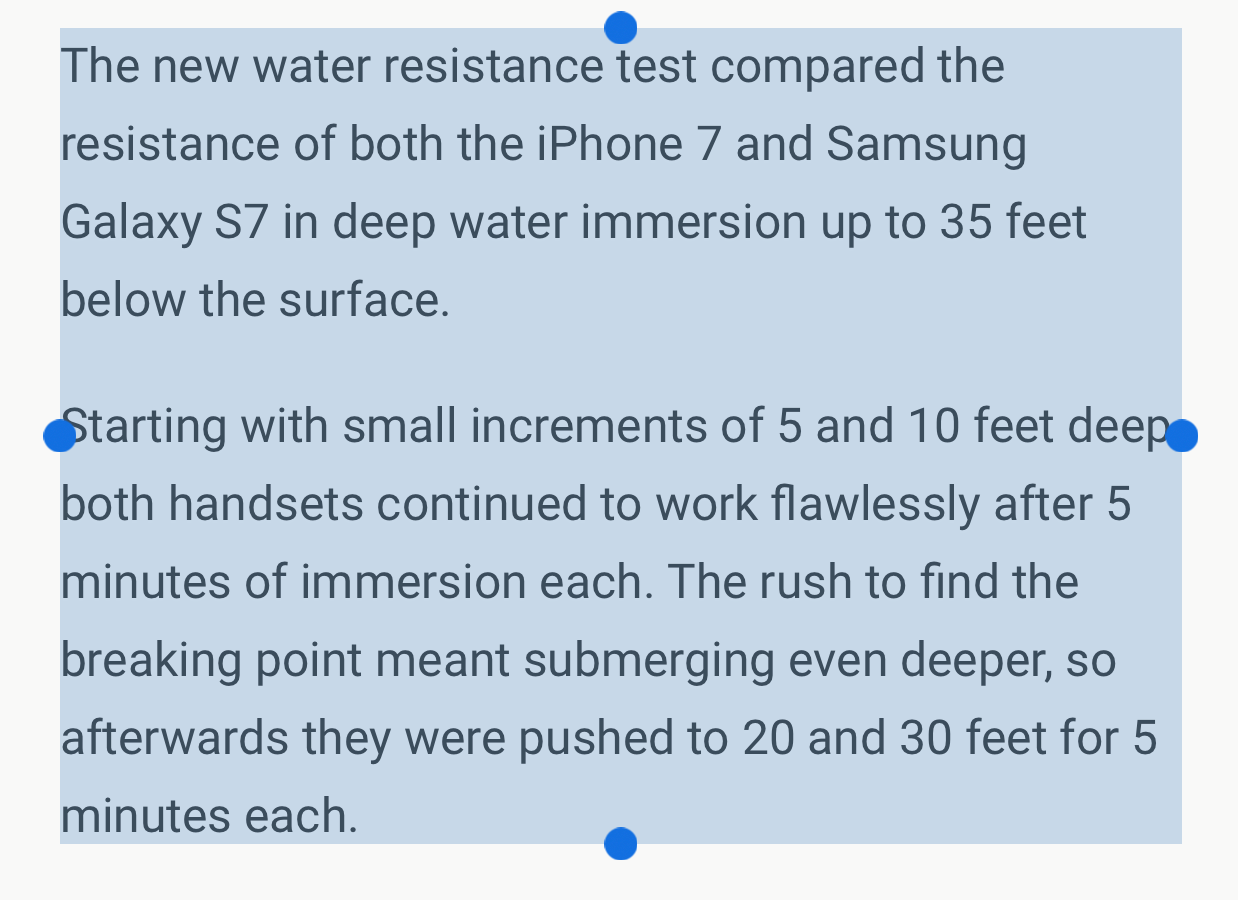
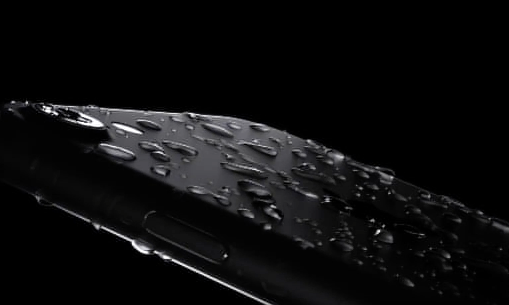
Apple’s new iPhone 7 & 7 Plus handsets are water resistant, and recent water resistance testing has shown that it’s probably under-rated at IP67, but Samsung’s Galaxy S7 is rated to IP68 standards. So how do they compare?

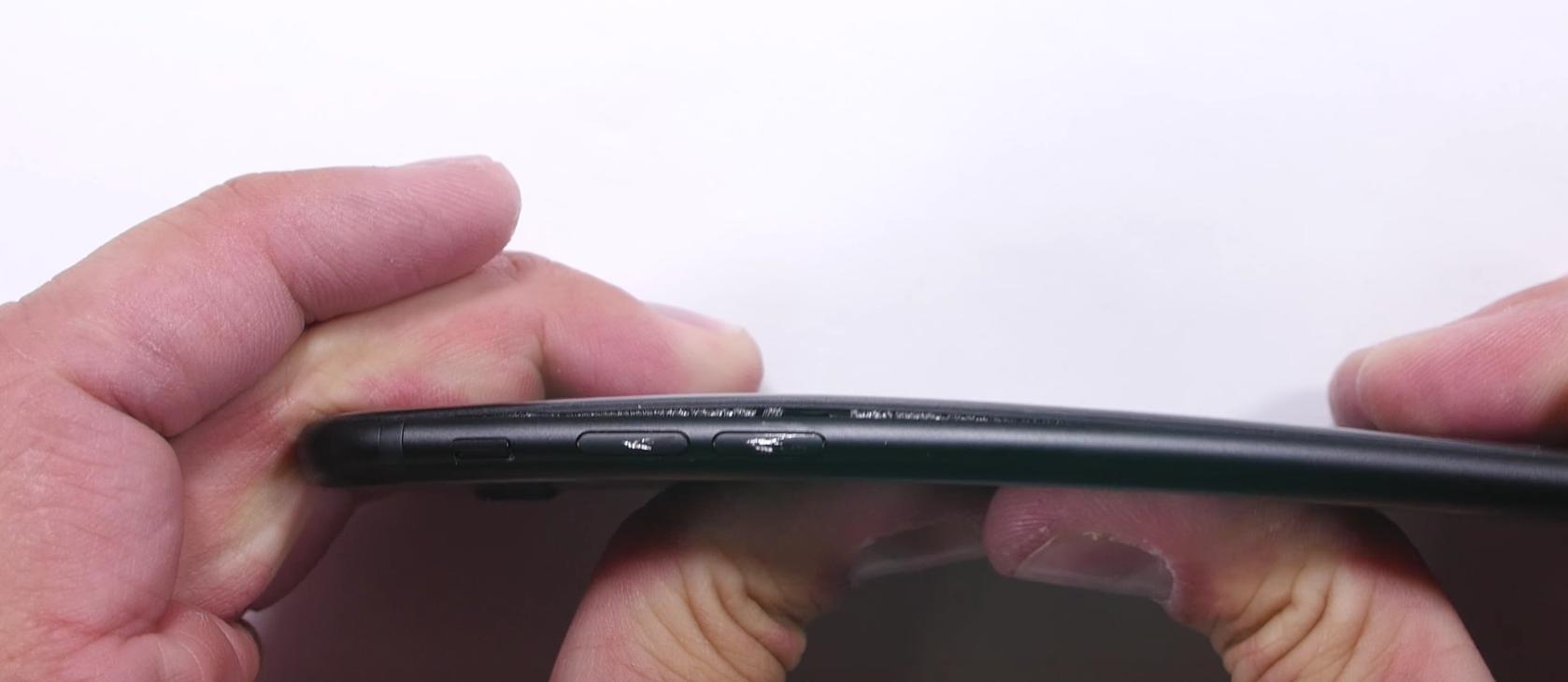
iPhone 7 torture tests show low chance of bending, camera cover & Touch ID scratch easily

Apple’s new iPhone 7 & 7 Plus are just now starting to get into consumers’ hands, and as a result, the run of the mill stress and torture tests have been ongoing since the end of this past week.

The iPhone 7 has proved to be very reliable in water resistance testing, as well as in drop testing, but there are other forms of durability tests too that might tickle your interest.