You can play Messages app effects even if the Reduce Motion feature has been turned on in the Accessibility settings on your iPhone or iPad.
How to enjoy Message effects when iOS Reduce Motion is on
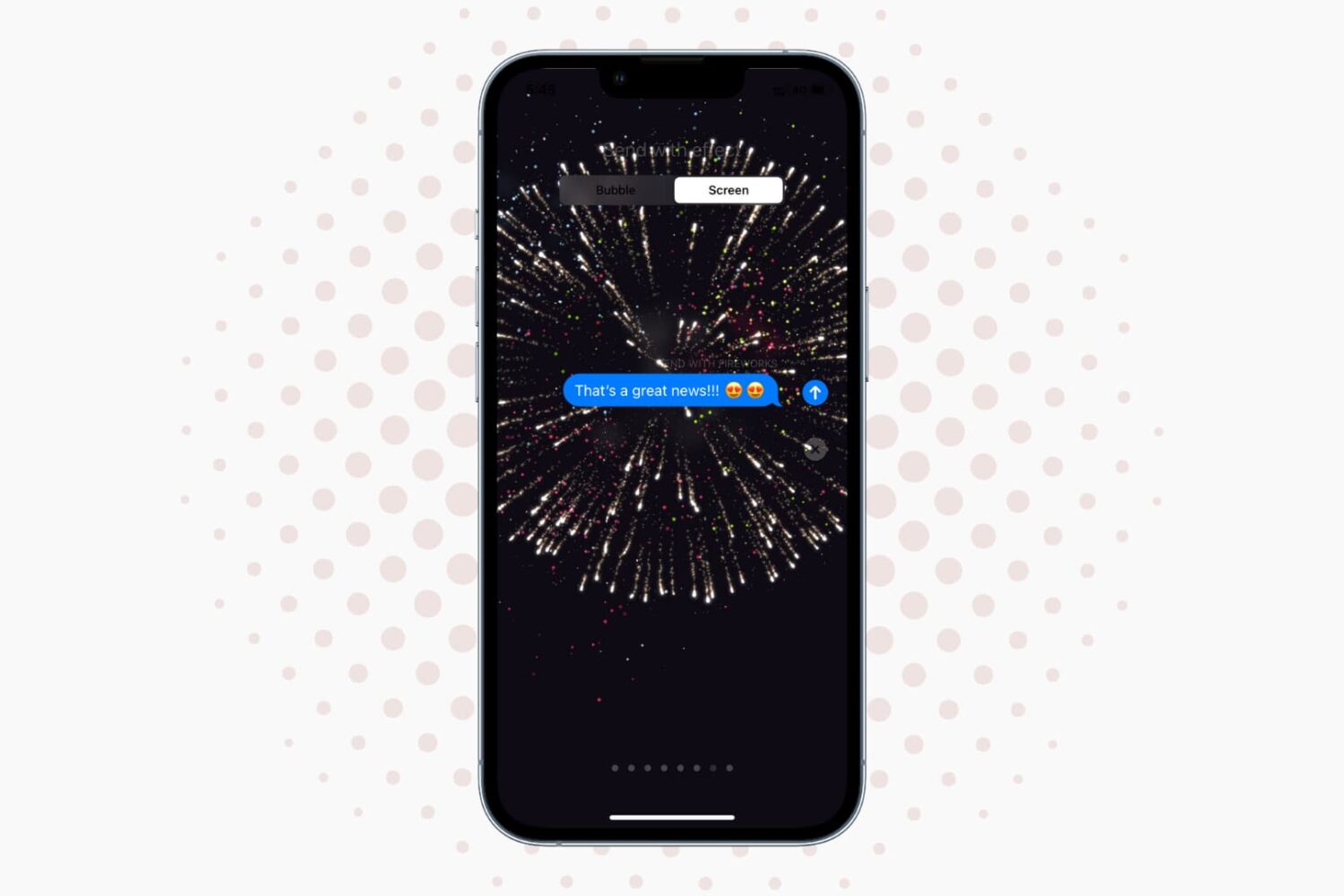
You can play Messages app effects even if the Reduce Motion feature has been turned on in the Accessibility settings on your iPhone or iPad.

Do you watch a lot of videos on your jailbroken iPhone or iPad? If so, then you should check out a new free jailbreak tweak called PlayDismiss. The tweak aims to improve the experience of playing videos on the platform by reducing clutter as quickly as possible when you play a video.

Pokémon GO for both Android and iOS has been updated this week with a number of aesthetic changes and fixes that will make egg hatching and Pokémon type deciphering easier, among other things.
The update brings the game up to version 1.13.3 for iOS.
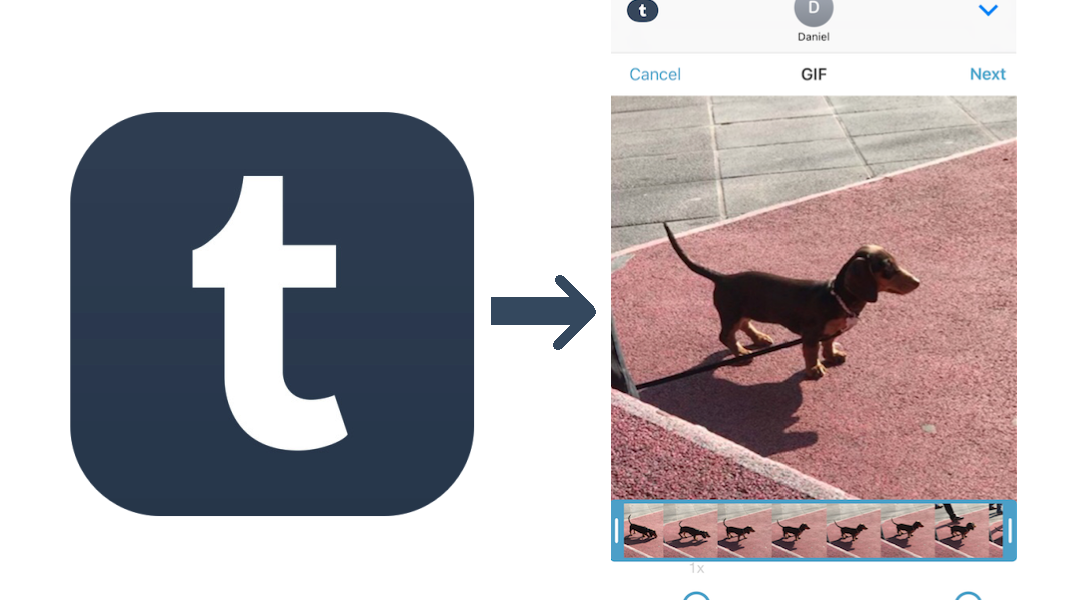
The other day I made a rare visit to my iMessage App Store. Amongst a multitude of others, Tumblr, an App that never fully struck a chord with me, had add an iMessage app to my ‘Manage’ tab, silently begging for me to take it for a spin. I sighed and flicked the switch on, not knowing what to expect from the extension - and have not looked back since.
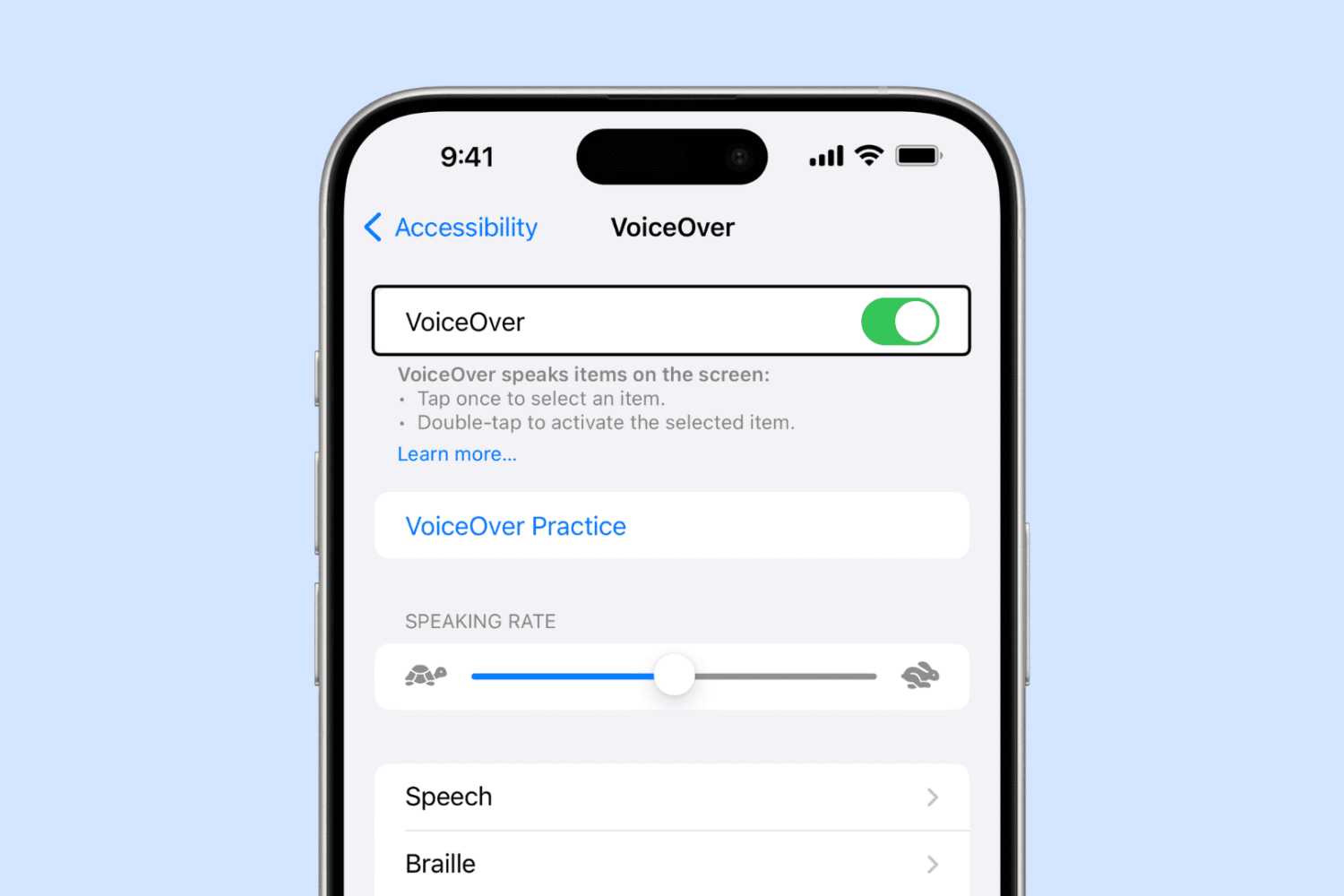
Have you ever enabled VoiceOver on your iPhone or iPad either by accident or out of curiosity, and then couldn't figure out how to disable it? In this tutorial, we’ll show you how to turn VoiceOver off and regain control of your device.

EasyBoat is a new arcade-styled action shooter game for iPhone and iPad with a great balance of both fun and challenging game play.
It comes with clear inspiration from the sailing feature in the Zelda Wind Walker game for Nintendo devices, so if you're familiar with it, you might like this release. Bundled together with fluid graphics and well-executed game mechanics, this is a game for people of all ages.

As the weekend comes to an end, we have another roundup for you all that showcases all the jailbreak tweaks released in Cydia this week.
We will start by showing you all our favorites first, and then we'll get into the rest of them.

If you take a lot of photos or screenshots on your iPhone, then you might be able to use the extensional features of a new free jailbreak tweak called ShutterSoundSwitch.

OneHanded is a new free jailbreak tweak that enables the recently dicovered one-handed keyboard, which includes the extra text editing buttons in the keyboard itself.
It's designed to work on iPhones with larger displays, and if you have trouble typing on these kinds of devices without using two hands, then this tweak might be worth trying out.
For the last several years, I’ve battled with a password problem. It seemed like every new service I used wanted me to create an account, which involved making a new username and a strong password. Making matters worse, some services want you to make difficult passwords you can’t even remember, containing capital letters, numbers, and special characters.
The problem reveals itself the most whenever I get a new phone, like the iPhone 7 Plus I recently purchased. When I go to set it up, I download all the apps I typically use on my device. Afterwards comes the hard part: trying to remember the credentials to log into all of them.

I'm a big time YouTube user, and even though I have zippy fiber optic internet, it seems like there are still times when YouTube videos get stuck buffering instead of playing when I want to enjoy HD video streaming.
If you can relate, then you should take a few minutes to read this piece, because we'll be talking about some common remedies for the annoying buffering problem.

In iOS 9, you could organize emails in Apple's stock Mail application by thread but that was pretty much it. iOS 10 introduced a pair of new settings for simplifying inbox management.
The first tells Mail to arrange emails in a thread in the order they were received, with the most recent ones at the top. The other prompts the app to unify threads by including relevant emails from other mailboxes.
In this tutorial, we're going to teach you how to enable and use Conversation View in Mail and leverage the aforesaid toggles to bring some order to your inbox.