iOS

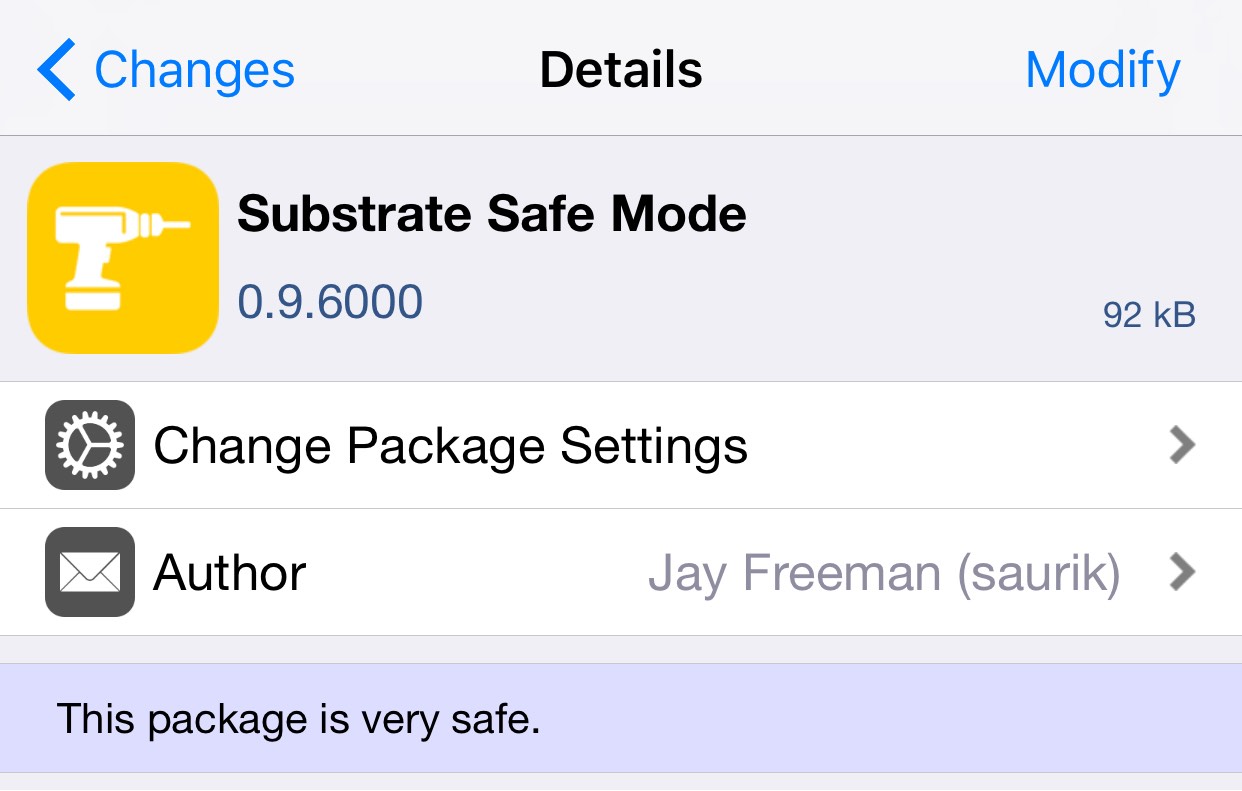
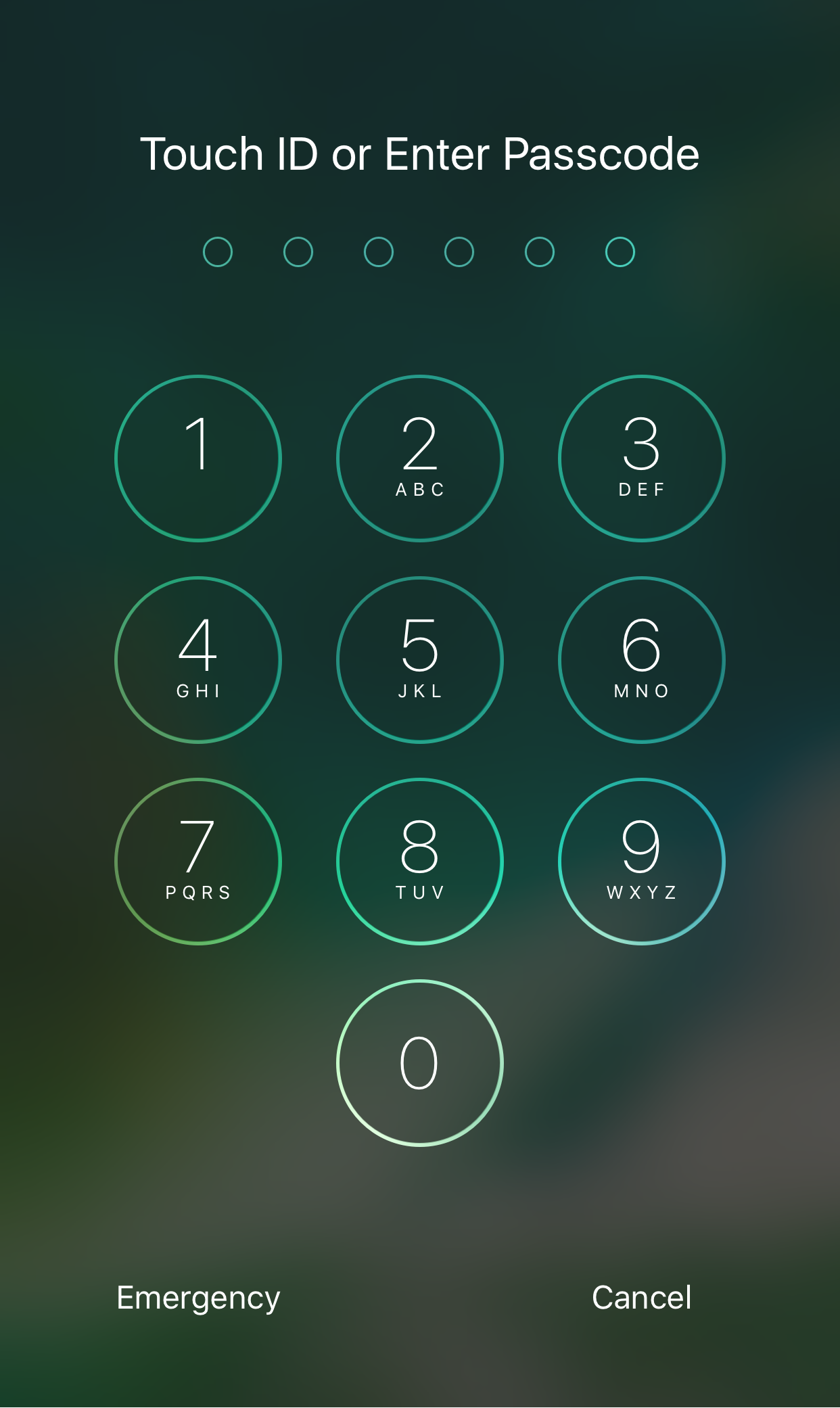
TapticPasscodeButtons adds haptic feedback to your passcode buttons

Lots of people are fans of haptic feedback, and now that most of the latest iPhones have that sleek taptic engine instead of a clunky vibration motor, those haptic responses are even better to feel than ever.

A new free jailbreak tweak called TapticPasscodeButtons brings that satisfying haptic feedback to the passcode buttons on your Lock screen, and it taps into the power of the taptic engine we previously mentioned in order to do it.

This tweak brings 3D Touch shortcuts to Control Center on iOS 10

You’ve got to love it when jailbreak developers find a way to turn inconspicuous things into handy shortcuts. They’ve been doing it for years, and now the tradition continues even today with the Yalu iOS 10.0-10.2 jailbreak.

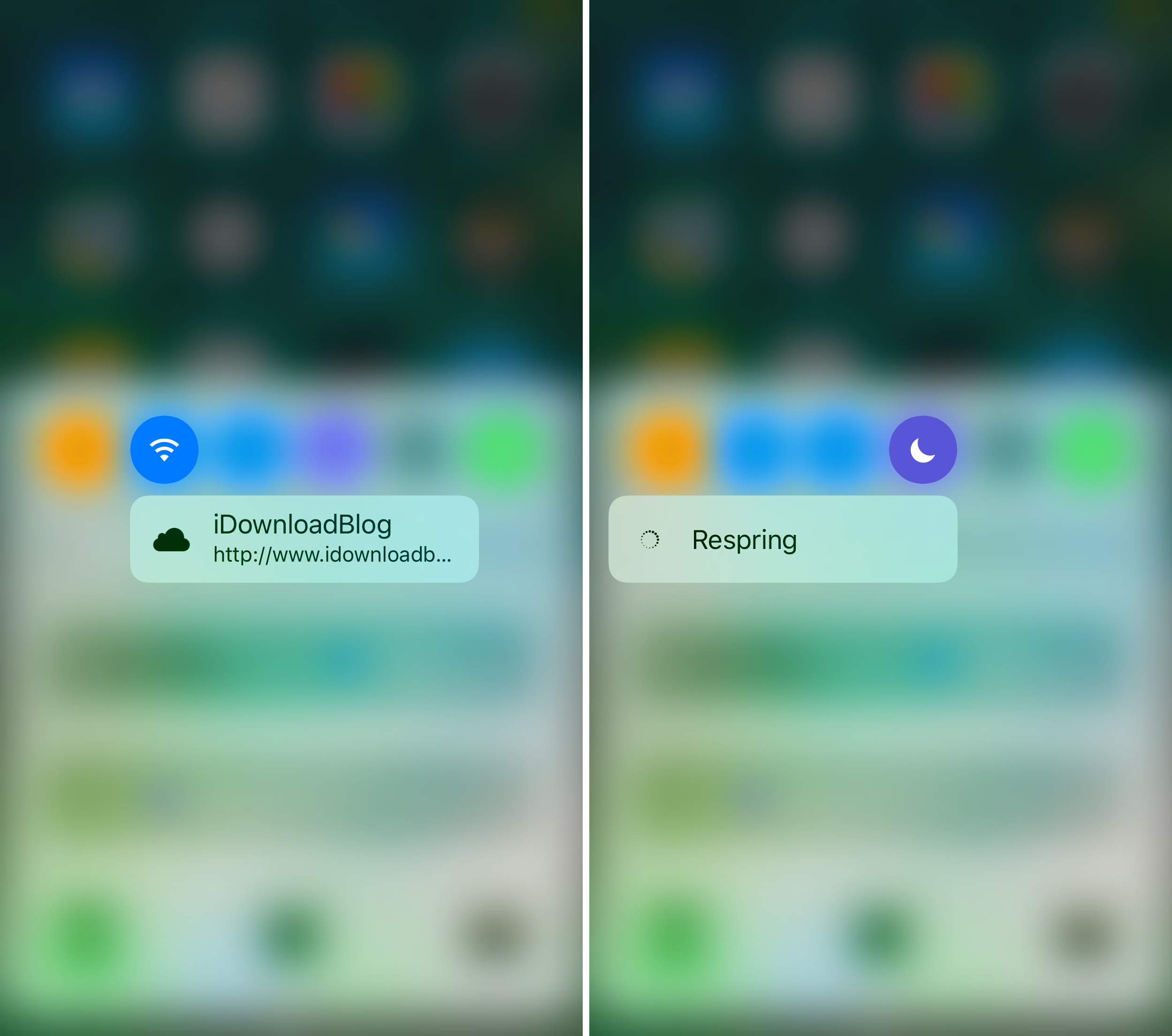
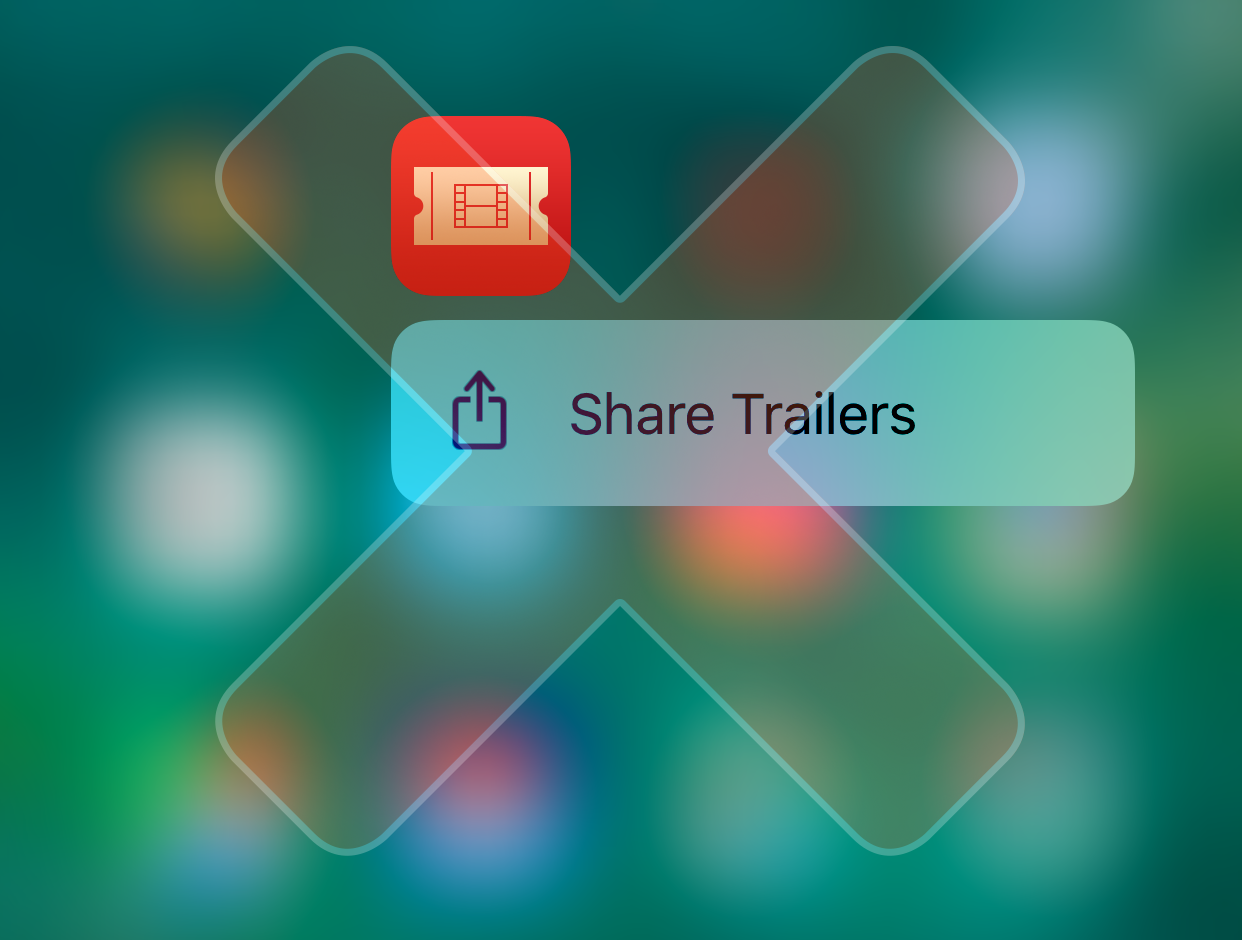
A new free jailbreak tweak called Wormhole, developed by candoizo, is the latest to join the bloodline of jailbreak tweaks, as it lets you turn two of your Control Center toggle buttons into 3D Touch-sensitive shortcuts for respringing your device and visiting your favorite website.

These tweaks remove the page bounce effects from Control & Notification Center

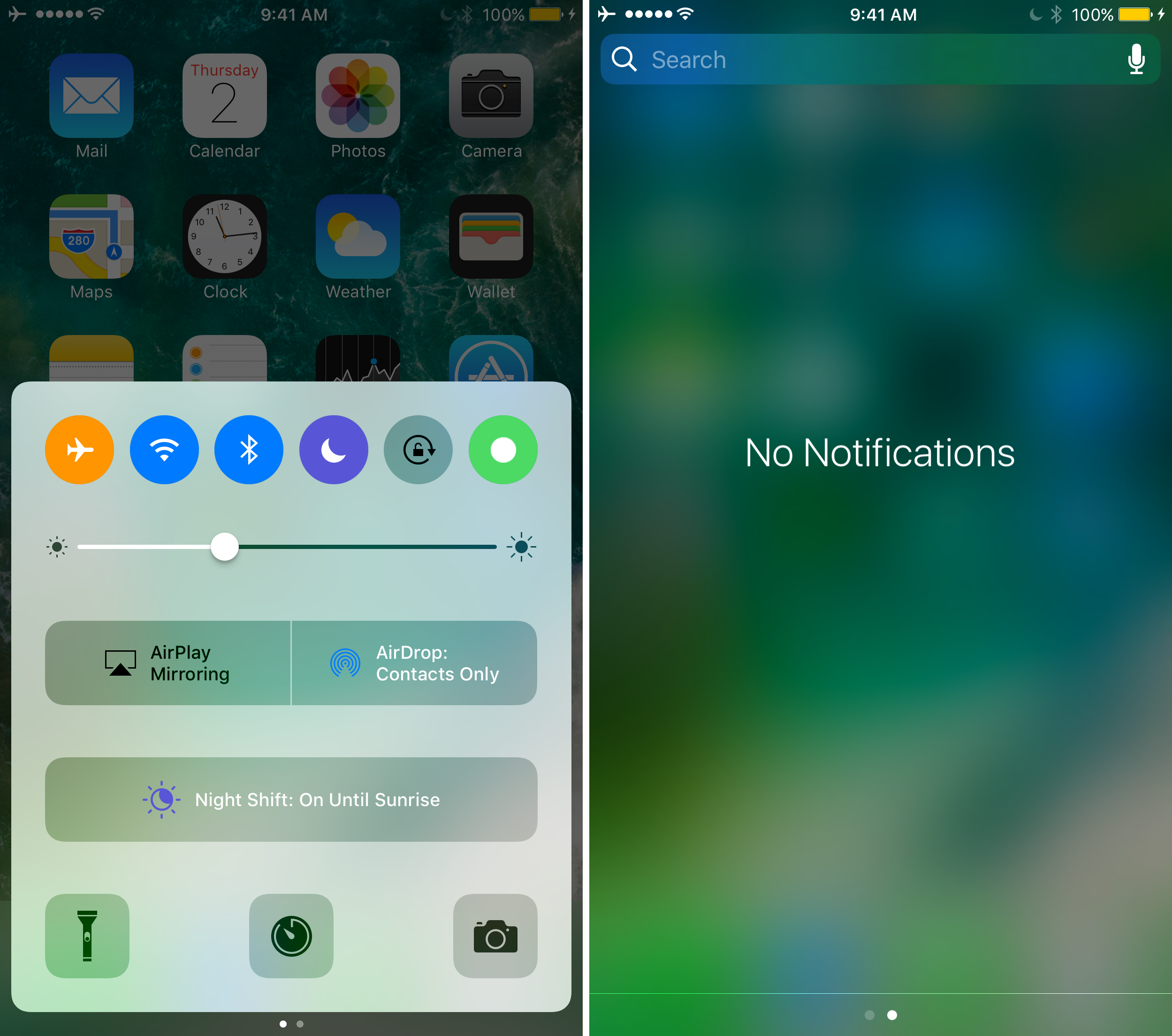
If you’ve been on iOS 10 long enough, then you are probably familiar with the ‘bounce’ animation that occurs whenever you swipe between pages in either Control Center or Notification Center. They’re most pronounced when you hit a dead end and attempt to keep swiping.

Not everyone is a fan of the bounciness, so a developer named Callum Yarnold created two new jailbreak tweaks dubbed CCNoPageBounce and NCNoPageBounce to help negate these animations.

DarkMessages gives your iOS 10 Messages app a dark makeover

Dark mode-based jailbreak tweaks appear to be a pretty hot topic of conversation lately, and it would seem that this trend isn’t going anywhere any time soon.

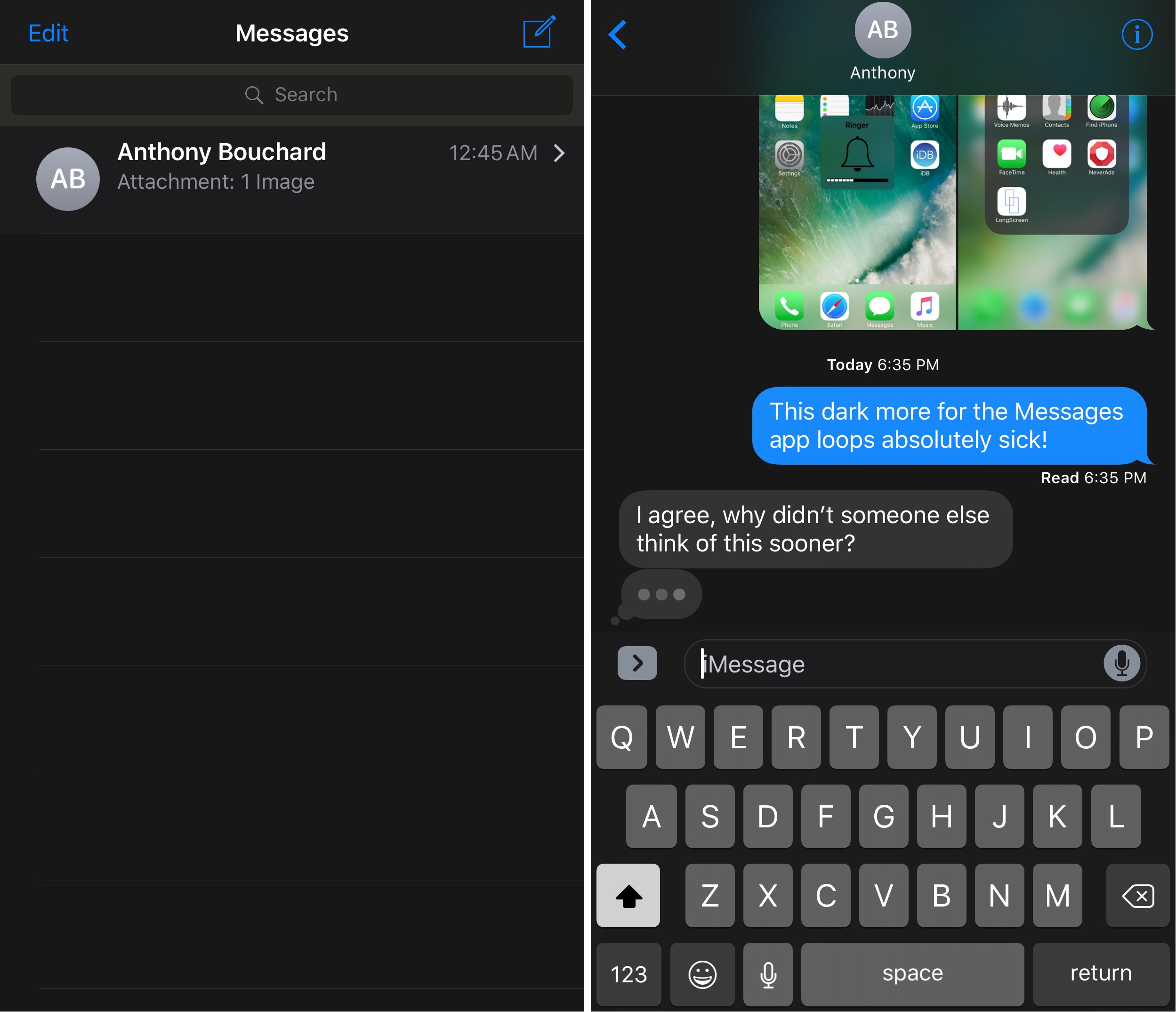
A new free jailbreak tweak called DarkMessages by Sticktron is now available in Cydia that gives the Messages app on jailbroken iOS 10 devices a dark mode-styled makeover.

TweetMuter lets you hide tweets from your timeline based on keywords

If you’re a Twitter user and you’re always finding stuff in your Twitter timeline that you could really care less about, then you might like a new free jailbreak tweak called TweetMuter by Tanner Bennett.

This tweak utilizes the existing Muted Words feature in the stock Twitter app, a feature that normally only applies to your notifications tab; but TweetMuter expands this functionality to even your timeline so that you don’t have to mute people entirely, nor will you have to un-follow people to stop seeing only certain things.

Fantastical gains iOS 10 rich notifications, iMessage stickers, iPhone 7 haptics & more

Developer Flexibits today issued a major new update to its popular calendar and reminders app, Fantastical 2.8 for iPhone and iPad. Beginning with this version, the app no longer works on older iOS editions and now requires iOS 10 or later, developers have said Wednesday.

On iPhone 7/Plus, Fantastical now supports enhanced haptic feedback. They've also added a convenient sticker pack for iMessage that you can enable or disable manually in the Messages app.

Will iOS be next to mimic Snapchat?

Everywhere you look today, large social media ventures are seemingly ripping a page out of Snapchat’s playbook. Instagram did it, Facebook’s Messenger app has done it, and we are about to witness Facebook itself clone Snapchat’s daily stories big time. As much as Apple are primarily known for their hardware, it goes without saying that this major shift in what consumers want from their applications (or: spike in perceived self-importance) will not have gone unnoticed by Apple’s software department.

Coincidentally or not, Snapchat-like features are spreading like wildfire at a time where Apple are beginning to talk more openly about the prospect of tying Augmented Reality into a future iOS version. Against the backdrop of Pokemon GO’s success with augmented camera images and Snapchat’s unrivalled popularity based on selfie filters, it is not far to seek that Apple will be looking to capitalize on such trends as well - and what better way to jump on the bandwagon than to provide built-in effects for the stock camera?

Like the sound of it or not, it has got to be a proposition almost irresistible to Apple, mainly for two reasons: the ability to deepen monetization of their in-house apps and chance to reel in a whole lot of new Gen-Y customers. Here’s why filters on iOS could happen in 2017.
Horseshoe transforms your iOS 10 Control Center into a single-page experience

iOS 10 brought with it an updated Control Center UI, which has two pages (three if you have HomeKit enabled) that you can swipe between on demand. The first is dedicated to all of your controls, shortcuts, and toggles, and the second is dedicated to your music controls.

While the new Control Center design in iOS 10 aims to reduce clutter in Control Center, a new jailbreak tweak called Horseshoe can do the same while still keeping everything on a single page.

32-bit apps may no longer work with future iOS versions

A beta of iOS 10.3 that was seeded to developers last week comes with an updated app compatibility warning which cautions users that 32-bit apps may no longer work with future iOS versions, suggesting iOS 11 will likely stop supporting non-64-bit apps. In June 2015, Apple warned developers that all apps and app updates submitted to App Store must include 64-bit support alongside 32-bit code.

When a user launches a 32-bit app, iOS 9 puts up a warning saying using 32-bit software on a 64-bit device may affect system performance. The wording of the prompt has changed in iOS 10.3 beta 1 and now specifically states that 32-bit apps may stop functioning on future iOS editions completely.

Which W1 chip-equipped audio device should you get?

Because Apple nixed the 3.5mm headphone jack from the bottom of the iPhone 7 and iPhone 7 Plus, you either have to use the supplied Lightning dongle for backwards compatibility with your 3.5mm audio accessories, or you have to kick it up to the new age with a pair of wireless or Lightning-enabled audio devices instead.

When you don’t want to be bothered with the issue of charging your device at the same time you're listening to audio with headphones or earbuds in, the obvious choice is to go wireless. While there are tons of options, only a few come with Apple’s brand new W1 chip, which supports the slick new Bluetooth pairing process. Among those are AirPods, Beats Solo3, and Powerbeats3.

If you’re in a predicament and can’t decide between the three then you should find this piece helpful, because I'll be comparing the strengths and weaknesses of each from a variety of angles.