iOS

90+ new features shipping with iOS 11 this Fall

Apple spent a lot of time demoing iOS 11 at the WWDC 2017 keynote, but in the interest of time, they were only able to show off some of the top features rather than everything that's new.

In this piece, we'll outline a number of new features that Apple didn't get a chance to show you at the keynote.

iOS can automatically uninstall apps that haven’t been used in a while

iOS 11 included many new features and enhancements, big and small alike.

For example, a revamped storage-management section became available in Settings. Speaking of which, users can appreciate another new feature that allows them to optionally have their device automatically uninstall apps that haven't been used in a while.

If you venture to Settings  → iTunes & App Store, you'll notice a new toggle at the bottom of the screen, labeled Offload Unused Apps. Setting that switch to the ON position shall prompt iOS to delete rarely used apps from your device in order to make more room for your photos, videos, documents and so forth.

iOS uses Siri intelligence to determine your usage of apps.

The feature's description notes that documents and data belonging to uninstalled apps will be kept on your device in case the app is reinstalled. “Reinstalling the app will place back your data, if the app is still available in the App Store,” notes Apple.

This feature is disabled by default.

Rightfully so, if I may add. Had Apple enabled it by default, novice users would've been stunned discovering iOS had deleted their apps for seemingly no apparent reason.

Hands-on with iOS 11’s overhauled Podcasts app

Apple's stock Podcasts app has undergone some visual changes in iOS 11. Functionally, a few things have moved around and some new features have been added.

For example, the Unplayed, My Podcasts, Featured, Top Charts and Search tabs lined up alongside the bottom of the interface have been replaced with a new and simpler tab layout: Listen Now, Library, Browse and Search.

Our resident video editor Andrew O'Hara has put together a quick video for you guys to see for yourselves Apple's new design for the Podcasts app on iOS 11.

Watch Andrew's video right below, then meet us in comments.

https://www.youtube.com/watch?v=LFsAlcnlmSo

Subscribe to iDownloadBlog on YouTube

The Listen Now tab combines podcasts you're subscribed to (previously in the My Podcasts tab), recently played episodes (previously in the Unplayed tab) and shows other people like.

Under the new Library tab, you can easily browse all of the audio and video shows you're subscribed to, as well as individual podcast episodes, ones that have been download to the device and the recently updated episodes of any shows you're following.

The Browse tab is your storefront to the Podcasts section on iTunes.

There, you can swipe through featured podcasts Apple's editors highlight at the top, access the full Featured section, see charts-topping audio and video shows, access the list of major podcast providers and browse all podcasts by category.

The Search tab now lets you choose between searching across podcasts in your library or all shows on iTunes. As evidenced by the screenshots, the redesigned app has adopted a bold font with much bolder headings and other visual cues borrowed from Apple Music on iOS 10.

Another feature iOS 11's Podcasts app has borrowed from Apple Music is a completely revamped mini-player that can be now pressed with 3D Touch to access quick shortcuts pertaining to the currently playing episode.

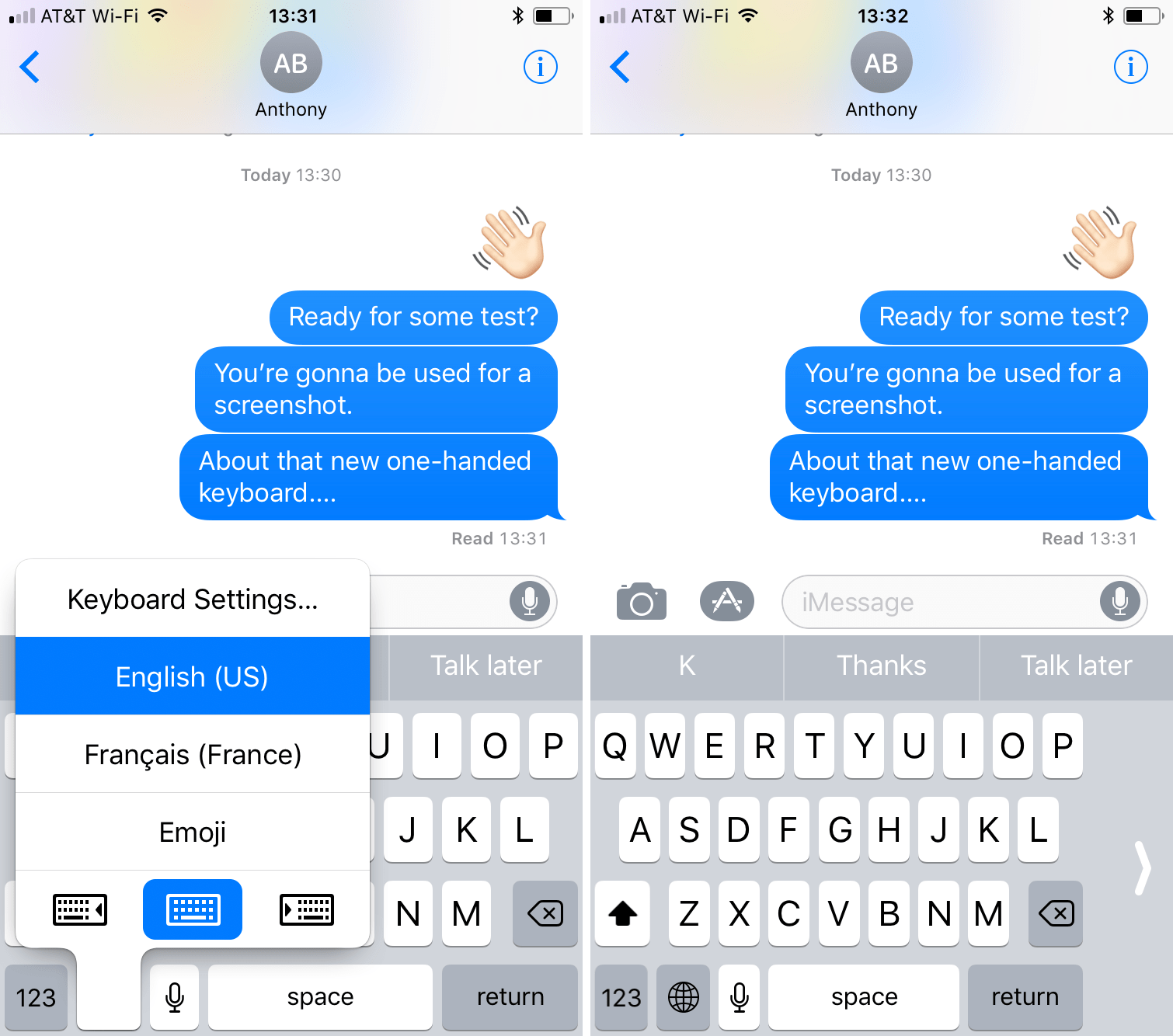
Other tidbits worth mentioning include larger artwork and other visual tweaks to match the look and feel of other apps inside of iOS 11, as shown on the screenshot top of post. The official Podcasts widget has remained unchanged.

For those wondering, Apple still does not provide Podcasts for Apple Watch.

How do you like these Podcasts app changes on iOS 11?

Let us know by posting a comment below.

Video: Top 6 WWDC 2017 announcements

Apple had a pretty big day at yesterday's Worldwide Developers Conference in San Jose, revealing a bunch of new or updated products and technologies that have set the stage for other important hardware announcements this fall.

If you didn't have the time to sit through the entire keynote talk and are wondering about the big takeaways, our video editor Andrew O'Hara has put together a short five-minute video highlighting the top six announcements Apple made during the WWDC 2017 keynote.

Andrew's main topics of interest include:

tvOS 11 with Amazon's Prime video-streaming app coming to Apple TV watchOS 11 with all the major improvements for workouts, notifications and more macOS High Sierra and core technologies aimed at AR/VR content creation iOS 11 with all of the improvements for your iPhone and iPad iPad Pro and iMac Pro changes and enhancements HomePod, Apple's high-end Siri-enabled speaker with hi-fi sound

And here's the video:

https://www.youtube.com/watch?v=QQBulSRR9Fc

Subscribe to iDownloadBlog on YouTube

What's your favorite WWDC 2017 announcement so far?

Post a comment below to let us know!
New 2017 iPad Pro tech specs

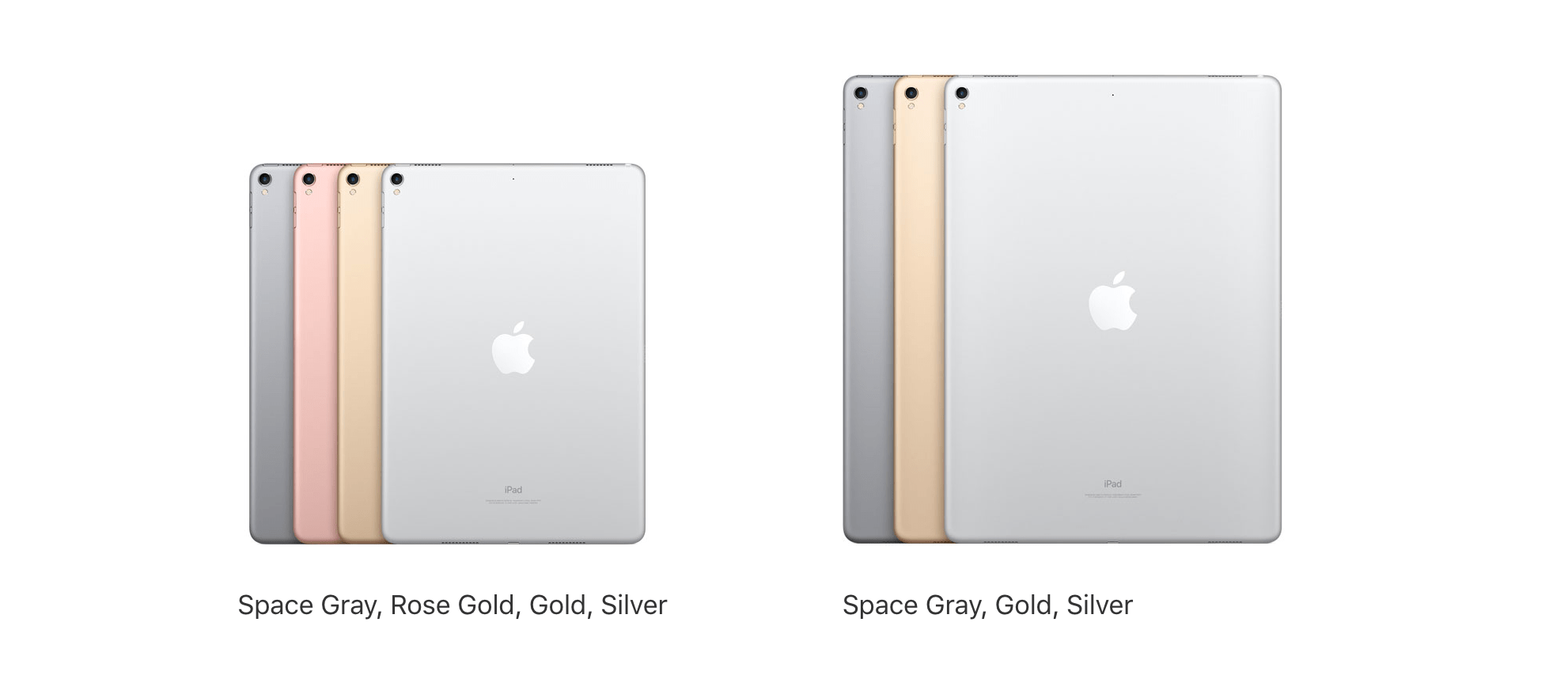
Among all the new gadgets and accessories Apple unveiled at WWDC 2017, a revamped iPad Pro was one of the lead attention-grabbers. In this piece, we'll go over the tech specs of both the new 10.5-inch and 12.9-inch iPad Pro.

Can your iPhone or iPad run iOS 11?

iOS 11 makes your iPhone and iPad more powerful, personal and intelligent than ever before. You might be wondering if you have the device requirements to install it. Fortunately, we're here to answer that question.

iOS 11 on iPad comes with a raft of new features for Apple Pencil

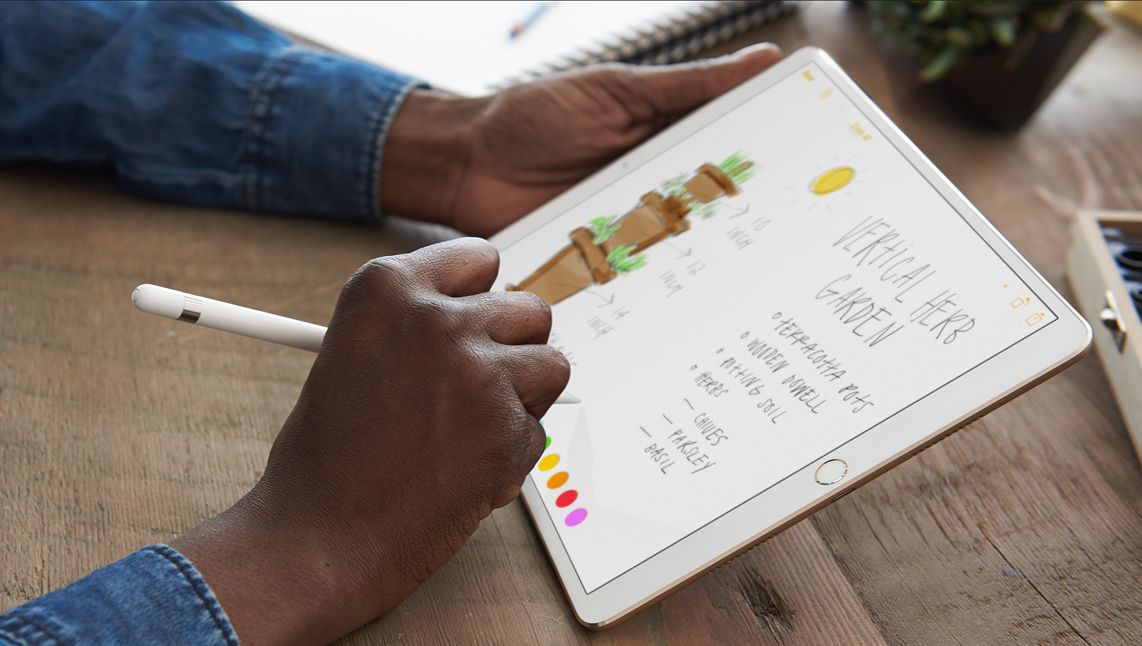
Apple Pencil is already loved by a large constituency, but new features added this fall will mean more and better use cases for the white stylus. Deeper integration for Apple Pencil has been developed for both the current and new iPad Pro range, the latter however does boast additional technological advancements such as ProMotion, developed to further boost the responsiveness and latency of the writing tool.

With the exception of ProMotion, all iPad Pros in the market are going to acquire a bunch of new skills. Naturally, the most prominent features were introduced under the buzzwords of Instant Markup, Instant Notes, Inline Drawing and Scan & Sign.

To flesh out Instant Markup, any device screenshot taken on iPad immediately creates a thumbnail in the newly-designed app dock, which in turn can be marked up or manipulated otherwise before being shared.

Besides this and a built-in scanner functionality for the enhanced Notes app, Inline Drawing (between typed paragraphs) for Pencil will be implemented, allowing for the user to easily clear as much space as needed between written words for drawings or sketches.

It is also now confirmed that touching the lock screen with Pencil will instantaneously open a clean piece of paper to work on. The instant note will be saved inside your Notes app in the event that the iPad is locked again.

What's more is that iOS 11 boasts smarter machine learning algorithms capable of recognizing Apple Pencil handwritings in Notes, which means you will be able to search notes by way of Spotlight search and consequently detect files containing words scrawled by hand.


New Apple Files app has support for Dropbox and other third-party cloud services

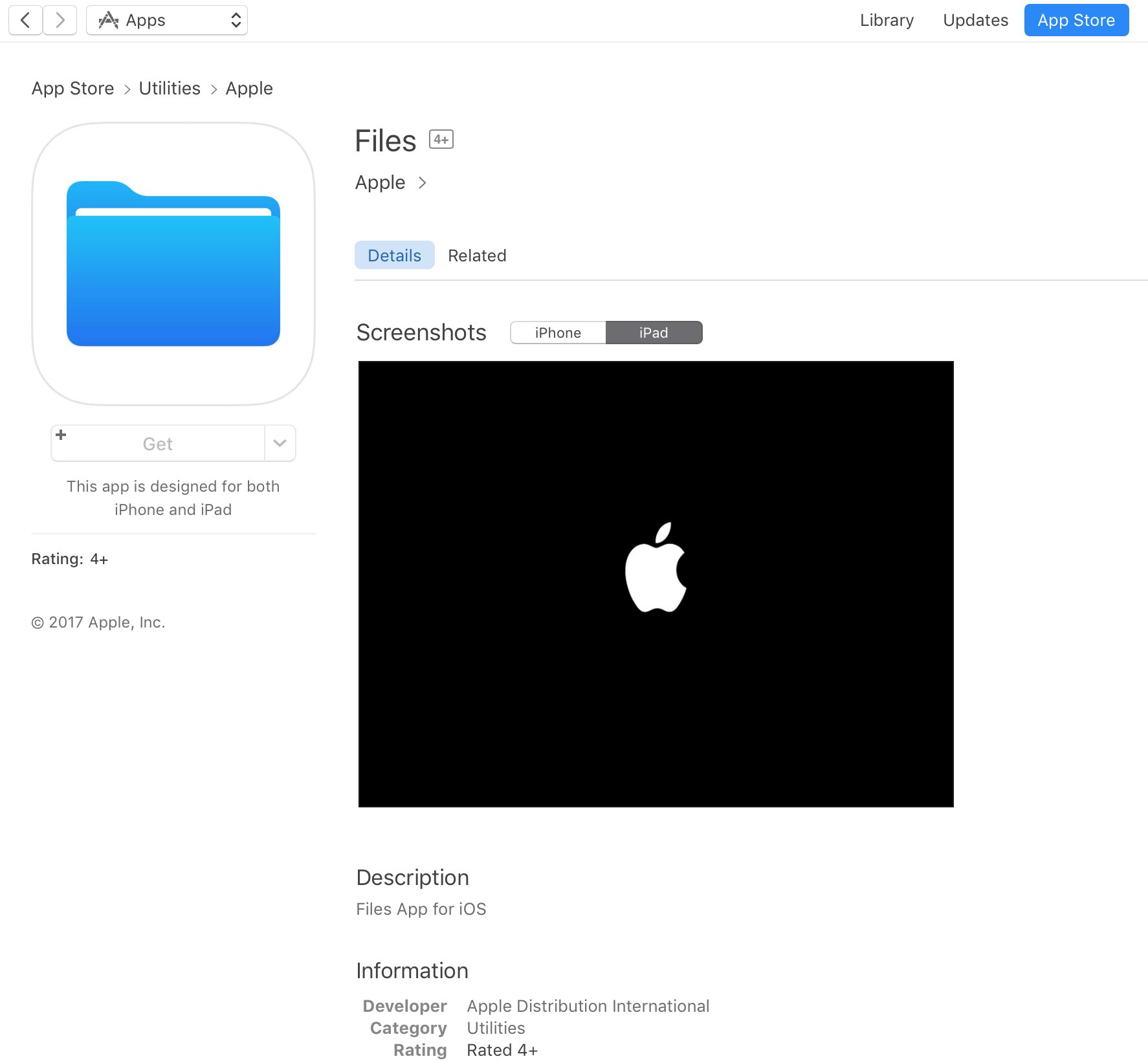
Apple announced a new Files app at its Worldwide Developers Conference today that works especially well with the newly announced iOS 11 productivity features for iPad. A placeholder listing for the Files app appeared on App Store earlier today, meaning users will be able to hide and re-download the new app.

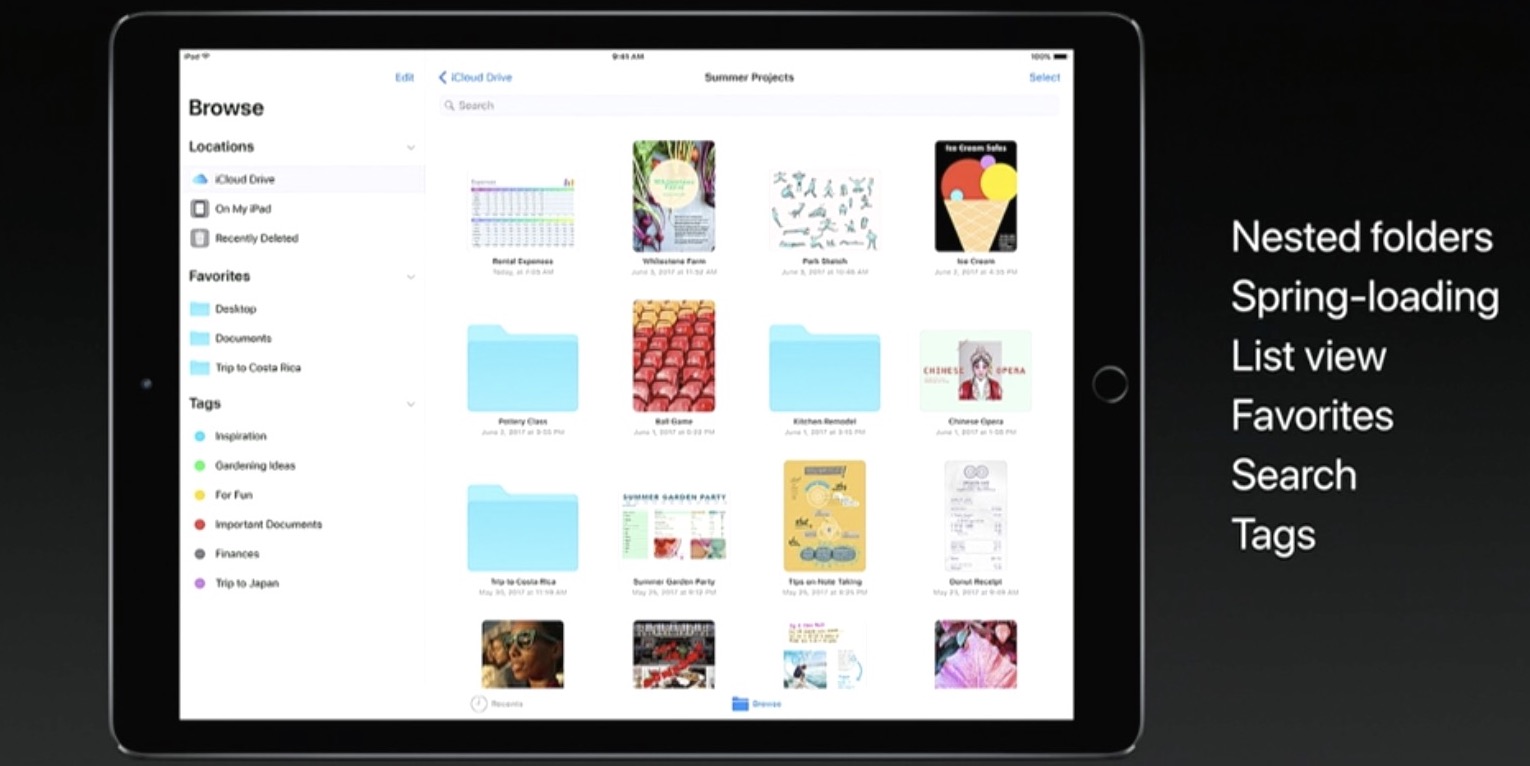
Featuring a user interface that looks like an enhanced iCloud Drive app, the Files app allows you to access files and folders in your iCloud Drive, on your device and in third-party cloud services like Box and Dropbox, as long as they include a Provider Extension for iOS.

And with new iPad productivity features on iOS 11 like an enhanced Split View mode, an interactive Dock (pictured above) and drag-and-drop, users will be able to easily, say, drag an attachment from Mail and drop it on a folder in the Files app to save it to a custom location.

It works the other way, too.

For instance, you could tap and hold the Files app icon in the Dock to bring up your recently accessed files, then simply drag a recently opened image and drop it in a precise place within the Keynote presentation you're working on.

Your files can be browsed in the grid view with larger thumbnails or you can access details about files in the more informative list view. Items can be sorted by size, date and more, you can create new folders, delete files and so forth.

The files app requires iOS 11 and supports only 64-bit devices.

CarPlay on iOS 11 has DND while driving

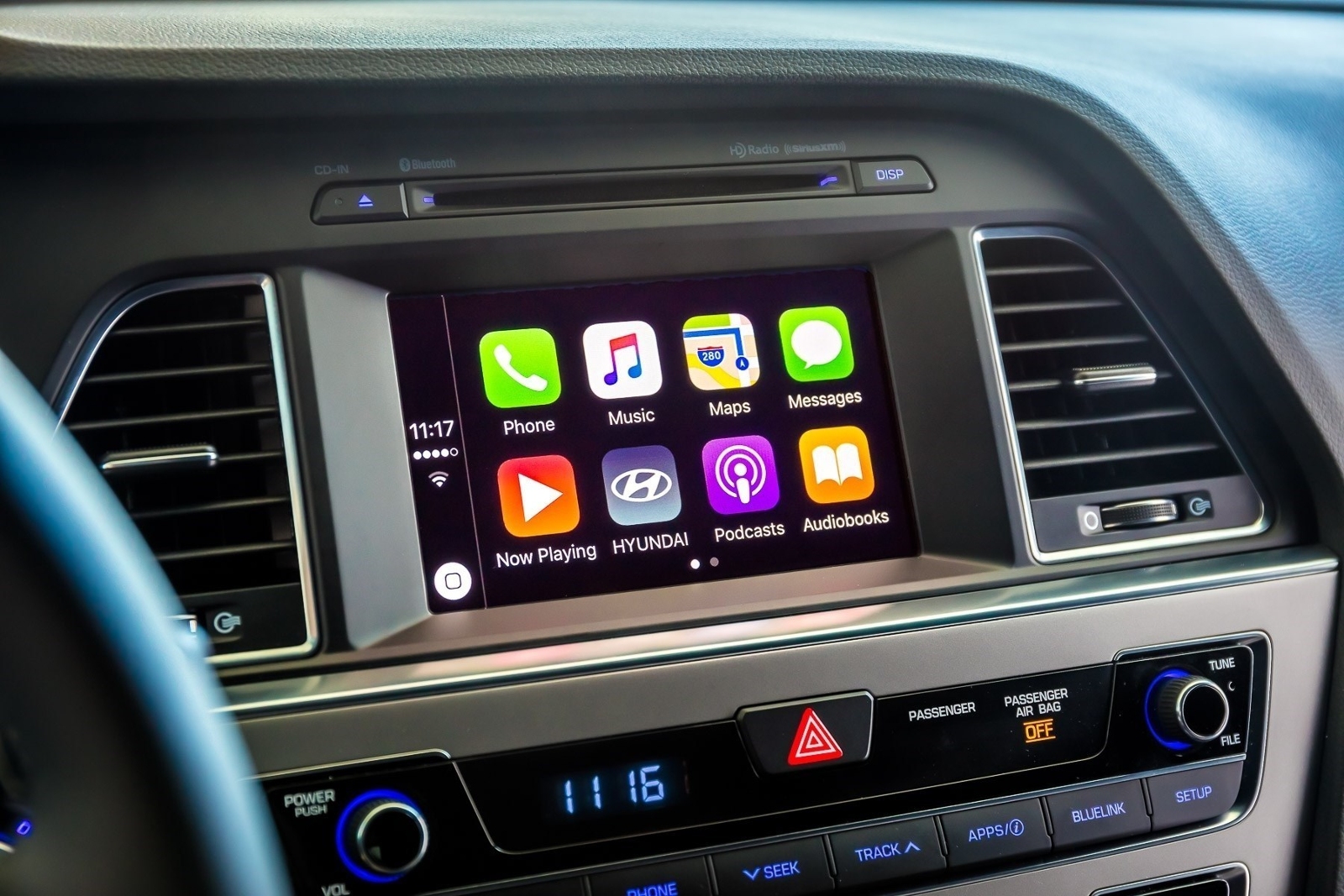
A real important step for safety in the car was just introduced at Apple's Worldwide Developers Conference that's currently underway in San Jose: Do Not Disturb mode while driving. Apple's proactive assistant on iOS 11 determines when you're driving and offers to automatically turn on DND mode via CarPlay.

With DND active while driving, CarPlay won't be showing any notifications, similar to DND mode on iPhone, iPad and iPod touch. And if someone message you while DND mode is active on CarPlay, the Messages app on your iPhone will auto-respond with a message on your behalf telling the sender that you're currently driving and will be getting back to them soon.

Like with DND on iOS, DND for CarPlay allows you to cherry-pick contacts whose messages will get through while you're driving in DND mode. The Messages app on iOS 11 will permit users to respond with a simple “reply” message if they'd like their muted message delivered to CarPlay, as long as they're on your whitelist.

Those and other CarPlay improvements will launch for everyone when iOS 11 releases for public consumption this fall.

Apple’s Activity app could be removable in iOS 11

Aside from spotting interesting references to a drag-and-drop feature for iPad and an all-new dedicated Files app, developer Troughton-Smith also noticed a placeholder listing for Apple's stock Activity app on App Store.

This is the first time the app has appeared as a downloadable item on App Store, suggesting Activity could be removable in iOS 11. The listing has since been removed from App Store.

No additional screenshots, descriptions or other information were provided.

Introduced as part of the iOS 9 update two years ago, the Activity app is one of the few stock apps that cannot be hidden from a user's Home screen. Check out Apple's support document for the full list of built-in iPhone and iPad apps that can be removed from the Home screen.

The Activity app only appears on the Home screen if a paired Apple Watch is present. Apple could be making Activity a downloadable item so that non-watch users could optionally download it and fill their Activity rings with other fitness tracking devices.

References to drag and drop on iPad spotted in Apple Feedback app ahead of iOS 11 reveal

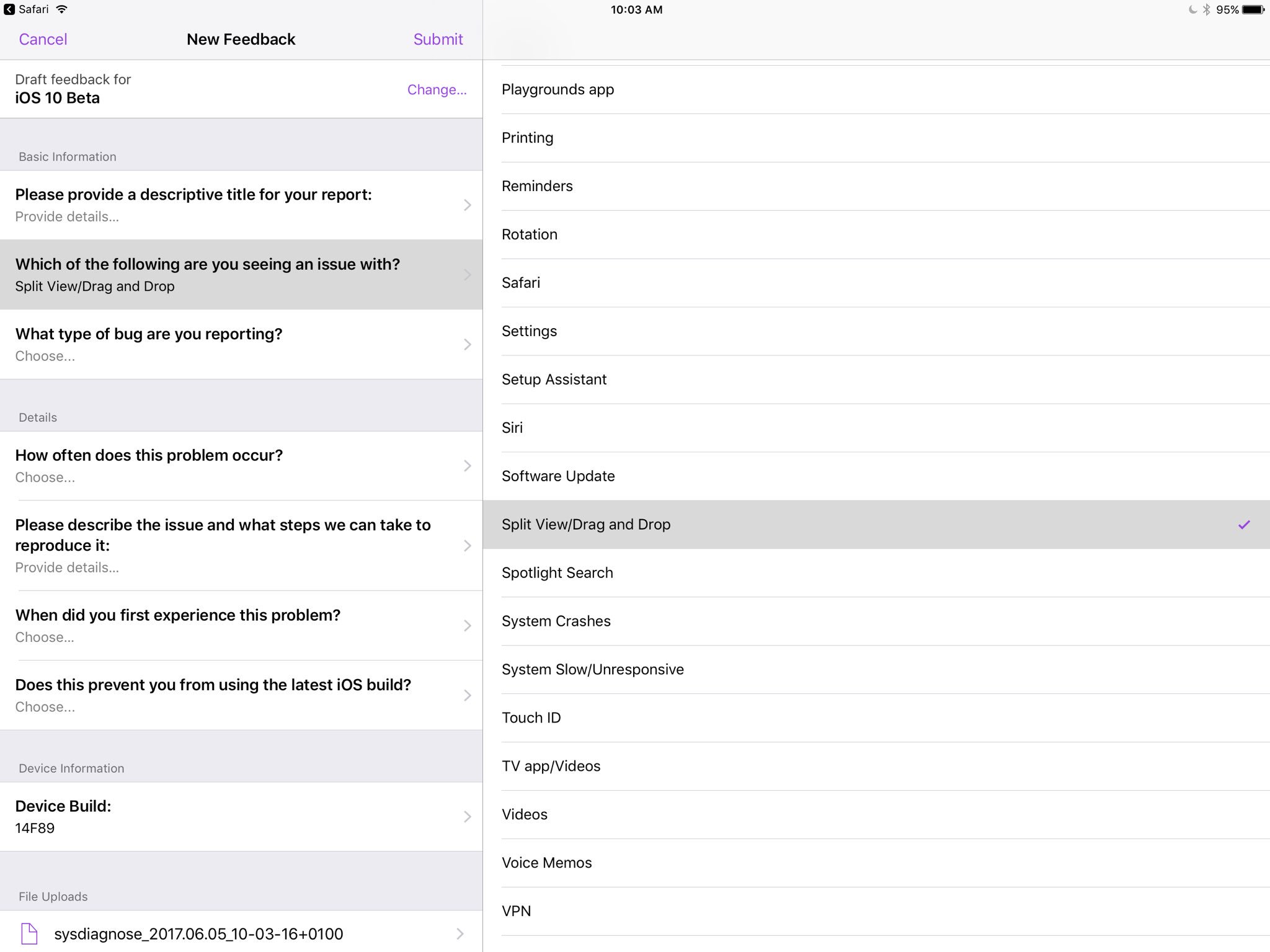
Apple's own Feedback app, that iOS beta testers use for reporting bugs, contains references to a drag and drop feature, as first spotted by developer Steven Troughton-Smith this morning.

An entry labeled “Split View/Drag and Drop” now appears in the list of preset options when filing a bug using the Feedback app. iOS, of course, lacks any drag and drop features that would admittedly be tremendously useful, especially in Split View mode.

That said, it's unclear that the Cupertino technology giant will formally announce drag and drop functionality in iOS 11 during today's live-streamed WWDC keynote.

Ukrainian developer Readdle's popular iOS apps were updated last week with the ability to drag and drop content between them in iOS's Split View multitasking mode on iPad, providing an early preview of how Apple's version of system-wide drag-and-drop might work in iOS 11.

https://www.youtube.com/watch?v=epzh9-rd-AI

MacStories editor Federico Vittici and his team painstakingly created some awesome iOS 11 productivity concepts, imagining new productivity features for iPad. Among them is—you guessed right—drag and drop functionality. “Because drag-and-drop would be fully multitouch-enabled, it wouldn’t block the iOS interface,” Vittici explained.

https://www.youtube.com/watch?v=UyFUDQ5LLZw

“Another finger could be used to navigate in a different 'drop area' of an app, or a user could keep dragging until the Split View app picker is shown and drop an item onto an app’s icon, opening a contextual action menu.”

Late Sunday, Troughton-Smith discovered a placeholder listing for Apple's unreleased Files app on App Store. It's since been removed and no screenshots or official descriptions were provided, but we do know it's going to require iOS 11 and 64-bit support.