iOS

App Store placeholder listing for Apple Files app appears briefly ahead of WWDC keynote

A placeholder listing for a new Apple Files app has briefly appeared on App Store ahead of today's live-streamed WWDC keynote, as spotted by iOS developer Steven Troughton-Smith late Sunday. It's surfaced in the Utilities section of App Store and has since been removed.

No screenshots or the official description were provided.

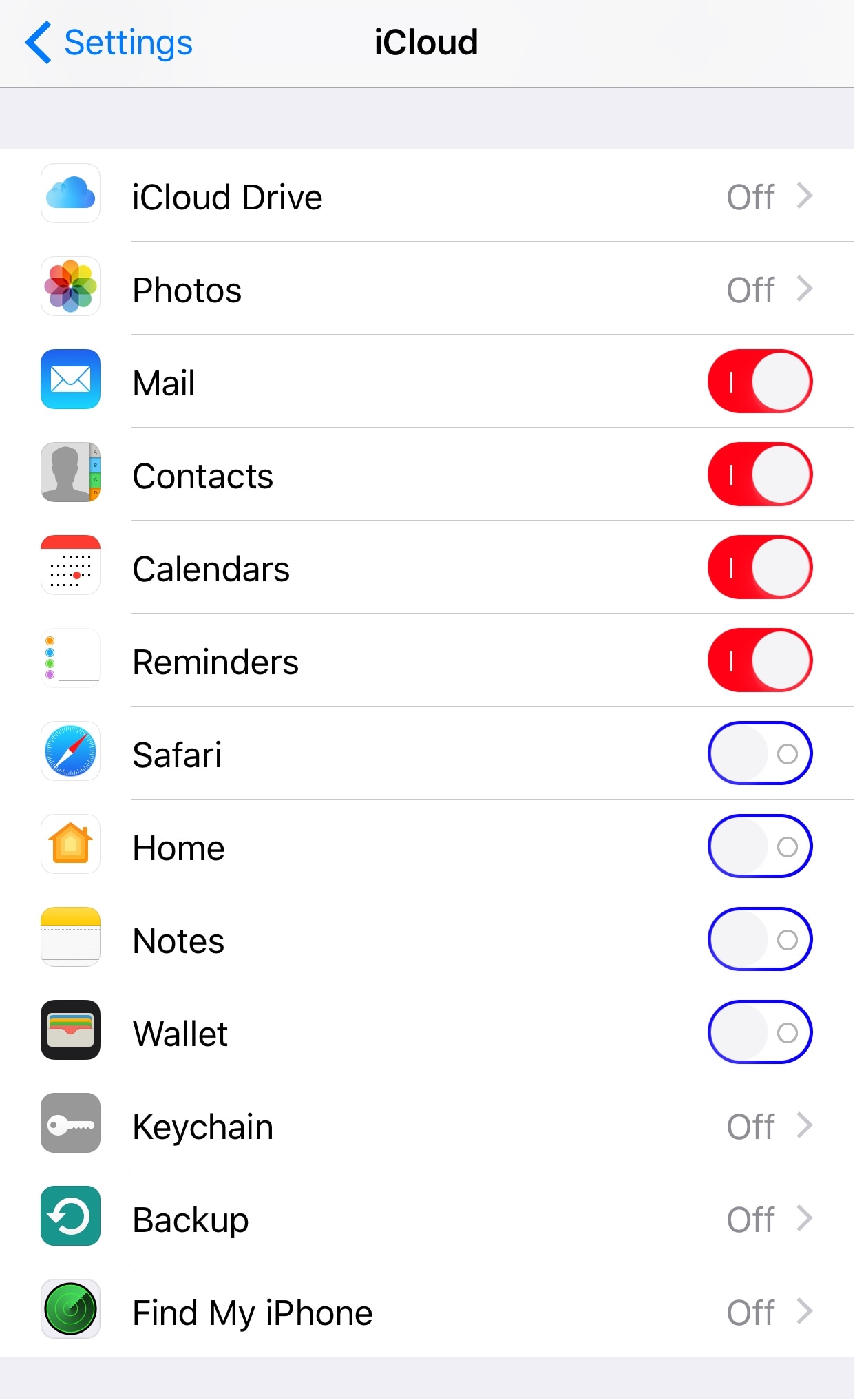
The app requires iOS 11 and 64-bit support and is designed for both iPhone and iPad. It sports a blue file folder icon resembling the design for folder icons in macOS. It's entirely possible that the new Files app is really just a rebranded version of the existing iCloud Drive app.

It's unclear if the forthcoming app will be a new stock item in iOS 11 or an optional download. If I had to guess, I'd say it will likely come pre-installed with iOS 11. Since iOS 10, Apple has allowed users to hide most of the stock apps from their Home screen.

To help users easily re-install any removed stock apps, Apple has provided all of its first-party iOS apps that are removable as downloadable App Store items. iOS 11 will be previewed at WWDC later today along with tvOS 11, watchOS 4 and macOS 10.13.

How to track your sleep using AutoSleep

You don’t have to be a scientist to know that a good night’s sleep is conducive to your overall wellbeing and health. On that note, a while ago we have screened the App Store for the best sleep trackers available on iPhone and Apple Watch so as to make it easy for you to pick and choose your new sleep companion.

While varying in looks and features, all of the apps listed serve the same purpose: record how you slept and explain possible discrepancies in perceived quality of sleep and your actual rest. With the hands-off roundup in mind, we decided to select the most requested and popular app featured - AutoSleep - and throw a complementary hands-on tutorial on sleep tracking into the mix. Want to learn more about how to track your sleep using your iPhone, Apple Watch, and the AutoSleep app? Then join us for the tour!

Jailbreak tweaks of the week: Charge, TouchBar, & more…

Recovering from a somewhat slow week just before Memorial Day, the Cydia Store appears to be back up and kicking with some interesting new jailbreak tweaks for modding out your device to make it cooler than everyone else's.

In this roundup, we'll talk about all the jailbreak tweaks that were released in Cydia this week, starting with our favorites and then moving on to the rest afterwards.

New jailbreak tweak brings a MacBook Pro-style Touch Bar to your iPhone

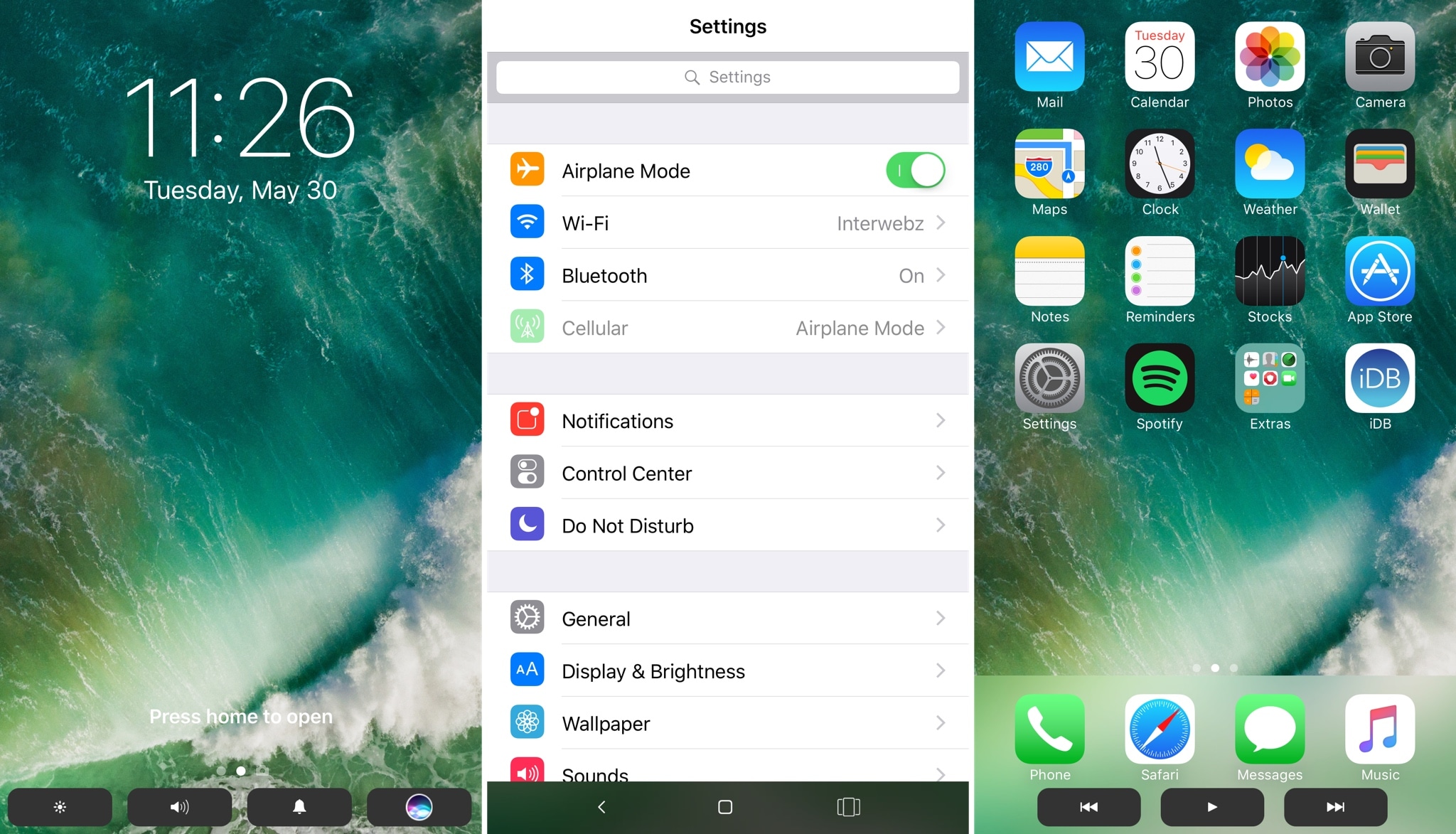
The Touch Bar is perhaps one of the most innovative new features of the latest model of MacBook Pro, but a new jailbreak tweak dubbed TouchBar by iOS developer LaughingQuoll aspires to bring a similar feature to jailbroken iOS devices.

After installation, the tweak essentially hides out at the bottom of your device’s display in all interfaces. This makes it easy to get to, enabling you to access its shortcuts with ease, no matter what you might be doing.

Hide stuff from your Lock screen with LSHiddenTools10

The Lock screen is the first thing you see every time you wake your device up, whether it’s coming out of your pocket or you’re grabbing at it for the first time of the day from your nightstand.

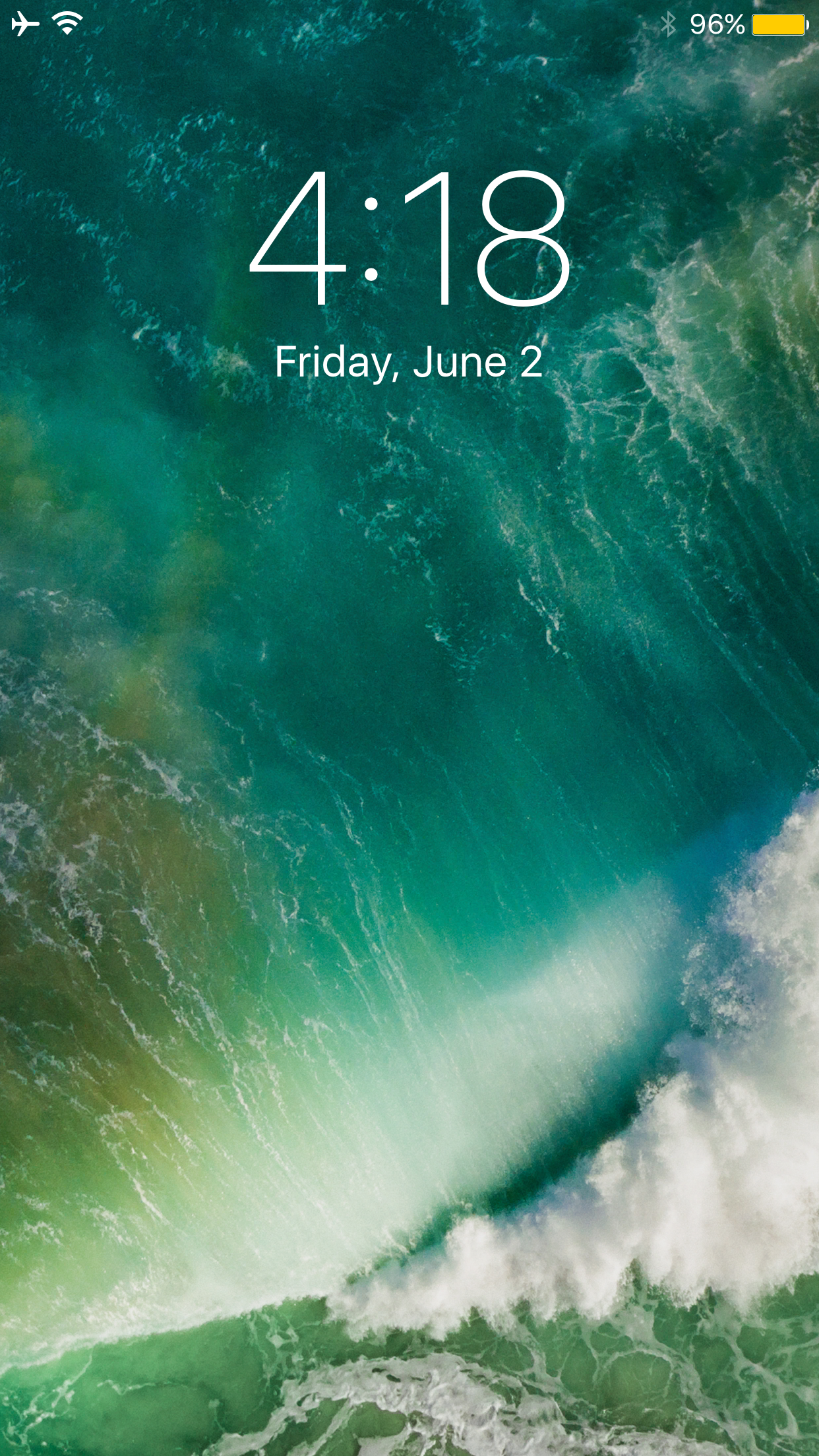
That said, why not use your jailbreak to customize your Lock screen? A new free jailbreak tweak called LSHiddenTools10 by CydiaGeek will allow you to do just that.

How to live stream WWDC 2017 on iPhone, iPad, Apple TV, Mac, Windows and Android

Apple will be live-streaming its WWDC 2017 event, just as they have for the last several years, so the world can tune in and see what’s new in the world of iOS, macOS, tvOS, watchOS, and more.

No matter what type of device you’re using the day of the event, you can live-stream the keynote. In this piece, we'll go over all the methods on how for every operating system and platform.

How to always open Safari in a private window

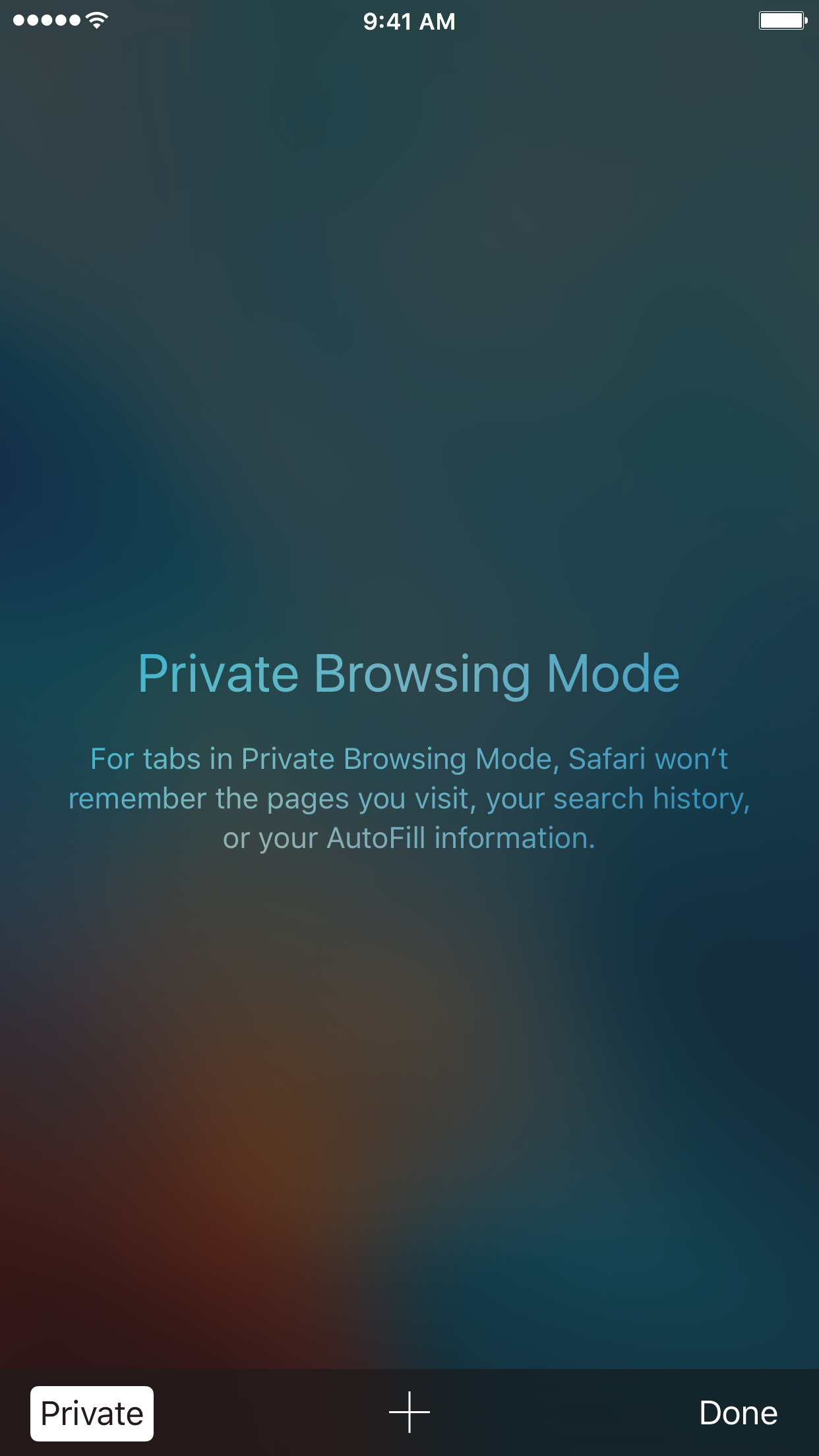
With privacy becoming a hotter topic these days, web users are becoming more and more wary about what they share online. While there are many different steps that can be taken to increase your online privacy, a very simple way to get started is to use a web browser in Private mode.

In this post, you will learn about what Private mode means in Safari, and you will find out how to always open Safari in a private window to make this simple precaution an automatic way of accessing the web on your Mac, your iPhone, or your iPad.

Apple: App Store developers earned over $70 billion in revenue since debut

Apple announced Thursday morning that developers all over the world for its platform have generated over $70 billion in total revenue, a new record since the launch of the App Store almost nine years ago in 2008.

The number 70 appears to be Apple’s lucky number this year, as app downloads have also soared 70% in the last 12 months, illustrating interest in numerous new app titles that took the App Store by storm.

DetailedCellularUsage reveals hidden items in your iPhone’s cellular usage report

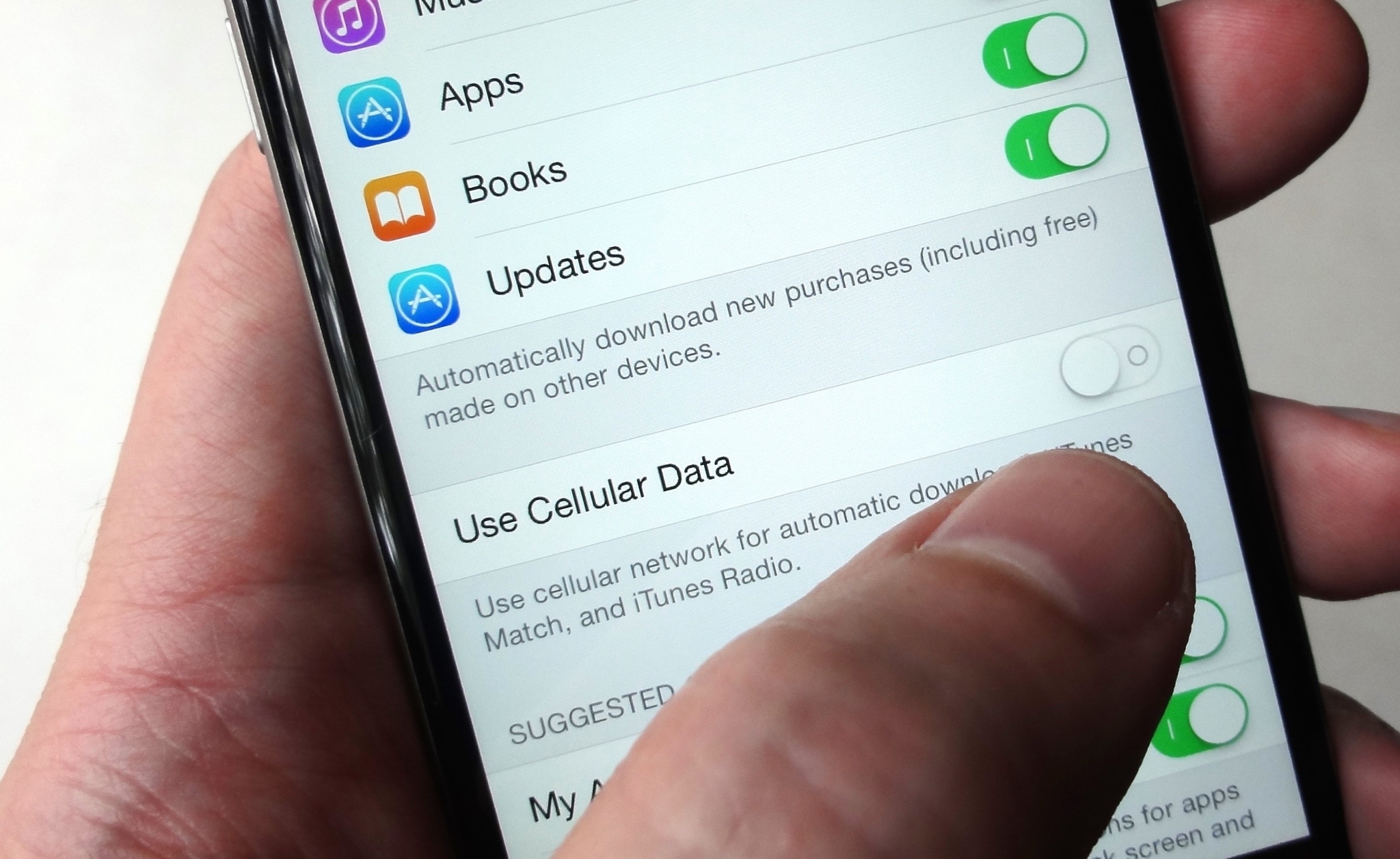
Cellular data is one of those things we seem to always use regularly, but fail to keep track of as efficiently as we could. This becomes a problem when you swear your data provider is over-charging you for your data usage.

A new free jailbreak tweak called DetailedCellularUsage by TheComputerWhisperer helps reveal some of the gray areas where iOS uses your cellular data and doesn’t report it in the Settings app.

Allow guests to sign into your iPhone or iPad with Guest Mode 2

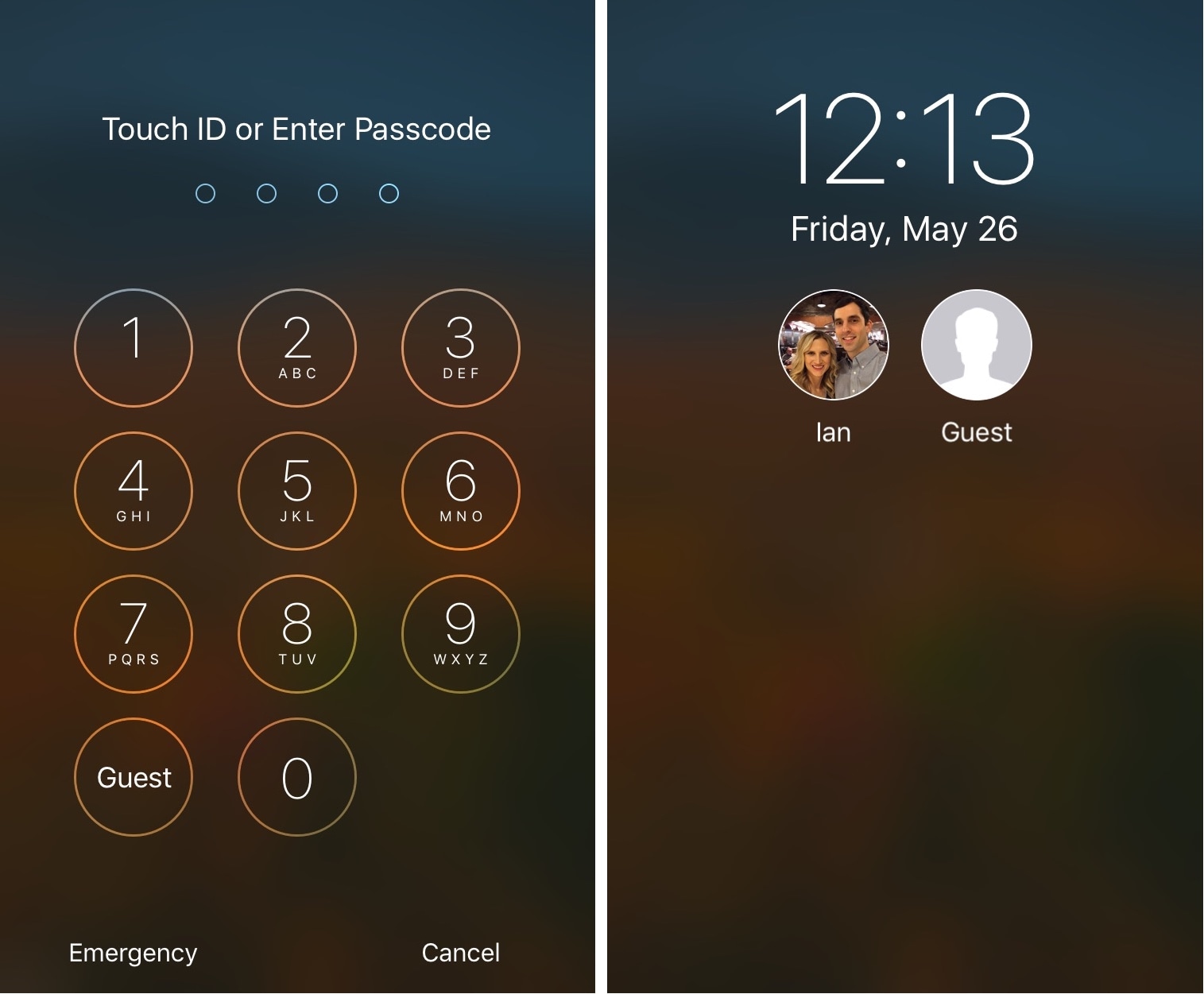
If you have a jailbroken iOS device that you share with guests or other family members, then Guest Mode 2 by iOS developer Ian Burns is a jailbreak tweak that might be worth installing.

This tweak lets guests use your device without knowing your passcode, but securely and with limited privileges, similarly to that of the guest user on macOS.

Toka replaces Home screen’s Today widgets with missed notifications

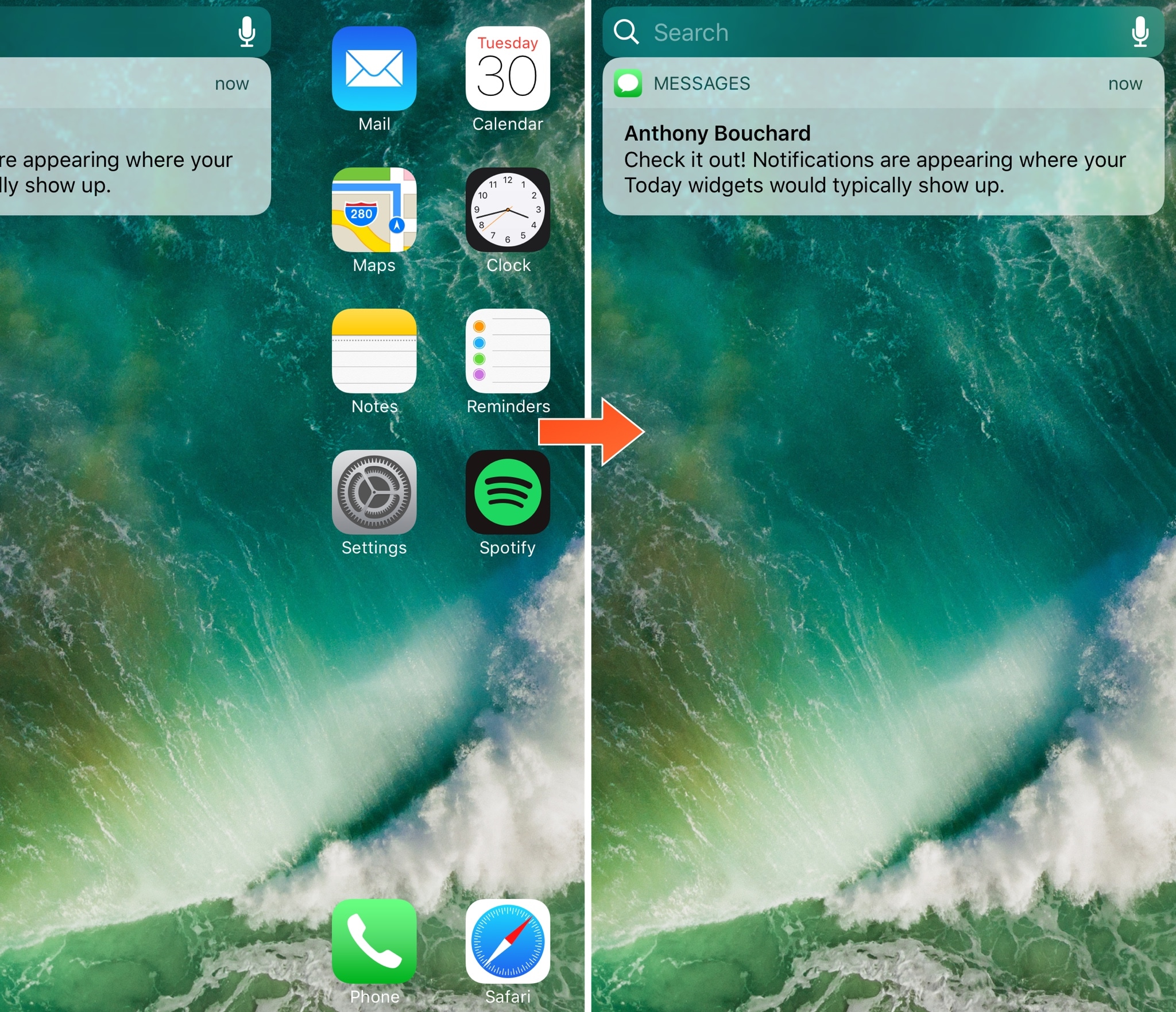
Today widgets appear on the Home screen when you swipe all the way to the left, beyond the first page of your app icons. For those who don't like to use the Today widgets, this page is a significant waste of space.

A new free jailbreak tweak release called Toka by iOS developer maximehip is now available for those who would prefer to see something other than Today widgets when swiping to the left, as it replaces them with your missed notifications instead.

Revamp your Lock screen’s battery charging display with Charge

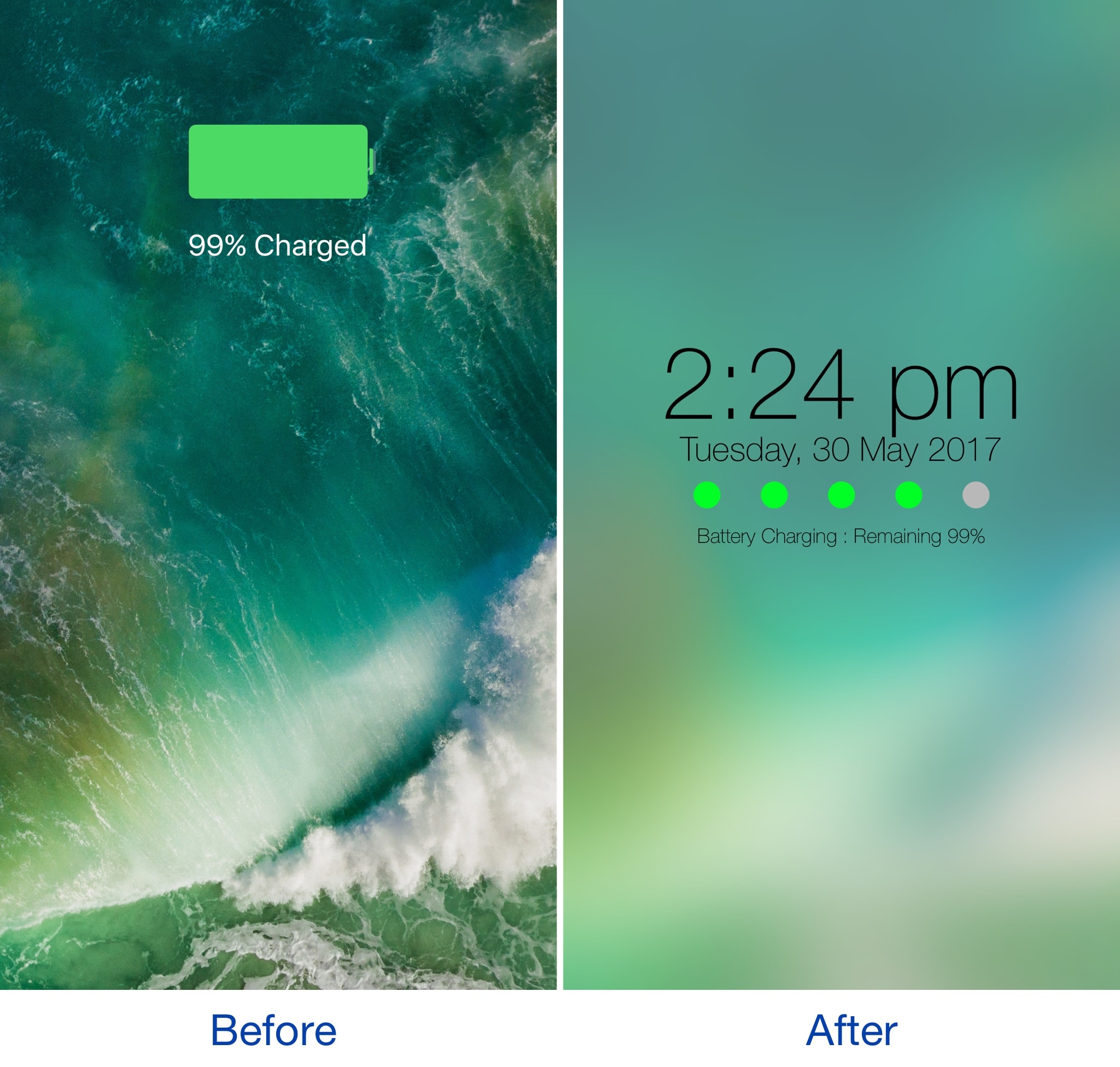
Any time you plug your locked iOS device into a power source, a full-screen charging view with a large battery icon and the percentage you have remaining appears. It’s a simple UI, but one jailbreak developer thought they could do better.

A new jailbreak tweak dubbed Charge by iOS developer Mr Smith, supercharges your Lock screen’s charging view with a bevy of aesthetically-pleasing features. Not only does it provide a dreamy interface for minimalists, but it offers more information at a glance than the stock interface does.