iOS

PauseOnMute makes music playback more intuitive

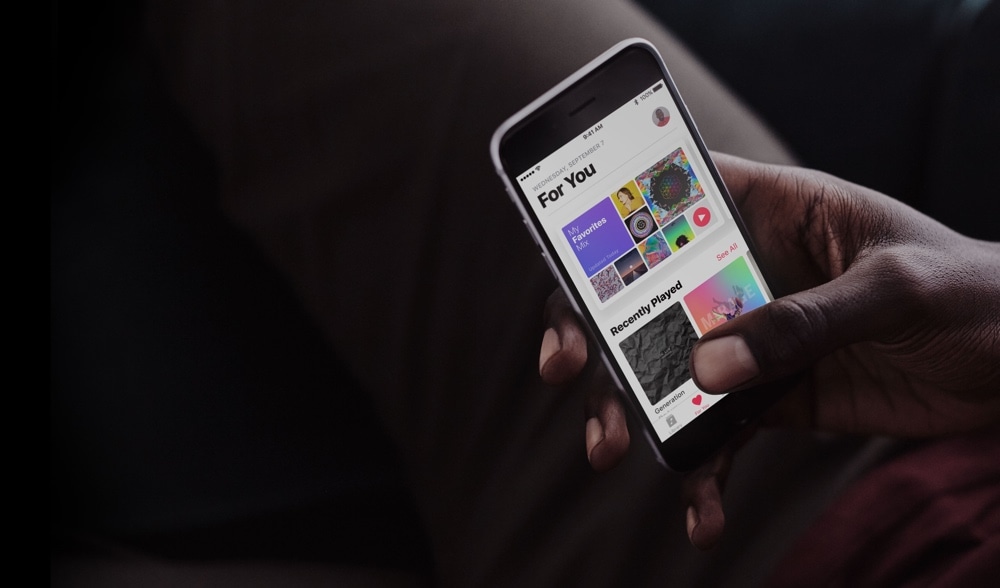
Have you ever had to mute your music for any reason, only to find that the song was almost over or that your device moved to the next song by the time you could un-mute your music?

It’s sort of an annoying problem, especially when someone’s tapping on your shoulder while you have earbuds in. On the other hand, a new free jailbreak tweak called PauseOnMute by iOS developer KingPuffdaddi helps you pick up where you left off.

Fuzzy blurs the Lock screen background when you have notifications

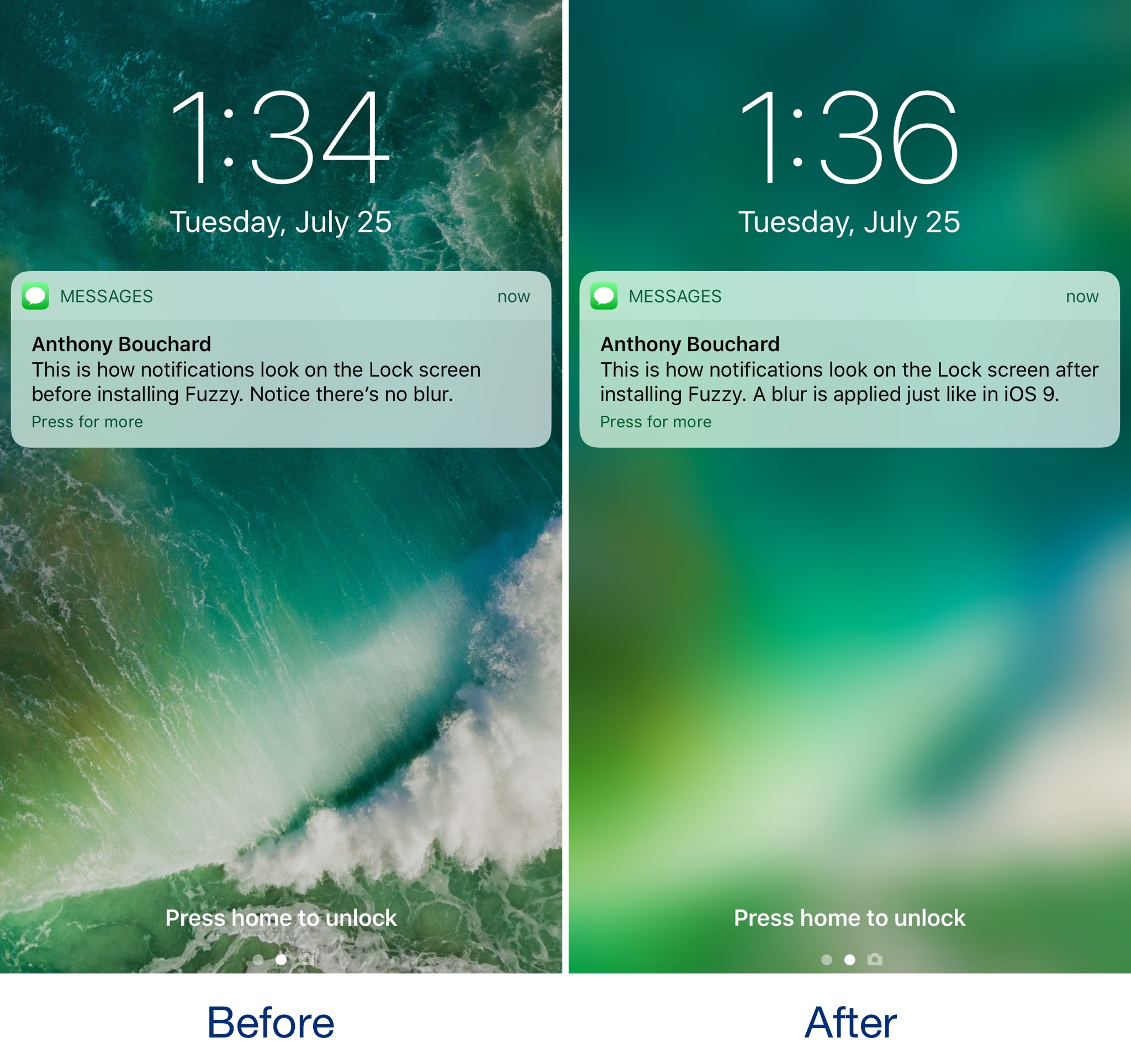
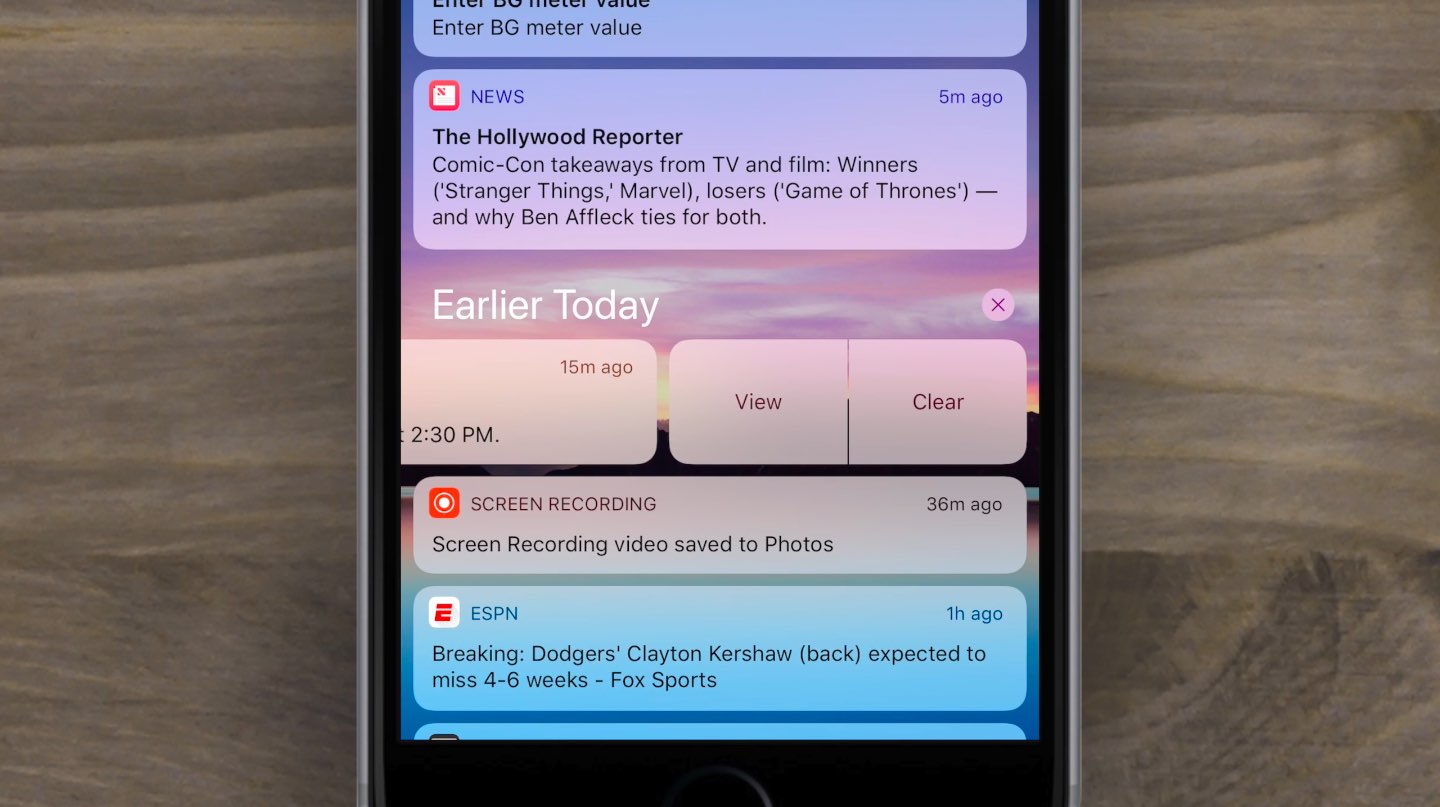
iOS 10 changed how incoming notifications looked on the Lock screen by doing away with the background blur that appeared behind banners and adding those polarizing banner backgrounds.

If you miss the way the Lock screen wallpaper would always become blurred when receiving notifications, then you might be interested in trying a new free jailbreak tweak called Fuzzy by iOS developer candoizo.

Hide unwanted features from the Messages app with NoMessageButtons

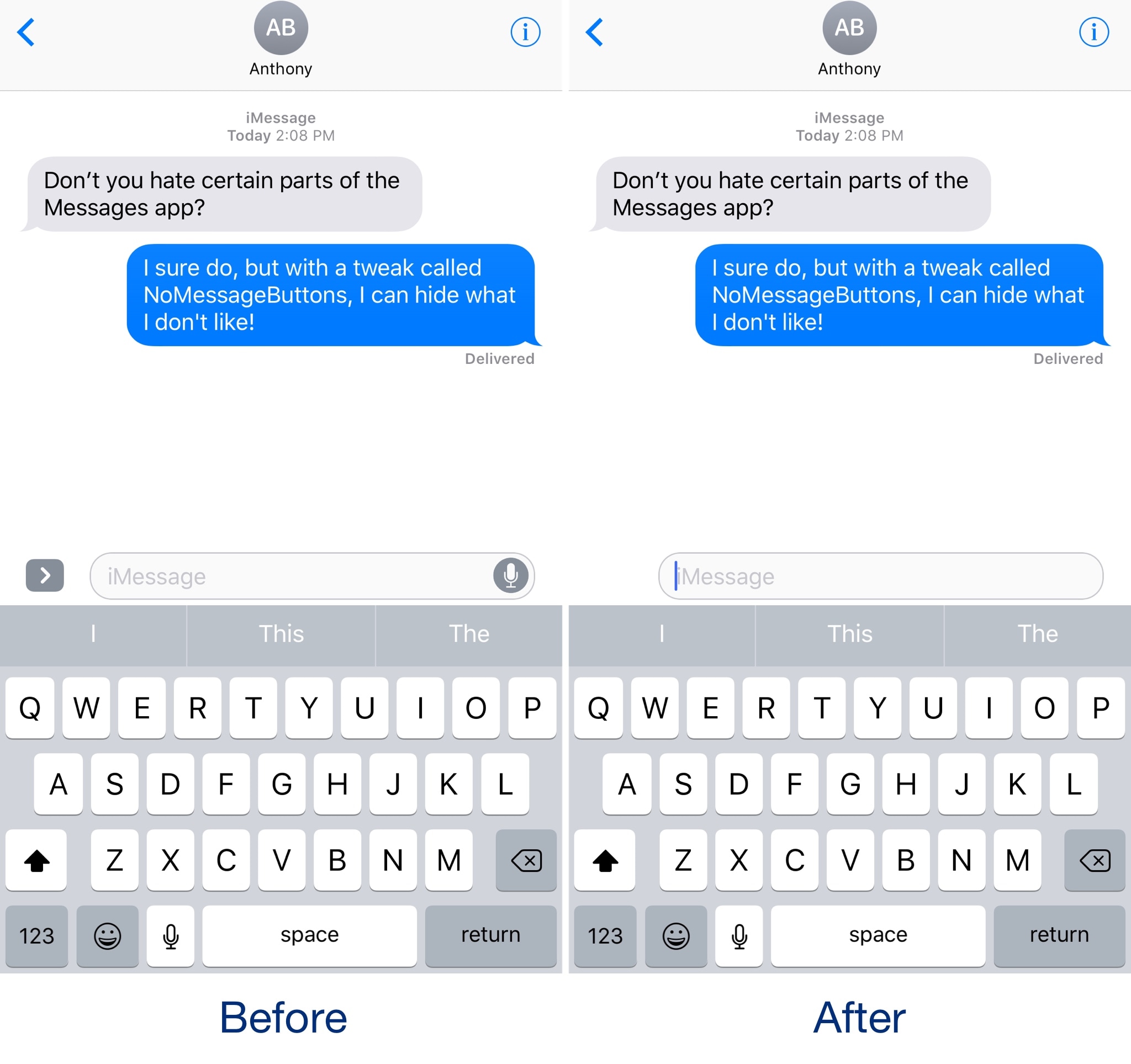
The Messages app gets more new features with each iteration of iOS, but whether you use all those features continues to be a pressing question that needs to be explored.

If you feel like you don’t use all the modern features in the Messages app, you can use a new free jailbreak tweak called NoMessageButtons by iOS developer NeinZedd9 to remove extraneous buttons from the interface and achieve a minimalist look and feel.

This tweak puts a temperature indicator in the Status Bar

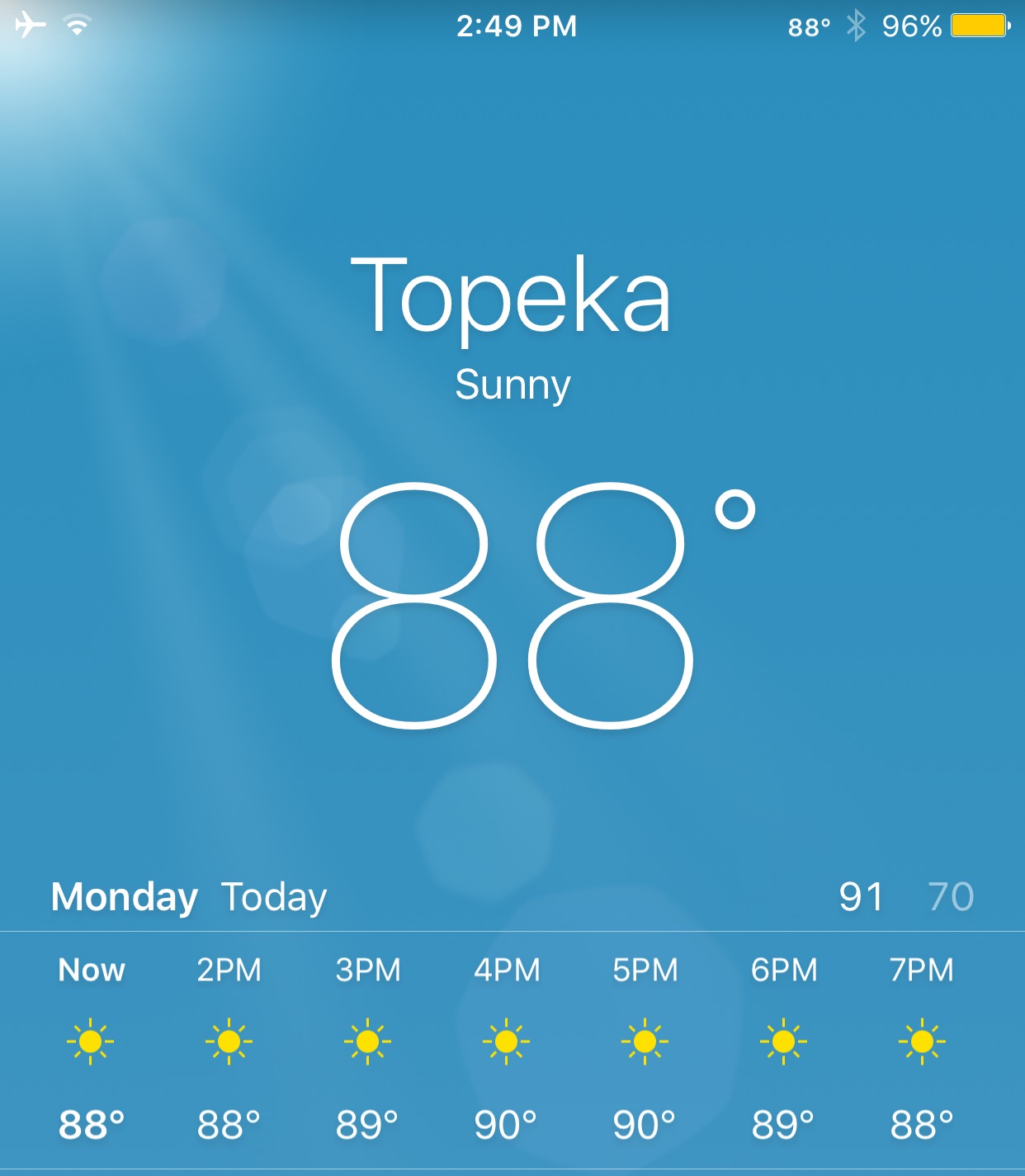
Recent iterations of iOS have made it easier to get to weather information at a glance, but if you want a faster update as to the temperature outside without having to open interfaces, then try a new jailbreak tweak called WeatherStatusBar10 by iOS developer HiDaN.

As the name suggests, this tweak puts the weather temperature right in your Status Bar. This information appears on the right side, just to the left of the battery indicator.

Enable AirPlay in apps that block it with PremiumPlay

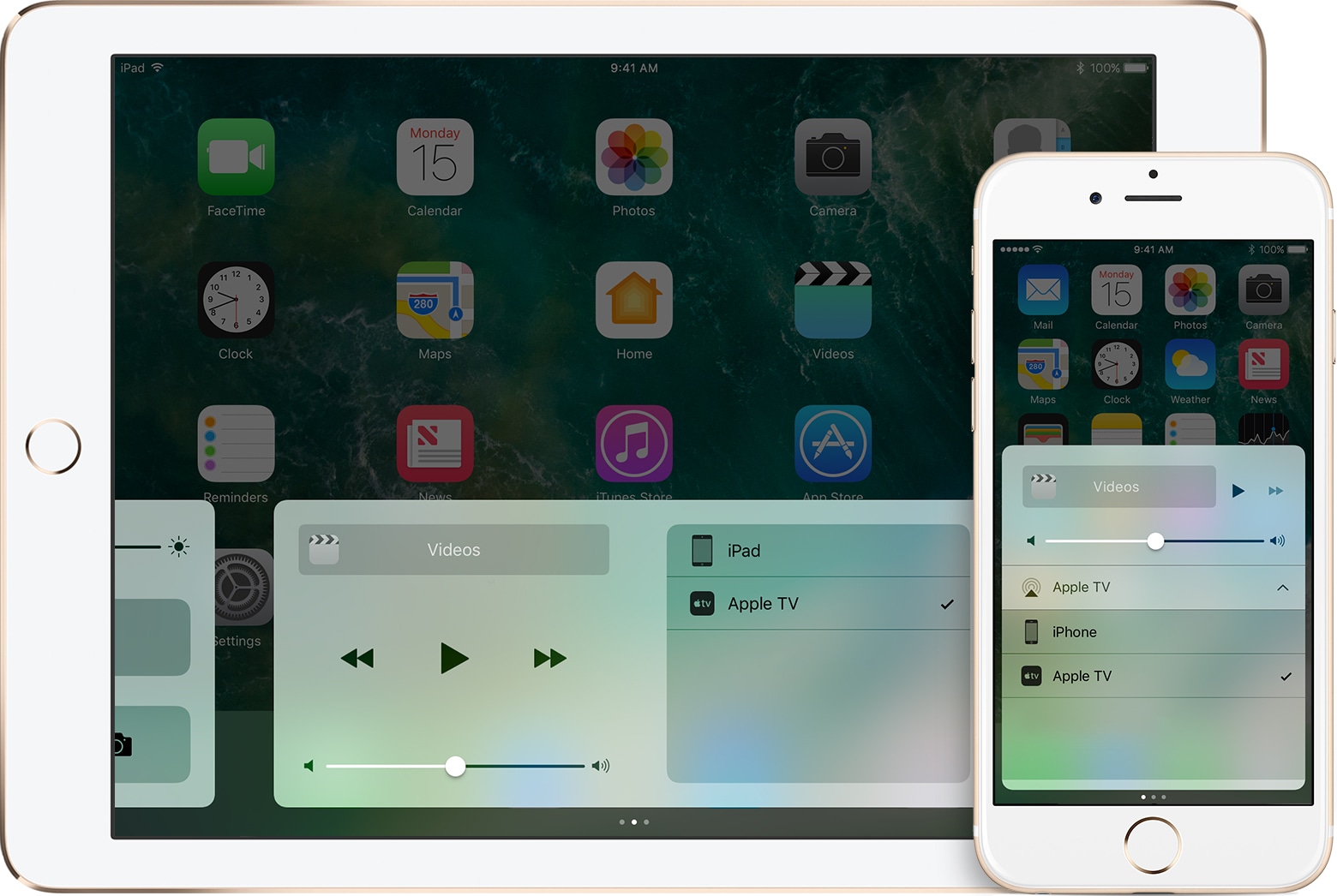
A lot of people rely on AirPlay to stream media from their handsets to their Apple TV or other AirPlay-enabled devices. Unfortunately, some apps, like those provided by TV providers, seem to purposely block the AirPlay function so you can’t stream to the big screen.

As I’m sure many people are peeved by this deliberate block of standard iOS functionality, a new jailbreak tweak called PremiumPlay by iOS developer Tony Kraft provides a way around it.

Choose which apps are allowed to use Wi-Fi with ConditionalWifi2

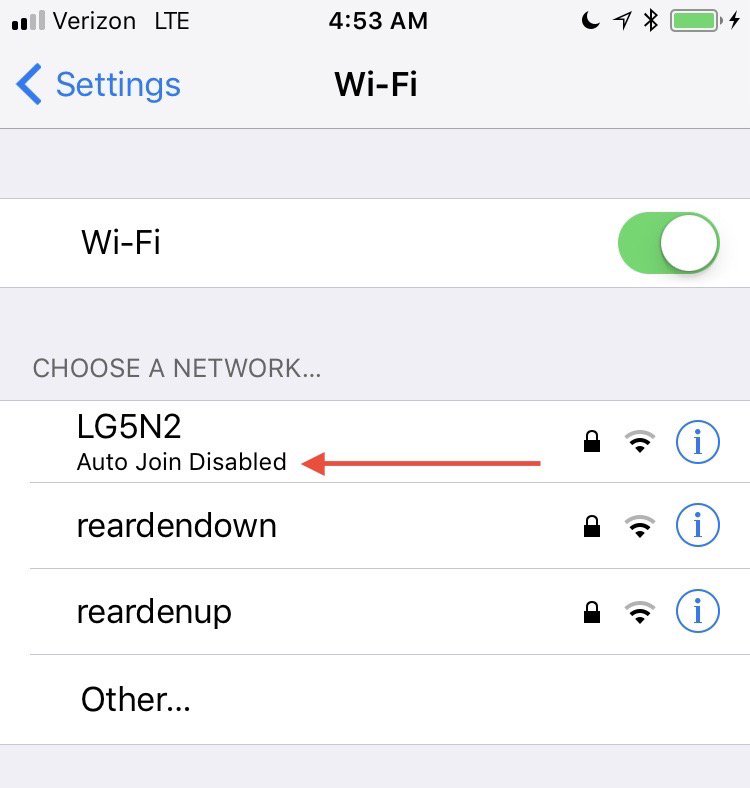
iOS lets you restrict apps from using cellular data, so it only makes sense to let users do the same with Wi-Fi networks. Although cellular data is more prone to being limited by caps and speed reductions, Wi-Fi networks can sometimes cause issues with apps because of how they're configured or raise security concerns.

By installing a new jailbreak tweak called ConditionalWiFi2 (iOS 10) by iOS developer Creatix, you can choose what apps can connect to the internet over a Wi-Fi connection.

Blacklist specific emoji from appearing throughout iOS with Nomoji

We've seen jailbreak tweaks that let you designate favorite emojis, but none so far that allow you to block emojis you don't like seeing from appearing in apps.

If you dislike certain emojis, or a friend of yours uses them too often in messaging or social media, then a new jailbreak tweak called Nomoji by iOS developer PoomSmart will come in clutch.