Apple today released a fourth beta of iOS 11 for iPhone, iPad and iPod touch to its registered developers and members of the Apple Developer Program.
Fourth developer beta of iOS 11 launches
Apple today released a fourth beta of iOS 11 for iPhone, iPad and iPod touch to its registered developers and members of the Apple Developer Program.
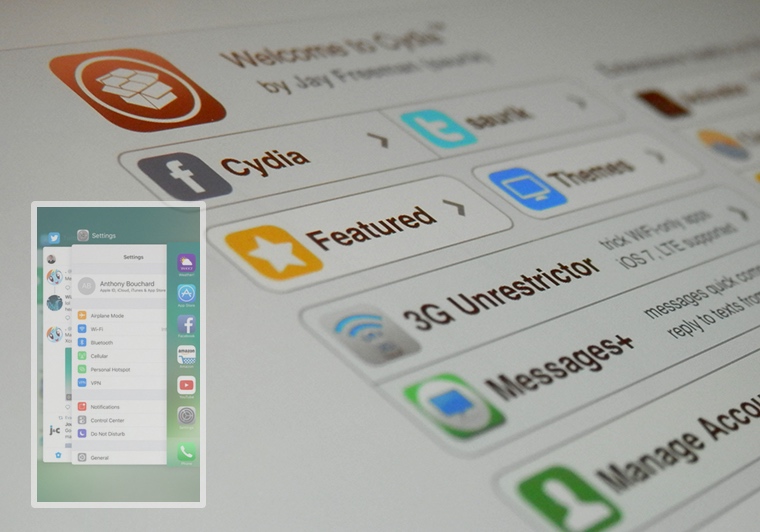
Some use the App Switcher more than others, but it can be a useful tool whether you multitask all the time or just occasionally need to troubleshoot a problematic app. A whole host of jailbreak tweaks have dropped since the iOS 10 jailbreak was initially launched, and with that in mind, choosing what to install to mod out your device can be tough.
In this roundup, we’ll showcase a hand-picked list of our favorite jailbreak tweaks for the App Switcher, all of which work with the Yalu jailbreak for iOS 10.

The jailbreak community is certainly going through one of its lulls, but that's not to say we haven't seen some exciting new releases in Cydia lately.
In this roundup, we'll discuss all of the jailbreak tweaks that launched throughout the following week, starting with our favorites and capping off with the rest afterward.
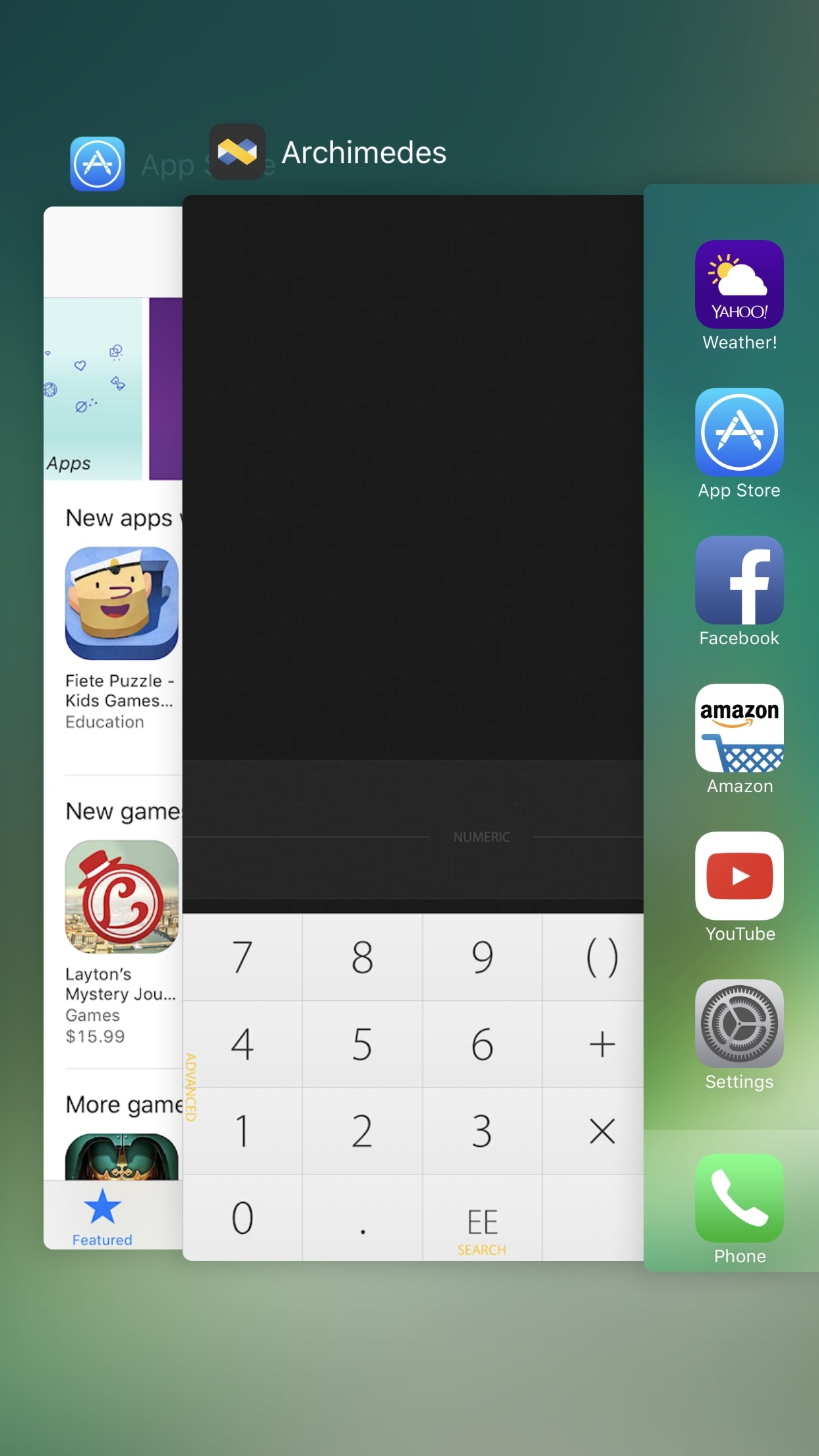
On 3D Touch-enabled devices, you can access your App Switcher with a 3D Touch gesture on the left side of the display. Once you observe the screen beginning to shrink down, simply follow through with a rightward swipe.
With a new free jailbreak tweak ForceTouchSwitcher by iOS developer CydiaGeek, you can further customize your App Switcher-based 3D Touch gestures.

When you’re browsing Cydia’s latest releases and looking for new extensions install, you typically need to tap on each individual one just to see the author behind them.
With a new free jailbreak tweak called WhoMadeIt by iOS developer PoomSmart, that’s no longer the case. This tweak displays the author’s name next to the package's name in Cydia’s Changes tab, as shown.

Want to turn Siri into a personal pocket translator? In this quick tutorial, we’ll show you how to use Siri on your iPhone, iPad, Mac, Apple Watch, AirPods, or HomePod to translate words and phrases into other languages.

Find out how to check the amount of storage space taken up by each app and its data on your iPhone or iPad.
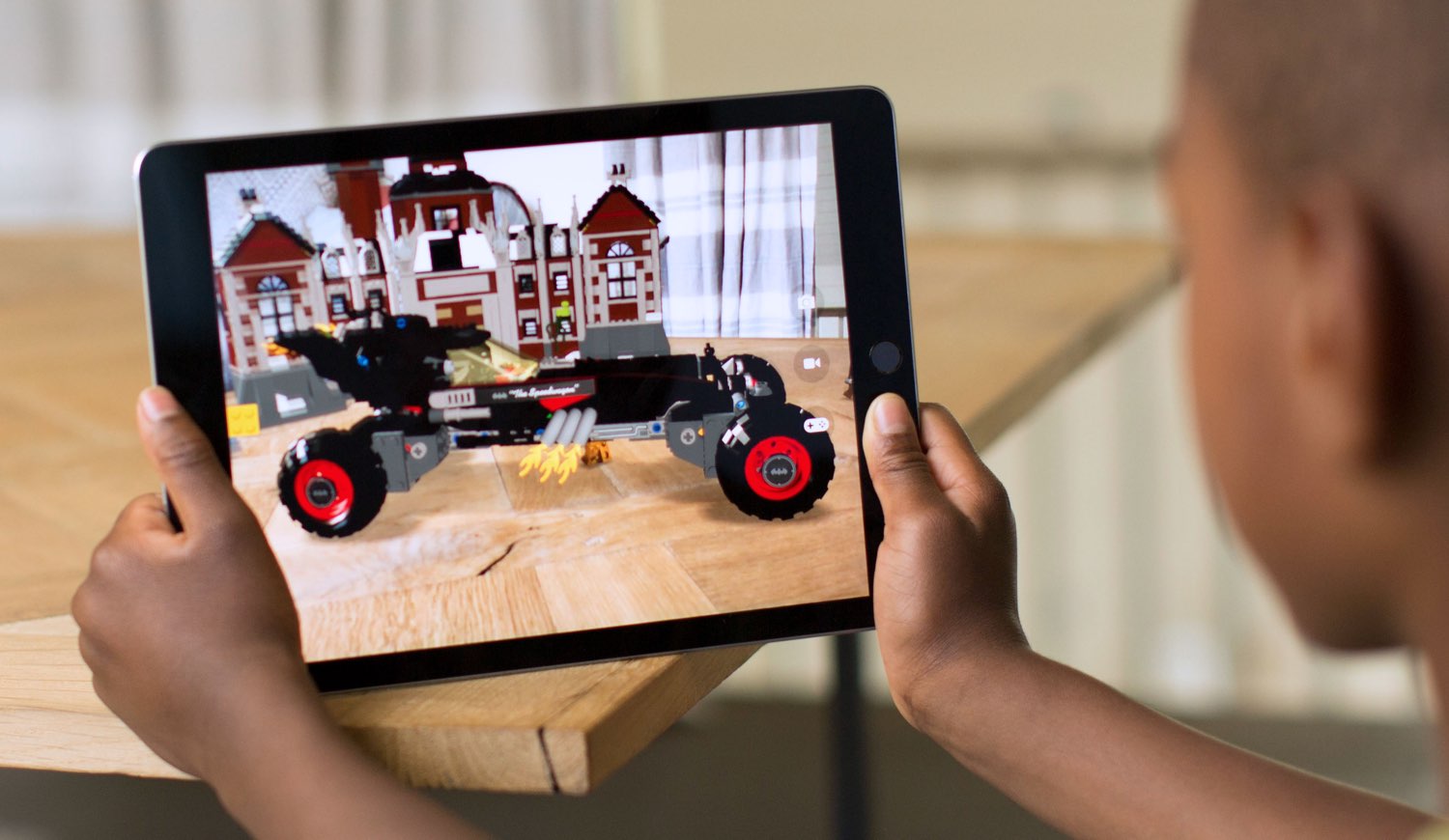
iOS 11 introduced ARKit, a new framework for developers designed to shorten development times in terms of building augmented reality experiences for iPhone and iPad.
Because ARKit does most of the heavy lifting in terms of plane detection, super accurate tracking, lighting estimation and more, apps powered by it are unsupported on older devices.
The iOS 10.3.3 software update for iPhone, iPad and iPod touch which Apple released on Wednesday has patched a serious exploit that targeted open Wi-Fi signals.
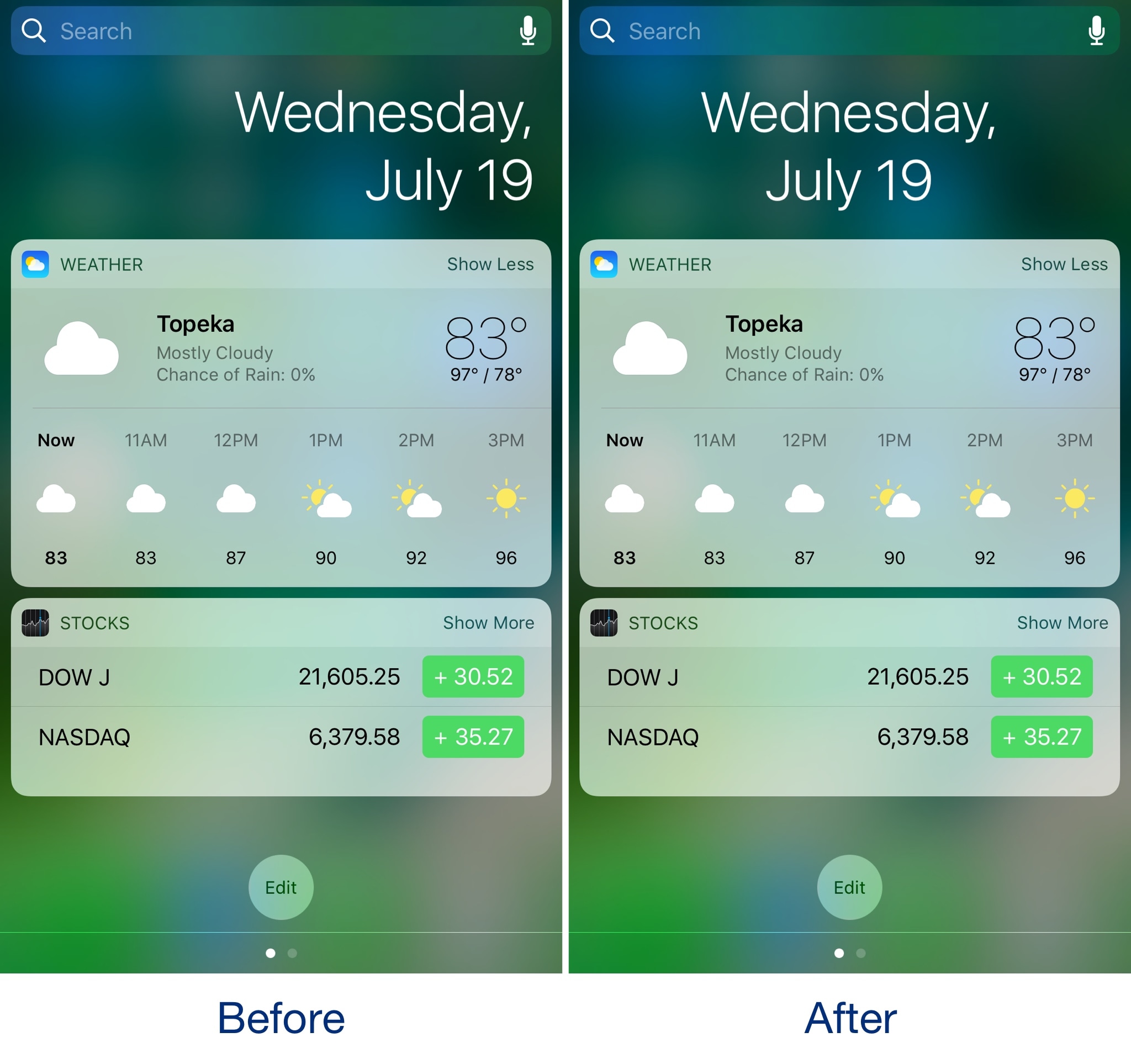
The Today page, accessible in both Notification Center and Spotlight, typically displays the date above all the widgets you've enabled. On stock devices, the date is aligned to the right.
While the right-aligned date doesn't look bad, having a centered date doesn't look too bad either, and with a new free jailbreak tweak called CenteredDate by iOS developer dahamtob, you can center Today page's date indicator for a more aesthetically-pleasing effect.
Apple today released the mostly bug-fix iOS 10.3.3 update for iPhone, iPad and iPod touch. The software update is available through iTunes and over the air via the Software Update mechanism in Settings → General → Software Update on your iOS device.
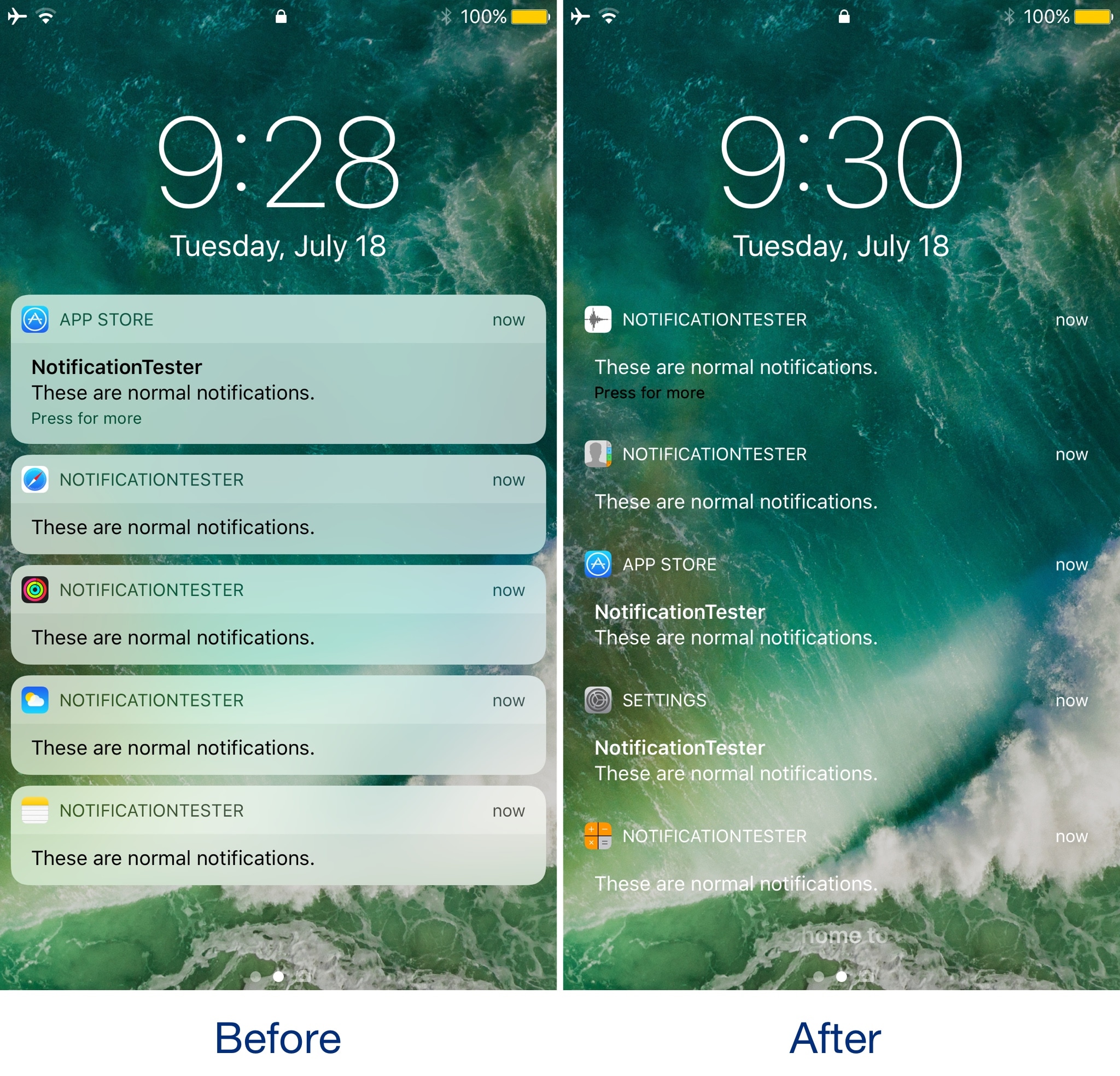
One of the newest jailbreak tweaks to hit the Cydia store this week is TransparNC (iOS 10) by iOS developer FromDerik.
This tweak gives your inbound notifications on the Lock screen and in Notification Center a polarizing and fully transparent makeover, eliminating the background that generally sets your notifications apart from your background.