iOS

Customize your iPhone’s ringer/silent switch sound and vibration with MuteVibes

iPhone Ringer and Silent Switch

One thing the iPhone still has that many other smartphones don’t is a physical ringer/silent switch that can be used to immediately silence your handset from right inside of your pocket.

The iPhone’s physics ringer/silent switch is still one of our favorite things about the Apple-branded handset. But if you’re jailbroken, then you may want to turn your attention to a new and free jailbreak tweak called MuteVibes by iOS developer Ethan Whited, as it can be used to customize the sound and vibration behavior of the ringer/silent switch.

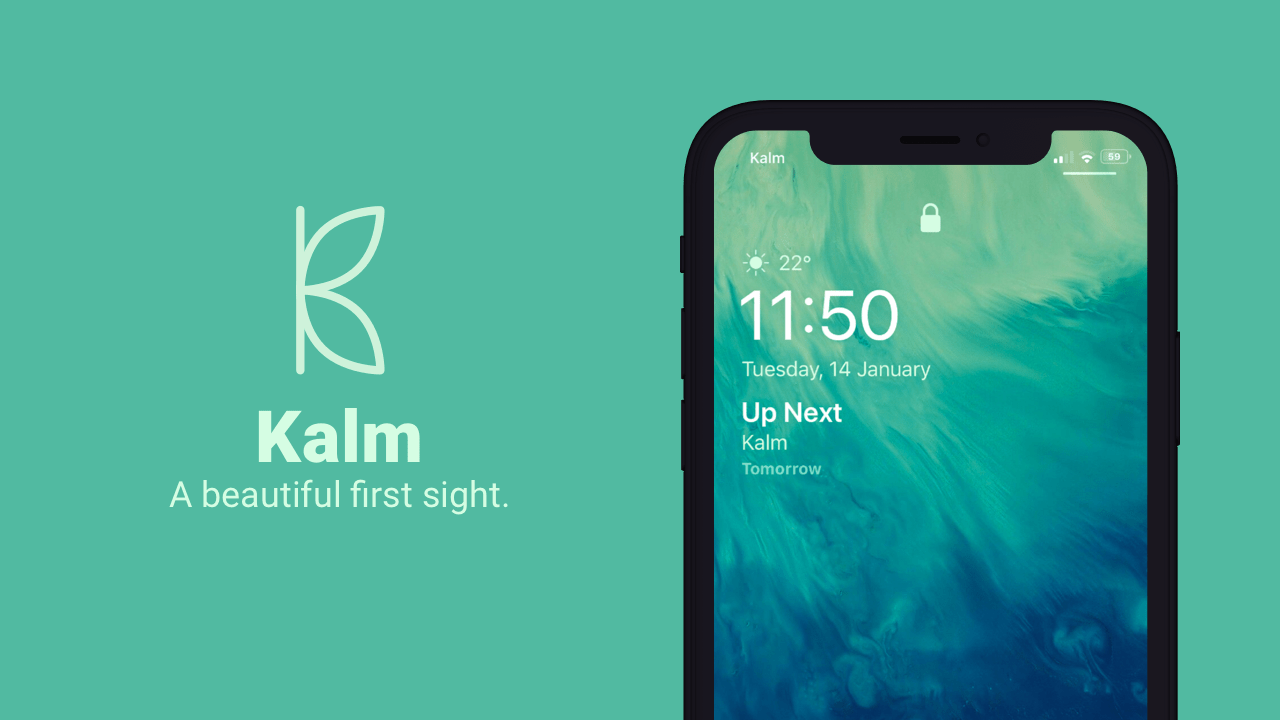
Jailbreak tweaks of the week: Kalm, Mot, Spectrum, and more…

Got a jailbroken iOS handset at your disposal, but aren’t sure what you should do with it? We’ve got you covered.

This roundup will encompass all the latest jailbreak tweak releases from Monday, January 20th to Sunday January 26th. As usual, we’ll kick things off by discussing our favorites and then wrap things up with an outline of the rest afterward.

This tweak makes your iPhone display the time in Roman Numerals

Roman Numerals are an acquired taste, but if you’ve come to appreciate them as a time display more than basic numbers, then we have a gut feeling that you’ll enjoy a newly released and free jailbreak tweak dubbed Tempus Romānum by iOS developer Ryan Nair.

Tempus Romānum can be used to replace both the Lock screen time and Status Bar time with a Roman Numeral-centric display, and it’s very easy to use.

LiveRings updated for iOS 13, animates the Activity app icon’s rings

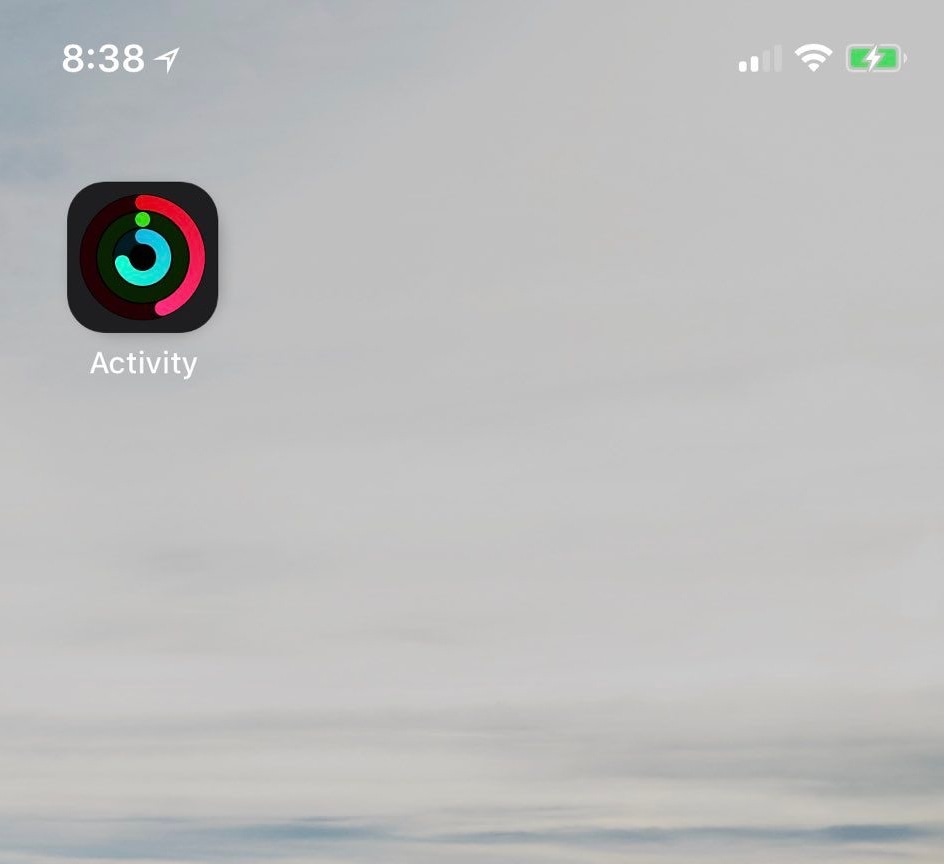
If you take advantage of the standard fitness features that ship with your iPhone and Apple Watch, then you might use the native Activity app to view daily progress. As you proceed, the rings inside the app slowly complete a 360–degree circle, an achievement commonly known as ‘closing rings.’ My only gripe with this is that you have to open the app to see any details.

Thankfully, a jailbreak tweak called LiveRings by iOS developer CPDigitalDarkroom lets you view a summary of your activity directly from the Home screen without even launching the Activity app. That’s because the tweak animates the Activity app icon itself to depict ring-closing progress.

How to use iOS Ninja to install the unc0ver jailbreak without a computer

If you rely on Pwn20wnd’s unc0ver jailbreak to realize the fullest potential of your iOS 11.0-12.4.1 iPhone or iPad [up to A12(X)] , then you might occasionally find yourself between a rock and a hard place when the side-loaded jailbreak app is no longer signed and you don’t have access to a computer or a working side-loading app to fix it.

Thanks to a plethora of third-party signing services, it’s possible to install the unc0ver jailbreak without a computer when this happens, and in this tutorial, we’ll show you how to do just that with the popular iOS Ninja utility.

This tweak automatically hides the Home Bar when it isn’t needed

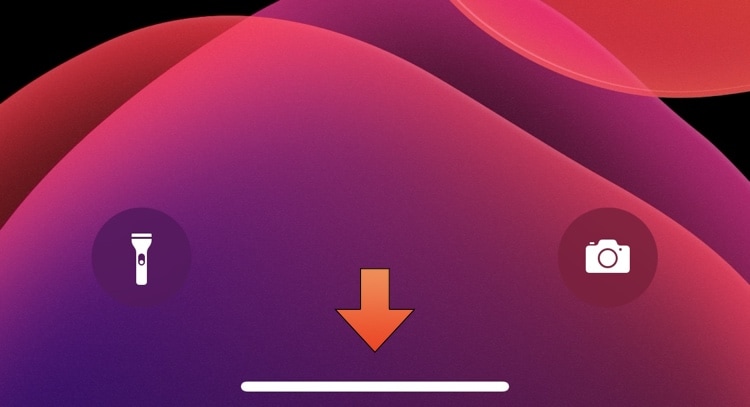
Newer iPhone and iPad Pro models have ditched the traditional Home Button in favor of an edge-to-edge display that sports a software-based Home Bar instead. The Home Bar can be used for unlocking, returning to the Home Screen, toggling Reachability, and switching between apps, but many would argue that it doesn’t always need to be visible.

For those looking for a solution to this quandary, a new and free jailbreak tweak called AutoHideHomeBarX by iOS developer Asterix can automatically hide the Home Bar when it isn’t needed and cause it to reappear again when it is.

Checkra1n for Linux is purportedly almost complete

The checkra1n jailbreak has earned quite the impressive reputation over the past several months as it became both the first iOS 13-supported jailbreak and the first un-patchable bootrom exploit-based jailbreak to be released since the infamous limera1n days almost one full decade ago. But there’s also a certain stigma surrounding the checkra1n jailbreak as it only runs on macOS at the time of this writing.

Fortunately, that’s set to change sooner rather than later. While a Windows version of the jailbreak tool is still probably rather far off due to the complexities of its development, the good news is that the Linux version of checkra1n is nearing completion and could be released very soon. Checkra1n co-developer Nikias Bassen (@pimskeks) shared the exciting announcement via Twitter this Tuesday afternoon:

Ezskip makes skipping music tracks even easier on the iPhone

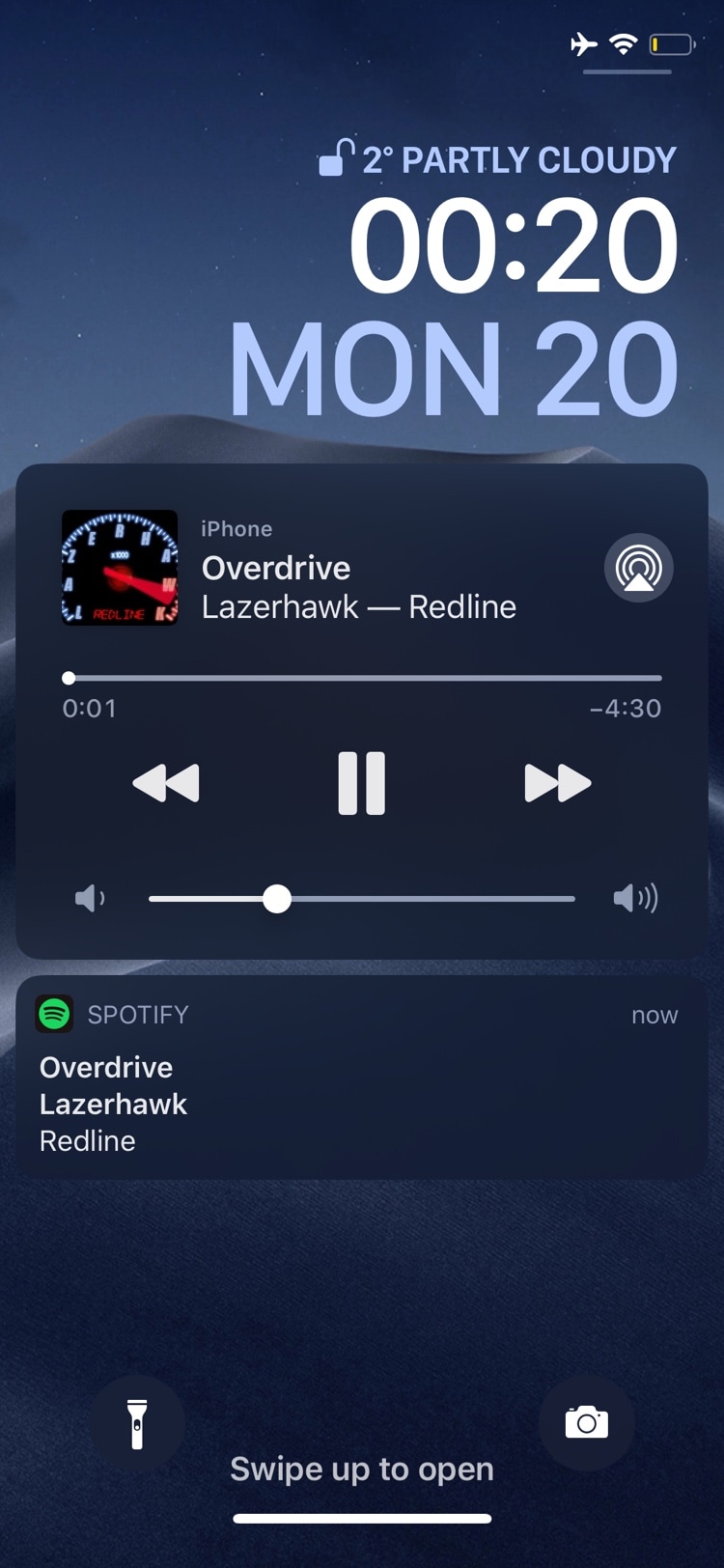
If you use your iPhone as a media player just as often as you use it as an internet communications device, then we have no doubt that a newly released jailbreak tweak dubbed ezskip by iOS developer Kushy will be able to improve your music listening experience.

Just as the name implies, ezskip was created to make skipping between Now Playing music tracks even easier – even when your iPhone is locked in your pocket. With it, you can program one of two different volume button-based gestures to quickly skip to the next track in any Music app.

CustomPlayer lets you colorize iOS’ Now Playing widget

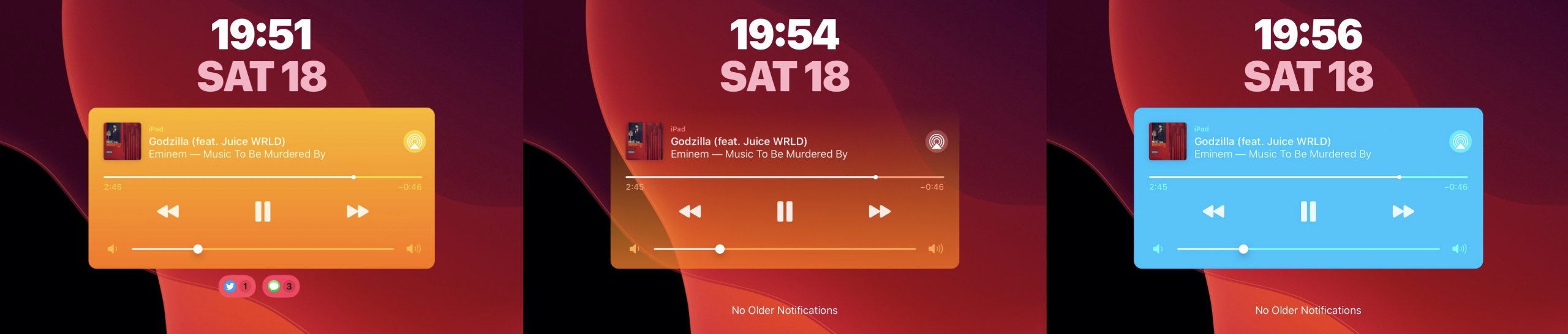
Whenever you listen to a song, iOS puts a widget on your handset’s Lock screen so that you can see what’s playing and interact with the playback as you see fit. As useful as this is, it’s particularly unfortunate that Apple doesn’t let you customize the widget’s aesthetics in any way.

Thankfully, it doesn’t have to be that way if you’re jailbroken. A newly released and free jailbreak tweak dubbed CustomPlayer by iOS developer iCraze enables users to colorize the Now Playing widget however they like.

Get a detailed Weather display on your iPhone’s Lock screen with Mot

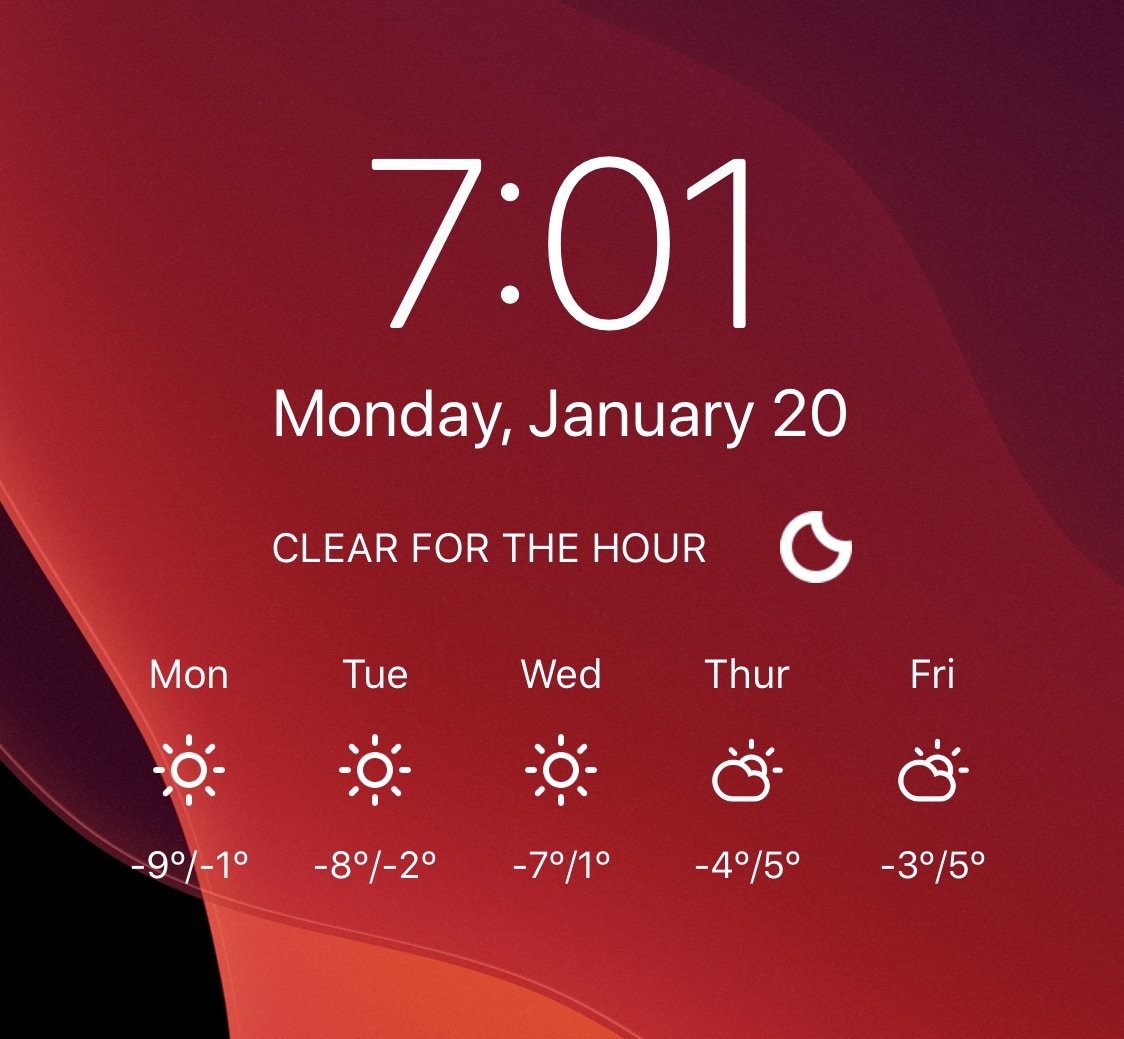
Like it or not, Weather is an important part of our lives. With that in mind, it makes sense for Weather information to be front-and-center on our smartphones’ Lock screens as we use our devices throughout the day. With that in mind, why isn’t this the case on Apple’s iPhone?

While you can definitely swipe over to see the Weather widget from the Lock screen, I’d prefer a much more integrated approach from Apple. Unfortunately, that seems about as likely as a USB-C port at this point, and if you’re tired of waiting, then you can always resort to using a new jailbreak tweak called Mot by iOS developer Don.

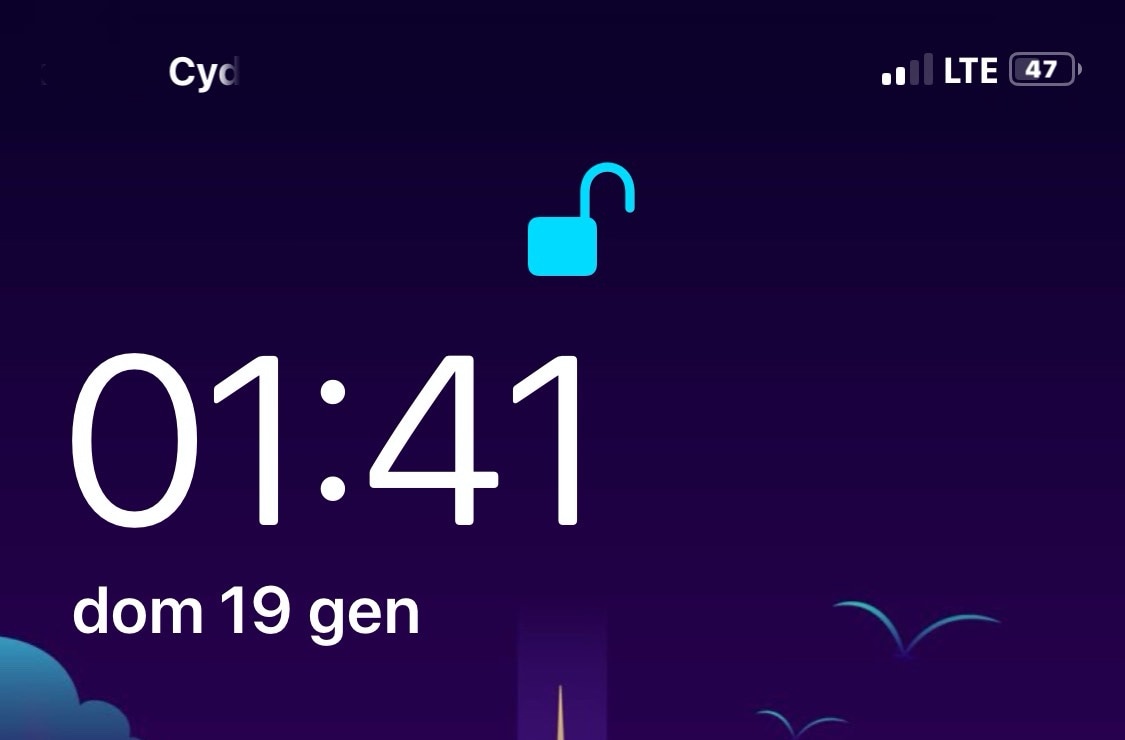
Proudify adds special effects to the Lock screen’s Face ID padlock glyph

If you have a pwned Face ID-equipped iOS device in your possession and you’re looking for a new way to customize its aesthetics, then your search may land you at a new and free jailbreak tweak called Proudify by iOS developer CydiaGeek.

As depicted in the screenshot examples above, Proudify can both colorize and add special effects to the Lock screen’s Face ID padlock glyph, and it can make using Face ID that much more exciting day in and day out.